Viewer release summaries: week 52

Updates for the week ending: Sunday December 28th, 2014

This summary is published every Monday, and is a list of SL viewer / client releases (official and TPV) made during the previous week. When reading it, please note:

  • It is based on my Current Viewer Releases Page, a list of all Second Life viewers and clients that are in popular use (and of which I am aware), and which are recognised as adhering to the TPV Policy. This page includes comprehensive links to download pages, blog notes, release notes, etc., as well as links to any / all reviews of specific viewers / clients made within this blog
  • By its nature, this summary presented here will always be in arrears, please refer to the Current Viewer Release Page for more up-to-date information.

Official LL Viewers

  • Current Release version: 3.7.23.297296 – no change –  download page, release notes
  • Release channel cohorts (See my notes on manually installing RC viewer versions if you wish to install any release candidate(s) yourself):
    • Experience Keys RC viewer version 3.7.24.297643 released on December 22nd – provides support for viewing and managing Experiences and for contributing content for Experiences (download and release notes) – Alternate Viewers wiki page still to be updated
  • Project viewers:
    • No updates

LL Viewer Resources

Third-party Viewers

V3-style

V1-style

  • No Updates

Mobile / Other Clients

  • No Updates

Additional TPV Resources

Related Links

High Fidelity tutorial videos

HF-logoEarly December saw High Fidelity slip out a series of introductory videos on their YouTube channel under a play list entitled Intro to High Fidelity: The Basics.

At the time of writing this piece, six video are included in the play list, which together run to a total of some 16 minutes, although individually they range from just over the minute mark to just shy of five minutes in length. All six are narrated / produced by Chris Collins from HiFi, and the topic areas covered are:

  • First time log-in
  • Edit entities
  • Stack Manager
  • Oculus Rift set-up
  • Hydra support
  • Leap Motion controller.

First time log-in: takes the user from the point at which they have downloaded and installed the High Fidelity client software – referred to as “the interface”, and have logged-in for the first time, arriving in the High Fidelity sandbox area.

From here, Chris takes users quickly through changing the appearance of the default robot avatar by using one of the available pre-sets (“Ron”, shown in the image above), and noting that people can also upload their own avatars. He also covers ensuring the audio is correctly set (microphone pick-up, etc.), and basic navigation between domains / locations within the High Fidelity topography. Interface customisation through the use of JavaScript elements is also touched upon (the entire interface is written in JavaScript and includes some additional elements, making it highly customisable).

Editing entities: the second video provides a very high-level overview of creating and editing content (entities) in High Fidelity, starting with making sure the toolbox is correctly displayed (if necessary). Importing pre-built elements supplied with the interface is covered, and the ability for collaborative building within a domain is mentioned as is using FBX animations, and editing object properties is looked over.

A quick overview is also given on uploading custom content (in .FBX format), noting that it needs to be available from a web service (such as Dropbox or your own web server, if you happen to run one.

The Stack Manager focuses on building your own server to host a dedicated domain where you can build and share content, invite friends to come an join you and interact with them, etc. Servers can be run on your own local machine, or on any other machine to which you have suitable access (e.g. a web server).

The video runs through everything from downloading and installing the Stack Manager through to importing initial content. An overview of various settings (security, audio) and tools (logs, nodes), is also provided.

The final three videos provide quick start guides to using the Oculus Rift, Sixense Hydra and Leap Motion (attached to the Oculus Rift headset). All assume that you already have the hardware set-up and ready to go with your computer, and so each simply steps you through the basics to get yourself going (making sure the correct scripts are running, etc.).

Using the Sixsense Hydra with the High Fidelity interface
Using the Sixense Hydra with the High Fidelity interface

As noted, these are introductory videos, so don’t expect them to go into great detail in terms of what you can do, troubleshooting or anything like that. However, as quick start guides, they are clear, concise and do exactly what it says they do on the label.

Related Links

Videos courtesy of High Fidelity Inc.

CapEx and Skill Gaming: activities still frozen, but some progress

Capital Exchange has seen activity in its stock market simulation game frozen since the November 1st enforcement of the Lab's Skill Gaming Policy
Capital Exchange has seen activity in its stock market simulation game frozen since the November 1st enforcement of the Lab’s Skill Gaming Policy

Saturday November 1st brought with it a full enforcement of the the Lab’s updated Skill Gaming Policy, as the last had previously notified would be the case.

As I reported at the time, an immediate casualty of the enforcement was Skip Oceanlane’s Capital Exchange (CapEx). Although described as a fictional stock market simulation game which does not offer any opportunity for direct real-world investment or profit, CapEx does operate on what amounts to a “pay to play basis” through the trading of L$-valued “securities” in the SL-based companies listed with the exchange, and thus appeared to fall under the remit of the Skill Gaming Policy.

This being the case, Skip had placed an application for CapEx to become a Skill Gaming activity with the Lab in July 2014, just after the announcement of the new policy. However, by November 1st, the application had yet to be approved, prompting CapEx to suspend market activities (although ATMs remain open for L$ withdrawals) pending further feedback from the Lab on the matter.

Following this, on November 11th, 2014, Skip indicated that the Lab’s attorney was in contact with his attorney on the matter, and further questions had been asked. By December 4th, both parties were still working on the matter, and on December 12th, Skip provided a further update, indicating that there are three issues of concern that require resolution in order for progress to be made. In the post, Skip comments in part:

I’m not going to get into detail of what those 3 issues are, but I’ll restate what my attorney told me.

One issue is easy, another issue is not so easy, and one issue is difficult that will require a detailed response. After talking with my attorney, it was decided that we would meet again after he sends me information requested by the Linden Lab attorney. I am going to come up with a detailed response to each area of concern, and my attorney’s law firm will put it into “Legalese” as a response to Linden Lab.

It had been hoped these responses would be put to the Lab prior to the Christmas break, but whether this was achieved or not is unclear, as there have been no further updates. However, at the time the last blog post appears, Skip was hopeful a resolution could be reached in early 2015, which the Lab also appears to be keen to achieve.

This doesn’t automatically mean that CapEx will be able to resume trading; it is still unclear as to which way the Lab’s final decision will lean. But as Skip does note, at least progress is being made, and both sides are working to resolve matters such that informed decisions can be reached.

Related Links

Alchemy 3.7.23: hear, see, examine

Alchemy-logoAlchemy viewer made a Christmas Day release of their latest Beta, version 3.7.23.34447, on December 25th.

Described as being something of an interim release pending the next full release, the update sees the viewer maintain parity with the Lab’s code base (3.7.23). This means it should have recent Lab-driven updates such as the latest maintenance fixes. There’s also a number of tidy updates and tweaks as well.

The headline update on the Alchemy blog is the inclusion of FMOD Studio, which “provides the latest in 3D audio in gaming”. I didn’t in all honesty noticed that much of a difference switching between the same music stream while swapping between this release of Alchemy and the official SL viewer; but doubtless there is additional work under the hood to eliminate bugs and issues, and I believe the update may be offered as a contribution to the Lab.

The viewer also sees the following new additions:

  • A WORN tab in inventory – always useful to have
  • A nicely reworked Object Profile floater
  • A new Transaction Log (Me > Transaction Log), described as “useful for keeping short term track of tips, donations, and sales”)
  • The ability to “pop-out” profile pictures, as seen with some other TPVs, by clicking on them
  • A new status bar icon for Flycam use with the likes of Space Navigator
  • Inclusion of Qarl Fizz’s  Tree and Grass picker from the Inworldz Viewer.
The SL viewer Object profile floater and the Alchemy updated layout and additional information.

The Transaction Log is likely to be handy for those receiving regular indirect payments. Transactions are recorded across the current log-in session, and when I pulled an old tip jar script from inventory and dropped it into a prim cube, the log immediately recorded payments from my Alt just fine. Received payments are recorded in terms of time, name of payer and amount, and each can be ordered in ascending / descending order.

The new Flycam icon
The new Flycam icon – visible when Flycam mode is active

I’m not entirely convinced of the new Flycam icon, mainly because the “usual” button found at the bottom of the screen worked just fine, so this seems to be a change for change sake, rather than for any definable improvement. However, this is purely a personal observation, and the new icon appears in the top right corner of the status bar when the Flycam capability is in use with a Space Navigator.

Alongside of these changes, the release notes for the update offers bullet points on the remaining updates in the release, and the bugs which have been addressed. Rather than repeat things here, I’ll leave it to those interested in the viewer to take a poke at them.

One thing very worth the mention is that Linux users get a special treat with this release, as with it, Alchemy supports 64-bit Linux distributions.

And interesting, lightweight release (no bad thing given all the Christmas excesses people have been enjoying!), which probably hides a lot more work under the hood than is at first apparent. I’m curious to see what is in store with future releases for machinima makers and photographers, as it certainly sounds as if the Alchemy devs are cooking something up there. But in the meantime, this update should help keep Alchemy users happy.

Related Links

Elevators, chants, Dublin streets and new tales

It’s time to kick-off the final week of story-telling in voice for 2014, as  brought to Second Life by the staff and volunteers at the Seanchai Library.

As this is the week sandwiched between Christmas and New Year, activities are slightly different to the usual schedule, with the Library being dark on News Year’s Eve and New Year’s day, so staff can spend time with their families. Things will get of to an early start in 2015 with a special session on Friday, January 2nd.

As always, all times SLT / PDT, and unless otherwise stated, events will be held on the Seanchai Library’s home on Imagination Island.

Monday December 29th, 19:00: Magic and Other Strange Things

Join Gyro Muggins as he reads from two short stories from the 1960s: Gordon Dickson Rehabilitated and R.A. Lafferty’s Narrow Valley

In Rehabilitated, Jack Heimelmann is a high school drop-out with something of a drinking problem and a mediocre life on the road to nowhere. Then Peer Ambrose takes Jack under he wing, assigning him to “the Mission”, operating an elevator and seeing the on-site psychologist to rid him of his drinking problem. The He’s asked to emigrate off-planet…

Narrow Valley sees a native American Indian use a shamanic incantation to cast a spell over his 160 acres of land to discourage tax collectors and other interlopers from coming to bother him or lay claim to it. All goes well for him and his son until the Rampart family arrive, determined to lay claim to the land …

Tuesday December 30th,19:00: Return to Chestnut Street

chestnut streetMaeve Binchy, journalist, columnist, playwright and author, began her writing career by accident, thanks to her father sending the letters she wrote to him while on a kibbutz in Israel during the 1960s to a local paper in Ireland, which subsequently published them. This in turn led to her being offered a job with The Irish Times on her return home, thus starting her on the road to becoming one of Ireland’s most successful and internationally recognised writers.

Through her career, she would often jot down short stories about an imaginary street in Dublin, where people would constantly come and go and experience the most diverse of times and situations. Once written, these stories would be put away for “the future”. That imaginary street was called Chestnut Street, located not far from the setting of her 2010 bestseller Minding Frankie. In 2014, these tales of the folk who live along, or visit that street were gathered together in a single volume and published posthumously under the title Chestnut Street.

A popular Seanchai Library choice earlier in 2014, Chestnut Street sees Caledonia Skytower make one more return before the year ends, bringing further tales of living there.

Friday, January 2nd 2015, 19:00: Cale’s Scribblings

Join Caledonia Skytower as she reads from her two December 2014 releases, Coffee Shop Talk and A Trio of Travelling Tales.

—–

Please check with the Seanchai Library SL’s blog for updates and for additions or changes to the week’s schedule. The featured charity for November – December is Heifer International, which is working with communities to end world hunger and poverty and to care for the Earth.

Related Links

SL project updates: week 52: viewer, misc items

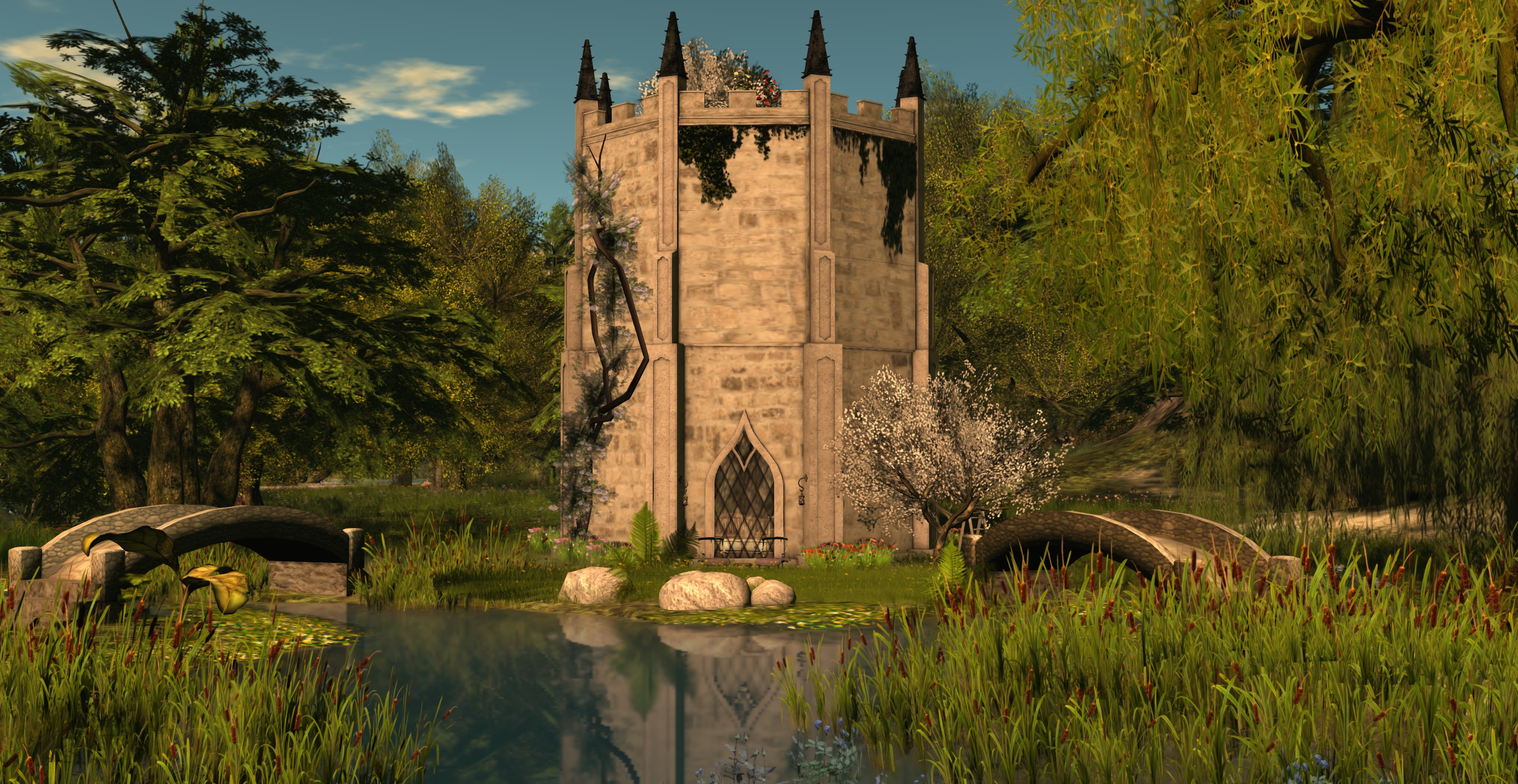
Sarawak; Inara Pey, August 2014, on FlickrSarawak (Flickr) – blog post

Server Deployments

With the no change window in effect throughout the week, and running through until the 2nd week of January 2015, there were no server deployments to ether the main channel or the three RC channels during the last full week of 2014.

SL Viewer

The Experience Tools RC viewer was updated on Monday, December 22nd to version 3.7.24.297643 (although the Alternate Viewers wiki page has yet to be updated). This saw the viewer brought up to parity with the current release viewer.

2015 Updates

Early January 2015 should see the Windows and Mac viewer start to use the new viewer tools chain the Lab has been working on, and the updated autobuild process.One of the hopes with the Windows switch-over to Visual Studio 2013,  and the availability of Visual Studio Community 2013, is hoped that over time, many (or all) of the differences between the open source build configurations and the Linden versions can be eliminated, other than when using  proprietary packages.

Oz Linden has been working on the Linux side of things in order to get the Linux builds working with the new tools and gcc 4.6; he’s also actively soliciting for assistance from TPV developers for help in this.

Once the tools work is completed, it would appear that “avatar awareness” (aka “radar”) for the official viewer may well be heading towards the top of the list for new viewer capabilities, with Oz indicating he’d like to get to work on a specification for the capability. If not this, then quite possibly a further round of environment updates within the viewer, as noted in my week 51 report.

Other Items

SL Wiki Update

It is still not clear when the SL wiki will be re-opened for editing by SL users. According to Oz Linden, speaking at the Open-source Developer’s meeting on Monday, December 22nd, “every time they get close to finishing the QA, another batch of security problems comes out that we need to integrate fixes for.”

Alpha Map Support for Mesh

JIRA BUG-8100 has been raised as a feature request to provide an additional material map option alongside the existing diffuse, specular, and normal maps that allows a user to apply either a black and white map, or an alpha bit texture to mask out areas of a mesh and render them fully transparent (with a 1-bit edging). The JIRA has gained support and feedback from content creators (including the need for LSL from the outset, if implemented. Those interested / in agreement, should ensure they read the JIRA and WATCH it (remember, VOTE is not as strongly responded to by the Lab).

Next Meetings

  • Open-source Developers: Monday, January 5th.
  • Simulator User Group: Tuesday, January 6th.
  • Server Beta User Group: Thursday, January 8th.
  • TPV Developer: Friday, January 16th.

With thanks to Mona Eberhardt for the Open-source dev meeting notes and the BUG-8100 pointer.