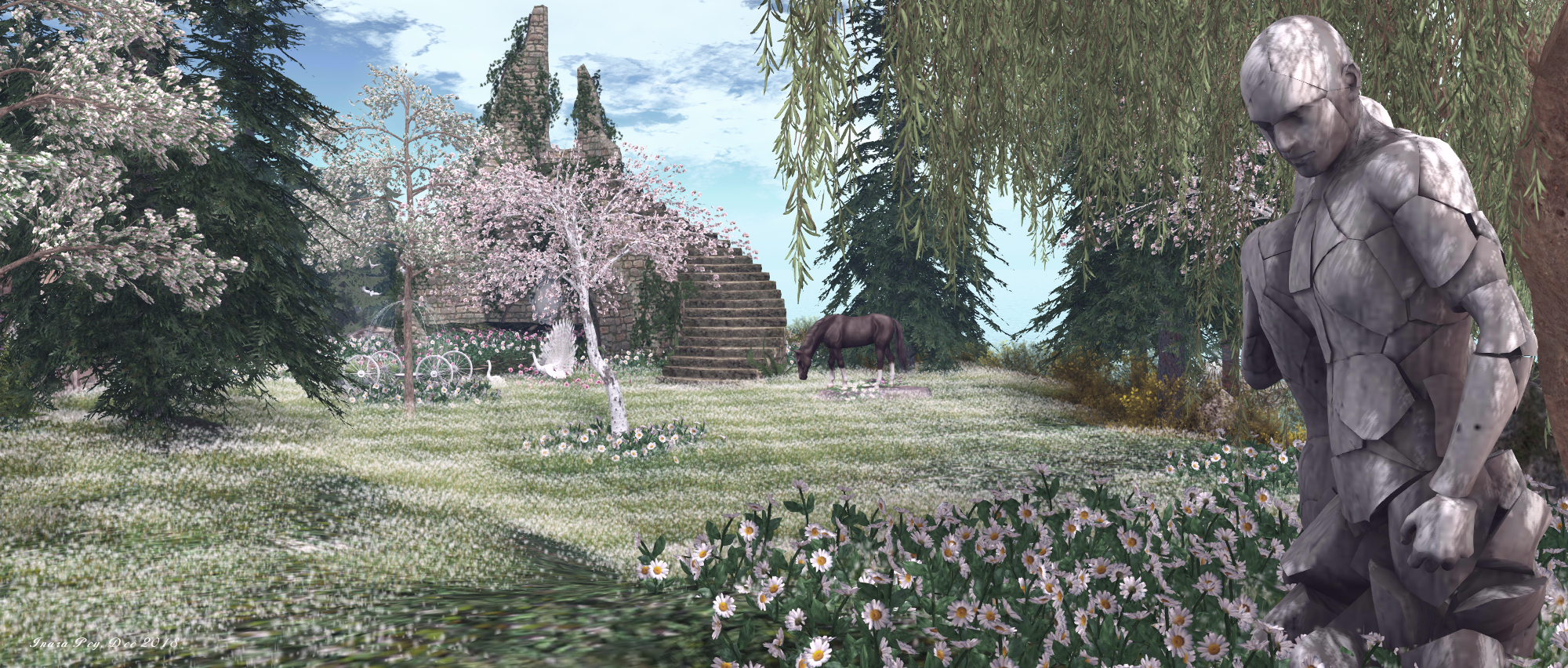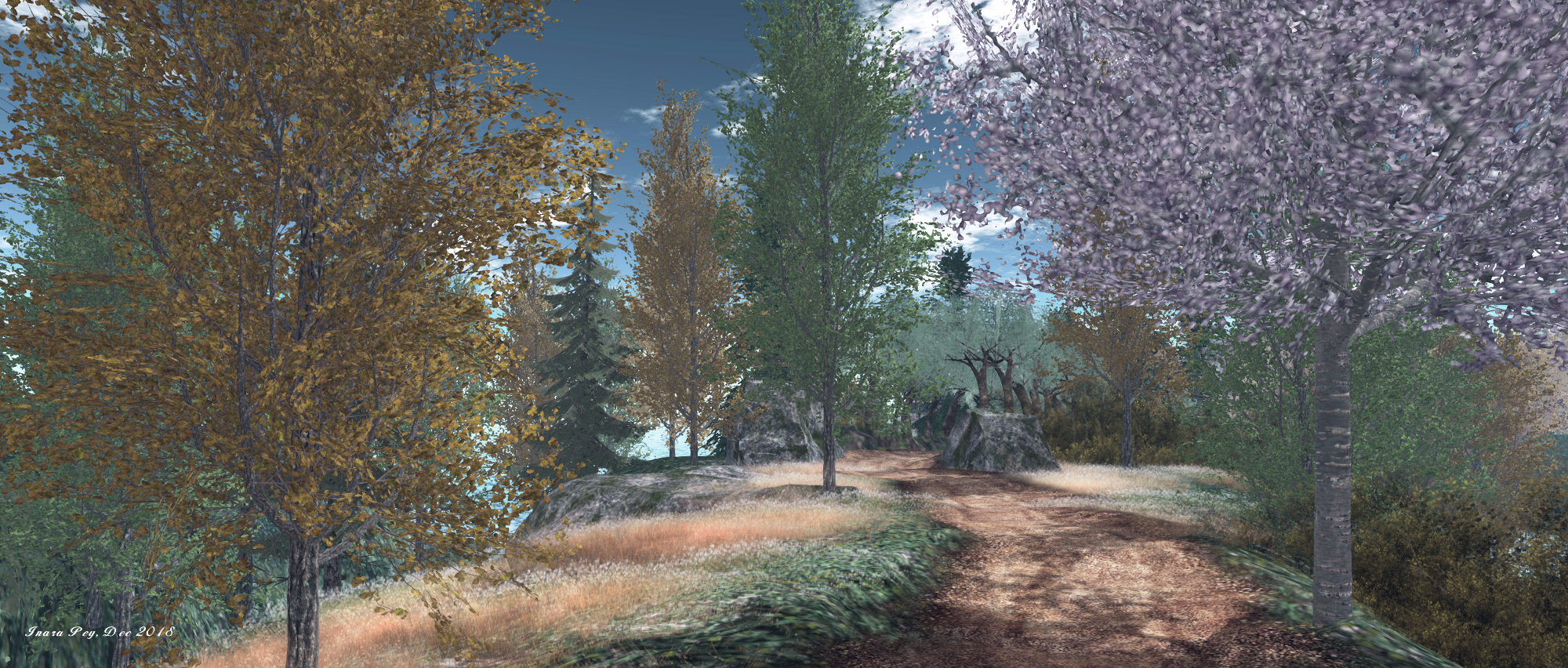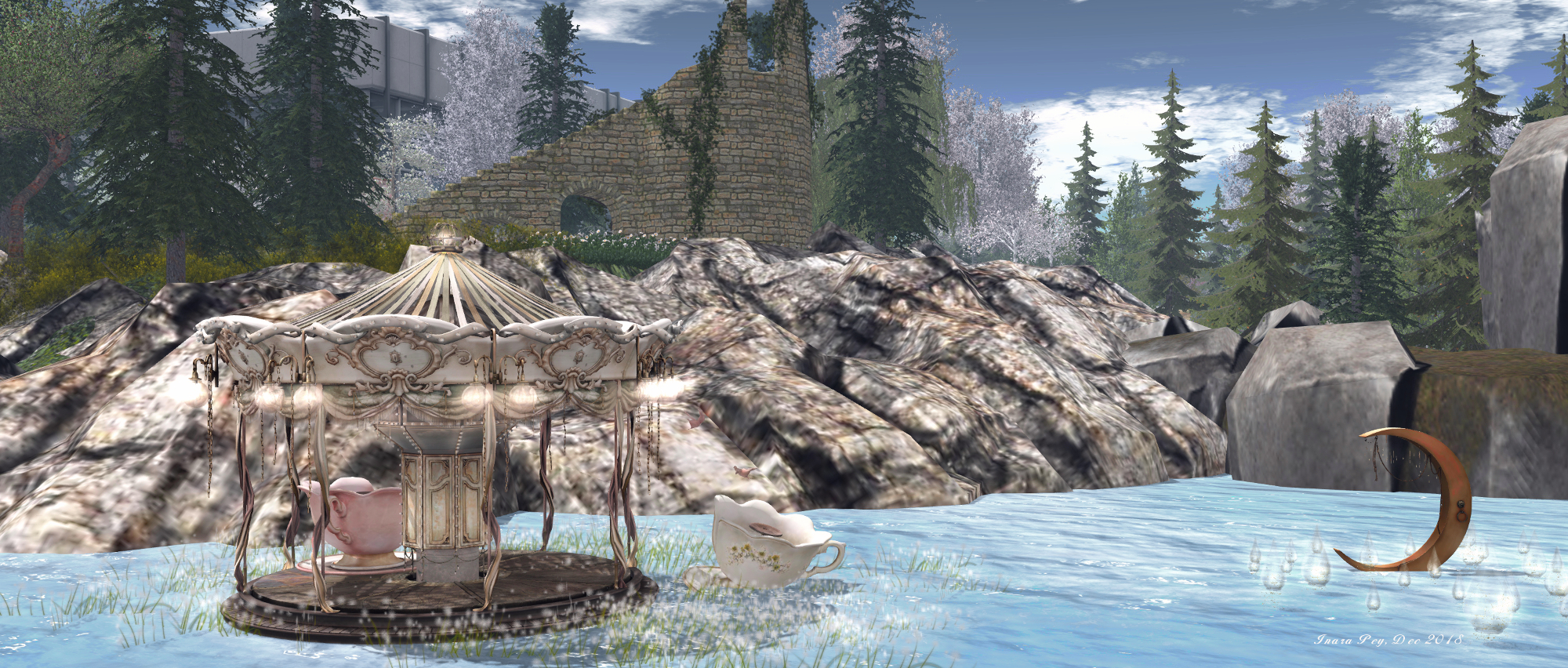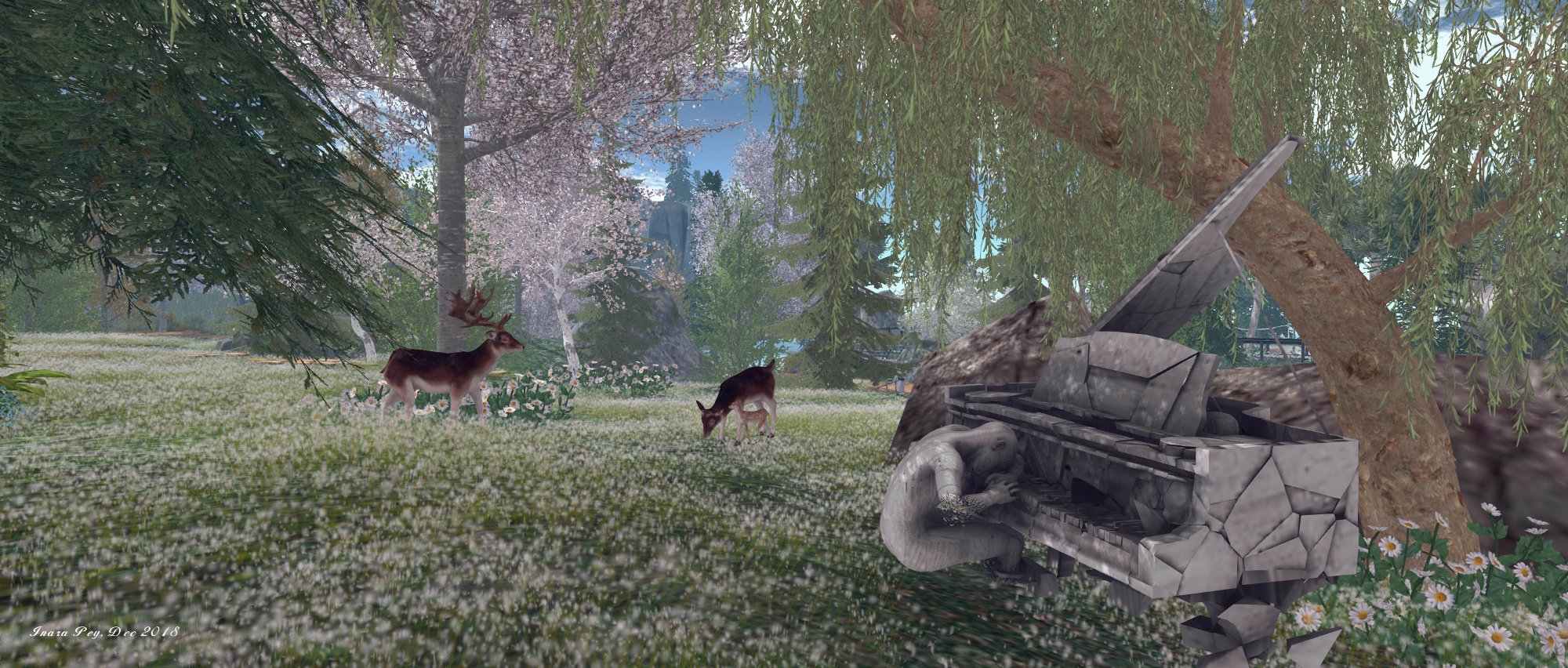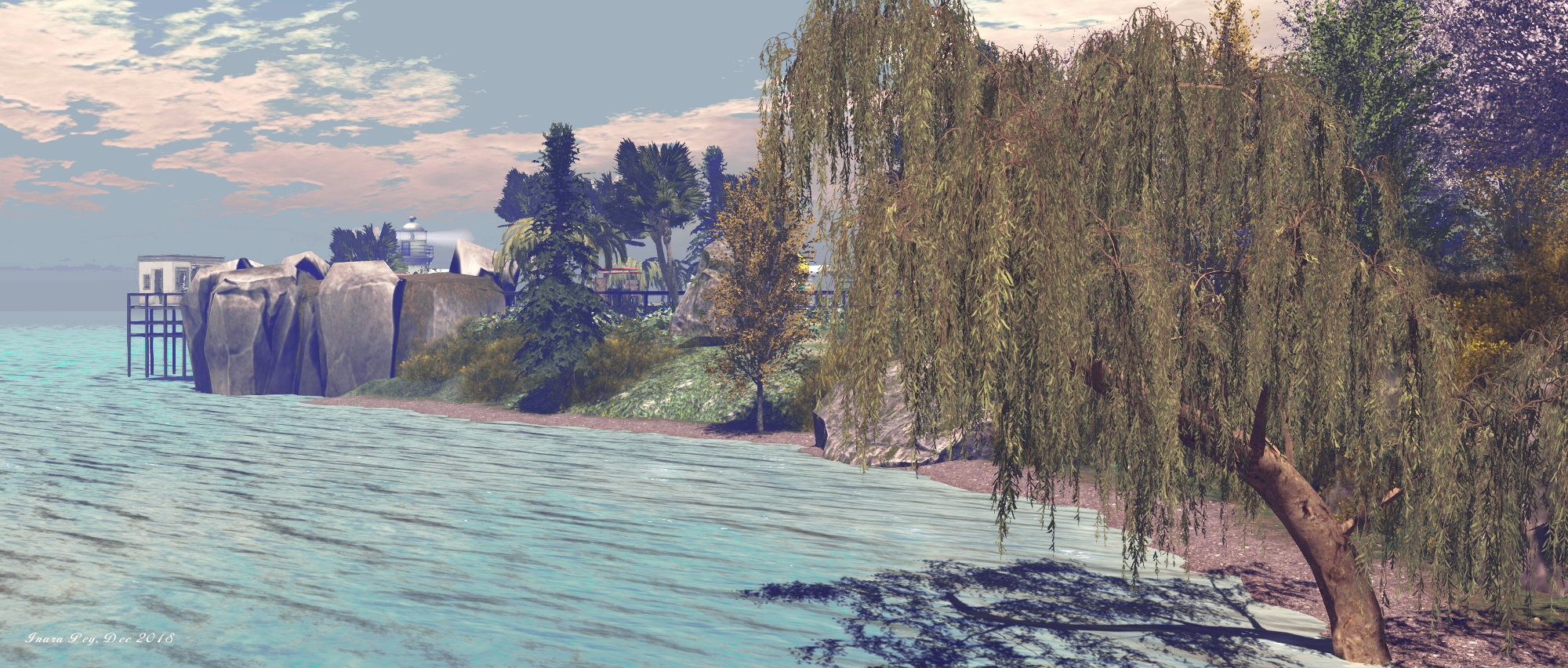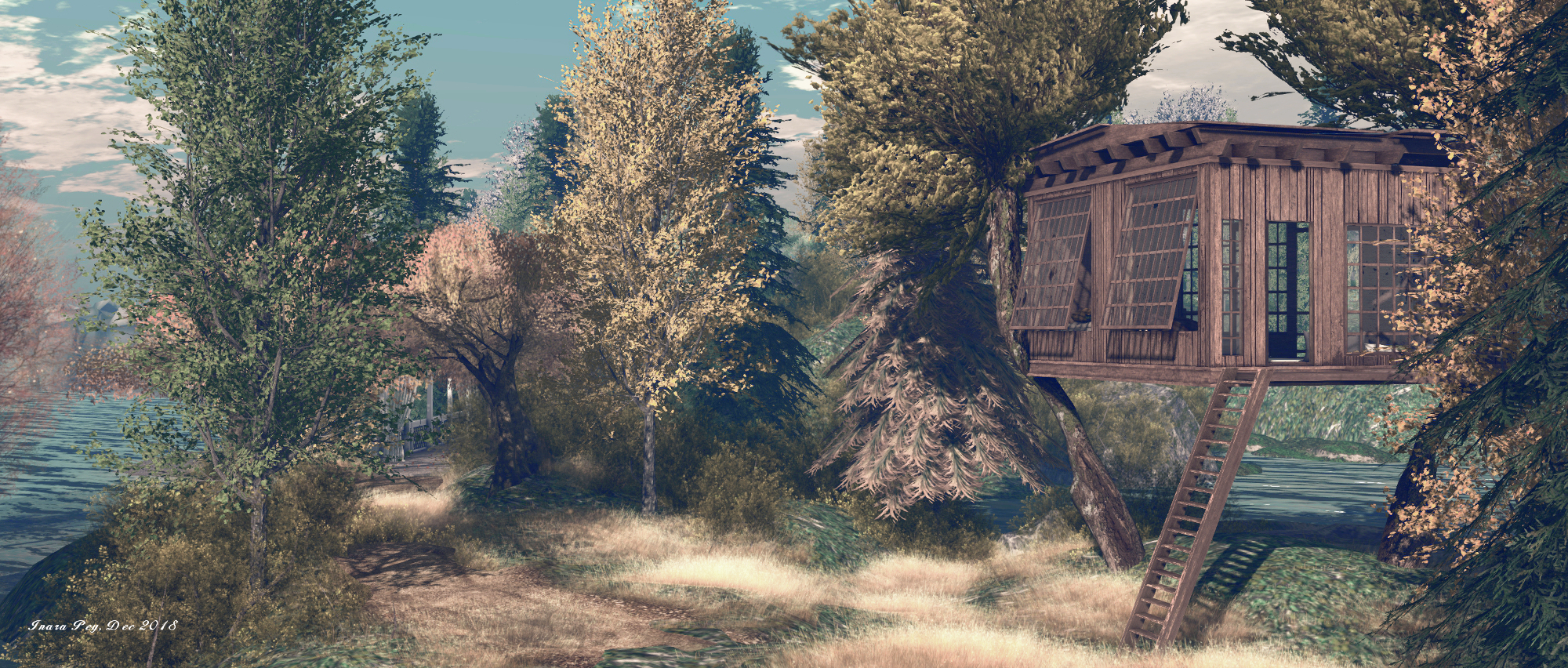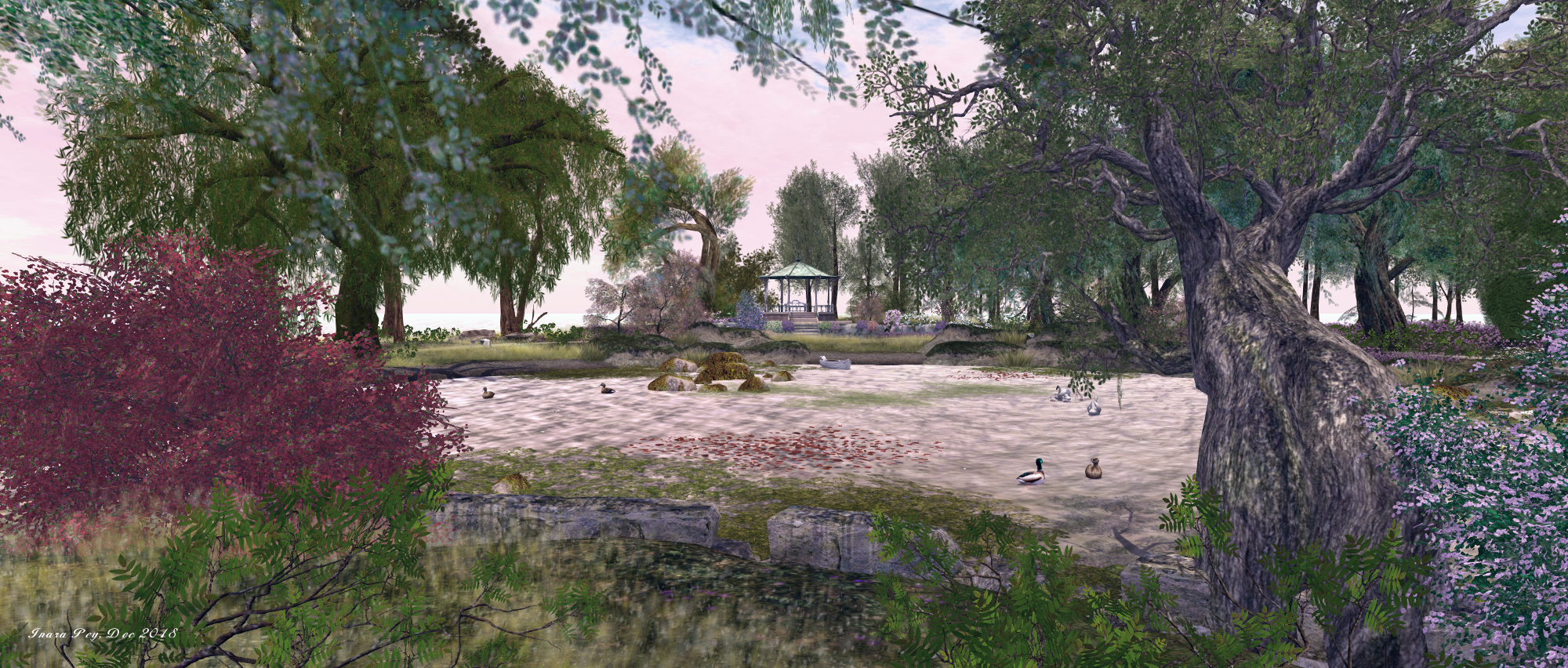
Inspired by Monet in Second Life

Junbug; Inara Pey, December 2018, on Flickr
Junbug – click any image for full size

Annie Oh (Annie Brightstar) dropped me an IM suggesting Caitlyn and I pay a visit to Junbug, home of *{Junbug}* Fantasy and Vintage fashion, as the region had been recently redesigned by Minnie Blanco (Minnie Atlass), whose region designs we’ve always enjoyed (see here, here, here and here for more).  And I have to say that for anyone who loves artist – particularly the French Impressionist movement, this is a must-see location.

[It is] loosely inspired by Monet’s Giverny garden After discussions we agreed upon a garden across from water. All designing / artwork is a process and I take my inspiration from RL photos/art. I wanted to reflect Juno’s fantasy, vintage fashion designs with a romantic feeling water-scape in some way. Hence the romance of impressionism!

– Minnie Blanco on her design for Junbug, December 2018
Junbug; Inara Pey, December 2018, on Flickr
Junbug

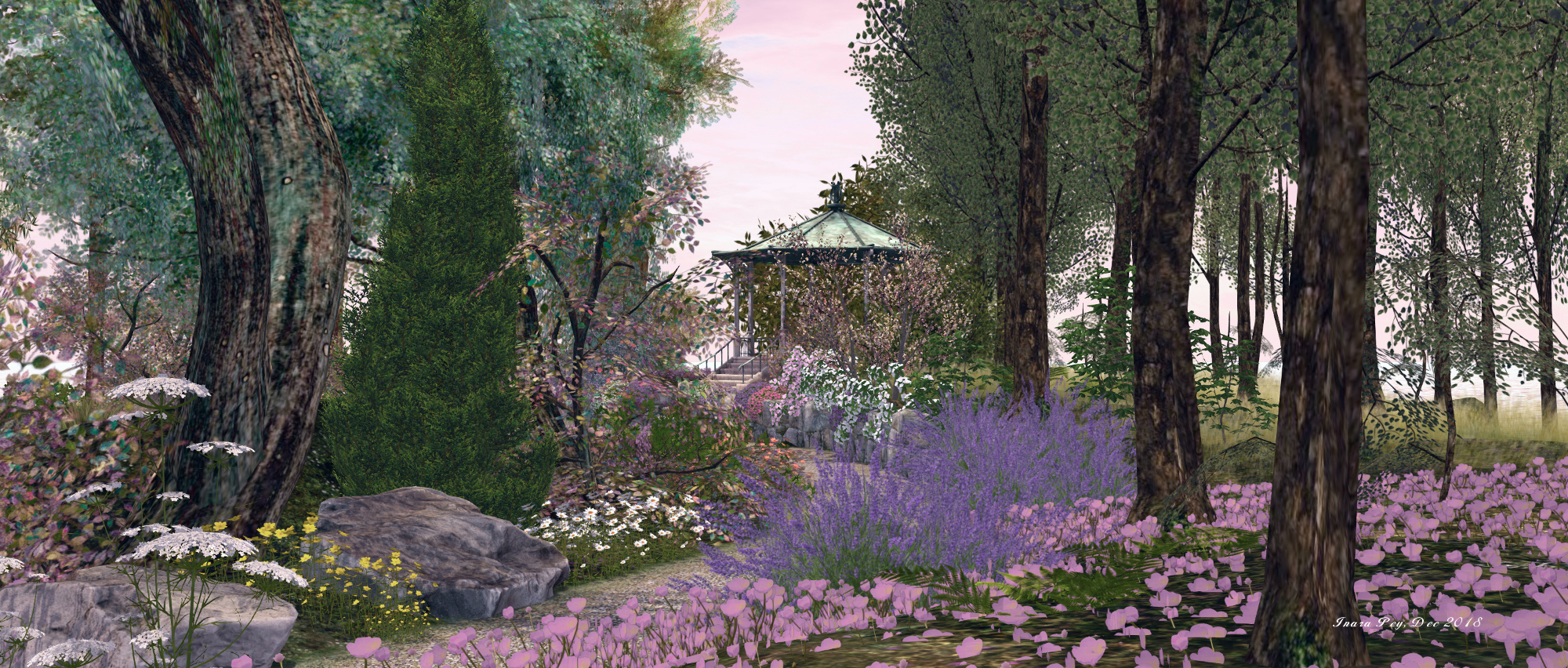
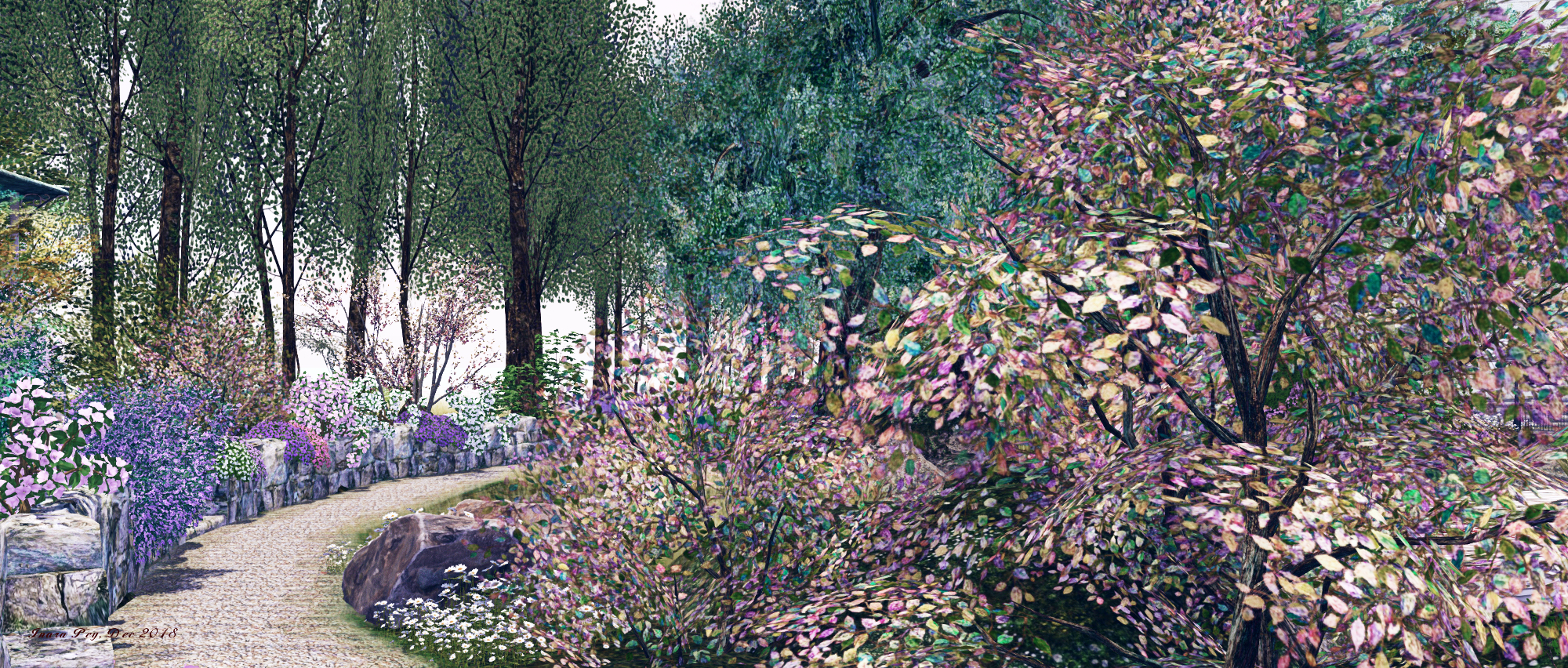
Anyone who is reasonably familiar with Monet’s work will instantly feel they are inside one of his paintings on arriving in the region. Minnie has, through careful selection of plants (colour), design and windlight, fully captured the look and “feel” of one of Monet’s paintings, particularly, as Minnie notes, those that focus on his great life’s passion: the garden at his home in Giverny.
Junbug; Inara Pey, December 2018, on Flickr
Junbug

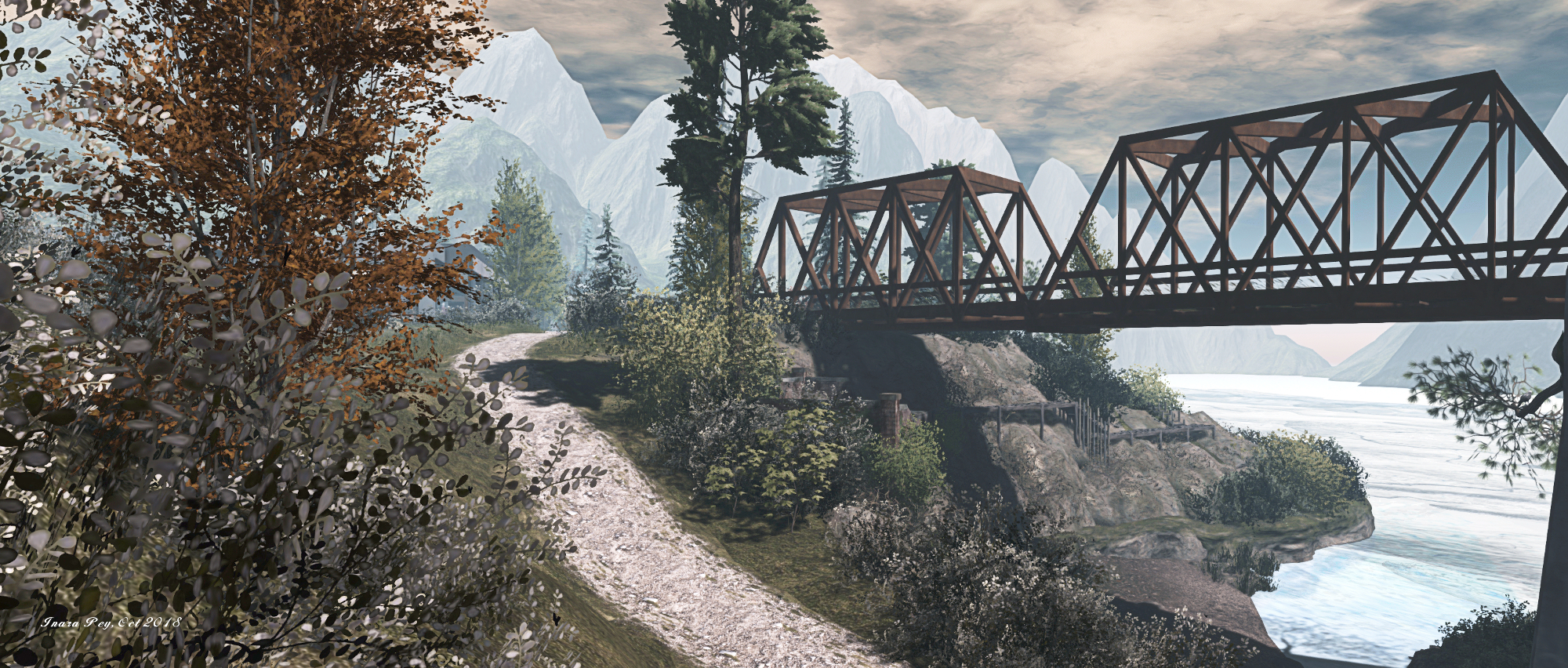
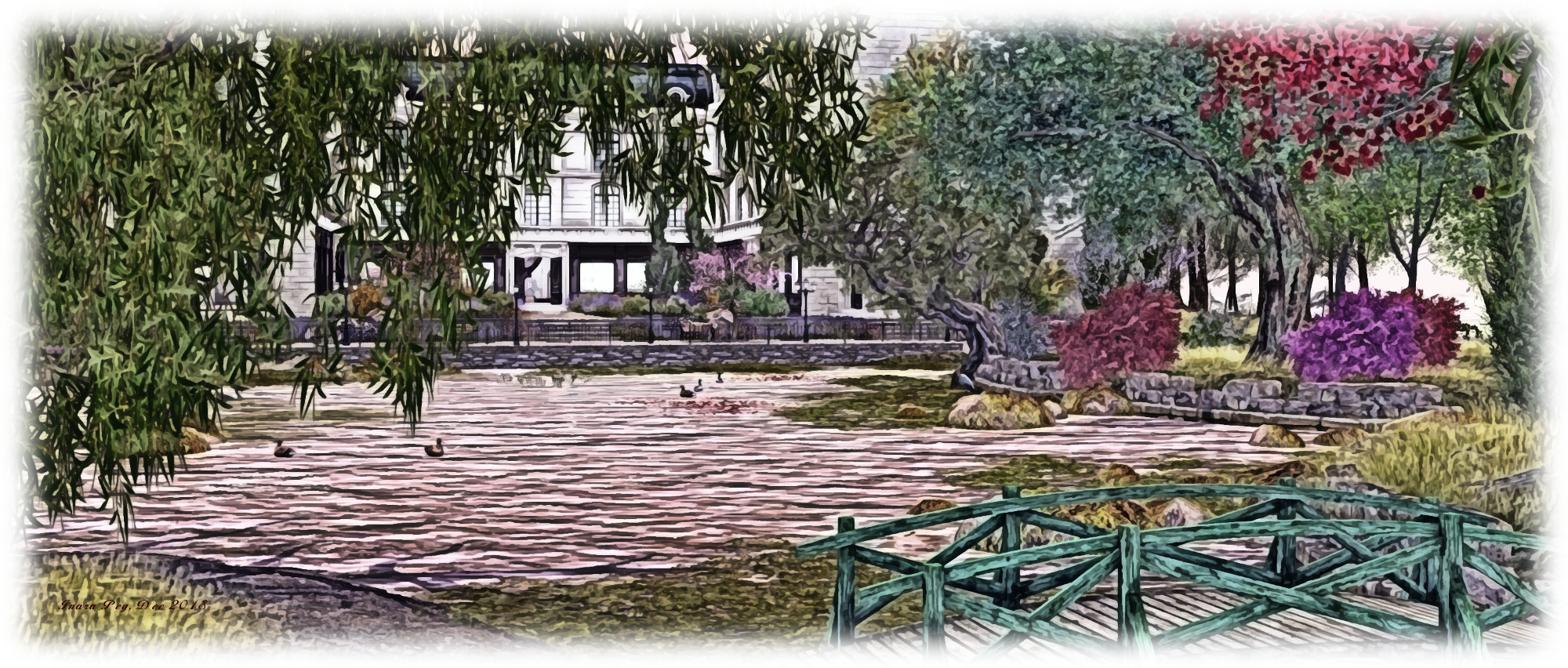
For example, the first impression (no pun intended) on arriving and looking over the water to the little bridge facing the store from afar was Monet’s 1899 painting, Bridge over a Pond of Water Lilies.

As we continued to look around and walk along the path circling the pond at Junbug, further influences  – or perhaps reflections might be a better term – of Monet’s art came to mind. There’s the subtle mix of colour and blending in the blooming of flowers as seen in his 1900 oil on canvas Le Jardin de l’artiste à Giverny, and Garden Path at Giverny (1902), while the pond itself offers echoes of his extensive Water Lilies series.
Junbug; Inara Pey, December 2018, on Flickr
Junbug

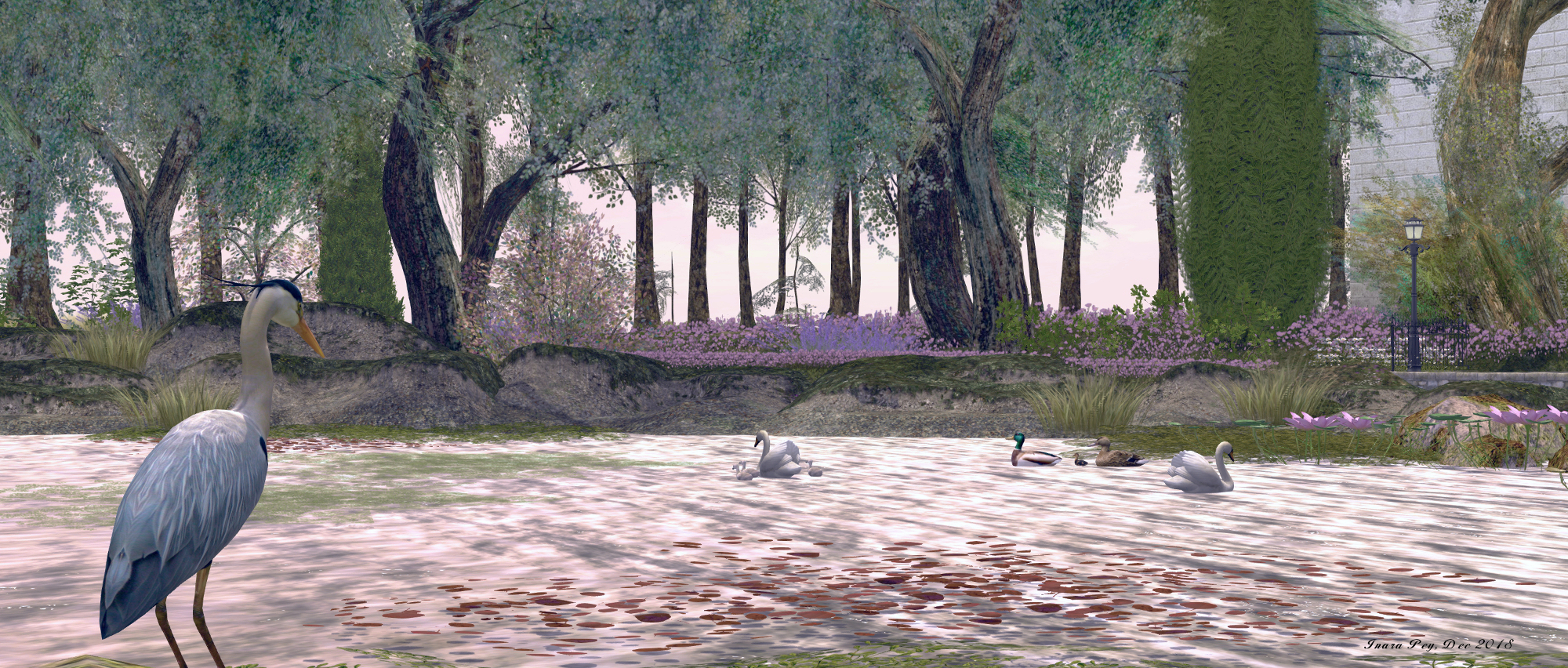
A small, simple setting, the garden is completed by the presence of waterfowl on or near the water, and birds singing from various points around the path (such as the stone bridge close to the store) or hopping and flitting around the paths or circling overhead. In adding their voices to the scene, they increase the spring / summer feel to the region.

There is also a touch of French flavouring to the garden and store – the latter has the presence of a grand maison, for example. Meanwhile, a number of the selected elements in the region, such as the pavilion and the little rowing boat, have French-leaning names / pose systems.
Junbug; Inara Pey, December 2018, on Flickr
Junbug

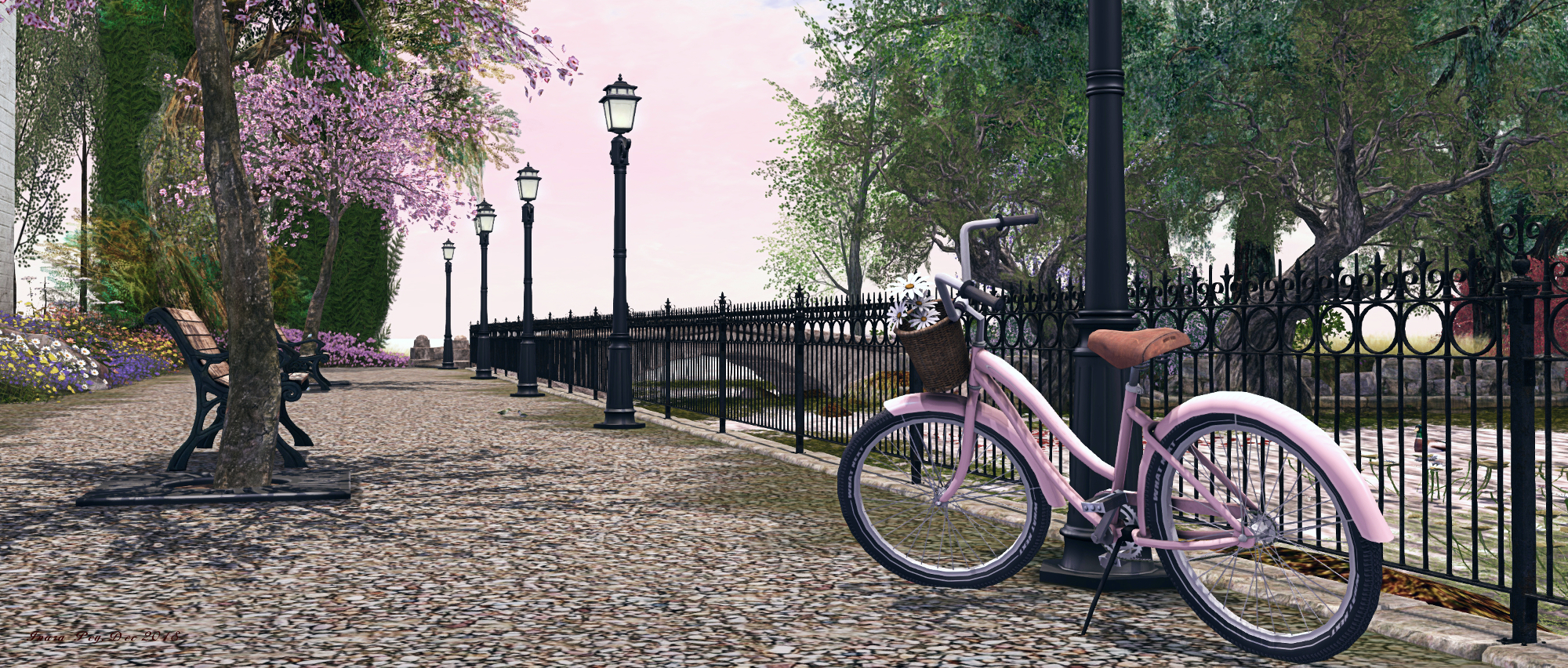
For those seeking a place to sit and enjoy the setting, the rowing boat offers a mix of individual female and male poses, while the benches along the waterfront near the store offer a mix of individual and couples sits, as does the bench in the pavilion. A further bench can be found close to the little wooden bridge, but using it will require getting past the grass growing around it, which interferes with direct clicking.

Set under a tranquil sky suggestive of a mild spring early evening, this is an utterly delightful setting, a painting made real, if you will, and well worth the time spent appreciating it. And given the inspiration behind it, I hope you’ll forgive my attempt to render it as a painting! Our thanks again to Annie for passing on the details.
Junbug; Inara Pey, December 2018, on Flickr
Junbug

SLurl Details

Sansar R28, the Ready, Aim, Fire! Release

Sitting in my Home Space – one of the new elements in Sansar

On Tuesday, December 11th, Linden Lab issued the Ready, Aim, Fire! (aka R28) update for Sansar, the last planned release for 2018.

Interaction is very much a theme for this release, as is helping new users feel more at home, as well as providing a point of entry when logging-in to Sansar at the start of a session. The release also includes a very long list of scripting updates, some of which are to support the new interactivity functions.

This article is designed to provide an illustrative summary of the release, but do note the lack of an VR headset and controller on my part means that any features described in detail here are looked at from the Desktop Mode.

At the time of writing, there were no release notes available, only a release blog post. Whether this actually constitutes the release notes or not, I’m not sure – so a check on the Sansar Help page might be in order to see of any release notes appear. Similarly, in checking the scripting API documentation, it appeared this documentation was also awaiting update. so again, a check should be made for the addition of information on the new API elements and script updates.

Initial Notes

  • As with the majority of Sansar deployments, this update requires the automatic download and installation of a client update.
  • Updates in this release mean that on logging-in for the first time following the update, users will be placed in their Home Space after selecting their updated avatar.

Home Space

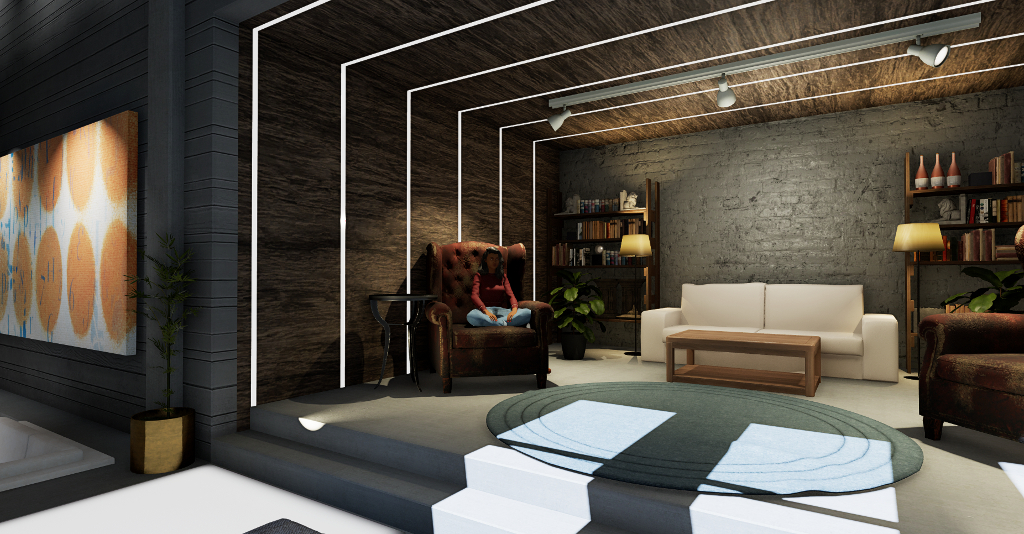
I’ll start with Home Space, a new “home location” so to speak. All users are dropped into Home Space, which resembles an open-plan skybox like apartment with three “rooms”, either when logging-in to Sansar for the first time or at the start of a new session (so in the latter regard it both appears as the back-drop image when logging-in to Sansar and replaces being dropped into the Atlas at the end of the log-in process).

As a physical environment, you can walk around your Home Space, sit on the chairs (albeit it using the teleport > /sit “cheat” and – for new users in particular – offers a starting point for the new UI tutorial (see below for more on this).

Images of the new Home Space taken in Sansar’s new “mouse look” view, showing the various areas. Note the “under construction” teleport portal, also shown enlarged in the last image, that will link Home Spaces to an upcoming new social hub experience. click on any image to view slide show

Note that Home Space is only accessible (for the time being?) when logging-in to Sansar at the start of a session; there’s no option to go back to it once you’re entered an experience, unless you re-log. Should you edit your avatar’s appearance (Create > Style My Avatar) from within an experience, you will still go to look Book and then back to the spawn point for the experience at the spawn point, as per previous Look Book behaviour.

Within The Home Space there is a hint of things to come: on one wall, and marked as “under construction” is the entranceway to the upcoming “Social Hub”. Reached via automatic teleport, this will be a new experience people can jump to and mingle, again with the intent to make it easier for newcomers to meet others. Some of the objects in the Home Space can also be grabbed, allowing basic interactivity to be tried – although the random nature of the tutorial pop-ups perhaps makes this a little hit-and-miss.

UI Tutorial

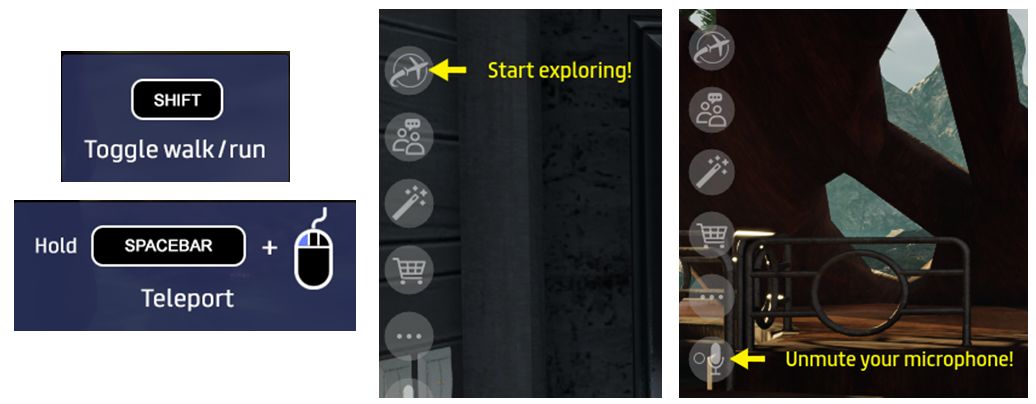
The new UI Tutorial is designed to help new users start to understand the Sansar Client UI (although it will also display for existing users logging-in to R28 for the first time). The tutorial comprises a selection of pop-up displays to controls and yellow hover tips that are displayed within the client. These can be displayed in both the Home Space and within initial experiences a new user visits.

Some of the UI tutorial pop-up (left) and tool tips displayed for new users. The pop-ups appear at the bottom centre of the UI window

The tutorial – while a good idea – seemed to be somewhat random. It’s wasn’t until my fourth log-in, for example, that I saw the pop-up for grabbing items. While not vital, given there are objects in the Home Space that can be grabbed, making this a little more predictable (coming up with the Walk and Teleport pop-ups, perhaps?) would perhaps be more useful.

Emote Menu and Emotes

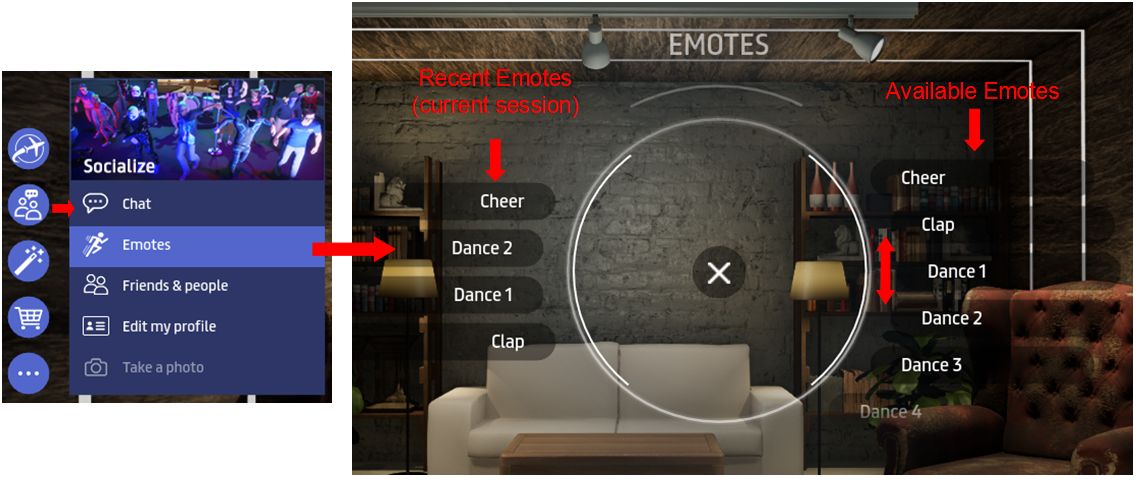
New to both Desktop and VR modes for Sansar is the Avatar Emote menu. Access via the Socialise button (or CTRL-E in Desktop Mode), this displays a “dial” pop-up, with the available emotes (aka gestures or animations) on the right, and any emotes you may have already used in your current log-in session displayed on the left (if you have not used any emotes, this area will display an alarm clock like icon).

The new Emotes Menu. Note that Recent Emotes (on the left), are only displayed if you have used one or more emotes in the current session

Emotes are selected from the right of the menu, by scrolling up / down through them and clicking on the desired option. Recent emotes (if displayed) are accessed the same way. For VR users, an added bonus is that moving your head or arms will no longer cancel a playing emote (just walk forward, as per Desktop mode).

Note that the chat commands (“/sit”, etc.) are still fully supported, as is the ability to assign custom emotes to replace the default options.

Continue reading “Sansar R28, the Ready, Aim, Fire! Release”

2018 SL UG updates 50/1: Simulator User Group

Cold Ash; Inara Pey, October 2018, on FlickrCold Ashblog post

There was no Simulator User Group meeting on Tuesday, December 11th, 2018. Notes are therefore a little on the light side.

Server Deployments

As always, please check with the server deployment thread for updates and latest news.

  • On Tuesday, December 11th, the SLS (Main) channel was updated with server maintenance package 18#18.12.04.522206, previously deployed to all three main RC channels, and comprising region stability improvements; simhost deployment improvements and logging improvements.
    • Part of this update includes the removal of a lot of mesh-related logging that had been required during testing, but has been surplus to requirements. However, as the code was never removed, it resulted in a lot of unnecessary logging as mesh became more popular.
  • On Wednesday, 12th December the RC channels should be updated with server maintenance package 18#18.12.07.522390, comprising voice service adjustments.
  • The Snack channel, home to the Environment Enhancement Project (EEP), received a further simulator update, version 18#18.12.07.522390.

SL Viewer

At the time of writing, there have been no updates to the current batch of official viewers, leaving the pipelines as follows:

  • Current Release version 6.0.0.520636, dated October 18, promoted November 14. Formerly the Animesh RC viewer – no change.
  • Release channel cohorts:
    • Love Me Render RC viewer, version 6.0.1.522045, December 6.
    • Spotykach Maintenance RC viewer, version 6.0.1.522263, December 5.
    • Estate Access Management (EAM) RC viewer, version 5.2.0.520057, September 28.
    • BugSplat RC viewer, version 5.1.9.519462, September 10. This viewer is functionally identical to the current release viewer, but uses BugSplat for crash reporting, rather than the Lab’s own Breakpad based crash reporting tools.
  • Project viewers:
  • Linux Spur viewer, version 5.0.9.329906, dated November 17, 2017 and promoted to release status 29 November – offered pending a Linux version of the Alex Ivy viewer code.
  • Obsolete platform viewer, version 3.7.28.300847, May 8, 2015 – provided for users on Windows XP and OS X versions below 10.7.

Cica’s Lullaby in Second Life

Cica Ghost: Lullaby

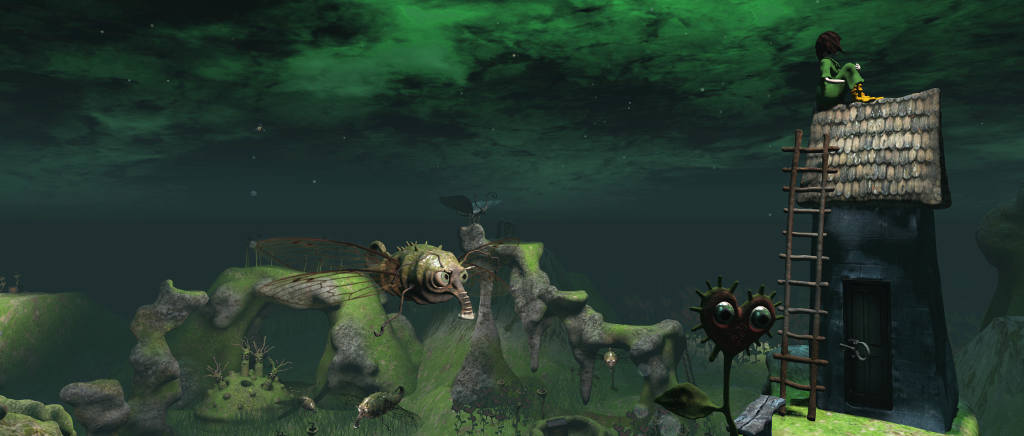
Cica Ghost’s latest installation, Lullaby, opened on Tuesday, December 11th. It’s a curious piece, something of a celebration of the creatures that might be said to come out at night, together with touches of some of Cica’s previous installations.

For the byline to the installation, Cica has chosen the chorus from Lullaby for an Insomniac, by Kate Nash. Sung  acapella (albeit with an instrumental ending) the song fits the installation very well, offering something of a gentle subtext to the setting – although too deep an examination of song and installation should perhaps be avoided.

The idea was first, but I often listen Kate, so maybe it was influence. I listen her often when I work. I made the girl a few days ago; it was only house at first, but then she needed somebody to think of.

– Cica Ghost on Lullaby

Cica Ghost: Lullaby

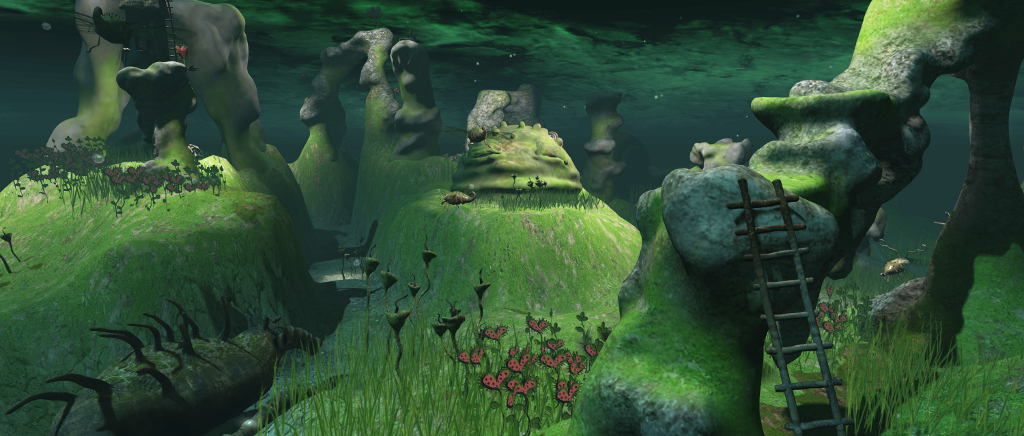
The girl and house in question, can be found towards the middle of the strangely undulating region, perched on a curious table of rock and reached by a ladder impersonating part of the sine curve. She sits atop the house, staring into the distance, lost in thought, the landscape darkened by a greenish night. Her attitude suits the refrain of the chorus perfectly – a girl who is missing someone, and who finds herself unable to sleep and with little interest in how she looks or the state of her surroundings.

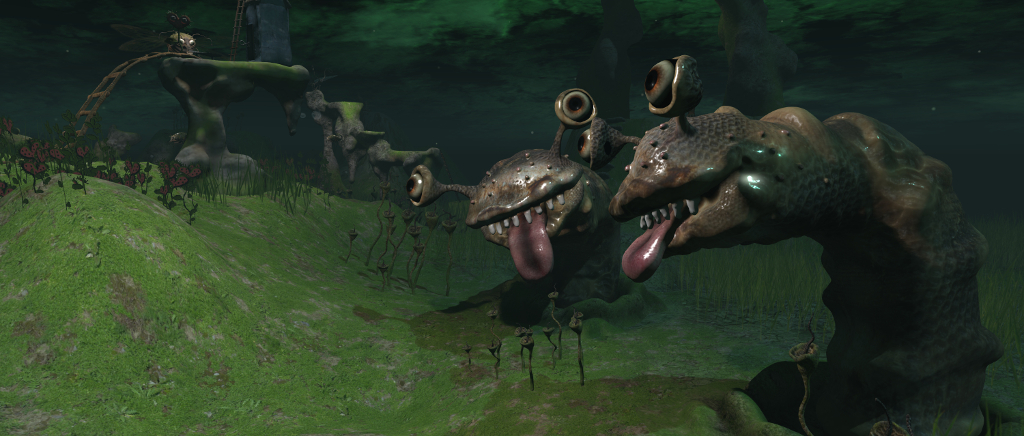
Her indifference to her surroundings is a shame, because across this weird landscape with its abrupt hills and valleys and unusual rock formations, the creatures of the night have all come out to play: flying bugs, spiders, curious worms with friendly, anthropomorphic “faces” courtesy of eyes sitting on slug-like stalks and very human tongues lolling happily, and heart-shaped flowers with large, unthreatening eyes. Even some of the hills have eyes, revealing themselves as the domed heads of creatures nestled far enough underground while still able to see what is happening around them.

Cica Ghost: Lullaby

All of this night, in other circumstances, sound like the stuff of nightmares, particular given the giant snail watching over the landing point – but it is not; it is a night-time setting of playfulness. None of the creatures are in any way nefarious; most are going about their business without concern for whatever else might be happening, although one or two do appear to be a little curious about the stranger in their midst, sitting on her odd perch.

Also to be found in the region are echoes of some of Cica’s past works: a bear stands up on one of the hills, for example. While he may be without a shirt, he and the flittering night bugs bring forth memories of The Bees and the Bears. The three frogs sitting close to the landing point directly reflect Frogs; a spider’s web offers a faint echo of Arachnid, even the girl herself, sitting atop her house, is reminiscent of Moonlight.

And here lies the gentle  – if perhaps unintentional – subtext of the installation. Just as Lullaby for an Insomanic reflects on the things we have and the sentimental value they can have, so do these aspects of Cica’s Lullaby gives those familiar with Cica’s work pause to remember her past installations and the joy and other emotions they gave us when they were present in Second Life.

Cica Ghost: Lullaby – Cica takes flight

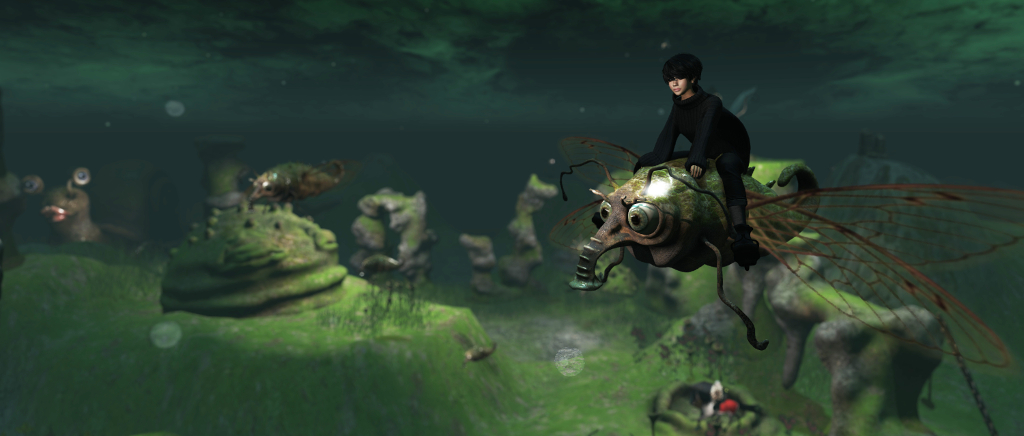
There aren’t too many places to sit within Lullaby (they are there, but you’ll have to find them!). Instead, and tucked away on the top of one of the odd stalagmite-like rock formations Cica offers a free flying bug. Simply take it, Add or Wear it, and use the WASD / arrow keys, together with PAGE UP and PAGE  DOWN to fly yourself around.

Lullaby should remain open through until early January for visitors. There are several tip jars scattered around the installation, so do please consider a donation towards this and Cica’s future work in Second Life.

SLurl Details

  • Lullaby (Ai Atoll, rated Moderate)

The seasons at Bay of Dreams in Second Life

Bay of Dreams; Inara Pey, December 2018, on Flickr
Bay of Dreams – click any image for full size

Bay of Dreams is the Full region home of Valor Poses Mainstore and Photo Sim, operated by Keegan Kavenagh (AlexCassidy1). As the name implies, the region offers both a base for the Valor Poses store, and the opportunity to explore a changing environment beyond its doors.

In February 2018 Caitlyn and I visited the region whilst the region offered a summertime look and feel (you can read more about that visit here), so with the end of the year approaching, I thought I’d drop in again to see what had changed.

Bay of Dreams; Inara Pey, December 2018, on Flickr
Bay of Dreams

Now designed by Adalynne Romano (AdalynneReed) working with Keegan and Tessa Kavenagh (TessaGrace51), the region presents something of a mix of seasons, all within walking distance of one another. For the store, which forms the landing point, and its surroundings, there is a decidedly springtime look and feel.

Occupying a table of land in the south-east of the region, the store is surrounded by a garden setting. The trees and flowers are all in bloom, the grass lush and green, visible through the windows of the store, inviting patrons to step outside. Those who do will find a richly mixed setting, one complete with ruins of different ages and pieces of art – notably by Mistero Hifeng – while horses and deer lay dotted across the lawns.

Bay of Dreams; Inara Pey, December 2018, on Flickr
Bay of Dreams

The store looks northwards over a low-lying headland dominated by a broad board walk and pier that stretches out over the water, a narrow ribbon of beach running around the north and east side of the headland adding to the feeling that this is the “summer quarter” of the region. Volleyball can be played on the grass, while the board walk and little pier include places to sit and enjoy refreshments.

Between the footbridge leading back to the store and the board walk, a track runs off to the west, following the bent finger of land, serpent-like in its narrowness. This ends in a bridge leading to a small island that in turns links to the south-western side of the region, a grassy quarter clearly caught in the gentle embrace of autumn. Here the trees are rich in golds, brown, oranges and reds. Pumpkins lie on the ground, while the single large barn offers a greeting of Happy Fall.

Bay of Dreams; Inara Pey, December 2018, on Flickr
Bay of Dreams

The final quarter of the region, reached via “autumn” hosts, appropriately enough, winter. Crowned by a rocky crenelation, this is another plateau within the ring of rock, the land is covered in snow, complete with a frozen pond and with a snow blanketed wooden house of impressive size. This offers plenty of seating inside and out.

Finding your way around the region is simply a matter of following the paths and using the bridges. All four aspects of the setting perfectly present each of the seasons, with a fairly neutral region-wide windlight used for all four. This also works well, but it did have me wondering about how a setting like this, with four different regional settings will look when EEP – the environmental Enhancement Project – has come into common use.

Bay of Dreams; Inara Pey, December 2018, on Flickr
Bay of Dreams

There are one or two little rough edges – path segments not meeting one another or the landscape here or there; some floating trees together with the odd plain prim or semi-floating rock. But, by-and-large, the design comes together to offer a visually interesting setting. Those wishing to rez props for photograph can join the local group.

For those who might be feeling they’ve seen a little too much snow in Second Life, or who wish to revisit their preferred season, or simply want to experience an entire year in a short walk, Bay of Dreams perhaps offers the perfect visit.

Bay of Dreams; Inara Pey, December 2018, on Flickr
Bay of Dreams

SL Details

2018 viewer release summaries: week #49

Logos representative only and should not be seen as an endorsement / preference / recommendation

Updates for the week ending Sunday, December 9th

This summary is generally published every Monday, and is a list of SL viewer / client releases (official and TPV) made during the previous week. When reading it, please note:

  • It is based on my Current Viewer Releases Page, a list of all Second Life viewers and clients that are in popular use (and of which I am aware), and which are recognised as adhering to the TPV Policy. This page includes comprehensive links to download pages, blog notes, release notes, etc., as well as links to any / all reviews of specific viewers / clients made within this blog.
  • By its nature, this summary presented here will always be in arrears, please refer to the Current Viewer Release Page for more up-to-date information.
  • Note that test viewers, preview / beta viewers / nightly builds are not recorded in these summaries.

Official LL Viewers

  • Current Release version 6.0.0.520636, dated October 18th, promoted November 14th. Formerly the Animesh RC viewer – No Change.
  • Release channel cohorts (please see my notes on manually installing RC viewer versions if you wish to install any release candidate(s) yourself):
  • Project viewers:
    • Bakes on Mesh project viewer updated to version 6.0.1.522127, December 7th

LL Viewer Resources

Third-party Viewers

V5/V6-style

V1-style

Mobile / Other Clients

  • No updates.

Additional TPV Resources

Related Links