Opening on Saturday, September 17th at 12:00 noon SLT is the DiXmiX Gallery, a new venue for 2D and 3D art and for music in Second Life.
Designed by Megan Prumier (famous for Crimarizon and Deadpool) and curated by Dixmix Source, the gallery offers a large foyer area and three halls for art displays – the Black and the White Gallery Halls, which are apparently to be dedicated to monochrome art, with the Grey Gallery linking them. Art in these halls may be split over two levels, the ground floor and a mezzanine area, while a music venue, The Atom, completes the major facilities.
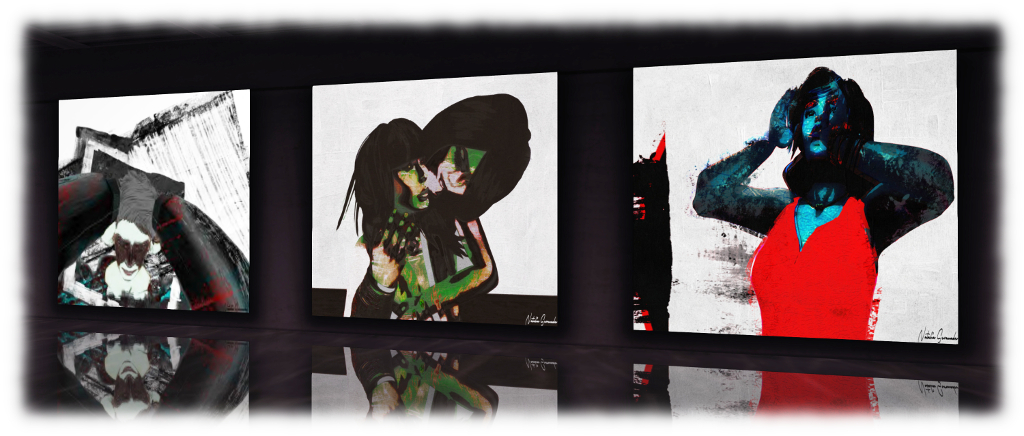
For the inaugural exhibitions, the gallery presents a series of striking images by Ariel Brearly (directly above) on display in the spacious entrance foyer. These are from Dixmix’s personal collection of her work, and he notes he hopes to have her displaying in person at the gallery in the near future. Also on display is a selection from Megan’s personal collection of 3D art by Mistero Hifeng.
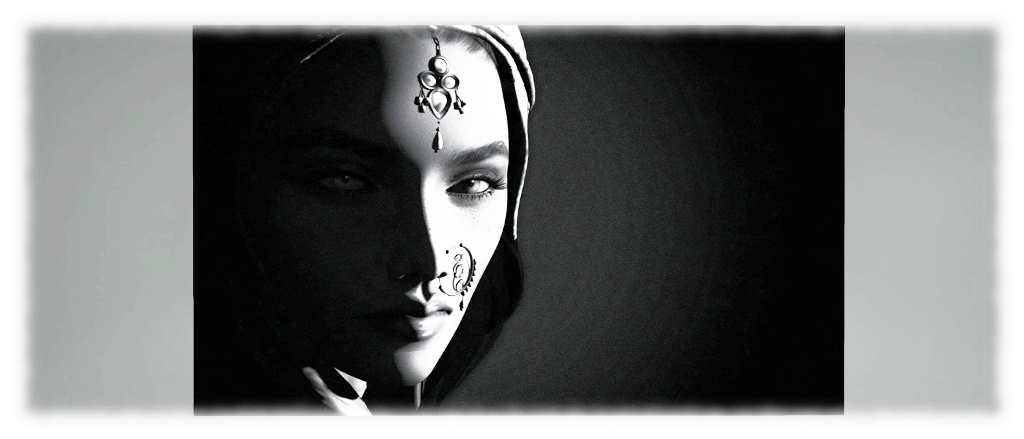
The Black Gallery and the White Gallery offer exhibitions of avatar studies by Grazia Horowitz and Dixmix Source respectively. The images by Graziamark the first time her art has been formally exhibited in Second Life. I confess to finding Grazia’s work hauntingly beautiful, with Aditi (seen as the banner image to this piece) in particular captivating me.
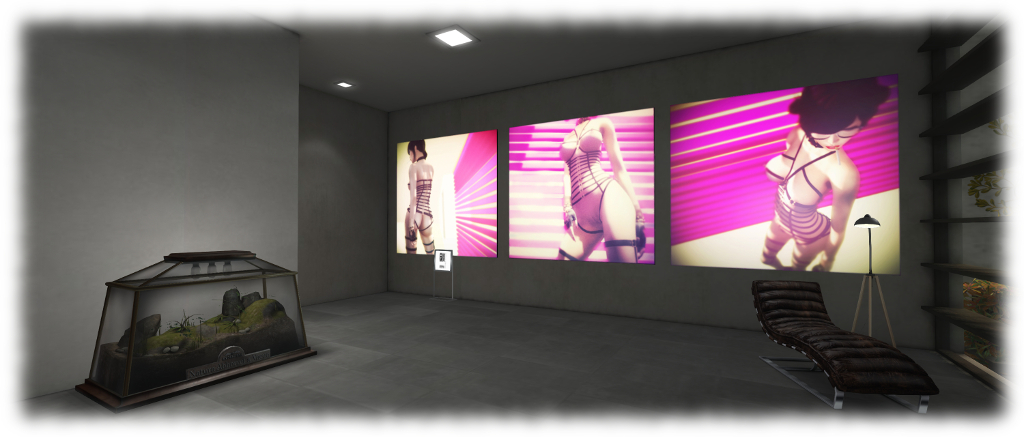
The Grey Gallery presents a set of Ziki Questi’s familiar panoramic images, these focused on art-related installations, on its two levels. Uncredited in the introductory notes, but also on display in the halls behind The Atom music venue, is a series of nude colour avatar studies by Megan Prumier (seen in the image above). Rich in tone, these stand in marked contrast to the monochrome studies found in the Black and White galleries, and are displayed with two 3D pieces also by Megan, which each offer a visual play on the old idiom, nature abhors a vacuum.
All of the 2D art from the artists is available for purchase, and music for the opening will be provided by Nadja Neville in The Atom. Note that public access to the gallery will only be available from 12:00 noon onwards on September 17th.
The following notes and audio were taken from the weekly Bento User Group meeting, held on Thursday, September 15th at 13:00 SLT at the the Hippotropolis Campfire Circle. and chaired by Vir Linden. For details on the meeting agenda, please refer to the Bento User Group wiki page.
Note that this update is not intended to offer a full transcript of the meeting, nor does it present the discussion points in chronological order. Rather, it represents the core points of discussion, grouped together by subject matter were relevant / possible, whilst maintaining the overall context of the meeting.
RC Viewer Release
As indicated in an official blog post, and in this blog, the Bento viewer is now at release candidate status with the release of version 5.0.0.319688 – which can be obtained through the Alternate Viewers wiki page. This means that TPVs can now officially adopt the Bento code and release it in their own viewers. Cool VL Viewer already has Bento merged into its experimental branch, for example, and Firestorm has the code merged ready for their next scheduled release.
There are a number of small updates in the RC version of the viewer, chiefly typos in the sliders which were preventing them from having symmetrical effects. These affected the lip thickness slider, the square head slider, and the body thickness slider, together with a slight tail bone issue.
The RC Viewer and “Distorted Avatars”
If you opt to experiment with the Bento RC viewer and Beno demons etc., keep in mind that any Bento-enabled items to you wear will only appear as intended when viewed from another Bento capable viewer. Anyone using a non-Bento viewer see you is at best going to see things incorrectly positioned on your avatar, and at worse, see whatever you are wearing utterly deformed.
Bento creations will only appear correctly when viewed in a Bento-enabled viewer, as shown in these two pairs of images. On the left: a Bento head seen in a Bento viewer (note; the jewellery is out-of-position on the first image as I didn’t bother repositioning it to fit the head for the photo) and then on a non-Bento viewer – note the head is now located in the small of my back (arrowed). On the right, a Bento avatar seen respectively in a Bento and a non-Bento viewer (click for full size)
Obviously, as the Bento code is more widely adopted and reaches release status, these issues will decline – but for now, if you’re using the Bento RC viewer (or other viewer with Bento support), do keep this in mind when venturing out in public.
In extreme cases, older viewer versions may crash if a Bento avatar / Bento content is encountered; but these cases should be rare. The Lab added code to the viewer some time ago to specifically prevent Bento updates from crashing the viewer, so as long as a viewer has these updates – as should be the case with all currently maintained viewers – it should not crash.
Reset Skeleton
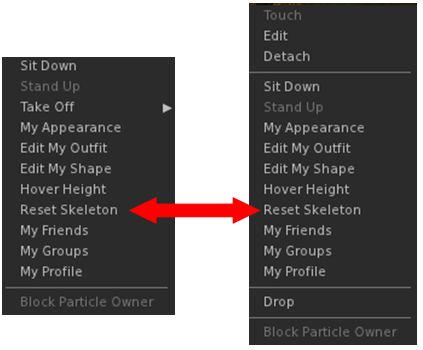
The Reset Sketon option is available from the right-click context menus for both avatar name tags (l) and avatars (r)
There are occasions (when changing between avatars, for example) when those who are on a Bento viewer may see themselves or another Bento avatar distorted. This is due to variances in how appearance updates are received / handled (and even with non-Bento avatar models has in the past required a re-log to fix).
To overcome this in the Bento viewer, there is a Reset Skeleton option, which can be used on either yourself or other deformed avatars in your view. This can be found in the avatar name tag context menu, or the avatar context menu, either of which can be access by right-clicking on the name tag or avatar respectively.
Vir notes the solution is not ideal, but the only other way to fix such issues would be extensive re-working of the viewer code – and at least this approach avoids the need for a re-log to correct matters.
Time Frames for Release
Questions were asked on when the viewer might go to release. this is actually dependent on a number of factors, including:
The viewer’s crash rate compared with the current release viewer and other RC viewer in the release channel
Whether exposure to a wider audience of users uncovers non-bento bugs or regressions which require additional fixing
Relative priorities between Bento and other projects.
Avatar Vertical Position (height above ground) Calculation
This has been a running topic for some time. In short, a n avatar’s vertical position relative to the ground is determined by a complex calculation which involves using a number of joints running up through the body from the left foot to the skull. The idea is to present a consistent view of an avatar standing on the ground, rather than in the ground or over the ground. However, if any of the joints used in the calculation are changing position unintentionally when the calculation is made, it can result in the avatar seeming to bounce up-and-down (see here for more).
To help overcome these kinds of issues, Vir has now documented the body height calculation bones, and the details can be found here: Avatar body size
Joint Position and Volume Bones
Visualising volume bones
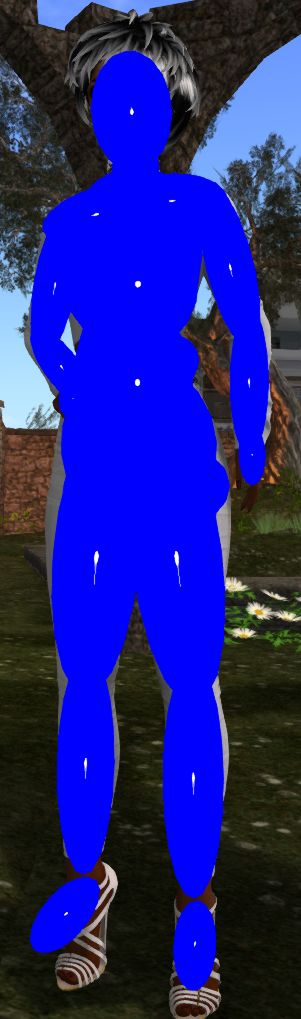
It’s been noted that zooming in on a Bento avatar or attempting to click on a part of the avatar can be difficult. This is generally because the collision bones are not set-up correctly. The positions of the volume bones can be seen using Advanced Menu > Avatar > Show Collision Skeleton.
This will overlay the avatar with a series of oval shapes (official viewer – other viewers may render the collision skeleton slightly differently) which show the position of the volume bones. The closer these match the shape an avatar (something which may not always be possible, depending on the avatar type / size), the easier it will be to zoom in on the avatar and / or click on it.
Setting volume bone positions can either be done within the mesh model or via animation, although there was some confusion whether collision volumes now get included in joint offsets.
Note: this vision of Pandora Box of Dreams has closed.
Pandora Resort is the latest full region design undertaken by Lokhe Angel Verlack (Jackson Verlack). It’s a place I’ve eagerly been awaiting the opportunity to blog in detail about because it is, quite frankly, one of the most stunning regions I’ve had the privilege to visit and preview.
When writing about places to see in Second Life, it is easy to slip into hyperbole; everything is superb, excellent, wonderful, stunning, and so on – and more often than not, such descriptions are deserved. However, with Pandora Resort, it’s actually very hard to over-state anything: this really is an utterly gorgeous region in which superb use is made of space, both horizontally and vertically, to present something truly unique and breathtaking.
Pandora Resort
A visit begins at the local train station located on the west side of the region, where diesel locomotives stand, hissing and grumbling, hand carts of luggage awaiting their owners. The open doorways of the station beckon, leading new arrivals out into the sunshine and the little township of Iron Falls. Built around a garden square and church, and surrounded by tall craggy cliffs with snow-capped mountains beyond, this sleepy-looking town has opportunities for commercial rentals – and more.
A single road points the way from the station, forking left and right before the central garden and church, flowing around them in either direction to become whole once more at the steps and rocky climb up to the resort’s hotel. This is a grand wooden structure, looking out over the town from its elevated position nestled against tall cliffs. Depending upon which branch of the road you take around the gardens, you may find other points of interest, such as the little café and the baker’s store, both of which look out over a craggy river gorge which has cut its way down through the rugged landscape over the aeons, and now offers fishing opportunities for holiday makers.
Pandora Resort
Further along the road from these sits a secluded garden where wedding receptions can be held – with the weddings themselves taking place in the little church (newly-weds even get to enjoy a stay in the Honeymoon Cabin for a night, with the entire region locked down so they won’t be disturbed!) .
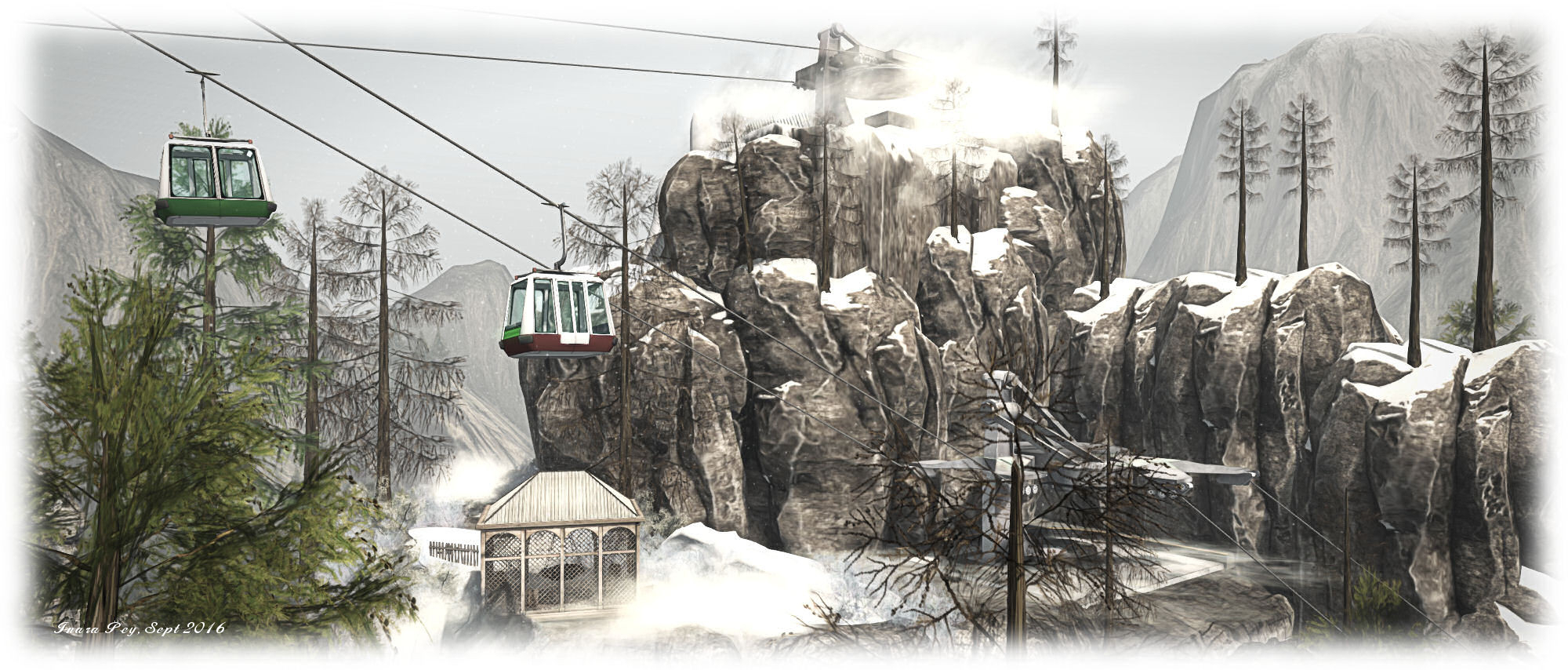
So far, so good; all of this makes the region sound photogenic, and the provision of business premises and a wedding venue are interesting but hardly unique – so what exactly makes this region so special? To answer that takes a little careful exploration. One clue comes in the cable cars, climbing up into the snow line above the resort hotel. These carry visitors by way of station and isolated peak, up into the foothills of the mountains, crossing deep gorges and – for the observant – revealing winding paths through the rugged land. It is these trails, snaking around rough shoulders of rock, skirting the edges of deep chasms, which lead visitors towards the hidden secrets of the resort.
Pandora Resort
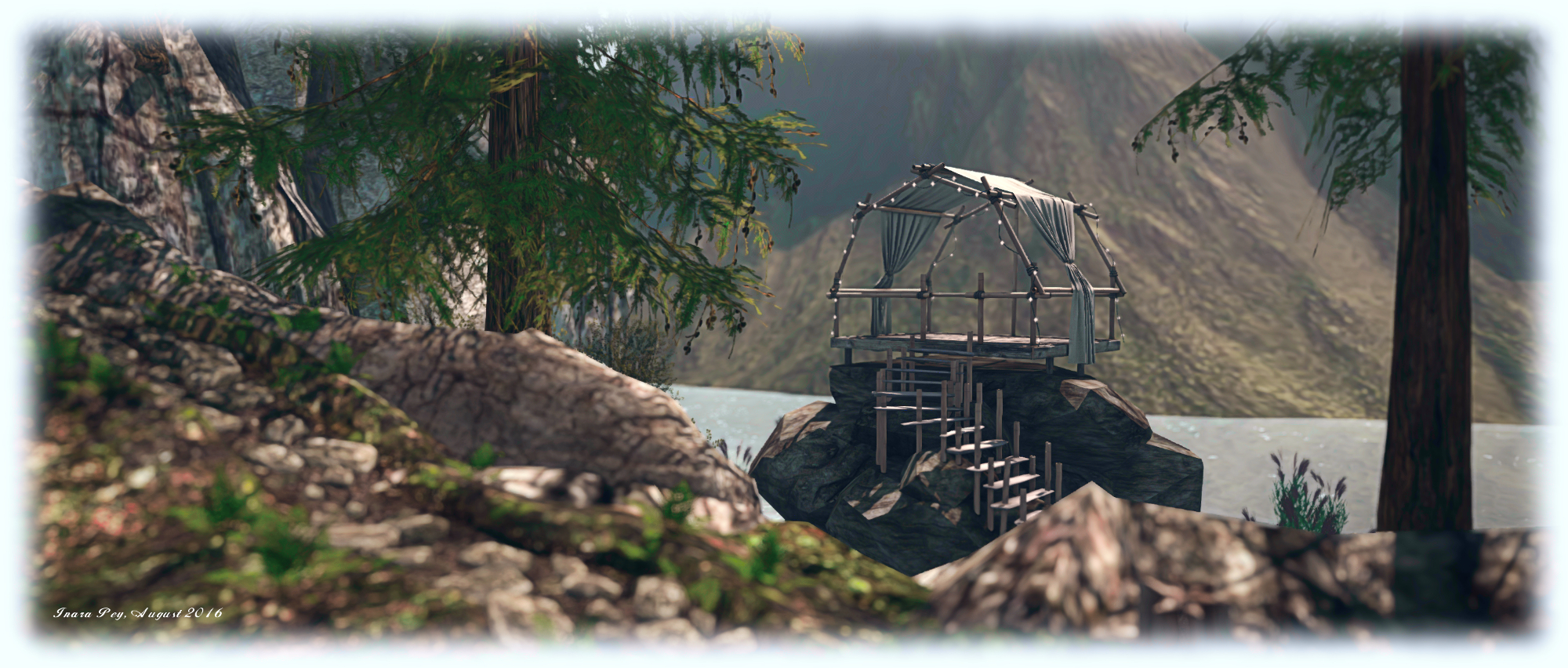
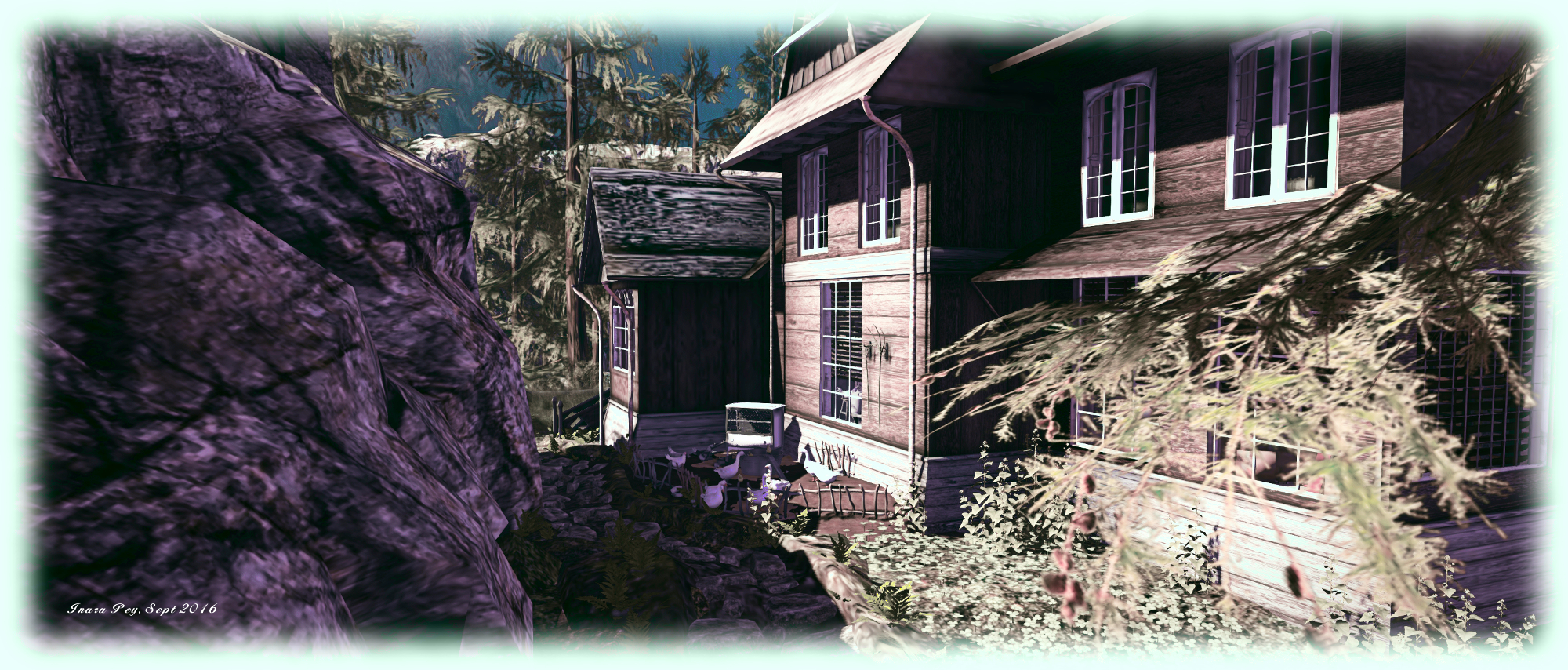
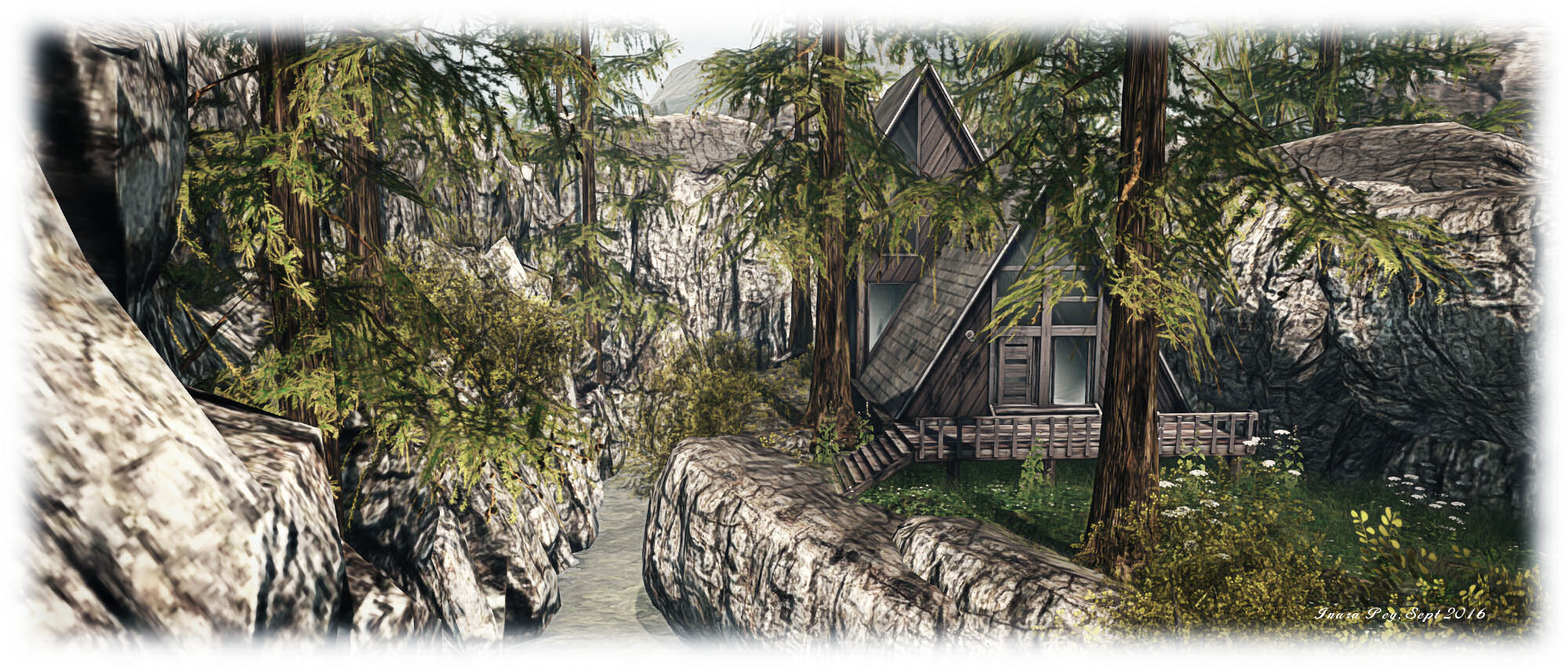
Accessible from ground level for the keen-eyed, the paths offer a number of routes through the more hidden areas of the region. In doing so, they lead visitors past camp sites and cuddle spots and – for those wanting a place to stay – the vacation cabins which re available for rent, with a 75 LI allowance (the same as the commercial properties).
Finding your way around these paths should be done directly; resist the urge to flycam on a first visit, as the impact of the scenery could well be lost. By simply allowing your feet to carry you along the trails as you find them offers the chance to be genuinely surprised with just how expansive the region seems to be, and the different sights you’ll come across.
Pandora Resort
This really is a remarkable region design; for photographers, Pandora Resort offers some extraordinary opportunities. Rezzing rights can be obtained through a L$99 group membership to help with props. Those interested in renting any of the facilities should contact Sapphirejolla Resident or Glitta Magic.
For SL travellers, I cannot emphasise enough that this is not a region to be missed. Should you enjoy a visit, please consider making a donation towards the region’s upkeep. Congratulations to Lokhe and Miza on the opening – and a special get well soon to Lokhe, who was kept from the celebrations due to being unwell.
“I am grabbing things that appear in front of me, moments and sensations. I keep them as treasures, which are open in moments when I want to colour the silence,” Natalia Seranade says in introducing her work. “When my imagination and fantasies are flying, I mix the collected stuff with new things that appear in the moment, I never know what can appear, and I never know what will be the result. I am in another world where I am able to find what was unknown to my eyes.”
It’s a description which encapsulates her work perfectly: moments captured in time, filtered through a lens of imagination and the inspiration which occurs in the very instant of creativity to produce a striking image, often rich in emotion and subtext. And it is a description which in turn is perfectly framed by Awakening, an exhibition of Natalia’s work on display at Nitroglobus Hall, curated by Dido Haas, during September / October 2016.
Awakening is a visual interpretation of the philosophical / psychological idea that everything we see in the world, all the encounters we have, intimate, friendly, happy, unhappy, and so on, in whatever we do, are in fact a reflection of ourselves. As Natalia notes, it is perhaps best embodied on a personal level through our interactions and relationships by the saying your perception of me Is a reflection of you, my reaction to you is an awareness of me.
Within Awakening, we have an exploration of this concept. In viewing the images, colourful, striking, blended through considered use of PhotoShop, we are directly challenged to consider what is it within ourselves that drives our reactions to them, and how does our perception of the art – the individual pieces and the collective whole of the exhibition – speak to our own nature?
It’s an intriguing approach; when witnessing art – or anything we find attractive or unattractive – it is easy to externalise our reaction, as to what is right / wrong about the art (or event or person, etc.). If we consider what might be within us that drives our reaction, it is generally only on a superficial level. We rarely delve deeply into our own psyche to determine what might be working within ourselves to generate that reaction, or what may have been at work to inform any perceptions we have about art, virtual or otherwise. Within Awakening, we’re being asked to do just that.
This may not be a comfortable subject for some – but it is an intriguing one, and something which perhaps gives us greater pause in visiting this exhibit than might otherwise be the case. But just because there is a deeper potential within Awakening for introspection and questions about ourselves shouldn’t be used as a reason to not visit. Jungian considerations aside, as noted towards the top of this article, the images within Awakening beautifully exemplify Natalia’s approach to her art. They are striking pieces, rich in colour, imagery and emotion, deserving to be witnessed and appreciated.
On Thursday, September 15th, the Lab promoted the Visual Outfits Browser (VOB) as the de facto release viewer, version: 4.0.8.319463.
For those who missed my coverage of this viewer when it reached RC status, and simply put, the VOB viewer allows you to use the Appearance floater to capture / upload / select images of your outfits and save them against the outfits in a new Outfit Gallery tab within the floater.
The new Outfits Gallery tab (right-click your avatar > select My Appearance > Outfits Gallery) displays all of your created outfits as a series of folder icons, each one displaying the name of the outfit beneath it. You can replace these icons with an image of the outfit quickly and easily in one of three ways:
You can wear the outfit, then right-click on its associated folder icon and select Take a Snapshot (shown above left). This will open the snapshot floater with save to inventory selected by default, allowing you to photograph yourself wearing the outfit and upload the image to SL, where it automatically replaces the folder icon for the outfit
You can use Upload Photo to upload an image of the outfit your previously saved to your hard drive, and have it replace the folder icon
You can use Select Photo to select any image previously saved to your inventory (including any image supplied with the outfit in question, if appropriate), and use that to replace the folder icon for the outfit.
The new Outfit Gallery tab in the Visual Outfit Browser allows you to create photos of any outfits saved to My Outfits as thumbnails. You can then use the Appearance floater to scan your outfits to decide what to wear, and use the context menu to wear the one you want
When using the capability there are a number of points to keep in mind:
Both the Take a Snapshot and the Upload Photo options will incur the L$10 upload fee, with the images themselves saved in your Textures folder
In all three cases, link to the original images are placed in the outfit folder
This approach only works for outfits you’ve created using the Appearance floater / the Outfits tab. It doesn’t work for any other folders where you might have outfits – such is the Clothing folder.
Overall, it would seem that the VOB viewer has received favourable feedback by many of those who have used it during its time as a release candidate viewer. I confess, I cannot offer any real feedback, as I actually don’t used the Outfits folder that much. However, with its arrival as the de facto release viewer, expect to be seeing it in more TPVs (those which haven’t already adopted the code) as they continue to update.
Content creator and friend Cube Republic – who is responsible for some superb plants and landscaping kits – pointed Caitlyn and I towards a fantasy / medieval role-play region he’s been helping out with, and which is open to the public although still under development.
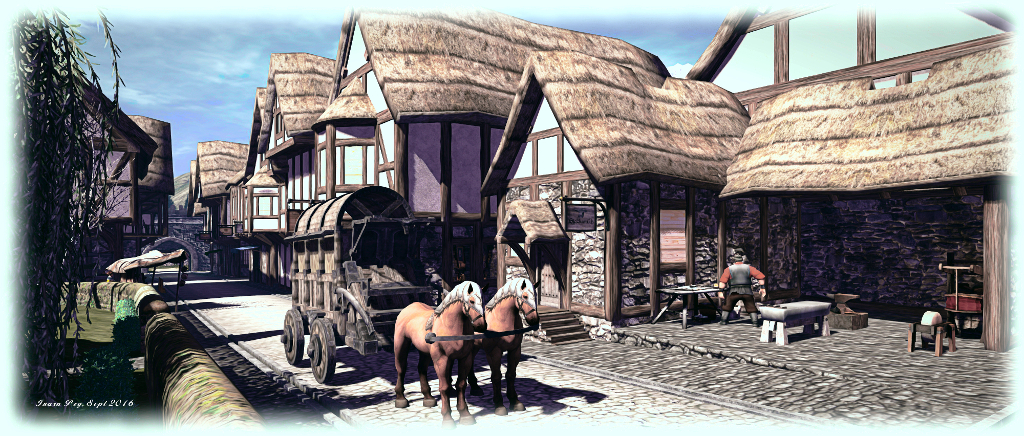
Set no later than the 15th century, Revenland offers a rich environment for role-play utilising a variety of races – although there are some constraints on what is and isn’t allowed within the information pack available in the skyborne arrival area. Largely the work of littlenixie, the region represents the continuation of an idea which initially started in AOL before moving to the immersive spaces offered by Second Life.
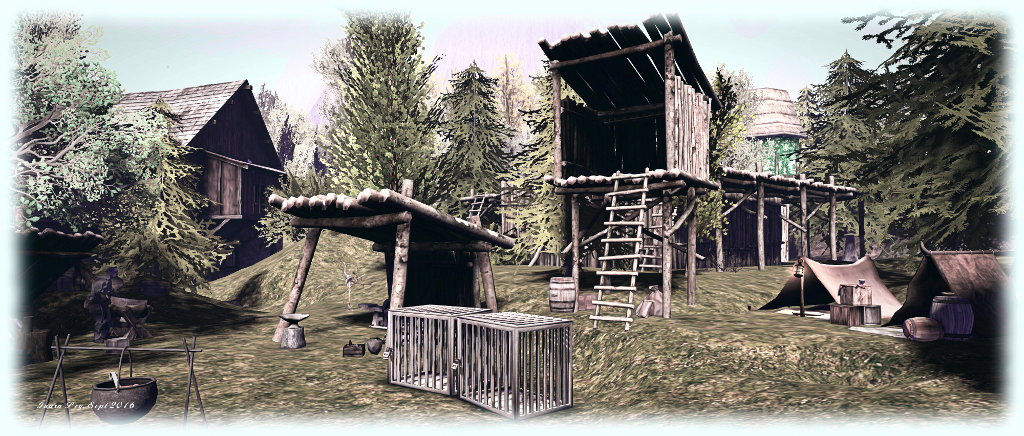
The region itself is divided into two primary areas: the human-controlled castle and town of Redfoem, together with the Ter’li Fields, separated from the rest of the region by a wooden palisade. Beyond these lies Revenland Forest, home to non-human characters, regarded as a bandits by humans, and the Undercity, home to underground dwellers. Mention is also made of the Honeysuckle Falls – which I think can be found towards the centre of the region – and the Lost City of Lava, which is part of the work-in-progress along with some of the underground areas, as region Admin inboccaallupo informed me:
[They’re] a work in progress. The Undercity is something that will be for a faction and come back new and improved build wise. While some things are a bit more for events, such as the catacombs are on sim and accessible but highly dangerous for the time being, and thus would require a skirmish or group to enter in order to stay safe. Nixie is constantly building her own mesh to update, improve, and bring a more unique look to the sim.
The backstory offers insight into the region and role-play here.
In the past there was a rift between humans and other species, as well as the magical arts. Certain territories (Redfoem, Ter’li Fields) are human-controlled, meaning any who do not look or act human or display magical abilities will be run off, tortured, perhaps even killed (this is up to you). However, don’t expect to stroll into these territories and have nothing bad happen if your character does not seem to fit in with the townspeople.
Like-wise, humans might be ill-received in certain other territories on land, such as in the Undercity.
Non-humans wishing to pass safely within the human areas are advised to either shape-shift into human form, or find an alchemist who can furnish them with a transformation potion. Combat may also form a part of game play; where it does, it is dice-driven rather than metered, although free-form combat is also permissible by mutual agreement. A 1d100 dice HUD is provided in the information pack for most combat situations, together with guidelines on character creation and general rules – the latter of which as noted as being fluid, so as not to stifle developing RP and stories.
If the number of areas within the region seem to be a lot, you needn’t worry about things feeling crowded; such is the design, everything fits together at ground level to leave a good feeling of open space to Revenland. This is greatly assisted by the merging of the region with a mountainous sim surround. So effective is this, that is possible to walk up to the region boundary without realising and then find yourself bouncing off of it whilst trying to continue onwards!
Good use is also made of space both above and below ground. Some areas where this occurs may be obvious, others less so, thus demanding people spend time exploring – although again, those in character had best do so with cautious, depending on their race and where they are!
Visitors to the region who do not wish to participate in any ongoing role-play are asked to wear the Observer tag, which is available in the information pack and via the packing crates at the teleport points. Other than this, and a request that they don’t engage in local cha to disrupt and role-play, visitors have a free hand in exploring the region – but do keep in mind there are places available for rent which may be people’s private homes.
For those seeking a new medieval / fantasy RP environment, Revenland might be just the place to hop over to and tour.







 Inara Pey: Living in a Modemworld