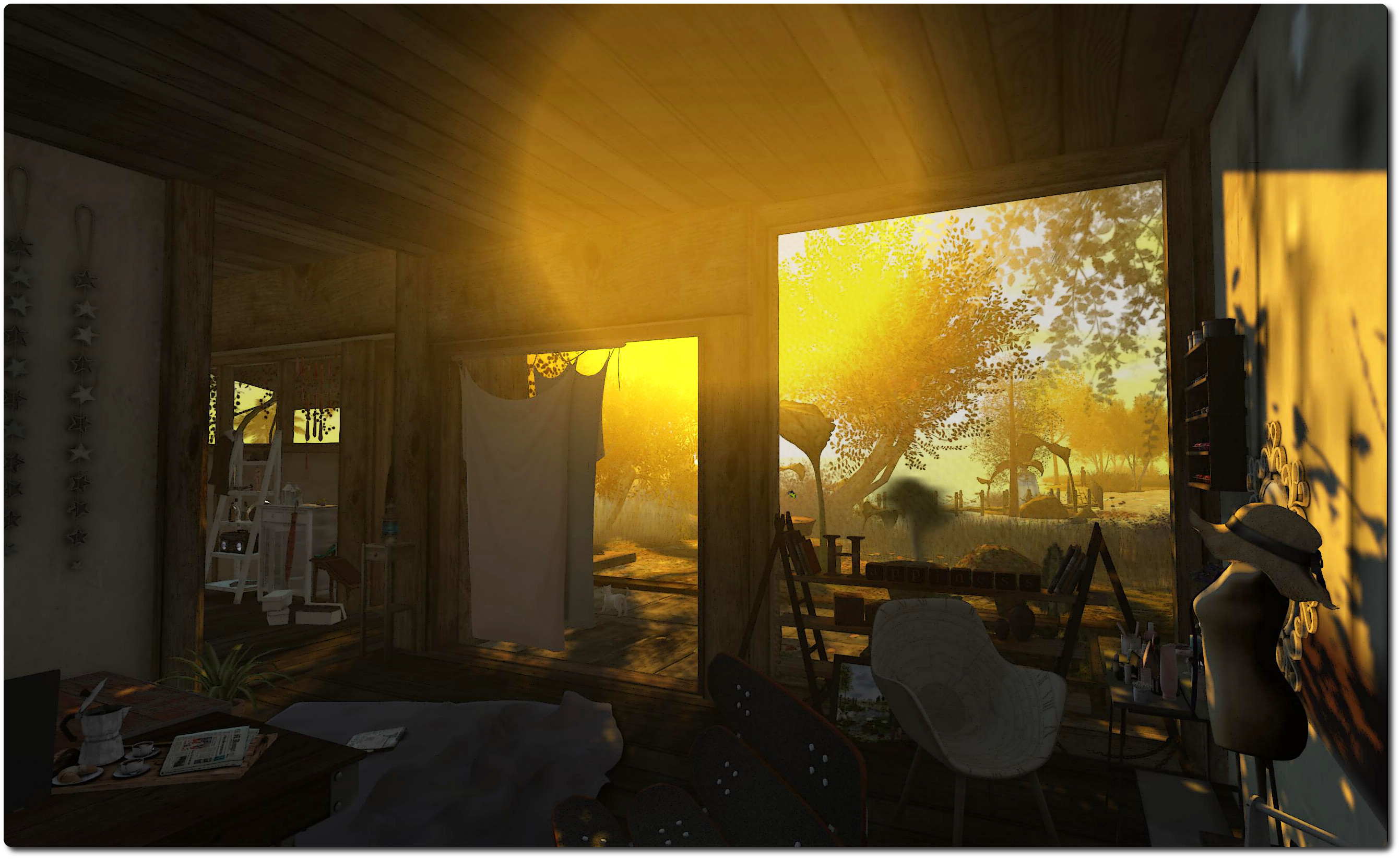
Don’t Panic!

Don't Panic posterNo, the title is not a reference to towels, Vogons or the Question to the Ultimate Answer of Life, The Universe and Everything.

Rather, Don’t Panic is the name of the 2014 Halloween offering from Pulse Games, which is billed as a “completely interactive fear experience with multiple levels, challenging puzzles and fantastic prizes”.

I’m not sure about the “fear” aspect, but there is no denying that Don’t Panic is an involved and entertaining multi-level interactive experience. In it, you take on the role of a television ghost hunter / mystery solver competing in a challenge being run by The Panic Channel, “the hottest cable network for the paranormal”, to explore Carver Mansion. This is a fabled, if now run-down, family home, once the scene of tragic events and formerly a mysterious monastery where Weird Things are rumoured to have happened.

The challenge sees you and your producer, Lily (an NPC who remains in the production van, passing information to you as you explore the house), up against the famous Jack Hunter and the Spectre Collectors in exploring. Jack and his team have actually stolen a march on you; they’ve been on-site for a while; but while you arrive to find all their equipment set-up and ready to go, the team have disappeared. Are they the latest victims in the mansion’s dark history?

There’s only one way to find out – by investigating for yourself, and trying to riddle what really befell the Carver family, and what has happened to Hunter and his crew…

Don't Panic - their equipment is here, but where are Jack Hunter and his crew?
Don’t Panic – their equipment is here, but where are Jack Hunter and his crew? and what of the Carver family?

From the starting-point, you’ll need to collect your game pack and wear the HUD (PKE meter) and the tactical headset. There are other items in the pack, but they’re not essential to playing the game.

The HUD provides essential information and also tracks your progress, allowing you to break-off from playing, should you need to, and then resume at a later time. The headset provides a projected light which you will need if you’re running the viewer using the region windlight. The pack also provides gameplay instructions – which should be read and followed. Do make sure you heed the notes on minimising lag and divesting yourself of unnecessary facelights. It’s also a good idea to have sound on as well, although essential information is also delivered through chat.

Once in the house, it’s a case of explore, touch and follow the hints (which take various forms). When I say “explore” and “touch”, I mean exactly that; don’t take anything for granted, and take your time. There are things to be found and collected (recorded by your HUD) which are vital to your progress, some of which are obvious, some perhaps not so.And don’t forget the prizes that are scattered around, waiting to be claimed.

Don't Panic - work your way through the old mansion and former monsastery to find the clues
Don’t Panic – work your way through the old mansion and former monastery to find the clues

There is also, it has to be said, a wonderful element of wry humour throughout the mansion; it pays to be observant in order to find it.

As the challenge is spread across two regions there is some teleporting to be done – although not so much as you feel you’re being bounced around from pillar to post. Some teleports require the solving of puzzles  as does getting through certain doors. Working my way through these had me thinking about how Experience Keys might further add to activities like this – not that Don’t Panic misses anything; the few times the map pop open to facilitate a teleport doesn’t actually interfere with the fun of things.

Don't Panic - discovering the truth ...?
Don’t Panic – discovering the truth …?

It’s fair to say that a huge amount of creative thought has gone into Don’t Panic, and a couple of the riddles in particular really do engage the grey matter. This all makes it a thoroughly entertaining activity which – despite the description – doesn’t rely on shock horror elements to achieve its goal.

What I particularly enjoyed about it, aside from solving the puzzles, is that there isn’t necessarily a single route to the solution. For those who do like solving puzzles, it is possible to circumvent collecting all the clues and slip directly to the denouement. Nor does this spoil things – it simply gives an excuse to go back and explore those bits missed in jumping to the end. Similarly, for those who may have missed a clue, it means frustration can be avoided in retracing steps and trying to find whatever was missed.

All told, an engaging, fun challenge which exercises the brain nicely without ever belabouring things. Recommended.

Related Links

SL project updates week 43/1: server, viewer, group chat

Asalia House (November 2013) - blog post
Asalia House (November 2013) – blog post

Server Deployments Week 43

As always, please refer to the server deployment forum thread for the latest news and updates.

Main (SLS) Channel

On Tuesday, October 21st, the Main channel was updated with the server maintenance release previously deployed to the LeTigre and Magnum RCs in week 42. This update includes a crash fix and improves the delivery pipeline for abuse reports.

RC Channels

On Wednesday, October 22nd, the release candidate channels should be updated as follows:

  • BlueSteel and Snack will remain on the CDN project, but should also be updated with the same server maintenance package being deployed to the Main channel
  • LeTigre and Magnum should both be updated to the CDN for texture and mesh fetching.

SL Viewer

On Wednesday, October 15th, the Lab issued a Grid Status update on potential problems accessing external websites using the viewer’s internal browser.  The notice was issued as a result of the Padding Oracle On Downgraded Legacy Encryption (Poodle) vulnerability reported by Google.

At the time the notice was released, the Lab indicated they were working to fix the issue (via the removal of SSL v3.0 support within the viewer’s browser). This work was completed at the end of week 42, and resulted in the release of the Browser Fix RC viewer, version 3.7.18.295539.

On Monday, October 20th, the Browser Fix viewer was promoted to the de facto release viewer.  Further information on it and the POODLE vulnerability can be found in a separate article in this blog.

MAC Yosemite Issues

There have been some mixed results for those Mac users updating to the 10.10 Yosemite version of OS X, which reached a consumer release status on October 16th.

While most of those updating have found it relatively smooth, there has been a report of keyboard shortcuts borking, although there is a workaround should others encounter the same problem – see here.

A potentially more widespread issue people may encounter is that with Yosemite, Apple have apparently reverted to older nVidia drivers (as reported by Cinder Roxley at the Open-source Developer’s meeting on Monday, October 20th). One JIRA on the matter has already been filed (see BUG-7575), although if Apple have chosen to roll back some / all of their default drivers, there’s not a lot the Lab can do about matters. Cinder also reports that Yosemite makes greater use of OpenGL, which she indicates can tax GPUs further.

CDN

Following the scheduled Wednesday deployment, all of the RCs should be using the CDN. This represents around 30% of the total grid, possibly a little more, given the existence of Snack. The BlueSteel deployment does not seem to have resulted in the kind of performance issues experienced during the expansion of Snack to 250 regions, suggesting the latter problems were most probably down to overloading the sim hosts with too many high volume (in terms of avatar numbers) regions. If all goes well in the coming week, it is likely that the Main channel will gain CDN support in week 44.

Group Chat

“Today we also finished an update to the group chat servers,” Simon Linden announced at the Simulator User Group meeting on Tuesday, October 21st. He continued:

Many of you have helped us test that at Thursday’s beta user group, and that’s now on the newest version. Those are back-end servers … when you send something to group chat, it goes from the viewer to the region you’re on, then to the (new) back-end chat servers, and from there it’s distributed to everyone in the group.

While no promises are being made as to the overall improvement – or how visible improvements may be to users, Simon went on to note, “I know [from] looking at the metrics and data we can gather … the systems are running much nicer than before.”

As well as working on the update issues (see my previous group chat updates), the Lab has been brainstorming ideas on how groups might be configured differently. There are a lot of groups that have very heavy chat usage, and others where chat is actively discouraged in favour of outgoing notices; however the latter are handled exactly the same as those where chatting goes on, generating updates as people log-in and out, etc., even though these aren’t actually required. Exactly what might be done is unclear at this time, but it would appear ideas are being put forward and discussed.


Machinima and me – take 2

Back in September, I took my first stab at producing a “proper” piece of machinima. by that, I mean actually filming in-world and then editing the thing together, rather than just editing images and adding a soundtrack.

The results were mixed; while the PC had the omph to do things, I encountered issues with video formats and conversion which resulted in the first attempt suffering from degraded video quality.

Since then, I’ve not really had the time to focus on things as fully as I would like, but I have been tinkering as and when I can, and getting some guidance – I’d particularly like to thank Ormand Lionheart for her invaluable assistance and suggestions, and also (while he isn’t actually a Second Life user), JN, who also came to my aid when I encountered issues with my updated editing software.

For my second test, I took the liberty of filming on Jordan Giant’s evocative The Colder Water, about which I blogged back in August. The selection was based both on the fact that I love the environment and setting on the region, and the music I wanted to use, Doulogue by Javolenus seemed to fit the region.

The video is by no means perfect – had some issues with the actual recording when in-world, which has resulted in a slight jerkiness in the video. I also need a lot more practice with the Space Navigator (and get it set to my liking); but hopefully the improvements in overall quality can be seen, now I (sort-of) know what I’m doing.


Return of the spooky walkies

We’re in the run-up to Halloween, and as expected, the Destination Guide is getting lots of entries suited to the time of year – including the Lab’s own Haunted Halloween Tour, which I recently tried. Some of the offerings for this Halloween are new, and some are back for a further round of fun / mayhem.

Two of the latter are Return of the Nightmare Walkthrough, developed by the folk at Skyrah Fantasy Roleplay, and Return to Havenhollow, put together by the Holiday Appreciation Association (HAA) team.

Return of the Nightmare Walkthrough

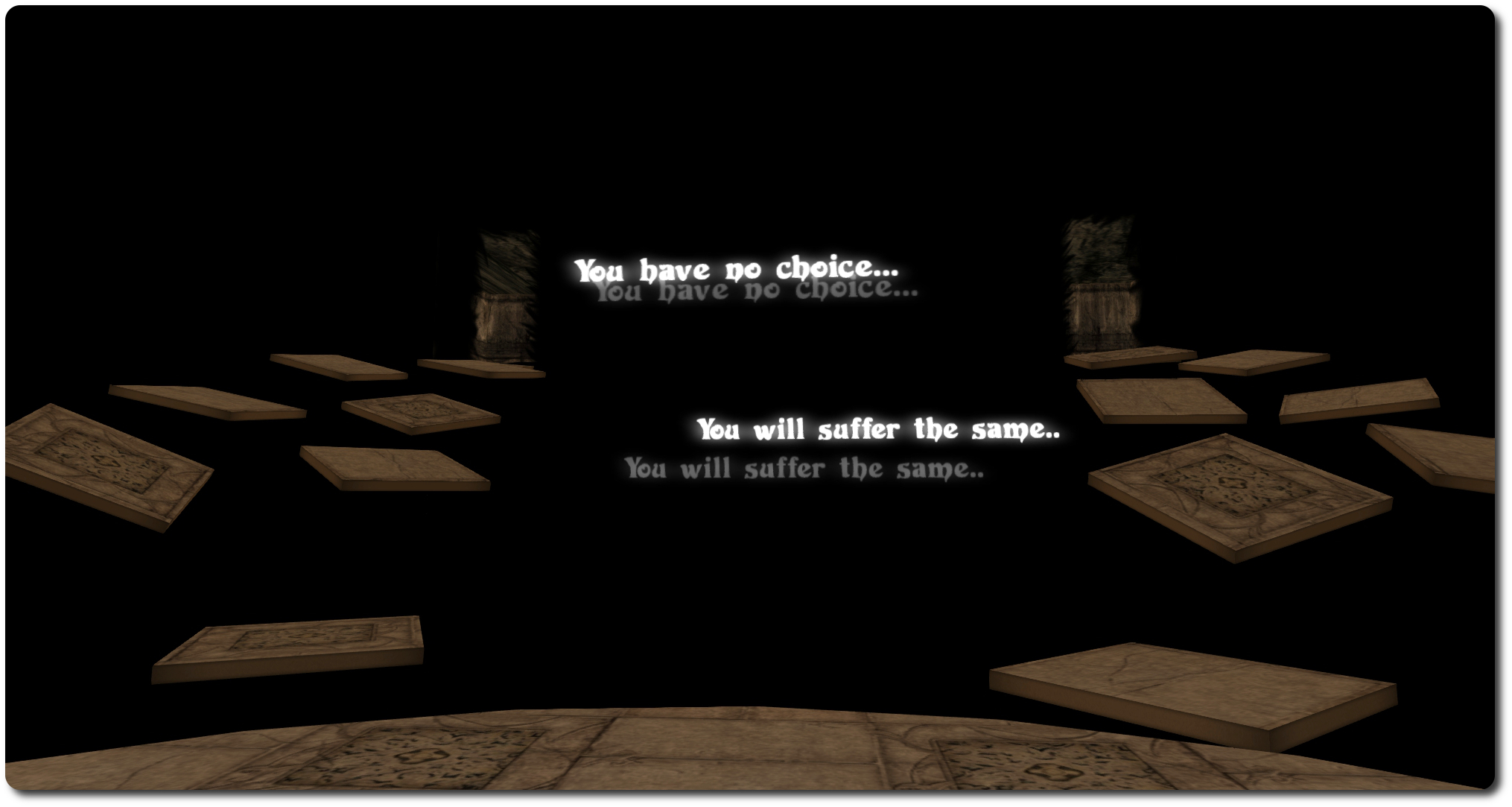
Nightmare Walkthrough: Left or right... make your choice... not that you reall have a choice ...
Nightmare Walkthrough: Left or right… make your choice… not that you really have a choice …

As the name suggests, this is intended to be a walk through the stuff of nightmares, although there is also a hunt involved as well – find the ten pumpkins, and you go and claim your prize at the end.

Things get off to a dark enough start: you arrive in pitch black, a gaping hole in front of you with the words “Down You Go…” floating over it. I’m not sure if it’s an instruction, a suggestion or an order; not that it matters, as it’s the only way to go…

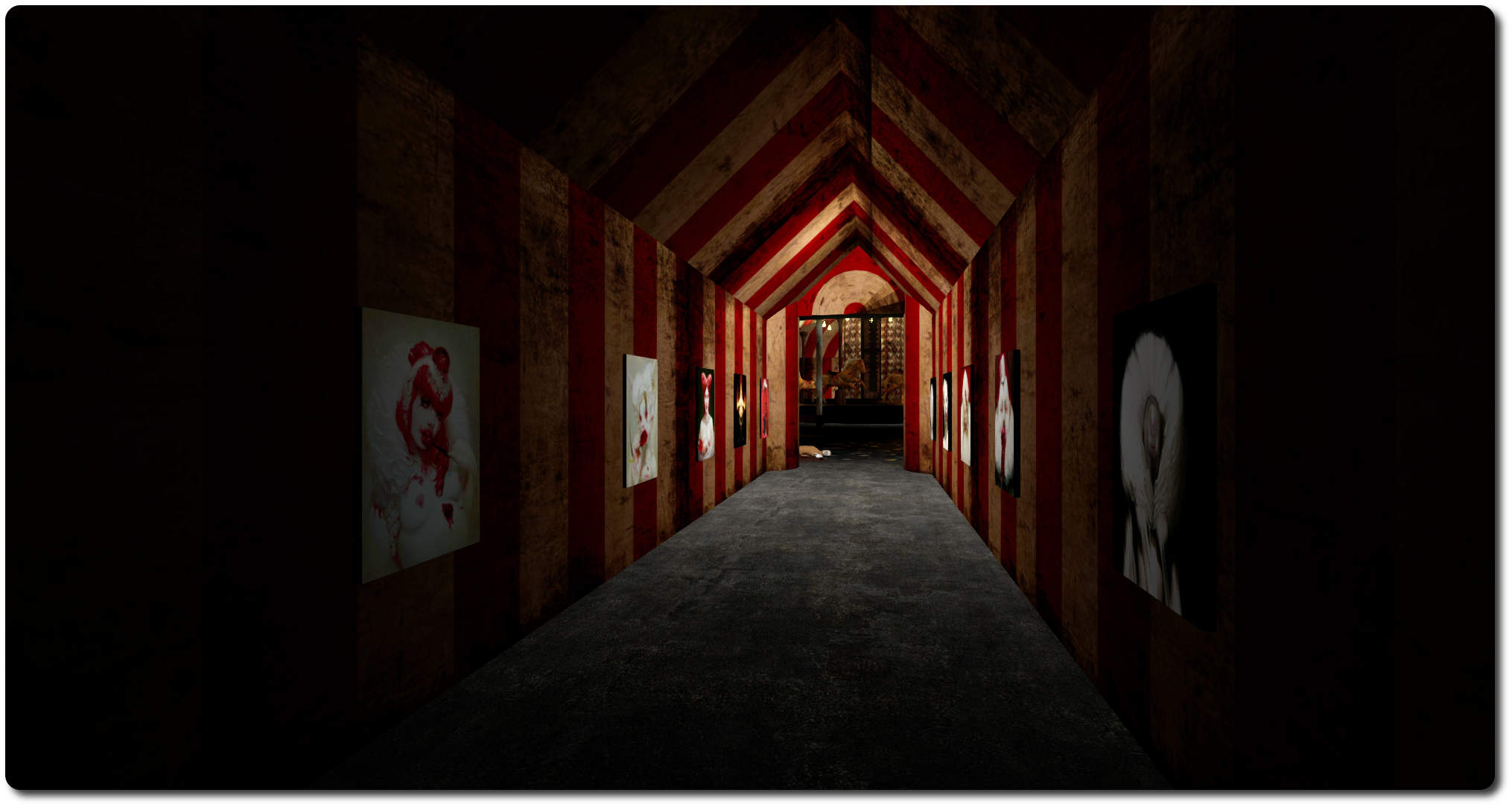
Nightmare Walkthrough:  in places like this, you just know the light at the end of the corridor is rarely good ...
Nightmare Walkthrough: in places like this, you just know the light at the end of the corridor is rarely good …

The fall delivers you to the start of your actual journey. Here you’ll find instructions and notes on the hunt, and the opportunity to grab a pumpkin lantern (which you should). The instructions suggest trying things in Mouselook. This can be tricky / frustrating at times, but if you’re comfortable navigating in Mouselook, I really recommend that you follow the suggestion; it makes for a much more involved journey. Also make sure you accept the region windlight (or set your viewer’s time to midnight), and that you have sounds enabled. Then, when you’re set, follow the bloody arrow.

What follows is a tortuous route through various locations  – all reached on foot, each of which has its own look and feel, and perhaps a surprise or two. The themes of the locations are perhaps to be expected, given this is a nightmare: the bloody cold store, circus tents with the kind of clowns you most assuredly do not want to have as entertainment at your young one’s birthday party, slimy sewers, ghostly woodlands, and so on, but they all work rather well, especially when in Mouselook. Along the way, you’ll find the pumpkins for the hunt (if you decide to collect them) dotted around, some obvious, some perhaps not so obvious (you might want to look behind you in places, despite the warnings not to!).

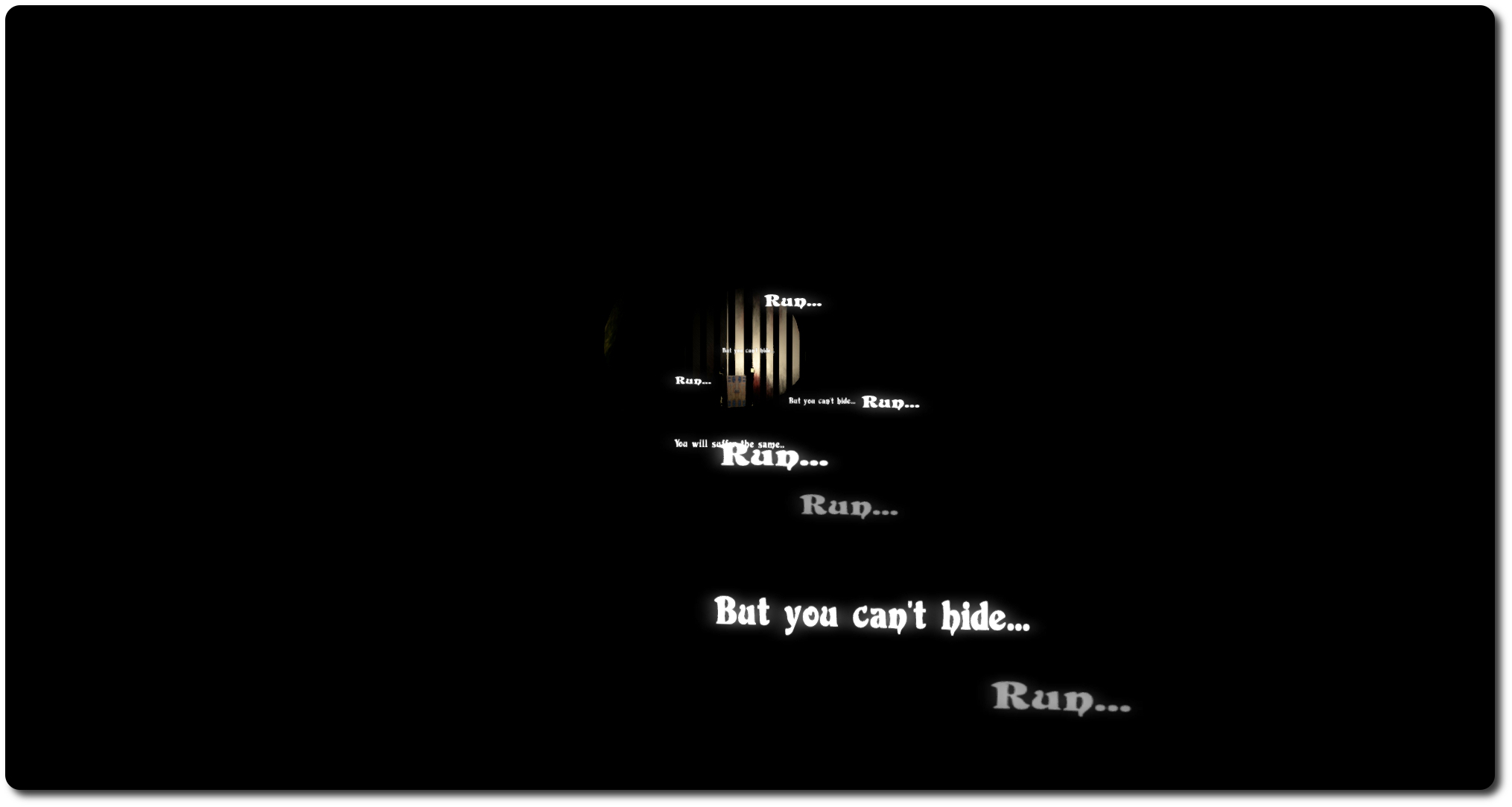
Nightmare Walkthrough: sound advice?
Nightmare Walkthrough: words of encouragement?

At the end of the walk is a maze. This is where you really should be in Mouselook. The limited amount of light from your lantern not only makes this a genuine challenge, it can give rise to a feeling of being trapped, adding to the desire to find the way out. The latter does take time, so try not to give into frustration and then hopping out of Mouselook (if you’re using it). Once you have found your way to the doors and freedom, you can either teleport off to the Dark Giza Fantasy mall (or wherever you like), or you can deposit your collected pumpkins, claim your prize and then teleport off.

The first-person / Mouselook element of the Walkthrough can make it fun. There’s less gore evident than the Haunted House Tour, which some might prefer, and the ability to wander for yourself makes it perhaps a tad more immersive. While it is not designed with the Rift in mind, given the intended way people are to try to find their way around the place, it might actually offer itself to those who have a Rift.

I’d perhaps liked to have seen a few more surprises while trying to find my way through the maze. It can get a bit dry after a while, especially when in Mouselook, where there is always the temptation to simply tap the ESC key.  That said, however, the Walkthrough is nicely immersive, and seems to be going down well with the people taking part.

Continue reading “Return of the spooky walkies”

Viewer release summaries: week 42

Updates for the week ending: Sunday October 19th, 2014

This summary is published every Monday and is a list of SL viewer / client releases (official and TPV) made during the previous week. When reading it, please note:

  • It is based on my Current Viewer Releases Page, a list of all Second Life viewers and clients that are in popular use (and of which I am aware), and which are recognised as adhering to the TPV Policy. This page includes comprehensive links to download pages, blog notes, release notes, etc., as well as links to any / all reviews of specific viewers / clients made within this blog
  • By its nature, this summary presented here will always be in arrears, please refer to the Current Viewer Release Page for more up-to-date information

Official LL Viewers

  • Current Release version 3.7.16.294959 – no change
  • Release channel cohorts (See my notes on manually installing RC viewer versions if you wish to install any release candidate(s) yourself):
      • Browser Fix RC viewer version 3.7.18.295539 released on October 17th – core updates – SSL 3.0 removal from internal browser due to the POODLE vulnerability (download and release notes)
      • HTTP Pipelining RC viewer version 3.7.18.295372 released on October 15th – core updates: Pipelined HTTP Operations for Mesh and Texture Fetches; Inventory Fetch Improvements  (download and release notes)
      • Maintenance RC viewer version 3.7.17.294943 – withdrawn from the release channel due to significant issues and a range of attachment bugs which affect it (see my week 41 update from the TPV developer meeting, under “AIS v3 Issues”)
  • Project viewers:
    • Oculus Rift project viewer updated to version 3.7.18.295296 on October 13th – core updates: Oculus Rift DK2 support (download and release notes)

LL Viewer Resources

Third-party Viewers

V3-style

  • No updates.

V1-style

  • Cool Viewer Stable Branch updated to version 1.26.12.21 and Cool Viewer Legacy Branch updated to version 1.26.8.79, both on October 18th – core updates: please refer to the release notes.

Mobile / Other Clients

  • No updates.

Additional TPV Resources

Related Links

MSABC: get ready to walk against breast cancer

The Making Strides Against Breast Cancer in SL  (MSABC) team have announced the next major event in this year’s calendar of activities: the first MSABC Walk.

Scheduled to take place on Sunday, October 26th, the MSABC Walk will be an all-day event, kicking-off a 09:00 SLT, with a series of themed laps around the Making Strides Walk regions, adjacent to the  American Cancer Society island, and culminating in a special Pink Power Time Machine Special event with Trader1 Whiplash, starting at 17:00 SLT and running through until 19:00.

The walk will see hourly themes throughout the day, and SL residents are invited to pop along and participate for as long as they like, and show support for MSABC and the American Cancer Society with their donations.

The full schedule will be as follows, remember all times SLT, 24-hour clock notation, as usual!

  • 09:00-10:00 – T1 Radio
  • 10:00-11:00 – Opening Ceremony
  • 11:00-12:00 – Survivor & Caregiver Hour
  • 12:00-13:00 – Boot It Up Hour: wear your favorite boots as you walk around the Stride’s path
  • 13:00-14:00 – International Spirit Hour: wave your country’s flag as you walk around the Stride’s path
  • 14:00-15:00  – Hat’s Aplenty Hour: stride the path in your favourite hat
  • 15:00-16:00 – Let’s Get Hopping Hour: grab a hopper and bounce your way around the path
  • 16:00-17:00 – Remembrance Ceremony: remembering those who lost their fight against breast cancer
  • 17:00-19:00 – Time Machine Special: it’s back to the 1960’s with DJ Trader1 Whiplash!

I’ll have more on this event later in the week. for now – mark the date in your diary!

About Making Strides Against Breast Cancer

Making Strides Against Breast Cancer or MSABC is the largest network of breast cancer awareness events in the United States, uniting more than 300 communities across the country. Every breast cancer walk run during the MSABC’s season is seen as an incredible and inspiring opportunity to honour those who have battled breast cancer, raise awareness on how the risk of breast cancer can be reduced, and to raise money to help the American Cancer Society fight the disease with research, information, services and access to mammograms for women who need them.

Related Links