Launched on Monday July 21st, 2014, the University of Western Australia (UWA)’s Transcending Borders brought together their 7th MachinimUWA and their 5th UWA Grand Art Challenge into one event, with a combined prize pool in excess of L$ 1.03 million.
Transcending Borders challenged entrants to interpret the title of the competition in any fashion they deem applicable, and produce a 3D artwork (in no more than 150 prims) or short film based on their interpretation, be it on transcending borders of space and time, love and loss, nationally or culture or language, or the real and the virtual, and so on. The result was a glittering array of 67 artworks and 38 machinima, representing a broad diversity of interpretations of the theme, with the winners celebrated at a special awards ceremony held on Sunday, December 14th, 2014, which I was honoured to attend as a member of judging panel, and which I reported on here and here.
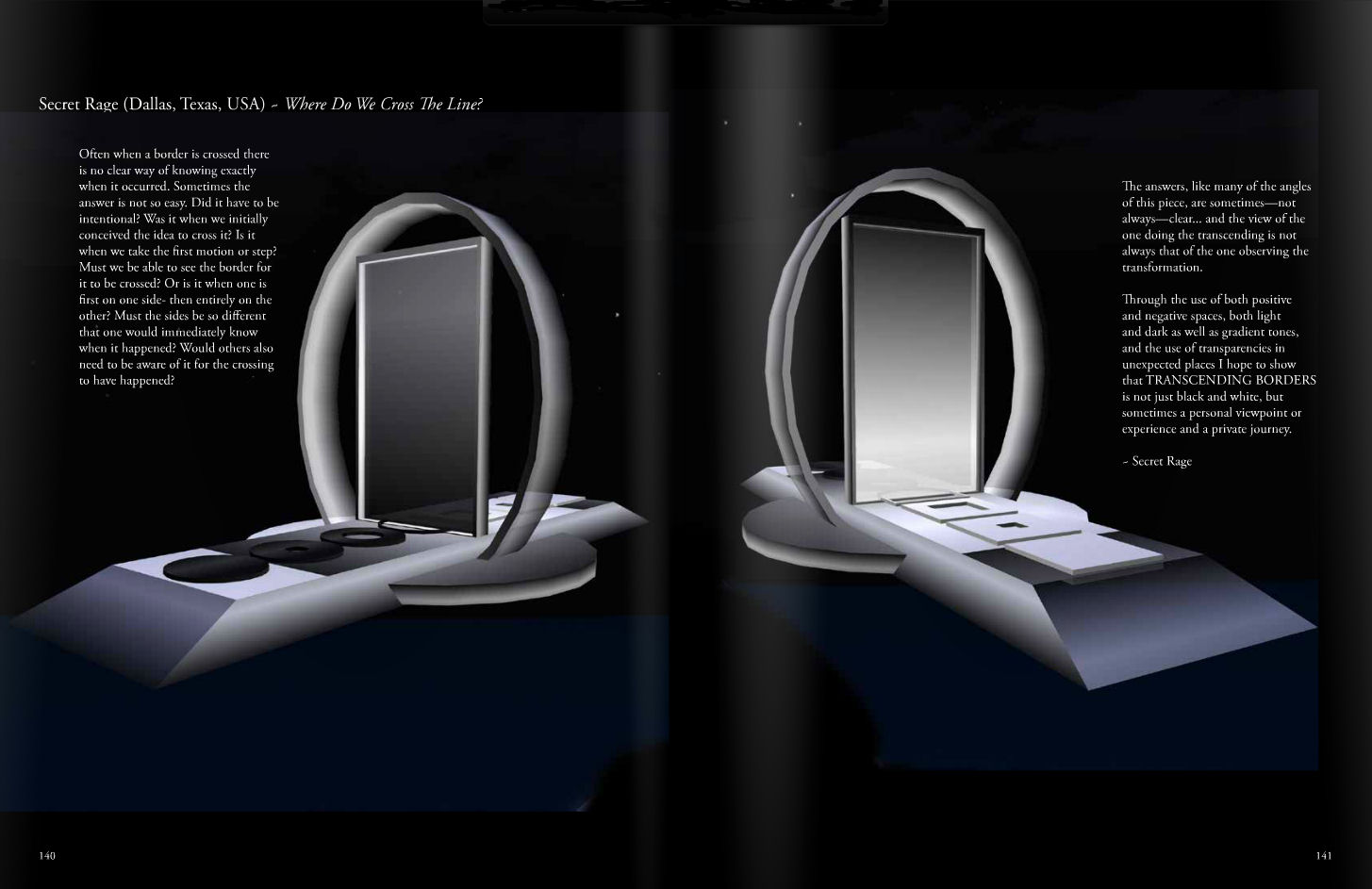
On Saturday, January 24th, the UWA announced that a special catalogue of the challenge has now been produced. At 212 pages in length and lavishly illustrated, the book covers both the art and machinima challenges, with individuals photographic spreads covering each of the art entries, complete with the artists’ statements on their work, and the machinima entries presented by individual stills from each of the films entered.
Art entries from Transcending Borders are present in 2 or 4 page photographic spreads, complete with notes from the artists
The book, Transcending Borders has been produced as a part of the UWA Studies in Virtual Arts e-journals (SiVA) series, and can be viewed on-line. Printed copies can also be obtained from the UWA and shipped to you. Those interested in owning a copy as a commemoration of the challenge and of both art and machinima in virtual worlds, should contact Jayjay Zifanwe in-world.
As someone fortunate to have a copy of the last title in the series, Project Freedom, I cannot stress enough how beautifully produced the books in the SiVA series are. Edited by the UWA’s curator, FreeWee Ling, books in the series are compiled and produced with a huge amount of care, and the photographs of the artwork always capture the essence and beauty of each piece.
In the meantime, and if you haven’t done so already, you can see all of the art pieces on display for the time being at the UWA Challenge Gallery, while a list of machinima entries, with links to each film is also available.
Update, March 3rd: Yuzuru has produced demo video for Idobata 2, and I’ve included it at the end of this article.
Update, January 28th: as noted below, Idobata 2 is now available from the Kanae Projects website.
Over the last couple of years, I’ve been asked by Yuzuru Jewell to evaluate some of his software tools – a task I’m always delighted to perform as time allows, although in truth, I’ve fallen a little behind of late. This being the case, when Yuzuru first notified me that he was working on a new version of Idobata, his a text-to-speech conversion tool, I made a point to be ready to clear time to look at it when he was ready to allow me access.
Idobata was first launched in September 2013, when I originally reviewed it. As noted above, it is a text-to-speech conversion tool which currently works with the official Second Life viewer and both the 32 and 64-bit versions of Firestorm (and as a result can be used with SL and OpenSim).
When running, the original version – Idobata Pro – would capture text typed into chat in the viewer in real-time, or view the chat look, and convert it into the spoken word. The new version, Idobata 2, still does that, but in addition it can also monitor all IM and group chat sessions, etc., and convert them to the spoken word. Further, Yuzuru has also added a capability for it to be used with Skype chats.
Idobata 2 is due to be launched on Tuesday, January 27th, so the following is intended to preview the new version, which will be available on the Kanae Projects website from approximately 13:00 SLT onwards on the 27th.
Unlike its predecessor, Idobata 2 will be provided free-of-charge, but will include banner adverts for other products in the Kanae Project range. Those who prefer not to have ads in their software can remove the banners by obtaining a user name and password from Yuzuru for a nominal donation of L$300 towards his running costs.
In order to use Idobata 2, you will need to download the ZIP file (when available) from Kanae Porjects (the application is provided in both 32- and 64-bit options), and you’ll also need to have the Microsoft Speech Platform 11 runtime, installed on your PC as well. If required, you can also download alternative / additional language and voice options for reading back text by downloading and installing the Microsoft Speech Platform Language Options.
Once you’ve download the runtime platform and installed it, unzip Idobata to a folder of your choice and double-click on the program icon to launch it. Those who have used Idobata Pro will immediately notice the first difference between it and the new product: Idobata 2 has a much smaller, tidier UI.
Idobata’s main window showing the primary buttons and the default banner adverts for Yuzuru’s other products
The main options for the application are displayed across the top of the window, together with an option to enter the users name and password to block the banner ads display at the bottom of the window. Between the options and banner area is a white space which will display the text currently being read back in voice – something that helps in situation where the spoken words many not be entirely clear (such as when abbreviations are being used, or technical terms, which may cause pronunciation problems for the application, etc.).
Idobata 2 Configuration
Before using Idobata 2 with Second Life, some basic configuration is required through the Tools button. Clicking this will open the 3-tab configuration window. The Chat Text tab is used to set the application for use with Second Life.
The Idobata 2 configuration options for Second Life
To have chat text converted directly to speech, all you need to do is:
Select your choice of viewer (the SL viewer and both the 32-bit or 64-bit versions of Firestorm are supported)
Select the name of the avatar account through which Idobata 2 is to monitor / convert text
Check the Watch All Chats option if you want Idobata 2 to monitor all open IMs and group chat sessions involving the nominated avatar account in addition to open chat
Slide the Watch button towards to the top right of the window to the right (the background to the slider will turn burn, indicating Idobata 2 is ready to go
And that’s it. Idobata 2 is ready to convert chat (and IM / group chat, if set) text into the spoken word. If you prefer, rather than monitoring open chat, you can set Idobata 2 to monitor a specific chat log file (and define the encoding using by the file, if required), allowing Idobata 2 to be used with viewers other than the SL or Firestorm viewers. In addition, a set of three radio buttons allow you to:
Precede and converted text with a timestamp
Use the Second Life log Format drop-downs to define:
Whether Idobata 2 converts all text (None), or, if you are using a translation function
Whether Idobata 2 converts the original text to chat or the translated text to chat
Whether the other avatars with whom you are conversing are defined by Idobata 2 by their Display Name or their Avatar Name
Use the Custom(RegEx) option to define regular expressions which will not be read back by Idobata 2.
Once you have set your preferences, click OK to return to the main window, If you wish to reset Idobata 2 to its defaults at any time, click the Default button in the configuration window – note this will reset all options – both Skype (if set) as well as those for Second Life.
There was no Main (SLS) channel deployment during the week
On Thursday, January 22nd, the RC channels were updated as follows:
LeTigre and Magnum received the same server maintenance package which included a fix for BUG-8223, introduced to all three RC channels in the week #3 deployment
BlueSteel received a server maintenance package which contained the same fix for BUG-8223 and also support for the new Avatar Hover Height capability
SL Viewer – Avatar Hover Height
The Avatar Hover Height project viewer was released on Wednesday, January 21st, however, an issue with the SL wiki means that it currently cannot be reached via the Alternate Viewers wiki page, which is currently showing an out-of-date listing. Those wishing to download the viewer can do so from here.
For details on Avatar Hover Height in general, please refer to my overview.
Other Items
SL Wiki
The ability for users to edit SL wiki pages was re-enabled on Thursday, January 22nd, after an extended period in which they were only editable by Lab personnel. However, whether the two are connected or not, but subsequent to the wiki being opened for editing, a number of pages appeared to revert to earlier versions or became inaccessible (e.g. the Alternate Viewers wiki page reverted to a version from late December 2014, while the pages for the RC channel release notes were replaced by blank pages).
The Lab is obviously aware of the issue, and looking into it.
CDN News
The Lab has been / is testing an additional CDN provider (to Highwinds, whom they currently use). It’s not clear where the testing is going, and when asked about it at the Server Beta User Group (SBUG) meeting on Thursday January 22nd, Simon linden could only say, “it was going to allow a lot more flexibility so we could have different regions on different CDNs … or something similar. It might have been different areas of the world on different CDNs.”
Doubtless, if / when the project moves forward, we’ll get to hear more.
And on a Lighter Note
On Monday, January 19th, people started reporting that an old group logo – Whore Couture – was appearing in place of assorted group’s usual logo, as shown in the image below, taken from BUG-8255, “Whore Couture Logo Appearing on Several Groups”, where the problem was formally reported.
BUG-8255 reported the random appearance of an old SL brand logo – Whore couture – appearing in place of various group’s usual logo
The cause of the problem was later revealed by Soft Linden:
An engineer grabbed a random group’s image as a placeholder and put it in place of an old asset ID that was used as the default image for many groups. It was meant as a temporary measure while he was doing some other texture work. Unfortunately, he didn’t look at the image he selected and I expect he would have chosen plywood instead if he had.
The image has been removed, but it may take some time before that propagates through the CDN and viewer caches.
Don’t worry, we’re not going to let him live this down. In the mean time, we’re building some better process around this.
Nicky Perian and the Kokua team announced the release of version 3.7.24.35047 on Tuesday, January 20th.
This updates primarily focuses on code merges with the more recent Linden Lab code base updates, and changes to the viewer’s RLV support.
The Linden code base updates mean that Kokua is up-to-date with the the following updates from the Lab:
Release 3.7.21 – Snowstorm Fall Contributions – Japanese input; improved rendering of projectors; fixes for object editing bug when rotating and for crash on exit on OS X Yosemite in full screen mode, etc.
Release 3.7.23 – Maintenance release – bugfixes and improvements to many areas of SL and fixes to previously released changes in the way we handle joint offsets in rigged meshes
Release 3.7.24 – HTTP Pipelining enhancements – reduced pipelined texture and mesh fetching timeout so that stalled connections fail quickly allowing earlier retry. Timeout value changed from 150 seconds to 60 seconds
RLVa to RLV Update
This release sees Kokua pivot away from the use of RLVa viewer code for RLV support and to using Marine Kelley’s own RLV support, as presented through her Restrained Love Viewer. Due to unavoidable events, RLV/a has fallen somewhat behind support for the more recent RLV features, and as Marine tracks the Lab’s releases through her own viewer, this switch should make RLV-related maintenance easier for the Kokua team.
As a result of this change, a clean install of Kokua is recommended, the blog post accompanying the release noting:
[The] Recommendation for a clean install is because of the different settings presented by having RLV versus RLVa in the last Kokua release … If you do not clean install you may experience a notification at viewer start about restarting to change RLV mode because the default is set to RLV off and settings in your local setting file is RLV on. You will need select off/on once more in order to sync the on/off selection. This can be avoided with a clean install.
The default behaviour for RLV is that it will not be present (i.e. it must be enabled via the Advanced menu).
Additional Bug Fixes
In addition, the Kokua team have included the fixes for the following issues:
Opensim variable size region mini-map shows the base 256×256 region only Ticket #276
Move view floater does not persist at relog Ticket #286, resolved at Ticket #318
The Relay for Life of Second Life organising team have announced the dates for a number of this year’s REFL of SL season’s special and mega events, some of which have already been promoted through various blogs, others of which are just being confirmed publicly with the formal press release now in circulation.
The special events and their dates are:
Paint SL Purple: February 21st – March 7th, 2015: Leading up to the the official kick-off for the 2015 RFL of SL season comes the chance to paint the grid purple, the official colour of Relay for Life. Things will kick-off on February 21st with a special party (details TBA), and thereafter comes the opportunity for everyone to join in the purple fun!
RFL of SL Kick-Off Celebration – March 7th and 8th, 2015: Join the celebrations to mark the official launch of this year’s RFL of SL season. Much is being planned, and details will be forthcoming soon!
Halfway There Celebration – May 15th through 17th, 2015: RFL of SL reaches the half-way mark between the kick-off celebrations and the official weekend, which will be marked by special events and activities.
Relay Weekend – July 18th and 19th, 2015: It’s the largest fund-raising event in the virtual worlds. For one weekend, 40+ regions will be devoted to this special weekend as everyone is invited to walk the track, celebrate with those who have survived cancer, remember those lost to cancer and help raise money that can be put to use in finding cures for cancer and in bringing help and support for those smitten by cancer.
Wrap-Up Party – August 2015: Wrapping-up the official core season, although mega events will continue to be held. Details of the wrap-up party will become available nearer the time.
The mega events so far scheduled for 2015 comprise:
The 8th Annual SL Sci-Fi Convention – February 20th – March 1st, 2015: Set your phasers on fun and get ready to beam your way to the Sci-Fi Convention’s “six sims of the imagination”, offering entertainment and activities both on the ground and “in orbit”, with each region modelled as an exotic holiday resort.Find out more on the SL Science fiction convention’s website.
Fashion For Life – March 21st to March 29th, 2015: Featuring everything Fashion in SL, with multiple regions, fabulous builds, and some of SLs best designers, bringing together fun, fashion and entertainment to help raise money for RFL of SL. Please contact Frolic Mills in-world for more information.
Fantasy Faire – April 23rd to May 3rd, 2015: also in its eighth year, Fantasy Faire is one of the most anticipated annual events in Second Life, bringing together all the worlds of fantasy and fantasy role-play in a series of themed regions and featuring SL’s top fantasy creators and designers, live entertainment, fun and games. Visit the official Fantasy Faire website for more information and news as it becomes available.
The Home & Garden Expo – September 13th through 26th: Founded in 2008, this is largest Home & Garden Event of its kind benefiting Relay For Life, and features the great creators of Second Life’s Home & Garden products. Please contact Reign Congrejo in Second Life for more information.
The Prim Perfect Castle, and grounds, designed by Aisling Sinclair using elements from a number of SL designers, a part of the 2014 Home and Garden Expo
In addition to these special and mega events, Relay for Life of Second Life wouldn’t be complete in 2015 without the following events, all of which will have their dates announced in due course:
It’s SummerTime! Breedables Fair: This annual Fair, in its 3rd year, brings together the creators of the top breedables in Second Life who create a spectacular display for fans and residents! Special and limited edition creations built especially for Relay are sold during this two week event
Making Strides Against Breast Cancer: supporting the official breast cancer charity of the American Cancer Society. For more info visit: http://makingstridessl.org/
The Xmas Expo & Breedables Fair: The holiday-themed, offseason, mega shopping event that brings the magic of the holidays to SL and to Relay is returning for its 4th year! Entertainment, raffles, auctions, the Holiday Ball and more awaits guests, young and old, to the splendour of the Xmas Expo.
Fantasy Faire 2014: The Faery Court by Elicio Ember
About Relay For Life of Second Life
Relay For Life of Second Life is an annual activity that takes place in Second Life in July each year. Volunteers form or join teams to have fun while fundraising and raising awareness from mid-March through mid-July. In July teams build campsites and walk a track, just like a Real World Relay. Since 2005, Relay For Life of Second Life has raised over $2.25 million USD for the American Cancer Society. In 2013, Relay For Life of Second Life has raised over $390,000 for the American Cancer Society. Relay For Life has become an international movement in RL and SL. In 2011 participants from over 80 countries took part in Relay For Life of Second Life.
About the American Cancer Society
For more than 100 years, the American Cancer Society (ACS) has worked relentlessly to save lives and create a world with less cancer and more birthdays. Together with millions of supporters worldwide, ACS helps people stay well, helps people get well, find cures, and deal with their journey against cancer.
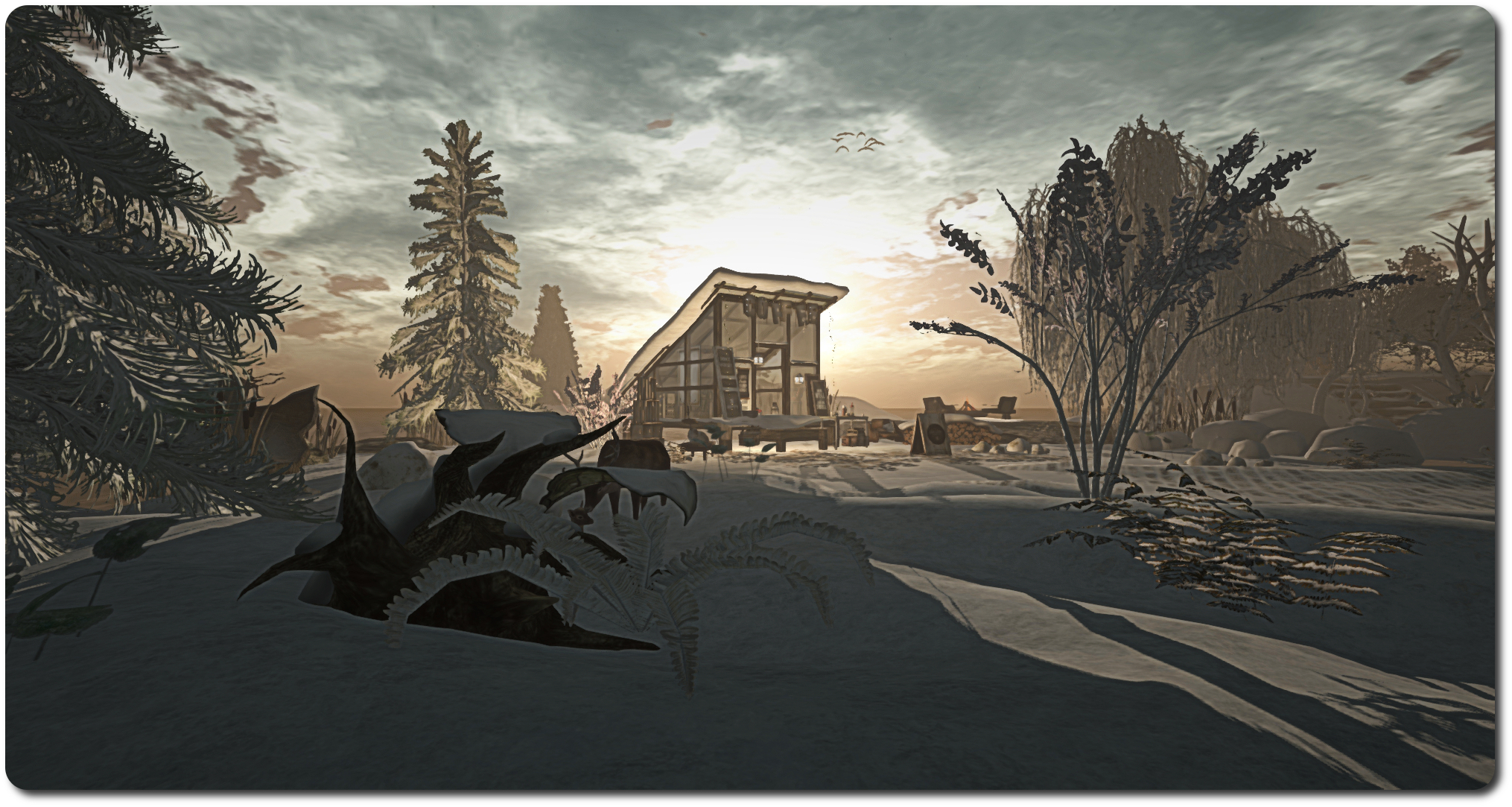
Occupying a quarter of a region, Dez Akemi Melomane’s Cantrip De Savor lives up to both of the elements found within its name: it is magical in looks, and a place to be savoured when visiting.
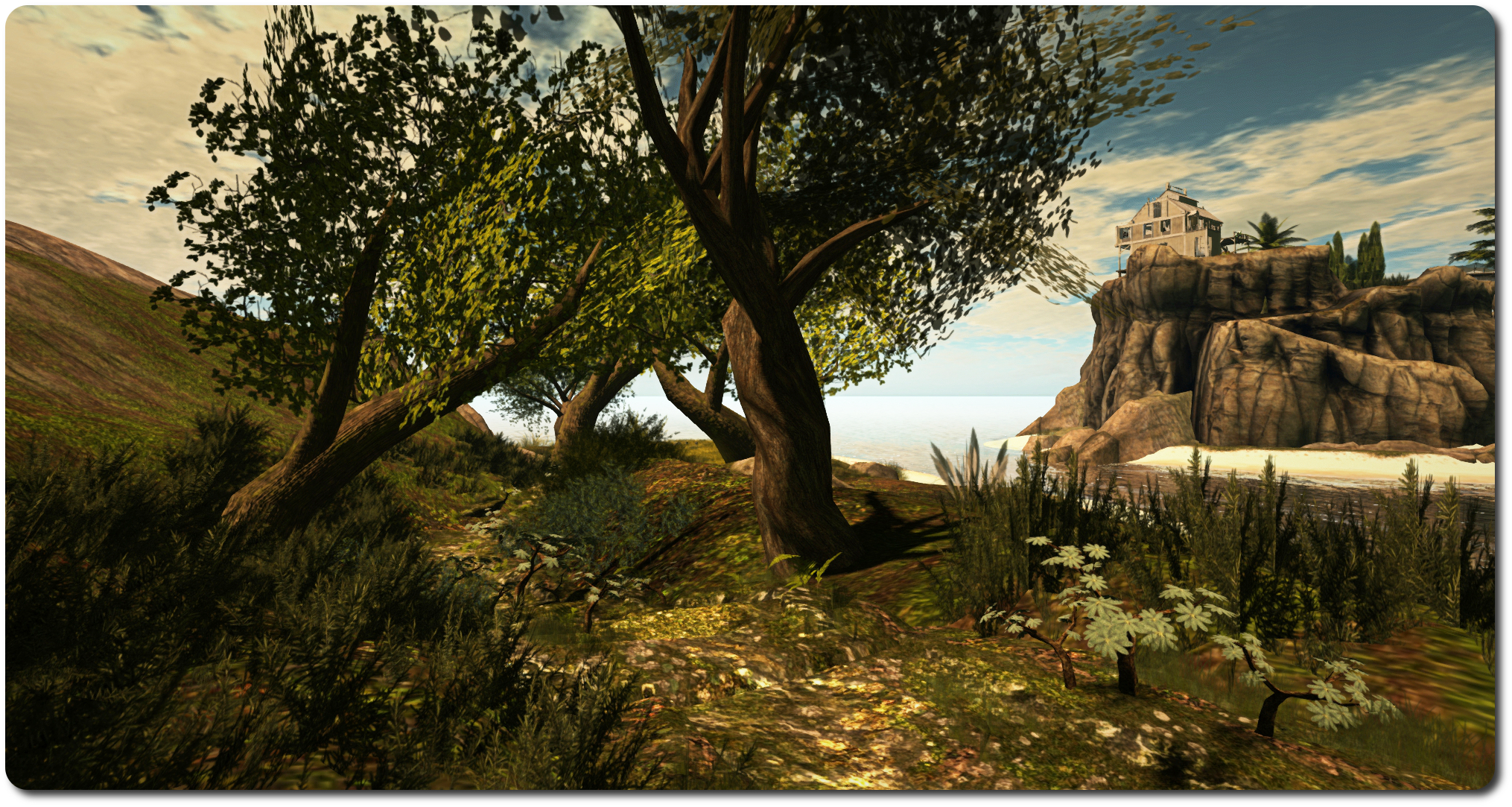
Currently caught in the depths of of winter, it offers an eye-catching retreat from the cares of the wider worlds, edged with a hint of mystery in places. There is plenty for all to enjoy, and the SL photographer is liable to find much to keep him or her occupied, be it in picturing the landscape as a whole, or focusing down on the individual little touches, of which there are plenty awaiting discovery.
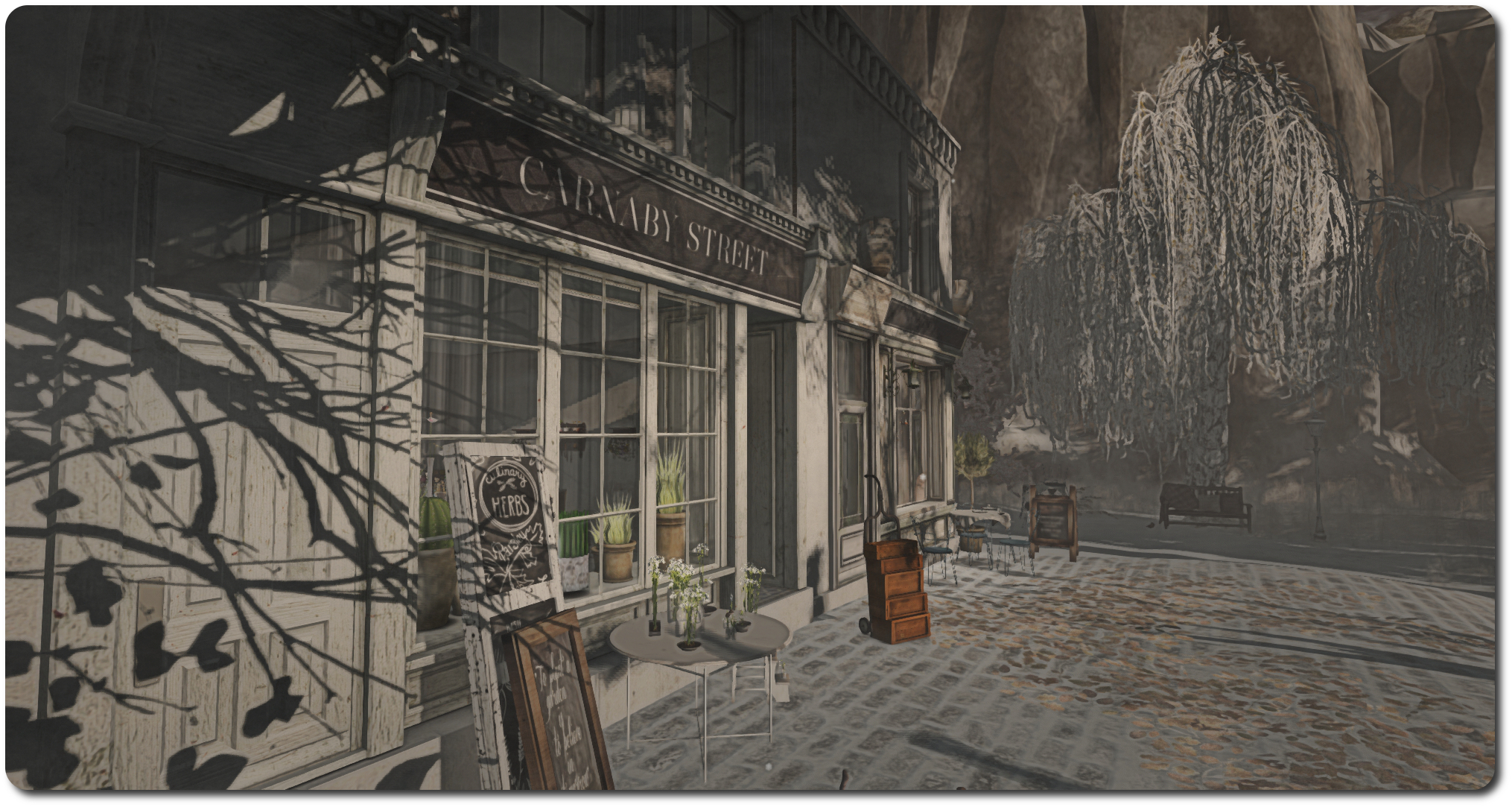
Built around a watery inlet complete with a small island, the land invites visitors to wander the paved road around the edge of the water, away from the run-down gas station and on past the cabin on the hill, the little tea house and store, and the gazebo with its snuggly sofa and cushions, until they come to a hollowed-through tree trunk bridging the water to reach the little island, overlooked by a ramshackle old skiing lodge. On the island sits a charming coffee house, warmly lit and with an outdoor brazier and chairs for the hardy, while beyond it, another bridge leads back to the mainland, where more awaits discovery.
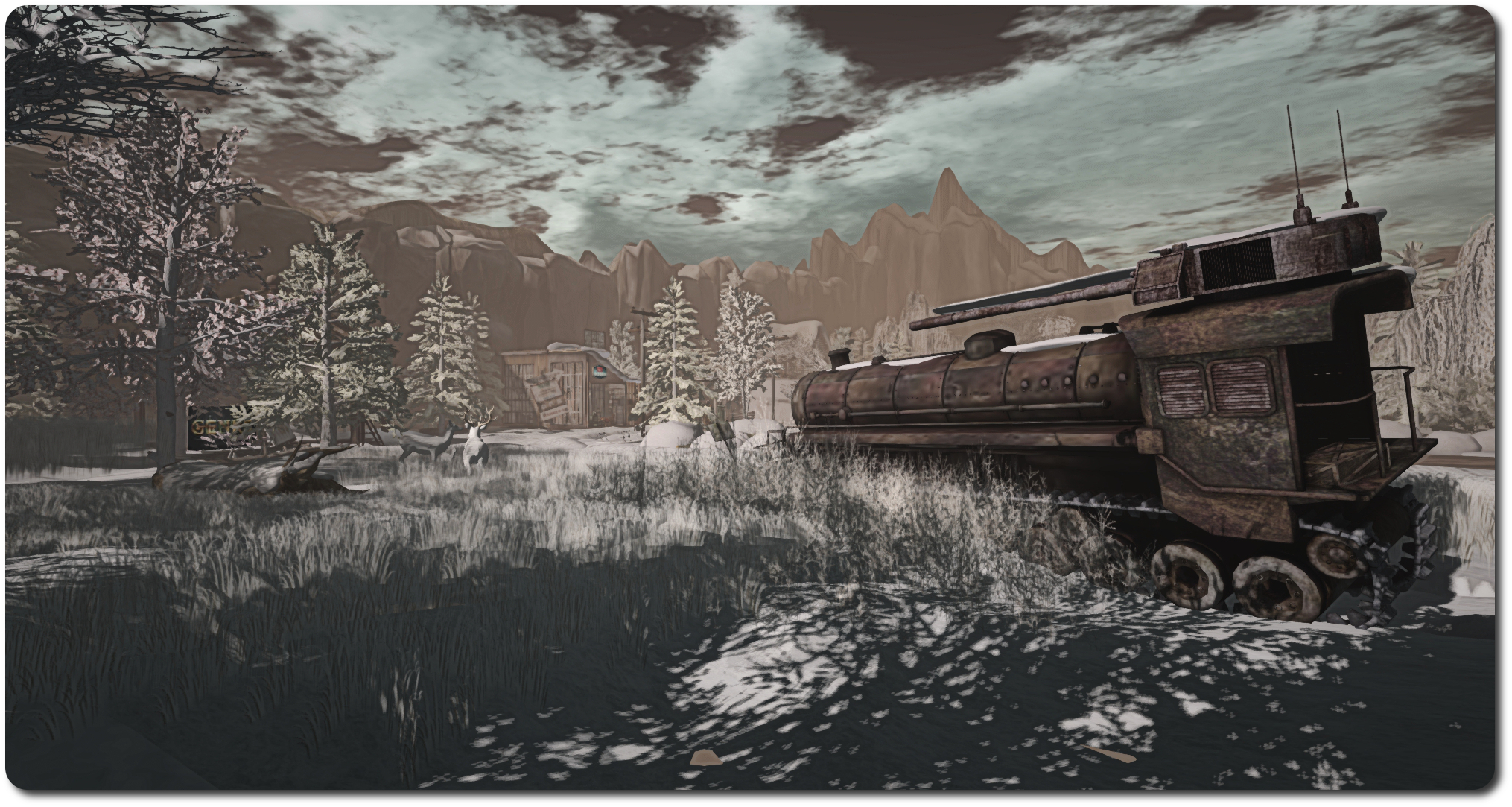
It’s on the east side of the land that the mystery of the place is perhaps most clearly seen, because it is there one will find sections of an old railway track, improperly laid out, incomplete and seemingly forgotten. Alongside them sits the hulking form of an armoured (and armed) stream train, converted to run on tracks of a different kind, a biohazard sign close by giving a stark warning to all who approach. Quite what they mean when taken together is up to the visitor to decide, giving the land an additional narrative to be enjoyed.
The beauty of this build is hard to resist – were one even to want to offer resistance. The rural look and feel to the landscape, shielded from the rest of the region by tall rocky cliffs and peaks, offers something of a contradiction to the run-down look and feels to many of the structures occupying it, yet both bind into a visually pleasing whole, which comfortably enfolds the more cosy stopping points, such as the little coffee house and Dez’s little Branch store, which sits tucked unobtrusively into a corner.
This is definitely one to be savoured; there’s far too much magic in the air to pass up on a visit – so why not go see for yourself?




 In the mean time, we’re building some better process around this.



 Inara Pey: Living in a Modemworld