CtrlAltStudio gains Kinect support and is adapted for use by a university

CAS-logoDave Rowe contacted me earlier in the week to let me know that he’s updated his CtrlAltStudio viewer with both a variable walk speed and support for Kinect for Windows.

Commenting on the updates, which can be found in CtrlAltStudio release Alpha 5 1.1.0.34376 (Windows only), Dave explains:

In the time-honoured tradition of making things do that which they weren’t quite designed for, I’ve added a variable walking speed to the CtrlAltStudio Viewer, Alpha 5 1.1.0.34376. I’ve also added “spot standing” Kinect control of avatar movement for people to try out. These two items can be used with all display modes: normal, stereoscopic 3D, and Oculus Rift.

The variable walk speed came about as a result of some issues when walking / flying in-world when using the Rift, and Dave was pointed in the direction of a possible solution after reading a Firestorm JIRA raised by Adeon Writer requesting that the ability to more easily toggle between “full” and “quarter” speed movement when walking, running or crouching than solely by pressing and holding the spacebar.

Dave notes that his solution, which employs a slider in the Movement sub-tab of Preferences > Move and View, may not be ideal at present, and only affects avatar walking speeds.  He also notes it may not work properly on OpenSim Grids or with the SpaceNavigator (at least at present in the case of the latter).

The new variable walk speed slider and the Kinect options in CtrlAltStudio Alpha 5

In all the slider has five presets, from “slow” (left) to “normal” (right). When using the viewer, I found that with the mid-point “half speed” and the preset between it and “normal”, my avatar (on an uncrowded region) moved forward reasonably well and was relatively responsive when turning as I walked. Walking backwards was also OK, although if you enable the option to turn your avatar around when walking “backwards”, you may find your avatar’s movement becomes jerky and it constantly tries to turn and put its back to you; something which becomes more pronounced at the lower settings.

I found the “slow” setting to be somewhat akin to being caught in a heavy lag situation, but without any accompanying rubber-banding or sudden speed-ups with walking; my avatar moved very slowly and was subject to intermittent pauses and froze on a couple of occasions, requiring me to adjust the slider more to the right.

While this may not sound promising, do remember that this is only the first cut at the work on Dave’s part.

Kinect Gesture Support

As well as the variable walking speed, Dave has also added gesture support for the viewer, which can be used via the Microsoft Kinect system.  The supported gestures allow you to set your avatar walking, stop it, turn it around and fly up and down or stop gesture-driven control. He’s produced a set of easy-to-understand drawings of the gestures for each, and notes that you can also stop gesture-driven motion by walking out of the Kinect’s sensor range, and also fly down by crouching.

Kinect gestures (image courtesy of Dave Rowe)

In discussing the use of the variable walk slider and the Kinect options, Dave notes:

The variable walk speed improves the usability of Kinect “spot standing” control, usable in Windows builds on PCs with Kinect for Windows sensors installed. You set a “home” position of zero movement, then once you move out of a dead zone around that position your avatar starts moving in the direction you’ve moved in. Avatar movement starts off slow and increases speed as you move further out, with the maximum being that of the walk speed you’ve configured. Except that for forwards movement you start running after the maximum walk speed.

Even if you don’t have either active stereoscopic glasses or an Oculus Rift headset, but you do have a Kinect system (with Runtime or Software Development Kit installed on your PC), you can still use the Alpha 5 version of CtrlAltStudio to try both the variable speed walk and the gesture controls out – just leave both the Stereoscopic and Oculus options disabled. Note you do not have to have Kinect in order to try-out the variable speed walking.

A further change with this release is the inclusion of a Prediction Delta slider with the Oculus Rift options.  Again, as Dave notes in his blog:

Sensor prediction helps reduce latency and you can configure how far into the future your orientation is predicted. With your Rift on, adjust the Prediction Delta value until moving your head feels most comfortable.

predict
the new Prediction Delta slider in the Oculus Rift section of the Display Output sub-tab for helping to reduce latency and configuring how far into the future your orientation is predicted for a more natural head movement when using the Rift.

You can find out about these , and the other updates within the Alpha 5 version of CtrlAltStudio via the release notes.

CtrlAltStudio Adopted and Adapted by St. Andrew’s University

Dave’s work on CtrlAltStudio has not gone unnoticed. None other than St. Andrews University in Scotland have adopted and adapted it as a part of their own work to create a new viewer they’ve called ACE.

Faculty members and students at the university have been using virtual environments for historical reconstructions as a part of their Open Virtual Worlds project for some time now, running their own dedicated OpenSim grid (which is hypergrid enabled, or people can access by creating a log-in account).

Project members have now taken Dave’s work with CtrlAltStudio viewer and combined it with their own Kinect bindings created as a part of their Chimera project in order to produce their own ACE (Armadillo Control Extensions) viewer. This can be used to explore and experience their in-world reconstructions using Oculus Rift and without the need for any physical device to assist them.

The ACE viewer also requires the installation of the Kinect Runtime or SDK to be installed on the host computer in order to work, but once these and the viewer are installed, it can be used to connect to any grid (OpenSim or SL).

A blog post on the ACE viewer is available on the Open Virtual Worlds blog, as is a video demonstrating it in use.

Related Links

CtrlAltStudio

Open Virtual Worlds Project

Kinect Runtime & SDK (required for Kinect use)

LL request tax info from some customers and issue blog post clarification

secondlifeUpdate, November 28th: Linden Lab have clarified what they mean by “transaction”.

Some confusion occurred recently after some SL users started reporting they were receiving requests from Linden Lab for tax information, specifically to fill-out IRS form W9, Request for Taxpayer Information. The news of the e-mails sparked a discussion on the SL Universe forums, where opinions as to the cause of the e-mails was somewhat split, with some concerned as to why this should be happening and what it might mean, and others seeing it as a matter of routine.

On Tuesday 19th November, Linden Lab moved to try to clarify matters, issuing a blog post entitled Required Tax Documentation, which reads in full:

The Internal Revenue Service (IRS) requires Linden Lab to collect and retain Form W-9 (for U.S. residents) and Form W-8BEN (for non-U.S. residents) at certain transaction volumes. If you reach the transaction threshold and we do not have your completed and signed W-9 or W-8BEN on file, we are required to withhold funds from your account (at the current rate of 28% of your gross amounts received). Additionally, for U.S. residents with 200 or more transactions with a total amount in excess of $20,000 in a calendar year, we are required to file a Form 1099-K with the IRS reporting those transactions for that year.

If you are required to submit a W-9 or W-8BEN form to us, we will email you before the end of the year with instructions on how to do so. Please follow the instructions to complete and submit the required Form W-9 or W-8BEN within thirty (30) days of receipt. You will only need to complete this paperwork once unless your information changes from year-to-year. If you do not receive an email from Linden Lab, we do not need you to complete these forms.

While the blog post is welcome, some confusion and concerns remain.

One key area of confusion is exactly what constitutes a “transaction” – is it related solely to cashing-out from Second Life, or is it based on the number of user-to-user transaction through the LindeX (i.e. the number of L$ sales a person makes per amount of L$ they offer on the LindeX? Or is it somewhere in between?

A potential cause for concern is that many people cash-out via PayPal, and are also required to fill-out the requisite forms mentioned by Linden Lab,  so there is an understandable level of worry as to the risk of double reporting. While this is not strictly Linden Lab’s issue, it is nevertheless a genuine cause for concern.

It has been suggested that one way to clear-up some of the confusion and concern might be for additional explanation to be given through the likes of a Knowledgebase article linked to the entry on account balances and withdrawals. Another alternative might be through an official wiki article dealing with tax liabilities as a whole, much as there are similar entries dealing with matters such as European VAT.

Related Links

With thanks to Ciaran Laval and Peter Gray

Lab issue reminder / warning about care with L$ purchases

secondlifeLinden Lab has issued a reminder / warning to users about buying and selling Linden Dollars and taking the appropriate precautions to prevent being scammed.

Second Life users do tend to be targeted by scammers periodically, so the reminder is timely as we approach what is for many the end-of-year holiday season, with both Christmas / winterfest and New Year looming.

The blog post reads in full:

As with any online service, Second Life users are targeted by scammers from time to time. One type of scam we’ve seen recently are websites that promise huge discounts on L$ sales and even offer to buy L$.

Often, these sites use these “too good to be true” discounts to lure you into entering your credit card information, which they then steal. Sometimes, they will use trusted payment systems, but sell you fraudulently obtained L$. When these fraudulent L$ are recovered by Linden Lab, you may then struggle to recover your payment from the anonymous strangers that sold them to you.

Not only does using these sites put your credit card information at risk, but it also constitutes a violation of the Terms of Service. Remember, you can buy L$ only on the LindeX or from an authorized L$ reseller; you can sell L$ only on the LindeX.

The good news is, keeping your credit card and your Second Life account safe is easy:

  • Only purchase L$ on the LindeX or from an authorized L$ reseller
  • Remember that the only place to sell your L$ is the LindeX, the official exchange operated by Linden Lab
  • Be wary of any offer (which may be made via IM or direct message) that sounds too good to be true. If the site isn’t an authorized L$ reseller, ignore it.

There are currently 47 authorised L$ resellers available for the purchase of L$, including the likes of CasperTech, VirWox, ZoHa Islands, AnsheX, DXexchange, CrossWorlds, PodeX and others which will be familiar to SL users. Many will accept payments in a range of currencies via a range of credit / debit cards as well as accepting payments via PayPal, as such there would appear to be little reason to trust non-authorised sites for the purchase of L$.

Related Links

Lab looks to make mesh garments fit better with the Fitted Mesh project viewer

secondlifeOn Wednesday November 20th, Linden Lab surprised the Second Life community by announcing the release of the Fitted Mesh project viewer.

Project Viewer 3.6.11.283899 is aimed squarely at resolving the thorny and oft-critiqued issue of making mesh clothing fit a wide variety of avatar shapes, as the blog post itself notes, reading in part:

Since the introduction of Mesh to Second Life, creators have faced challenges fitting Mesh garments to the Second Life avatar. Because mesh objects are not resizable in as many ways as the avatar itself is, it has been difficult for mesh garment creators to provide garments that adapt to the shape of the avatar in the way that the image-based clothing layers do. While many creators have made heroic efforts to provide products in a range of sizes, and some have collaborated to define a set of standard sizes that work reasonably well for much of the user population, many have found that mesh garments just don’t work well enough for their avatars. Mesh garments also don’t move with the body parts affected by avatar physics.

Users have developed two approaches to address these problems:

  • Rigging garments to the “collision bones” of the avatar skeleton (often marketed as “Liquid Mesh”). This works in current Viewers for some body parts, but there are some avatar shape parameters that do not have corresponding collision bones, so garments do not adapt to fit everywhere on the body.
  • The “Mesh Deformer” project added code to the Viewer to dynamically compute how to modify each garment shape by looking at how the vertices of the avatar were changed from that of the female and male base shapes.

The Linden Lab development team has studied both approaches, and compared their effectiveness, maintainability, and performance. Neither approach completely eliminates the occasional need for an alpha clothing layer to prevent small parts of the avatar skin from appearing through garments, but both work quite well at resizing garments so that they fit the avatar and move naturally with it. While the collision bones method requires the creator to do some additional rigging, we have decided that because it leverages more of the existing avatar shape system it is likely to be the more maintainable solution and to perform better for a wider range of users.

While the two current approaches to fitting mesh clothing are mentioned in the blog post (“Liquid Mesh” and the mesh deformer), it’s worth pointing out that the “Liquid Mesh” solution is actually based on an idea first demonstrated by RedPoly Inventor as far back as June 2012 – and it turns out that his approach is the one that the Lab, via Oz Linden, acknowledge as the one that first got them “started down the path of using collision bones to do this.”

At the time Liquid Mesh first appeared, there were concerns as to its impact on the market and the potential for content breakage should it prove popular only for something like the mesh deformer to eventually arrive in Second Life, prompting calls earlier in 2013 for the approach to be blocked by preventing mesh rigged to non-standard collision bones from being uploaded.  At the time, the Lab remained silent on the matter, although many did blog on the potential pros and cons about the approach, including myself. Strawberry Singh not only blogged, but produced a video showing her testing a pair of boots she’d purchased which utilised the capability.

Prior to the launch of the Fitted Mesh project viewer, I was fortunate enough to be given the opportunity to preview it, and get to try out some sample clothing to see how it works. I don’t pretend this is a comprehensive review of the viewer, the new collision bones or skeleton; nor is it intended to compare / contrast the Lab’s approach to other methods. It is purely intended to provide an overview of the viewer and how suitably rigged mesh garments are handled.

The New Bones

As noted in the LL blog post, the project viewers includes an additional set of collision bones alongside the familiar set of bones. These are:

  • BUTT *
  • LEFT_PEC *
  • RIGHT_PEC *
  • LEFT_HANDLE
  • RIGHT_HANDLE

* These bones are affected by avatar physics.

All of these bones, and the original avatar bones, now affect mesh clothing when the avatar shape sliders (Edit Shape) are manipulated, thus giving mesh clothing which is rigged to the avatar skeleton the ability to adjust with the avatar shape as the sliders are adjusted, thus leading to a better “fit” for the clothing.

Content creators are invited to begin experimenting with creating garments rigged to the new skeleton. To assist creators in this, a Rigged Fitted Mesh wiki page is under construction, which includes information on the existing / new collision bones, links to the male and female .fbx, .ma and .dae files, and basic instructions on getting started with creating fitted mesh, including a link to downloading the avatar skeletons and to additional external resources.

Do be aware that this wiki page is a work-in-progress, as is the viewer, and liable to both update and change.

The Viewer and a Quick Series of Tests

There are a number of important things to note before going too much further. The first is highlighted in the Lab’s blog post, and is this:

At this time, the new skeleton should be considered provisional and subject to change; we do not yet recommend selling or buying garments rigged to it. Since we may find reasons to improve it during this testing process, and any change to the collision bones will likely break garments rigged before the change, we want to make sure that we have a set of bones that we can all live with into the indefinite future before it is widely used.

The second is that as with RedPoly’s original approach and Liquid Mesh, the approach will not entirely eliminate the need for alpha layers – but then again, it’s unlikely the mesh deformer would have entirely eliminated them, either.

The third is that the viewer obviously will not work with either unrigged mesh or rigged mesh which does not make use of the new collision bones (or additional bones intended to work with the appropriate sliders).

As the test clothing passed to me was for male avatars, and presented some of the usual problems when used with a female shape (and given I have very few mesh garments in my inventory, unrigged, rigged, liquid or otherwise), Oz kindly popped over and gave an initial demonstration. As he was already wearing a mesh jacket, he quickly played with the sliders to give himself a more portly shape – with the result that his mesh jacket (as expected) no longer fitted. However, when he swapped to the rigged t-shirt in the pack, it more-or-less fitted off-the-bat.

Oz, looking more portly than his usual self, demonstrates the new project viewer and collision bones. His mesh jacket (l) which is not rigged to the new bones, fails to adjust to his altered size. The t-shirt which has been rigged to the bones, however, does (r)

Continue reading “Lab looks to make mesh garments fit better with the Fitted Mesh project viewer”

SL projects update: week 47 (1): server releases, viewer

As always, please refer to the week’s forum deployment thread for the latest news and updates.

Main channel: Tuesday November 19th

The Main channel received the maintenance package deployed to BlueSteel and LeTigre in week 46. This package comprises further infrastructure changes for the yet-to-be-announced Experience Keys (experience tools) project

Release Candidate Channels, Wednesday November 20th

BlueSteel and LeTigre should receive a new maintenance package comprising the update deployed to Magnum in week 46, with additional bug fixes. However, at the time of writing, testing was still ongoing, and Simon Linden noted at the Simulator User Group meeting on Tuesday November 19th that things were “down to the wire” in terms of getting the release out. If it does go ahead, the package will include:

  • Bug Fixes
    • Fixed “Sim crossing on vehicle fails when parcel at opposite sim border is full.” (BUG-4152)
    • Fixed a case in which a viewer with a high draw distance would not connect to distant regions which are within the draw distance area
    • Fixed some crash modes
    • Fixed “Vehicles containing a mesh are returned to the owner upon region crossing when destination parcel is full”
    • Fixed “Temp Attachments are sometimes not removed on the viewer when detached from a region change event.”
    • Fixed “Avatars inside a private parcel can see other avatars 2 regions away” (BUG-4356)
    • Fixed an issue with object return to inventory on test grids
  • New Features
    • Objects which are rezzed by sat-upon or attached scripts no longer inherit the temp-on-rez or auto-return timer of the parent object
    • Estate managers and region owners are now prevented from being teleported by llTeleportAgentHome()
    • Estate managers and region owners are no longer affected by scripts which use ESTATE_ACCESS_BANNED_AGENT_ADD
    • The grey goo fence is now stricter for large physical object rezzes
    • More robust handling of inventory management within objects
    • Cleanup of controls-grabbing in LSL scripts (no functional changes)
    • Parcel owners are now prevented from being teleported by llTeleportAgentHome()

Magnum should remain on the same maintenance project as deployed to it in week 47, but which features a further update to the grey goo fence change made in week 46, but which now only applies to objects which are both large and physical. This alteration is in response to BUG-4448.

Thanksgiving Code Freeze

Week 48 (commencing Monday November 25th) is Thanksgiving week in the United States, so there will be no server-side releases during the week. Sever updates will resume in week 49.

SL Viewer

No updates as yet in week 47 to the SL viewer.

Default Object Permissions

A number of TPVs include the ability to specify the default permissions applied to a new prim object (cube, cylinder, torus, etc.) on creation. A similar capability is being developed for the LL viewer (STORM-68) by Jonathan Yap, a long-time contributor to the viewer. Currently, the work is awaiting some server-side capabilities tweaking which will likely be done by Andrew Linden. This work is unlikely to be completed ahead of Thanksgiving, so there is no date as to when the new capability might appear.

Default Region Restart Sound and Notification

Jonathan is also working on STORM-1980 (“Improve awareness of region restarting message”) to add  a default region restart sound added to Second Life. This would be played automatically by the viewer on receipt of a region restart message, adding an additional warning of an approaching restart for those who may miss the pop-up notices, giving them time to take the appropriate action prior to logging-out. The work on this is also progressing, with a modified notification which includes new colours and a countdown. again, further work is required on this, so there is currently no timescale as to when it will be showing up in an RC viewer.

Whispering Wind and a summer breeze

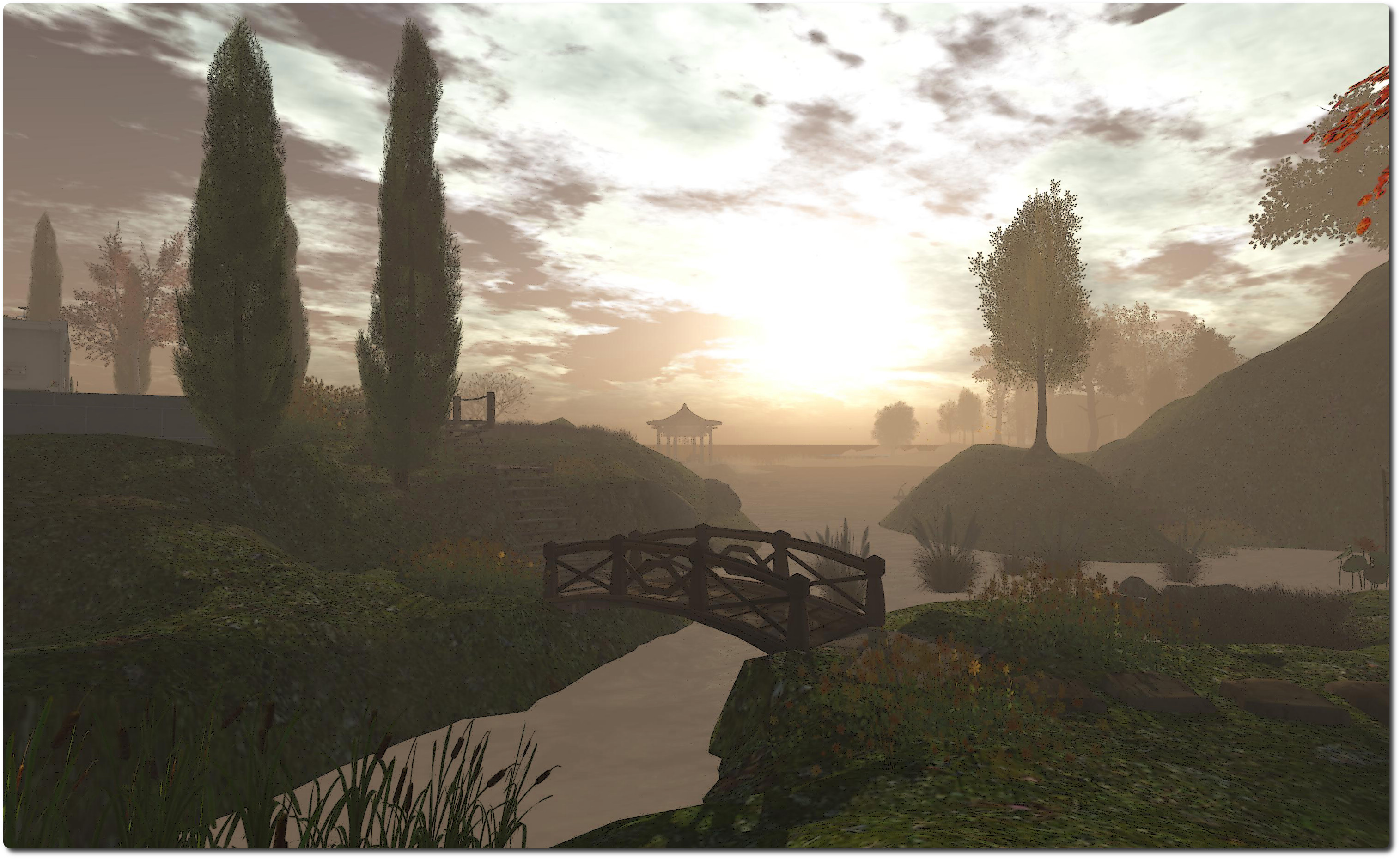
Whispering Wind; Inara Pey, November 2013, on FlickrWhispering Wind (Flickr) – click any image for full size

In December 2012, I visited Whispering Wind, a Homestead region neatly split between Tab Tatham’s Tatty Soup, and Lindini2 Lane’s L2 Studio. At the time of that visit, I focused more on Tab’s Tatty Soup, and really only made passing mention of L2 Studio.

Now, 12 months on, Tatty Soup is no more, Tab having moved her store to a new location, but L2 Studio is still there, and while winter holds sway over the northern hemisphere in the real world as well as making its presence felt across numerous regions in-world, L2 Studio remains firmly in the grip of a balmy late summer.

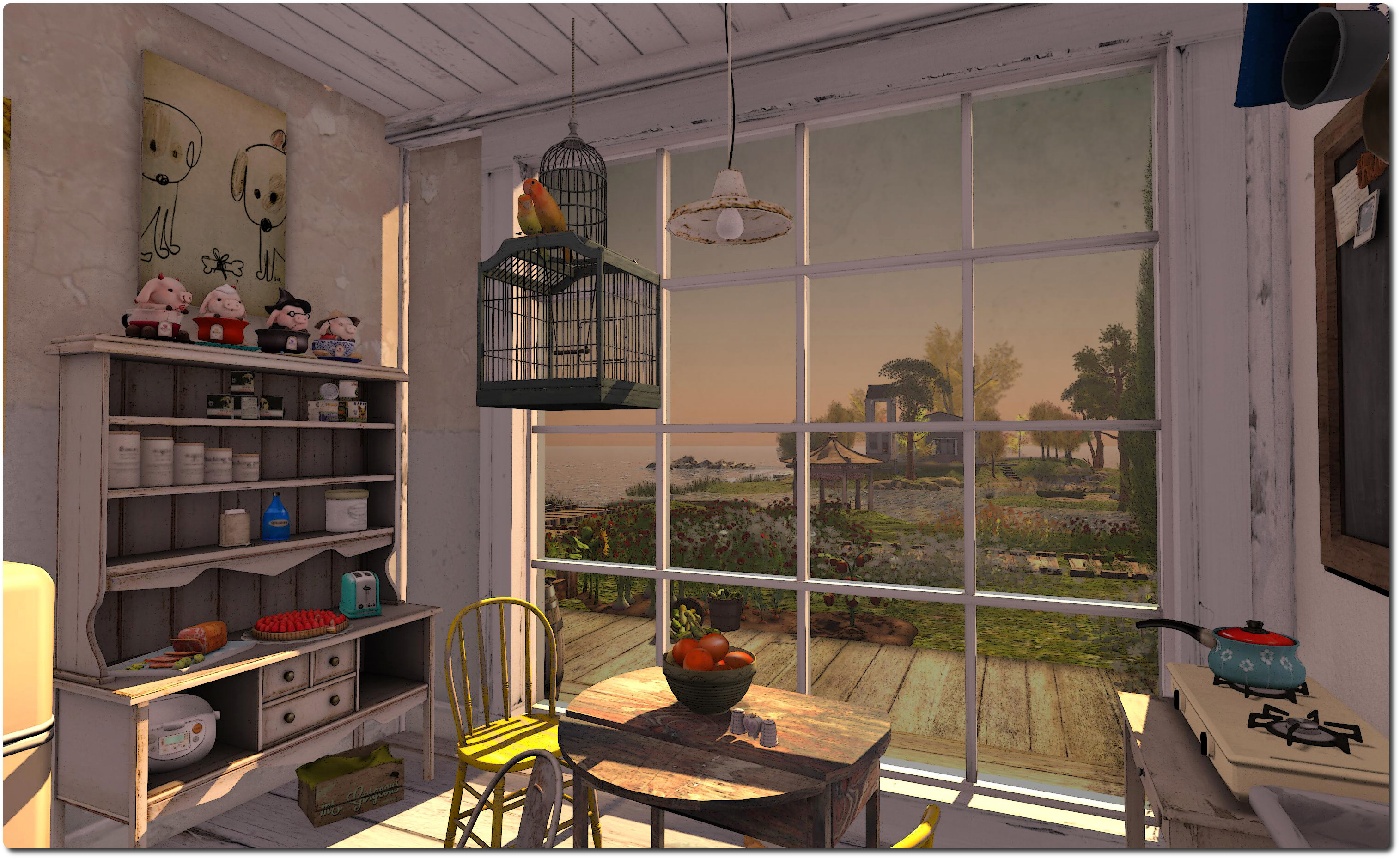
Whispering Wind; Inara Pey, November 2013, on FlickrWhispering Wind (Flickr)

It’s a delightful region to visit, whether you’re looking for a new place to explore and photograph or simply want to while away a little time. Two houses sit across the length of the parcel from one another, separated by what is perhaps best described as flooded lowlands. Don’t be concerned by the presence of the houses, however; they are not private residences, they are show homes from the L2 Studio range, and visitors are welcome to explore them.

Nestled under the narrow hills which divide the region in two, and located slightly closer to one of the houses than the other, sits the L2 Studio store itself, which has on display vendor board for the L2 Studio range. A cobbled path links the store with the nearer of the two houses, crossing a narrow causeway overlooking water on each side.

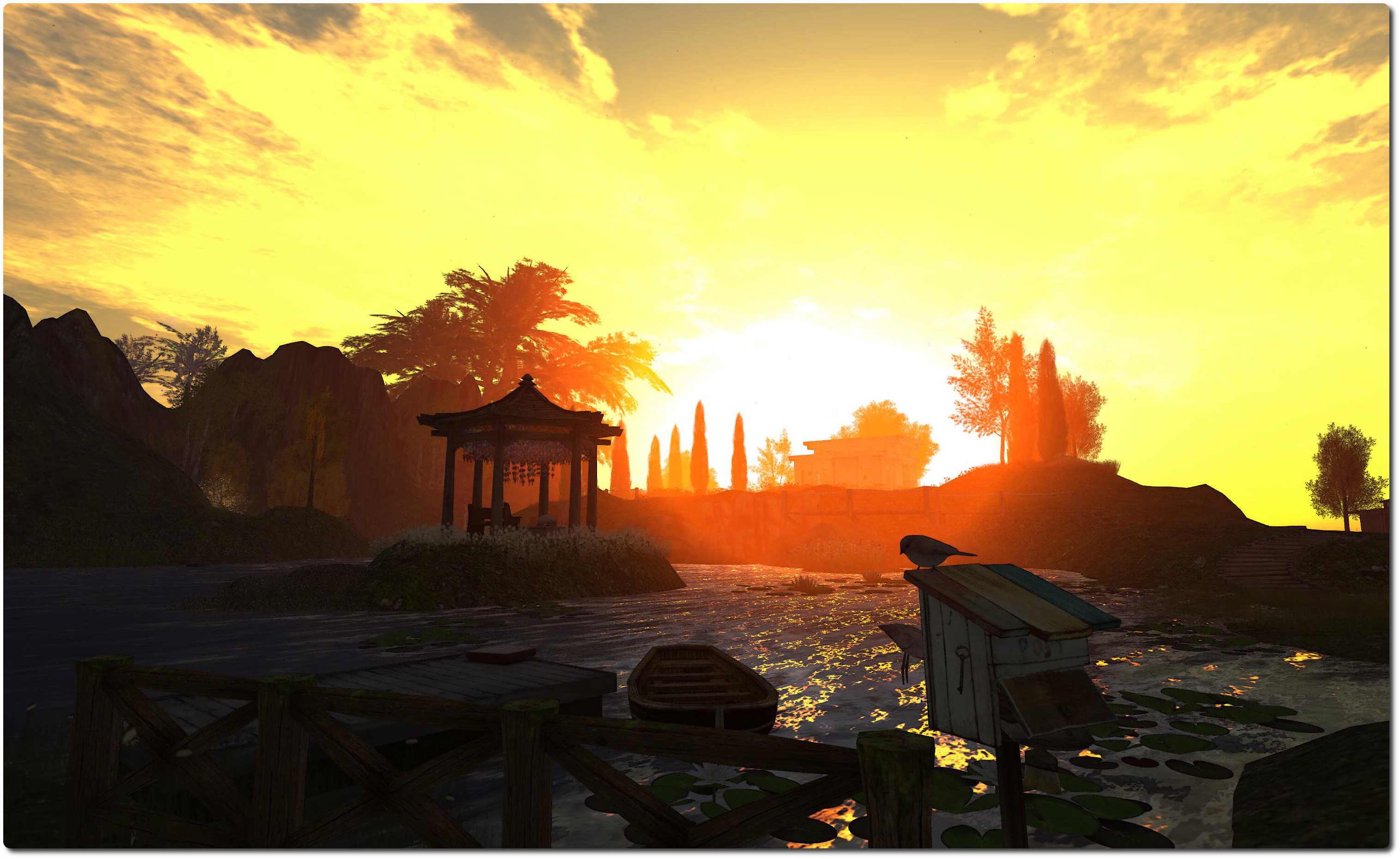
Whispering Wind; Inara Pey, November 2013, on FlickrWhispering Wind (Flickr)

As well as the houses and studio, there are wooden walkways, beaches, places to sit, wildlife and animals to observe  – in short, more than enough to keep the SL explorer and photographer well occupied as they wander around.

Given the beauty and setting of the parcel, it should come as no surprise that it naturally lends itself to many different windlight presets, and looks marvellous by day or night – taking your time to experiment is the key factor here.

This is likely to be the kind of place that makes the latest improvements to interest list loading (at present available in a release candidate viewer, but up for promotion to LL’s main release viewer “real soon now”) a real joy. The design of the parcel is such that once cached, it’s liable to pop-up in front of you as soon as you make a return visit.

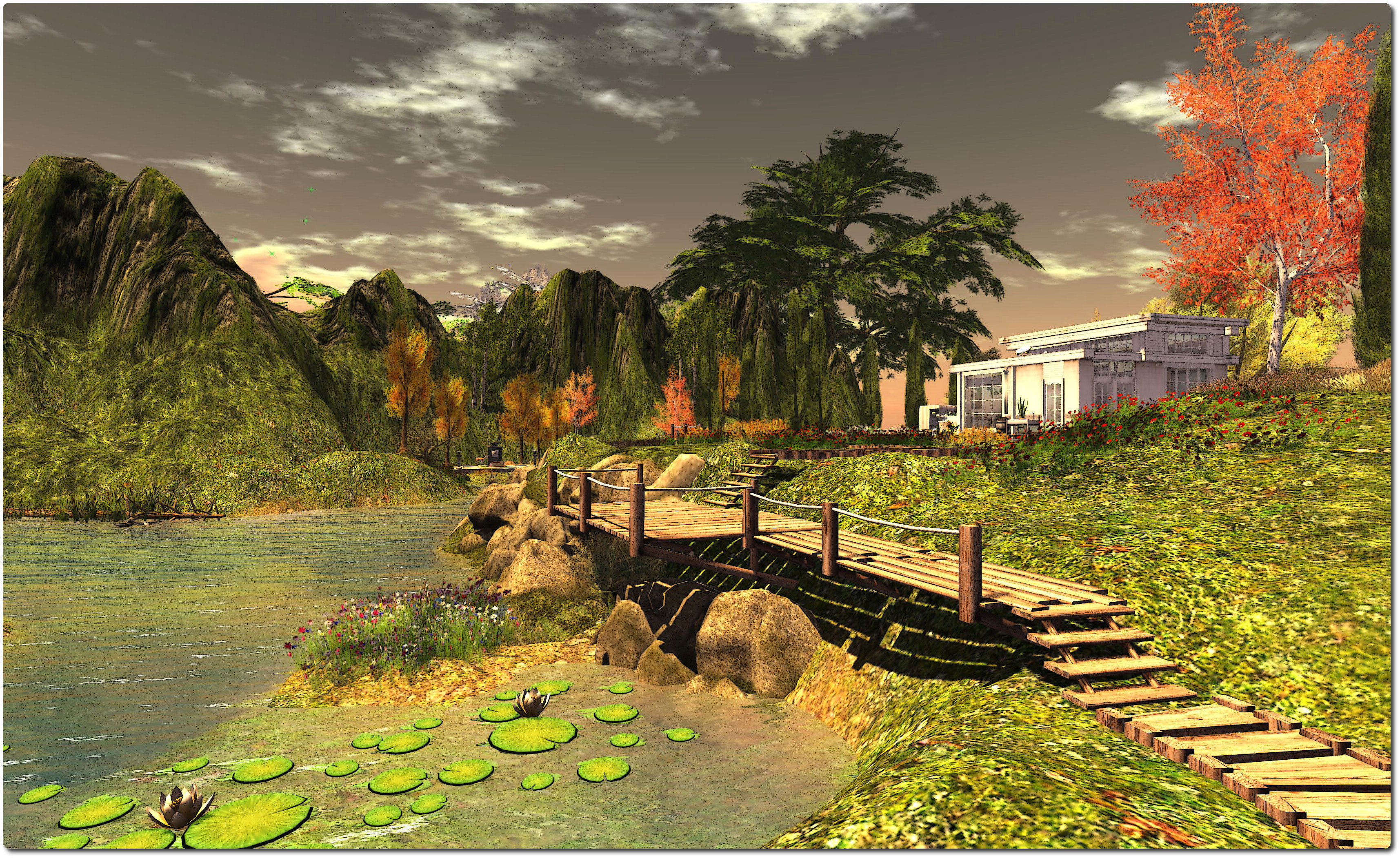
Whispering Wind; Inara Pey, November 2013, on FlickrWhispering Wind (Flickr)

If you’re looking for a little break from all the wintertime wonderlands which are very much a part of the grid at this time of year, L2 Studio could be just the tonic. While other regions may have you longing for a warm fire and a big mug of hot chocolate to wrap your hands around, right now L2 Studio will have you wandering in shirt sleeves and perhaps dipping a toe or five into the waters which form a part of the parcel’s charm and character, just so you can feel a little cooler in the summer warmth.

Related Links