2016 SL project updates 40 (1): server, viewer

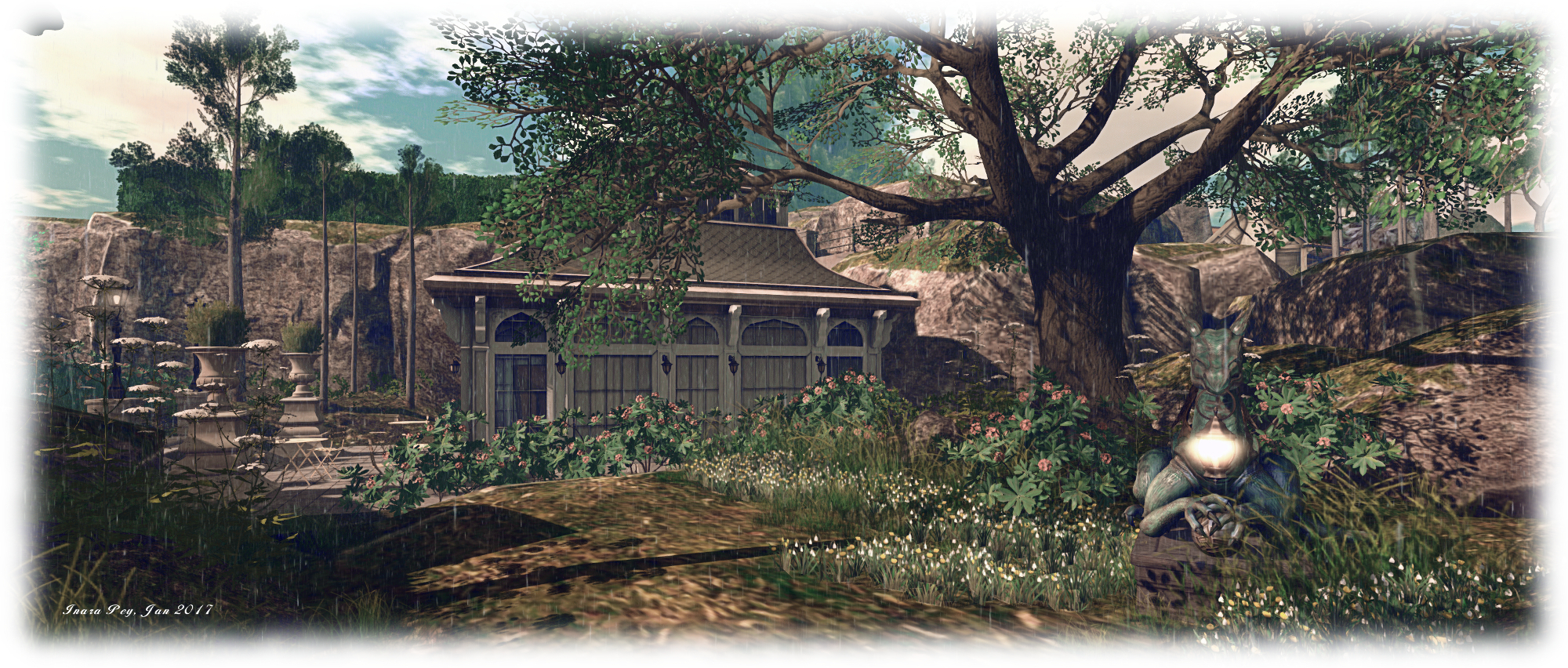
Neverland - Calas Galadhon Halloween
Neverland – Calas Galadhon Halloween – blog post

As always, please refer to the server deployment thread for updates or changes.

  • Tuesday, October 4th saw the Main (SLS) channel updated with the server maintenance package previously  deployed to the three RC channels, which includes a fix for BUG-40565, introduced as a result of the deployment of the week #38 server maintenance package.
  • There is no planned deployment / restart for the three RC channels, although there should be a new RC package available for week #41 (commencing Monday, October 10th).

SL Viewer

The Maintenance RC viewer was rapidly updated on Tuesday, October 4th, after only having been released on September 28th. Version 4.0.9.320231 see the addition of a Project Espeon fix (“Experience permission dialogue should include “Sit your avatar””), suggesting this project is making progress.  Overall, this viewer includes over 70 crashes and bug fixes and improvements – refer to the release notes for the full list.

Excluding this update, the remainder of the current crop of official viewers remains unchanged:

  • Current Release version: 4.0.8.319463 (dated September 9), promoted September 15 – formerly the Visual Outfit Browser RC viewer
  • Release channel cohorts (please see my notes on manually installing RC viewer versions if you wish to install any release candidate(s) yourself):
    • Project Bento (avatar skeleton extensions), version 5.0.0.319893, dated September 22nd
    • VLC Media Plug-in Viewer RC, version 4.1.1.319856, dated September 20th – replaces QuickTime in the Windows viewer with a media plug-in based on LibVLC
  • Obsolete platform viewer version 3.7.28.300847, dated May 8, 2015 – provided for users on Windows XP and OS X versions below 10.7.

Kokua forks Second Life and OpenSim support

kokua-logoKokua, the viewer 4-style Second Life and OpenSim viewer has forked development between the two platforms.

The announcement came on Monday, September 26th, with lead developer Nicky Perian announcing the initial release of KokuaOS-4.1.0.38653 in a blog post thus:

Gavin Hird (macOS) is the lead developer for KokuaOS. This viewer is for OpenSim grids and is branched off at Kokua version 4.0.2. The default grid is set to 3rd Rock Grid as their support for Kokua and Imprudence extends back a number of years with the Hoagie sim contribution.

The reason for the split appears to be the increasing complexities in having a unified viewer code set supporting both OpenSim and Second Life, with Nicky noting:

While the ability to log on to Second Life is present, Jelly Doll support is not, and we expect more wandering away from Second Life as new features such as Bento Joints, and server infrastructure removal take place.

However, this shouldn’t be taken to mean that the OpenSim viewer will not be implementing changes made to the SL viewer; simply that only those changes which make sense to adopt will be carried forward into the OpenSim variant.

So, for example, KokuaOS-4.1.0.38653 includes the code from the Lab’s recently released Visual Outfits Browser, allowing OpenSim users to browse through their outfits using the thumbnail image feature, and the Windows version also includes the switch to using a media plug-in based on LibVLC to replace QuickTime.

Core updates with the OS-4.1.0.38653 release comprise:

  • Kukua OS-4.1.0.38653 includes the Visual Outfits Browsers from Second Life, but not Avatar Complexity
    Kukua OS-4.1.0.38653 includes the Visual Outfits Browsers from Second Life, but not Avatar Complexity

    There is no auto update capability. New updates must be manually installed and downloaded

  • Recent SL updates included comprise:
  • Excluded SL updates comprise:
    • Avatar Complexity (aka Jelly Dolls) and Graphics Presets
  • Media content on Linux uses Gstreamer, but can be switched to VLC by editing skins/mime_types_linux.xml- You can upload and play back sounds of up to 60 seconds
  • The Mac OSX version now use a gamma of 2.2 which improves tonal range of the scene.
  • Microphone and volume can be tested without an active session
  • Additional functionality in support of the OpenSim Export function
  • Almost complete localisation of the viewer to German.

Full details of all changes and known issues can be found in the OS-4.1.0.38653 release notes, and the download is available via the Kokua downloads wiki.

Following this, on October 1st, Nicky announced the release of the Second Life version of Kokua, version 4.1.1.39717. This update see the removal of all code which facilitated the switch between logging-in to Second Life or to OpenSim grids, and brings this viewer to parity with the Second Life 4.1.1 code base and with RLV-2.9.20.1.

Core updates in this release comprise:

  • Most menu items with OpenSim specific functionality has been deactivated.
  • Support for:
Kokua version 4.1.1.39717 for Second Life does include Avatar Complexity and Graphics Presets
  • Mac OSX Updates:
    • Use of a gamma of 2.2 which improves tonal range of the scene. System gamma of 1.8 has not been used by Apple since Mac OSX 10.6
    • Support for OSX 10.12, with a minimum requirement of OSX 10.9
    • OSX send and receive buffer size has been increased for better network performance
  • Advanced and Develop menus updated with new functionality and more relevant HUDs
  • Improvements to:
    • Voice floaters and functionality
    • Media playback functionality, including in the chat / IM floater
    • Mesh uploads
    • The world map and mini map
  • The built-in AO now shows which animation is playing
  • Own voice dot and speaker indicator no longer shown over avatar’s head (via  Firestorm)
  • Almost complete localisation of the viewer to German.

Again, please read the release notes for all changes, updates and known issues with this release. The download is available via the Kokua downloads wiki.

The two versions can be run side-by-side, providing different installation locations are used (offered by default by the Windows installer) and chat logs.

Links

2016 viewer release summaries: week 39

Updates for the week ending Sunday, October 2nd

This summary is published every Monday, and is a list of SL viewer / client releases (official and TPV) made during the previous week. When reading it, please note:

  • It is based on my Current Viewer Releases Page, a list of all Second Life viewers and clients that are in popular use (and of which I am aware), and which are recognised as adhering to the TPV Policy. This page includes comprehensive links to download pages, blog notes, release notes, etc., as well as links to any / all reviews of specific viewers / clients made within this blog
  • By its nature, this summary presented here will always be in arrears, please refer to the Current Viewer Release Page for more up-to-date information.

Official LL Viewers

LL Viewer Resources

Third-party Viewers

V4-style

  • Black Dragon updated to version 2.5 “Ending Dragon” on September 30th, said to be the final update (release notes)
  • Kokua forked development paths between Second Life and OpenSim with the following releases:
    • Version 4.1.1.39717 for SECOND LIFE, released on Saturday, October 1st (release notes)
    • Version OS-4.1.0.38653 for OPENSIM, released on September 26th (release notes)

V1-style

  • Cool VL viewer Stable branch updated to version 1.26.18.26 and the Experimental branch updated to version 1.26.19.28, both on October 1st (release notes)

Mobile / Other Clients

Additional TPV Resources

Related Links

2016 SL project updates 39 (2): server, viewer

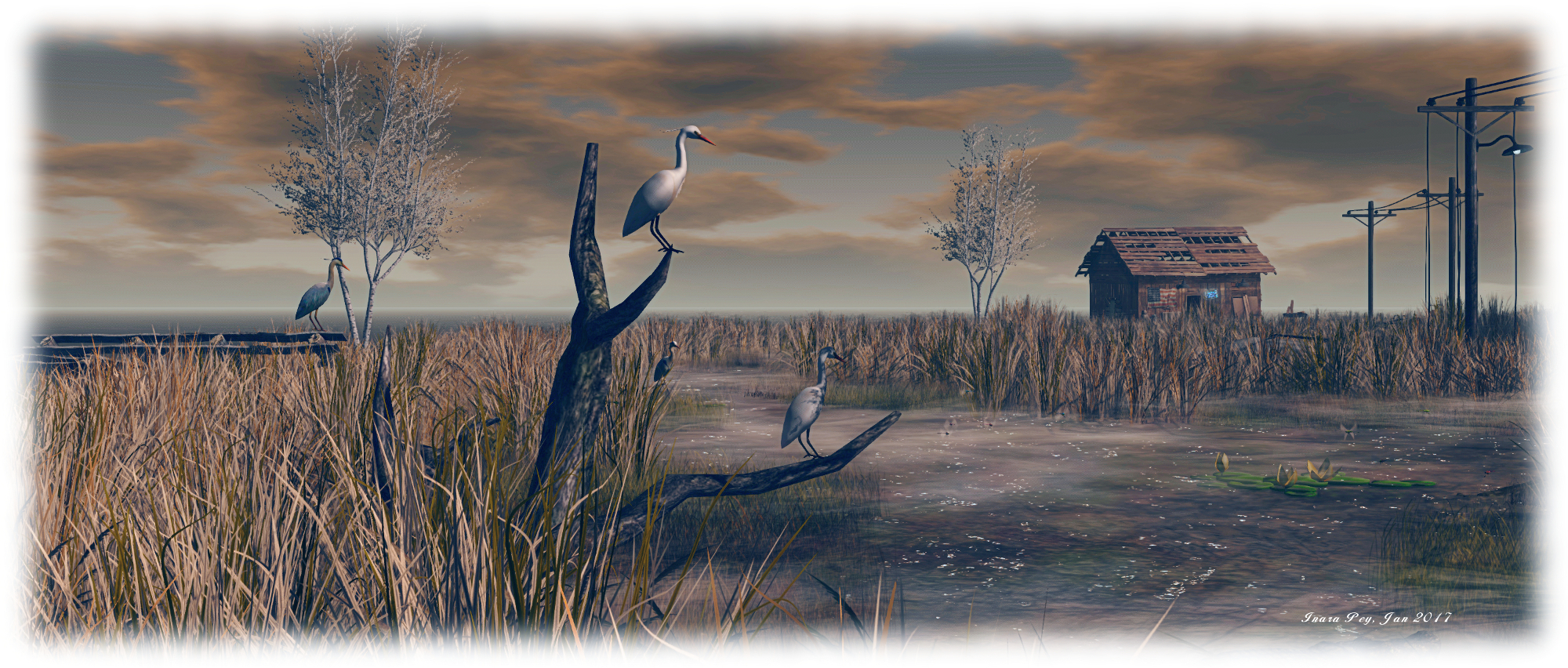
Vecchi Amici
Vecchi Amiciblog post

Server Deployment – Recap

As always, please refer to the server deployment thread for updates or changes.

  • There was no deployment to the Main (SLS) channel On Tuesday, September 27th.
  • On Wednesday September 28th, all three RC channels should receive the same new server maintenance package, which includes a fix for BUG-40565, introduced as a result of the deployment of the week #38 server maintenance package.

SL Viewer

The VLC Media plug-in viewer didn’t make the jump to release status as had been anticipated, but should remain the next in line for promotion.

A new Maintenance RC viewer did arrive, however. Version 4.0.9.320038, released on Wednesday, September 28th, focuses on assorted crash fixes and stability fixes, with over 70 updates and fixes included. This has the current official SL viewer list looking as follows:

  • Current Release version: 4.0.8.319463 (dated September 9), promoted September 15 – formerly the Visual Outfit Browser RC viewer
  • Release channel cohorts (please see my notes on manually installing RC viewer versions if you wish to install any release candidate(s) yourself):
    • Maintenance RC viewer, version 4.0.9.320038, dated September 28th – 70+ fixes and updates
    • Project Bento (avatar skeleton extensions), version 5.0.0.319893, dated September 22nd
    • VLC Media Plug-in Viewer RC, version 4.1.1.319856, dated September 20th – replaces QuickTime in the Windows viewer with a media plug-in based on LibVLC
  • Obsolete platform viewer version 3.7.28.300847, dated May 8, 2015 – provided for users on Windows XP and OS X versions below 10.7.

Render Cost Investigations

This was first raised at the TPV Developer meeting on Friday, September 23rd, and again at the Bento User Group Meeting on Thursday, September 29th (although it is not Bento specific.

Vir Linden is leading an investigation into rendering cost and land impact of items (worn and in-world). This is as a result of JIRAs filed on the LI cost of various items not being correctly assessed, etc. It is not clear if any changes will result of the investigations, particularly where legacy content is concerned, but equally, it might be that some adjustments can be made to the rendering cost formulae. In particular, the Lab is interesting in learning about problematic content and JIRAs filed on LI  / rendering calculation issues (such as BUG-37631). Speaking at the Bento meeting on the subject, Vir had this to say:


Project Bento User Group update 28 with audio

Bento: extending the avatar skeleton

The following notes and audio were taken from the weekly Bento User Group meeting, held on Thursday, September 29th at 13:00 SLT at the the Hippotropolis Campfire Circle. and chaired by Vir Linden. For details on the meeting agenda, please refer to the Bento User Group wiki page.

Note that this update is not intended to offer a full transcript of the meeting, nor does it present the discussion points in chronological order. Rather, it represents the core points of discussion, grouped together by subject matter were relevant / possible, whilst maintaining the overall context of the meeting.

RC Viewer and Scale Locking

The next release of the Bento RC viewer should be appearing soon. When it does, it will have a couple of updates:

Slider Scale Locking

At the last meeting, Vir requested feedback on the proposed ability to effectively make joints in a mesh “slider proof” by overriding the scale as well as position in uploaded mesh models, as seen in the proof of concept viewer put out at the start of September.

The option has now received positive feedback, and will included in the next RC update. It will comprise a check box which, if checked will lock joints against scale changes, and thus the sliders affecting the joint will no longer influence it. Leaving the box unchecked for the joint will allow scale changes.

Performance optimisations

There has been one noticeable “hot spot” of viewer performance degradation as a result of all the new Bento joints. This has been sufficient for the Lab to make some changes which should help improve FPS for users when in a region with a lot of rigged mesh.

Going to Release

The question on when Bento will reach a release status tends to come up at every meeting, and the answer remains the same. Bento’s promotion to release status is dependent on a number of factors, including:

  • The viewer’s crash rate compared with the current release viewer and other RC viewer in the release channel
  • Whether exposure to a wider audience of users uncovers non-bento bugs or regressions which require additional fixing
  • Relative priorities between Bento and other projects.

However, there have been few Bento-specific bugs raised against the RC viewer, and while it still requires time as an RC as changes are still being made, Vir’s hope is that it will be weeks rather than months until the viewer is promoted to release status (bugs and other priorities allowing, as noted.

Joint Position Locking

A joint’s position can be locked from slider influence by setting a custom position for it. However, the slider’s influence isn’t completely disabled, as a change to scale can still have influence. For example, if the scale of a parent join is changed, it can influence where a child joint appears, even if the child has a custom position set (hence one reason for the scale locking. However, there has been a suggestion that joint position locking may not be working smoothly, so Vir is interested in hearing about situations where this might be the case.

The question was asked in joints could be locked from within Second Life – that is, after upload. the short answer to this is no, as it would require a significant amount of reworking which falls well outside of the scope for Bento.

My company of wolves: wearing the "Morgan" avatar, my Alt attends the Bento meeting, under the protection of two Bento wolves (designed by Medhue Simoni) - that's Whirly on the left, and Medhue on the right)
My company of wolves: wearing the “Morgan” avatar, my Alt attends the Bento meeting, under the protection of two Bento wolves (designed by Medhue Simoni) – that’s Whirly on the left, and Medhue on the right) – see the addendum below for more info on the wolves.

Animation Priorities And Formats

As all SL animators know, the platform supports two animation types: .BVH and .ANIM. The differences between them, in essence, is that .BVH is a format which pre-dates Second Life. During the upload process, an attempt is made to process the .BVH file to make it more efficient. The .ANIM format is more of an internal format for Second Life, and bypasses all the processing common to .BVH files; all the settings are already baked in, including the priority.

Generally speaking, the priority in which animations play is based on their priority; those animations with a high priority than other will take precedence in playback. If to animations with the same priority are called, it can be indeterminate as to which may play first. There have been some proposals to make this more deterministic, but it is a non-Bento effort, if it is being actively pursued.

However, if using the .ANIM format in Blender, it is possible to set the animation priority on a per joint basis, prior to exporting for upload to Second Life – although it is not clear if the Second Life .ANIM format supports a per-joint field for prioritising animations. Also, all of the options available in the .BVH uploader for Second Life are available for .ANIM files from within Blender / Avastar, and can be set from there prior to export.

Maya also has a native .ANIM format, but it is important to note that this is not the same format as the Second Life .ANIM file, and it is not  compatible with Second Life.

Other Items

Mixing and Matching Bento Parts

One of the aims with Bento is to allow users to mix and match Bento parts. So, for example, if you have a Bento elephant, you might in theory be able to get a set of Bento wings and add them to become a flying elephant. To achieve this, a Bento mesh no longer has to define positions for all the joints in the skeleton – only those it actually uses need to be defined.

However, this still means customers must be aware of the joints being used by different mesh models to avoid potential conflicts. Again, if the elephant mentioned above uses the wing bones to animate its ears, that’s going to conflict with the use of wings using the same bones  – and yes, I’m avoiding Dumbo and his ear-flapping flying for the purposes of this example! 🙂 ).

One way to avoid this might be for creator to document the joints they’re using in their mesh models when selling them (e.g. in the Marketplace listings, on their vendor boards, etc). But quite how this might work in practice remains to be seen – and will largely rely on the community to consider matters.

MayaStar Update

Cathy Foil has reached a point of getting all the sliders working with the all of the bones, although some are not yet working properly. She hopes that MayaStar will be updating a in the next couple of weeks. She also reminded people that Aura Linden is, in her own time and unpaid, writing an exporter for MayaStar for .ANIM files. This will be provided as an open-source project.

Bento Follow-up?

After the main meeting had finished, Cathy Foil indicated that she and Matrice had discussed a possible follow-up for Bento with Vir, which he was positive about. This would be to add a further appearance slider which would allow an avatar to be correctly / proportionally scaled larger or smaller.

This would apparently be a relatively simple addition, although work would also have to be put into correctly scaling walks, runs and flying to avoid things like Mach 5 tinies roaring across a region because the scale of their steps remains unchanged (the upper and lower limits of avatar size would also need to be defined). Given the potential benefits of such a slider – more efficient land use as avatars could be more easily scaled down to make use of smaller spaces, etc. -, it could also be a useful task for one of the few remaining slider slots which are available.

The discussion included the idea of using animations or even a file (/script) to define avatar scale, with Cathy indicating that animation scaling was ruled out early in the project on the grounds of cost, and that Vir was unsure of a way to easily allow file-based avatar scaling.

Next Meeting

Due to the Lab’s monthly internal meeting, which conflicts with the Bento meeting, the next Bento User Group meeting will be on Thursday, October 13th.

Addendum

Those interested in the Bento mega-wolves by Medhue can now obtain them through the Marketplace, and read about them on Medhue’s blog. You will require a Bento-enabled viewer to render them correctly. With thanks to Whirly for the pointer.

Additional Links

Lumiya 3.1: go faster stripes and taking snapshots

lumiya-logoLumiya, the go-to Second Life / Open Sim client for Android by Alina Lyvette has received a further set of updates and bug fixes with the rapid-fire release of version 3.1 and version 3.1.1.

Both updates appeared on Tuesday, September 27th, version 3.1.1 offering several bug-fixes following the initial 3.1 release, while the latter offers fixes, tweaks, improvements and new features.

The major improvement is actually under-the-hood, with the adoption OpenGL ES 3.0 support within Lumiya. For those running the app on a modern smartphone or tablet, this should see much improved rendering of meshes in the 3D world view, including mesh bodies and avatar attachments, and improvements in frame rates. It should also provide much better rendering of translucent mesh clothing, getting much closer to how it should actually look.

Alongside of this comes a number of UI / functional changes and additions, including:

  • The ability to edit parts of your Profile & add notes to other profiles
  • The ability to take and share snapshots
  • Setting your home location
  • Mesh body HUDs should now work as expected
  • Kemono avatars should now render correctly
  • Play sound stream moved to the Action menu (top right of screen) when in the Contacts / chat windows
  • Screen corruption in 3D view on certain Adreno 305 and 320 GPUs (e.g. Sony Xperia T3)
  • A fix for a crash when saving notecard data.

Some of these updates are looked at in more detail below.

Lumiya 3.1 should allow mesh body users to use their HUD systems - use pinch-zoom to enlarge the HUD if required
Lumiya 3.1 should allow mesh body users to use their HUD systems – use pinch-zoom to enlarge the HUD if required

Profile Editing

The Profile editing options comprise: changing your Profile picture, editing your About details and creating / editing personal / private notes on either your own profile or the profile of another avatar (personal / profile notes only).

You can change your Profile picture, edit your About description and / or add personal notes in Lumiya

To do this with your own Profile, go to the menu (top left icon) then My Avatar > My Profile. This will open your profile. Tap Change Picture to open your inventory to select a new picture. To update your About description or personal notes, scroll down to the relevant part of your Profile and tap the Edit option. This will take you to an Edit screen, and open your device’s on-screen keyboard for editing.

Tapping the Edit options with About and personal notes will open an edit window and display your device's on-screen keyboard
Tapping the Edit options with About and personal notes will open an edit window and display your device’s on-screen keyboard

Add Notes to another Profile

To add personal notes to the Profile of another avatar, locate the avatar in your Contacts or through the Nearby option. Tap the avatar name, then tap their Profile icon (top right of the window). Their profile will open, and you can scroll down to Personal Notes and tap Edit.

Take and Share Snapshots

Lumiya 3.1 presents users with the ability to create and share snapshots from the 3D view. To take a snapshot, go to the 3D view and position your camera as required. Tap the Action menu (top right of the window) and then tap Share Screenshot…

This will take a picture of your in-world view, and then display your available options for sharing the image. Note that this might include options to save the snapshot to your device which are not supported at this time. You can, however, upload to Google+, Google Photos, etc., or send via e-mail, etc.

You can now take and share snapshots using Lumiya

Setting Your Home Location

When you wish to set home to the location you are in, open the Action Menu and tap Location Details. A Set Home option should be displayed on the right side of the location title bar.

Setting your Home Location from the Locations Details window

Feedback

I’ve not had the opportunity to play in-depth with the updates with this release, so this is very much a rapid-fire overview based on the time I’ve had available with Lumiya 3.1. During my 90 minutes (ish) for fiddling, I encountered no problems and happily edited my profile, updated some notes on another profile, and e-mailed a number of snapshots via Gmail. Testing my Maitreya HUD went well, with pinch-zoom I could enlarge it sufficiently to tap the tabs on it, mask / show parts of my body, etc. Understandably, rendering of the HUD was a little fuzzy and made reading labels a little difficult, but anyone with a reasonable degree of familiarity with their HUD shouldn’t find this a major issue.

Alina indicates that further updates are on the way, and what we have here sees Lumiya take a further step to becoming the indispensable option for Android users needing on-the-go access to Second Life and OpenSim (data charges allowing if not on wifi!).

Related Links