Sansar Product Meetings week #11: R31 and avatars

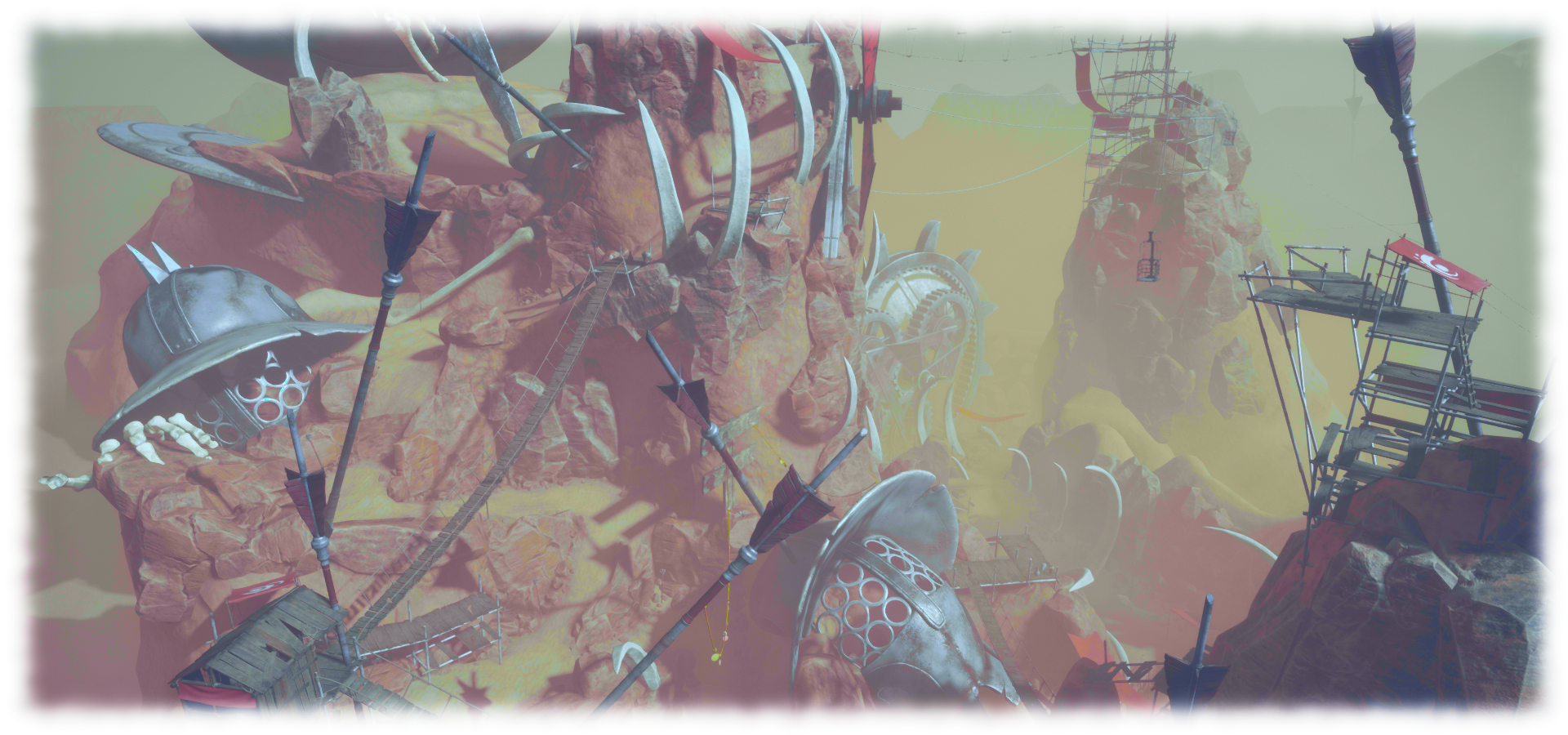
Sansar Studios: Colossus Rising

The following notes were taken from my recording of the Sansar Product Meeting held on Thursday, March 14tth. The full official video of the meeting is available here. The topic of the meeting was that of the upcoming R31 release due at the end of March, and the Sansar avatar. In attendance from the Lab were community manager Galileo, with Landon MacDowell, the Lab’s CPO, and Sansar project manager Cara, together with Nibz, Nyx, SeanT, Harley, Lacie, Stretch, EagleCat and Stanley.

R31 Release

Avatar Updates

Skin, clothing and Custom Avatars
  • The next release should see the default Sansar avatar have skin tinting enabled. If I was understanding this correctly, the skin will have six basic swatches of colour, which can then be adjusted to allow users to generate a wide range of skin tones.
  • It will be possible to dress custom avatars (until now, these have had to be supplied with clothing that cannot be removed or altered or added to).
    • This option is regarded as a beta release.
    • It will allow custom avatars to be dressed, use hair and accessories and wear clothing developed in Marvelous Designer (MD).
    • The adjust clothing option for MD clothing within the Look Book should work with custom avatars, and the Lab is working to make this capability easier to use in Desktop mode.
    • Dressing custom avatars will probably not work well with items rigged to fit the default avatars, and the Lab would appreciate feedback on this, and to how to improve the system, what problems are encountered. etc.
    • Obviously, the closer a custom avatar is to the default avatar, the better things are likely to work.
  • Future updates to follow this initial release will include:
    • Adjusting rigged accessories to correctly fit custom avatars will be a future iteration for the system.
    • Attachment points (e.g. select a right hand to add a watch).
    • Allow MD clothing to be moved, rotated, uniformly scaled, etc.
Avatar Editor Changes
  • The Save and “return to world” functions are being separated into their own buttons.
  • The Save function will allow users to save their changes to the current avatar or as a new avatar look in the Look Book.
  • A reset button will be added to the adjust clothing capability for MD clothing, to overcome issues of things being “dropped”.
  • There are a number of cosmetic updates to the avatar editor UI.

New User Flow

  • The new user on-boarding flow will be extended to include a selection of custom avatars as well as the existing default avatar set.
  • It will also be possible for users with the Grey avatar to be able to dress them until they decide on an avatar.

Animation Updates and Improvements

Jumping
  • Jumping is almost ready for release.
  • Different heights of jump can be achieved when using the jump button / key, and jumping will be gravity sensitive  (the lower the gravity in an experience, the further / higher the jump).
  • It is hoped jumping will open up the opportunity for platform style game experiences.
  • Future updates to this might include:
    • Scripted control of jumps (e.g. gain a “power up” in a game to jump higher / further).
    • Adding an animation override for custom jump animations.
  • A “falling” animation will also be released with jumping (so if you step off a wall or cliff, the avatar will fall, for example).
Walking / Running
  • The default walking and running speeds are to be increased.
  • The animation graphs supporting these may also be opened to scripted adjustment in the future, depending on feedback.
VR Animation Improvements
  • Work is being done to improve the sensation of being “grounded” (more connected to the virtual ground) when moving around in VR.
  • Work is also being carried out to better handle arm and hand positioning when in VR (e.g. so removing a headset in VR doesn’t result in the avatar’s hand being weirdly positioned or its arms going through its body).

General R31 Updates

  • Users will be able to see their bodies when in Desktop first-person view (this won’t include seeing weapons correctly held in the first pass, so carry on shooting yourself in the foot for now in Desktop mode 🙂 ).
  • Save current location: when you go to Look Book within an experience, you will be returned to the last “safe” location you occupied in the experience, rather than being forced back to a spawn point (“safe” as in not being spawned in mid-air if you were travelling on a moving surface when you entered Look Book, for example).
  • Teleport to friend will be updated so:
    • If you are in a different experience on teleporting, you will teleport to them in the scene they are in, and not to the experience spawn point.
    • If you are in the same experience when using teleport to a friend, the experience load screen will not longer be displayed.
    • “Safe” locations for teleporting will apply in both cases.
    • Creators of game-type experiences or similar that require a specific spawn point, and who do not want people randomly popping-up in their experiences will be able to set a flag to override this and divert teleports to their assigned spawn point.
  • Grabbing objects in VR should not longer display the blue beams, but allow users to naturally reach and take objects.
    • The object’s outline will still be highlighted.
    • A grabbed object should stick in the hand a lot better.

Beyond R31

Other work in progress for future releases includes:

  • Uniform scaling of avatars: users will be able to uniformly scale avatars up / down (precise range still to be decided), and will include automatic scaling of clothing and attachments.
    • Also TBD with this is whether or not the avatar capsule should scale as well, whether or not walk / run speeds should scale, etc.
    • Scaling will see foot placement and grounding in VR mode correctly adjusted as well.
  • More parity between Desktop and VR when grabbing / throwing objects.
    • These updates will include a “throwing beam” for desktop users so they can see the trajectory of an object were they to throw it, and then adjust it.
  • Work is continuing to the default avatar 2.0 (greater customisation, etc.).
  • Full body tracking in VR is being investigated (e.g. using the additional trackers for the HTC Vive). This could open Sansar for a lot of performance related activities.
  • Windows Mixed Reality (WMR) gear, etc., should work better with the next release. However, this is a user-generated fix, and it shouldn’t be taken to mean Linden Lab are supporting WMR, etc.).

2019: sixteen years for Second Life and twenty for Linden Lab

Courtesy of Linden Lab

We’re all familiar with the Second Life Birthday (or more correctly, anniversary, given Second Life is technically older than the celebrated date), marking the month and date on which the platform opened its doors to the public – June 23rd, 2003.

In 2018, we celebrated the platform’s 15th anniversary – a remarkable milestone given the speed at which software and hardware and platforms themselves can rise to prominence before fading away, replaced by the Next Big Thing.

However, as Linden Lab noted in a March 14th blog post, this year’s anniversary marks another special year:

Sixteen years ago, on June 23rd, 2003, Second Life launched to the public. Though it feels like just yesterday and a lifetime ago at the same time, this year we couldn’t pass up the opportunity to go retro and embrace the “Sweet Sixteen” theme for our big party. Sock hops, bowling alleys, and late nights at the diner were a quintessential part of many teenagers lives back in the 1950s, but the 1950s were also a time of political and social change. The world was shocked by the iconic ‘Elvis pelvis,’ and poodle and pencil skirts changed the fashion world forever. Rebellion became the titillating pastime among all that soda shoppe sweetness. It was an era that – like Second Life – rocked and rolled! So, this summer we’re throwing a 1950s themed SL16B with a TON of fun events and happenings. Here is a brief run-down of just a few.

– Linden Lab official blog post

This year the official celebration period will run from Thursday, June 20th, 2019 through to Tuesday, July 8th, 2019, and to mark it the Lab is promising an array of activities, including:

  • The SL16B Shopping Event: scheduled to run throughout the celebration period, this multi-region shopping event is now accepting applications from merchants. Those wishing to participate should ensure they have applied by June 1st, 2019.
  • The SL16B Music Fest:  popular during recent SLB events, the Music Fest will be returning for 2019, and details on how performers can apply will be forthcoming soon.

There will also be the grand community celebration, plus from the Lab the return of the Swaginator and gifts and parties.

Linden Lab Also Turns Twenty

Courtesy of Linden Lab

2019 also marks anther significant anniversary, one that is also worth noting and I would hope (assuming plans aren’t already in-hand) it will also form a part of the SL16B celebrations: the 20th anniversary of the founding of Linden Lab itself.

Linden Research – to give the company its formal name, although it does business under the name of Linden Lab – was founded in 1999 by Philip Rosedale, the company’s first CEO and former Chief Technology Officer of  Real Networks. The company’s original focus was on the development of a immersive virtual reality system comprising both hardware and software known as “The Rig” (which, rumour would have it, still lies in boxes at the Lab’s head offices in San Francisco.

However, unable to develop a commercially viable version of The Rig, Linden Lab turned to software application, producing LindenWorld, the precursor of Second Life.

Initially developed by Andrew Linden, one of the first employees at the Lab (and who would remain with the company until opting to re-join Philip Rosedale and work on the fledgling High Fidelity). LindenWorld wasn’t open to the public, and was more a game than social environment, with a focus on guns and the avatars were made out of prims and carried the name (appropriately enough, of Primitars.

Then in 2001, during a meeting with investors, that Rosedale and his team noticed those at the meeting were particularly responsive to the collaborative, creative potential of the nascent Second Life.

Thus, the objective, game-like focus of the platform’s development shifted towards a more community-drive, social environment, focused on user-created content, and thus Second Life as we  know it today was “born”. On March 13th, 2002, Steller Sunshine became the first public resident of Second Life, and the platform’s public beta commenced in October of that year. Then in June 2003, Linden Lab released Second Life to the world at large.

The first Second Life trailer

So … here’s an early “happy Birthday” to Linden Lab itself. While we may not always agree with the company or its decisions, the fact remains that without the Lab, many of us might never have entered user-collaborative, immersive social digital environments. So I hope that SL16B will mark the company’s birthday as much as it marks SL’s anniversary.

The Culprit Sonata Baby Grand piano in Second Life

The Culprit Sonata Baby Grand in two of its finishes

In September 2018, I wrote about the Culprit Sonata Bento Piano created by Eku Zhong and Yure4u Sosa (see The Culprit Sonata Bento piano in Second Life). At that time, I noted that Eko and Yure4u were working on a baby grand edition, and on March 13th, 2019 they graciously sent me a copy.

As I noted in that piece, as a pianist, I have a leaning towards the grand (concert or baby), as I appreciate the more rounded richness of its note. As having one in the physical world is impractical (although I do have a Yamaha N1), I enjoy having them in-world, and have been looking forward to the opportunity to try this particular baby grand and seeing how the Bento animations work with such an instrument.

The Culprit Sonata Baby Grand

Unlike the upright variant, the Culprit Baby Grand is supplied in one size, and follows the accepted shape of a grand, with a sweeping case built around a horizontal plate and pin block / action. In this, the Culprit Baby Ground might appear little different to other grand pianos in SL. However, it is fair to say that it is the play mechanism in this piano that is one of the aspects that sets it apart from others, even without the Bento play capability.

Where others might in part reproduce the mechanism – some strings,  the plate and sound board – or offer a texture of a grand’s “innards”, the Culprit Baby Grand goes much further. A peek under the raised lid reveals the cast iron plate with soundboard below – and a beautiful pin block and hammer set, with strings neatly positioned, presenting one of the best facsimiles of a grand I’ve yet witnessed.

Play-wise the Culprit Baby Grand is similar in nature to the Sonata upright: sit at the piano and you’ll be placed in an “idle” pose – and moving your arms as if conducting – or perhaps warming-up in readiness to play. While mentioning this pose, note that as playing the piano can result in your avatar’s eyes rolling up into the head and flicking back to this option – available from the Muted option (see below) before standing will avoid this. Sitting will also display the piano’s menu, which has the following options:

  • Texture: allows the piano body and the stool’s cushion to be textured to suit your preferences.
  • Muted: presents a total of 12 different playing styles without any associated music – so you can set a style in keeping with the music you’re listening to out world, or on your parcel stream.
  • Songs: offers 54 solo pieces to play, all public domain, representing a good cross-reference of music.
  • Duets: offers 11 duet pieces of public domain music to be enjoyed with a friend of partner playing with you.
The Culprit Sonata Baby Grand – mechanism detail

The menu also includes options to adjust the seated position on the stool, and to swap positions when playing duets, all of which makes for a pretty comprehensive set-up.

Selecting a piece of music from the Songs or Duets menus will display sheet music on the piano and move your avatar into a matching playing animation. It is here where the Bento element comes in. If you have Bento hands and watch yourself play (note that non-Bento users can still play the piano, it will just be minus the finger movements). The animations appear to be those used in the Culprit Sonata Upright, so just like that piano, they are fluid and natural, if with a slightly dramatic flair in a couple of styles  – although even the fact this is a grand, they are perhaps more in keeping with playing classical pieces than might be the case with the upright version.

Bento hand movements  are available in the three playing options built-in to the Culprit Sonata Baby Grand. Note the thumb-led glissando (filmed on the Sonata)

For those who like their in-world pianos to autoplay without being physically seated at it, the Culprit Baby Grand is perhaps not an ideal choice, simply because it does require and avatar to be seated (you can set rights to control who can). But then, this is a piano that is all about the Bento playing actions. On a personal note, I found the Culprit Baby Grand a little larger than I was expecting; the width of the piano means the reaching the extremes of the keyboard is a stretch for an avatar proportioned close to a physical world build, like mine. However, this is a minor point when compared to the “interior” modelling of the piano, its music selection and playing animations mean, all of which make it an ideal addition to any home – and it is now the preferred piano at Isla Pey, replacing the slightly smaller Lisp Persimmon grand.

With a total LI of 11, the Culprit Baby Grand will début at the Boardwalk shopping event from March 15th, 2019, at a price of L$995. It will be generally available, including via the Culprit store, from April 15th.

2019 Spoonful of Sugar merchant registrations

Spoonful of Sugar 2018

The 2019 Spoonful of Sugar (SOS) festival will be opening its doors on Saturday, September 14th, 2019 and will run through until Sunday September 29th. It will bring together fashion, home and garden, breedable designers and creators, artists, DJs and live performers to help raise money for Médecins Sans Frontières (MSF).

Merchant registrations for the event are now open, with an extensive range of tiers available for those interested in supporting the event. Full details on these options can be found of the SOS Registration page – all of which should be read in full before applying – but a summary is provided here as a means of quick review.

Sponsor Tiers

Facility

  • Only 15 spots available.
  • 500 Li awarded.
  • 30 x 30 metre build size.
  • 2 x 100% donation to SOS vendors required (more if you wish up to LI limit).
  • As many 50% or 75% donation to SOS vendors as you wish, up to LI limit.
  • Up to 15 vendors allowed for your store (exceptions for hair ans skin vendors – see Registration page).
  • Individual fashion show for your brand – see Registration page).
  • fee: L$9000.

Triage

  • 300 Li awarded.
  • 20 x 25 metre build size.
  • 2 x 100% donation to SOS vendors required (more if you wish, up to LI limit).
  • As many 50% or 75% donation to SOS vendors as you wish, up to LI limit.
  • Up to 12 vendors allowed for your store (exceptions for hair ans skin vendors – see Registration page).
  • Participation in general fashion show.
  • fee: L$6000.

Surgical

  • 200 Li awarded.
  • 15 x 12 metre build size.
  • 1 x 100% donation to SOS vendors required (more if you wish, up to LI limit).
  • As many 50% or 75% donation to SOS vendors as you wish, up to LI limit.
  • Up to 8 vendors allowed for your store (exceptions for hair ans skin vendors – see Registration page).
  • Participation in general fashion show by invitation only, and if space available.
  • fee: L$3000.

Clinical

  • 100 Li awarded.
  • 10 x 8 metre build size.
  • 1 x 100% donation to SOS vendors required (more if you wish, up to LI limit).
  • As many 50% or 75% donation to SOS vendors as you wish, up to LI limit.
  • Up to 4 vendors allowed for your store (exceptions for hair ans skin vendors – see Registration page).
  • fee: L$1000.

Additional notes:

  • All fees form a 100% donation to SOS / MSF and are non-refundable.
  • Each tier has requirements and responsibilities specific to the type of merchant applying (fashion / home and garden / breedables) – again, please refer to the Registration page for details.
    • There are exceptions to these requirements at each tier level as well.
  • All SOS/MSF proceeded items must be placed within SOS vendors that will be supplied by the organisers.
  • Non-scripted vendors must be used for all non-SOS/MSF proceeded items offered for sale.
  • Again, all applicants must read the full requirements and guidelines on the Registration page prior to applying.
Spoonful of Sugar 2017

About Médecins Sans Frontières (MSF)

Also known as Doctors Without Borders, MSF was founded in Paris, France in 1971 as a non-profit, self-governed medical humanitarian organisation delivering emergency aid to people affected by armed conflict, epidemics, natural disasters and exclusion from healthcare around the globe, based on need, irrespective of race, religion, gender or political affiliation.

Since that time, MSF has grown to a movement of 24 associations, bound together as MSF International, based in Switzerland. Thousands of health professionals, logistical and administrative staff – most of whom are hired locally – work on programmes in some 70 countries worldwide. See the video at the end of this article for more on MSF.

Additional Links

Monochrome at Rainbow Painter’s Gallery

Rainbow Painter’s Gallery: Fabio Castelli

In March, a new ensemble exhibition opened at the Rainbow Painter’s Gallery, curated by Timo Dumpling and Patience Dumpling (patience Roxley), this one with a focus on monochrome images.

Once again, this is an exhibition that features a broad cross-section of artists and art, featuring works created both in-world and from the physical world. Nor is the exhibition restricted to art: Keyah Kyomoon and Mountain String include pieces formed by both images and words.

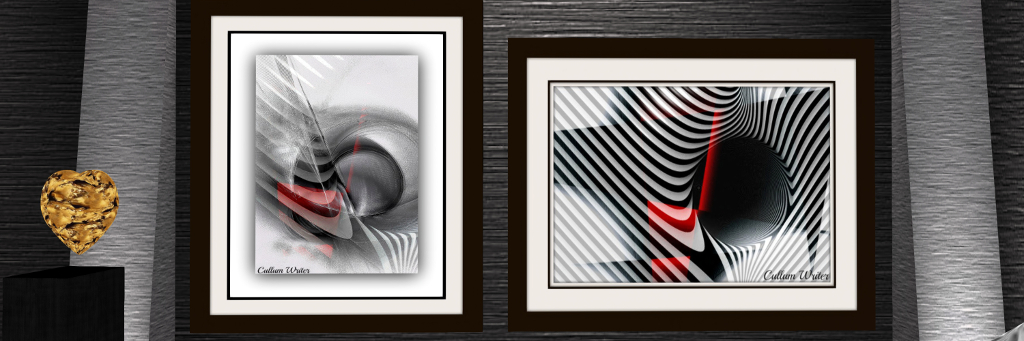
Rainbow Painter’s Gallery: Cullum-Writer

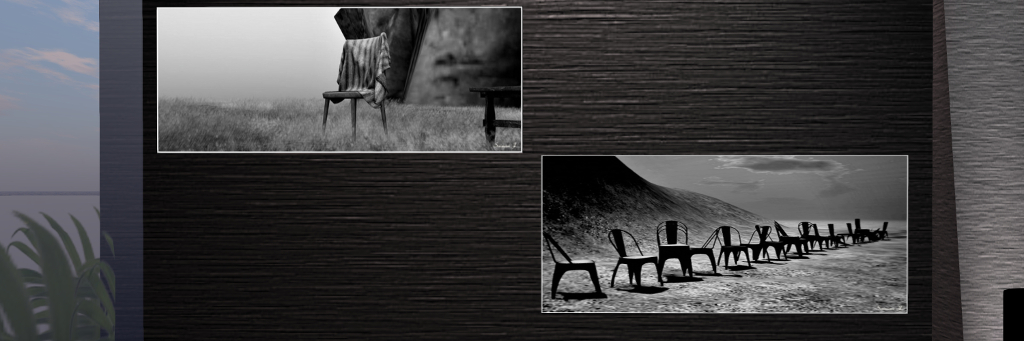
With such a cross-section of art and artists, the is much to see throughout the gallery, from Nil Urqhart’s starkly beautiful photographs of the Mount Blanc massif in Chamonix region of the French Alps, through in-world photography by Fiona Saiman, Tara Aers, Josie Anderton Ilyra Chardin, Lena Kiopak and others. These run between avatar studies and landscapes, and I confess to finding Josie Anderton’s Valentine to be quite captivating.

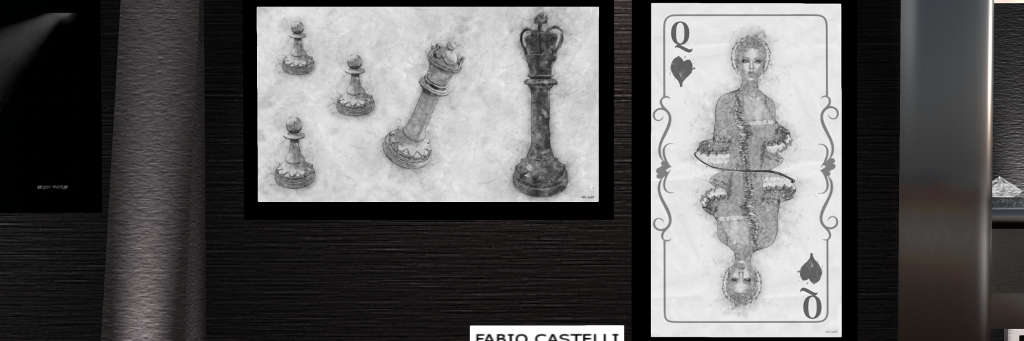
Vicktor Savior present three of his pencil drawings of celebrities – of which Keanu Reeves tended to hold my attention; but where drawings are concerned, it is the two pieces by Fabio Castelli I found most attractive. I was also pleased to see some of Paula Cloudpainter’s art on display – although I confess, I’m not sure monochrome fully captures the richness of her cloud images. Nor is all of the gallery given over to fully monochrome; there are touches of colour here and there, notably in the poems by Mountain String.

Rainbow Painter’s Gallery: Fiona Saiman

Such a large ensemble exhibition inevitably makes it hard to write about individual artists or pieces. As such, I can only give a hint of what is on display; but for a relatively young venue, I will say that Rainbow Painter’s is maturing into a very capable gallery that is rightly attracting the interest of artists new and old within SL. As such, I do recommend paying it a visit, and on keeping an eye on exhibitions there.

SLurl Details

2019 SL User Groups 11/1: Simulator User Group

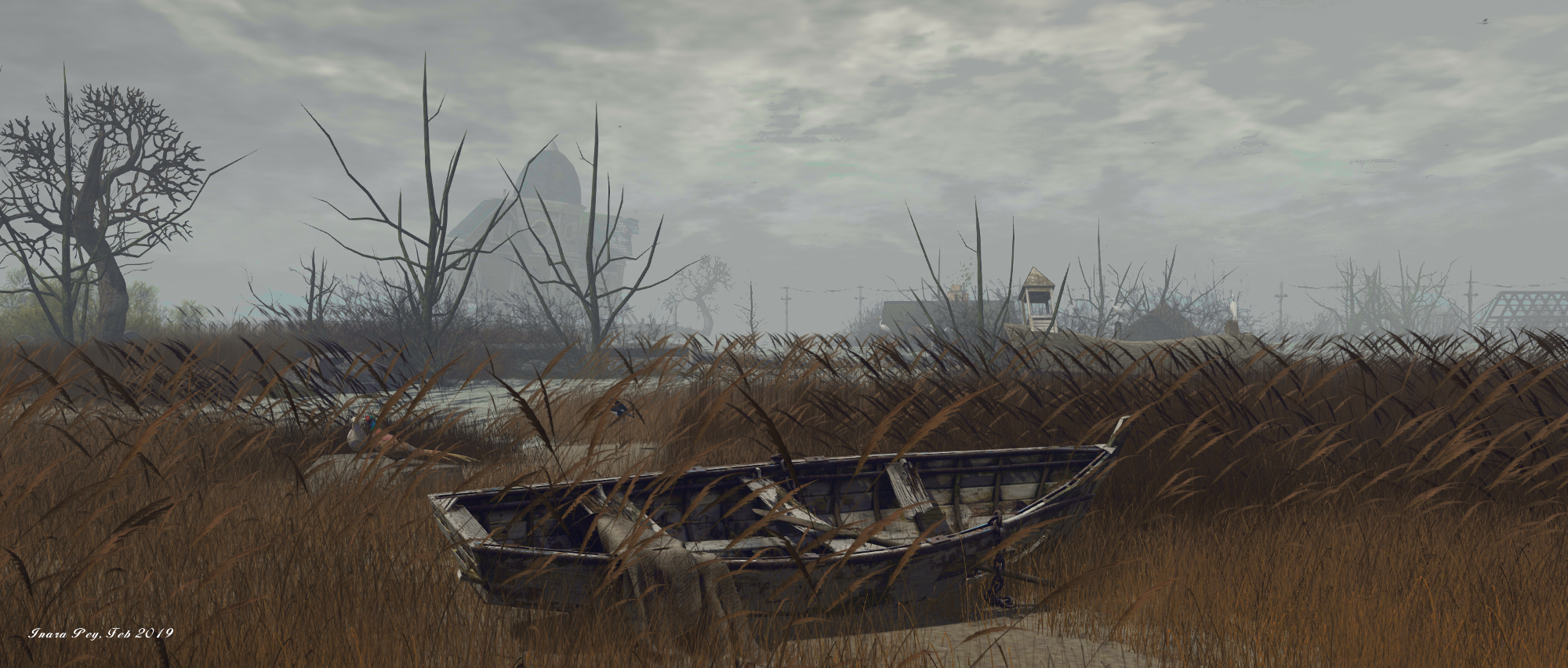
Chesapeake Bay; Inara Pey, February 2019, on FlickrChesapeake Bayblog post

Server Deployments

Please refer to the server deployment thread for the latest news.

  • There was no deployments to the SLS (Main) channel on Tuesday, March 12th, leaving it on server maintenance package 19#19.01.25.523656. Regions on the channel were, however, restarted.
  • On Wednesday March 13th, the RC regions should be updated as follows:
    • The BlueSteel and LeTigre RCs should receive a further EEP  update with server maintenance package 19#19.03.07.525089.
    • The Magnum RC channel should remain on server maintenance package 19#19.01.25.523656, comprising internal fixes. Region on that channel should, however, be restarted.

SL Viewer

  • The Environmental Enhancement Project RC viewer updated to version 6.1.1.525044 on March 7th.
  • The Love Me Render RC viewer updated to version 6.1.1.524929 on March 6th.

These updates bring these viewers to parity with the release viewer. The rest of the SL viewer pipeline remains as follows:

  • Current Release version 6.1.0.524670, formerly the BugSplat RC viewer February 13, promoted February 28 New.
  • Release channel cohorts (please see my notes on manually installing RC viewer versions if you wish to install any release candidate(s) yourself):
    • Estate Access Management (EAM) RC viewer, version 6.2.0.524909, March 5.
  • Project viewers:
  • Linux Spur viewer, version 5.0.9.329906, dated November 17, 2017 and promoted to release status 29 November – offered pending a Linux version of the Alex Ivy viewer code.
  • Obsolete platform viewer, version 3.7.28.300847, May 8, 2015 – provided for users on Windows XP and OS X versions below 10.7.

Environment Enhancement Project Notes

The meeting suggested a few misconceptions / misunderstandings with the EEP project. While I plan to have an in-depth tutorial on the subject available shortly (with the very welcome assistance of Rider Linden), it’s worth making a few points here:

  • As is widely known, EEP makes in possible for region / estate holders and parcel holders to apply EEP settings to their land (subject to region / estate level permissions, in the case of parcels).
  • However what may not be more widely recognised is that EEP also allows environment settings to be directly applied to your own avatar. When this is done, the applied settings will override any in-world settings when seen in your own viewer. This means for example:
    • Aviators can apply an environment to themselves and experience that environment across multiple regions / parcels where they might otherwise encounter multiple environments affecting their viewer during their flights.
    • Photographers can easily apply their preferred settings when taking photos no matter where they are.
    • Once applied, setting will apply until either you re-log (local settings do not persist across sessions) or you set your viewer to use shared settings (i.e. those of regions/estates and parcels).
  • Further, there are some 15 LSL commands that can be used with EEP. The majority of these can be used without restriction; however two of them – llReplaceAGentEnvironment and llSetAgentEnvironment must be used in an experience.

The Question of Script Load III

At the last two SUG meetings (March 6th  and February 27th), there were reports that the percentage scripts run seems to be falling across Mainland without a noticeable increase in script count. If true, this would indicate something is going wrong. However, making an evaluation of possible causes is difficult, and there have been requests to make some of the script-related monitoring available at region / estate level more accessible. A feature request on this has now been raised – see BUG-226501.