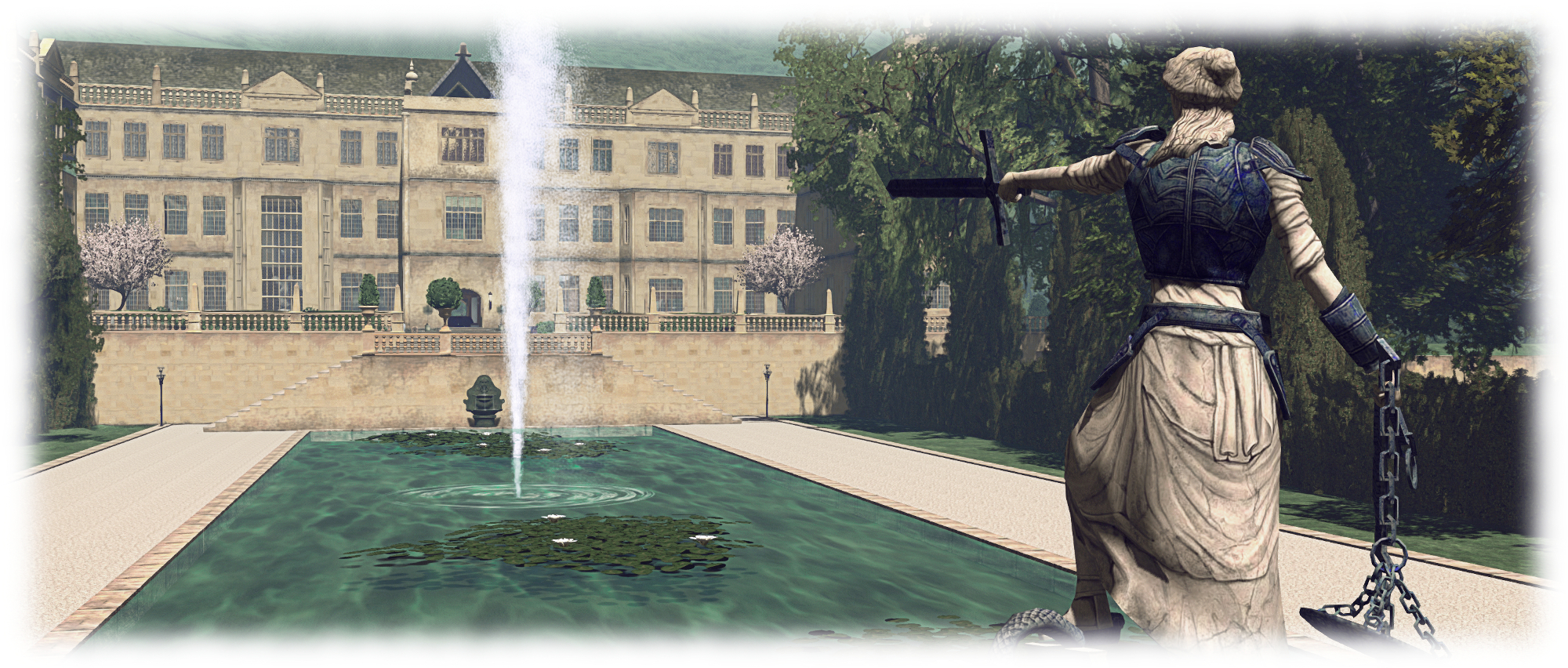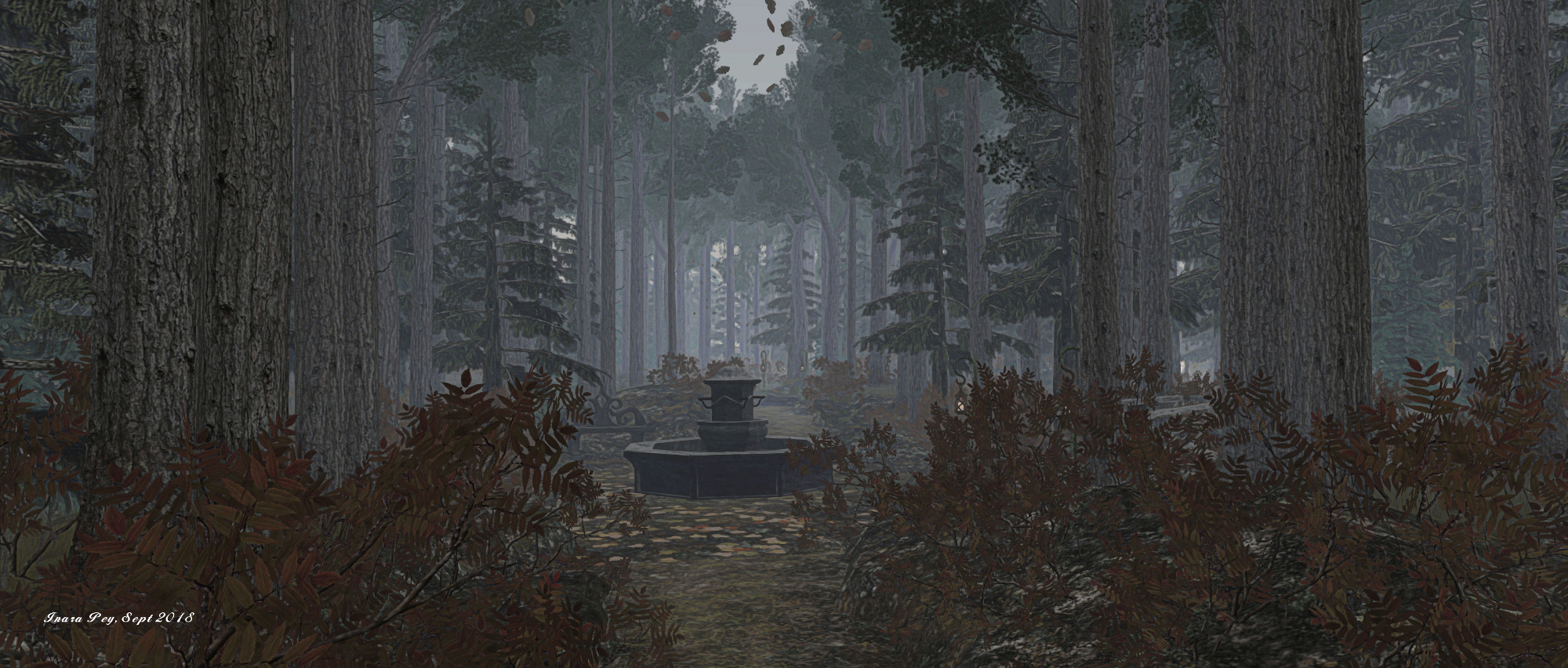
Tagus Enchanted Forest in Second Life

Tagus Enchanted Forest; Inara Pey, September 2018, on FlickrTagus Enchanted Forest – click any image for full size

I walk away from the world I know,
To a forest were each thing can change
And where the floor is carpeted in seasonal splendour.
It is here I feel magic,
In the enchanted forest.

So reads the description for Tagus Enchanted Forest, a homestead region held and designed by Lady Amalthea (meganwhitlock). As the stanza suggests, this is intended to by a mystical, enchanted place; one given over to woodland in which assorted locations can be found, which lend themselves to a variety of fantasy themes – a hint of elves here, those of a magician or alchemist there; a touch of Game of Thrones along the wall of a crypt or the suggestion of witchcraft possibly lurking in the mists …
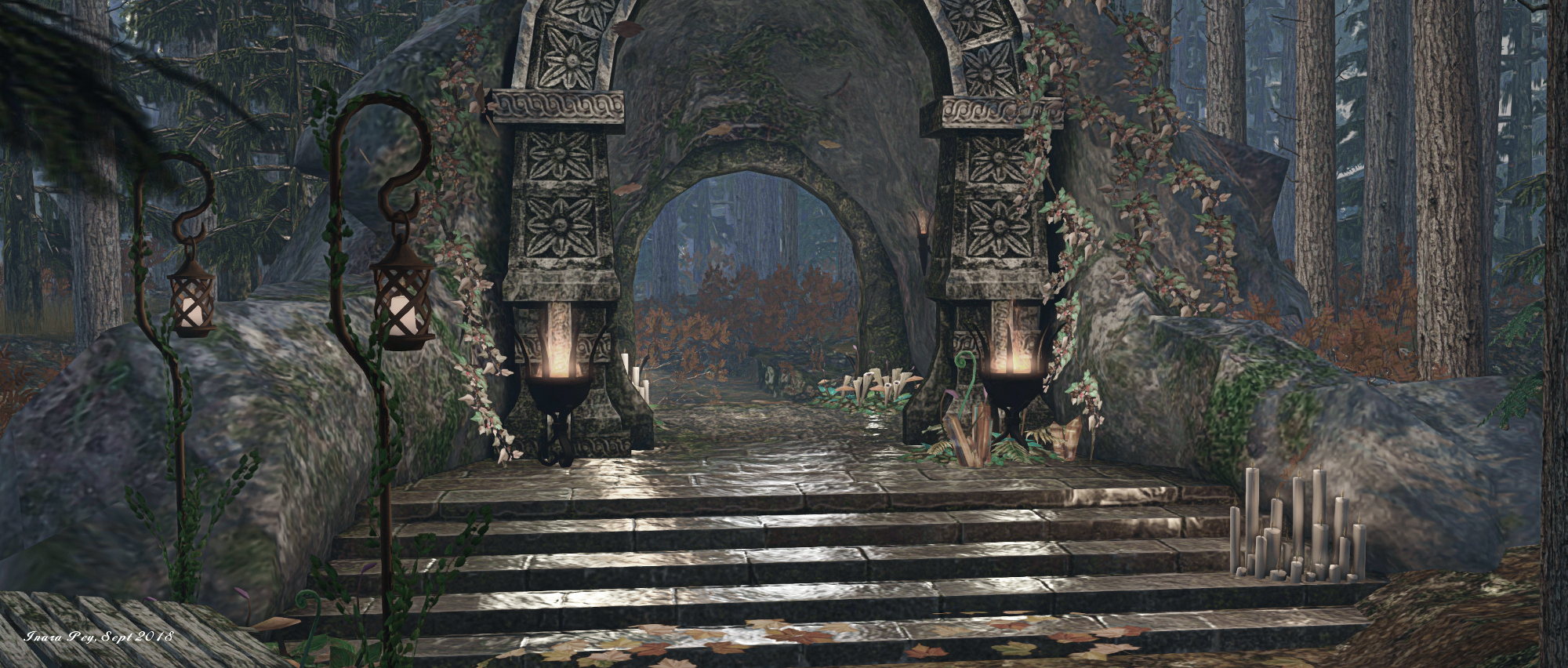
Tagus Enchanted Forest; Inara Pey, September 2018, on FlickrTagus Enchanted Forest

It is a wild, free place – a rugged island rising tall from the surrounding waters, crowned by tall trees between whose trunks paths and trail wind and loop, sufficient enough to guide travellers around the various locations to be found here, but with ample twists and turns to possibly confound one’s sense of direction.

From the landing point, lantern-marked steps offer a way up inland or down to the waterside, where further islands, long and thin and equally as rugged, can be seen.  These can be reached via rowing boat offered at a small pier – although only one offers a similar boat for getting back!
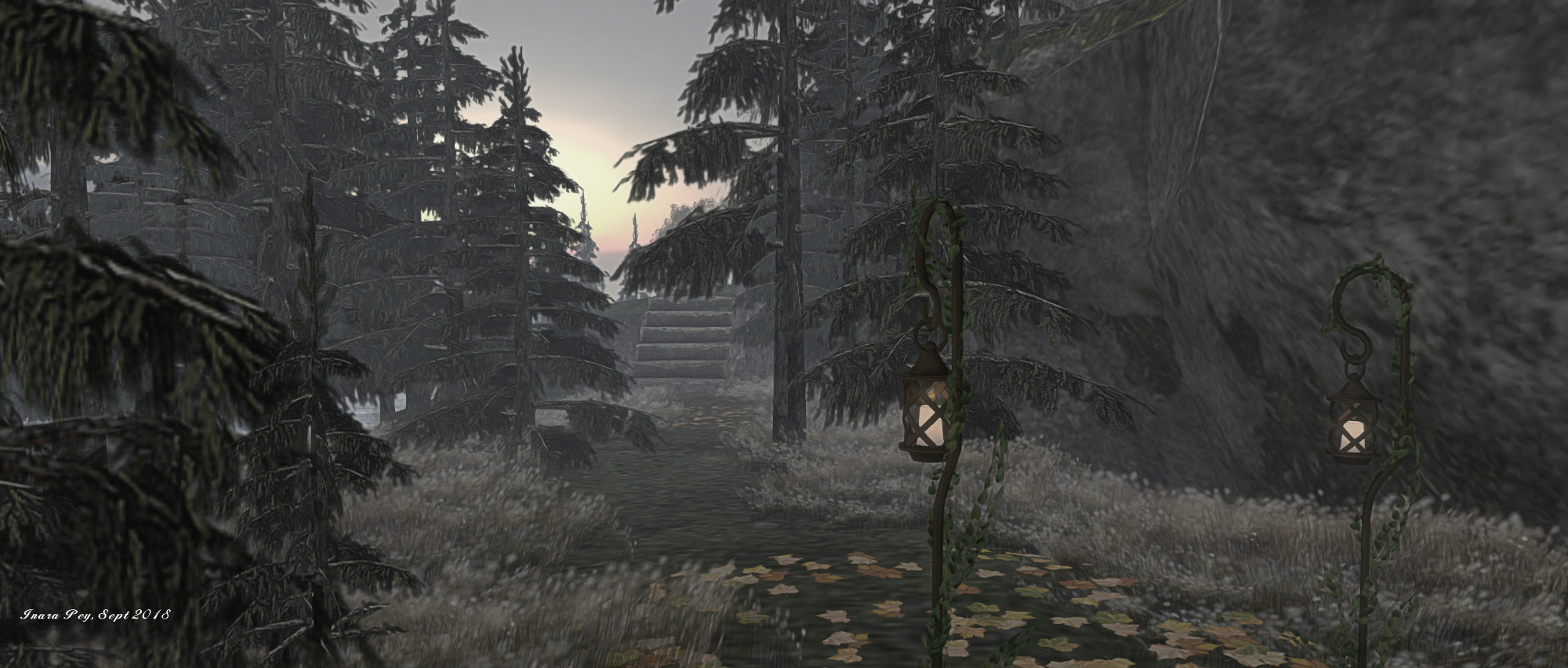
Tagus Enchanted Forest; Inara Pey, September 2018, on FlickrTagus Enchanted Forest

It is on the largest of these outer island that the Game of Thrones reference can be found: a wall of faces of the dead waiting to be worn, sitting at the back of a cliff-top crypt. A short distance from this crypt, and situated upon the highest plateau of the island is a small chapel, its organ being played by a ghostly, skeletal figure…

The remaining islands are marked by high waterfalls, one the home of an alchemist, the other featuring the ruins of a tower in which an ancient elven throne resides. Across the main island, to its north-west, another low tower is to be found atop a ridge, the seat of someone fascinated with the movement of the stars and the planets – an astrologer or magician, perhaps….
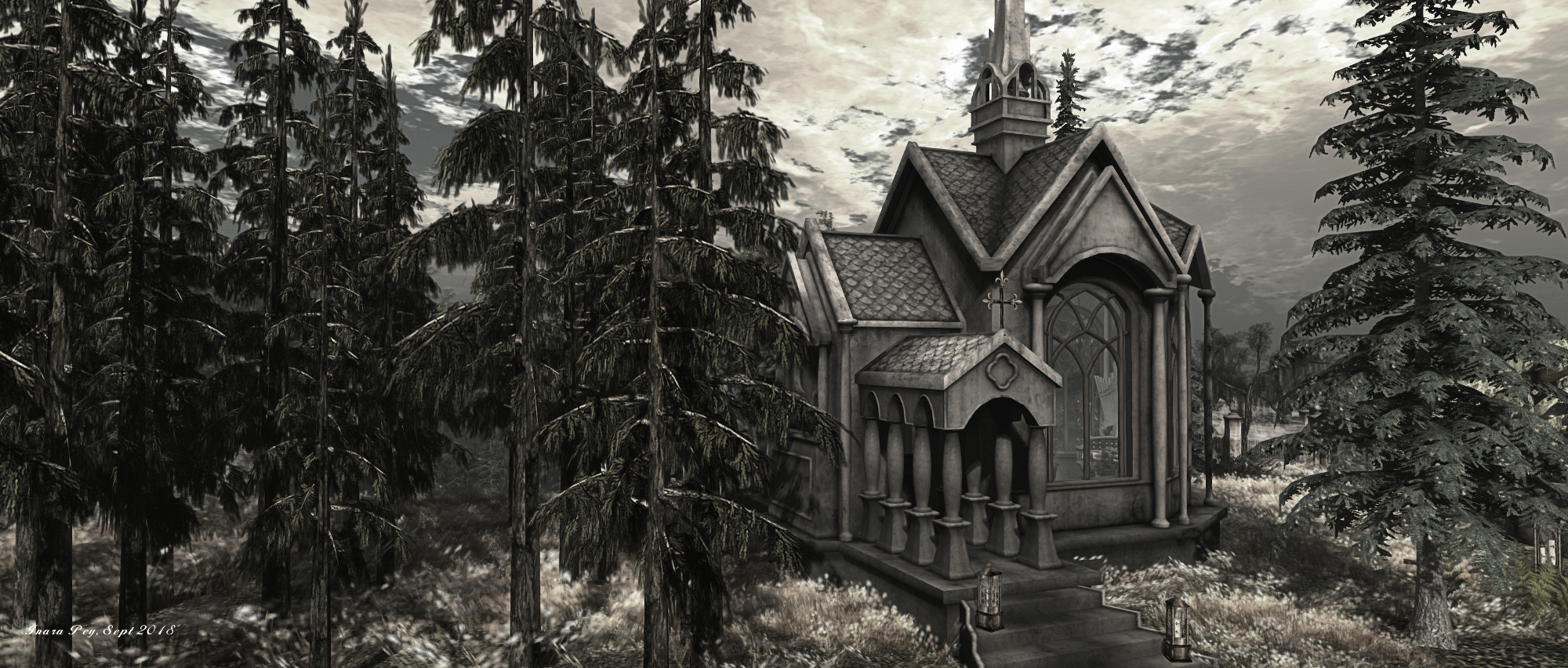
Tagus Enchanted Forest; Inara Pey, September 2018, on FlickrTagus Enchanted Forest

Finding your way around all of the trails and paths on the island can be an adventure in itself. Some are obvious, others perhaps less so as you climb and descend stone steps – just watch for the lanterns hanging from their ivy-draped poles. Along the way are numerous points of rest: camp fires to sit around, tents to sit within, places to dance, places to rest alongside still waters… All of this given a further air of mystery by the selected windlight.

There are one or two rough points one might journey into: the physics alongside the chapel’s only working entrance can at times knock the unwary sideways, and there are some landscaping elements floating above their peers. However, these do not prevent Tagus Enchanted Forest from being photogenic – and there is a Flickr group for those who wish to add their pictures.

Tagus Enchanted Forest; Inara Pey, September 2018, on FlickrTagus Enchanted Forest

A mysterious, place, Tagus Enchanted Forest perhaps awaits those willing to weave a tale of those who might reside in its towers and buildings.

SLurl Details

2018 SL UG updates 38/1: Simulator User Group

Bellefleurs; Inara Pey, August 2018, on FlickrBellefleurs blog post

Not a lot to report.

Server Deployments

As always, please refer to the server deployment thread for updates.

  • On Tuesday, September 18th, the SLS (Main) channel was updated with server maintenance package 18#18.09.04.519319, previously deployed to the main RC channels in week #37 and comprising Logging improvements.
  • The three main RC channels were not updated on Wednesday, but remained on release 18#18.09.04.519319.

SL Viewer

There have been no updates to the current round of official viewers in the various pipelines, leaving the list as follows:

  • Current Release version 5.1.8.518593, dated August 14, promoted August 20. Formerly the SL Voice RC viewer – No Change.
  • Release channel cohorts:
    • BugSplat RC viewer, version 5.1.9.519462, September 10. This viewer is functionally identical to the current release viewer, but uses BugSplat for crash reporting, rather than the Lab’s own Breakpad based crash reporting tools.
    • Rakomelo Maintenance RC, version 5.1.9.519298, September 5.
    • Animesh RC viewer, version 6.0.0.518949, August 24.
    • Love Me Render RC viewer, version 5.1.8.518751, released on August 20.
  • Project viewers:
  • Linux Spur viewer, version 5.0.9.329906, dated November 17, 2017 and promoted to release status 29 November – offered pending a Linux version of the Alex Ivy viewer code.
  • Obsolete platform viewer, version 3.7.28.300847, May 8, 2015 – provided for users on Windows XP and OS X versions below 10.7.

Region Crossings

Firestorm 5.1.7 introduced a workaround to better handle vehicle-based region crossings  viewer-side, largely as a result of Joe Magarac (animats) investigations into region crossing issues (see Experimental Region Crossing Code  in my Firestorm 5.1.7 review for more). It’s not a perfect solution, but it can help. Since then, Joe has been looking at similar issues relating to avatars being “half unseated” on region crossings, particularly when the avatar appears to “jump” between 25-100 metres into the air on a crossing, or get pushed sideways.The effect is akin to sitting on an object and the viewer sometimes briefly something you at 0,0,0 in a region before bouncing your view back to your actual seated position.

It’s thought this issue might be related to how the messaging for region crossings is handled: the avatar and vehicle data get packaged and transferred between regions separately to one another, and things can go awry in trying to put them back together if the messages containing the data are received “in the wrong order”. It’s one of several issues with regions crossings that might be improved through viewer-side updates, and Simon Linden suggest the viewer team would be glad to look at contributions aimed and fixing any of them.


A look at the new Second Life sign-up pages

The first of the new sign-up pages. Courtesy of Linden Lab

Linden Lab has deployed a new format sign-up process for those joining Second Life.

Using a simpler, more unified page design, the new sign-up process brings together the previously separate avatar picker and sign-up form into a single page, effectively reducing the number of individual steps a new user must take from initial sign-up through to downloading the viewer.

Picking a starter avatar is now a case of selecting one of two galleries from a drop-down menu in the left-hand panel in the initial page (shown below): Classic Avatars (the default) or Fantasy Avatars. Clicking the portrait of an avatar will display a full body animated thumbnail of the avatar, while personal information can be entered into the form on the right-hand panel.

The avatar selection panel, showing the Fantasy Avatar, complete with the thumbnail of the highlighted avatar

The options for selecting Basic or Premium membership follow the same page format, although the Premium button takes a user to the more familiar Premium upgrade page, allowing them to choose their preferred payment option: monthly, quarterly or annual. The Basic option button will complete the sign-up process and allow present the download option for the viewer.

The revised Basic and Premium options display

The new sign-up process also gave me the opportunity to try the latest iteration of the Learning Island new users are delivered to the first time they log-in to Second Life using the official viewer.

As I reported in 2015 and 2016, the Lab have been using experience keys to help guide new users in gaining familiarity with the basic movement controls in the viewer. The most recent version of the Learning Islands continues this approach, offering incoming new users a basic set of tasks  – walking, jumping, flying – using the camera – they are asked to complete, before moving through a set of portals that deliver them to the Second Life Social Islands.

On arriving at the updated Learning Island, the guidance HUD automatically attaches, guiding users through the initial exercises. It detaches on leaving the island through the main portal

The new island design is a route through a series of broad halls built around a central terrace that might be suitable for socialising with other newcomers, and which is reached via a portal at the end of the final lesson (using the camera), and which contains the portal that delivers users to the Social Islands.

The lessons themselves and are indicated both on the HUD (seen in the image above) and via instruction tablets within the halls. Animated arrows (again seen in the image above) and on the floor help direct users around the halls.

The lessons are simple enough, and have been used before. however the environment is a marked improvement over the last iterations of the Learning Islands I’ve visited

Overall, the new sign-up process is a lot cleaner and – perhaps more importantly – a lot more modern-looking than the last iteration, which always felt cumbersome to me. It is concise enough to hopefully prevent a new user from bailing out before getting as far as downloading, installing and running the viewer.

Similarly, the updated Learning Island  – which may well have been in use for a while, I’ve not been keeping an eye on the generic islands of late, only the themed islands, – offer a much more straightforward approach to getting started with the basics of the viewer. It might be argued that as this particular iteration doesn’t include information on inventory, Linden Dollars, etc., it might be a little too light on details; but keep in mind this may be one of a number of Learning Island variants the Lab might periodically rotate into use.


ArtCare Gallery in Second Life

ArtCare Gallery: Care

Yany O’Real (Yany Oh) recently invited me to visit ArtCare Gallery, where a selection of his work is currently being exhibited. Curated by Care (carelyna), the gallery offers a large display space for her own art, whilst also featuring – at the time of my visit – the art of Yany, together with Leonorah Beverly, Lam Erin, Sandi Benelli, Marga J, Shakespeare (SkinnyNilla) and Maxie Daviau, with 3D art and particle displays by Pol Jarvinen and Kurk Mumfuzz.

I admit to having missed Care’s art up until now, and the gallery offers an excellent opportunity to gain familiarity with it. Focusing primarily on landscape studies from within Second Life, which she presents post-processed to resemble paintings.

ArtCare Gallery: Care

One group of her images are vividly rich in colour, strongly evocative of the likes of Van Gogh in their style and offering truly unique views of Second Life. The more lightly processed images are likewise attractive whilst more fully illustrating Care’s eye for presenting views of Second Life as we are familiar with them. Also included in her selection of art is a set of images captured at one of Kurk’s particle shows, which offers a further contrast in style and approach.

Facing Care’s work are gallery bays featuring the work of Max, Leonorah, Lam, Shakespeare, Marga J and Sandi. All are enticing Second Life landscape artists – and in the interests of disclosure, I have an abiding admiration for the work of Max and Shakespeare. Taken together these artists offer a natural flow of images hat allow us to travel through Second Life to many places and regions.

ArtCare Gallery: Shakespeare and Max

Situated in a hall of its only, Yany’s work covers both landscapes and avatar studies, and in a rich mix of styles. I found two of the images particularly captivating:  We Are Many, presenting a single image of avatars attending a presentation, which has been repeated several times over to become a collage, with the groups of images mirrored to offer something of a unique perspective on how we might perceive our avatars.

The second is Starman, a rich – and lighthearted? – take on the launch of Elon Musk’s Tesla Roaster into space as part of the first launch of the Falcon Heavy in February 2018.

ArtCare Gallery: Yany

Located against one of the walls of the gallery are two pairs of doors marked “reception” – one of which leads up to to a 3D display of Pol Jarvinen’s 3D work, and the other down to ground level and a small display of Kurk’s particle art.

With a rich mix of themed 2D art, together with the 3D and particle work above and below, ArtCare Gallery makes for an interesting visit.

ArtCare Gallery: Lam and Leonorah

SLurl Details

A Spoonful of Sugar 2018 in Second Life

via Spoonful of Sugar

The fourth Spoonful of Sugar (SOS) festival opened its doors on Saturday, September 15th, 2018 and will run through until Sunday September 30th. It brings together fashion, home and garden, breedable designers and creators, artists, DJs and live performers to help raise money for Médecins Sans Frontières (MSF).

Also known as Doctors Without Borders, MSF was founded in Paris, France in 1971 as a non-profit, self-governed medical humanitarian organisation delivering emergency aid to people affected by armed conflict, epidemics, natural disasters and exclusion from healthcare around the globe, based on need, irrespective of race, religion, gender or political affiliation.

Since that time, MSF has grown to a movement of 24 associations, bound together as MSF International, based in Switzerland. Thousands of health professionals, logistical and administrative staff – most of whom are hired locally – work on programmes in some 70 countries worldwide. See the video at the end of this article for more on MSF.

Spoonful of Sugar – shopping

Established by Ever Courtois and Angelique Wickentower, Spoonful of Sugar (SOS) aims to raise money for MSF as a part of the organisation’s Vital Pact Campaign.

For 2018, the event takes the theme Welcome to Italy, with the six regions of the event set out to resemble an Italian coastal town, complete with winding waterways, while in the central regions, within their hills and paths, can be found breedable displays, event areas, together with an MSF information area.

Spoonful of Sugar: one-of-a-kind Auction

A full shopper’s guide is available, covering the five shopping regions, and participating creators have items on sale via special SOS vendors, with between 50% and 100% of proceeds of sales being donated to SOS. The entertainment guide provides details of who is providing the music and when. In addition, the event sees auctions and raffles and the SOS Home Giveaway Raffle.

Spoonful of Sugar: live music pavilion

Getting around is a matter of either walking – obviously the best way to see the regions – or by clicking the red boxes atop the sign posts along the footpaths. These will provide a set of landmarks to the major locations in the regions, both events and shopping.

Over the course of its first three years, Spoonful of Sugar has raised US $30,000 – a reflection both of the global nature of MSF’s work and of the global reach of Second Life to help support the provision of aid and humanitarian assistance to those so much less fortunate than those of us able to enjoy a virtual life. 2018 will hopefully see that amount grow even larger.

SLurl and URL Details

2018 viewer release summaries, week #37

Logos representative only and should not be seen as an endorsement / preference / recommendation

Updates for the week ending Sunday, September 16th

This summary is generally published on every Monday, and is a list of SL viewer / client releases (official and TPV) made during the previous week. When reading it, please note:

  • It is based on my Current Viewer Releases Page, a list of all Second Life viewers and clients that are in popular use (and of which I am aware), and which are recognised as adhering to the TPV Policy. This page includes comprehensive links to download pages, blog notes, release notes, etc., as well as links to any / all reviews of specific viewers / clients made within this blog.
  • By its nature, this summary presented here will always be in arrears, please refer to the Current Viewer Release Page for more up-to-date information.
  • Note that test viewers, preview / beta viewers / nightly builds are not recorded in these summaries.

Official LL Viewers

  • Current Release version 5.1.8.518593, dated August 14th, promoted August 20th. Formerly the SL Voice RC viewer – No Change.
  • Release channel cohorts (please see my notes on manually installing RC viewer versions if you wish to install any release candidate(s) yourself):
    • BugSplat RC viewer, version 5.1.9.519462, September 10. This viewer is functionally identical to the current release viewer, but uses BugSplat for crash reporting, rather than the Lab’s own Breakpad based crash reporting tools.
  • Project viewers:
    • No updates.

LL Viewer Resources

Third-party Viewers

V5-style

V1-style

Mobile / Other Clients

Additional TPV Resources

Related Links