2018 SL UG updates #1/1: Simulator User Group

Sol Existence; Inara Pey, October 2017, on FlickrSol Existenceblog post

Server Deployments

There are no planned deployments for the opening week of 2018. There are currently no DRTSIM projects on Aditi (the beta grid) awaiting promotion to the Main grid, however, there may be new RC deployments for week #2 (commencing Monday, January 8th).

SL Viewer Updates

There have been no SL viewer updates over the holiday period. This leaves the viewer pipeline as per the end of 2017:

  • Current Release version 5.0.9.329906, dated November 17th, promoted November 29th – formerly the “Martini” Maintenance RC
  • Release channel cohorts:
  • Project viewers:
  • Obsolete platform viewer version 3.7.28.300847, May 8, 2015 – provided for users on Windows XP and OS X versions below 10.7. This viewer will remain available for as long as reasonable, but will not be updated with new features or bug fixes.

TPV Updates

The following  third-party viewers updated over the holiday period:

  • Black Dragon updates to version 2.9.6.
  • Cool VL viewer updated to version 1.26.20.40 (stable), and 1.26.21.6 (experimental).
  • Catznip updated to version R12 on January 2nd, 2018 – see my overview for more.

My weekly viewer release summaries will resume from week #2, 2018.

SL Feature Summit

The next Second Life “feature summit” when potential projects and major updates for SL are considered / reviewed, is due to take place in February 2018. These meetings are generally held around every 6 months.

Return to Brand New Colony in Second Life

Brand New Colony; Inara Pey, January 2018, on FlickrBrand New Colony – click on any image for full size

Brand New Colony is closed. SLurl have been removed from this article as a result.

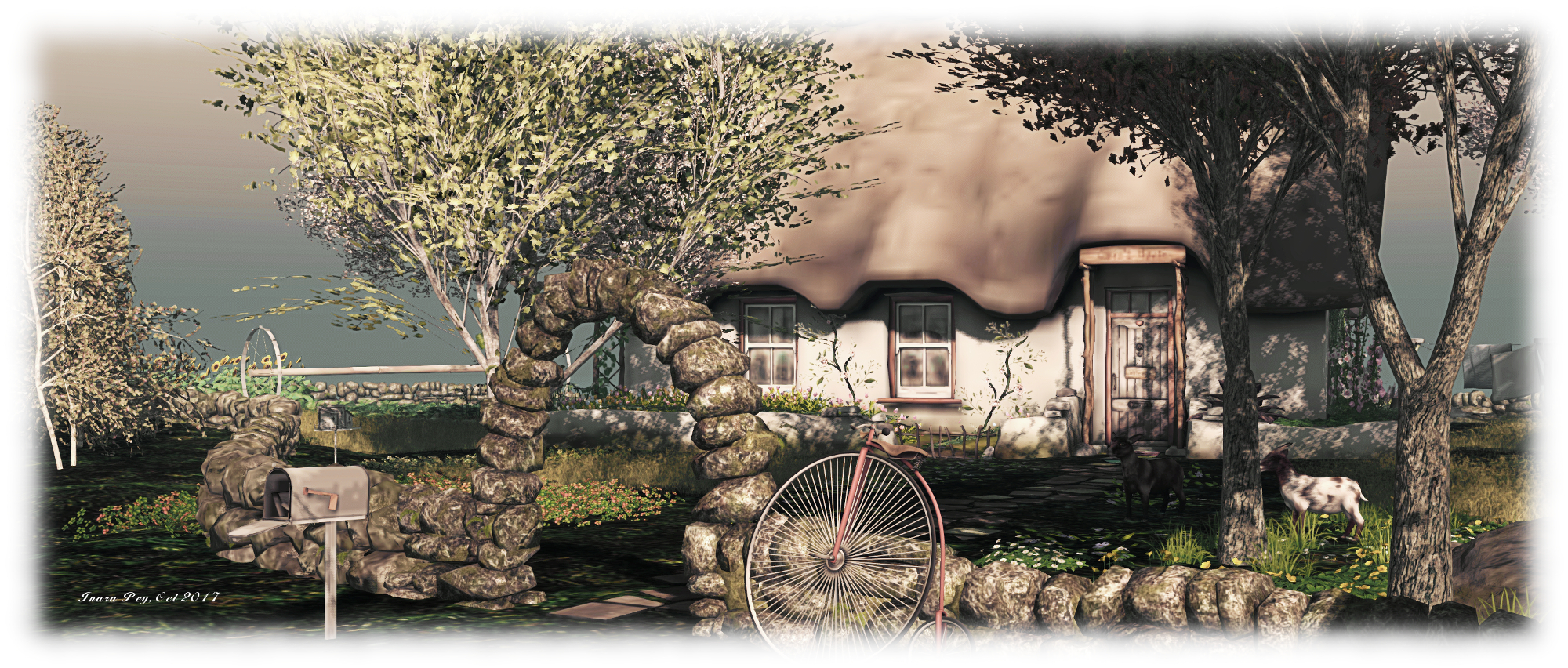
In September 2017, we visited Brand New Colony, a homestead designed by Bunny Blessed (Svelte Blessed) and Mimara Blessed (Mimara), and we very much enjoyed our explorations. So when Miro Collas sent me a message to say the region had relocated and in the process had been rebuilt, we decided to jump to the new location and take a look.

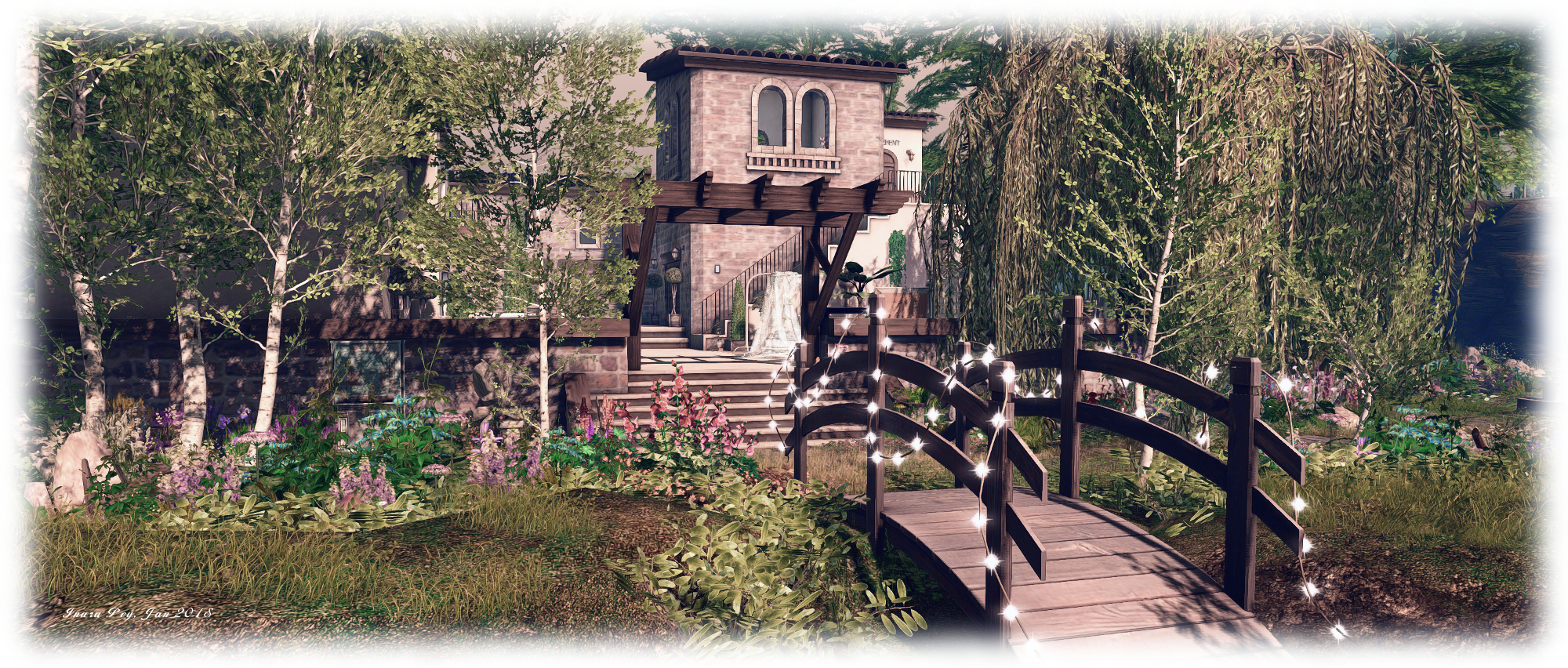
Still in the hands of the Blessed family, and designed once again by Bunny and Mimara, with assistance from Seren La Croix (torturedstar), the region in its new location carries on some of the themes from the September 2017 design whilst presenting a wholly new look that touches on fantasy in an eye-catching and imaginative way.

Brand New Colony; Inara Pey, January 2018, on FlickrBrand New Colony

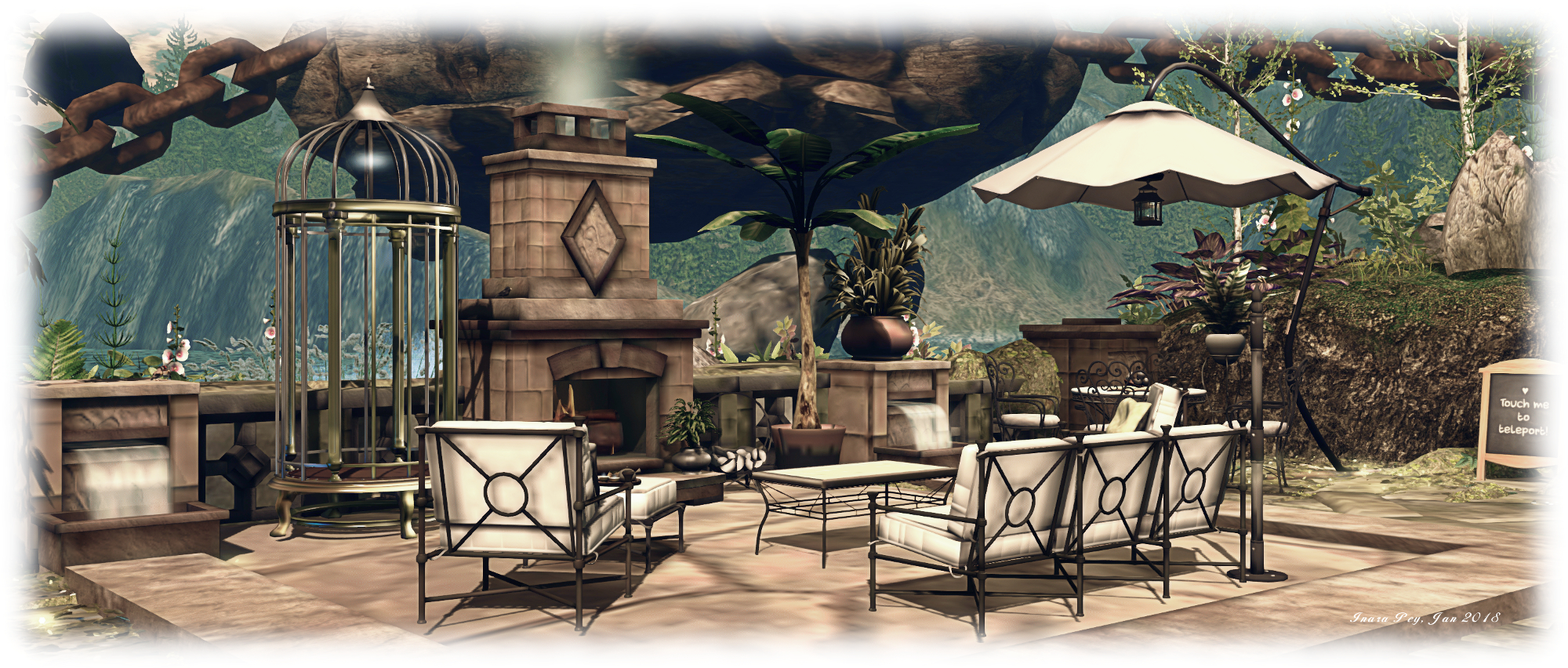
As with the September design, a core aspect of this new build is islands. Surrounded by tall, grass-covered peaks, Brand New Island presents six islands – although three are not what you might expect. The largest of these islands is a rugged affair, thrusting up from foamy waters, its flat top home to a large villa which echoes part of the look from the September 2017 design. Furnished indoors and within its courtyard, the villa shares this table of rock with an outdoor terrace located closer to the water, sitting on a low shoulder of rock reached via a stone stairway. With plenty of room to sit around the fireplace, this terrace ends at a small jetty against which a Loonetta 31 is moored.

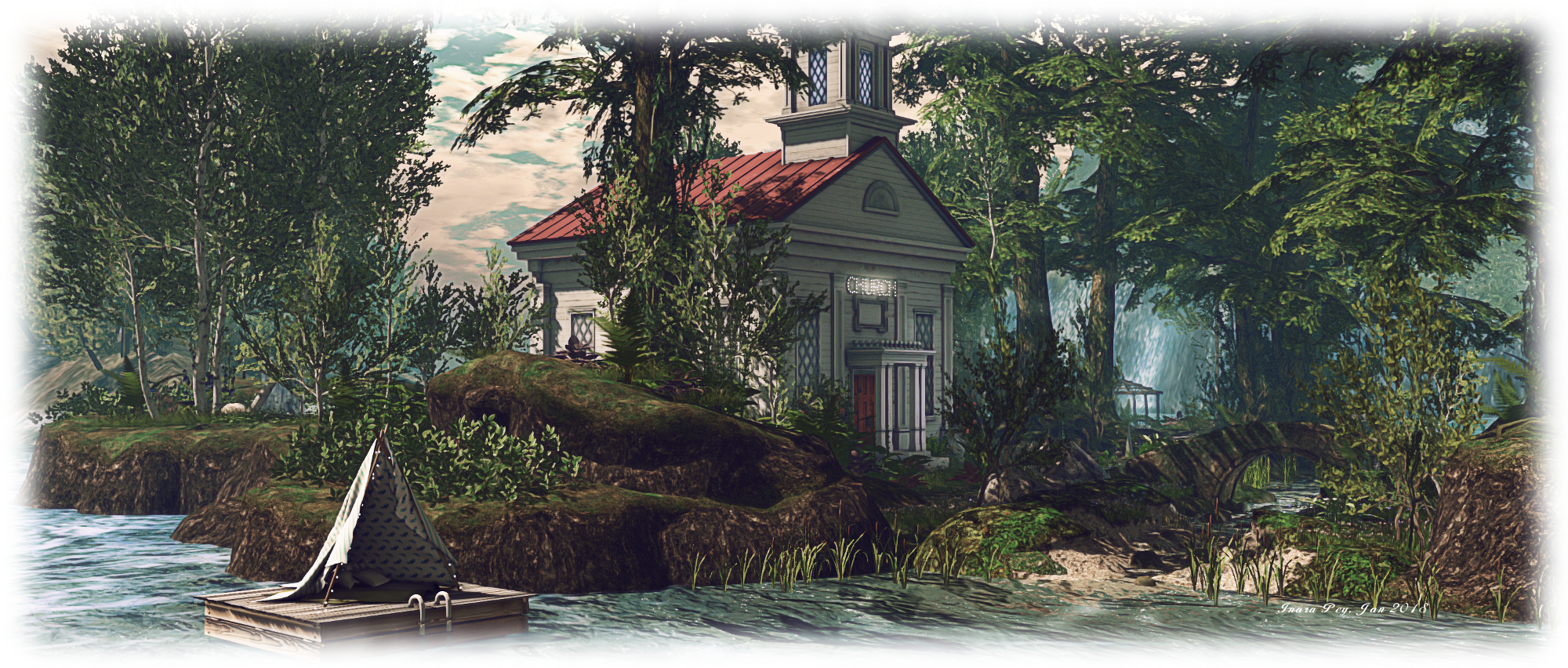
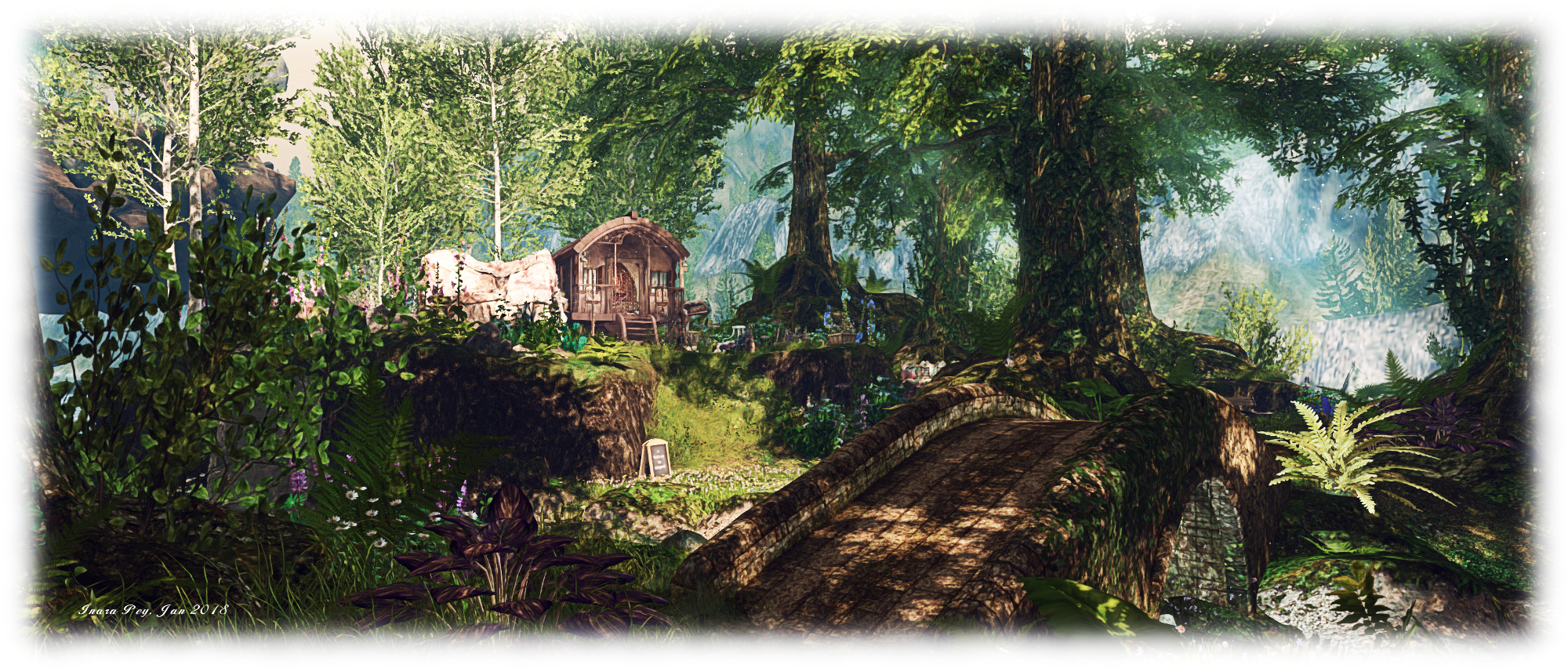
The terrace also offers a fine view across the water to two more islands – these so closely linked, they at first appear to be a single body of land rising gently from the surrounding waters. It is only while exploring that the narrow channel dividing them becomes apparent, stone and wood bridges spanning it to link these two richly wooded islands. Much is to be found on them, be it the red-roofed chapel or the little Romany encampment or, a little further afield and more secluded, various points where couples can sit and cuddle under the shade of trees or by rounded pools of quiet water.
Brand New Colony; Inara Pey, January 2018, on FlickrBrand New Colony

But how does one get from the villa island to its neighbours? The answer to that question isn’t hard to find, lying as it does within the unique presentation of the three remaining islands, one of which forms the landing point for visitors, and is home to a gazebo those who visited the September 2017 design will likely find familiar.

Rather than being surrounded by the region’s foamy waters, these three islands are floating – rising, even – above them. It is as if gravity has forgotten them, so they have cut loose from their foundations to start a slow rise into the sky, setting smaller boulders and rocks tumbling and spinning in the air in defiance of gravity in the process. But they have not been allowed to escape entirely: great chains anchor the larger two of these floating islands to their cousins below, the chains massive and rusted, forming iron bridges visitors can use to travel between those below and those in the air.

Brand New Colony; Inara Pey, January 2018, on FlickrBrand New Colony

Two of these islands seem content with their lot, firmly anchored in place to those below. The third, however, linked to the landing point island, appears more wayward. Canted at a slight angle, it seems to resent the massive chain impeding its upward progress and is still attempting to ascend, the great trees on its grassy top seeming to grasp the grassy rock in their roots, grimly determined to hang on.

With chains connecting it to both the villa island and one of the wooded islands, the landing point offers a natural connection between the two, while to the south-east, and linked only to the villa island, the last of those floating in the area offers its flat top to a garden setting. Focused on a large gazebo, this features statues, fountains, a rich variety of unusual flower planters – including an old grand piano and a garden swing to an overgrown tea party attended by stone sculptures, presenting a wonderfully fanciful scene.
Brand New Colony; Inara Pey, January 2018, on FlickrBrand New Colony

For those who prefer not to chance the chains linking the islands together, a teleport system is supplied; look for the chalk signs boards found at or near each of the major locations and click on them for a list of destinations. Make sure you accept the local experience, and TPs will be automatic on selecting a destination thereafter.

At the time of our visit, some construction work still seemed to be in progress, so some things may well change over the coming days. However, that shouldn’t put visitors off. This latest iteration of Brand New Colony retains all the beauty of the former region, while offering something very new and fun to explore.  Our only word of warning is that it is rich in textures, some of which can take a little time to load.
Brand New Colony; Inara Pey, January 2018, on FlickrBrand New Colony

SLurl Details

  • Brand New Colony (Teasers, rated: Adult)
 

Catznip R12: inventory, shopping and more

Monday, January 1st, 2018 saw the long-await release of Catnzip R12 – the release coming a little over a years since the last update – and slightly earlier than planned, thanks to the auto-update!

As one might expect, this update brings a large number of user-facing updates, which are quite comprehensively documented in the accompanying release notes, and rings Catznip up to parity with the current LL released viewer code base 5.0.9. It is currently only available for Windows, in 32-bit and 64-bit versions, the latter conforming to the Lab’s Alex Ivy 64-bit build.

Given the depth of the release notes, I’m providing an overviews of just some of the updates here:

  • Quick Preferences updates.
  • Inventory Management improvements.
  • Chat / group chat updates.

For the rest of the changes, please refer to the release notes.

Quick Preferences Updates

Main Quick Preferences Panel

The main Quick Preference panel sees a number of small updates and improvements:

  • The short cut CTRL-SHIFT-P no longer conflicts with Print Selected Object Info (the latter now ALT-SHIFT-P).
  • The panel can now be minimised via a button (item 1 in the image below)
  • The Other Section of avatar rendering now includes a button to open the Exceptions panel for listing exceptions to your avatar rendering settings (item 2 in the image below)
  • The worn items tab button (item 3 in the image below) now displays a tab with button to display sort options for the items listed in it (item 4 in the image).
The revised Catznip Quick Preferences

Quick Inventory

We all use HUDS – HUDS for AOs, HUDs for mesh bodies, HUDs for mesh heads, HUDs for appliers, etc.). However, wearing the all, all the time not only clutters the viewer’s window, it actually eats texture memory. We also have certain things we like to wear all the time. However, even if you dump all of your HUDs into a single folder in inventory, finding the one you want can be a pain.

Catznip R12 helps ease some of this pain through the provision of a Quick Inventory function. Used via Quick Preferences, this can afford faster, cleaner access to your HUDs, etc. To use it:

  • Create a folder anywhere in your inventory (if you don’t already have one ready to go).
  • Drag and drop your HUDs an bits (or links to them ) into it.
  • Open Quick Prefs and click on the inventory button (item 1 in the image below).
  • Click on the Folder <click to select> button (item 2 in the image below) to open a folder picker.
  • Click on the folder with your HUDs and bits to select it.
  • The contents of the folder will be displayed in the inventory tab of Quick Preferences each time it is opened, allowing you to easily Wear / Add items from it (right-hand picture in the image below).
  • The folder can be changed at any time by clicking on the folder button in the inventory tab.
Quick Preferences: Quick Inventory

Inventory Management

Inventory management updates make up the core of the R12 changes, and these come in a number of improvements, from how you chose to receive goods purchased in-world in your inventory or passed to you by others, through searching inventory to where boxed items are unpacked and stored in your inventory.

Accepting In-World Purchases and Inventory Offers

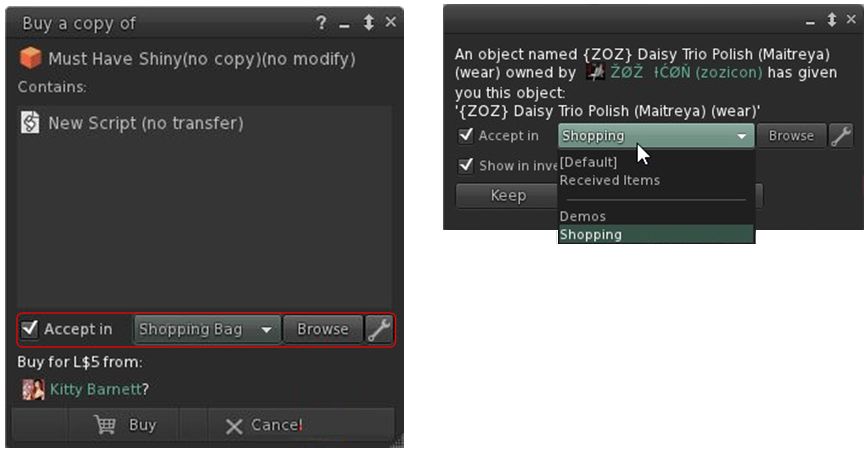
With Catznip R12 you can now designate where the items you purchase in-world or are given by others, are stored within your inventory. So, for example, you could opt to receive all your in-world purchases in a folder you call “Shopping Bag”, any demos you grab in a folder called “Demos”, anything your offered by friends in “From Friends”, and so on. How you organise things is entirely up to you. This means both the Pay and Buy floaters in Catznip R12, together with the Accept Inventory floater now offer you the ability to select where incoming items are going to be stored in your inventory.

Catznio R12’s options to select where items you buy / receive go in your inventory

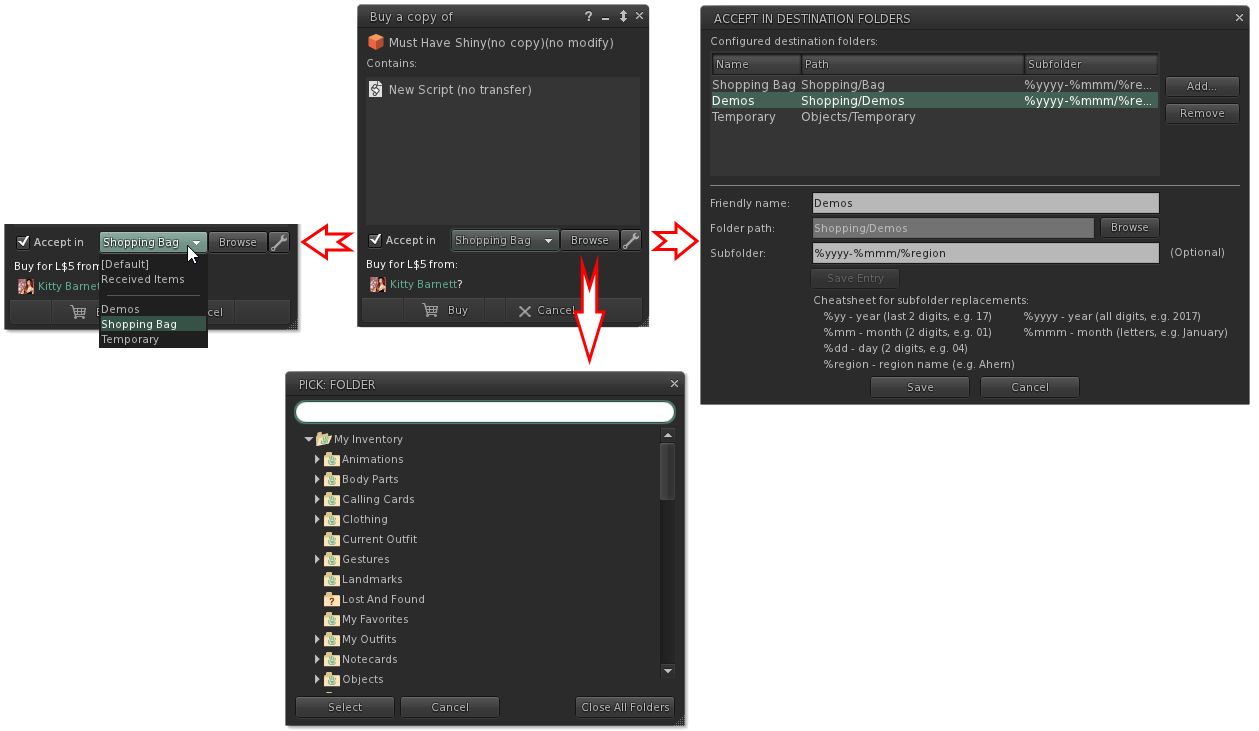
The options should be fairly self-explanatory. Check Accept in and the remaining options are activated. The drop-down will display a list of folders you have opted to allow incoming items to be delivered (show in the image on the right), the browse button allows an alternative to you list of folders in the drop-down to be selected, and the spanner button allows you to establish your list of destination folders. The roadmap of these various options is shown below.

What the options do. Note they are available in both the expanded floater view (centre) and the collapsed view (left)

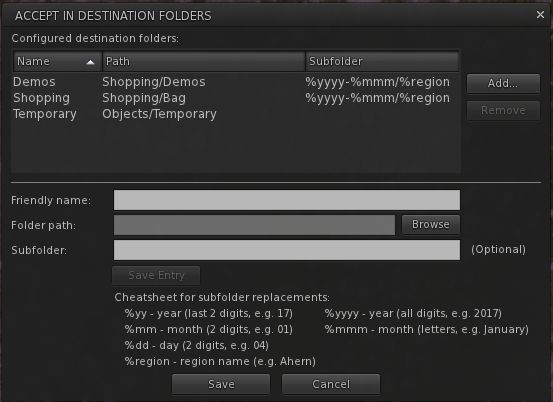
Not only can you select the folders into which you want incoming purchases to go, you can also set Catznip R12 to dynamically create new folders in which to place incoming items. This means, for example, that if you got to a big shopping event at one location, you can set the viewer to deliver all the demo you obtain / items you purchase into folders define by – say – the month in which you got them, and the location where they were obtained.

So, for example, if in April you go to shopping event X on region YYYY, and grab a load of demos, and then later in the month go to event A on region BBBB and grab more demos, you can have them delivered to sub-folders in your “Demos” folder, respectively labelled “April 2017 YYYY” and “April 2017 BBBB” – both of which are dynamically created by Catznip as they are needed. So even if you don’t get around to trying them for days after your visit, you can quickly and easily locate the demo items without have for fiddle around searching for folders and objects.

The panel for setting folders into which incoming purchases can be received, and the option for setting dynamically created sub-folders within that folder

Continue reading “Catznip R12: inventory, shopping and more”