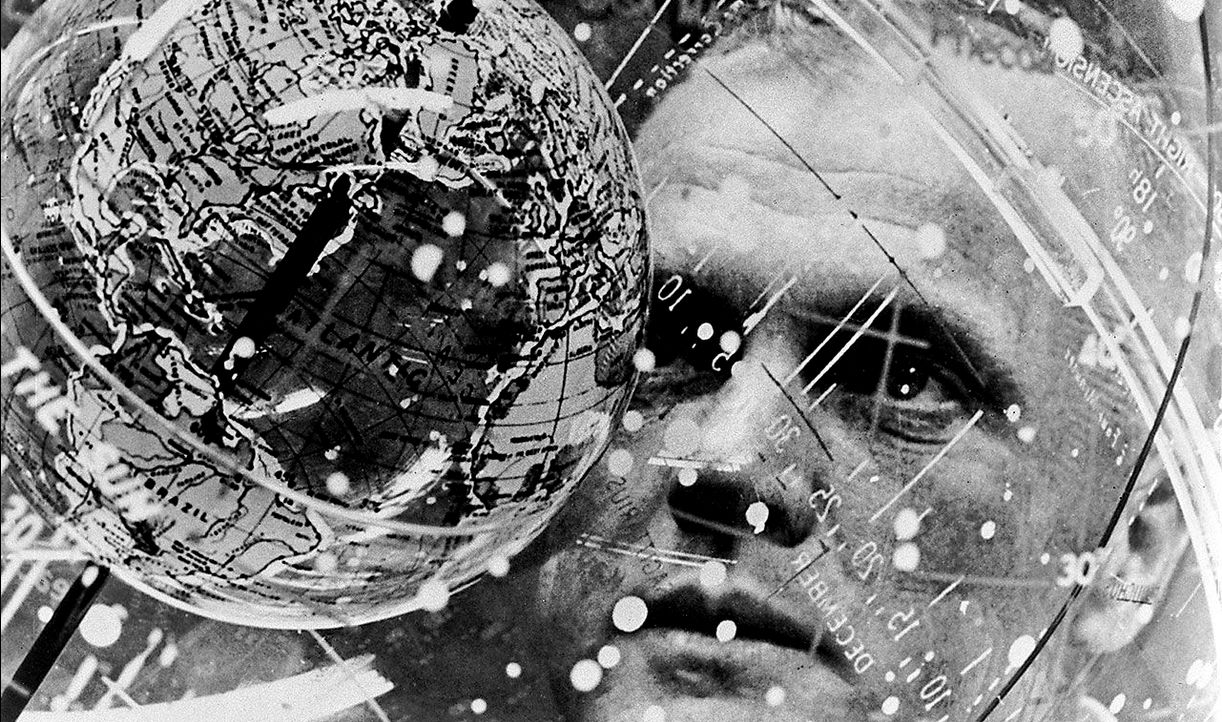
On December 8th, 2016, John Glenn, the first American astronaut to orbit the Earth, passed away at the age of 95.
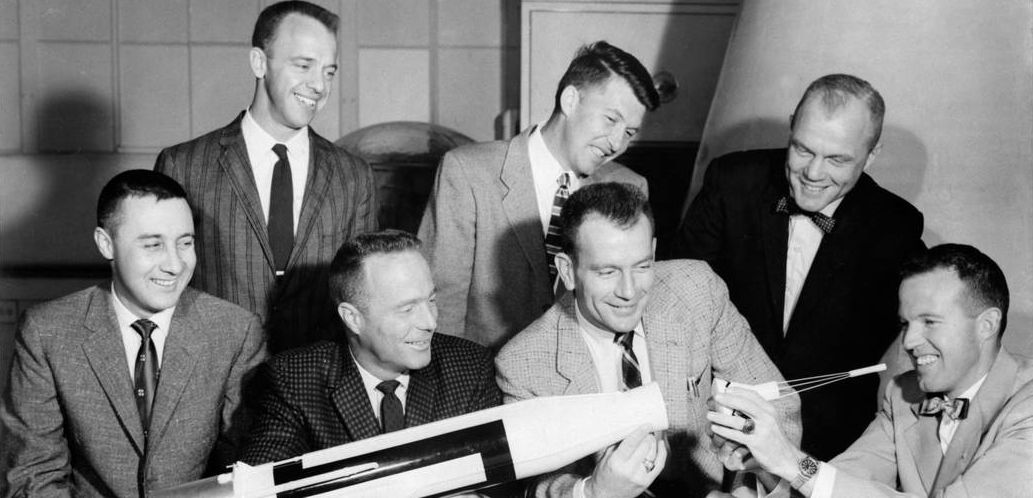
A U.S. Marine Corps pilot who served in both World War II and the Korean War, Glenn was actually the third American to fly into space after Alan Shepard and Gus Grissom, who both flew in 1961. However, for his 1962 flight, Glenn completed three orbits of the Earth aboard his Friendship 7 capsule before splashing down in the Atlantic Ocean, becoming the third man to circle the Earth in space. His death means that all of the Mercury 7 – astronauts chosen to lead the fledging American space programme in 1959 – have now passed away.
Born in 1921 in Ohio, Glenn was commissioned in the US Marine Corps in 1943. After training, he served in the Pacific theatre of war, flying 59 fighter combat missions during World War II. In 1946, he returned to the far east, serving in Northern China and then Guam through until 1948, when he transferred to Texas as an instructor in advanced flight training. After further training, he served two tours of duty in the Korean War, flying a total of 149 combat missions. In 1954, he graduated from th U.S. Naval Test Pilot School, and in 1957 completed the first supersonic transcontinental flight, travelling from California to New York in 3 hours 23 minutes and 8.3 seconds.
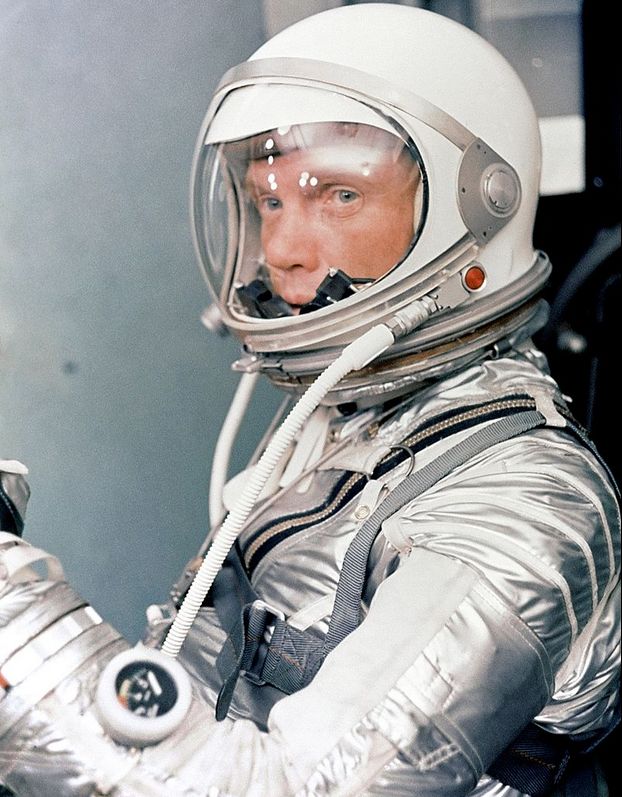
He became involved in the US space programme before he was selected as a part of NASA’s first astronaut intake. As a serving Marine Corps officer, he was part of NASA research on re-entry vehicle shapes and participated in the Mercury capsule design.
even so, his acceptance into the astronaut corps was not assured: he was almost turned down on the grounds of age – he was approaching 40, the upper age limit for candidates, and he lacked the required science-based degree at the time. However, he fought hard for selection, and was accepted into the Space Task Group in 1959, where, in addition to astronaut training, he was involved in helping with both the Mercury and early Apollo cockpit layout and control functions.
He quickly became the unofficial spokesperson for the Mercury 7, having an easy way with the press – but he wasn’t necessarily popular within the group, setting himself somewhat aside from the rest through study and hard work. This became apparent when the choice for the first man to fly into space came down to a vote among the Seven themselves. Glenn came in third behind Alan Shephard and Gus Grissom, both of whom did fly before him despite a lot of behind-the-scenes lobbying by Glenn himself to get assigned to the first sub-orbital flight. have himself put on the first flight.
However, all this passed into history on February 20th, 1962, when Glenn lifted off atop his Mercury-Atlas 6 rocket, flying his Friendship 7 capsule on a 5 hour, 3-orbit flight round the Earth. And I do mean “fly”: during the flight, he was supposed to briefly take control of the Mercury capsule and manually fly it for 30 minutes before handing control back to the flight systems. However a malfunction in the automatic control system during his first orbit mean he had to take over control of the vehicle for the two remaining orbits.
His problems were then further compounded by telemetry suggesting his capsule’s heat shield had come loose, forcing him to manually fly the vehicle and keep the disposal retro-rocket pack (normally jettisoned prior to re-entry into Earth’s denser atmosphere) in place in case the straps from it were the only things keeping his heat shield in position. At the time, the frictional heat caused the rocket pack to burn up, with large chunks of flaming debris from it passing his window, prompting him to think his vehicle was burning up. “Fortunately it was the rocket pack,” he later wryly told a reporter, “Or I wouldn’t be answering these questions!”
His successful splashdown in the Atlantic meant Glenn became the fifth man to fly in space, and the third to orbit the Earth, after Russians Yuri Gagarin and Gherman Titov. Any upset he may have felt at being passed over for the first Mercury flight was swept aside as Glenn found himself fêted by the press and politicians alike; he later called the flight the “greatest day of his life”.
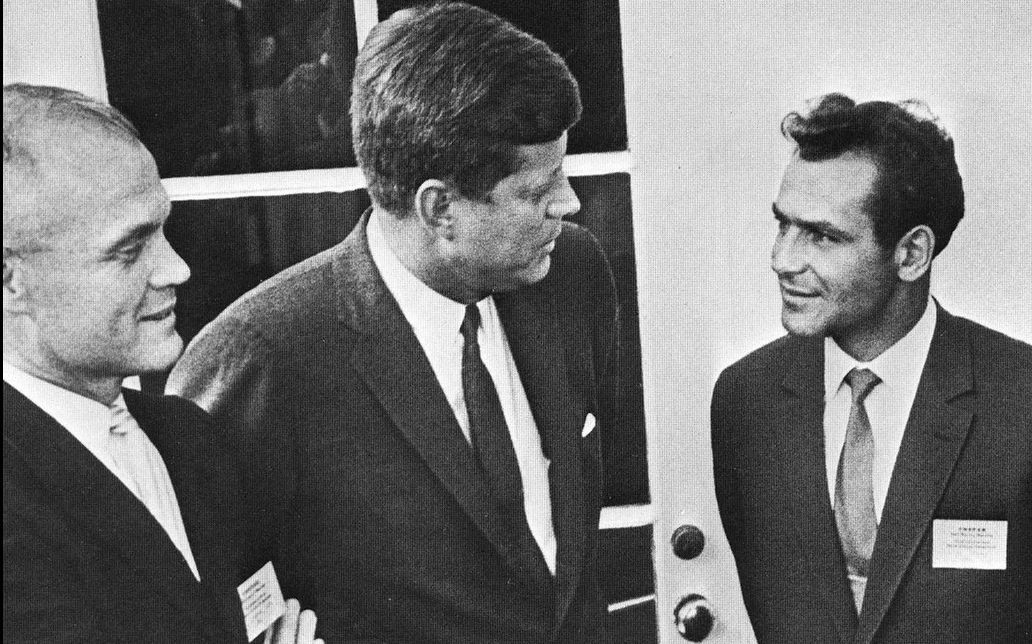
In 1964, Glenn retired from NASA, still a commissioned officer in the US Marine Corps (from which he retired in 1965 with the rank of colonel). His interest turned to politics, having been solidly befriended by John and Robert the Kennedy – that latter of whom persuaded him to run for office. After two unsuccessful attempts, he was elected to the US Senate representing his home state of Ohio in 1974, and remained so through until 1999. In 1984 he sought nomination as the Democratic Party’s candidate for the US Presidential election that year, losing out to Walter Mondale – who in turn lost to Republican Ronald Reagan in the election.
In 1998, shortly before retiring from the Senate, Glenn returned to orbit aboard the space shuttle Discovery during mission STS-95. He was 77 at the time, making him the oldest person to fly in space – a record he still holds.













 Inara Pey: Living in a Modemworld