SL project updates 2017-6/2: recap and Love Me Render viewer

East River Community - Blog post
East River CommunityBlog post

Server Deployments – Recap

  • On Tuesday, February 7th, the Main (SLS) channel received the same server maintenance package a deployed to the three RC channel in week #5.
  • There was no planned deployment to the three RC channels for the week.

SL Viewer

Love Me Render

On Thursday, February 9th, the Lab released the first of the new branch of release candidate viewers focusing entirely on fixes an improvements for the viewer’s rendering system. To distinguish it from the current Maintenance RC viewer, the rendering RC has been called (for this release, at least) Love Me Render.

Version 5.0.2.323361 comprises a handful of updates – but as the Lab notes, changes to the viewer’s rendering system can be a little scary, and things can easily go wrong, so huge lists of updates for this type of viewer may not be common. This first round of updates comprises:

  • An improvement to mesh LOD calculation (account for CTRL+0).
  • A fix for a mesh avatar deformation issue, which was due to bounding box / LOD swaps.
  • A fix for the issue where some mesh becomes invisible when camming. This was due to an earlier fix for another issue (non-public JIRA MAINT-6125).
  • A fix for the bug where setting one avatar to Do Not Render (right-click avatar context menu) caused all avatars to become imposters.

The last item above is related to the Avatar Complexity code, which gets which also gets what might be the most important change in terms of rendering / performance. With this viewer, agents (avatars) which are rendered as “Jelly Dolls” should now have any attachments they are wearing render at 0 LOD.

This change is designed to prevent attachments with high render LOD from being loaded into memory, thus further deterring worn graphics crashers. Note that in order for this improvement to work, you must leave the debug setting   RenderAutoMuteByteLimit at its default of 0.

Remaining Pipelines

The rest of the official viewers list remains as per the start of the week:

  • Current Release version: 5.0.1.323027, dated January 25, promoted February 3 – formerly the Maintenance RC viewer.
  • RC viewers:
    • Maintenance RC viewer, version 5.0.2.323359 released on February 3 – new features, improvements and bug fixes
  • Project viewers:
    • Project Alex Ivy (LXIV), 64-bit project viewer, version 5.1.0.501863 for Windows and Mac, released on January 10
    • 360-degree snapshot viewer updated to version 4.1.3.321712 on November 23, 2016 – ability to take 360-degree panoramic images – hands-on review.
  • Obsolete platform viewer version 3.7.28.300847 dated May 8, 2015 – provided for users on Windows XP and OS X versions below 10.7.

Where Is Everybody?

Regular attendees of in-world meetings cannot help but have noticed that the majority of meetings this week were cancelled, mostly due to scheduling conflicts with internal meetings at the Lab. Normal service resumes in week #7 (commencing Monday, February 13th). As the cancellations for this week included the TPVD meeting for this week, this will also now take place on Friday, February 17th, 2017.
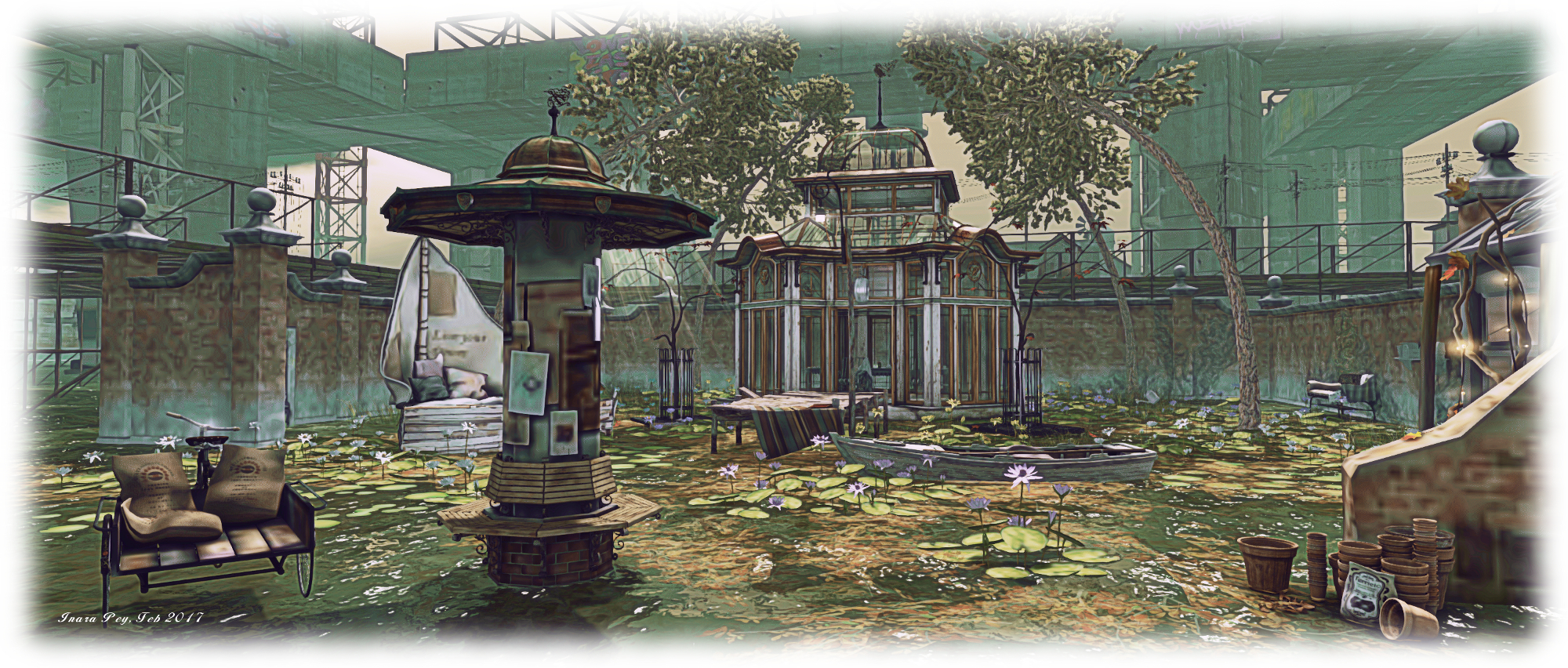
SL project updates 2017-6/1: server, viewer

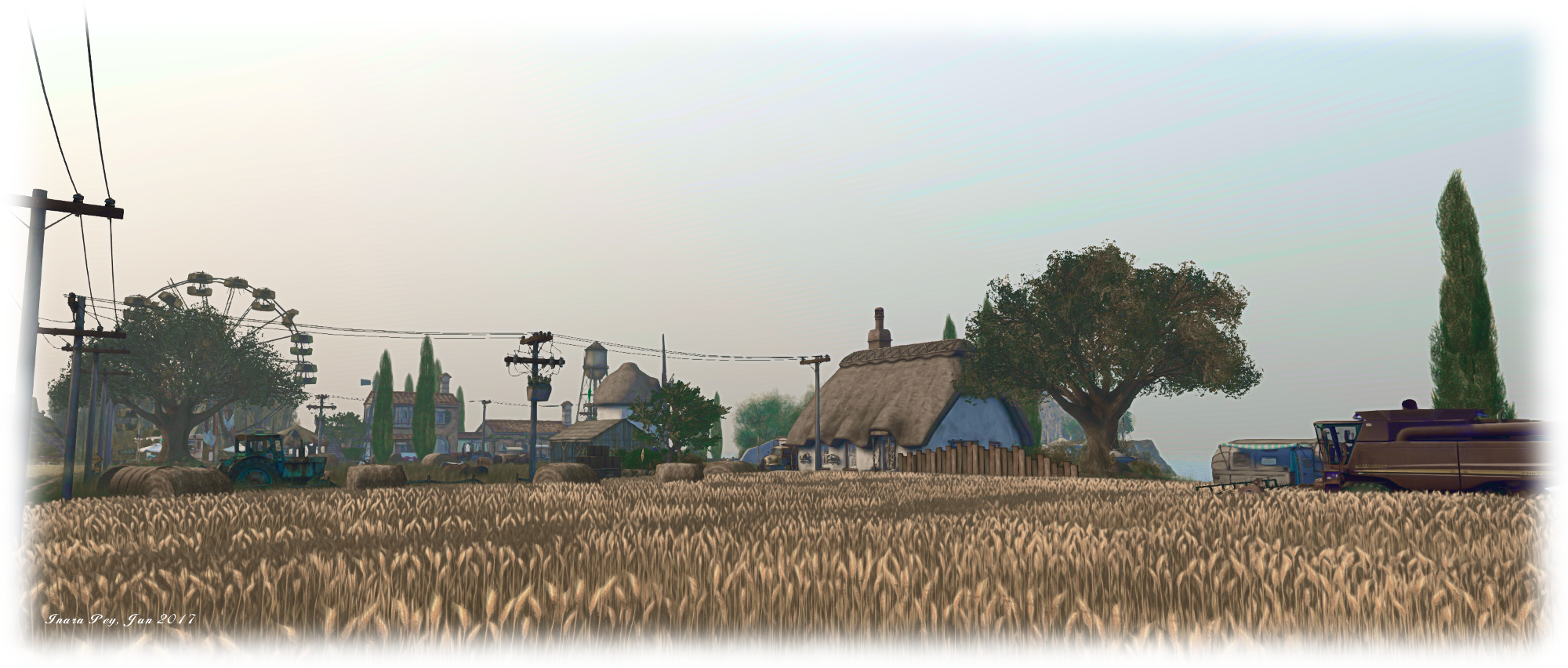
Sol Farm, Story of Infinite; Inara Pey, January 2017, on FlickrNatural Falls Vblog post

Server Deployments

As always, please refer to the server update thread for the latest information.

On Tuesday, February 7th, the Main (SLS) channel received the same server maintenance package a deployed to the three RC channel in week #5. This includes a follow-up to fix BUG-3286 “Can’t move object” fail notifications, which was partially fixed in an earlier deployment. This release should also see some improvement  in off-line IM and group notice delivery.

There is no planned deployment to the three RC channels for the week.

SL Viewer

The release viewer updated to version 5.0.1.323027 on February 3rd. This was formerly the Maintenance RC update with some 42 fixes and improvements.

A new Maintenance RC viewer, version 5.0.2.323359 was released on February 3rd, which contains new features, improvements and bug fixes. You can read an overview of the release features here.

Outside of these changes, the remaining viewers in the various official pipelines are:

  • Project viewers:
    • Project Alex Ivy (LXIV), 64-bit project viewer, version 5.1.0.501863 for Windows and Mac, dated January 10th
    • 360-degree snapshot viewer, version 4.1.3.321712, dated November 23, 2016 – ability to take 360-degree panoramic images – hands-on review – still pending completion of work on the 64-bit viewer, and no updates expected in the immediate future
  • Obsolete platform viewer, version 3.7.28.300847, dated May 8, 2015 – provided for users on Windows XP and OS X versions below 10.7.

Simulator User Group and Content Creation User Group Meetings

Due to scheduling conflicts with internal meetings at linden Lab, there was no Simulator User Group meeting on Tuesday, February 7th, and there will be no Content Creation User Group meeting on Thursday, February 9th. The dates for the next of these meetings are:

Nvidia Driver 378.49 + 64-bit Viewer Bug

As I reported in week #4, many people on 64-bit viewers are seeing their Second Life world view turn decidedly blue. The issue is only encountered when Advanced Lighting Model (ALM) is disabled in a 64-bit viewer, although it can have odd behaviour (e.g. get it on one viewer, then launch another 64-bit viewer and it many not occur with that viewer).

The Nvidia 378.49 driver bug which can occur with 64-bit viewers when ALM is disabled, as seen on a 64-bit version of Windows)
The Nvidia 378.49 driver bug which can occur with 64-bit viewers when ALM is disabled, as seen on a 64-bit version of Windows) – this is not fixed by the recent 378.57 Hotfix issued by Nvidia

The cause of the issue appears to lie with the Nvidia 378.49 driver, released on January 24th. A Hotfix for the driver was released on January 31st (378.57), but this does not fix the SL “blue world” issue.

SL project updates 2017-5/1: server, viewer

Sol Farm, Story of Infinite; Inara Pey, January 2017, on FlickrSol Farmblog post

Server Deployments

As always, please refer to the server update thread for the latest information.

  • There was no deployment for the Main (SLS) channel on Tuesday, January 31st, although the regions on that channel were restarted in keeping with the Lab’s policy of restarting regions every 2 weeks, regardless as to whether there is an accompanying deployment.
  • On Wednesday, February 1st, all three RC channels should receive the same new server maintenance package. This includes a follow-up to fix BUG-3286 “Can’t move object” fail notifications, which was partially fixed in an earlier deployment. This release should also see some improvement  in off-line IM and group notice delivery.

SL Viewer

The Maintenance viewer RC was updated on Monday, January 29th to version 5.0.1.323027 (dated January 25th). Otherwise, all other viewers in the current pipelines remain unchanged from the end of week #4:

  • Current Release version: 5.0.0.321958, dated December 1st, promoted December 5th, 2016 – formerly the Project Bento RC viewer
  • Project viewers:
    • Project Alex Ivy (LXIV), 64-bit project viewer, version 5.1.0.501863 for Windows and Mac, dated January 10th
    • 360-degree snapshot viewer, version 4.1.3.321712, dated November 23, 2016 – ability to take 360-degree panoramic images – hands-on review – still pending completion of work on the 64-bit viewer, and no updates expected in the immediate future
  • Obsolete platform viewer, version 3.7.28.300847, dated May 8, 2015 – provided for users on Windows XP and OS X versions below 10.7.

Non-Player Characters

There has been an ongoing debate about implementing non-player characters (NPCs) in the form of “created agents” or “scripted agents” (essentially avatars), which can exist in-world without the need for a controlling viewer / client. See feature request BUG-11368 for more.

NPCs are not new to SL, and it had been hoped that Pathfinding (introduced in 2012) would lead to an uptick in their use. However, Pathfinding has never really received widespread acceptance / use, and still carried with it many of the limitations in using “bot” based NPCs – such as the need for each bot to have a direct connection to a managing viewer / client.

Scripted agents, by virtue of using the existing avatar system, coupled with being a new class of object would overcome many of the limitations and issues with the current approach to NPCs and other creature creations. However, implementing such a system is seen as a major undertaking, and one with some major hurdles to clear were it to become a project.

If agents (avatars) were to be used, for example, how can they be kept “alive” when there is no controlling client / viewer connected to them? At the very least a new class of hybrid avatar / object would need to be developed (complete with inventory support). If these agents are to be used to provide things like animals – horses, etc., – there is then potentially the problem of how to change the system so that one avatar can ride another (e.g. your avatar on the NPC horse avatar), and so on.

Currently, there is no planned project to take-on NPCs of this kind – but they are a repeated topic of conversation at Simulator User Group meetings, and it is an idea some at the Lab have been mulling over.

Next Meeting

Due to scheduling conflicts, the next Simulator User Group meeting will be on Tuesday, February 14th, 2017.

SL project updates 2017-4/1: Server, camera pre-sets, Nvidia issue

Devin, Devin; Inara Pey, January 2017, on FlickrDevinblog post

Server Deployments

As always, please refer to the server deployment thread for the latest updates.

On Tuesday, January 24th, the Main (SLS) channel was updates with the same server maintenance package deployed to the RC channels during week #3. This includes a partial fix for (non-public) BUG-3286, “Can’t move object” fail notifications (fixes for regions/objects with longer names are pending), together with enhanced server logging and minor internal server enhancements.

There will be no RC deployment on Wednesday, January 25th – but the RC region will be restarted in keeping with the Lab’s new policy of restarting the channels every 2 weeks, regardless of whether or not there is an associated deployment.

The next RC deployment is expected to be week #5 (commencing Monday, 30th January, 2017).

SL Viewer

No changes since my last update. The status of viewers in the pipeline remains thus:

  • Current Release version: 5.0.0.321958, dated December 1st, promoted December 5th, 2016 – formerly the Project Bento RC viewer
  • Release channel cohorts:
    • Maintenance RC viewer, version 5.0.1.322791, dated January 12th
  • Project viewers:
    • Project Alex Ivy (LXIV), 64-bit project viewer, version 5.1.0.501863 for Windows and Mac, dated January 10th
    • 360-degree snapshot viewer, version 4.1.3.321712, dated November 23, 2016 – ability to take 360-degree panoramic images – hands-on review
  • Obsolete platform viewer, version 3.7.28.300847, dated May 8, 2015 – provided for users on Windows XP and OS X versions below 10.7.

Camera Presets

As I noted in a recent TPVD meeting update, Jonathan Yap is working on a code contribution for the official viewer which will allow users to set and save their own preferred camera presets in the viewer.

The idea is that, like the graphics presets functionality Jonathan contributed to the viewer in 2016, users will be able to define their own placements for the SL camera around their avatar (e.g. an over-the-should view, a view from overhead, etc.), which can then be saved and selected / used as required. Jonathan has only recently started on the work – which has an associated feature JIRA, STORM-2145 – but that should hopefully change once various decisions have been made by the Lab.

Nvidia Driver 378.49 + 64-bit Viewer Bug

Nvidia release their 378.49 driver on Tuesday, January 24th, and it can cause an unusual bug / issue with 64-bit viewers. The problem was first noted on Firestorm 5.0.1 (see: FIRE-20774), but I have repro’d it on the Lab’s own 64-bit project viewer (version 5.1.0.501863 at the time of writing) and  on Alchemy 4.0.0 (a crash issue had prevented comprehensive testing on Alchemy 5.0.0 at the time of writing).

The Nvidia 378.49 driver bug which can occur with 64-bit viewers when ALM is disabled, as seen on a 64-bit version of Windows)
The Nvidia 378.49 driver bug which can occur with 64-bit viewers when ALM is disabled

The issue only manifests when Advanced Lighting Model (ALM) is disabled in a 64-bit viewer, and renders the in-world view with an odd blue tinge which almost looks like the blue colour channel is impinging on the red channel. As noted in the Firestorm JIRA, enabling ALM can prevent the issues, as can toggling Glow off when ALM is disabled. See the Firestorm JIRA for workarounds, should you encounter the problem.

How the same scene looks in the same viewer (SL Alex Ivy 64-bit project viewer for Windows, version 5.1.0.501863 at the time of writing)

The issue was raised at the Simulator User Group meeting on Tuesday, January 24th, a JIRA for the issue on the Lab’s 64-bit project viewer is available on BUG-41294.


SL project updates 2017-3/1: Server, Viewer

The Hell's Heaven 2.0, Rainbow Ridge; Inara Pey, January 2017, on FlickrThe Hell’s Heaven 2.0blog post

Things are still warming up after the holiday period, so not a lot of fresh news.

Server Deployments

The Main (SLS) channel was restarted on Tuesday, 17th January, although there was no associated deployment. This is in keeping with the Lab’s new policy of restarting the server channels every 2 weeks, whether or not there is an associated code deployment (the RC channels were restarted in week #2).

A new server maintenance package will be deployed to the RC channels on Wednesday, January 18th. This includes a partial fix for (non-public) BUG-3286, “Can’t move object” fail notifications (fixes for regions/objects with longer names are pending), together with enhanced server logging and minor internal server enhancements.

SL Viewer

The viewer pipelines at this point remain unchanged from week #2:

  • Current Release version 5.0.0.321958, dated December 1st, promoted December 5th, 2016 – formerly the Project Bento RC viewer
  • Maintenance RC viewer version 5.0.1.322791, dated January 12th – some 42 fixes and improvements
  • Project viewers:
    • Project Alex Ivy (LXIV), 64-bit project viewer, version 5.1.0.501863 for Windows and Mac, dated January 10th
    • 360-degree snapshot viewer, version 4.1.3.321712, date November 23, 2016 – ability to take 360-degree panoramic images
  • Obsolete platform viewer version 3.7.28.300847, dated May 8, 2015 – provided for users on Windows XP and OS X versions below 10.7.


SL project updates 2017-2/1: 64-bit viewer and Monday Blues

Nagare no Shimajima, Restless Times; Inara Pey, January 2017, on FlickrNagare no Shimajima, Restless Timesblog post

Server Deployments

There are no planned deployments for the week. However, all servers on the three RC regions will be subject to a rolling restart. This is in accordance with the Lab’s new policy of restarting channels every fortnight, whether or not there is an associated deployment. As the Main (SLS) channel underwent a restart on Tuesday, January third, server on this channel were not restarted this week.

SL Viewer

Project Alex Ivy

The 64-bit versions of the official viewer arrived in project viewer form on Tuesday, January 10th, under the code name Project Alex Ivy – which I take to be a reference to 64 (LXIV being 64 in Roman numerals, hence aLeX IVy).

The viewer, version 5.1.0.501863, has been built using the newly updated and upgraded libraries and build process the Lab has been putting together, which will also be used for 32-bit Windows builds. Thus, the project viewer is available in three flavours:

  • 64-bit Mac
  • 64-bit Windows
  • 32-bit Windows.

There is no Linux viewer as yet, but the Lab has indicated it is their intention to provide one, although TPVs and open-source contributors are likely to still be asked to help with its ongoing support.

Additionally, the following points, as specified in the release notes, should be underlined (although please ensure you read the release notes in full if you intend to try this viewer:

  • The Mac build has several known limitations:
    • There is currently no Mac Havok build,so pathfinding paths cannot be visualised, and it may not be possible to upload mesh assets.
    • Video media using QuickTime does not play.
  • The 64-bit version will not run on Windows 10 systems with Intel HD 2000/3000 GPUs and may not run on other systems that do not have GPUs explicitly supporting Windows 10.

These shortfalls will be addressed as the viewer progresses through the project and release candidate phases to release status in the next weeks / months. Once released, it will signal the end of the 32-bit MAC version of the viewer (and possibly the 32-bit Linux version). The Windows version will continue to be available as a 32-bit build as well as having the new 64-build available.

Also, note that this viewer doesn’t include any functional updates / changes to the existing viewer.

Remaining Viewers Pipelines

Outside of the 64-bit project viewer, the various viewer pipelines remain as my last SL project update:

  • Current Release version: 5.0.0.321958, dated December 1st, promoted December 5th – formerly the Project Bento RC viewer
  • Maintenance RC viewer, version 5.0.1.322513, dated December 21st – some 42 fixes and improvements + Bento support
  • 360-degree snapshot project viewer, version 4.1.3.321712, dated November 23rd – ability to take 360-degree panoramic images – hands-on review
  • Obsolete platform viewer version 3.7.28.300847, dated May 8, 2015 – provided for users on Windows XP and OS X versions below 10.7.

Monday Outage

On Monday, January 9th, many users were hit with significant issues, with many finding themselves unable to log-in, or being disconnected from the simulators and unable to log back in. On Tuesday, January 10th, April Linden from the Ops team posted another of her excellent post-mortem blog posts on what happened, and I recommend it as a worthwhile and informative read.

In essence a failure within a third-party provider used by the Lab failed to trigger the expected automatic switch-over of connections for all users accessing Second Life through that provider. As a result, those users were disconnected from the service, and due to the volume of people trying to re-connect, couple (I assume with those simply trying to log in, unaware of problems) generated a backlog, forcing the Lab to bring additional log-in servers on-line.

Once again, April does an excellent job in explaining things – revealing more of the complexities of SL in the process (which, as I’ve oft said in the past, goes well beyond just the simulator servers), and also offers apologies for the Monday problems.