SL project updates 16 10/1: SL viewer, Aditi inventory, PaleoQuest issues

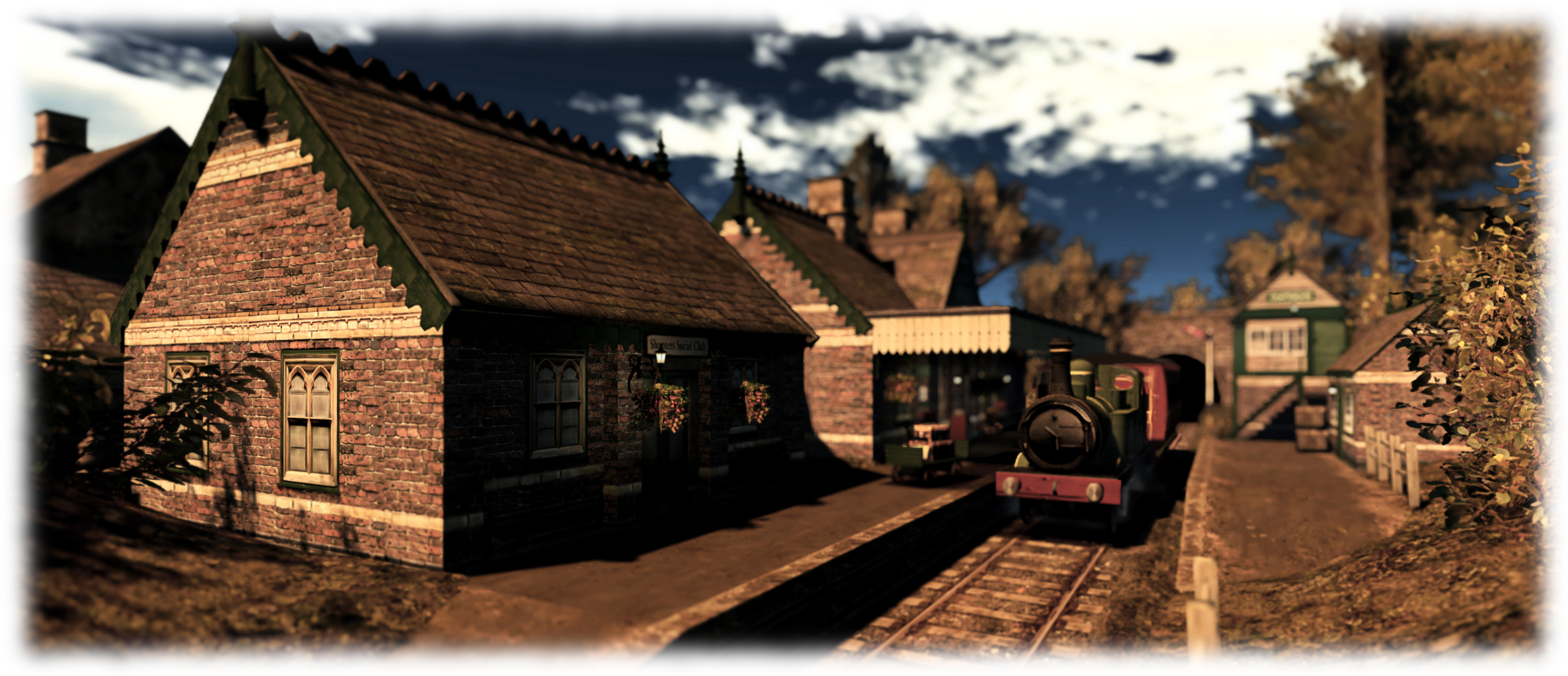
Asphyxiation Point; Inara Pey, February 2016, on Flickr Asphyxiation Pointblog post

Server Deployments

There are no planned deployments / restarts for week #10.

SL  Viewer

The HTTP  / Vivox RC viewer updated to version 4.0.2.311980 on Friday March 4th. This release sees the CURL updated to 7.47.0, together with 10 further fixes and updates over the previous release, included HTTP fixes and fixes with issues within the viewer such as avatar bake fails, viewer crashes, notifications problems, and music stream failures.

The current Maintenance RC viewer updated on Wednesday, March 2nd to version 4.0.2.311770.

As noted in my last Project Bento update, the Bento project viewer updated to version 5.0.0.311861, also on Wednesday, March 2nd, and includes a new version of the Bento skeleton with additional bone sets and other revisions.

Aditi Inventory Syncing

Coyot Linden as he once looked (I need to update my images of him!)

As reported by Coyot Linden at the Simulator User Group meeting on Tuesday, March 8th, the new process for syncing users’ Aditi (Beta grid) inventories with their Agni (main grid) inventories is in the final stages of QA testing, and should be deployed either later this week or early in week #11.

I’ve covered on this subject a number of times since it was first noted as being in the works in December 2015, but in short.

  • Once in place, the new process will not require users to change their SL passwords in order to trigger their Agni inventory being copied over to Aditi. Instead, anyone logging-in to Aditi will automatically have their inventory copied from Agni to Aditi a part of a new process (run at about 06:00 SLT each day)
  • This will happen each time a persona logs in to Aditi, unless their inventory is already flagged for copying.
  • Instead of overwriting a person’s existing Aditi inventory, the incoming Agni inventory will be merged with their existing Aditi inventory – so items unique to a user’s Aditi inventory will no longer be lost as a result of their Agni inventory overwriting the Aditi inventory

In addition:

  • The process will not duplicate items previously copied to Aditi from Agni; however, if an item is renamed or moved to another inventory folder on Agni, it will be copied to Aditi
  • If an item is deleted from inventory on Aditi, but exists in inventory on Agni, it will be copied to Aditi the next time the process runs for that user
  • Inventory and folder links will also be copied from Agni to Aditi
  • Trash and the Current Outfits folder will be excluded from the copy process (the latter to prevent avatars on Aditi ending up wearing multiple outfits).

Other Items

PaleoQuest Banning Issues

PaleoQuest, the Lab’s dino-related quest game which features Experience Keys and which opened in July 2015, has always had some fairly strict rules on what is and isn’t allowed. However, these rules appear to have been recently updated, with the result that a number of users  have found themselves banned (or in receipt of a ban warning) where no infringements have taken place (see here, here, and here for examples).

One major cause of recent bans seems to be that the game is confusing HUDs worn by a user when trying to enter the game (or even in the middle of playing the game), with an attempt to wear a “fraudulent” game HUD, resulting in the wearer gaining an immediate ban, together with the following notice:

YOU ARE WEARING AN OBJECT THAT IS TRYING, WITHOUT SUCCESS, TO PASS ITSELF OFF AS A GENUINE PALEOQUEST HUD. THIS BEHAVIOUR IS ASSOCIATED WITH FRAUDULENT ATTEMPTS TO OBTAIN REWARDS IN THE GAME AND IS NOT TOLERATED. YOU HAVE BEEN BANNED FROM PALEOQUEST.

The problem with the bans has been further exacerbated by some who have raised support tickets having their bans reversed with a note that the system will be adjusted, while others appear to have had their tickets summarily closed.

As a result of this, and other issues encountered with the ban system during what is effectively “normal” game play, a bug report as been raised (BUG-11533). Should you find yourself banned from the game or in receipt of ban warnings whilst engaged in “legal” game play, you might want to add the specifics of your situation to the JIRA, and don’t forget to append information about your viewer / system from Help > About (+ viewer logs, if you have them).


SL project updates 16 9/1: server deployments; SL viewer, misc news

Casabalanca: Rick's Café Américain - "Of all the gin joints, in all the towns, in all the world, she walks into mine."
Casablanca: Rick’s Café Américain – “Of all the gin joints, in all the towns, in all the world, she walks into mine.” – blog post

Server Deployments

The Main (SLS) channel was updated on Tuesday, March 1st, with the server maintenance package deployed to the three RC channel is week #8. This comprises a server crash fix and “minor internal improvements.”

The server deployment thread lists any RC deployments for the week as “TBD”. however, speaking at the Simulator User Group meeting on Tuesday, March 1st, Simon Linden indicated it is unlikely there will be any RC deployment until week #10 (week commencing Monday, March 7th 2016). These will apparently have an update that addresses a means by which a simulator can be intentionally crashed.

SL Viewer

Currently, the official viewer from LL remain unchanged from the end of last week:

  • Current Release version: 4.0.1.310054, January 15 – formerly the Maintenance RC viewer download page, release notes
  • Release candidate viewers:
    • Maintenance RC viewer version 4.0.2.311655, dated February 26th
    • HTTP updates and Vivox RC viewer version 4.0.2.311302, dated February 22nd
    • Quick Graphics RC viewer version 4.0.2.311103, dated February 17th
  • Project viewers:
    • Project Bento (avatar skeleton extensions) version 5.0.0.310099, dated January 20th
    • Oculus Rift project viewer version 3.7.18.295296, dated October 13th, 2015
  • Obsolete platform viewer version 3.7.28.300847 dated May 8th, 2015.

OpenSSL Update

As noted in my last TPVD meeting notes, the Lab were awaiting an update to OpenSSL. This has now been released and there is minimal impact for SL. This therefore should require any fast-tracked update to the viewer.

Grid-wide Experiences

The simulator user group meeting saw a general discussion about allowing broader access to the Experience Keys database (the KVP) without land owners necessarily having to grant permission to specific Experiences.

The idea here is that there are applications which rely on persistent data or utilise grid-wide data exchange (e.g. a teleport network, a vending system network, etc.), and applications which require script settings survive the script reset. Currently, the way to achieve this is to use external data stores (see BUG-11499 for one example).

Some feel that if there were a way to dissociate the KVP database from things like avatar influences, then it could be used for such applications, removing the need for external data stores and the rick of those data stores vanishing / not being available. However, this is not something the Lab is particularly keen on, for a number of reasons. For example, it could result in their servers storing a lot of data and carrying a lot of database quires and updates, something that might not scale terribly well with volumes and associated storage space cost. Nor would it necessarily safeguard the data any better (if the Experience owner downgrades to Basic or ceases paying their Premium subscription, the data will be lost).

During the discussion Oz indicated that the Lab has no plans to make grid wide experiences available any time soon, due to concerns about how “certain internal features” would scale.

SL project updates 16 8/1: server deployments; SL viewer

The Yorkshire Moors; Inara Pey, February 2016, on Flickr The Yorkshire Moorsblog post

Server Deployments

There was no scheduled Main (SLS) deployment on Tuesday, February 23rd. On Wednesday, February 24th, all three RC channel should all receive the same new server maintenance package, comprising a server crash fix and “minor internal improvements.”

It is likely the server deployments will remain at a slower pace over the next few weeks as the Lab focuses on internal infrastructure changes.

SL Viewer

On Monday, February 22nd the HTTP / Vivox RC viewer updated to version 4.0.2.311302. The see the additions of the following fixes:

  • MAINT-5295 Extra setopt in PUT case for llcore::http forces PUT to POST
  • MAINT-5625 [Project Azumarill] Selected Objects Show Land Impact of 0
  • MAINT-5628 [Project Azumarill] When posting to Flickr, Upload button does not grey out when upload is in progress, clicking Upload more than once results in all images failing to post
  • MAINT-5629 Viewer Makes Request for SRV Records on Login
  • MAINT-5676 Azumarill repeatedly requests weight of selected objects in edit mode
  • MAINT-5978 Convert the Vivox state machine over to a coroutine implementation
  • MAINT-6071 Reference to a UUID used after iterator is lost.
  • MAINT-6086 Crash when removing non added Vivox session.

The remaining RC and project viewers remain unchanged from week #7:

  • Quick Graphics RC viewer, version 4.0.2.311103 dated February 17th Avatar Complexity options and the new graphics preset capabilities
  • Maintenance RC viewer,  4.0.2.310545 dated February 2nd – 38 updates. fixes and tweaks
  • Project Bento (avatar skeleton extensions), version 5.0.0.310099 dated 20th
  • Oculus Rift project viewer, version 3.7.18.295296 dated October 13th, 2015
  • Obsolete platform viewer version 3.7.28.300847, dated May 8, 2015 – provided for users on Windows XP and OS X versions below 10.7.

This all leaves the release viewer unchanged: version 4.0.1.310054, dated January 15th.

SL project updates 16 7/2: Unscheduled server deployments; SL viewer

Goatswood; Inara Pey, June 2015, on Flickr Recalling  Goatswood) – blog post

Unscheduled Server Deployments

Update, February 19th, 22:40 GMT: the SLS channel restarts have been completed and the Lab has issued a blog post on why they were required, which I’ve also blogged about

Update, February 19th: the deployment of the update referred to below will commence at 15:00 SLT

On Thursday, February 18th, there was an unscheduled server deployment to all three RC channels, which at the time of deployment was described as an, “Update on the simhosts. Nothing is changing Second Life functionality wise.”

Speaking at the Server Beta User Group meeting following the deployment, Steven Linden had this to say:

We had an unscheduled RC deploy earlier today. It’s for a security vulnerability that was released, and we discovered that Second Life regions were vulnerable. A full public post-mortem will be coming after we deploy to the rest of the main grid. I can’t say until it goes out to the rest of Agni; I can say that it was related to region availability only…. I honestly can’t say a great deal, other than we have a fix, and that it’s coming very soon to the rest of Agni.

All Steven could say about the issue was that a) it was related to region availability; b) it could only be exploited from within Second Life; c) there has been no evidence the issue  is being actively exploited on Agni.

However, given the apparent urgency of the situation, it is likely that the update deployed to the RC channels will be also be rolled to the Main (SLS) channel well ahead of Tuesday, the normal day for Main channel deployments and restarts.

I’ll have more on this following the post-mortem release from the Lab.

Scheduled Updates

Details are scant at the moment, but Wednesday, February 24th should see a new server maintenance package which includes some code clean up around the area of parcel bans. There’s no new functionality being added, and the changes shouldn’t break anything. More details when the update notes are published.

SL Viewer

The Quick Graphics RC viewer updated on Wednesday, February 17th to version 4.0.2.311103. This sees the addition of the following resolved issues:

  • MAINT-1945: Outgoing packets logging always says 0 bytes
  • MAINT-5613:  Complexity readings vary greatly for each avatar using the QuickGraphics viewer
  • MAINT-5620: Clicking on Graphics Preset title triggers favourite
  • MAINT-5681: Particles still render when complexity threshold is reached
  • MAINT-5682: Some avatars are invisible
  • MAINT-5685: Light still renders when complexity threshold is reached
  • MAINT-5690: Viewer crash when zooming out
  • MAINT-6070: Add detailed logging for how Avatar Rendering Complexity is computed.

The updates also sees the removal of SL-217: Document Avatar Complexity, from the list of resolved issues, presumably because the documentation is still a work-in-progress.

Other Items

Aditi Intellectual Property Tutorial

As mesh content creators are aware, in order to be able to upload mesh content to Second Life, you must a) have payment information on file, and b) complete the Intellectual Property Tutorial.  The same is also true for Aditi; however, a problem with the Aditi services has meant that some people have been unable to complete the tutorial there (accessed when you log-in to your Aditi dashboard), due to the test page failing to load / failing to display all the questions.

If you wish to use Aditi to upload test models of your mesh content, but have encountered issues in trying to complete the tutorial, the interim workaround is to try refreshing the page to force it to load, as there appears to be a load balancing issue in the Aditi back-end services. However, the issue is expected to be resolved for next week.

SL project updates 16 7/1: server and viewer

Sorrow; Inara Pey, February 2016, on Flickr Sorrowblog post

Server Deployments

There are no server deployments planned for this week, and no planned restarts for any of the channels.

There is an RC deployment planned for week #8 (week commencing Monday, February 22nd), details of which are still TBA.

As there have not been any rolling restarts, and won’t be any across the entire grid until around week #9, the advice is that if your region is behaving abnormally, file a support ticket to have it restarted. The Lab’s support team are aware that there are no scheduled restarts at present, so they should process requests OK.

SL Viewer

With Monday having been a holiday in the United States (Presidents’ Day), there was no meeting at the Lab to discuss viewer promotions.  This leaves the current list of Lab viewer unchanged from the end of week #6:

  • Current Release version: 4.0.1.310054, January 15 – formerly the Maintenance RC viewer download page, release notes
  • RC viewers:
    • HTTP updates and Vivox RC viewer updated to version 4.0.2.310660 on February 4 – combines the Project Azumarill RC and Vivox Voice RC updates into a single viewer  (download and release notes)
    • Maintenance RC viewer version 4.0.2.310545 released on February 2 – 38 updates. fixes and tweaks for memory leaks; viewer crashes; UI, permissions and mesh uploader bugs; visual muting issues, autopilot issues and duplicated calling cards (download and release notes)
    • Quick Graphics RC viewer updated to version 4.0.2.310127 on January 20 – provides the new Avatar Complexity options and the new graphics preset capabilities for setting, saving and restoring graphic settings for use in difference environments / circumstances (download and release notes)
  • Project viewers:
    • Project Bento (avatar skeleton extensions) version 5.0.0.310099 released on January 20 – adds 90+ bones to the existing avatar skeleton (download and release notes)
    • Oculus Rift project viewer updated to version 3.7.18.295296 on October 13, 2015 – Oculus Rift DK2 support (download and release notes)
  • Obsolete platform viewer version 3.7.28.300847 dated May 8, 2015 – provided for users on Windows XP and OS X versions below 10.7 (download and release notes).

As noted in my recent TPVD meeting report, further updates are expected to the HTTP / Vivox RC viewer and the Quick Graphics RC viewer, but these may not appear this week.

Region Crossings – Grey Box Issue

There have been increasing reports of region crossing issues, including the return of the “grey box” attachment issue which was originally seen in 2013 when crossing from a BlueSteel RC to any other region. This would see any passenger(s) sitting on a vehicle surrounded by (or even replaced by) a grey prim, and left with no choice but to relog, leaving the prim behind, attached to the vehicle.

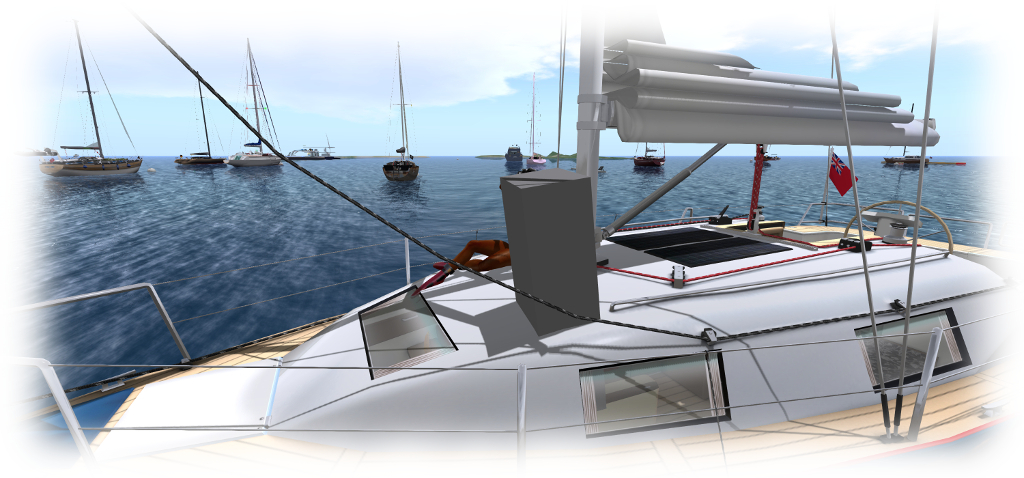
Caitlyn recently got caught by the "grey box" issue as we were sailing on the north side of Blake Sea. If you encounter the problem, please file a JIRA with as much information as possible (see below)
Caitlyn recently got caught by the “grey box” issue as we were sailing on the north side of Blake Sea. If you encounter the problem, please file a JIRA with as much information as possible (see below)

At the time of the problem first appearing, Kelly Linden described it thus:

Every agent has a ‘task’ representation on the server that is the same as a prim. The bug is in sending the linked set w/ avatars to the other region: avatars after the first are losing the special avatar treatment and getting passed as a regular linked prim. So that prim is what the server thinks all avatars look like.

Simon then added:

The region crossing code basically un-sits avatars from an object, sends both the avatars and object to the next region [as separate sets of data], which puts them back together. In this case, the 2nd avatar doesn’t get detached properly and things go south from there. So the 2nd avatar gets sent over bundled up with the object … which it’s not designed to do.

It had been thought this issue had been dealt with via a fix for (non-public) BUG-3547. However, if it is resurfacing, the problem now is to pin it down in a reproducible manner, if indeed it is returning. Should you encounter it, please make sure you file a JIRA providing as much information as possible, including your viewer log files, the regions you were crossing between when it happened yo you (or your passengers), the date and time, details of the vehicle you were using, etc.

SL project updates 16 6/1: server and viewer

Calas Galadhon; Inara Pey, February 2016, on Flickr Calas Galadhon – Gulf of Lune – blog post

Server Deployments

There are no server deployments planned for week #6. The reason for this is that most of the staff directly involved in developing and enhancing the platform – the engineering team, product teams, etc., are meeting to discuss plans for further enhancements and improvement to Second Life in the coming month, as existing projects such as Bento continue to unfold.

This more than likely means the next deployment will take place Wednesday, February 17th, 2016, to at least one of the RC channels.

This also means the detailed project information is liable to be a little light this week as well.

SL Viewer

The HTTP / Vivox RC viewer was updated post my last SL projects Updates in week #5. Version 4.0.2.310660, issued on February 4th. This update includes three new fixes:

  • MAINT-6055 [corehttp] Win or Mac – voice does not stay connected on resume from sleep
  • MAINT-6064 Voice disappeared after rejected IM call
  • MAINT-6108 Cannot turn off ‘Console Window on next Run’ option in develop menu.

There has been no promotion to release viewer for any of the current RCs, which leaves things as follows for the release channel and project viewers:

  • Current Release version: 4.0.1.310054, January 15 – formerly the Maintenance RC viewer download page, release notes
  • RC viewer (+ the HTTP / Vivox RC above):
    • Maintenance RC viewer version 4.0.2.310545 released on February 2 – 38 updates. fixes and tweaks (download and release notes)
    • Quick Graphics RC viewer updated to version 4.0.2.310127 on January 20 – Avatar Complexity and graphics pre-sets (download and release notes)
  • Project viewers:
    • Project Bento (avatar skeleton extensions) version 5.0.0.310099 released on January 20 – adds 90+ bones to the existing avatar skeleton (download and release notes)
    • Oculus Rift project viewer updated to version 3.7.18.295296 on October 13, 2015 – Oculus Rift DK2 support (download and release notes)
  • Obsolete platform viewer version 3.7.28.300847 dated May 8, 2015 – Windows XP and OS X older than 10.7 (download and release notes)

Open Development Meeting

The Open Development (also called the open source developer meeting), hosted in-world by Oz Linden, will be moving from Monday to Wednesday from February 17th, the time remains unchanged.

Core User Group Meetings

As a reminder, information on current LL technical user group meetings can be found on the SL wiki, and are summarised here. Meetings have an open attendance, but please note that are specifically for discussing the subjects listed. Question on matter such as support issues, the Terms of Service, LL’s general policies, etc., cannot be addressed at these meetings, which are chaired purely by members of the engineering and QA teams.

  • Tuesday, 12:00-13:00 SLT: Simulator User Group (formerly the Server / Sim Scripting group) – Simulator issues and technology. Held in text chat. Meeting SLurl
  • Wednesday,  07:00-08:00 SLT: Open Development – discussion of SL development, including open source contributions. Held in text chat. Meeting SLurl
  • Thursday, 13:00-14:00 SLT Project Bento  – Avatar Skeleton Extension project. Held in voice + text chat. Meeting SLurl (Aditi): Mesh Sandbox 2
  • Thursday, Server Beta User Group (SBUG) – server changes and public beta testing.  Held in text chat. Meeting SLurl (Aditi): Morris

There is also the TPV Developer meeting, held on alternate Fridays, which is specifically aimed at TPV Developers, and which is primarily held in voice.