VMM: RC viewer updated, Magic Box / XStreet shut down dates

secondlifeUpdate: The Lab has confirmed automated migration of all Direct Delivery items has now been completed, and the current plan is for the new RC viewer mentioned in this article to be promoted to the de-facto release viewer in week #32 (week commencing Monday, August 3rd).

The auto-migration of Direct Delivery items to VMM has been proceeding for a week, and mostly seems to be going smoothly.

However, the VMM code for the viewer has yet to reach a release status, primarily due to the VMM viewer release candidate having suffered from an elevated crash rate when compared to the current release viewer.

As a result, on July 29th, the Lab to issued a new version of the release candidate, version 3.8.2.303891. This does not contain any changes to VMM functionality, but is intended to reduce the RC viewer’s crash rate. Assuming it achieves the aim, it should mean the VMM viewer is once again back in the running for promotion to release status alongside the other RC viewers currently in the release channel.

End of Magic Box Support

Also on July 29th, the Lab issued a blog post announcing the ending of Marketplace support for Magic Boxes and the final shut down of XStreet.

In the blog post, Merchants using Magic Boxes for item deliveries are advised that they have until Monday, August 17th, 2015 to manually migrate those items to use the viewer-Managed Marketplace. After that date, Magic Boxes will no longer be listed on the Marketplace.

Essentially, manual migration involves moving the item into the Marketplace Listing panel, where the required folder hierarchy will be created, and then associating that item with an existing listing on the Marketplace. This is done by copying / pasting the listing reference number (that’s the number at the end of the item’s URL displayed in a browser’s address bar) from the Marketplace and pasting it into the Associate Listing option of the Marketplace Listing panel.

VMM includes an option to manually associate existing MP listings with VMM items in your inventory, which will help ease part of the the migration process for those concerned over automated migration paths
Manual migration in VMM involves moving the item into the Marketplace Listing panel, where the required folder hierarchy will be created, and then associating that item with an existing listing on the Marketplace, by copying / pasting the listing reference number using the Associate Listing option in the Marketplace Listing panel.

Once items in the Marketplace Listing folder have been associated in this way, and a check for errors run, in-world Magic Boxes can be deleted (just make sure everything you want to manually migrate has in fact had its listing associated with a  VMM item first!).

You can also learn about manual migration in the fourth part of the Lab’s VMM video tutorial series, which I’ve also embedded at the end of this article.

XStreet Shut Down

Following the cessation of Magic Box support on the Marketplace, XStreet, (which I think may still be in part used with Magic Boxes), will remain available through until Thursday, August 27th, after which it will finally be shut down. Presumably, this is to give any merchants who missed the August 17th deadline time to complete any remaining manual migration of Magic Box items & re-list them on the Marketplace.

Summary and Migration Video

So, once again the dates:

  • Magic Boxes will stop working on August 17, 2015, and will no longer appear on the Marketplace
  • Xstreet will be finally shut down on August 27, 2015.

And the Lab’s tutorial video on manual migration of listings to VMM:
Lab VMM Resources

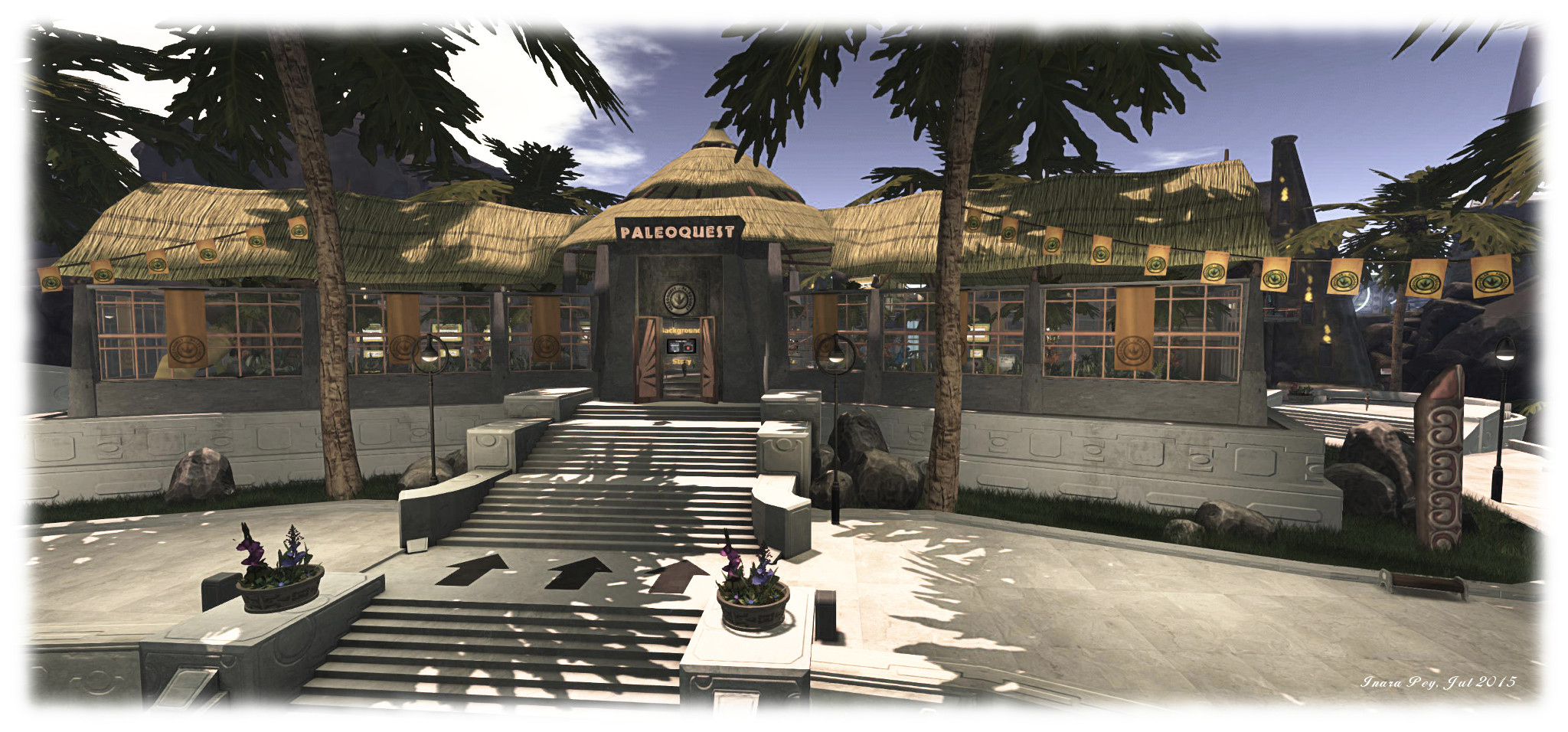
Experiencing PaleoQuest, the Lab’s latest adventure in Second Life

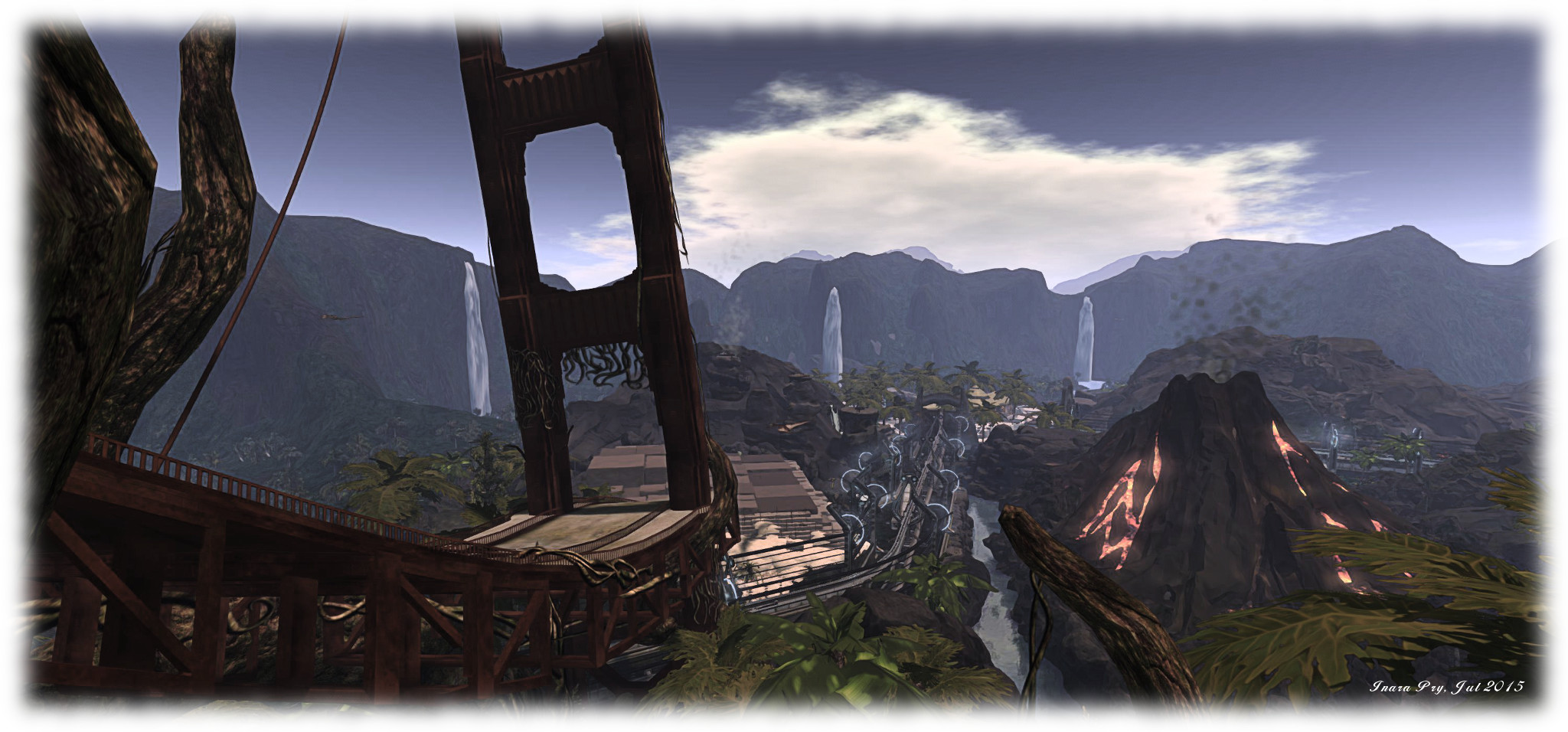
PaleoQuest; Inara Pey, July 2015, on FlickrPaleoQuest, July 2015 (Flickr) – click any image for full size

The Lab has launched the latest in their series of adventures for residents as a further demonstration of Experience Keys / Tools. Entitled PaleoQuest, it can be accessed from the Portal Parks, and following the announcement, I trotted along to give it a try, along with a few friends and some of the folk from the Lab and the LDPW.

As the title suggests, the adventure revolves around dinosaurs and parks … but also features time portals, moles, Magellan Linden and  … Doctor Talpa! The adventure comes with a back story, which I’m not going to explain; I’m going to leave that to the official video:

Once you’ve reached a Portal Park, follow the PaleoQuest footpath to the portal itself. Here, you must explicitly join the adventure and assign certain permissions to it (displayed in a dialogue box). These permissions allow the adventure to act on your avatar (teleporting you, proving you with items, etc.) without you constantly having to accept them via further dialogue boxes.

When you have agreed to join the adventure, walk into the light and you’ll be transported to the Visitor Centre, your starting point. As you do so, a game HUD will be attached to your screen – don’t remove it, as you’ll need it to proceed. It will automatically be removed from your screen when you leave PaleoQuest (and all the permissions you have granted will be automatically revoked as well – all part of the Experience Keys system).

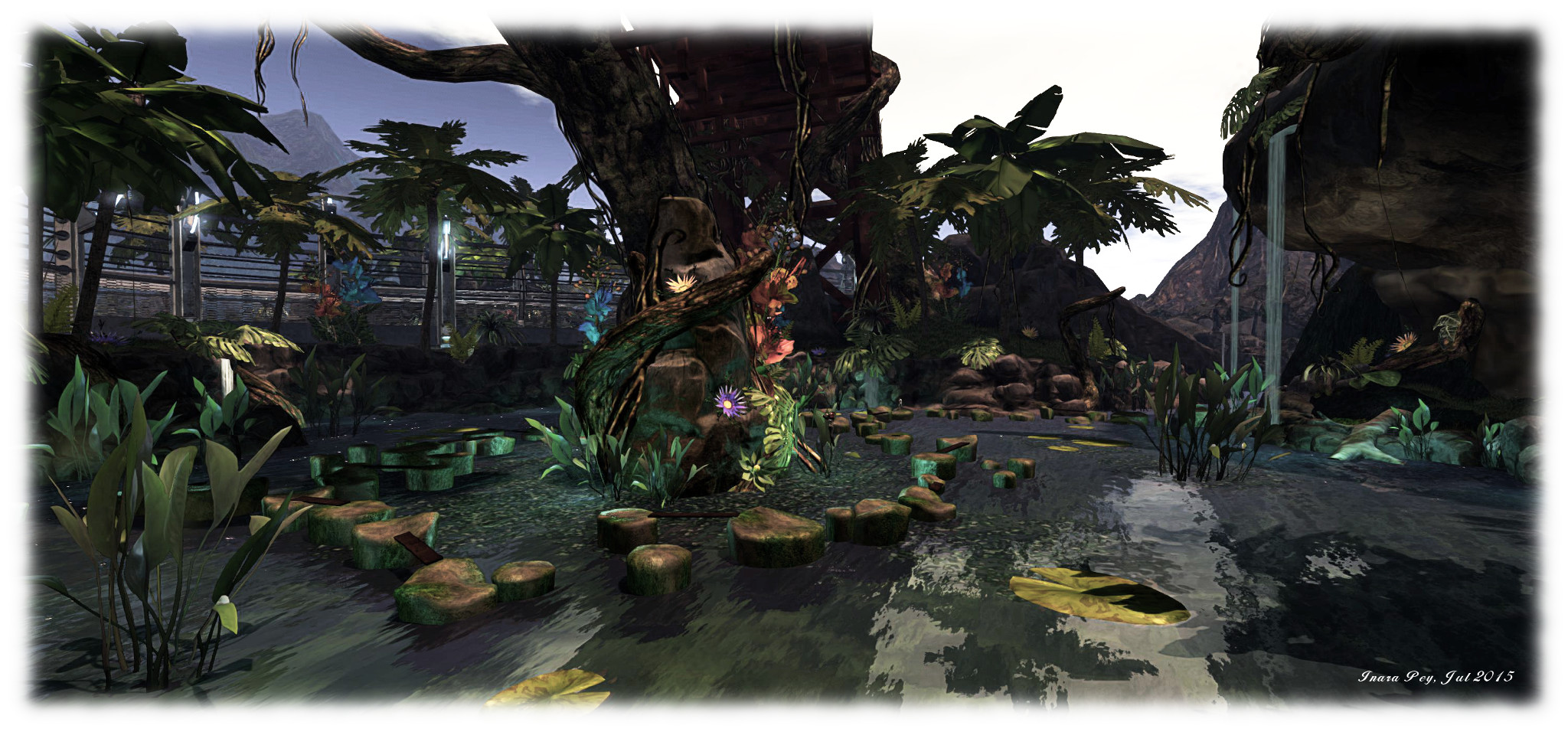
PaleoQuest; Inara Pey, July 2015, on FlickrPaleoQuest, July 2015 (Flickr)

The HUD is a combination communications unit – you’ll receive text instructions through it, and hear them on occasion from Magellan -, progress indicator and score keeper. How to it is explained in a tutorial video. Both it and the back story video can be watched at the Visitor Centre as well as on You Tube directly. As well as providing you with instructions (also available in note card form), the Visitor Centre is also the place where you can redeem the goodies you’ve collected along the way for prizes.

Beyond the Visitor Centre are the 5 individual quest zones, reached via the monorail system. Each of these zones involves you in two activities; the first is to undertake a specific task which must be completed in order to help thwart Dr. Talpa. These must be completed in order – you cannot do one, then skip one and go to the next. The second activity involves you collecting “common and rare items” for Magellan (he’s always been one to get others to do the work for him!). These are the aforementioned goodies which can be redeemed for your rewards.

PaleoQuest; Inara Pey, July 2015, on FlickrPaleoQuest, July 2015 (Flickr)

The five main tasks are fiendish, while the secondary task of collecting items Magellan will name for you isn’t easy either. There may well be rewards to be had when you’ve gathered them and got them back to the Visitor Centre, but as with the main task, there’s also a fair amount of death to be found along the way. Well, lots of death, actually, and in a variety of ways, all of them coupled with the chance of losing the goodies you’ve accrued.

This being SL, however, none of the deaths you may (that’s spelt w-i-l-l) suffer are permanent. Should rocks, darts, toxic water, evil creatures or other Unpleasantness get you, like Doctor Who, you will regenerate in a flash.

I’m not going to spoil the adventure by going into specifics of any of the quests; suffice it to say that this being a time mix-up, dinos won’t be the only things you encounter. There’s ancient Egyptians, pirates and more. What I will is that PaleoQuest is a lot of fun. Oodles of it, in fact.

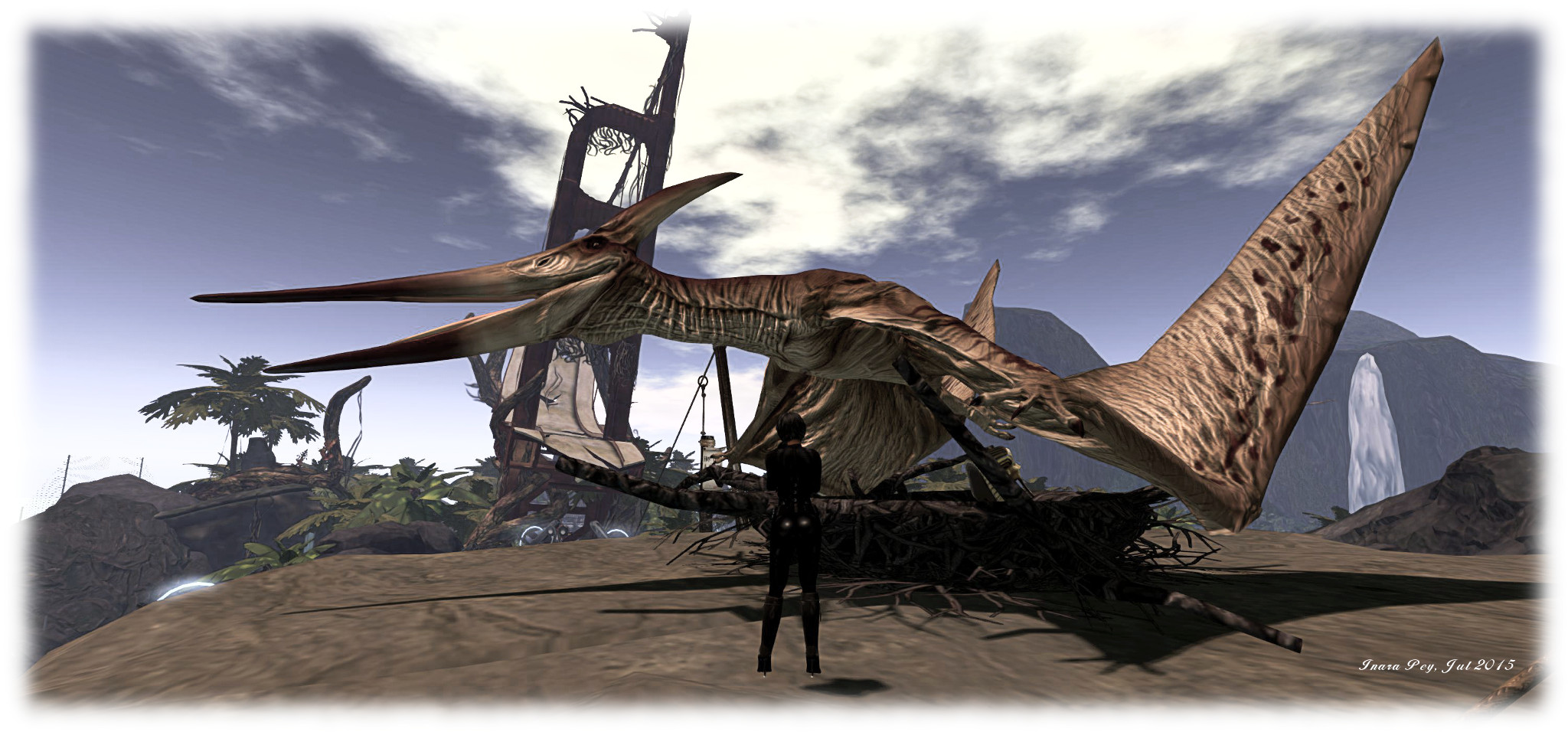
PaleoQuest; Inara Pey, July 2015, on Flickr“Watch the birdie…” – PaleoQuest, July 2015 (Flickr)

Congrats to Patch, Shaman, Michael, the moles and all who worked on the project; it’s been worth the wait ever since Patch mentioned it at the SL12B “Meet the Lindens” event, and it really does deliver up fun by the bucket load. Or have I already said that?

Don’t take my word for it, however – go see for yourself. You’ll probably come across Whirly still trying to get across Nessie’s rocks ;). (Me? I took a leaf from Magellan’s book. I sat down had a drink or six and watched everyone else!)

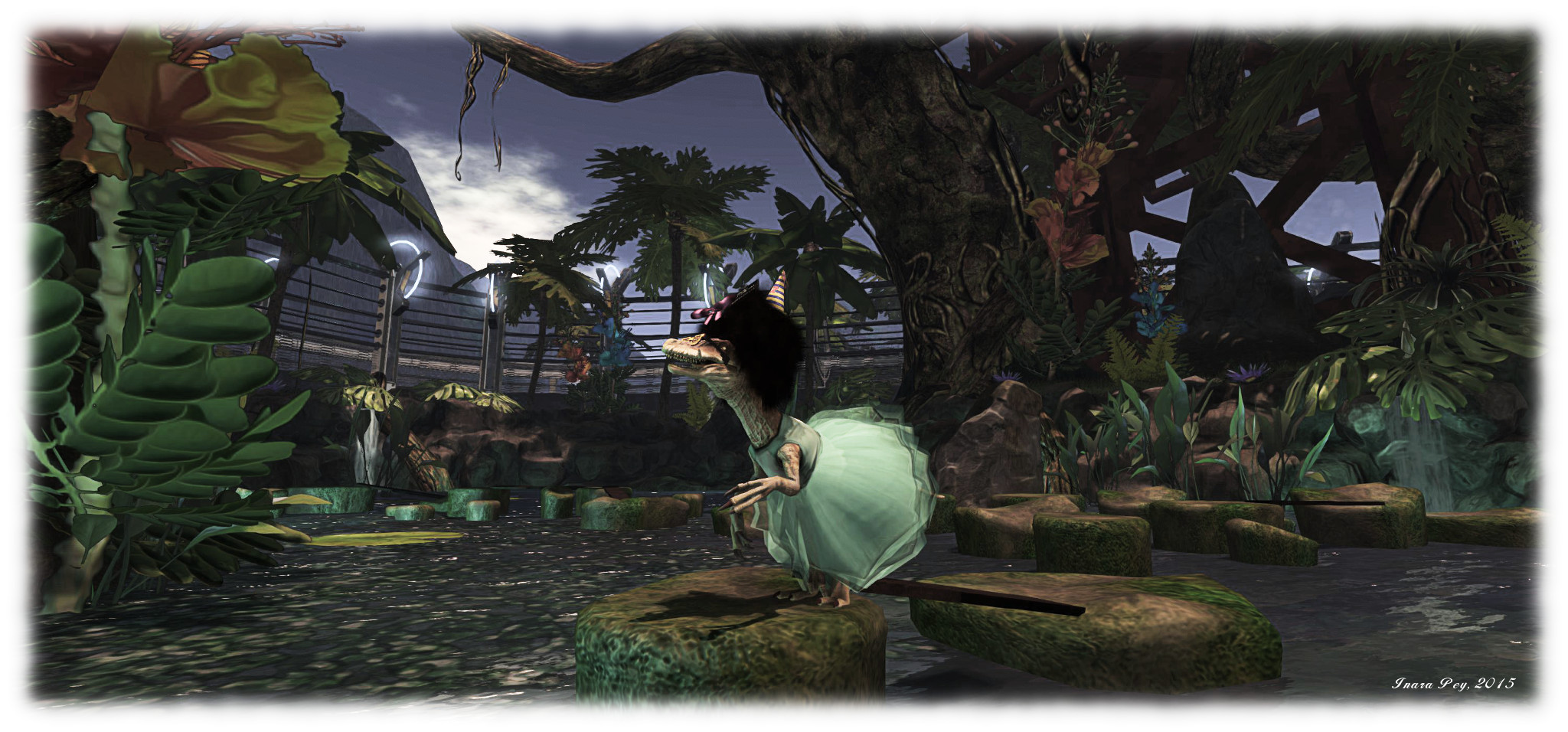
PaleoQuest; Inara Pey, July 2015, on FlickrWhirly gets into the spirit of things – and makes an enticing snack for Nessie! – PaleoQuest, July 2015 (Flickr)

Oh, and do make sure you have the music stream enabled when visiting. Someone did a pretty awesome job there as well.

Related Links

Reminder: Second Life VMM migration set to commence

secondlifeUpdate, July 30th: The lab has issued a new version of the VMM viewer, and the links to the download in this article have been updated accordingly.

A reminder that as recently announced by Linden Lab (and as I reported here), automated migration of Direct Delivery items on the Marketplace to the Viewer- Managed Marketplace capability commences on Thursday, July 23rd, 2015.

All Marketplace merchants will receive an e-mail at the start of the migration process, and another when it has completed. In addition, those with 5,000+ listings will receive an e-mail related to the scheduling of their store migration.

Operations will run from 21:00 SLT through to 09:00 SLT on weekdays, starting on Thursday July 23rd, and will continue in this manner until all stores on the Marketplace have been migrated. Merchants will not be able to modify their stores while their items are being migrated, but sales of items that are not in the process of being migrated will continue.

Note that Magic Box items will not be migrated during this process; they will require a manual migration, and no date has yet been given as to when support for Magic Boxes will discontinue.

The Viewer-Managed Marketplace ideally requires a viewer updated to support VMM in order to make managing items easier. At the time of writing, viewers supporting VMM are:

Non-VMM viewers will display VMM items in a Merchant Listings folder - do not delete this folder or its contents! folder
Non-VMM viewers will display VMM items in a Merchant Listings folder – do not delete this folder or its contents! (Shown in Singularity.)

Note that if you are a Merchant using a viewer that does not have VMM support, once your store has been migrated, you will have an additional folder in your inventory display called Marketplace Listings.

This is the controlling folder for VMM, and should not be deleted, or have contents deleted or moved (it will be hidden in the majority of viewer with VMM support).

While it is possible to use this folder to continue to add new VMM items to your Marketplace store (providing you create the required folder structure, etc.), as Whirly Fizzle notes on the VMM migration forum thread, this is not a recommended approach given that it might lead to mistakes or confusion.

It had been indicated that VMM migration would not commence until after the viewer code had been promoted to release status. As such, the sudden announcement of the start of migration ahead of such a promotion has caused understandable consternation with TPV developers and merchants, prompting the Commerce Team to comment:

As many of you noticed, we did shorten the time line to get Merchants migrated to VMM. This is due primarily to the need to get Merchants off of Xstreet, as it was down for a weekend in early July, forcing us to accelerate our dates.

Those who are concerned about the migration process should refer to the migration forum thread, linked-to above. I also have a high-level overview of VMM (written when the project viewer first appeared), including a look at manual migration.

The Lab’s own resources on VMM can be found here:

Lab launches resident-focused Second Life promotional videos

secondlifeOn July 20th, 2015, Linden Lab issued two new Second Life  promotional videos on their official YouTube channel.

Both are entitled Second Life – The Largest-Ever 3D Virtual World Created By Users, and combine footage shot by the Lab (some of which has been seen in past promotional videos) with footage from Draxtor Despres’ outstanding World Makers series.

There’s nothing actually new in this per se; the Lab combined their own footage with some from World Makers in their December 2013 promotional pieces, which I reviewed here.

However, what makes these different is that overlaying the video footage are a series of audio clips taken from the World Makers series (and possibly elsewhere), featuring Second Life users talking directly about the platform.

Thus, unlike the purely music-based videos before them, these offer a very user-centric look at Second Life which makes them compelling viewing, and perhaps the best promotional videos yet produced for the platform.

At a minute in length, the first video can afford to offer a more visual lead-in, with a series of clips from around SL. It can also obviously offer more audio content, and I have to say that the inclusion of a clip of Zachh Barkley talking about his own attraction to SL is particularly effective in adding depth to the piece.

The second video, just 30 seconds in length, offers a more defined view of Second Life ideally suited to the shorter attention span, but which is no less compelling or effective than the longer version.

I’ve long been an advocate of the Lab collaborating with users to produce suitable promotional material for Second Life, both by working with machinima makers and using the creative talents of users themselves.

While these videos move in a somewhat different direction to the one I imagined when writing on the subject, they are nevertheless a move entirely in the right direction. Both showcase Second Life beautifully and in a manner that really speaks to the audience. As such, I hope we’ll see them used widely in promotional campaigns – and see more pieces of a similar nature in the future.

Kudos to the Lab and all involved in their production.

A farewell to Matoluta Sanctuary in Second Life

Matoluta Sanctuary, Sartre; Inara Pey, March 2015, on Flickr Matoluta Sanctuary (Flickr), March 2015 – click any image for full size

Manatou (Ursus Broono), who along with Mz Marville, has been a driving force behind the Matoluta Sanctuary has announced the two regions on which it is located  (Hudhufushi and Sartre) are to close on or around Monday, July 20th and Tuesday July 21st, 2015.

Having opened in July 2014, Matoluta Sanctuary was established with a unique aim in mind: to offer people the opportunity to engage in equine role-play (i.e. actually taking on a horse avatar), and to learn about the plight of the Colonial Spanish Horse on the North American continent –  and in doing so, donate to the ongoing conservation of these horses.

Matoluta Sanctuary, Sartre; Inara Pey, July 2014, on FlickrMatoluta Sanctuary (Flickr), July 2014

The Colonial Spanish Horse, perhaps more familiarly known as the Spanish Mustang,  is descended from the original Iberian horse stock brought to America from Spain, and are one of only a very few genetically unique horse breeds worldwide. Following their arrival in North America, some of the breed escaped into the wild. In time, due to their nature and abilities, they became the preferred mount of the Great Plains tribes of native Americans. Unfortunately, in more recent times their numbers have greatly reduced,  and the breed’s extinction status is regarded as critical.

To assist in the preservation of the breed, donations made when visiting Matoluta Sanctuary go to Return to Freedom, an organisation dedicated to “preserving the freedom, diversity, and habitat of America’s wild horses through sanctuary, education, and conservation, while enriching the human spirit through direct experience with the natural world”.  Return to Freedom is fully aware of the activities at Matoluta, and representatives from the organisation have been into Second Life to  witness activities in the regions first-hand.

Manatou (Ursus Broono) at Matoluta Sanctuary
Manatou (Ursus Broono) at Matoluta Sanctuary, July 2015

Since opening, Matoluta has evolved, both in terms of its expansion to a second region in September 2014, and in terms of activities offered: equine care, conservation awareness, special events aimed at raising donations for Return to Freedom, and so on. However, while both Manatou  and Mz Marville have met the cost of the regions directly in order to ensure donations go to Return to Freedom, the situation has been gradually changing, prompting the decision to close the regions.

“We’ve had good traffic since we opened,” Manatou informed me as we discussed the decision, “but to be honest, it has slackened off to the point where we’re better off donating the money we spend on tier directly to the charity, rather than relying just on donations.”

Matoluta Sanctuary, July 2015

Not that he is in any way blaming the situation on a lack of traffic. “It has been helpful in encouraging people become aware of the need to preserve wild horses,” he said. “It has led to others to join in with giving aid, so it has surely been of worth.”

Nor does it mean the end of in-world activities related to equine preservation, as Manatou informed me. “We will still do activities to raise money to help wild horses; we’ll open up a special region a few times a year for this, most likely once a quarter. That way we can continue involving people in raising money to benefit these efforts of preservation, and keep awareness of the need to preserve wild horses in people’s minds. Return to Freedom is very conscientious about how they allocate funds, most of every cent they receive go towards rescue efforts, very little goes towards administration.”

Matoluta Sanctuary and Bay; Inara Pey, September 2014, on FlickrMatoluta Sanctuary (Flickr), September 2014

In the meantime, Matoluta Sanctuary is still open to visitors, with the regions due to close, as noted, on Monday, July 20th (Hudhufushi) and Tuesday July 21st (Sartre)  and might be around a little bit beyond that. So if you want to visit them before they go and enjoy their natural beauty, do make the time over the weekend. And, if you’re so minded, feel free to make a donation towards Return to Freedom’s work.

SLurl Details

Viewer-Managed Marketplace migration commences July 23rd

secondlifeUpdate, July 30th: The lab has issued a new version of the VMM viewer, and the links to the download in this article have been updated accordingly.

Update, July 20th: Linden Lab have given the following explanation for the acceleration with VMM migration: “As many of you noticed, we did shorten the time line to get Merchants migrated to VMM. This is due primarily to the need to get Merchants off of Xstreet, as it was down for a weekend in early July, forcing us to accelerate our dates.” (With thanks to Whirly Fizzle for the pointer to the comment.)

Coming by way of the Commerce blog, Linden Lab has announced that the Viewer-Managed Marketplace (VMM) capabilities are now released, and that automated migrations of SL Marketplace items is to commence on Thursday, July 23rd.

Migration will commence at 21:00 on July 23rd, and each weekday thereafter until all all stores on the Marketplace have been migrated.

The blog post lays out the core aspects of the migration process, which I’ve summarised below – but do still please read the official post:

  • All merchants will receive e-mail at the beginning of the migration process, and another once it has completed
  • Merchants with around 5K or more of listings will have their migration scheduled, and will receive an additional e-mail for the Lab providing them with advanced notice – see additional notes below
  • Migration will occur weekdays between 21:00 SLT in the evening and 09:00 SLT the following morning
  • A Merchant will not be able to modify their store while items are being migrated, but sales of items that are not in the process of being migrated will continue
  • Merchants who have had their stores migrated to VMM  should use the  Second Life VMM Viewer (or a TPV which offers VMM support) in order to manage their Marketplace inventory.
If you have the viewer configured to use its internal browser (the SL viewer allows you it set it for *just* links to SL websites), you can
Viewer-Managed Marketplace allows items sold through the Marketplace to be managed directly from the Merchant’s viewer using the Marketplace Listings panel – there is no need to upload items to the Marketplace servers. Listings can then be created and amended from within the viewer using the built-in browser or, if preferred, can still be edited directly from a Merchant’s Marketplace pages via a web browser

It’s also worth pointing out that the automatic migration process will not run against Magic Box items; these must be manually migrated, and no date has yet been given as to when support for Magic Boxes will discontinue. However, this notice from the Lab should perhaps be taken by those who do still have items in Magic Boxes as indicative that they should start planning to migrate them to VMM.

Both the automated and manual migration process have been undergoing beta testing for some time now, and most reports on both have been positive.

VMM has been moving in this direction for that last couple of months. However, it had been thought that actual migration wouldn’t commence until after the VMM viewer code had been promoted to the release viewer. Given that the Lab tends to prefer promoted a viewer every other week, and this week (week #29) has already seen the attachment fixes viewer to release status, it would appear that migration might be starting prior to the VMM viewer being similarly promoted.

To help people get to grips with the Viewer-Managed Marketplace, the Lab have produced a number of resources, and those unfamiliar with VMM are referred to them for further information.