Hounds, cats, murder and clocks in Second Life

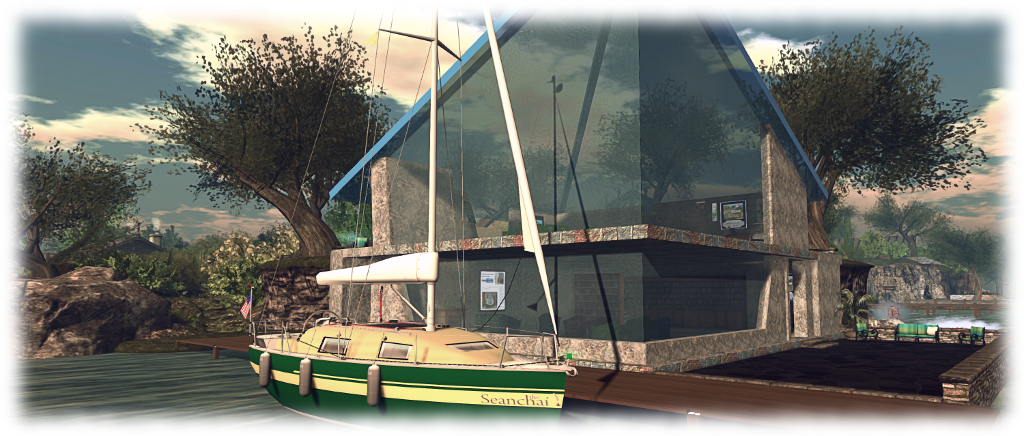
Seanchai Library

It’s time to highlight another week of storytelling in Voice by the staff and volunteers at the Seanchai Library. As always, all times SLT, and events are held at the Library’s home at Holly Kai Park, unless otherwise indicated.

Sunday, September 23rd

13:30: Tea-time at Baker Street

The third full-length novel written about Sherlock Holmes, The Hound of the Baskervilles is likely to be the one Holmesian story which – at least in outline – known to most, whether or not they have actually read any of Holmes’ adventures.

But how many of us know the story as it was originally written? Over the decades it has been adapted for film and television more than 20 times, starting as early as 1914/15 with the 4-part series, Der Hund von Baskerville, and continuing on through to Paul McGuigan’s The Hounds of Baskerville, featured in the BBC’s brilliant Sherlock series.

All of these adaptations have offered their own take on the tale. Some – such as McGuigan’s, have simply taken the title of the story and used it to weave a unique tale of their own; others have stayed true to the basics of the story whilst also adding their own twists and turns quite outside of Conan Doyle’s plot in order to keep their offering fresh and exciting to an audience.

So why not join Cale, David, Corwyn and Kayden as they read from the 1902 original, and discover just how Sir Arthur Conan Doyle unfolded this apparently supernatural tale of giant hounds and murder, and the pivotal role played by John Watson himself?

18:00: The Devious Book for Cats

Felines ruled Egypt for a millennia – but since then, it’s all been a bit downhill: a simple round of eat, sleep, eat, poop, sleep … However, Fluffy and Bonkers think it is high time their brother and sisters and cousins in every home across the world once again ascend to their rightful place of power.

This book is packed from cover to cover with words of wisdom for the cat who desires to live life (or all nine lives) to the fullest, and ensure they enjoy their lives on their terms. Found within these pages are such pearls of wisdom for cats as ensuring  human staff are up and about in time to get you breakfast at the time you want; how to keep them in their place with the purr-fect stare and by taking advantage of their superstitions.

Also to be found are guides to the full and proper use of cardboard boxes, the richness of catnip, how to achieve proper grooming in the mere 24 hours each day provides, and more. The use of the window as a tool to keep an eye on both staff and domain is explained, as is how to overcome the terror of the vacuum cleaner. The authors even provide a short history of the Felinism movement…

Join Caledonia Skytower as she delves into this parody of self-help books.

Monday, September 24th 19:00: Murder is Bliss

Gyro Muggins reads the first volume in the Jasper Stone series by Ellen Anthony.

In the year 2179, police lieutenant Jasper Stone finds himself called upon to solve the high-profile murder of Elizabeth West. The case appears to revolve around a valuable house – and the leading suspect is West’s disabled son.

But then the son is murdered – and the evidence points towards West’s grand-daughter, Jewell. Only she appears to have a rock-solid alibi for West’s murder. So is there more than one crime, or will Jewell be the next victim?

The more he investigates, the more Stone finds himself entangled in a complicated web of motives and a situation involving not just murder, but drug smuggling and blackmail. And the more he investigates, the more he might just be protecting the woman behind it all.

Tuesday, September 25th 19:00: The House with a Clock in it’s Walls

Faerie Maven-Pralou reads the first in John Bellairs’ Lewis Barnavelt series, originally published in the 1970s.

In the mid-west United States in the 1950s, 11-year-old, orphaned Lewis Barnavelt arrives at the home of his Uncle Jonathan, who has been appointed his guardian. Overweight, shunned by other children, he finds himself in his uncle’s the ramshackle mansion where the ominous ticking of a clock can be heard coming from within the walls.

Lewis soon discovers his uncle is a witch, as is his eccentric neighbour, Mrs. Zimmerman  – who is obsessed with the colour purple and anything with “Z” on it – are witches. Fortunately, they are witches of the “good” kind, and they are engaged in a literal race against time.

The ticking coming from within the mansion’s walls belongs to a doomsday clock, and if Uncle Jonathan, Mrs. Zimmerman – and now Lewis – must work out where the bewitched clock has been hidden by the warlocks who once owned the house.

Wednesday, September 26th, 19:00: Tiny and the Monster

Ktadhn Vesuvino reads Theodore Sturgeon’s 1947 short story.

Thursday, September 27th, 19:00: The X-Files – It’s All in the Eyes

With Shandon Loring. Also presented in Kitelyhop://grid.kitely.com:8002/Seanchai/144/129/29.


Please check with the Seanchai Library’s blog for updates and for additions or changes to the week’s schedule.

The current charity is Feed a Smile.

The Culprit Sonata Bento piano in Second Life


The Culprit Sonata upright (l) with my Lisp grand (r) at our home in SL

It’s no secret I play the piano; I’ve mentioned it a fair few times; I can sometimes be heard playing arrangements on my You Tube videos, and I’ve reviewed the various pianos I’ve had in SL through these pages.

By-and-large, I prefer to go for grand (concert or baby) pianos in SL, simply because a) the comparative sizes of houses in SL tend to mean a grand can be installed easily and not lost against a wall; b) I have a Yamaha N1 in the physical world, that nicely reproduces the sound of a grand (but only takes up as much space as an upright!), so I’m naturally more accustomed to the more rounded sound of a grand, and heaving on in SL puts me in mind of that roundedness.

Thus, finding me writing about an upright piano now might seem a little strange. But the upright in question is a little special: it is the first playable Bento piano I’ve been introduced to.

The keyboard is finished with a very natural looking ageing to the keys

The piano in question is the Culprit Sonata, created by Eku Zhong and Yure4u Sosa – and it is a delight.  Two versions of the piano are offered in the pack: “large” (for larger sized human avatars) and “small” (for more “normally” proportioned human avatars (the “small” should not be seen as indicative of the piano being suitable for Tinies). I found the “small” variant ideal for my avatar.

The design follows the standard upright piano look, while the menu system (active once seated) offers four main option sets: Texture, Muted, and Songs, together with an [Adjust] option for setting your seating position at the keyboard.

  • Texture provides a choice of eight Themes by which to  texture / colour the entire piano and its stool; and a Custom option, allowing you to mix and match the textures used on different parts of the piano to suit your individual taste.
  • Muted presents a total of eight different playing styles without any associated music – so you can set a style in keeping with the music you’re listening to out world, or on your parcel stream. As one of the streams we have on the home parcel is a pure piano stream, I found this option a nice touch.
  • Songs, as might be expected, offers a total of 32 pieces to play, all public domain, and offering a good cross-reference of music.
Three of the menu-driven Theme finishes to the piano, and one variant of a Custom finish (l)

Sitting at the piano immediately puts you in the “idle” pose (also available from the Muted menu as a ninth option). This has you sitting and moving your arms as if conducting – or perhaps warming-up in readiness to play :).

Selecting a piece of music from the Songs menu will display sheet music on the piano and move your avatar into a matching playing animation. It is here where the Bento element comes in. If you have Bento hands,  turn off any animation option you may be using with them so as to avoid possible conflict with the piano, then watch yourself play.

The Culprit Sonata was, at the time this review was written, on display outdoors at the Culprit store

Rather than the traditional single pose hand movements we’re all familiar with when playing SL pianos, the Culprit Sonata will animate fingers and wrists to reproduce a range of playing styles, from the subtle to the quite effusive. Most fit the included music extremely well, and I found a couple of the Muted animations options particularly well suited to “playing along” with some of my favourite tracks on the Westworld TV series soundtrack (such as Sweetwater, No Surprises, Dr. Ford, and The Forest) that was playing on the stereo as I took the Culprit for a test drive – or test play, if you prefer 🙂 .

The finger and hand movements are fluid throughout – and I was impressed to see a thumb-led descending glissando in one of the animations; I don’t think I’ve ever seen that in a Second Life piano animation before, and you can catch it in the video below. Yure4u, Eku’s SL partner, modelled the animations on her own playing style, adding further depth to them, and while I did find a couple a little more dramatic than my own style of playing, they in no way put me off.

Bento hand movements in three of the playing styles built into the Culprit Sonata piano

At 7 LI, including the stool, the Culprit Sonata isn’t going to break the land impact bank, and the texture options offer sufficient variety in finish for the piano to fit almost any environment. Pricing-wise, it is placed at L$995, which perhaps puts it at the upper range of playable piano (I’m excluding those that come as Adult rated or with a host of non-playing animations). However, when you consider this is a Bento piano, offering some very fine finger / hand / wrist motions, and the effort put into producing these, the price doesn’t feel excessive.

The Sonata has some nice attention to detail around the keyboard and the brass fittings, and while I’m still naturally biased towards having a grand piano in SL (and Eku and Yure4u are apparently working on one), the upright version is now gracing the saloon at Caitinara Bar 🙂 .

SLurl Details

2018 SL UG updates #38/4: TPVD meeting – name changes + premium levels

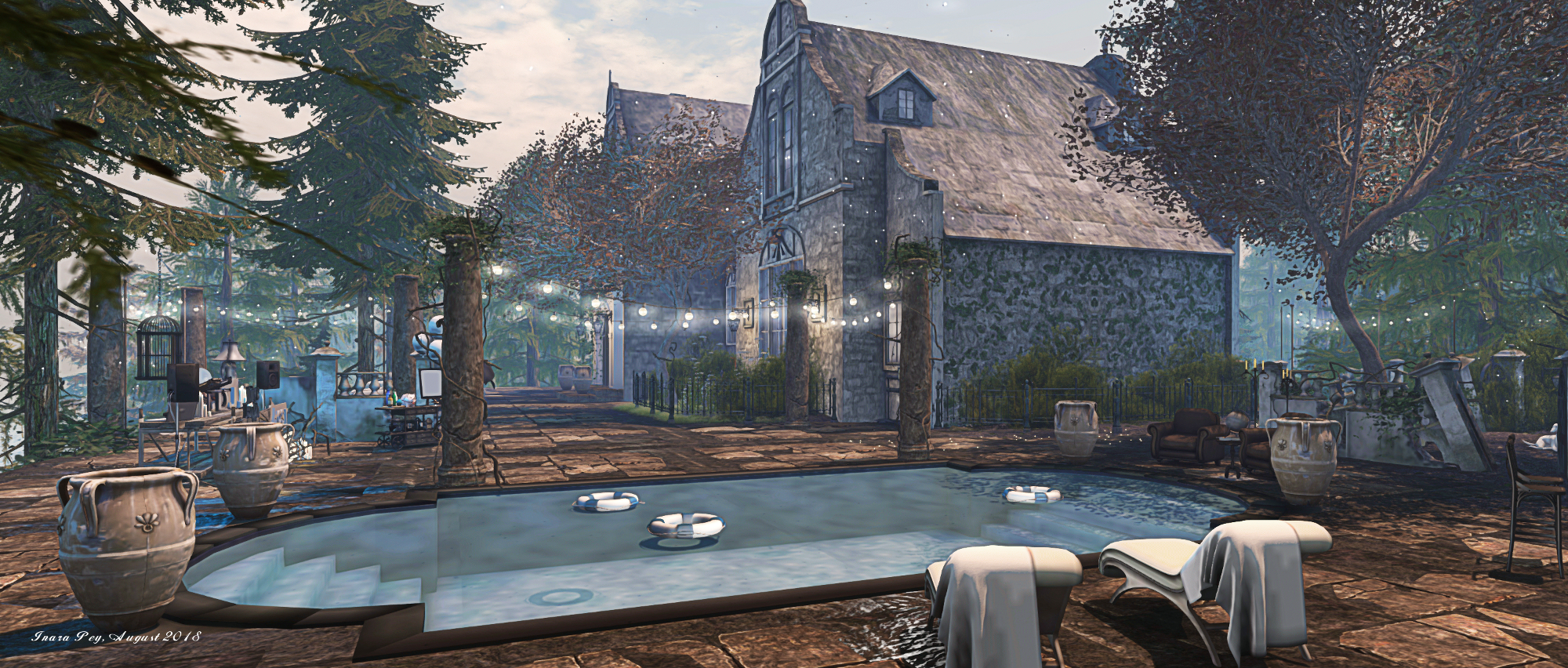
Athenaeum; Inara Pey, August 2018, on FlickrAthenaeumblog post

The following notes are taken from the TPV Developer meeting held on Friday, September 21st, 2018. A video of the meeting is embedded below, my thanks as always to North for recording and providing it, and for sending me a chat log as well, as circumstances meant I was unable to attend the meeting in person.

This is again a short meeting, with a lot of incidental chat about Dog Food Day, so the following is a summary of key points.

SL Viewer

[00:00-4:35]

There have been no SL viewer updates during week #38, leaving the various viewers in the pipelines as:

  • Current Release version 5.1.8.518593, dated August 14, promoted August 20. Formerly the SL Voice RC viewer – No Change.
  • Release channel cohort:
    • BugSplat RC viewer, version 5.1.9.519462, September 10. This viewer is functionally identical to the current release viewer, but uses BugSplat for crash reporting, rather than the Lab’s own Breakpad based crash reporting tools.
    • Rakomelo Maintenance RC, version 5.1.9.519298, September 5.
    • Animesh RC viewer, version 6.0.0.518949, August 24.
    • Love Me Render RC viewer, version 5.1.8.518751, released on August 20.
  • Project viewers:
  • Linux Spur viewer, version 5.0.9.329906, dated November 17, 2017 and promoted to release status 29 November – offered pending a Linux version of the Alex Ivy viewer code.
  • Obsolete platform viewer, version 3.7.28.300847, May 8, 2015 – provided for users on Windows XP and OS X versions below 10.7.

Additional notes:

  • Bugsplat RC is awaiting  a “couple more” updates and a further restructuring of the viewer updater, which will see it become a child process to the viewer, rather than the parent process for the viewer (as is currently the case, and hasn’t worked as well as the Lab had hoped following it introduction.
  • The Rakamelo RC and Animesh RC are both under consideration for promotion to de facto release viewer status. A decision on which of them might be promoted could be taken in week #39 (week commencing Monday, September 24th).
  • Love Me Render RC is currently awaiting further updates.
  • Bakes On Mesh: as per my CCUG summary, the AIS updates have been deployed to the main grid, so this is now awaiting the Bake Service update (to support 1024×1024 textures) and the simulator update required to support BOM operations. The simulator support will follow the normal deployment route, initially appearing on a server RC channel, when the viewer is likely to be promoted to RC status.
  • EAM (Estate Access Management) will likely go to release candidate status with the new update.

Other Items

End of Asset UDP Fetching

[8:53-10:00] In 2017, Linden Lab completed moving all SL inventory asset fetching from running through the simulators via UDP to HTTP via their CDN provider(s). As a result, the UDP asset messaging will be turned off at the simulator end of things in January 2019, after which any old versions of the viewer still reliance on UDP for inventory messaging will no long be able to receive inventory data.

Return of Last Names and Premium Restructuring

As Ebbe recently indicated during his September town hall meeting, the return of last names to Second life is still some way from being implemented, and the work may not be completed before the end of 2018.

[22:05-24:16] Much of the work involved going through all of the SL back-end systems to update them and ensure they can handle both last names and changes to last names – the aim being to ensure name changes can be handled throughout the Second Life services without necessarily breaking something.

Currently, there is at least one major back-end service that has yet to be assessed and updated, and it appears possible that the new Premium levels will be deployed before last names are re-implemented.

Aditi Inventory Handling Bug

[10:53-12:03] BUG-225435 – Objects attached to avatar from the ground go into Lost & Found folder of inventory: this is currently only an issue on Aditi (the Beta grid), and appears to be related to inventory handling changes made there. Essentially, it is caused by a race condition between the viewer and the simulator, and may be related to EEP changes. The Lab is investigating this, and the plan is to fix the problem before the update moves to Agni (the main grid),


Be a High Fidelity helper and earn HFCs

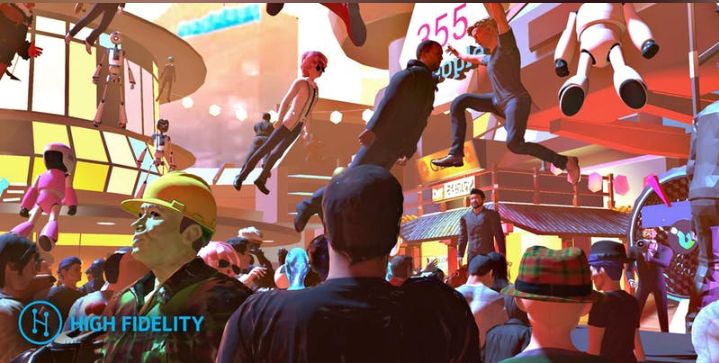
A High Fidelity Load Test. Credit: High Fidelity

High Fidelity’s next concurrency load test is due to take place on Saturday, October 6th, 2018. These monthly events are designed to drive avatar load testing within in a single continuous space within High Fidelity, providing the platform with a rigorous test as avatars meet, mingle, play games and generally have fun. The load tests are also a small part of High Fidelity’s The Road to One Billion in VR programme – seeing 1 billion people in VR environments (not just HiFi).

As I’ve previously reported, the events offer participants rewards in the form of High Fidelity Coins (HFCs) or a gift card or an Amazon credit – or, as with the September test, even have their rewards donated to the American Civil Liberties Union (ACLU) as a fiat money contribution.

Rewards are offered on a sliding scale, based on the number of participants, with the minimum value being equivalent to US $10. However, with the Saturday October 6th, 2018 load test, High Fidelity are offering some 15 volunteers to earn up to 30,000 HFCs (equivalent to Us $30) if they are willing to offer a maximum of 2 hours of their time in helping manage the event, by ensuring people participating are properly checked-in, and the company explains:

High Fidelity needs help checking-in all the people who signed up for the Road to a Billion event on Oct 6th.

Your job will be to roam the crowd and ask people if they signed up for the event and if so, check to see that they have automatically been checked in.

If they have not been checked in, your job will be to give them instructions on how to retrieve their Eventbrite ticket number so that you can manually check them in. We will provide you with the app to do all of this. Also, you will be given an avatar or shirt that will designate you as an official helper so that you are easy to spot and easy for us to tell people to find you.

This job pays 1500HFC an hour, and we need you to work for two hours. We advise you use Desktop mode to make this job easier.

Applicants need a good network connection, confidence using the High Fidelity client and a great attitude as you will be meeting lots of people!

If you’re an experience High Fidelity user, you can volunteer to help with checking-in participants by completing this volunteer form.

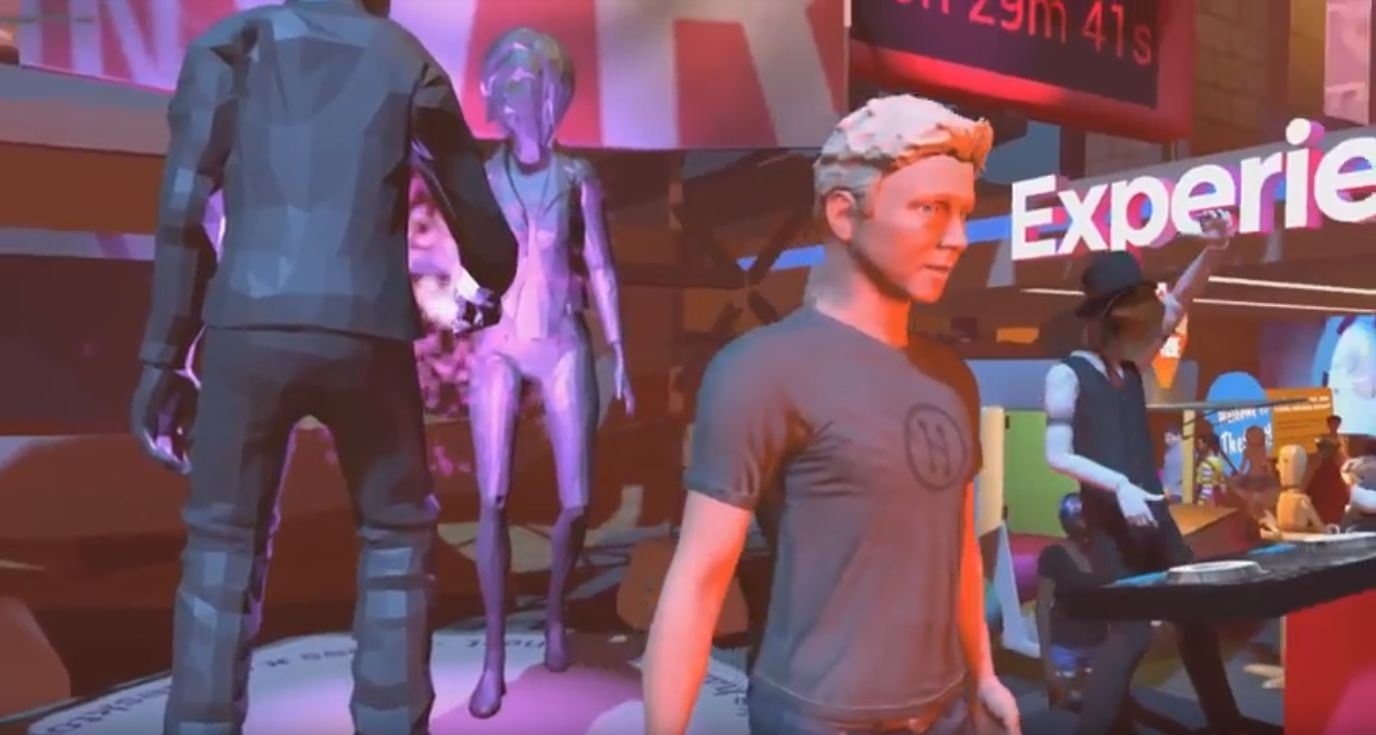
Philip Rosedale at the August 2018 load test in High Fidelity

In the load tests thus far, High Fidelity have gone from 197 to 356 avatars all active within a single space, and the company is hoping to have more than 500 on-board on the October 6th, 2018. To encourage this, the event will include new games, plus a Best Avatar contest with a 30,000 HFC first prize.

Those wishing to join the fun can register via Eventbrite (separate registering to the check-in volunteers noted above), with the event officially kicking-off at 11:00 PDT (although people generally turn up earlier than that).

To find out more about these tests, read  High Fidelity CEO Philip Rosedale’s blog post on them.

Lab calls for 2018 Creepy Crawl venues in Second Life

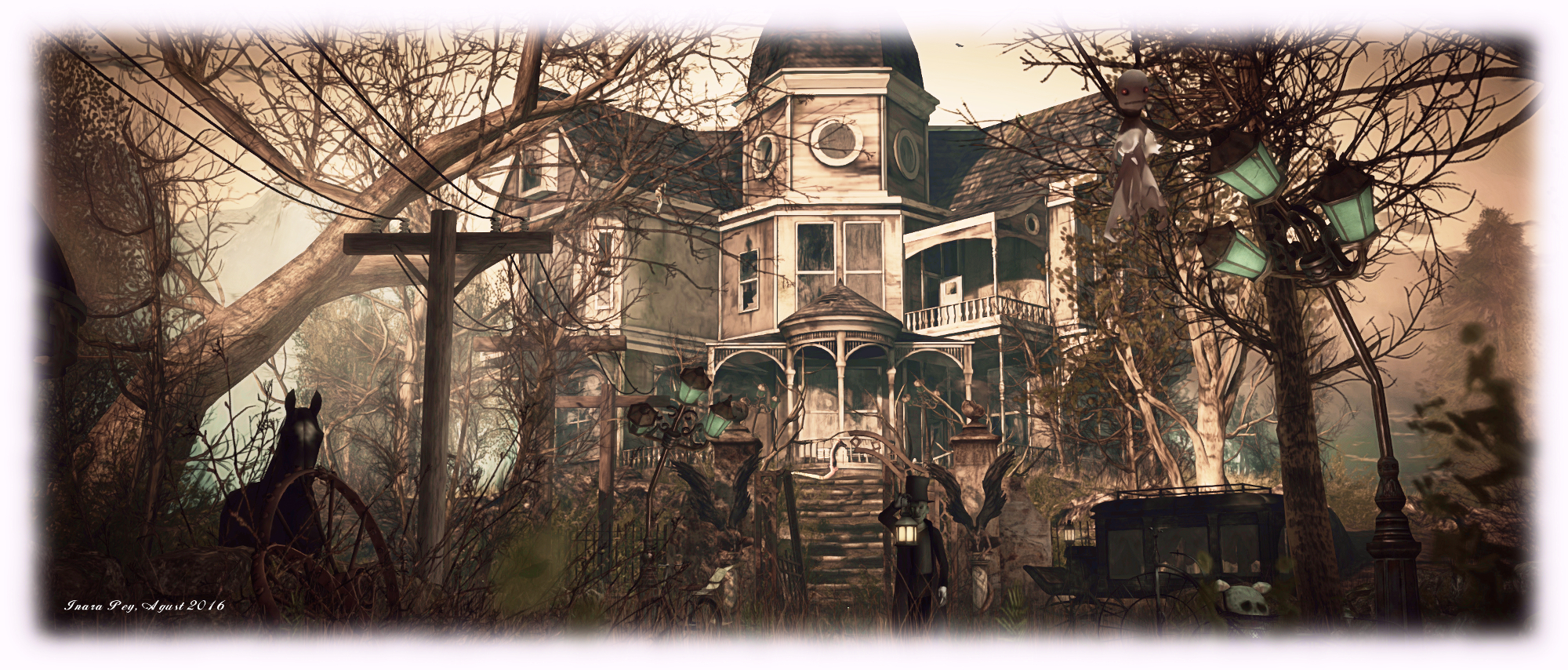
Arranmore; Inara Pey, August 2016, on Flickr What spooky places will the Creepy Crawl visit in 2018? Pictured: Arranmore, 2016 (blog post)

Halloween is approaching once again, and so too is the annual Second Life Creepy Craw, a time when those from the Lab, together with residents, go hopping around the grid in an avatar answer to trick-or-treating.

Now in its third year, the event will take place on Wednesday, October 31st, starting at 10:00 SLT. As with previous years, it will feature locations suitably Halloweeny in décor suggested by Second Life users, as the community blog post on the event explains:

Are you ready to have a screaming good time with fellow Residents – all in the name of the spirit of Halloween? While this holiday may not be shared the world over, it is a tradition in Second Life to dress up in your Halloween best and come out haunting for the annual Second Life Creepy Crawl and Costume Contest!

It’s going to be a monster mash-up at our Creepy Crawl – where we hop from venue to venue and enjoy some thrilling conversation and fun – with a de-frightfully fun Costume Contest twist!

If you’d like to host a stop along the Creepy Crawl, own a spot that will be decked out for the holiday, and don’t mind if a parade of Residents and Lindens come through, then you might be just what the witch doctor ordered. We’re looking for spots that have entertainment (we like to dance around in our costumes!), are appropriate for general and moderate audiences, and can handle a crowd.

If the event is run along the same lines at 2016 and 2017, selected venues will likely be visited for around 30 minutes at a time (although this is subject to confirmation), and people will be welcome to join the entire Creepy Crawl, or drop in and out of it as they wish.

Here’s how to submit your venue for consideration:

2018 SL UG updates #38/3: CCUG – EEP! the sky!

Whirly Fizzle casts her magic, blotting the Sun with EEP. Credit: Whirly Fizzle

The following notes are taken from the Content Creation User Group (CCUG) meeting, held on  Thursday, September 20th, 2018 at 13:00 SLT.  These meetings are chaired by Vir Linden, and agenda notes, meeting SLurl, etc, are usually available on the Content Creation User Group wiki page.

Environment Enhancement Project (EEP)

Project Summary

A set of environmental enhancements, including:

  • The ability for region / parcel owners to define the environment (sky, sun, moon, clouds, water settings) at the parcel level.
  • New environment asset types (Sky, Water, Days that can be stored in inventory and traded through the Marketplace / exchanged with others.
    • Day assets can include four Sky “tracks” defined by height: ground level (which includes altitudes up to 1,000m) and (optionally) 1,000m and above; 2,000m and above and 3,000m and above, plus a Water “track”.
  • Experience-based environment functions
  • An extended day cycle (e.g a 24/7 cycle) and extended environmental parameters.
  • There are no EEP parameters for manipulating the SL wind.
  • EPP will also include some rendering enhancements  and new shaders as well (being developed by Graham Linden), which will allow for effects such as crepuscular rays (“God rays”)
    • These will be an atmospheric effect, not any kind of object or asset or XML handler.
  • The new LSL functions for finding the time of day according to the position of the windlight Sun or Moon have been completed, and are more accurate than the current options.
  • EEP will not include things like rain or snow.
  • It will still be possible to set windlight local to your own viewer.

Resources

EEP Documentation

The complete EEP documentation is now available on the SL wiki. Published on the 19th September 2018, and still subject to update, it provides information on:

  • Types of Settings – skies, water, day cycles.
  • Creating and editing EEP settings objects.
  • Applying environments and settings.
  • Command commands for EEP objects.
  • Setting fixed skies and water.
  • Images of the new inventory options, the new UI options (My Environments, etc.).

Test Viewer

The test viewer was made available on Thursday, September 20th, available for OS X, and Windows 32 / 64-bit. Testing is only available on Aditi, and the land there is limited; so for the time being the viewer download links are not generally available – but check the Alternate Viewers wiki page for its general availability in the near future.

And for those who have been eagerly awaiting it – the EEP viewer has options for setting the length of day at either region and / or parcel level, and the number of hours offset from GMT the cycle should be. Day lengths can be the default 4 hours, through to a maximum of 168 hours, equally to a week-long cycle

General Points

  • EEP testing is limited to one region on Aditi for the time being. Parcels are offered for sale at L$1 each (money on Aditi is automatically provided for users, so this is not a personal cost). Users are requested to only purchase one parcel apiece.
  • Parcels can only be purchased via the EEP test viewer.
  • There is not currently a forum thread, as this is only the initial test period for EEP, but a thread will be opened once the project moves to Agni, the main grid.
  • It is hoped that EEP will move rapidly to project viewer status, and will be available on Agni in the near future – particularly now that the AIS service updates have completed.
  • There is a single water track per parcel, so it is not possible to set different looks for water at different altitudes as you can for the sky (and anyway, most would be unseen at higher altitudes).
  • Items still to be considered or to be completed:
    • Offering users the ability to override the time of day/sun position within their own viewer irrespective of the permissions on the EEP settings pack.
    • The shader atmospherics have still to be added.
    • Scripting support has yet to be added – some scripts are available and awaiting inclusion, but it was always Rider’s plans to add scripting after the initial test / project viewers were available.
    • The scripting work will include options for setting the environment on agents participating in an experience.
  • To help with initial testing, Rider has produced a “sundial” that can be obtained in the Aditi test regions. This contains all the available functions and is designed to be used for determining the positions of the Sun and the Moon.
  • The Sun and Moon move entirely independently to one another, allowing both to be in the sky at the same time, and their size can be enlarged or reduced, depending on requirements / texture being used to replace them (so you could have a massive planet hanging in the sky, as if close by, or a little moon that appears much further away).
A simple 5-minute demo (including uploading the textures) creating a sky object, using it to replace the Sun and Moon with Mars and Jupiter respectively, then adjusting their respective sizes and putting them in the same quadrant of the sky before applying the setting to a parcel of land. Note the windlight clouds drifting in front of Mars. Not visible in this image is the fact that with ALM in the viewer enabled, the stars twinkle as though with atmospheric distortion. Click for full size, if required

Continue reading “2018 SL UG updates #38/3: CCUG – EEP! the sky!”