Lab provides “Unloop” viewer for 32-bit Windows users

On May 31st, 2018 Linden Lab updated the Love Me Render Release Candidate, viewer version 5.1.5.515811 to de facto release status.

Unfortunately, during the release process, there was an error defining the location of the Windows 32-bit version of the Second Life viewer download, which meant Windows users downloading the viewer when first released received the 64-bit version, regardless of which version of the operating system they are running.

While the issue has been addressed, it did leave some 32-bit Windows users found their systems stuck in a loop of trying to install the 64 bit version of the viewer. As I noted at the time, instructions were issued on how to break out of the loop. However, it appears some 32-bit users may still be encountering problems.

To this end, the Lab has released the “Unloop” Release candidate viewer, version 5.1.6.515965, which as the release notes state:

…is a special release just for Windows 32 bit systems who were caught in an endless loop of 64 bit viewer updates between 5/31/2018 and 6/1/2018. Except for its incremented build number, it is in every other way, identical to the last release.

So, if you are a 32-bit Windows user and are still having issues as a result of the promotion of the Love Me Render release, you might want to try a fresh installation of the Unloop viewer.

2018 SL UG updates #23/1: Simulator User Group meeting

ONI Zen; Inara Pey, May 2018, on FlickrONI Zenblog post

Server Deployments

As always, please refer to the server deployment thread for the latest information.

  • On Tuesday, June 5th 2018, the Main (SLS) channel was updated with server maintenance package 18#18.05.25.515749, containing internal fixes and server-side support for the upcoming new Estate Management ban list management changes.
  • On Wednesday, June 6th, the three main RC channels – LeTigre, BlueSteel and Magnum – should be updated with a new server maintenance package, 18#18.05.30.515812, comprising:
    • Additional work to support localised Abuse Report categories.
    • Improvements to object updates as part of ongoing performance improvements.
    • Removal of the logging of a trivial message.
    • Internal fixes.

Week #23 should see the decommissioning of the RC Cruller channel, established to help those experiencing issues with the use of media URLs for data storage (see BUG-216032). Those affected by the update who are unable to complete their unpacking of data stored in media URLs by the end of the week, should use the deployment thread to indicate how much longer they need.

SL Viewer

There have been no updates to the current group of viewers in the pipeline at the start of the week, although merges and updates following the recent promotion of the Love Me Render viewer are expected. At the time of writing, the list reads as:

  • Current Release version 5.1.5.515811, dated May 31, promoted June 1 – formerly the Love Me Render Release Candidate – NEW
  • Release channel cohorts:
    • Pálinka Maintenance RC viewer, 5.1.5.515527, dated May 21.
  • Project viewers:
  • Linux Spur viewer, version 5.0.9.329906, dated November 17, 2017 and promoted to release status 29 November – offered pending a Linux version of the Alex Ivy viewer code.
  • Obsolete platform viewer, version 3.7.28.300847, May 8, 2015 – provided for users on Windows XP and OS X versions below 10.7.

Environment Enhancement Project (EEP)

EEP is coming along. There is a possible fix for the back-end issue we were seeing. I’m wiring up some of the UI so that people can start to use it… Just pulled in a couple of the shader updates that one of the other Lindens has been working on.

– Rider Linden, discussing EEP progress, Simulator User Group, June 5th, 2018

Other Items

Region Crossings

I am making small steps … for example, tomorrow’s update has better logging where the target region you cross into is tracking everything and logs when it has re-seated an AV on a vehicle, and sent updates for all attachments … I’m not aiming for a big system monitoring region crossings in real-time, but I’d like to know better stats on how long they take and the failure rate … I know it would look ugly but it really would make sense technically if crossings forced you to stop, get across, then keep going and not estimate movement and all that.

– Simon Linden, discussing region crossings at the Simulator User Group, June 5th, 2018

The last of Simon’s points is something Joe Magarac (animats) has been working with through the use of scripts, as previously discussed in these pages.

llName2Key

llName2Key is one of two new LSL deployed in connection with the upcoming return of Last Names (see this blog post and this blog post for more). It’s been noted that the wiki page (linked to above) lacks proper information (its companion, llRequestUserKey as a wiki page which is also a little brief).

The function should return the Agent ID for the named avatar (based on it seeking the first name or the first name and last name), if the avatar is in the region where the function is run. If the last name is omitted, “Resident” is assumed. However, there appears to be a bug some search criteria work when they should fail (e.g. “Firstname R” (or “@R”) seems to work when “Resident” avatars on a region, when it should fail. A bug report is to be raised.


Looking into Devin’s Eye in Second Life

Devin's Eye; Inara Pey, June 2018, on FlickrDevin’s Eye – click any image for full size

Miro Colas recently tweeted me with a suggestion that Caitlyn and I pay a visit to Devin’s Eye, a Homestead region which recently opened in Second Life. As the name was familiar to me, we hopped over to take a look, confirming in the process that Devin’s Eye is the work of Roy Mildor and Ally Mildor (Ally Daysleeper), and represents something of a continuation of their work as we first came across it in Devin, back in January 2017, offering as a does the opportunity to visit two sim-wide locations  – one on the ground, and the other in the air. (As a point of note, Devin still exists, but appears now to be under private ownership.)

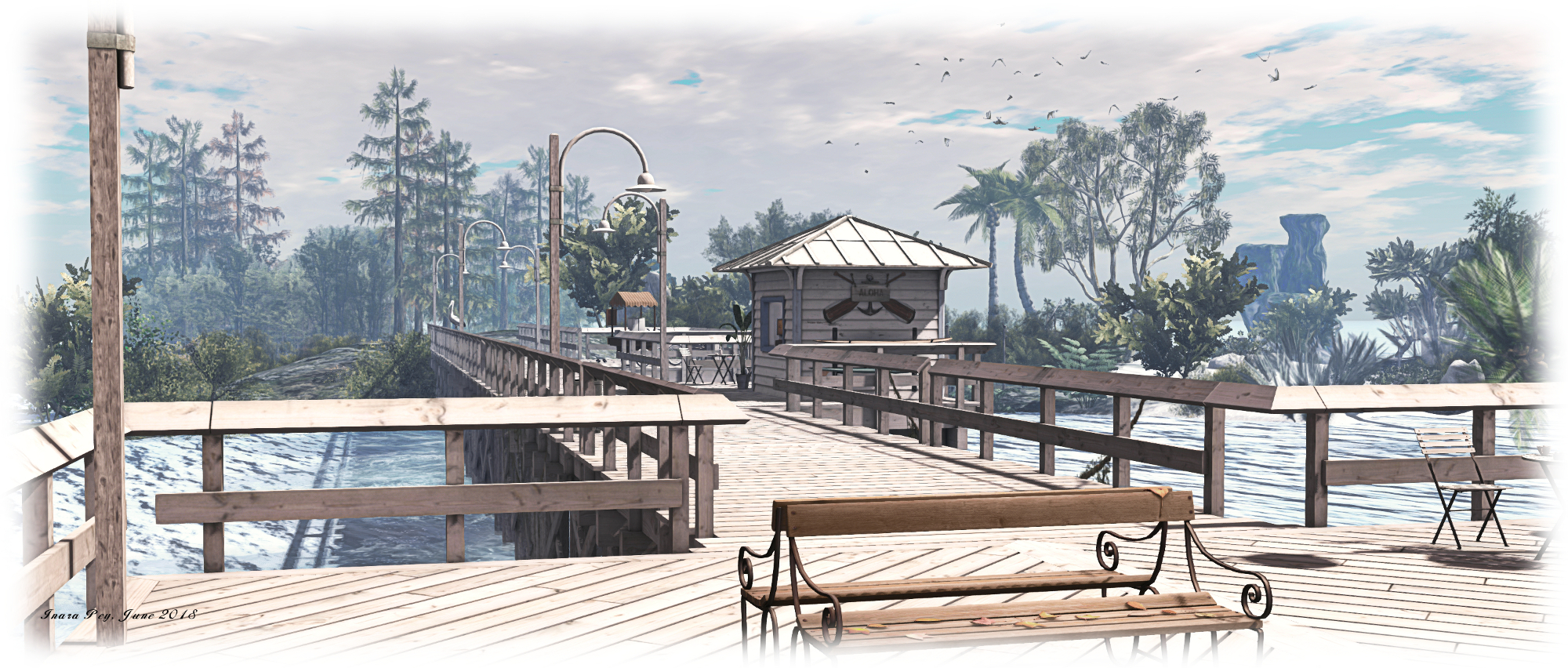
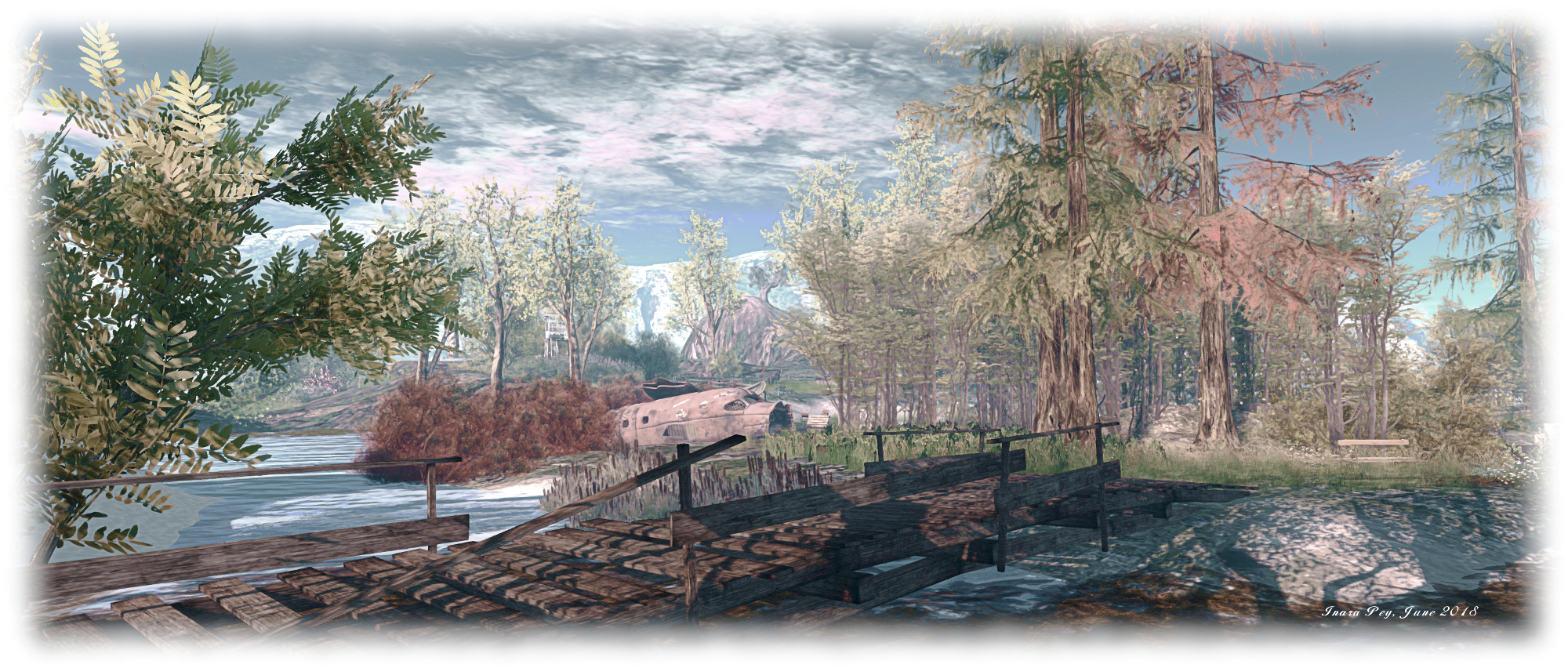
The ground level location offer a rugged island setting with offshore mountain ranges to the east and north. The landing point is located towards the centre of the island, close to a cove that cuts into the island from a narrow neck of a channel spanned by a log bridge, with a smaller and entirely land-locked body of water close by.
Devin's Eye; Inara Pey, June 2018, on FlickrDevin’s Eye

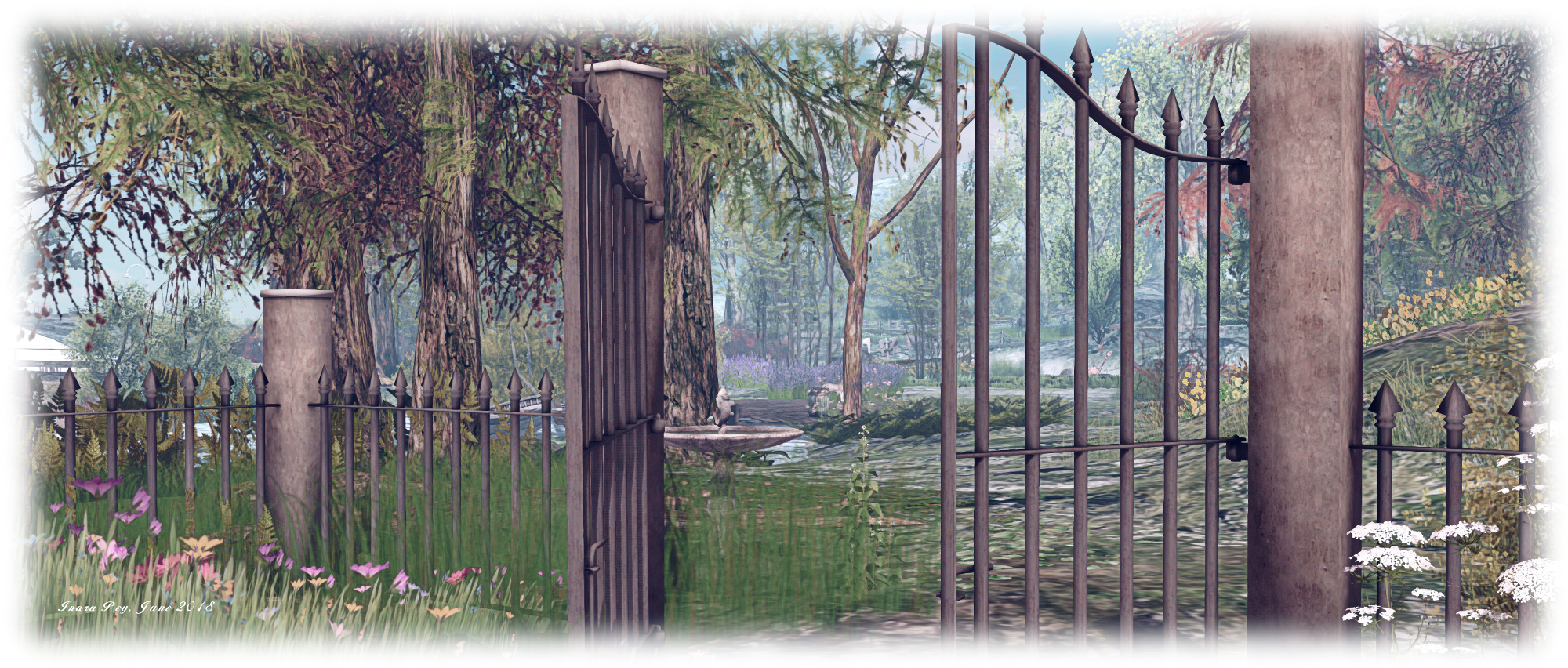
The south-eastern quarter of the region is given over to a rocky highland area, rising in steps to coastal cliffs that shelter in their landward lee, and somewhat incongruously, a motorcycle repair shop. The land before this slopes gently away towards the inland waters, largely denuded of trees but given over to growths of tough grass and shrubs, with the remnants of another barn and the bulk of a farm tractor sitting upon it.

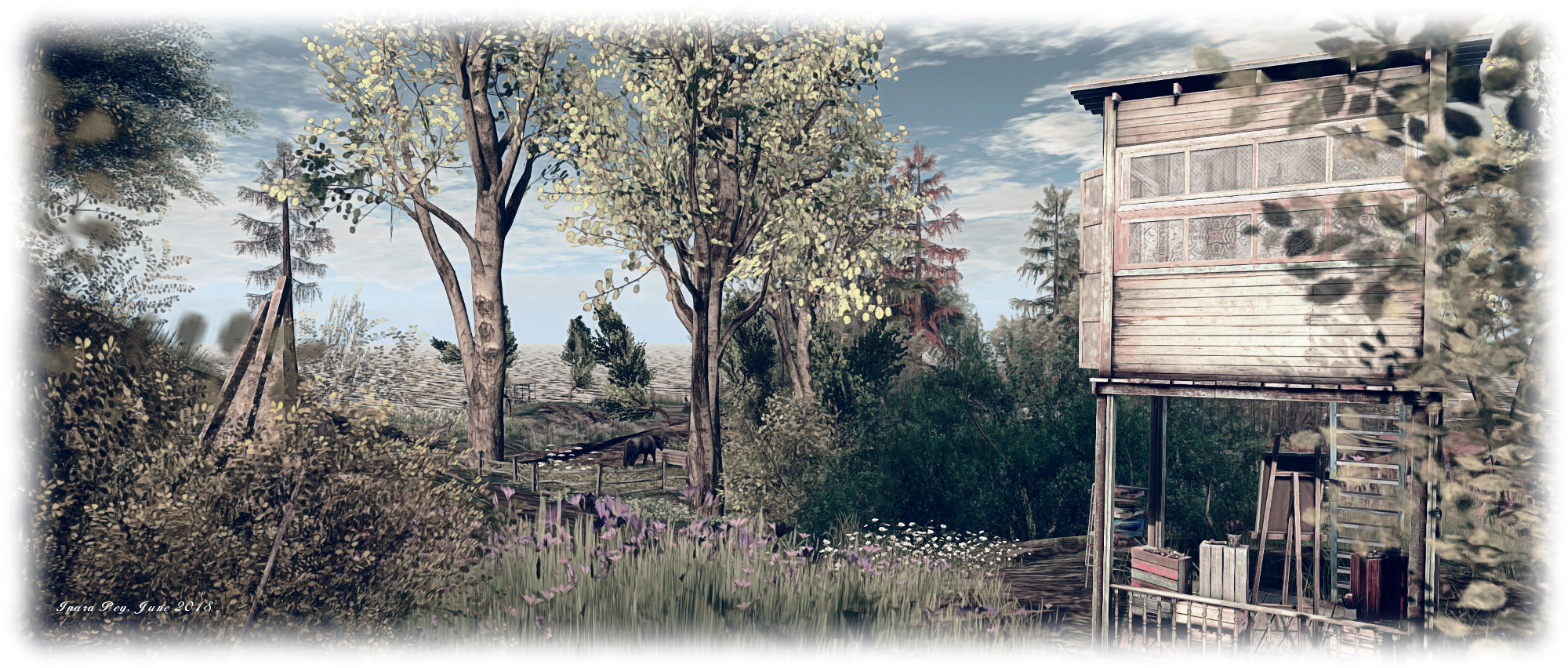
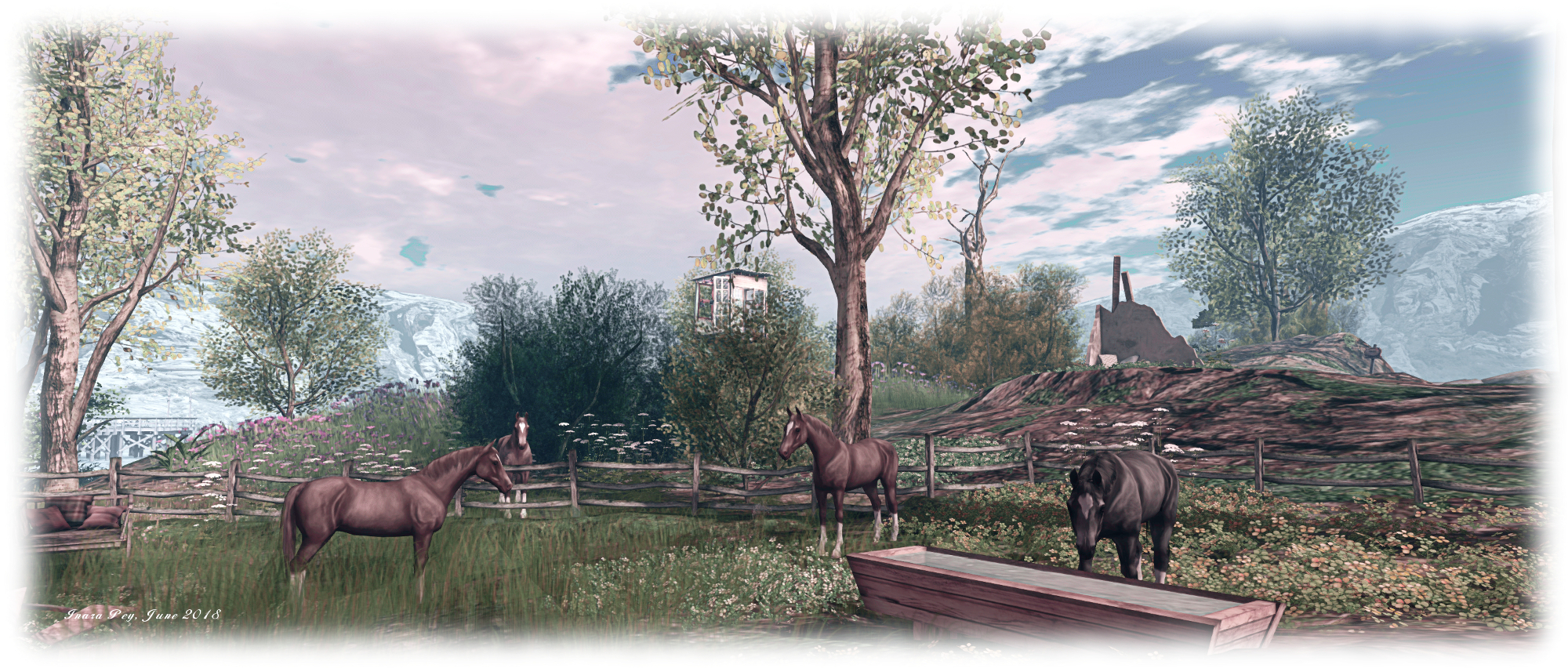
These uplands continue northwards along the east side of the region, becoming gradually more verdant, becoming the home of grazing horses and coloured by shrubs and plants whilst offering several places visitors can sit and snuggle both on the ground and up in a wooden tower.
Devin's Eye; Inara Pey, June 2018, on FlickrDevin’s Eye

To the west and north, the rocky lowland flow around the landlocked pool and watery coves to reach sandy beaches as fir and temperate deciduous trees slowly yield to palm trees out on the sandy headlands. Bridges of various types offer ways across the different bodies of water, connecting sand with sand or to the gently rising uplands to the south.

There is much to be found here. The open nature of the landscape, largely devoid of set routes through it, encourages visitors to explore. So it is that in wandering, visitors might come across a little clearing here where the opportunity to dance is offered, or find a bubble car rezzer there, allowing them to float over the landscape from above (the usual PAGE UP/DOWN, arrow & WASD + E/C keys to rise, descend and move), whilst elsewhere might be found a little camp site or beach-side chairs might be found, or a rowing boat to cuddle on… These are just some of the many attractions  the region has to offer.
Devin's Eye; Inara Pey, June 2018, on FlickrDevin’s Eye

For the more active, there’s the opportunities to walk out along the pier to the north or go for a swim using the rings in the surf along the beaches or to ride the zip line ride running down from the southern uplands.

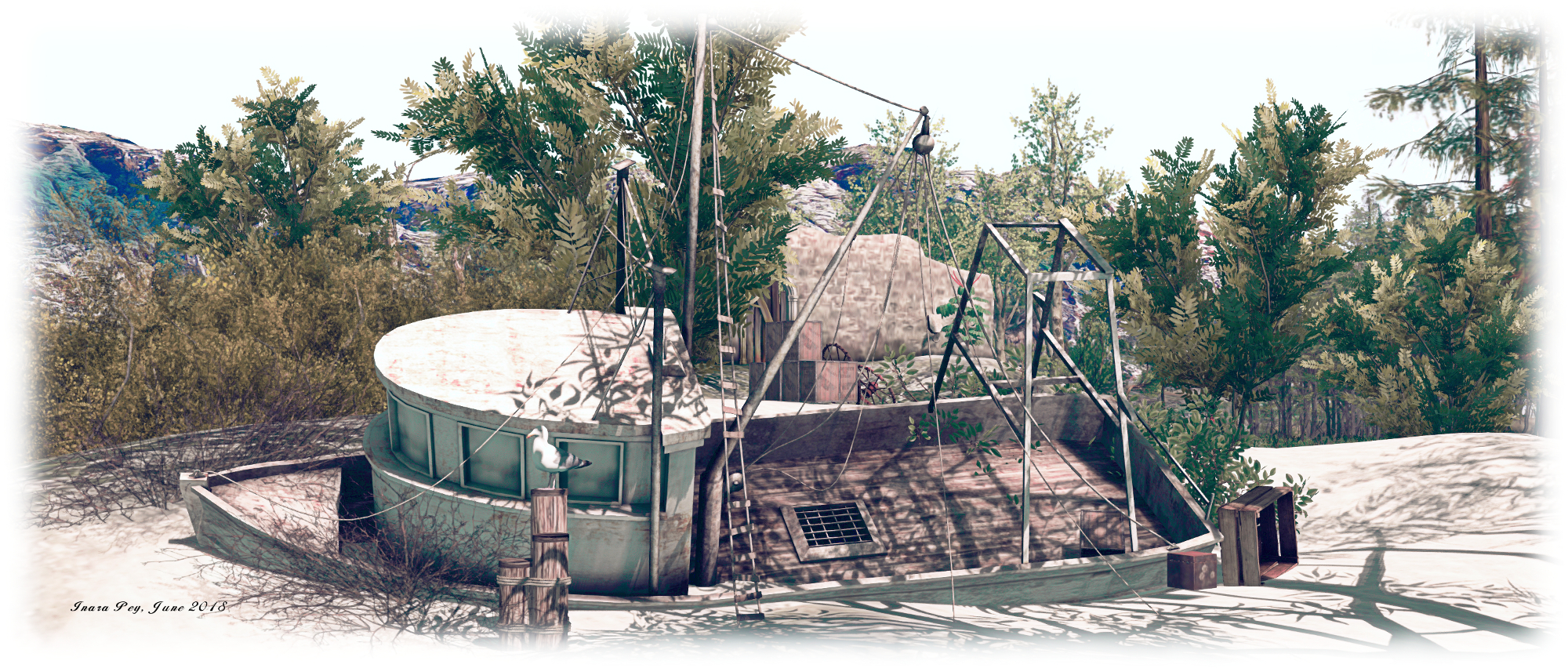
When taken as a whole, Devin’s Eye at the ground level can initially can come over as a curious potpourii of themes and scenes  which might in other circumstances clash one to another – the random wreckage of a plane crash, the motorcycle repair barn on its rocky shelf, the random placement of railings, the more coherent placement of fishing boat hulk and beach, together with the offshore scenes of boats at anchor, and so on. Yet the simple fact is – it all works, the different ideas and settings flowing together naturally to offer visitors something unique to enjoy.
Devin's Eye; Inara Pey, June 2018, on FlickrDevin’s Eye

The upper level of the region – referred to as Devin 2 – can be reached via a number of teleport boards scattered across the ground level setting (one most notably placed alongside the landing point), which also offer quick hops to various points at ground level.

Devin 2 is remarkably similar to its former namesake at Devin, presenting an area which might be taken as a part of the Sahel Zone of Africa, with rolling dunes, some of which are covered in a thin but tough mat of grass, scattered trees and a lone watering hole where the local wildlife – elephants, zebra, rhinos, gazelle and giraffe – come to drink and seek shade while camels troop by. Only the cheetah appear to be looking for more than a drink and a rest as they pad towards the little dazzle of zebra. For those so inclined a dune buggy rezzer is available here – but as the landscape joins almost seamlessly with a region surround, keep an eye on your direction and distance from the region’s four sides if you want to avoid collisions!
Devin's Eye; Inara Pey, June 2018, on FlickrDevin’s Eye

As with Devin, Devin’s Eye offers visitors a rich environment to explore and discover and with plenty to do. Should you enjoy your visit, please consider a donation towards the region’s continued availability as a public place.

SLurl Details

Sansar: Know Thy Neighbour release

Light switches and other scripted object interactions are now possible in Sansar. Credit: Linden Lab

Friday, June 1st saw the deployment of  the Sansar Know Thy Neighbour release, which brings user profiles to Sansar, adds object interactions through scripts and something the Lab call Access to Controls.

This article highlights some of the new features – and some deployed in May 2018. As always, full details of the updates in the new release are available in the release notes.

Initial Notes

  • As with the majority of Sansar deployments, this update requires the automatic download and installation of a client update.
  • Updates in this release mean that on logging-in for the first time following the update, users will be placed in the LookBook (Avatar App).

User Profiles

Second Life users are more than familiar with the idea of user profiles and their usefulness. They are something that has been raised on numerous occasions as one of the missing elements within Sansar – and with this release, they’ve started to arrive.

A Sansar profile can be used to display basic information about a user: their avatar name / ID, a photograph, and a short  biography. In addition, viewing other people’s profiles allows users to request / remove friendship, see a summary of any store listings they have or experiences they have published, each of which are interactive.

Every Sansar user has a profile by default, which can be edited and updated as required, although they must be updated from within the Sansar client. Profiles can, however, be viewed both within the client and on the web.

Editing Your Profile

To edit your profile, launch the Sansar client and then click on More Options > Edit Profile. This will open the Profile Editor, which has two user-definable fields: the profile image and biography.

Profile images are automatically generated by Sansar, based on the looks you have saved in the LookBook (See Customising your avatar). To select / change your profile image click on the edit icon at the four o’clock position on the photo display (1 in the image below, right). A list of your available images will be displayed. Click on the one you wish to use with your profile.

To update your biography, click on the Bio section (2 in the image below right) and enter your text.

Editing your Profile

When you’ve completed your updates, click Save to apply them.

Viewing a Profile

Profiles can be viewed in a number of ways:

  • From within an experience, through the client’s People App.
  • Via the Atlas, either within the client or on the web.
  • Via a store listing on the web.

Via the People App

Displaying a Profile via the People app (in this case, using Search)

When in an experience, you can display someone’s profile by opening the Chat App then clicking on the People App button.

  • To view the profile of someone on your Friends list, click on their name to display the interaction options and click Profile.
  • To view the profile of some on your Friends list, use the Search option, then click on their name to display the interaction options and click Profile.

Both of these options will open the user’s profile. This comprises a number of sections:

  • The user’s profile picture with a microphone icon at the four o’clock position. This is the mute / unmute option. Green indicates the person is not voice muted, red indicates they have been voice muted.
  • Three central options to direct message them; to friend / unfriend them or abuse report them.
  • The bottom section of a profile may  – or may not – display one or other – or both – of two further options: Store Items and Experiences.
  • Store Items: if the user has a Sansar Store, the total number of items they have listed will be displayed, with a See All option. Clicking the latter will display their store in your web browser. This option will be absent if the user does not have any items in the store.
  • Experiences:
    • if the user has published one or more experiences, the total number of their published experiences is displayed, with thumbnails of each of them.
    • Clicking on a thumbnail should open the experience
    • A button (V or ^) is displayed in this section – if the user has more than one experience, this will switch the thumbnail view between a single experience thumbnail and a tiled display of thumbnails.
    • This option will be absent if the user has not published any experiences.
  • To close a displayed profile, click the Back button at the top left of the profile display.

Note that when viewing a profile, you can also accept Friend requests sent by that person, as well as send your own.

Continue reading “Sansar: Know Thy Neighbour release”

Four unique talents at the Rose Gallery

The Rose Gallery: Sisi Biedermann

The Rose Gallery, located at Kaya Angel’s stunning Angel Manor, and curated by  Shakti Sugafield (Shakti Adored) is hosting a further ensemble art exhibition across its two floors of exhibition spaces, featuring 2D and 3D work by several SL and physical world artists.

On the ground level, in Galleries 1 and 2, Sisi Biedermann presents a series of 17 images of her physical world art, the majority of which might be drawn together under the collected title of Illusions (although several of the pieces do have a title of their own). Rich in colour, all 17 are individually stunning pieces of art.

The Rose Gallery: Sisi Biedermann

Fantastical, emotive, evocative, and each with its own story to tell, these are pieces with a glorious depth and beauty. Some are presented in a “flat” traditional style of paint on paper / canvas; others are presented in an embossed, richly textured finish that is marvellously  tactile in appearance – in this, I found myself particularly drawn to Illusions 10, a simply exquisite study of two kingfishers. Some of the images present their subject matter in a fairly straightforward study, others are more abstract in tone, which one or two have an almost Bosch-like feel about them, albeit it without his darker thoughts and representations.  Any and all of them would add grace to one’s home (and are available for sale).

The Rose Gallery: Juro

Also on the ground floor, Galleries 3 and 4 offer ten pieces by digital and virtual artist Juro (JurisJo). These are quite the most stunning studies of Second Life wildlife and animals I’ve yet seen. All feature Juro’s preferred use of yellow and red within them, together with a rich processing of sky, all of which draws the eye into each image, encouraging the visitor to focus on the primary study within it whilst also adding context and depth the overall scene.

The ten pieces presented across the two halls range from the highly evocative through to the gently humorous, the mix carefully balanced so that the eye is both awed and captivated, and the lips given cause to relax and smile. Who cannot, for example find their breath catching at the sight of White Tiger or Goodnight Sun (to name but two of the more dramatic pieces), whilst also feeling the need to offer a chuckle on seeing Baja Sands or Owls (again to name but two of the lighter pieces)? Would that we had room to display all of these pieces at home.

The Rose Gallery: Juro

Take the gallery staircase up and to the right, and you’ll arrive in Gallery 7, featuring an artist whose work is entirely new to me. Matt Thomson has 20 years experience as a physical world digital artist and photographer. His work might at first glance appear to be abstract in nature.  It’s an approach Matt calls Techno Fusion, combining traditional  mediums for art – oil, watercolour, acrylics, ink – brought together as “music”, blending and mixing like the rhythm and beat of dance track. “Let your eyes have a treat,” he says of his work. “Colour is the music as it blends it dances weaves a tapestry that allows your eyes to follow the flow … enjoy the dance!”

The Rose Gallery: Matt Thomson

The rearmost gallery space on the upper floor is given over to a display of sculptures by Reycharles Resident. Mounted on plinths and along the walls, this exhibit features some 14 3D pieces of varying sizes, although their respective LODs might require you cam into some of them in order for them to render correctly.  The pieces are richly diverse: from delicate pieces that appear almost woven together, through to sold pieces which appear to have been carved from a single block.

The Rose Gallery: Reycharles Resident

For those looking for an additional  treat, Shakti offers a small selection from her personal collection of Molly Bloom’s always fascinating and eye-catching  – and perception defying – art. This includes one of my personal favourites of Molly’s work The Queen is NOT Amused, a simply marvellous triptych.

A set of four – or five, including the modest display of Molly’s art – very different displays of art, all of which are more than worth the time taken to store through the Rose Gallery’s halls.

SLurl Details

2018 viewer release summaries week #22

Logos representative only and should not be seen as an endorsement / preference / recommendation

Updates for the week ending Sunday, June 3rd

This summary is generally published on every Monday, and is a list of SL viewer / client releases (official and TPV) made during the previous week. When reading it, please note:

  • It is based on my Current Viewer Releases Page, a list of all Second Life viewers and clients that are in popular use (and of which I am aware), and which are recognised as adhering to the TPV Policy. This page includes comprehensive links to download pages, blog notes, release notes, etc., as well as links to any / all reviews of specific viewers / clients made within this blog.
  • By its nature, this summary presented here will always be in arrears, please refer to the Current Viewer Release Page for more up-to-date information.
  • Note that test viewers, preview / beta viewers / nightly builds are not recorded in these summaries.

Official LL Viewers

  • Current Release version 5.1.5.515811, dated May 31, promoted June 1 – formerly the Love Me Render Release Candidate – NEW
  • Release channel cohorts (please see my notes on manually installing RC viewer versions if you wish to install any release candidate(s) yourself):
    • No updates.
  • Project viewers:
    • No updates.

LL Viewer Resources

Third-party Viewers

V5-style

  • Kokua updated on 3rd as follows: RLV to 5.1.5.43454 and non-RLV to 5.1.5.43453 – release notes.

V1-style

  • No updates.

Mobile / Other Clients

  • No updates.

Additional TPV Resources

Related Links
