The crowdfunder effort to keep Kirsten’s Viewer alive did not reach the required target of £25,000.
Kirstenlee (Lee Quick) posts a sad message today on the subject, confirming that the end of the road has now been reached, saying:
I will no longer have the time ( or inclination ) to develop any more, on January the 1st I start a new job, and will be busy looking after my nearest and dearest.
Given all they are facing, a move back to England, getting into a new home, Dawny’s health and the need for full-time work, one cannot help but extend both Lee and Sylvia (Dawny) love and best wishes.
It’s easy to dwell on what might have been in terms of the crowdfunding effort, and not to feel regret that Kirsten’s Viewer will not longer be under development. However, I’d like to remember some of what Kirsten’s gave us.
It may not have been my primary Viewer, but it was the one I always looked to when I wanted to take really good photos in SL – simply because it was so good, it made anything I took look good.
It was the first Viewer (indeed, the only Viewer for a long time) on which I could experience shadows in SL.
Kirsten’s goes V2
It was the first Viewer to demonstrate what Viewer 2 could have been and that the V2 UI could actually be made into something usable.
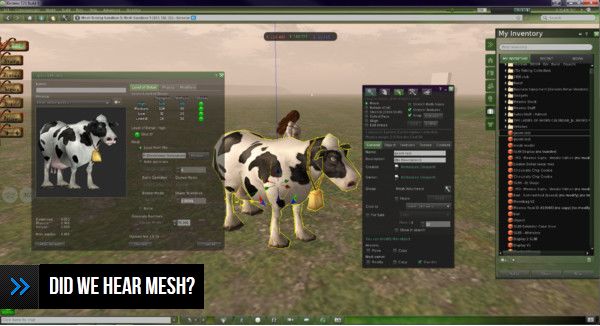
It was the first Viewer to give us DoF in a usable degree and the first hybrid TPV to bring us both mesh rendering and mesh uploads.
Kirsten’s and mesh
It remains the most comprehensive viewer made available for photography and machinima.
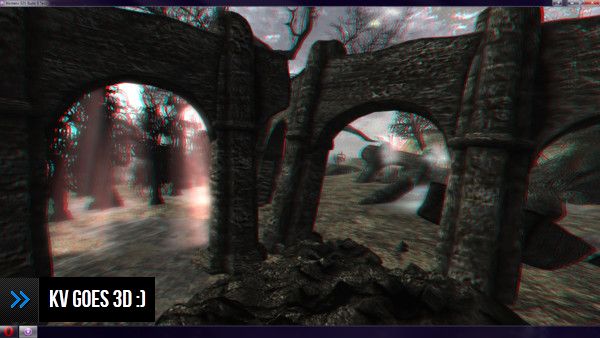
Kirsten’s goes 3D
It was the first – only, to date – Viewer that dared to go 3D.
To Kirsten and Dawny, and on a personal note, I hope that Second Life continues to bring you both fun, friendship and enjoyment throughout 2012, and I’d like to wish both Lee and Sylvia a happy and bright Christmas and a prosperous and healthy 2012.
Thank you to both of you, and to everyone involved in Kirsten’s Viewer.
On Saturday December 17th, a Phoenix / Firestorm Q&A was held at the Rockcliffe University regions, where Jessica took questions on both Viewers from the audience and which had been posted beforehand either to her directly, or via the Phoenix blog.
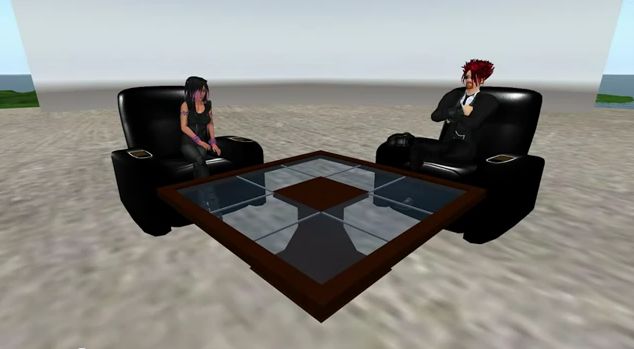
Jessica and host Nigma Sterling at the Q & A session
The event, hosted by Nigma Sterling, was recorded for those who could not attend, and the video has now been released on YouTube. The video is some 2hrs 30 mins long, and covers a lot of ground.
This is an honest and open response to the many criticisms the team have faced from their user community, and for those that have concerns about Phoenix and / or Firestorm it is a worthwhile spending time watching it.
I’ve not been privy to much of the situation that is alluded to in the video – the heated discussions regarding Phoenix and the perceptions that the team are somehow “abandoning” their users in “forcing” them into the V3 world through Firestorm – and i’m not about to embroil myself in it.
However, I do emphasise very much with Jessica and the team – indeed with all TPV developers in that they all face a difficult hill to climb, whether they are attempting to stay current and work within the constraints of the new Viewer code base or whether they are trying to work within the constraints of a code base (Viewer 1) that has been effectively frozen by LL for a year now, and which LL have themselves indicated is only going to get more and more broken as time goes on.
It’s a thankless task, however you look at it, and one that is never going to please everyone, be it for genuine technical issues or simply because of people’s unwillingness to take the time to work with a new UI. This being the case, I’m going to take a moment and lift a metaphorical glass of mulled wine to all TPV developers and say “thank you” for all of your efforts over the years.
Sadly, I cannot embed the Phoenix / Firestorm Q&A, as it is locked from doing so. However, you can see it here.
Linden Lab are not without their share of problems when it comes to their relationship with the user community as a whole. I’ve banged on rather a lot over time about issues originating at their end. However, it is unfair to blame Linden Lab alone for the problem. As Tateru points out, it’s hard to carry on a dialogue when the user is part of the problem.
Over the last few years, I’ve noticed that there is an oft-voiced perception that Linden Lab’s actions and words are somehow either malicious or mendacious – or both. This was again brought home to me last week during a group conversation wherein the claim was forcefully made that the only reason mesh has been implemented in the way it has is (quote) “Linden greed”.
The conversation in question wasn’t the first time I’ve heard this view voiced; I’ve come across it in blog posts and forum comments in a number of places. The argument, focused on the matter of Land Impact (previously known has Prim Equivalency), goes like this: Linden Lab have deliberately swayed the costings of mesh so as to give inflated Land Impact values in order to force people to move to larger land holdings, thus generating greater tier revenues for the company.
In other words, LL have maliciously crippled mesh in order to line their pockets. However you look at it, that’s a pretty harsh claim to make.
The idea that Linden Lab operates either maliciously or mendacious in its actions is not restricted to the matter of mesh. It’s a view that has been doing the rounds in a variety of forms for quite some time now. In fact, I first commented on it more than 18 months ago.
I didn’t believe it to be right then, and I certainly don’t think it is any more correct now. Linden Lab may well be guilty of many things: inept communications, an inability to actually comprehend their own product, a track record demonstrating their failure to learn from previous errors of judgement, and so on. But none of this actually makes them deliberately malicious. As I said back in April 2010:
“I don’t buy the ‘simply malicious’ argument because, at the end of the day, Linden Lab isn’t likely to profit or grow from it in a sustainable manner. Grabbing the profits today and saying to hell with the customer and to hell with tomorrow is an exceptionally myopic and ultimately stupid way to run a company.”
Yes, there is much that LL does err on at times (although equally, there is much that they get right but which often receives little or no acknowledgement). As such, when things are perceived as going wrong, or potentially damaging the platform / community, then it is absolutely right that we speak out, challenge and constructively critique in order to try to get LL to revise its view / policy / actions.
But to dismiss the company’s actions as being those of a malicious, greedy mindset is, I would venture to say, both shooting far wide of the mark and somewhat counter-productive.
Catznip migrates to the V3 FUI with release of version 3.2.0, which comes in two flavours: R3 (without the LL OpenGL fixes) and R4 (with the fixes). Unlike the recent Dolphin and Niran’s releases, the release doesn’t add any new button positions or button options to the FUI, but instead offers some very nice features elsewhere.
The 3.2.0 R4 release installed without a hitch, and on launching displayed the now-familiar FUI, with almost all the buttons active by default, occupying the left and bottom sides of the window (only ABOUT LAND, BUILD, MAP, PICKS, PREFERENCES and SNAPSHOT are excluded).
New Features
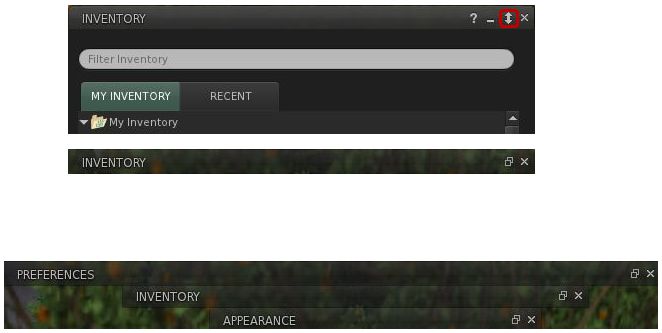
The most obvious new feature added to Catznip is that rather natty “collapse” button on the majority of panels / floaters. If you are using several panels and simply want them out of the way, but not actually closed (as you’re still using them), this button causes the selected panel / floater to collapse into a single line, allowing you to “stack” a number of panels and quickly swtch back and forth between them.Collapsed panels can be aligned to the top side of the screen (e.g. under the Navigation / Favourites Bar, if you use it), allowing you to present yourself with an alternative means of accessing those panels / floaters you routinely use.
The “collapse” button in the Inventory panel (top); the Inventory panel collapsed (centre); several panels collapsed (bottom)
Other key changes comprise:
“ChatTimestampSeconds” setting has been included to show seconds in chat timestamps (for nearby chat and instant messages)
An active group title drop-down to the group side panel tab, with the “” entry keeping the group active, but hiding the group title from your nametag
“Wear on Current Outfit” option has been added to the inventory category context menu; (replace) wears all items in the folder similarly to selecting all items and right-click “Wear”
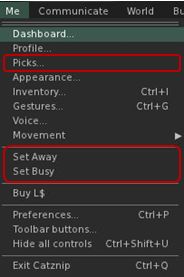
The Me menu has been revised to include a new option to open profile Picks directly, and to include the SET AWAY and SET BUSY options (no longer in a submenu as with V3) – see right
An “Expiration” and a “Clear History” option have been added to the recent people history gear menu
Optional skins have been removed from the installation folder
As well as making your own Picks directly accessible from the Me menu, the panel can now be displayed from your avatar context menu by right-clicking on your avatar and selecting MY PICKS from the context menu.
Preferences UI Updates
The PREFERENCES->CATZNIP–>UI tab has been extended to include a range of options, including:
Whether or not the “collapse” button described above should be displayed in floaters and panels
The ability to have the chiclet bar and / or notifications displayed at the top or bottom right of the screen
Whether item properties open in a separate floater or the inventory panel
The ability to set display lifetimes (seconds) for script permissions and notification
Catznip new custom UI options
Elsewhere Catznip sports the new translation options in PREFERENCES->CHAT (no surprises there) and gains the new snapshot floater that includes the option to upload snaps directly to your web profile feed.
Performance
On my PC, pretty much in line with the most recent V3 release and the likes of Dolphin 3.2. Frame rates on a sim with 5 other avatars hovered in the mid-teens, dropping sharply to single figures with shadows enabled. I have encountered a few problems in terms of settings not persisting between relogs (graphics would default back to HIGH and 128m Draw distance, while the Destination Guide insists it is open on my screen with each log-in). Other preferences (spell check language, button changes, etc), all persisted without incident.
Opinion
Yet another great Viewer from Kitty, with some very nice touches – did you know for example, that you can teleport directly from a landmark contained in a notecard in Catznip? Just open the notecard and right-click on the LM. Touches like this make Catznip fun to use (although I don’t use it nearly enough to discover all of them), and the move to the FUI, coupled with both popular TPV options (such as radar and Kitty’s own spell check) and the enhancements described here (as well as a number of bug fixes), continue to ensure Catznip presents a viable and well-considered alternative to the official viewer.
Dimrill Dale, Misty Mountains, South Farthing, Armenelos, Bay of Balfalas – to anyone familiar with the works of J.R.R. Tolkien, these are evocative names, along with Grey Havens, Gulf of Lune, Mirromere and Eryn Vorn. But within Second Life, these sims are not in any way a reproduction of Tolkien’s wonderful Middle-Earth (although I confess that’s why I was attracted to them in late 2010, when I made my first visit).
Calas Galadhon – or “Calas” to those more familiar with it – is the “parent” region to a 10-sim parkland estate owned, curated and offered to the people of Second Life by Tymus Tenk and Truck Meredith. Like the other regions in the estate, it should have drawn on Tolkien for its name – Caras Galadhon – but for an opsie by Linden Lab. Not that the slip-up diminishes in any way the fact that it, and the other regions of the estate make for a must-see destination.
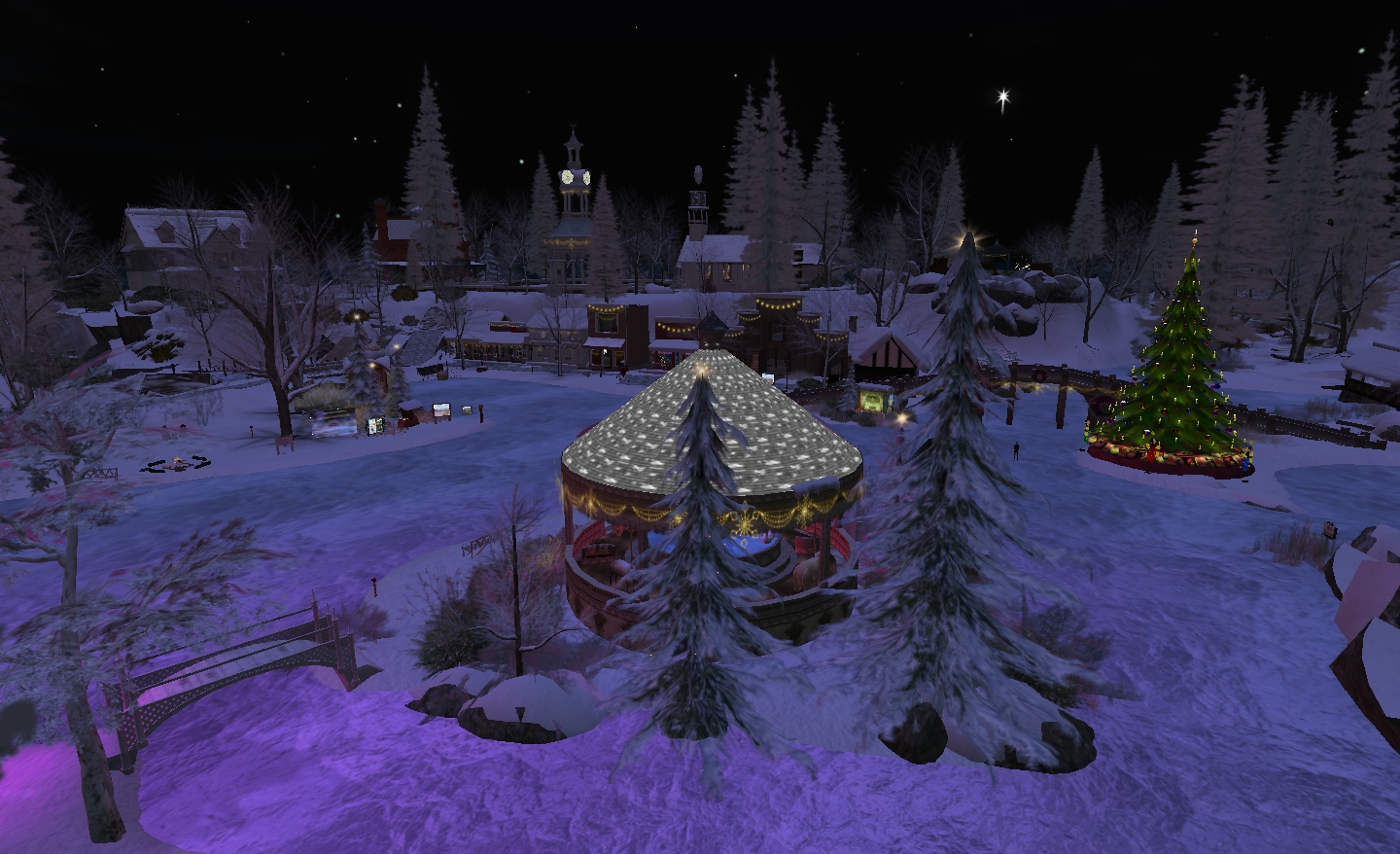
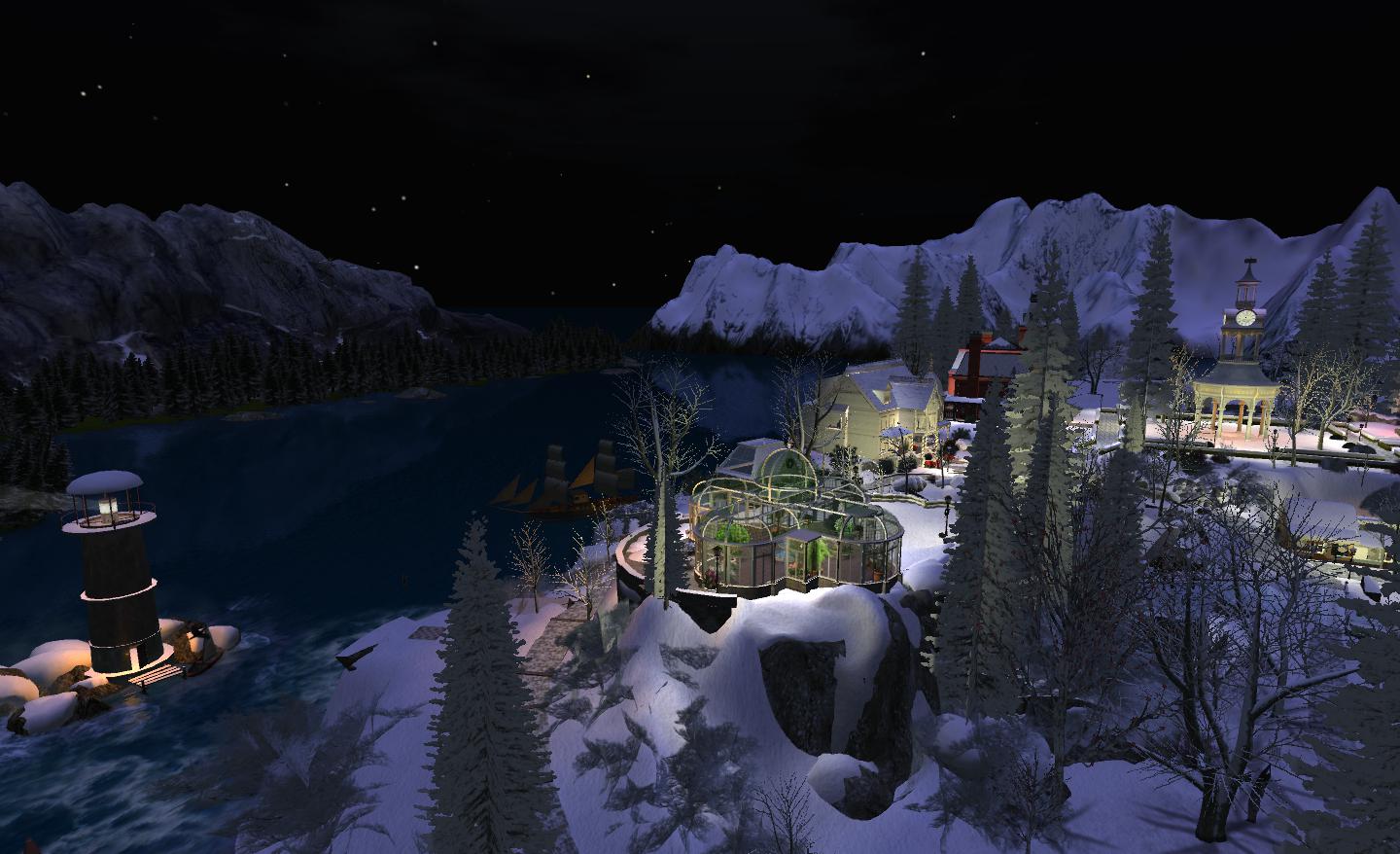
Calas Galadhon – winter scene
The core of the sims represents rural America in the early 1900s – but there is also a touch of the Mediterranean as well in the form of Armenelos, and even a hint of Atlantis. As such, there is much to explore and see, and the sims combine to make a fabulous setting for the romantically inclined or those that love SL photography.
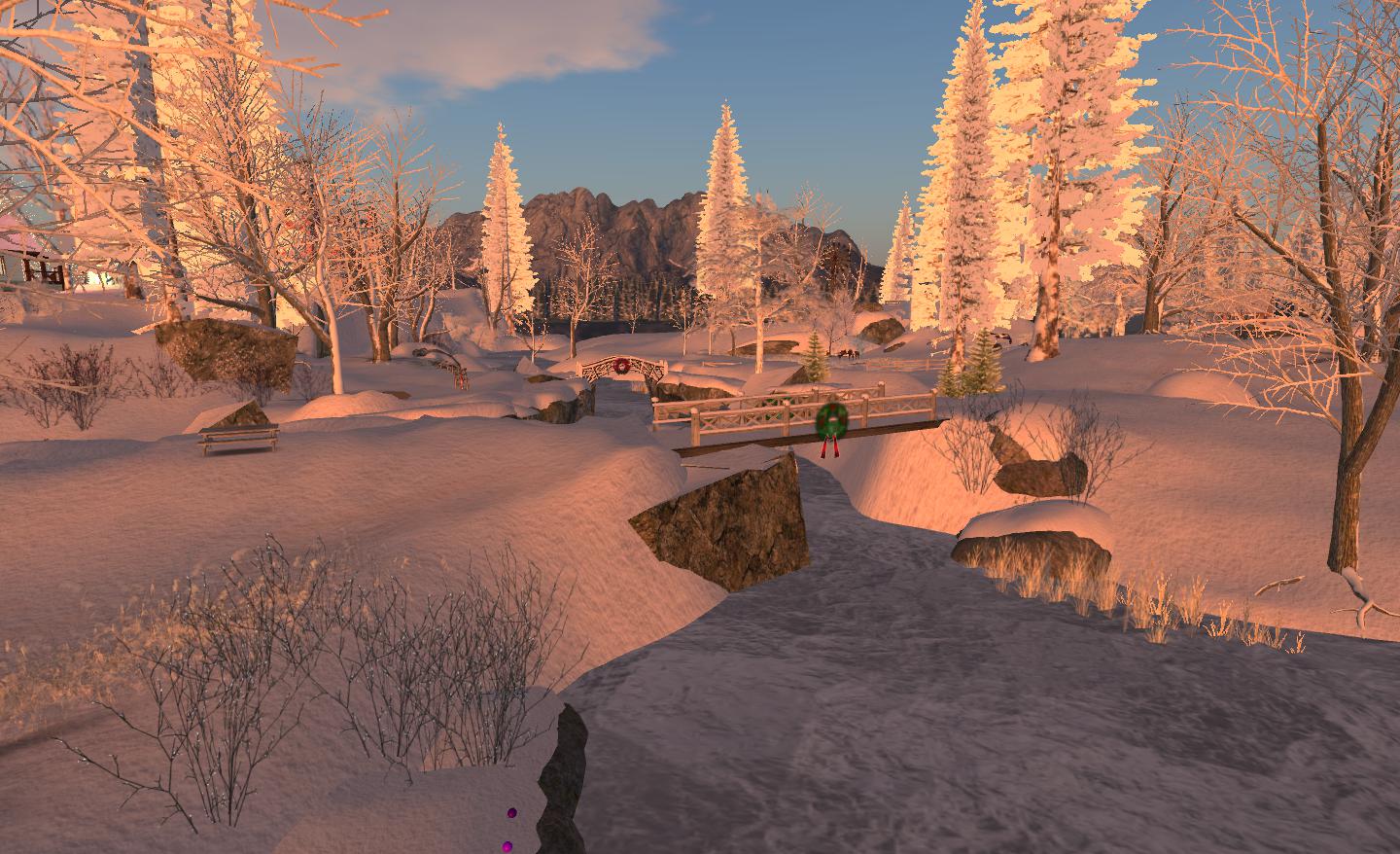
At the moment, four of the ten sims – Glanduin, South Farthing, Dimrill Dale and Calas Galadhon itself – are given over to a winter wonderland, with snow covering the ground, frozen ponds and lakes for skating on, inviting lighting hanging from eaves and glowing through windows while snow-capped mountains make a stunning backdrop. Here you can take a balloon ride with your loved one and friends, or enjoy on your own, drifting serenely over the town before swinging out over Glanduin (where the sim crossing can be a little bumpy!) and the other sims in the estate.
Glanduin
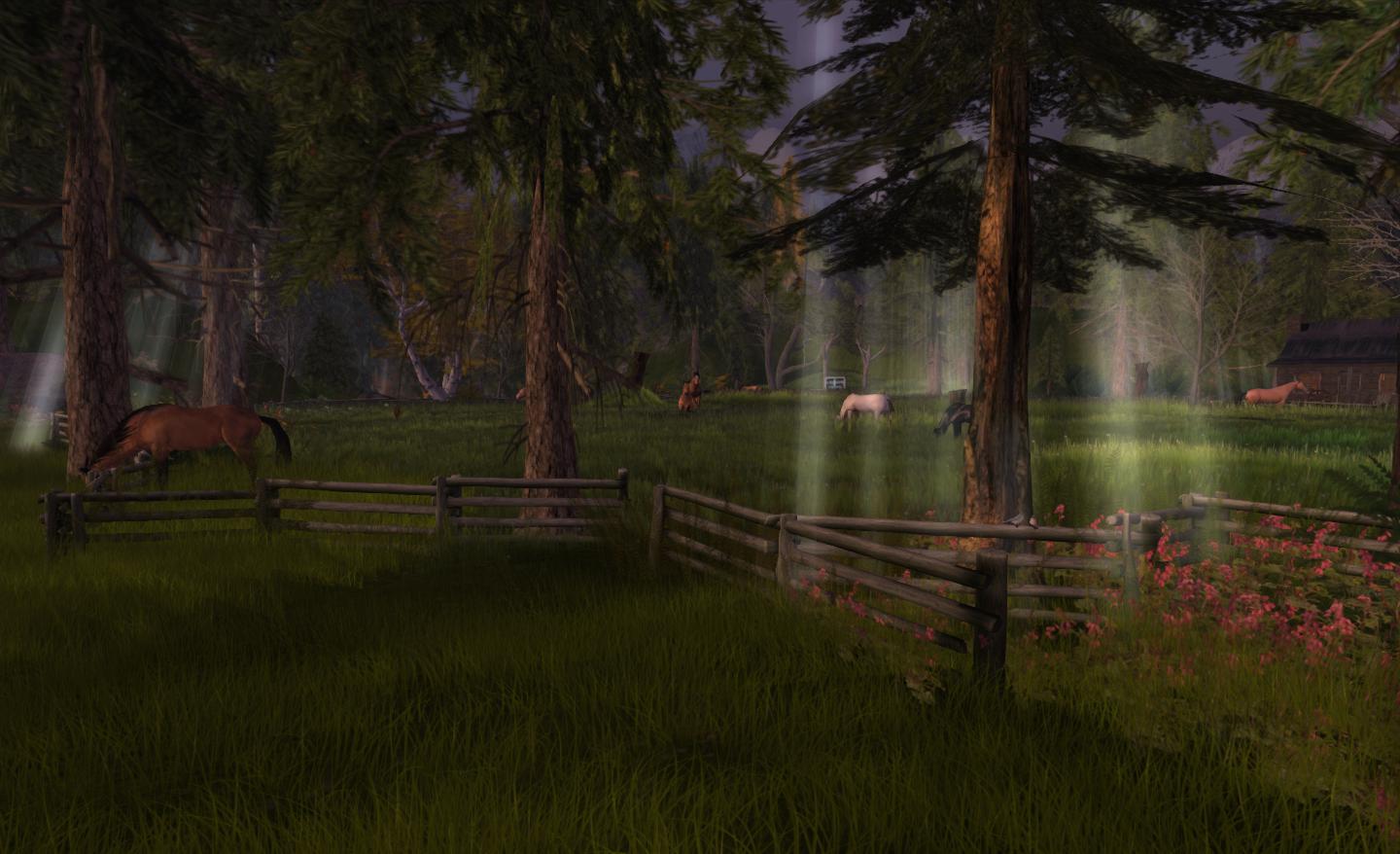
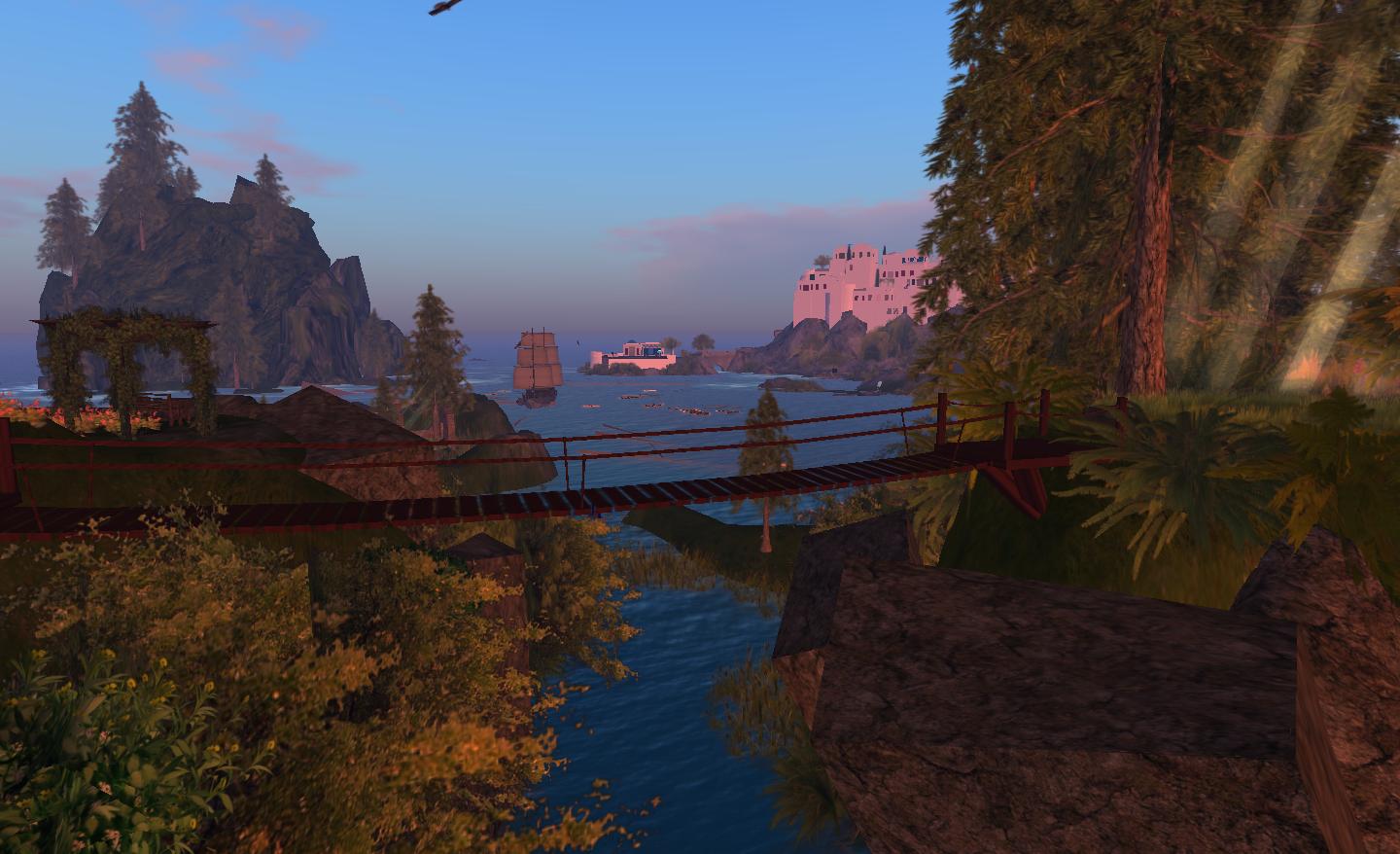
Cross the bridge on the north side of Calas Galadhon, and you enter the summer world of Mirrormere and Grey Havens. Here you’ll find wooded parkland and hills to wander, all with their own secrets to reveal. There are places to sit down and meditate, places to dance with a partner and much on offer for the snap-happy. If you can turn your Draw distance up reasonably high (around 512m), there are some great landscape views to be captured and enjoyed, as well beautiful views across the water to the Grey Havens and Armenelos. Just remember to slide the Draw distance back down to avoid overloading the Viewer!
Walking through Mirrormere
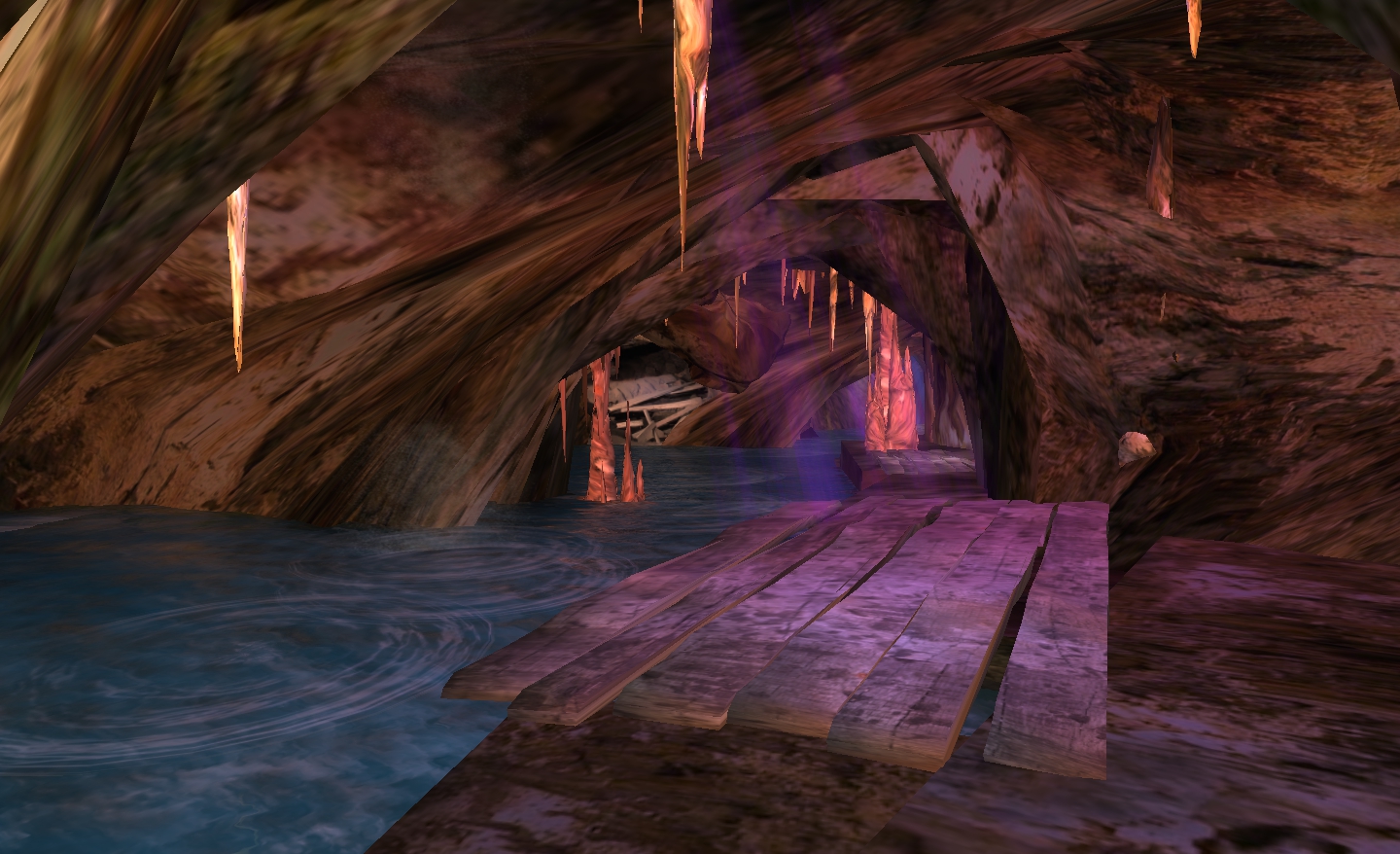
Mirrormere is the home of the Calas Caverns – although to find them, you’ll need to keep a sharp eye open; the teleport point lands you close, but you’ll still have to take a little bit of a look around to find the entrance. The caverns wind under a part of Mirrormere, with little hideaways for romantic trysts, opportunities for swimming, and a tunnel that leads even deeper underground….although if you come via the bridge from Calas Galadhon, you may encounter the tunnel before the caverns…
Calas Caverns
The park continues up through Mirrormere into Misty Mountains, which has a wonderful series of trails and walks to follow, the best of them (to me) leading to marvellous views over to Armenelos, which can also be seen from the northern side of Grey Havens.
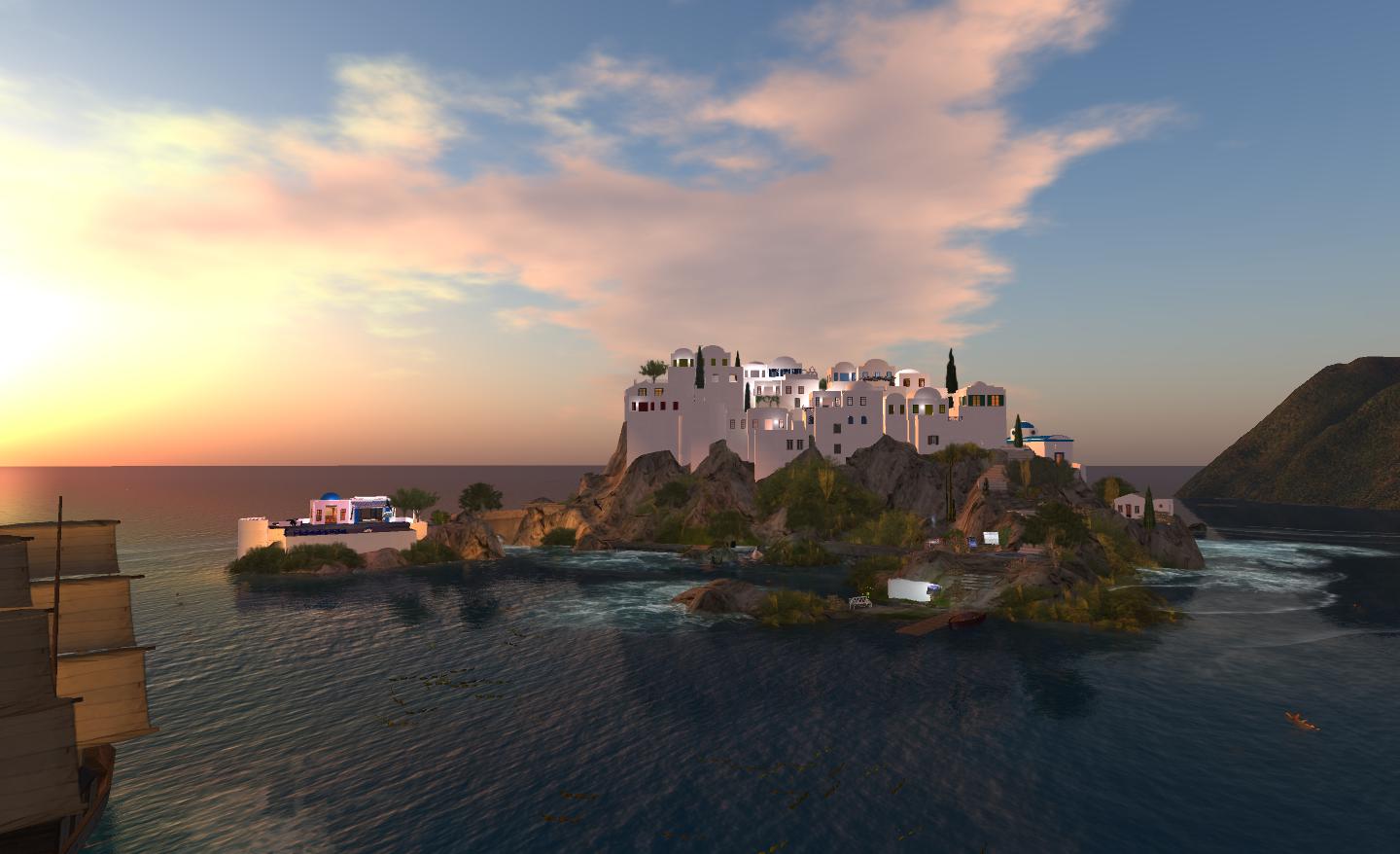
Armenelos itself offers an entirely different theme. Modelled on the island of Santorini, here you can climb the stairs to the cliff-hugging, whitewashed walls of the town and wander its narrow streets.
Looking across Armenelos from Grey Havens
The real Santorini – or Thēra, to give it its official name – was once an important trading point for the Minoan civilisation, prior to one of the largest volcanic eruptions in history devastating the island and resulting in the formation we see today, with the great lagoon and the broken rim of the caldera formed by the eruption. A popular theory has it that the eruption – 3600 years ago – gave rise to the legend of Atlantis.
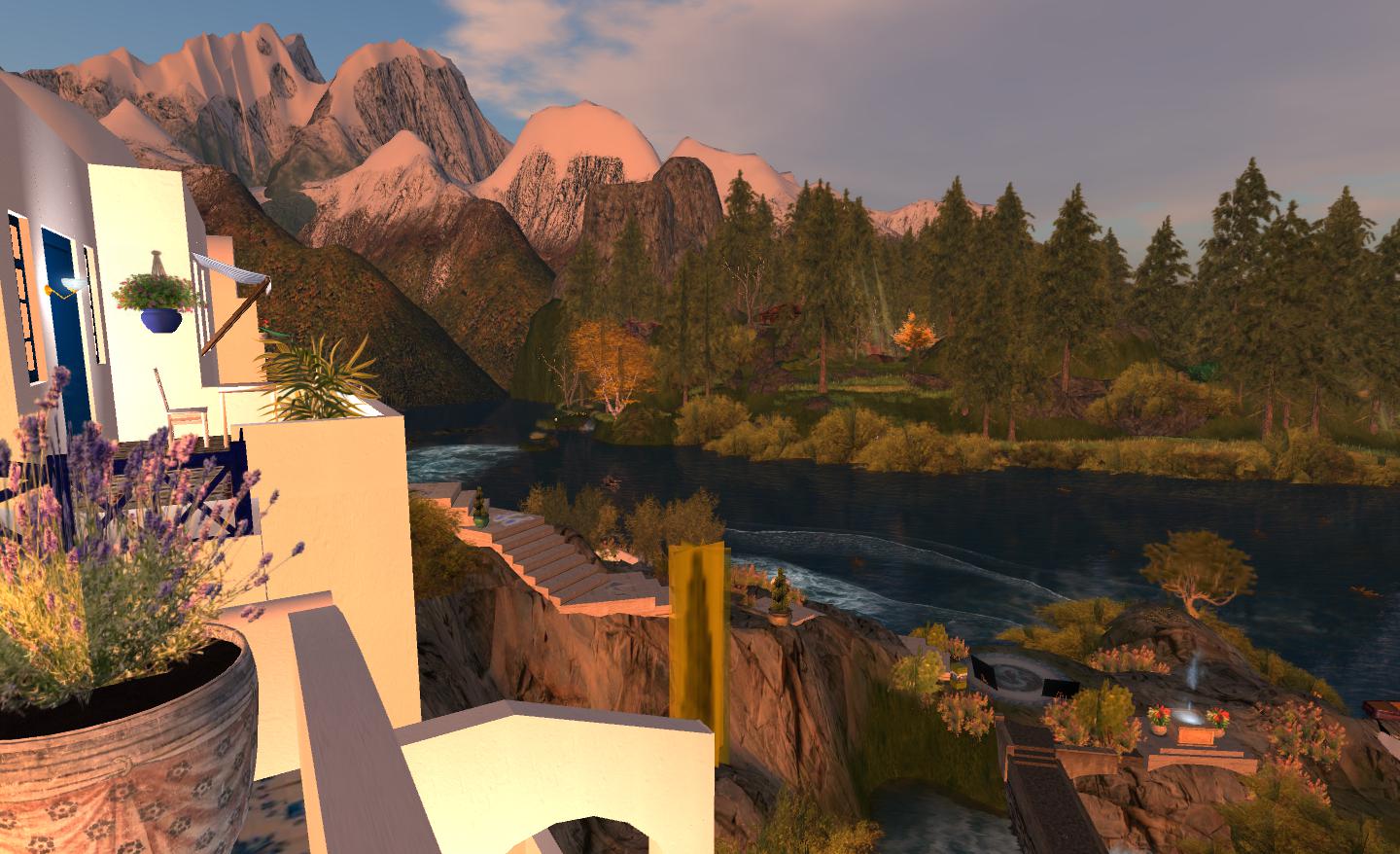
Looking back from Armenelos to Misty Mountains
From Armenelos you can take a motorboat out onto the water, travelling out under the watery caverns of Grey Havens, or around the clifftop village and out into the Bay of Balfalas. As you do so, be aware that you are passing over another of the estate’s secrets: the Lost Gardens of Thera.
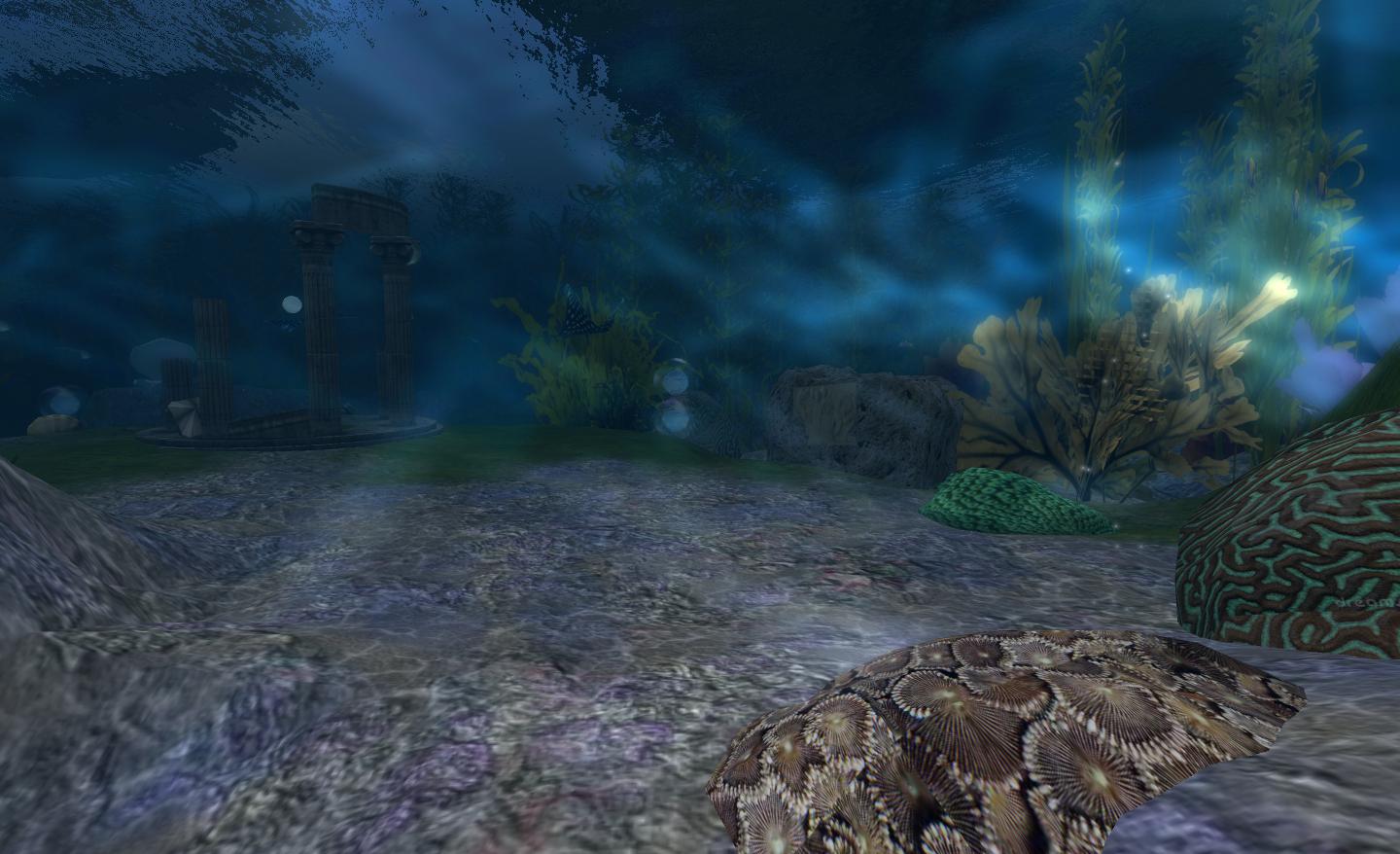
Here, in a nod to the legend of Atlantis and memory of the Minoan eruption, you can take the stairs down into the water, grab some scuba gear and explore a beautiful underwater world, moving among ancient ruins – and remnants from more recent times – where fish and rays swim and play.
Lost Gardens
wherever you go in the Calas Galadhon estate, it is evident that Tymus and Truck have gone to great lengths to present an immersive, enjoyable experience – one that extends to the sounds that are to be heard across the sims. In this regard, if you don’t have sound on as a rule when visiting SL, I strongly recommend that you enable it prior to visiting Calas Galadhon. The care with which Tymus and Truck have put together a soundscape to compliment the estate is incredible, and while there is much to be enjoyed without sound enabled, walking / riding through the sims with sound on, and being immersed in the soundscape really adds tremendous depth to the experience.
When you are exploring, keep an eye open for kiosks linked to the Bronx AIDS Services, the non-profit organisation supported by Tymus and Truck and make time to visit the AIDS & HIV learning Centre in Calas itself.
Calas Galadhon is an amazing place to visit and spent time exploring – I’ve deliberately not covered all ten sims here, as I wanted to leave you with places still to explore for yourselves. Given the care and attention put into the estate, it is little wonder that it rates so highly in several categories in the Destination Guide – so why not take time out this weekend and pay it a visit yourself?
I’ve been asked to pass on the following – and while only too happy to do so, I’m closing the item to comments as it is important anyone who has questions and who can’t attend the event, post their question to the official Phoenix Firestorm blog.
The Phoenix / Firestorm team are holding a public Q&A session this coming Saturday to answer questions and concerns relating to both the Phoenix and Firestorm Viewers.
The meeting will take place at 13:00 SLT at the 4-region auditorium at Rockcliffe University and will be hosted by Nigma Sterling of Rockcliffe University.
Those wishing to attend are advised to arrive early, and using the following SLurls according to the first initial of your FIRST name:
The event will be recorded and made available online after the fact (no live streaming planned at this point).
Note that the focus of the event is to discuss genuine concerns relating to either Viewer and their future development, and to answer questions and address specific critiques.
 The crowdfunder effort to keep Kirsten’s Viewer alive did not reach the required target of £25,000.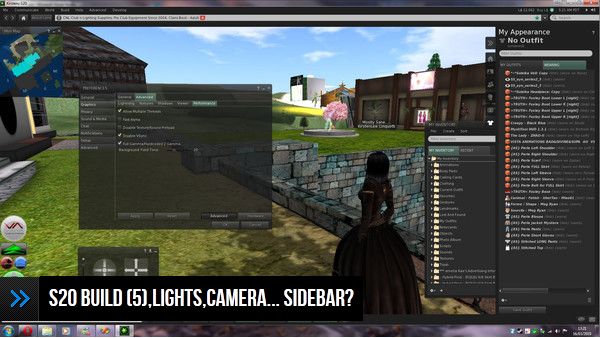


 Inara Pey: Living in a Modemworld