SL project updates week 15/1: server, viewer, HTTP Inventory reminder

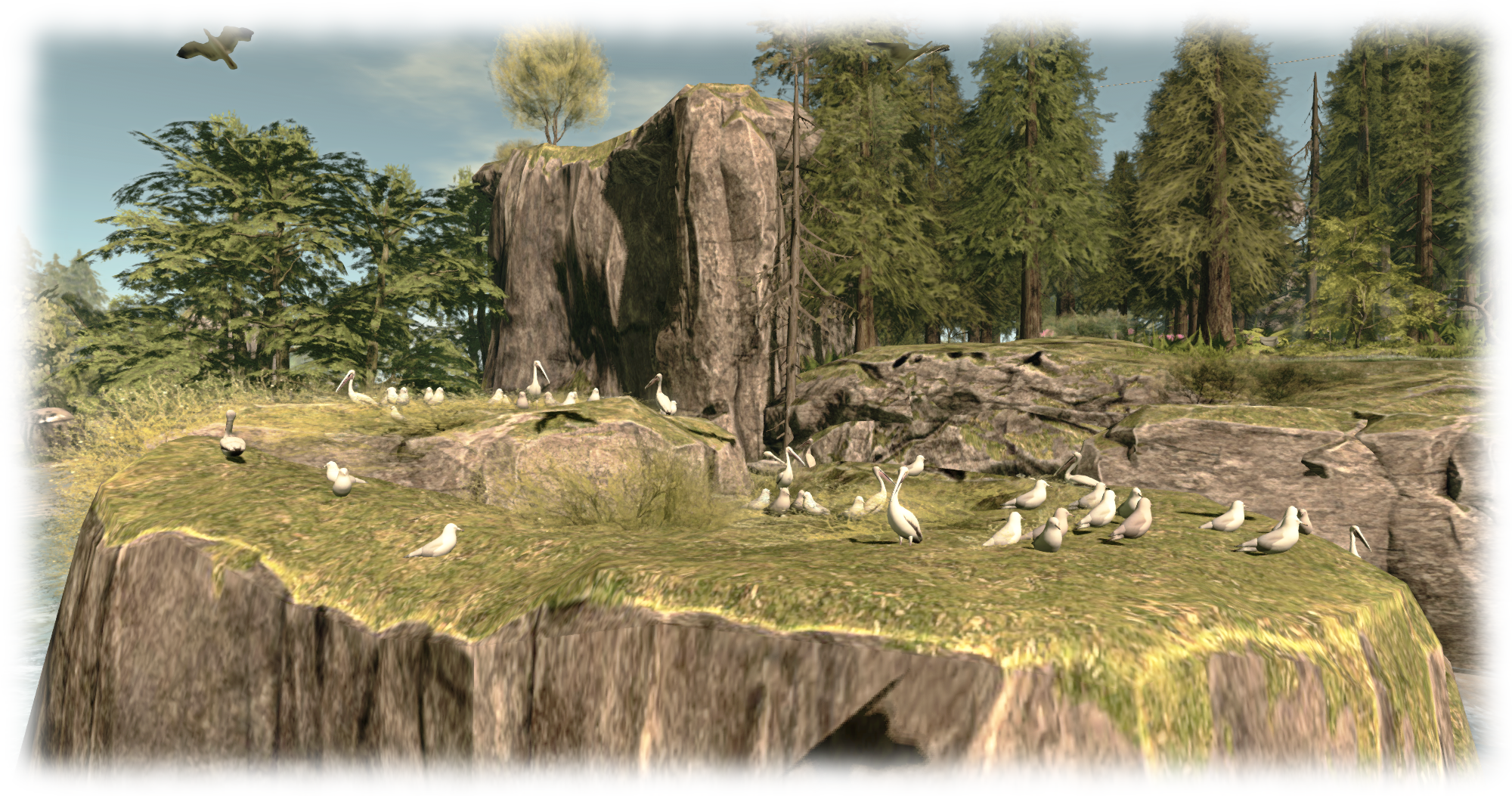
... and don't miss out on the merfolk's beach, complete with pier and fun fair!
Don#t forget you can plunge into learning about SL’s extensive merfolk and undersea community this week, thanks to the folk at Fanci’s Deep and the Safe Waters Foundation. There’s undersea tours, dances, dolphin rides, shopping opportunities, freebies and a whole lot more. You can even visit the mer beach and fun fair (above)! To find out more, read the blog post on the event, which runs through until April 11th

Server Deployments Week 15

As always, please refer to the server deployment thread in the forums for the latest information and updates.

  • On Tuesday, April 7th the Main (SLS) channel will receive the server maintenance update previously deployed to the three RC channels. This is primarily focused on trying to prevent  inventory loss issues, and sees UDP inventory messaging deprecated (see HTTP Inventory, below, for more important information)
  • On Wednesday, April 8th all three RC channels should receive a new server maintenance package comprising:
    • A fix for a server crash when rezzing an object
    • A minor change for CDN configuration
    • Adjusted internal server configuration.

SL Viewer Updates

A new release candidate viewer was released towards the end of last week. The HeatWave viewer, version 3.7.27.300424. This is essentially the maintenance RC viewer with an additional URI parser fix to prevent a viewer crash bug, but has retained a project name to differentiate the two RCs from one another.

 HTTP Inventory

With the Tuesday deployment (noted above), the main grid now only supports HTTP Inventory fetching. This means you must have the HTTP Inventory option enabled in the viewer (it can be found under the Develop(er) menu).

Should you disable it for any reason, you will encounter two issues:

  • Your avatar will not render, but will remain a cloud
  • Should you refresh your inventory for any reason (clear cache), your viewer will never complete the process of inventory fetching.

Unfortunately, and coincidentally, the Main channel deployment on Tuesday, April 7th came at a time when asset server / inventory issues were being experienced across the grid, and inventory database maintenance was carried out as a result.

Note that from Tuesday, April 6th, you must ensure HTTP Inventory is enabled in the Develop menu (sometimes called the Developer menu in TPVs) in order to help avoid inventory and / or avatar rendering problems

These issues and the maintenance may have masked any problems some people may have been having purely as a result of HTTP Inventory being disabled in their viewer.

Therefore, if you are encountering problems with your avatar remaining a cloud, or your inventory failing to load, please try the following steps to see if they resolve your situation:

  1. Make sure you have the Develop(er) menu enabled in your menu bar at the top of the viewer. Press CTRL-ALT-Q if you cannot see it.
  2. Click on Develop(er) to list the menu options.
  3. Make sure there is a tick in front of the HTTP Inventory option.
  4. If HTTP Inventory does not have a tick in front of it, then it is disabled. Click on it to enable it (and display the tick).
  5. Closed the Develop menu and re-log.
  6. Hopefully, following your re-log, your avatar will render / your inventory load properly.

UDP Inventory Messaging Deprecated

The reason for this is that the Lab has now deprecated the “old” method of inventory messaging (referred to as UDP messaging). However, if you disable the HTTP Inventory option in your viewer, the viewer will still attempt to use the “old” method, and thus you’ll have problems.

There are plans in hand for the Lab to remove the HTTP Inventory option from the viewer, and some TPVs may opt to remove it ahead of any update from the Lab. Until that time, it is essential you keep the option enabled to assist with the smooth functioning of your inventory.

Experience Keys / Tools

Not a lot to report on this project. Simon Linden has been working on the Key Value (KVP) database store used by Experiences. This work appears to be related to the Lab working to ensure the when deployed Experience Keys / Tools can be properly scaled to meet the anticipated demand for them. Commenting in general terms on the work, Oz Linden said during the Simulator User Group meeting on Tuesday, April 7th, “if we are as successful as we’d like to be with Experiences being adopted, it would run into problems. So we’re trying to solve them before we get to that point.”
SL projects update week 11/2: TPV Developer meeting + misc news

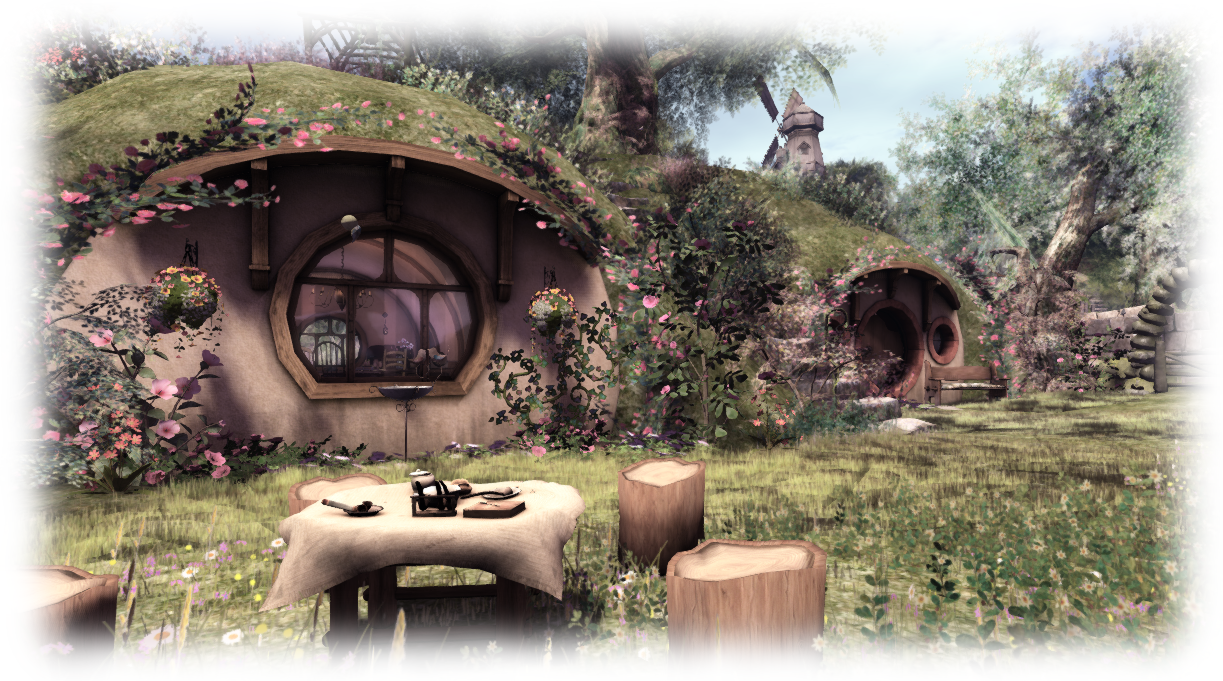
Armenelos, Calas Galadhon; Inara Pey, March 2015, on Flickr The Shire (Flickr) – blog post

The following notes are primarily taken from the TPV Developer meeting held on Friday, March 13th,  a video of which is included at the end of the article (my thanks as always to North for recording it and providing it for embedding), and any time stamps contained within the following text refer to it.

Server Deployments Week 11 – Recap

As always, please refer to the sever deployment thread for the latest updates and information.

  • There was no Main (SLS) channel deployment on Tuesday, March 10th
  • On Wednesday, March 11th, all three RC channels received the same new server maintenance package comprising “internal improvements for premium users”.

SL Viewer

The Avatar Hover Height viewer reached the release channel on March 10th, with the release of an RC version (3.7.26.299635). Avatar Hover Height allows you to adjust the vertical position of your avatar within some preset limits. See the wiki page and my overview.

This brings the total number of RC viewers in the viewer release channel to four, however:

  • [0:41] It is unlikely the Maintenance RC viewer (currently version 3.7.26.299610, released on March 6th) will be promoted without further update, as it has been found to contain a significant number of additional bugs which require fixing
  • [0:51] As the Avatar Hover Height RC viewer has only just been released, it is unlikely that the Lab will have enough stats on it to judge whether or not it can be promoted to the de facto release viewer in the immediate future; it is therefore likely to remain at RC status for at least another week, although initial reports suggest it is stable and doesn’t hide any unpleasantness
  • [01:07] The back-end support for Experience Keys / Tools still isn’t ready for the service to go live, although the Lab is making further progress with whatever needed to be done; it is therefore remains unlikely the that Experience Keys viewer (currently version 3.8.0.299338, released on March 9th) will be promoted to the de facto release viewer until such time as the remaining back-end work has been completed.

Tools Update Viewer and XP Users

[01:20] This potentially means that the Tools Update RC viewer (currently version 3.7.26.299443, released on March 4th) may be promoted to the de facto release viewer in week #12.

When this happens, it will obviously mean that all future builds of the official viewer will be made using the new tool chain and autobuild process. This in turn means that any Windows version of the viewer built using the new tools set (which includes MS visual Studio 2013)  will not run on any version (32-, or 64-bit) version of Windows XP. To this end, the installer is being set so that it requires a minimum of Windows Vista with Service Pack 2 installed, in order for it to successfully install the viewer.

Note that this is not a deliberate attempt to block XP users from Second Life; it is purely the result of the Lab moving towards the use of up-to-date tools for building the viewer (and which will yield positive benefits elsewhere, such as with greater tool commonality between the Lab and TPVs), and some of these tools do not support windows XP due to its age and it no longer being actively supported by Microsoft.

[16:54] Some TPVs may investigate / opt to build the viewer somewhat manually using the new tool chain in such a way that it can be used on XP, but this is reportedly requires a “very large amount of work” to achieve, requires a lot of command line input, an avoidance of VS 2013, and is “really hacky”.

Project Viewers

    • [03:28] The Viewer-Managed Marketplace project viewer (currently version 3.7.25.298865, released on February 13th) is liable to be updated in week #12 as a result of further fixes and updates that came out of the last round of testing
    • [04:20] The Mesh Importer project viewer (currently version 3.7.25.298441, released on February 3rd), is currently undergoing further update with new fixes and will be updated as a project viewer in the near future.


Avatar Layers Global Limit

Vir Linden - working on the new wearable layers code
Vir Linden – working on the new wearable layers code

[04:41] In response to  BUG-6258, “Popularity of Mesh Attachments Facilitates Need For More Alpha Layers”,  the Lab is working to implement a new “global” limit to the number of system clothing layers an avatar can wear.

Under the current system, there are 12 types of clothing layers or wearables (alpha, tattoo, undershirt, shirt, jacket, underpants, pants, gloves, socks,  skirts, shoes, and physics), with (generally) up to 5 of each type of wearable able to be worn at the same time, giving a maximum of 60 wearables that can worn simultaneously.

Under the new code being developed by Vir Linden, a new “global” limit of 60 wearable layers is being set per avatar, and users will be able to wear any number / combination of layers up to that limit (so you could opt to wear 60 jacket layers if you wanted, or 10 each of alpha, shirt, pants, gloves, jacket and socks, for example).

This update requires changes to both the viewer and to the server-side Appearance (SSA) service. The viewer-side changes are updates to the viewer’s logic, so it is purely checking the number of worn layers against the global limit of 60, rather than limits set for individual layers. The SSA changes will similarly support the new “global” use of clothing layers, but will also continue to support the 5-per-layer limit for viewers that do not adopt the newer code, or require a longer lead time in order to adopt the new viewer code, once it is available, thus providing a measure of “back compatibility”. The viewer code is expected to appear in a project viewer once it, and the back-end changes have cleared the Lab’s QA team.

Group Chat

[09:29]  As noted in my recent updates, changes made to the group change service in the last two weeks unexpectedly resulted in up to 20% of messages failing to be delivered correctly. Simon Linden spent a fair amount of time during week #10 stabilising things and delivering further updates to try to correct the problem. As a result, in what has been called an “educational” two weeks for the Lab, the situation has been largely reversed, although some problems still remain.

The Server Beta User Group meeting on Thursday, March 12th, saw a further set of updates from Simon undergo testing on the Beta grid, and during the TPV Developer meeting on Friday, March 13th, Oz indicated that the Lab will probably undertake a further round of “serious” upgrading of all the technology associated with group chat before they declare the project in any way “finished”. This will likely involve putting the back-end service support group chat on more up-to-date hardware and OS environments.

Continue reading “SL projects update week 11/2: TPV Developer meeting + misc news”

SL project news week 11/1: server, viewer, group chat

Armenelos, Calas Galadhon; Inara Pey, March 2015, on Flickr Armenelos, Calas Galadhon (Flickr) – blog post

Server Deployments Week 11

As always, please refer to the sever deployment thread for the latest updates and information.

  • There was no Main (SLS) channel deployment on Tuesday, March 10th
  • On Wednesday, March 11th, all three RC channels should receive the same new server maintenance package comprising “internal improvements for premium users”.

When asked during the Simulator User Group meeting on Tuesday, March 10th whether the “internal improvements for premium users” was related to the change to the in-world receipt of off-line IMs, as mentioned at the last SBUG meeting, Simon Linden could only say, “I’m not supposed to announce anything, so I can’t go into details … but one thing we’re looking at this year is ways to make premium accounts better. This may or may not do something like that eventually.”

SL Viewer Updates

A new Maintenance RC viewer, version 3.7.26.299610,was released on March 6th. This includes multiple fixes and improvements as listed on the release notes and download page.

The Experience Keys viewer updated to version 3.8.0.299338 on Monday, March 9th, maintaining parity with the current release viewer.

Experience Tools

Although the Experience Tools viewer has been updated (see above), there is still no news on when Experiences might be fully deployed. In order to help build interest in Experiences a suggestion has been put forward to enable Experiences to be rated in terms of the number of people actively joining them (see BUG-6911), which could be optionally shown (at the Experience creator’s discretion in things like search listings, allowing people to judge Experiences by their popularity.

The Lab has considered allowing users to rate Experience themselves in a future update – but as point out in the JIRA comments, such a system could be open to gaming, much like the old avatar popularity ratings. BUG-6911 has been imported by the Lab, but it is currently unclear if the idea will be carried forward.

Group Chat

As also noted in my last updates, recent changes to the group chat service have seen up to a 20% failure rate in delivered messages. Simon Linden spent a fair amount of time during week #10 stabilising things once more, and notes that the situation taught the Lab more about how things might fail. He currently has a set of updates which may further improve things, and these are liable to be tested at the next Server Beta User Group meeting.

Other Items

Names Vanishing from Ban Lists

There have been reports of avatars added to a region / estate ban list or have been previously muted suddenly dropped from the list without an action on the part of the list owner. This might be connected to the old issue of bans made using radar on some older versions of v1-style viewers (notably Phoenix) failing to “stick”, or it may be something else, such as a failure to correctly update a ban / mute list.

Commenting on the subject at the Simulator User Group meeting, Simon said, “we’ve heard reports of that and have looked into it … if you ever can narrow down an instance of that happening, please note it in a JIRA … Our logs will record info about those changing but we have to know where and when to look

“I’m making wild guesses, but I think it would be either the viewer or the simulator making an update to the ban list, and somehow having bad data.   Perhaps an incomplete list gets into the picture, and using that as a basis for the update it drops people.   Our logs will show events like “MrNoisy was added” and “MrGoodBehaviour was removed” but finding the event is the missing part of the puzzle.

“If you have multiple regions in the estate, there’s another issue of having the changes sent out to all the regions.   We’ve seen failures there and I know it’s been worked on a few times (and suspected in some of these reports).”

So, if you do encounter a situation involving an apparent ban list failure, and can log the exact circumstances / details, please consider raising a bug report.

SL project updates week 9/1: server, viewer

China Grove - blog post
China Groveblog post

Server Deployments, Week 9

As always, please refer to the server deployment thread for the latest news and updates.

  • There was no deployment to the Main (SLS) channel on Tuesday, February 24th
  • On Wednesday, February 25th, all three RC channels will receive the same server maintenance package, which comprises:
    • A server-side fix for BUG-8297, “Unable to teleport anywhere using SLGO”
    • Improvement to server logging.

The SL Go teleport issue only affected users running the SL Viewer (SLV) supplied by OnLive, who run the SL Go service (it did not affect those using Firestorm on SL Go), and was the result of a recent server-side code clean-up which meant that OnLive’s SLV was essentially using an invalid channel name when instigating teleports, causing them to fail.

OnLive implemented a workaround for the issue on their side of things on February 3rd, however, the update included in the RC package noted above provides a fix on LL’s side of the connection as well.

SL Viewer

On Tuesday, February 24th, the Maintenance RC viewer, version 3.7.25.299021, was promoted to the de facto release viewer.  This release includes a large number of improvements and fixes to the viewer, as listed in the release notes.

This currently leaves just the new log-in viewer RC (version 3.7.25.298971 released on February 17th) and the Experience Tools RC (version 3.8.0.298001 last updated on January 15th) in the release channel for the time being.

Experience Keys / Tools

The initial release of Experience Keys / Tools is still awaiting various back-end updates to clear the Lab’s QA department, with the viewer remaining at RC status until that happens (see above). As previously noted in my Experience Keys reports, the initial release of the functionality will not support grid-wide experiences, although are likely to be on the roadmap for future enhancements.

Once released, the current iteration of the functionality is liable to be allowed to run for a number of months before the Lab starts making  (or releasing) updates, with Oz Linden commenting at the Simulator User Group meeting on Tuesday, February 24th, “there will be another round of improvements to Experiences at some point, but we’re going to give the first round some time to be adopted before we go too far with those.”

Group Chat

Group chat work is continuing, with the recent changes to handling server lock-ups reducing the number of reported freezes.

Simon Linden is also continuing to look at the code side of things, and specifically issues with group chat visibly “stalling” which switching between chat tabs and / or as a result of moving between regions. This work has been the subject of a series of “mini-tests” during the Server Beta User Group meetings held on Thursdays, and resulted in some recent code updates. Commenting on this at the SUG meeting, Simon said, “The new code also showed me details about one way the system fails, so I hope to make that better at recovering,” so further updates can likely be expected, although this may not be as broadly visible to many users as the initial group chat improvements.

Playing in a Winter Wonderland

Winter Wonderland - race track, rinks and Ferris Wheel
Winter Wonderland:  race track, rinks and Ferris Wheel

On Thursday, January 29th, Linden Lab announced the opening of the Second Life Winter Wonderland theme park. Encompassing four regions, the park offers a range of activities for regular and premium members to enjoy – and having popped over, I have to say, it’s a lot of fun.

Those with a keen eye may well have noticed that something called “Winter Wonderland” was coming – there has been a gateway under construction at the Portal Parks since before Christmas. These gateways are now open as well, and form an alternative to reaching the Winter Wonderland to the main SLurl provided in the official blog post.

The four regions of the park offer a range of attractions, comprising (taken from the blog post):

  • Village of lights: “Pay a visit to this fantasy styled icy village and enjoy company, calm, and the wonderful winter feel! In the heart of the village you will find a variety of celebratory gifts await you. Be sure to stick around for the fireworks that light up the sky at the top of every hour!”
  • Ebbe, Get Your Gun! - my first encounter at the park was a snowball gun toting Ebbe Linden!
    Ebbe, Get Your Gun! – my first encounter at the park was a snowball gun toting Ebbe Linden!

    Snowball Warzone: “Atop the hill outside the village awaits a great cold wasteland where you and others will buckle down in the trenches of warfare: SNOWBALL FIGHTS! Claim the top of the towers for great vantage, or rule the castle walls with friends. Choose from two weapons, or if you are a Premium member, equip your Premium token for access to the ultimate snowball fight arsenal! You may even catch a Linden or two participating in the snowball shenanigans.”

  • Icy Race Course: “Strap on your helmet, hold tight, and rev those engines! On the outskirts of the Village of Lights are free vendors where you can pick up a snowboard or a mighty snowmobile. Premium members can access upgraded vehicles by equipping their token. Hop aboard and race around the four-region wide race track full of bumps, hills, jumps, and more! Grab a friend and see who can best the turns and cross the lines first. Be sure to turn on Advanced Lighting to see the track nicely lit up as you cruise the snow!”
  • Skatetown Area: “In the heart of this region are two skate arenas for the enjoyment of everyone. Grab a pair of skates from the free vendor, strap them on, and give them a spin! Execute athletic jumps and twirls, and glide your way around the ring. In the front vendors here, Premium members will find an extra prize full of customization options to fit your style and avatar.”
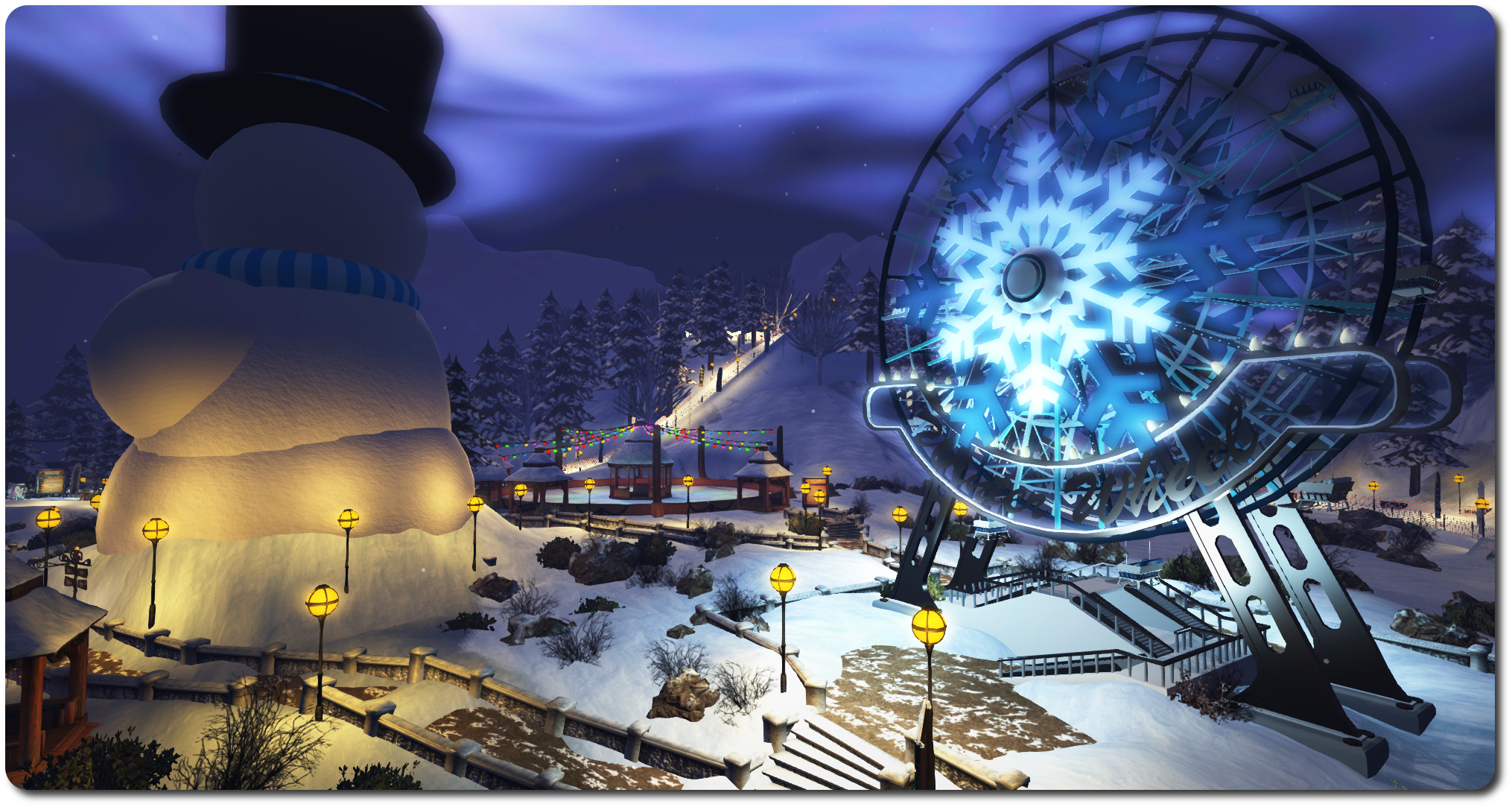
  • Winter Ferris Wheel: “What better way to see the region than to sit, relax, and rotate your way to the top of the view.  The Ferris wheel will give you one of the best – and most romantic – views in the region.”

Both the SLurl provided in the blog post and the Portal Park gateways deliver you to the Village of Lights. Here you’ll find gifts to collect in the village square (check the official blog post for details). Two main paths lead from the village to the major attractions.

Winter Wonderland Village of Lights
Winter Wonderland: Village of Lights

Of course, me being me, I took a short cut and found my way to the snowball fight arena somewhat unarmed. As a result, I promptly got shot by the decidedly well-armed Ebbe Linden and Marianne McCann! Of course, as Ebbe pointed out, arriving in the arena unarmed really is “not the way to show up for a fight!” Snowball fight guns can be obtained from the giver at the foot of the stairs leading up to the arena from the village, and as everything in the Wonderland is Experience Keys based, the gun will auto-detach on leaving the arena area.

Head westward from the Village, and you’ll come to the race course. Here you can pick-up a snowmobile or snowboard and zip around the course on your own or race others – but be warned, both are pretty zippy (the snowboard has a turbofan engine mounted on the back, and the animations include the ability to jump and perform a trick. Trying either of them in Mouselook is quite a challenge! Within the loops of the racing circuit, which crosses the regions of the park, sit the ice skating rinks and the Ferris wheel.

The Snowball Warzone arena
Winter Wonderland: the Snowball Warzone arena

Materials have been used to good effect within the builds, and allowing for the fact i got there relatively early, and possibly before many have read the official blog post, lag was barely noticeable, although the Ferris wheel is a little juddery and possibly a tad slow for most people’s tastes.

If you’re a Premium member, you can hop over the any of the Premium Gift kiosks and grab your tie-in gift, which opens up “upgrades” to the Winter Wonderland activities and gifts. Just wear your ribbon with pride prior to returning to the Wonderland regions!

All told, Winter Wonderland is very well put together, and offers some good fun to be enjoyed with friends  – so why not drop in and see for yourself? My thanks to Alexa, Ebbe and Vitae Linden for the added fun 🙂 .

Winter Wonderland
Winter Wonderland

Note that the opening of the Winter Wonderland coincides with the Lab’s latest Premium Membership special offer (50% off the first quarter’s payment if you sign-up to the Quarterly payment plan for Premium membership. This run through until  08:00 SLT on Monday, February 16th, 2015.

Related Links

SL project updates 2015 week 2: server, viewer, experience keys, group chat

The Chamber Library
The Chamber Libraryblog post

Server Deployments – Week 2

There were no server deployments to either the Main (SLS) or RC channels for the week.

Upcoming Deployments

There is likely to be a server-side RC deployment in week 3 (week commencing Monday, January 12th). Details on what it will contain have yet to be finalised, however, during the Server Beta User Group (SBUG) meeting on Thursday, January 8th, Maestro Linden indicated it would contain miscellaneous fixes an improvements which will likely include:

  • A fix for BUG-8002
  • Removal support for legacy viewer-side avatar baking
  • Region crossing improvements.
Simon Linden - tidying-up avatar region crossings
Simon Linden – tidying-up avatar region crossings

The region crossing improvements are for avatars only (not vehicles), and are described by Simon Linden as, “all internal and pretty minor, so please don’t get hopes up for performance improvements,” and being about “clean-up and small polishing.”

A number of regions on Aditi are running the updates  – DRTSIM-273 – (Ahern, Bonifacio, Morris and Rizal), and a group test was carried out during the SBUG meeting with people walking / flying and TP’ing between these regions and between them and other regions without the updates as a further check that the changes wouldn’t result in any failures / breakage. “I’m most worried about some data subtly changing or getting lost between crossings, Simon added in this regard, following the test. “but I haven’t seen anything like that.”

Details on the updates related to legacy avatar baking will be posted with the package release notes, when available.

SL Viewer

On Monday, January 5th, the HTTP pipelining RC viewer was updated to version 3.7.24.297623, bringing it up to par with the current release viewer, and therefore matching the Experience Keys RC viewer which slipped out just before Christmas.

Experience Keys / Tools

“It’s really quite close,” Oz Linden said of the Experience Keys / Tools project at the SBUG meeting. “We’re upgrading and testing some back end infrastructure to support it; when that’s ready, we’re good to go.”

As indicated in my original overview of Experience Keys / Tools, the tools come with a number of safeguards to reduce the risk of them being used for mischief. In addition, and as a further discouragement, those wishing to use the tools to build experiences will be required to pay a fee. This has now been set by the Lab, but is not at this time being made public. Expect to hear more about it when the tools are formally released.

In the meantime, you can read more on the project in these pages using the Experience Keys tag, and those wishing to try-out beta Experiences can do so via the Seamless Experiences section of the Destination Guide. You do not need to have the Experience Keys project viewer in order to do so – although it does provide you with access to more information about any Experience you try – see my project viewer overview for details (do keep in mind that both this and the project overview linked-to above are now several months old, and certain details may have changed in the interim; I’ll have a further article on Experiences when they are launched).

Group Chat

Simon Linden is continuing to work on group chat. No major news at this time, other than he’s been carrying out further digging into why some servers seem to get “stuck” every two weeks or so and require a restart. Further data was gathered during the region crossing tests mentioned above.

Other Items

Alpha Map Support for Mesh

I first reported on this matter, which forms feature request BUG-8100 – in week 52. Since then, the idea has received a lot more feedback and further thought. However, following initial triage, the JIRA was closed by Kyle Linden on Wednesday, January 7th, with the standard, “We’ve reviewed your request and determined that it is not something we can tackle at this time.”