Updated, Thursday October 2nd, 2014: Niran released Black Dragon 2.4.0.1, a “feedback update” containing a number of additions and revisions based on feedback received for the initial 2.4 release. These includes a revision to the world map, see the end of this review for details, and the Black Dragon 2.4.0.1 blog post for a complete list of revisions.
NiranV Dean released the latest version of his Black Dragon viewer on Sunday September 28th. Version 2.4 Beta, which is supplied in two flavours, a “normal” version, which comprises Niran’s additions and modifications to the viewer merged up to the Lab’s 3.7.15 code base (and is thus also referred to as version 3.7.15.33763) and a “current” version, which also has Niran’s updates and additions, but merged with the Lab’s 3.7.17 code (and is thus also referred to as 3.7.17.34052).
As well as emphasising this is a beta, with work still to come, Niran notes that the 3.7.17 version has not been thoroughly tested, and as such, may be subject to issues which might not be found in the 3.7.15 version. Keeping this in mind, for the purposes of this look at Black Dragon 2.4, I opted to go with the 3.7.17 version.
Note that this isn’t intended as an in-depth review of the viewer, but rather an overview of some of the more significant updates, together with some initial feedback.
Log-in / Splash Screen
This release of the viewer does away with the YouTube video which has been a feature of many of Niran’s viewer releases, and the log-in credentials area of the screen has been updated. Gone are the bold links to the right of the log-in area, replaced by a set of smart-looking buttons directly above the log-in credentials fields, with the Quit button ranged to the right and a link to the Black Dragon change logs to the left. A large, friendly CONNECT button has also been added below the credentials fields.

UI and Toolbar Buttons
The 2.3 release of Black Dragon, as noted in my last look at the viewer, saw some changes to the UI and to the toolbars, The “ink blots” effect within the UI are still there, but are more subtle in nature that the last release, although they have now found their way onto the various panel floaters as well, giving them a ragged look I personally found distracting; I found my eyes being drawn to the edges of any floater I opened, particularly if opened against a much lighter in-world background, rather than focusing on the options within it.
In my last overview of Black Dragon, I pointed to the new toolbar button placement area Niran had implemented, up in the top left corner of the viewer window, where one would normally expect to see the menu bar options. Buttons displayed in this area default to Niran’s “Tiny” size, and while it was a good use of available space, it could quickly become overrun if button labels are used rather than icons, or someone went daft placing buttons there, leading to the buttons wrapping themselves over two or more rows. More particularly, displaying the Navigation Bar / Favourites would result in the Navigation Bar clashing with any buttons placed there.
Niran has solved this latter problem in version 2.4 Beta by providing a new toolbar button. This is displayed by default when clean installing Black Dragon (or can be selected from the Toolbar Button floater). When clicked, it “opens” the Navigation Bar and Favourites, hiding the top button area (and also the Dragon menu, it must be said). The Navigation Bar has a corresponding button on the right-hand end which will hide them again.

Two other new toolbar buttons with this release are the Teleport History buttons, which allow you to teleport back to the last location visited, or on to the next location (if any) in your teleport history. Again, these buttons are displayed by default during a clean install, or can be selected from the Toolbar Buttons floater.
Preferences and Panel Updates
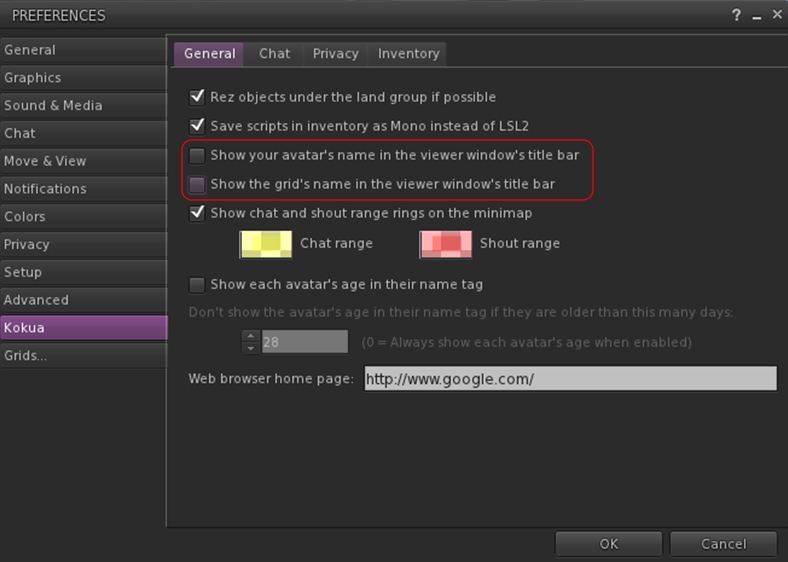
The Preferences panel witnesses improvements in layout, with a number of outdated options (such as Niran’s own Navigation Bar buttons for editing the sky, etc.) removed, and a general improvement on font and colour contrasts against the darker background of the viewer’s UI which does much to assist readability. Those perhaps small, these updates do much to make scanning through the Preferences options a lot easier on the eye.
Specific improvements to Preferences see the following panels overhauled: General, Display, Sound and Media, Chat, Camera, Interface and Viewer. Some of these see layout overhauls, some include new options or updated capabilities – please refer to the change log for specifics.
Alongside the Preferences panel, a number of other panels have also been overhauled, including the: People floater (incl. the Group tab), appearance panel, Outfit selection panel, Picks, and Destinations floater. Please refer to the change log for a full list of updates and changes.
World Map
Please refer to the end of this article for notes on the black Dragon 2.4.0.1 update, which revised the world map to address some of the comments mentioned below.
The World Map gets a further update with the 2.4 Beta, which sees the layout once again resemble the World Map found in other viewers – albeit with the legend moved to the left side of the map this time, rather than along the top, where they are joined with the coordinates display and the option buttons. The search options remain to the right of the map, and slide into view when an additional Show Search button to the left of the map is clicked.

Personally, the World Map legend in something I tend to set & forget. It’s the search options I use a lot more frequently, together with the coordinate fields and Copy SLurl options. I think I’m likely not alone in this, so if the World Map is to be revised, I’m surprised that no-one has made the legend the section hidden by default (if, indeed, anything really needs to be hidden) and left the more frequently used search options available for use, be they to the left, right, top or bottom of the map itself. It may not result in so much of a saving in screen (or map display) real estate, but I’d take convenience of use over having to click buttons to reveal slide-out options.