Logos representative only and should not be seen as an endorsement / preference / recommendation
Updates for the week ending Sunday, July 30th
This summary is published every Monday, and is a list of SL viewer / client releases (official and TPV) made during the previous week. When reading it, please note:
It is based on my Current Viewer Releases Page, a list of all Second Life viewers and clients that are in popular use (and of which I am aware), and which are recognised as adhering to the TPV Policy. This page includes comprehensive links to download pages, blog notes, release notes, etc., as well as links to any / all reviews of specific viewers / clients made within this blog
By its nature, this summary presented here will always be in arrears, please refer to the Current Viewer Release Page for more up-to-date information.
Official LL Viewers
Current Release version 5.0.6.326593, released on May 26th, promoted June 20th – formerly the AssetHTTP RC viewer – overview – download and release notes – No change
On Tuesday, July 25th, I received an e-mail from Nicky Perian, lead developer for the Kokua viewer. Sent to the Kokua Dev mailing list, the notice was also later posted to the Kokua website.
In short, Nicky will, in October – and for very good reason – be stepping back from a direct, hands-on leadership role in maintaining Kokua, and he is hoping that those in the community who are able to support viewer development will step forward to fill the void and take responsibility for helping to ensure the viewer continues into the future.
The notice – which I’m sure Nicky will have no problems in seeing reproduced here reads in full:
Hello all,
This coming October I will turn 75 years old. I intend to have minimal (consulting only) involvement with Kokua after that. Hopefully, someone will take over the project or it will fade away.
Between now and then I intend to cut some routine building and updating. The first cut will be the RLV build of Kokua OpenSim followed by RLV build of Kokua Second Life then NoRLV build of Kokua OpenSim.
That will leave The NoRLV build of Kokua Second Life version.
I want to thank all who have contributed to Kokua including other third-party viewer project developers and those that work for Linden Lab.
I will try to complete the Alex Ivy integration. Kokua Project Alex Ivy Windows versions can be built and tested now.
Nicky has worked tirelessly to develop and maintain Kokua, and other, the viewer has been one of the first v5 style viewers to update with features and code from Linden Lab, as well as maintaining strong support and parity with Marine Kelley’s RLV. While Kokua hasn’t been my primary viewer, I have always found it to be stable, reliable and straightforward to test as updates have been released. As such, I’d like to thank Nicky for all of his work in keeping the viewer and the project going.
Should anyone fancy taking on the work with Kokua, individually or as a team, as well as following the links to the repositories as Nicky has provided, do please contact him and discuss opportunities and intentions with him so that if more than one person does step forward, you can all be put in proper contact with one another.
I’ll of course continue to cover the updates Nicky is planning, and will cover any future updates and releases of the viewer and the project hopefully rolls into the future.
Logos representative only and should not be seen as an endorsement / preference / recommendation
Updates for the week ending Sunday, July 23rd
This summary is published every Monday, and is a list of SL viewer / client releases (official and TPV) made during the previous week. When reading it, please note:
It is based on my Current Viewer Releases Page, a list of all Second Life viewers and clients that are in popular use (and of which I am aware), and which are recognised as adhering to the TPV Policy. This page includes comprehensive links to download pages, blog notes, release notes, etc., as well as links to any / all reviews of specific viewers / clients made within this blog
By its nature, this summary presented here will always be in arrears, please refer to the Current Viewer Release Page for more up-to-date information.
Official LL Viewers
Current Release version 5.0.6.326593, released on May 26th, promoted June 20th – formerly the AssetHTTP RC viewer – overview – download and release notes – No change
Cinder Roxley continues with her promise to maintain and improve the Radegast lightweight client for Second Life and OpenSim, and on July 15th she released version 2.24, which sees a range of improvements, both visible and under-the-hood.
In terms of user-visible changes, Radegast2.24 allows:
Triggering gestures directly from nearby chat, just as you would from any viewer (e.g. by whatever trigger is set for the gesture – such as “/hey”).
The wearing of multiple system layers (multiple pants, shirt, jacket, tattoo, layers), again as has been the case with the viewer for the last several years.
An audible “pop” sound when blue notifications open, to assist the visually impaired when notifications are received.
Under the hood are even more changes, with Cinder continuing to refactor and improve the code – notable focusing on the plug-ins manager, and a new tarball for Linux installation. In the case of the latter, Cinder notes you need to have a recent (4.6.x or later) version of mono installed, together with the latest patch set.
The tarball could potentially be used with Mac OSX, although Cinder also states, “it will run if you put a lot of effort into configuring Mono and Xquartz to properly handle WinForms … but WinForms is poorly supported on MacOS.” She goes on to say she’s still working on getting the client more readily installable on Mac OSX.
The Linux installation has not be thoroughly tested, so if you are a Linux user and would like to help Cinder, please download and install 2.24, and record any issues you encounter on the new Radegast issue tracker.
If you are a coder / developer, and would like to assist in maintaining Radegast, please contact Cinder Roxley.
Logos representative only and should not be seen as an endorsement / preference / recommendation
Updates for the week ending Sunday, July 16th
This summary is published every Monday, and is a list of SL viewer / client releases (official and TPV) made during the previous week. When reading it, please note:
It is based on my Current Viewer Releases Page, a list of all Second Life viewers and clients that are in popular use (and of which I am aware), and which are recognised as adhering to the TPV Policy. This page includes comprehensive links to download pages, blog notes, release notes, etc., as well as links to any / all reviews of specific viewers / clients made within this blog
By its nature, this summary presented here will always be in arrears, please refer to the Current Viewer Release Page for more up-to-date information.
Official LL Viewers
Current Release version 5.0.6.326593, released on May 26th, promoted June 20th – formerly the AssetHTTP RC viewer – overview – download and release notes – No change
Updated July 7th: to include information on easy embedding in WordPress.
Linden Lab has recently made two updates to the 360-degree snapshot project viewer, which I’ve been meaning to review for the last couple of weeks.
On June 19th, version 5.1.0.506488 of the viewer was issued, which included image processing updates, and which included offering the viewer in both 32-bit and 64-bit Windows flavours. Then, on June 29th, the viewer was further updated to version 5.1.0.506743 (at the time of writing the current version), which largely saw the viewer brought up to parity with the current release viewer.
The core functional changes to the viewer in both of these updates is the removal of the need for manual post-processing via zip file download and a web back-end provided by the Lab (see my original hands-on of the initial release of the viewer for more). Instead, the viewer is intended to process the image and provide the necessary meta-date to allow automatic playback on most 360-degree image sharing sites.
I’ve so far tested the viewer on Flickr and a number of 360-degree photo sharing sites such as VRchive. The latter appear to work as expected, Flickr requires 360-images uploaded from the viewer to be manually tagged from within Flickr in order to work. This is a minor inconvenience – but would be smarter if the metadata allowed for auto-tagging of the images as equirectangular, as can be done with other 360-imaging tools. A JIRA has been raised on this.
In the meantime, here’s a look at taking photos with the viewer, and getting them working on Flickr.
The 360-degree photo option is fully integrated into the snapshot floater, and when selected will disable all other options and will only allow you to save images to your local hard drive. Note that if you set any other options (e.g. check the Interface option or setting a filter) prior to checking the 360-degree snapshot option, this will result either in the viewer reverting to taking a “normal” snapshot, or ignoring the filter when processing as a 360-degree image.
The 360-degree option enabled in the snapshot floater
Before taking a shot, you should do a little preparation first:
Position your avatar / camera at the centre point of the image you wish to capture (you can “hide” your avatar using a full body alpha or something like a “vanish” animation if you don’t want it appearing in the shot). Use ALT-cam or flycamming to position the camera if you want your avatar to appear in the image, but not at its centre.
Use Menu > World > Environment Editor >Sky Presets > Edit Presets to set your desired Windlight and use the Clouds tab to freeze the clouds. Avoid the use of Depth of Field.
Turn your camera / avatar slowly around in a circle to see everything in the snapshot field of view, allowing everything to render as you do so.
When you’re ready to take your shot, click on Save to Disk on the snapshot floater and set your preferred image size:
Small – 1024×512
Medium – 2048×1024
Large – 4096×2048
Save your snapshot to the location of your choice on your hard drive. You can now upload it to your preferred 360-degree image sharing website.
Displaying In Flickr
If you are uploading to Flickr, remember to manually set the equirectangular tag in the image page, and then refresh the page. The image should reload and display in 360-degree format.
To get snapshots to display as 360-degree images in Flickr, click the Add Tag option and enter “equirectangular” (without the quotes) and press ENTER. Refresh the page and the image should start to auto-scroll once the page has reloaded
Displaying in WordPress
WordPress has a beta 360 photo and video processor allowing users to embed 360-degree images into their posts. However, in the case of images, this requires the .JPG file extension to be used. Currently the snapshot viewer uses .JPEG. However, once the extension has been changed, images should work fine.
To embed a 360 image, upload it to your WordPress media library (or similar on-line storage – but not a photo sharing website), making sure it has the .JPG extension. Then within your blog post, add the following shortcode between square braces (i.e. [ and ]) in either the Visual or Text editor:
vr url=path-to-photo.jpg view=360
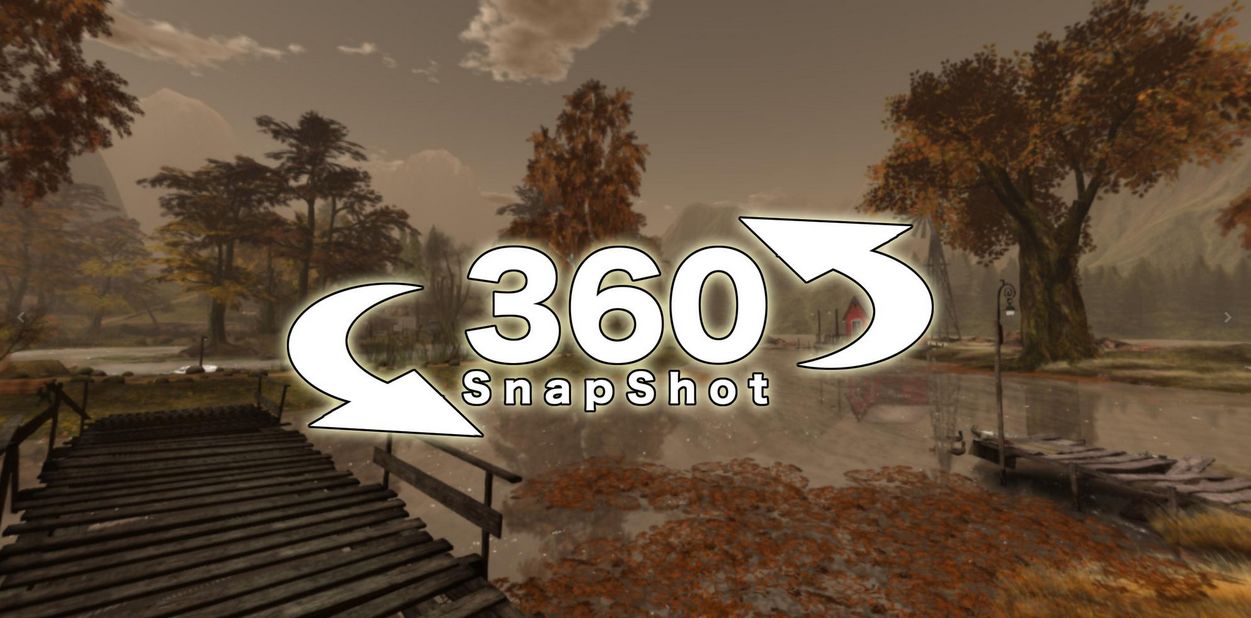
This should result in the image being displayed so that it can be clicked on an manually scrolled, as per the image below:
As noted, 360-degree snapshots should auto-play on any photo sharing sites such as VRchive which parse uploads to ensure they are in the required equirectangular ratio (information on using VRchive can be found in this blog here).
Whether or not the viewer can be set so that the metadata allows Flickr to auto-recognise the 360-degree images as such, and simply play them without manual tagging remains to be seen. But as noted, it’s not a major inconvenience of not (after all, who of us here doesn’t fiddle with images post upload to Flickr?). As it is, this is a definite step up for the viewer in managing 360-degree images, and I’d certainly be interested in hearing from anyone as to how it works with Facebook.
One other point to note as well is that at the moment, the 360-degree snapshot project viewer is not compatible with format used for 360-degree images on SL Places Pages. However, the latter will be revised to support displaying images captured by the viewer at some point in the future.





 Inara Pey: Living in a Modemworld