Update, June 6th: for those 32-bit Windows users still experiencing problems with this issue, the Lab has issued the Unloop RC viewer.
On May 31st, 2018 Linden Lab updated the Love Me Render Release Candidate, viewer version 5.1.5.515811 to de facto release status.
Unfortunately, during the release process, there was an error defining the location of the Windows 32-bit version of the Second Life viewer download. Because of this error, all Windows users downloading the viewer received the 64-bit version, regardless of which version of the operating system they are running.
While the issue has now been fixed so that 32-bit Windows users will receive the 32-bit version of the viewer, anyone running 32-bit Windows who downloaded the viewer during the 24 hours when the incorrect location was available (12:00 noon SLT on Thursday, May 31st, 2018 through 12:00 noon SLT on Friday, June 1st, 2018) may now find their system is stuck in a loop of trying to install the 64 bit version of Second Life.
Because of this, Kyle Linden issued a forum post on how to correct the problem for those caught in the loop, and I’m reproducing those instructions below for those who may have missed the forum post:
The following notes are taken from the Content Creation User Group (CCUG) meeting, held on Thursday, May 31st, 2018 at 13:00 SLT. These meetings are chaired by Vir Linden, and agenda notes, etc, are usually available on the Content Creation User Group wiki page.
Animesh
Project Summary
The goal of this project is to provide a means of animating rigged mesh objects using the avatar skeleton, in whole or in part, to provide things like independently moveable pets / creatures, and animated scenery features via scripted animation. It involves both viewer and server-side changes.
Server-side support should now be largely “done”. There remains one issue awaiting resolution. Once this has been cleared, discussions will start on wider deployment of the code – potentially Aditi first, then to an RC channel on Agni (the Main grid). Still no release date due to ongoing work on the viewer.
Rigged Mesh Level of Detail / Bounding Box Issues
(BUG-214736) – Essentially, attachments on avatars swap their LOD models as if they were scaled to the overall avatar bounding box.
A new approach to resolving this is being attempted which involves removing non-rigged mesh asset sizes from the rigged mesh bounding box.This will not involve changes to avatar scaling / height calculations. If it works, it should result in better bounding boxes for avatars and rigged mesh attachments in general, not just for Animesh. Currently, it is awaiting some back-end updates.
Avatar Limits and Cost Calculations
These were revised several weeks ago – see the link to Vir’s update in the resources list above – and are unlikely to change. At the previous CCUG meeting, there was some discussion over the streaming cost calculation for the Medium LOD, but again, this will not be changing.
Vir reminded people that the ARC calculation for Animesh is now related to the streaming cost calculation (as per the current project viewer – version 5.1.4.515420 at the time of writing). It therefore shouldn’t be subject to quite the same kinds of issue related to scale-based distortions as previously. It may also go through further tweaks.
On a broader note, costs (streaming, impacts, etc.), are going to be looked at as a part of a separate (to Animesh) project – Project ARCTan – see below.
Broken Rotations Issues
These comprise:
(BUG-139251), some static mesh objects are converted to Animesh, the visual mesh is rotated through 90 degrees when seen in the Animesh viewer, but the physics mesh isn’t, leaving it perpendicular to the model. This is possibly an orientation issue, with the viewer expecting the mesh to be aligned to +x=forward – which not all mesh modelling tools follow.
When linking a series of objects into a single Animesh, then are visually located where the avatar skeleton supporting them is located, but the physics shapes remain in the original location of the objects prior to linking / converting.
No updates on these were available at the meeting.
Joint Offset Constraint
Setting (either deliberately or accidentally) a bad joint offset with something like the mPelvis bound can result in undesired results. To prevent this, a 5m joint offset constraint was introduced in the project viewer. This has / will be now backed out as it has been seen as overly restrictive. An alternative solution will be sought, and Vir hopes that having a fix for the bounding box issue (above) will help in this.
Animesh and Attachments
There has been confusion over Animesh and attachments. In brief:
One one Animesh object can be attached to an avatar at a time.
Animesh objects, while they have a skeleton, do not support avatar-style attachments. Instead, additional objects (e.g. a collar for an Animesh puppy) should be made a part of the Animesh linkset, and then driven by the Animesh skeleton / scripted animations within the Animesh (although objects in n Animesh linkset could be animated by their own scripts / animations if required).
The above has been discussed at length in previous meetings, due to concerns as to how No Mod Animesh items could be made to work with different options (e.g. a puppy wearing different styles of collar).
Bakes On Mesh
Project Summary
Extending the current avatar baking service to allow wearable textures (skins, tattoos, clothing) to be applied directly to mesh bodies as well as system avatars. This involves server-side changes, including updating the baking service to support 1024×1024 textures, and may in time lead to a reduction in the complexity of mesh avatar bodies and heads.
This work does not include normal or specular map support, as these are not part of the existing baking service.
Anchor Linden has been working to adding five further channels to the Bake Service (left arm, left foot + three additional “general purpose” channels to be defined and used as required by creators). All of these had been intended to be extensions to the tattoo layer. However, in testing, it was found that feeding a wearable layer with these new channels to a viewer without the necessary support to use the channels, the viewer gets “unhappy”.
To avoid this, this Lab has opted to create a new wearable type which will know about these new bake channels. It will sit above the tattoo layer and below the clothing layers. This should allow those wishing to make use of the new channels to do so without risk of impacting older viewers, which will simply ignore any new wearable layer they’ve not previously encountered. The flip side is, this extends the amount of work required to introduce a new wearable to the inventory service, in additional to the simulator, appearance service and viewer changes already required were the tattoo layer to be used.
A name for the layer has yet to be determined – but “universal” is under consideration – although Rider Linden (with tongue firmly in cheek) suggested “Bob”.
Scripting Support for Bakes On Mesh
No decision on whether this will be addressed, or if it is to be addressed, whether it will be a part of the initial release.
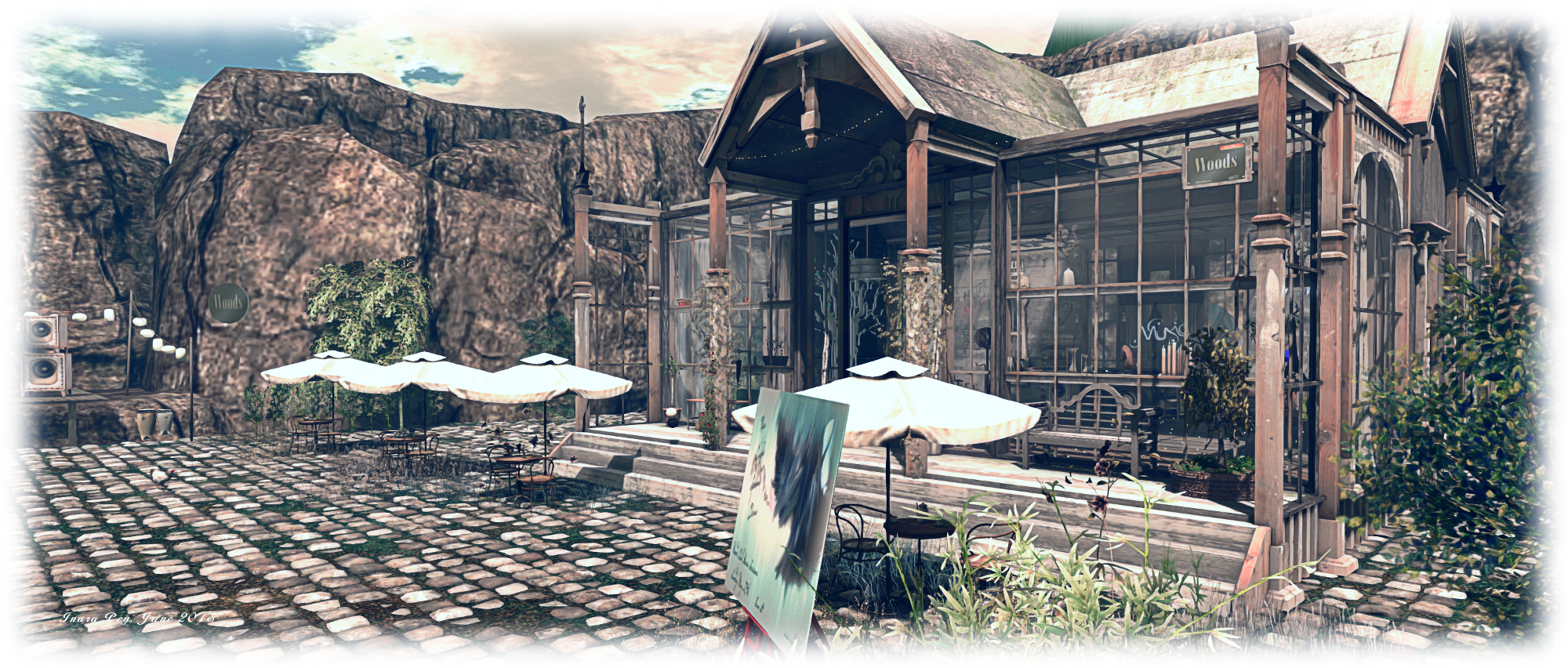
Woods Club is a picturesque quarter region designed by Secoia Harley Vita (Secoia Vita) and Viktor Galli, and which Shakespeare pointed us towards in late May. Ostensibly the home of a small club going by the name of the parcel, it offers a lot more to see and appreciate.
Established in 2008, the club offers music every weekend between 08:00 and 14:00 SLT, with a mix of deep tech, tech house, deep house, funky, tribal, indie dance, progressive, techno and more. It’s located on a plateau courtyard sitting with its back towards the centre of the region, with two rocky arms reaching out to the western and southern coastlines – the parcel occupying the south-western corner of the region.
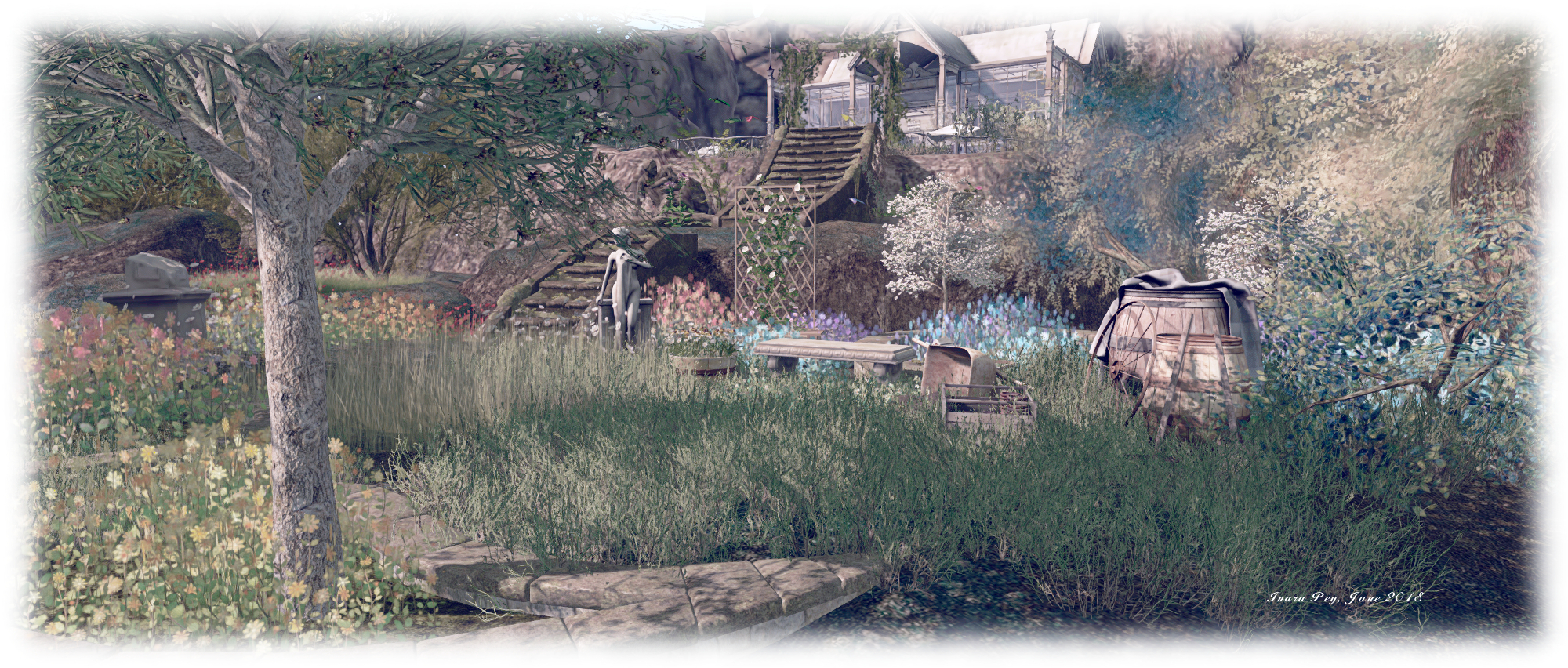
Dancing can be enjoyed both indoors and outdoors – there’s an outdoors stage to one side of the plateau, and there is also plenty of seating to be found as well. Take care when out on the cobbled terrace area, or you might trip over Clarice or Chuck Norris (a cockerel who presumably brooks no nonsense…). Steps under an ivy-wrapped arbour provide a way down off the plateau to where a colourful, if a little overgrown garden sits. This looks out over a ribbon-like pond to the sea to the west, and eastwards over a small stream running out from the pond.
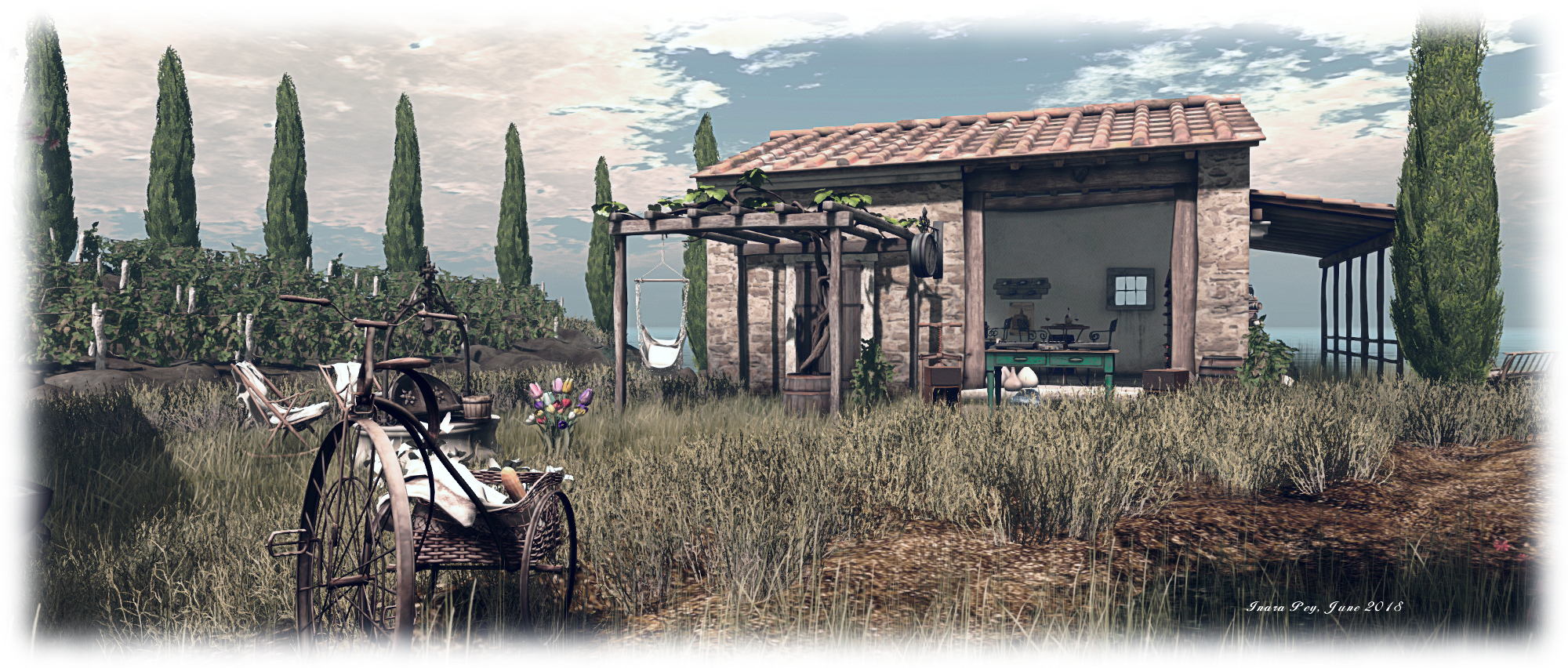
Pointing the way between stream and pond is a tree-lined track, reached via a rocky incline, and which ends in the hump back of a stone bridge spanning the water. This offers the way to where a barn sits alongside a little vineyard guarded by tall cypress trees standing between it and the sea. The barn has been converted into a little wine bar, and faces a garden kitchen across tall grass growing around an old well.
The track meanwhile, branches from the little bridge, one arm turned past the wine bar and kitchen to lead to a little fresh produce market beyond which visitors might find a little shaded picnic spot, a second facing it across the narrowing stream. A rocky arch spans the neck of the stream, a shale beach of a little inlet, it’s mouth almost completely blocked by the rectangular forms of low boulders.
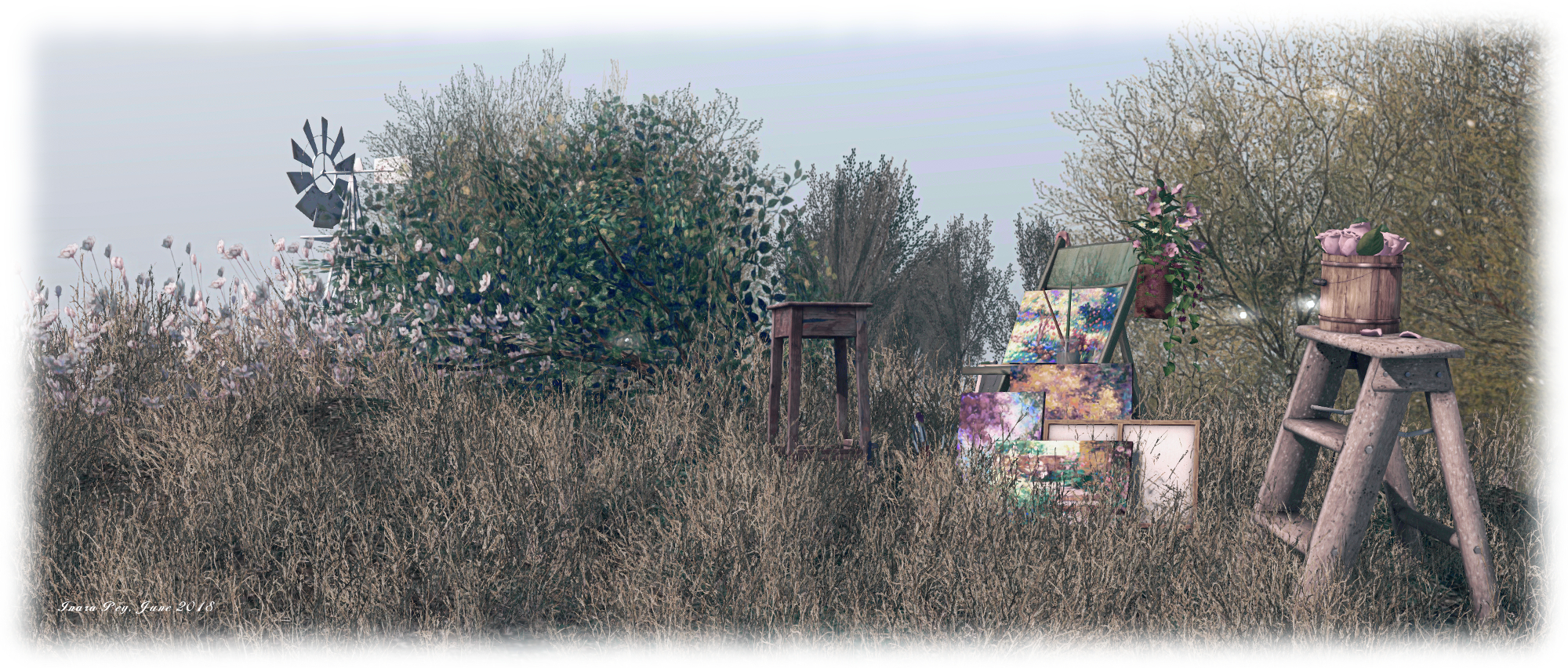
The other arm of the track runs northwards, pointing the way to another garden-like area sitting among the rocks and rugged grass, the talk finger of a windmill market its presence. Puppies and goslings share a common interest in steel tubs of water here, while old milk churns have been converted into planters. Beyond these, a swing bench under an awning of corrugated metals awaits visitors, a second, smaller pond sitting just above it. With a little care, the intrepid can make their way around the side of this pond, then over the grass and rocks, then past a painter’s little outlook to arrive back at the garden below the club.Woods Club
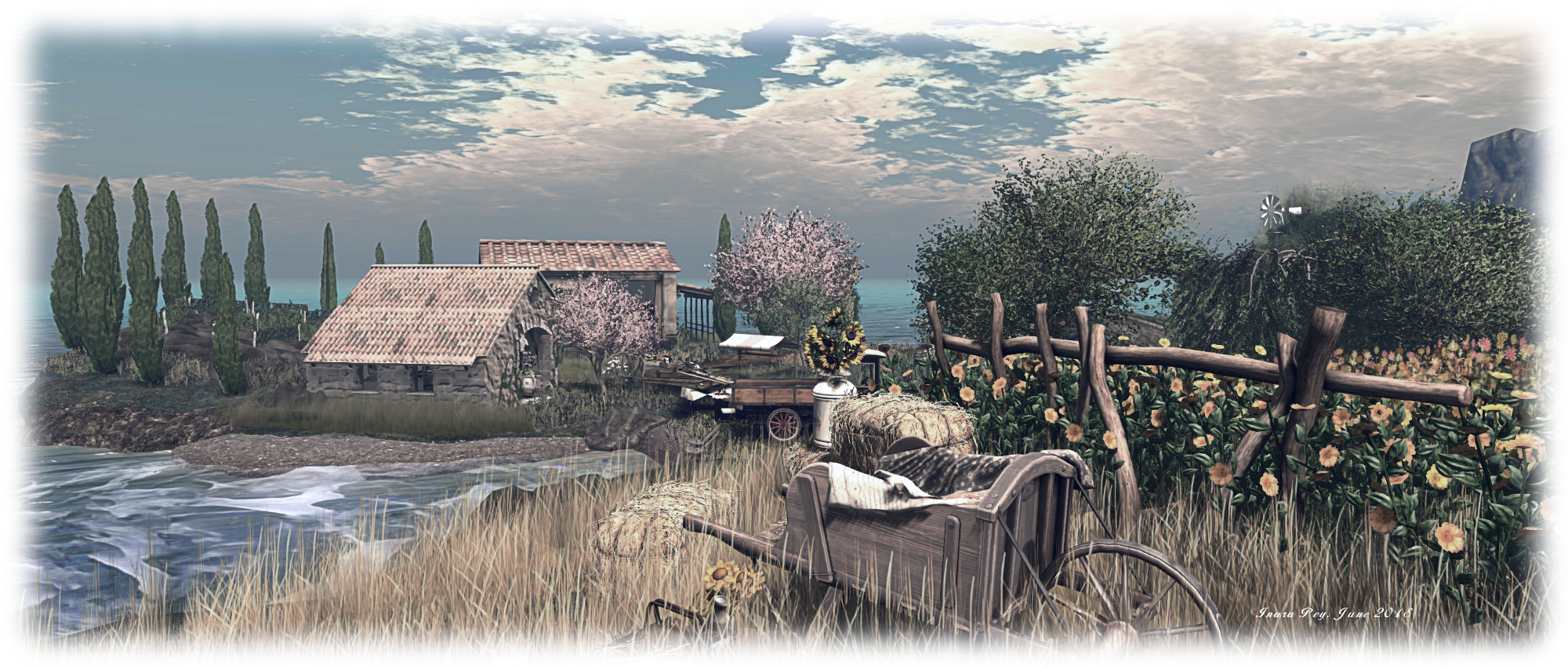
Throughout all of this, there is a wealth of detail to find and enjoy – be it the little field of sunflowers sitting up on a headland, a wheelbarrow converted into a snug little outdoor bed next to them, or the deck chairs on the gravel beach, the rowing boat on the narrow pond, or simply appreciating just how naturally the garden areas have been brought to life. For the active, dancing can also be had down at the wine bar – but do keep an eye out for John Travolta strutting his stuff in the grass!
Woods Club is a genuine pleasure to visit, even if the weekend music selections aren’t to your taste. There are plenty of opportunities for photography, or simply to chill out and relax. Should you enjoy your visit, do please consider making a donation towards the parcel and club’s continued presence, via the bongo drums alongside the outdoor stage.
As a community gateway, Ajuda SL Brasil (“Help SL Brazil”) has a long history. Original founded in 2009, it celebrated its ninth anniversary in May 2018, and primarily – but not exclusively – serves Portuguese speaking users. Located on a single region, the gateway has been through several different variations over the years, including a major make-over in 2011, and then acceptance into the new Community Gateway Programme beta in 2016, prior to becoming a full member of the Programme following its official relaunch.
“We are entirely self-funded as a non-profit group,” Roth Grut, the gateway’s founder,informed me. “Which, given the value of the real against the dollar, hasn’t been easy” (at the time of writing 1 BRL = 0.268 USD). He continued, “Since joining the new Community Gateway Programme, we’ve had a lot of practical support from Linden Lab in transforming our work into an official gateway programme partner.”
I can personally attest to the warmth of the greeting on arriving at Ajuda SL Brasil, with the team there both friendly and inviting, encouraging me to explore and find out more. They were also quick to guide genuine newbies to the learning centre and to help them refine / customise their look.
The region itself is informally laid out in a design that works well in encouraging exploration. From the landing point on the south side, it’s a short, clearly marked route to the learning centrally located on the region. This presents a series of familiar self-learn lessons about the viewer and getting around in Second Life and essentials such as inventory use, etc. This area also features an auditorium, providing weekly lessons. In addition, there is an information broad displaying the Caledon Oxbridge two-week class schedule for SL-related lessons and events presented in English. Alongside this is a board offering information on other gateways and resident help groups.
Around the learning centre on the remaining three sides of the region sit, the aforementioned freebie centre, a sandbox where people can learn about building in prims and practice their skills, an events area for music and dancing, changing rooms, table-top games and various interactive elements – such as a “hydro-bike” for pedalling around on the water, a rezzing platform where people can learn to fly a helicopter. There are also some humorous little touches – such as a dollar bill innocently stuck on a manhole cover, inviting people to click on it – the result both demonstrates object / object interactions and how objects can be used to animate avatars.
“There is also a photo studio up in the sky,” Kon Magic, a gateway volunteer told me. Set out like a New York street scene, it offer people the opportunity to experiment with the viewer’s snapshot floater, using the provided poses or their own animations from inventory.
“We get an average of about 500 visitors a day,” Emma Floresby, another volunteer informed me. “Sometimes it might be 350 a day, others about 1,000.” I wondered how many of these were new arrivals as opposed to returning users. “A lot of people come for the freebie store,” Emma told me candidly. “They account for some of the higher numbers.”
Emma continued, “While we are Brazilian and Portuguese based, we also cater for all languages, and get many non-Portuguese speakers. We try to provide a good place to welcome people and help them at basics, and also provide help and support to established users as well.”
Support is offered in a number of ways – in-world at the region itself (obviously!) and via the in-world group, Amigos Ajudam Group. There’s also the gateway’s supporting website,. This is a rich source of information for incoming new users: hints and tips, information on features and capabilities – such as Bento and mesh bodies / heads -, notes on viewers translations of SL documents such as the SL Terms and Conditions, can all be found, and those interested in joining the team can discover more about being a volunteer.
In particular, the website includes a link to a Portuguese-specific sign-up process, which will deliver incoming new users directly to the Ajuda region. While this is a capability offered to all the of the Community Gateway Programme partners, the language-specific nature of Ajuda SL Brazil’s approach helps maintain a contextual feel for incoming new users, starting in Portuguese and them delivering them (post viewer installation) to a Portuguese-speaking region.
Now into its tenth year of operation, staffed by dedicated, enthusiastic team and providing a service not just to one of SL’s larger ESL communities, but SL users in general, Ajuda SL Brasil continues to provide a valuable service to new and established users alike.
Are you running a new Community Gateway? Want it featured in this series? Contact me in-world, or use the Contact Me form on this blog and drop me a line.
In 2013, Sculptor Barry Richez presented Dreams In Space, an immersive arts / story environment focusing on a group of survivors who escape the poisoning of life on Earth and establish themselves as a small colony in the M51 galaxy.
Now he presents the sequel to that installation, Dreams in Space 2, currently open through until the end of June 2018. It builds on the original, utilising elements from that story – the pyramid on Earth; the (now flourishing) colony at M51. It’s a multi-level setting, commencing on the ground and moving up into the sky. It’s also, to start with, a little bit of a mystery in that visitors must find their way from the landing pint to a hidden teleporter.
On arrival, visitors are advised to set their time of day to midnight (if their viewer doesn’t accept the local windlight) and enable local sounds and particles. The arrival point is within the pyramid, on three of the internal walls of which scroll texts (in French), one of which focuses on the Buddhist Sutta Nipata and another from Confucius. The exit from the pyramid sits opposite the landing point, with a couple of airlocks and stairs leading to the surface.
Here one passes into the alien environment the Earth has become – a place of night and glowing plants and trees through which a path winds, passing through further airlock type doors. These offer access and egress to / from a biodome – possibly the attempt by the colonists to re-introduce flora and fauna to Earth which, as the story notes from 2013 (provided in the introductory note-card) indicate.
The path eventually comes to an end – but the journey is just beginning. From the end of the path, follow the red arrow and flashing lines, and with patience visitors will reach a conical structure in which sits the teleporter to the rest of the installation. This offers access to five areas:
City Arts – an orbital environment, in which elements of Barry’s art can be found travelling through tunnels and airlocks.
Gallery Alphalune Creations – a space station where more 2D and 3D art is on display. Note that to access it, you’ll need to join the local group (follow the instructions from inviter by the station’s entrance, then touch the door keypad, followed by touching the door).
Theatre – a retrospective of Barry’s 2015 Othello, the Moor ofVenice, also know as Desdemona, Killed By A Pool Cue.
Flying Arts – a space offering further destinations via a second teleport, including the opportunity to fly, Inspire Space like. Note this second teleporter will also take visitors back “downstairs” through the different levels.
Colony – the human colony in M51, waiting to be explored.
With around 27 teleport destinations, 2D and 3D art elements and experiences, Dreams In Space 2 makes for a mixed art / experiential style environment which makes for an interesting and intriguing visit.
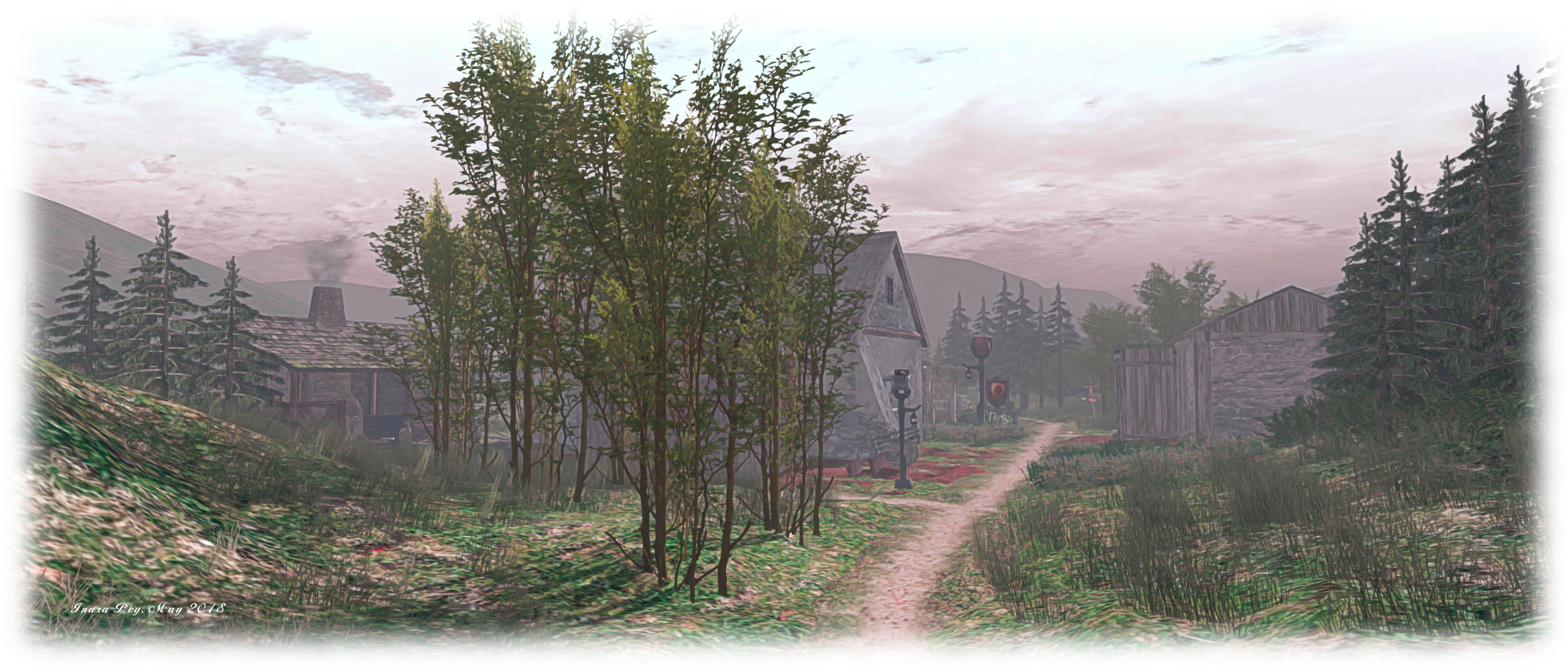
When first encountering its name, MindPillars, a Scottish Themed Sim would appear to give itself away from this title: a region with a Scottish lean in its design. However, this still leaves a number of questions open – where in Scotland? Highlands? Lowlands? islands? When in Scotland? Modern times? Times past? These, and questions like them, demand people pay the region a visit to find out; and the truth is MindPillars has touch of Brigadoon about it, as well as a twist of Scottish legend and myth.
The landing point, while set, is not enforced. However after Caitlyn and I spent an hour exploring, I do recommend you use it, as per the SLurl above, as it will deliver you to Geata Fhoingail (Fingal’s Gate) towards the western side of the region. An arch cut through living rock, the landing point features a map of the region ( and sharing the same west-east orientation), highlighting the 30 points of interest located across the region. In this, Fingal’s Gate is appropriately named: geata fhoingail might also be translated as “foyer gate”.
It worth noting that the 30 points of interest draw on a broad range of locations from physical world, myth, history and legend – and not all of them are necessarily Scottish in nature. Penn an Wlas, for example, translates as “Land’s End” – a location in England’s Cornwall. Touching the map will present you with a series of options, including a note card, Storyteller’s HUD, and a copy of the map of the region. Available in English and German, the HUD will attach to the top left of your screen, where it will initially remain passive.
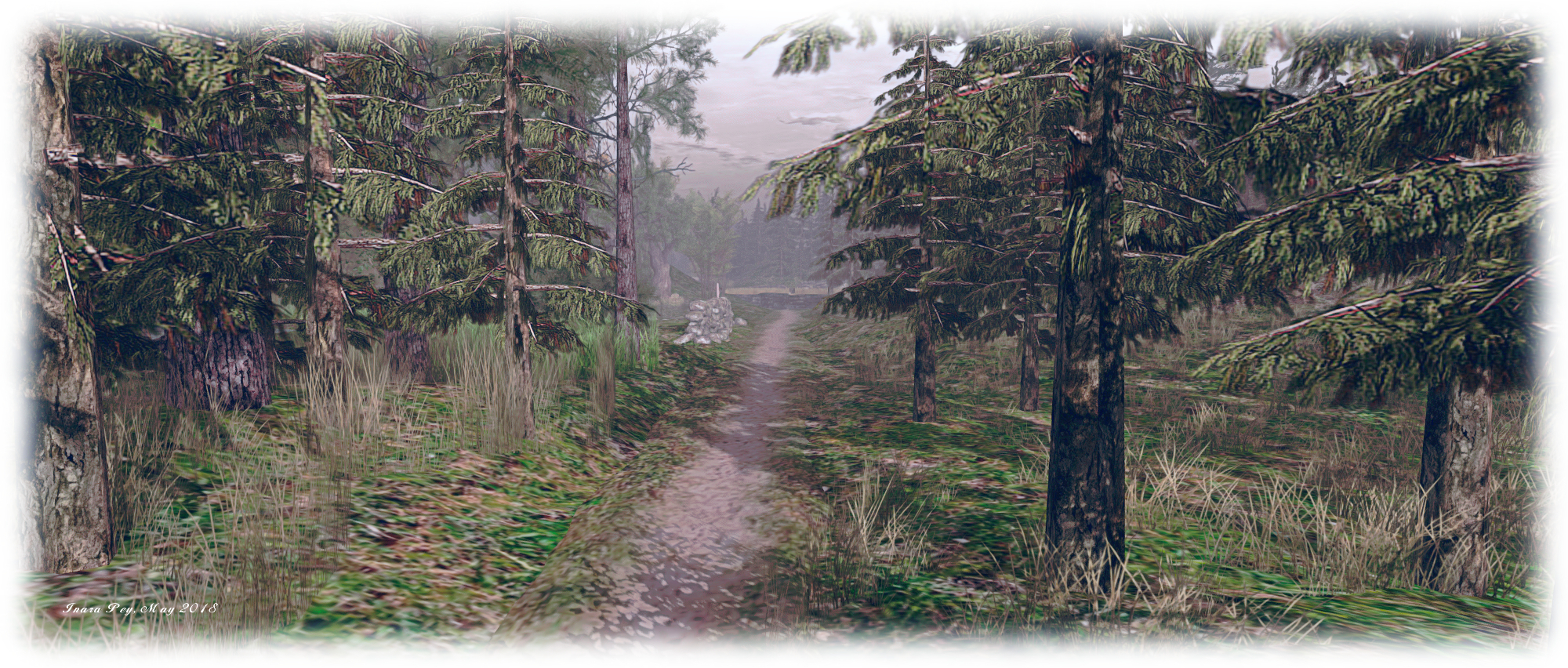
Where you go from here is up to you – there are trails and paths winding throughout the region – although you might want to keep an eye on your location via the region co-ordinates displayed at the top of the viewer: the region joins “seamlessly” with the outlying surround – complete with paths appearing to wind off into the distance – so you can end up walking into a region boundary if you’re not careful! The effect, however, is to make the region look and feel a lot bigger – as well as give it a feeling of being in the middle of Scotland.
As you explore, you’ll come across signs (and sometimes rocks) highlighting each of the 30 points of interest around the region. If you’re wearing the HUD, proximity to these signs will trigger a text chat invitation to tell you a story about the location. However, with or without the HUD, you can touch them to display a menu offering you the map, the HUD and a note card with the location’s story. Some of the signs also include a lamp labelled Public Transport Available. Touching these will either rez a donkey and cart you can ride in, or offer a choice of routes before rezzing the transport.
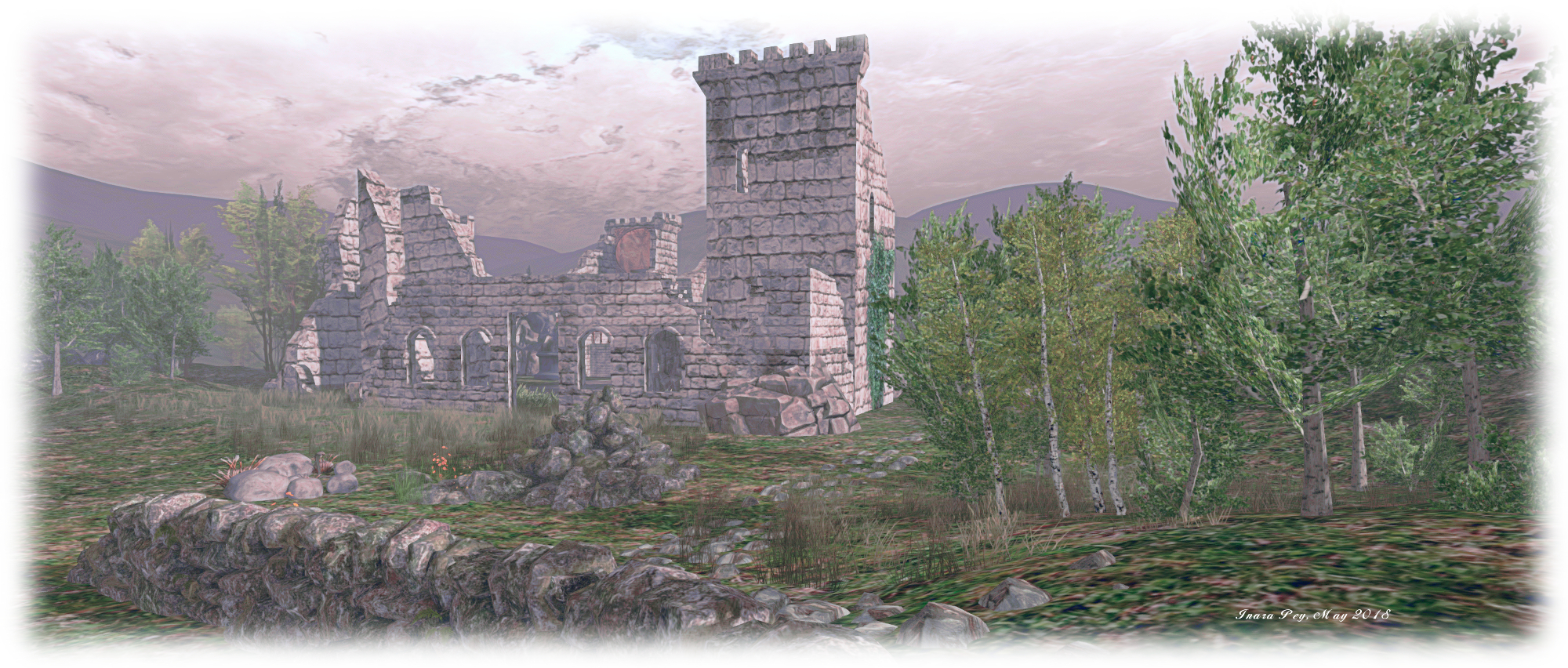
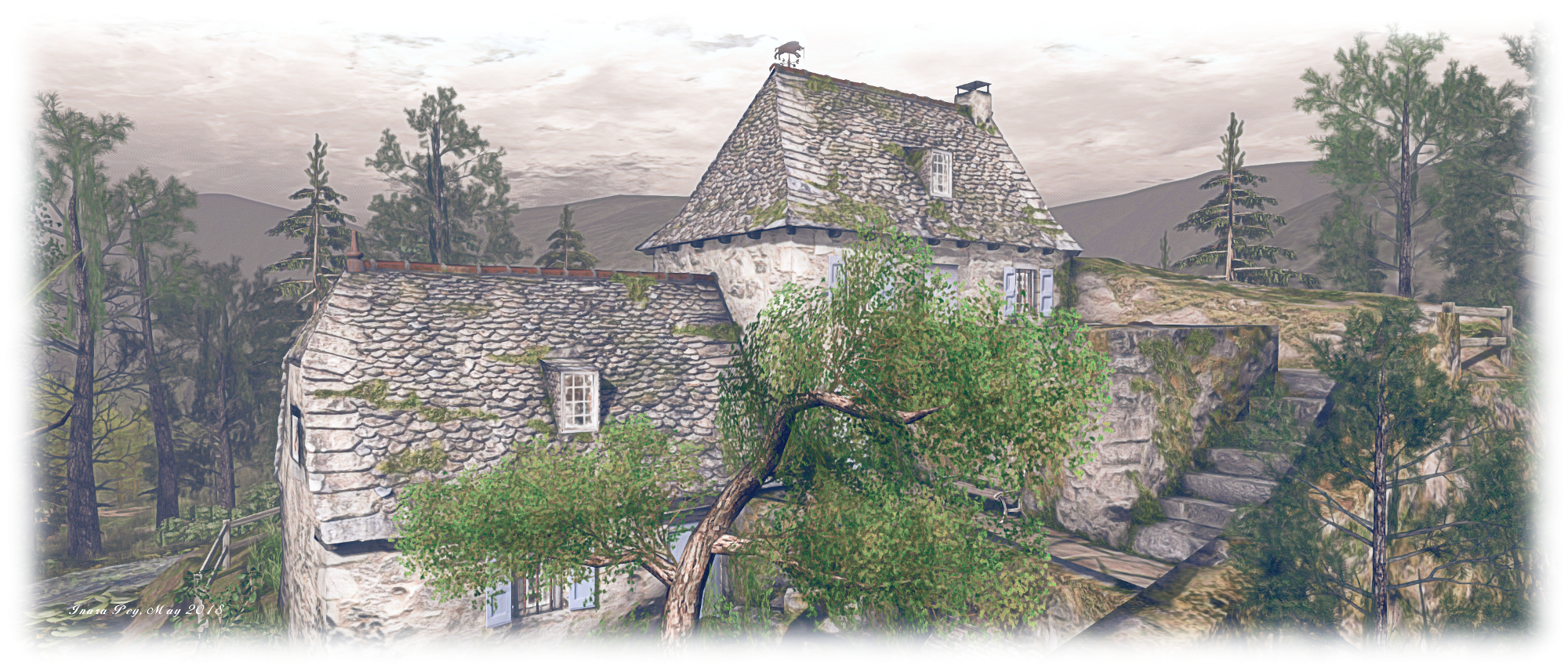
Setting out along the paths will reveal the setting is broadly medieval in tone – as seen in the clothing of the “locals”. As well as the village, there are a number of other buildings to explore, such as Gorm Coinneach Maineir to the south-east, or Crow’s Court in the mist, or the ruins of a castle. There are also hidden places to be found – such as in the graveyard – for those willing to follow the suggestion given in About Land to click on things. I’m just not sure that accepting a tankard of whiskey is a good idea; not if you’re planning to keep walking or want to avoid the charge of being drunk in charge of a donkey cart … or flying dragon… 🙂 .
Designed by Gaelle Ravenheart (Gaelle Joubert) and Carsten Ravenheart, MindPillars is ideal for those seeking something a little different by way of region design, and a hat tip to Shakespeare for dropping me a landmark.
 Update, June 6th: for those 32-bit Windows users still experiencing problems with this issue, the Lab has issued the Unloop RC viewer.