SL project update week 38 (2): server, viewer and other bits

Server Deployments – Week 38

As always, please refer to the week’s forum deployment thread for the latest news and updates.

  • On Tuesday September 17th, The Main channel received the HTTP updates  previously deployed to Magnum in weeks 36 and 37. See here and here for details. These changes are pending  a viewer-side update in order to be effective.
  • One Wednesday September 18th, the RC channels were updated as follows:
  • BlueSteel and LeTigre remained on the same maintenance package as week 37, but gained a fix for a crash mode and the server-side HTTP work
  • Magnum received the BlueSteel / LeTigre updates, a series of crash fixes and an update to parcel access priorities.

Some people have reported issues with sculpties only partially rendering following the deployments. This seems to be occurring when teleporting into a region, and has been noted with sculpted trees and foliage with a low LI. One suggested solution has been to raise the RenderMinimumLODTriangleCount debug from its default of 16 to 28 or 32.

BlueSteel / LeTigre Crash Mode Update

In part one of this week’s report, I mistakenly assigned the crash mode fix referred to as being something Andrew Linden had been working on. In fact, the crash mode was only created as a result of the week 37 deployment to these channels. Related to region crossings, it would only occur under very specific, non-exploitable conditions involving vehicle-riding avatars, and would result in the region just left crashing. This issue never got beyond the two RCs, and has now been confirmed as fixed.

Magnum Parcel Access Priorities Update

Speaking at the Server Beta meeting on Thursday September 19th, Maestro gave further information on this fix, “There was a longstanding bug where an avatar who was on the ‘Allowed Residents’ list of a parcel was still not able to enter the parcel, due to other access restrictions.” So if someone was on the access list, but had no payment information on file, and the parcel required it, they could still not enter the parcel. With this fix, Maestro explained, “If the parcel is set to ‘allow payment info on file always’, somebody on the ‘allowed residents’ list can always enter, regardless of their PIOF status.” The change does not alter anyone being on the banned list being unable to access a parcel,

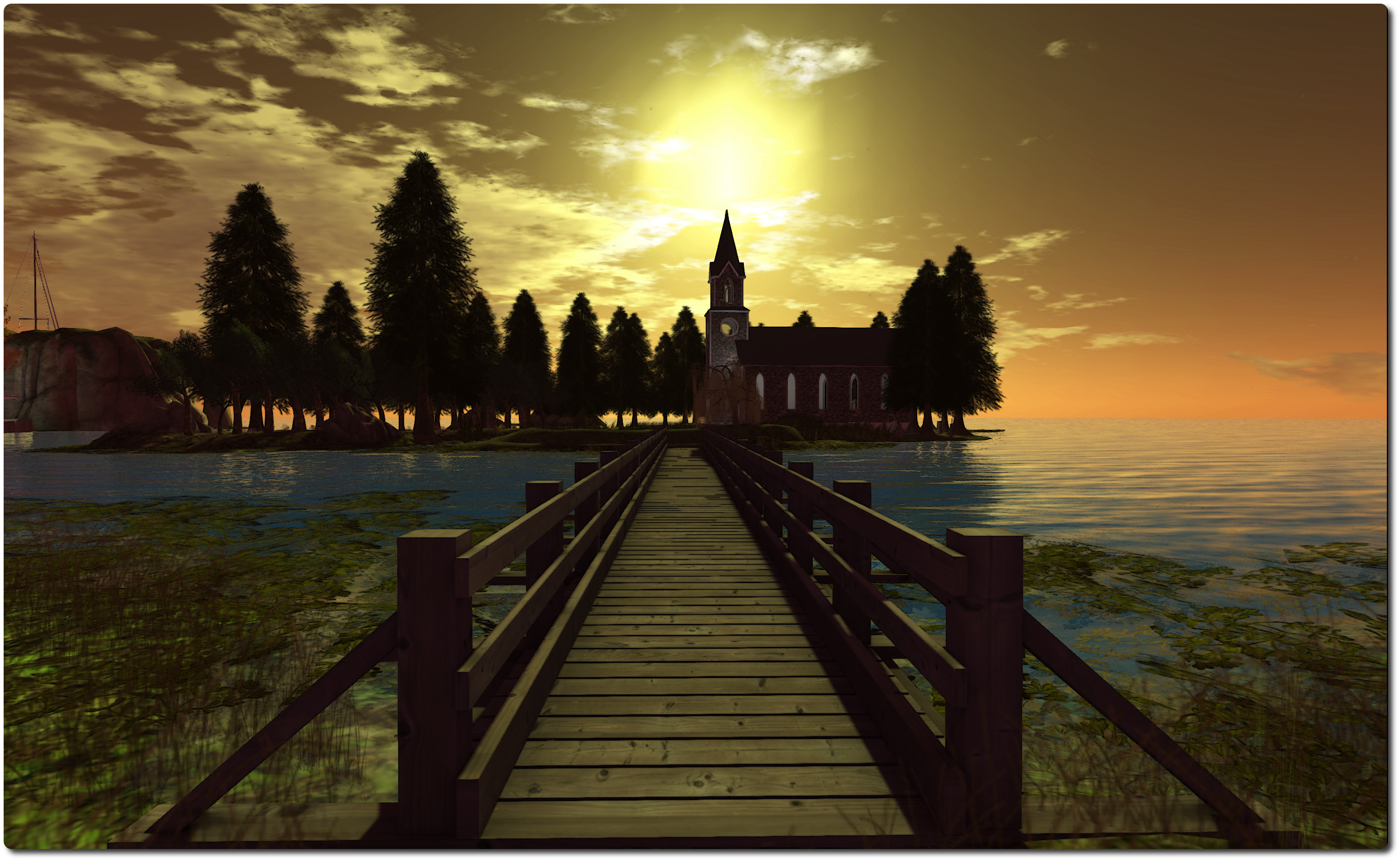
As the sun sets, the Server Beta attendees gather ...
As the sun sets, the Server Beta attendees gather …

Week 39 Deployments

While the final decisions on deployment packaged are not made until the start of the week in which they are due, Maestro reports the data on both the Magnum and the BlueSteel / LeTigre packages deployed this week are good. However, he suspects the Magnum package will most likely be promoted to the Main channel in week 39 (week commencing Monday September 23rd.

Viewer Updates

The release viewer was updated on Thursday  September 19th, when the Materials release candidate (release 3.6.6.280963) was prompted to the de facto release viewer (release notes & download). This currently leaves just two release candidates in the release channel at present:  the Snowstorm contributions RC, which includes the Request Teleport feature, and the maintenance update, which includes the viewer-side updates for the “new” particle capabilities.

Other Items

LSL Parcel Access Function

Jenna Felton raised a question at the Server Beta meeting on whether it would be possible to have a LSL function which could determine if a specified avatar can enter a specified location within a region, or is able to pass through every parcel on a given path through the region. She explained why such a function might be useful:

The reason is when you build a vehicle or a physically working teleporter, you face a problem: Although you can read the parcel flags and determine for example if a parcel uses ban list, but you can’t determine if any sat passenger is on the list or not. So you get false positives and refuse teleport even if the vehicle would cross the parcel. Now, even if you are ok with that, you have to perform a large number of such checks to be sure at no position of your path you are entering a parcel or cross an edge of a parcel using ban list.

So I’d like to know if such a function is reasonable, that takes two vectors and determines if the path connecting them is safe for objects with seated avatars to move along. A reasonable range of systems would benefit from it.

This prompted some discussion of the idea, apparently continuing a discussion Maestro and Simon Linden had prior to the meeting. This took-in a number of ways in which such a check might be achieved, including a look-up based on agent_id and parcel_id, through to using the location-to-parcel ID lookup or extending llCastRay to have parcel detection.  Simon Linden also pointed out it would be possible to do something similar now, saying: “It’s not too hard to create a function in LSL to do that, Jenna … you’d just move along your path 4m in X or Y at a time, use llGetParcelDetails() and if the ID changes, then check if you can enter”, although as Jenna pointed out, this would require around 64 calls during a region crossing.

There may be further discussion on this idea in the future, with Maestro suggesting Andrew Linden be given a poke on the matter, as a result of his recent work on parcel encroachment.

Meeting Venue Update

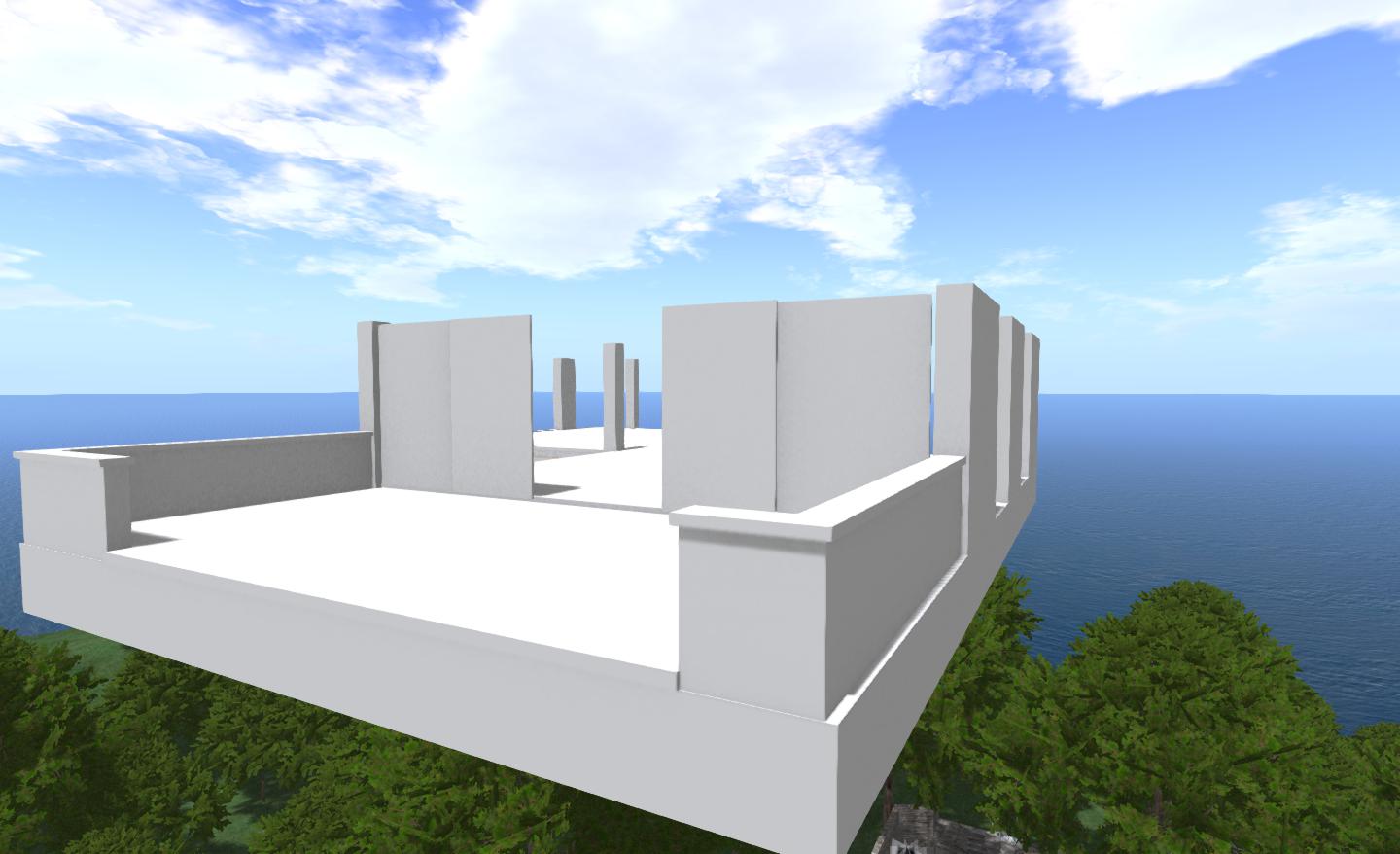
Maestro revealed he’s going to be revamping the Server Beta meeting area on Aditi soon. The gym will be going to be replaced with … well … here’s the preview!

Apparently,  attendees will be invited to bring their own chairs / dance poseballs!

The Drax Files 11: the power of creativity

There are always challenges and there are shortcomings. Sometimes you just want to bang your head against the wall. But then you realise it’s really a world without limitations, and puts no restrictions on your imagination … Before Second Life, how could you have done what you can do now?

These words, spoken by Dante Spectre in episode 11 of The Drax Files sum-up the technical dichotomy that is Second Life. On the one hand, it is a platform that offers people the freedom to create anything they want, participate in almost any activity be it social, educational, creative, game-oriented, health-related, research-focused and so on; and to be almost anyone or anything, enjoying a freedom of expression which may not so easily be found in real life. Then on the other, it can be a real PITA when things go wrong or new capabilities hiccup as they are introduced, and so on.

Very often, for those of us involved in SL, it’s all too easy to focus on the latter, the challenges and shortcomings, than it is to remain focused on the former. Which is why this episode of The Drax Files serves as a useful reminder that – as Dante says, if not for SL, how could we do what we do in-world?

Dwarfins!
Dwarfins!

In exploring the world of Dwarfins, created by Dante and his wife (and project manager!) Judy Chestnut, together with their “adopted daughter”, Jaimy Hancroft, this episode reminds us of the incredible power Second Life puts at our fingertips, whether in the ability to create something as technically advanced as the Dwarfins themselves, or to create fantasy environments we can enjoy with friends and others, which can be populated by NPCs like the Dwarfins.

This is also a piece that reaches out to those beyond the walls of the Second Life garden and really tries to frame the reasons why many of us involved in SL are so involved. Where other segments have been framed more around the human aspects of people’s lives and their time with SL, this show unashamedly dives into more of the inner workings of the platform, more directly picking-up the threads laid in earlier shows and weaving them together to create a picture of how Second Life is a user-created world and how it allows people to be creative and, if they so wish, enjoy something of a financial return on their work.

Dwarfin-3_001In many ways the Dwarfins team are an ideal showcase for this; as they demonstrate the fact that virtual environments allow people to develop a shared interest which helps to creatively enrich their real lives, and which forms bounds of friendship, family and even entrepreneurial endeavour around the globe.

“In real life I would never have met Jaimy, or anyone like Jaimy,” Judy tells us. “First of all she’s in Belgium; she’s about twenty years younger than me, almost. I very much feel a mother / daughter relationship with her … except she doesn’t really listen to me, either. So it really is a mother / daughter relationship!”

In expressing this, Judy opens the door on the ability of virtual worlds to provide whole avenues of very human interaction between people, regardless of age, background, geographical location and to develop genuine friendships and relationships with one others which simply would not otherwise happen. This is again something so often missed by those outside of Second Life; indeed it’s fair to see it’s an element of the platform almost completely overlooked when promoting Second Life – not that it is particularly easy to portray.

Judt and Dante
Judt and Dante (and Drax!)

Similarly, Judy and Dante have enriched their own relationship through this joint endeavour of creativity and invention, just as another couple may well share and enjoy an evening of putting up photos on Facebook or whatever.

In episode 11, Drax once again provides a fascinating insight into how people relate to Second Life and what it is such a captivating and immersive world. More than this, however, is that he also shines more of a light on why people become involved in SL and how it can present opportunities and freedoms unmatched by other digital mediums. And he does so in a way that encourages a greater curiosity about the platform which might just lead some to take another look.

Continue reading “The Drax Files 11: the power of creativity”

Lette Ponnier: “The three hours that can change your SL”

Letter Ponnier, one of the core support staff on the Firestorm viewer, runs her own blog, which often focuses on Second Life, the user’s experience and more. Obviously, as a member of the Firestorm team, many of her posts are Firestorm-centric – but this doesn’t make them any less a worthwhile read. When it comes to understanding SL and the viewer in general, Letter has much to say that is very much worth taking the time to read.

In a recent post, she covered The Three Hours That Can Change Your Second Life. As many know, the Firestorm team run regular classes throughout the week focusing on many aspects of Firestorm and getting to grips with it. In her blog post, Lette points to four lessons the team run, three of which could lead to anyone, regardless of their viewer preference, to enjoy their SL experience a lot more and gain a deeper understanding of the intricacies of the viewer and Second Life.

These classes are:

  • Preferences 2 – covering the Graphics and Network & cache tabs – which is definitely of use to anyone using SL, regardless of viewer
  • Lag – a mini-class which explains the major types of lag and dispels many of the myths surrounding lag – once again useful for anyone who has ever felt their SL is suffering as a result of “lag”
  • Basic Troubleshooting – which may be useful to anyone who experiences issues and problem, again regardless of their viewer
  • Reporting Bugs, Requesting Features – which is more Firestorm-centric, but can still be useful for those using any viewer which has a JIRA-based bug reporting system.

Details on when these lessons are held can be found on the Firestorm wiki.

As well as the blog post, which provides an overview of each of the classes, Lette has provided an audio recording for those who can multi-task and wish to listen while doing over things. You can find the recording at Vocaroo.

If you are at all interested in making your SL experience more enjoyable and / or in getting to grips with your viewer, I recommend three things – take a read of Lette’s post or listen to the audio, read Lette’s blog (you’ll also find a link in my blogroll, right), and try popping along to the Firestorm lessons.

Related Links

With thanks to Lette Ponnier.

Singularity 1:8:3: Export textures with your Collada files

singularitySingularity 1.8.3 has been released and as promised by Latif, it sees the recently added export capability updated.

With the new version, the Collada .DAE export option can now also include textures, rather than just exporting the bare prims. Additionally, it has the ability to apply texture parameters such as repeats, offset and others to the exported UV map, combine prim faces with the same texture and colour into one submesh and optionally skip transparent faces.

This makes the export tool even more powerful for those wishing to save their own in-world creations locally. Again, it’s important to remember that the export capabilities will only work if you are the creator of all elements of the item you are attempting to export – including the textures.

To export an item, including textures using the Collada DAE format:

  • Make sure you are the creator of all parts of the item (and any textures used with it that you wish to export)
  • Right click on the object and select More > More > Tools > Save DAE (if you cannot export the item, this option will be unavailable)
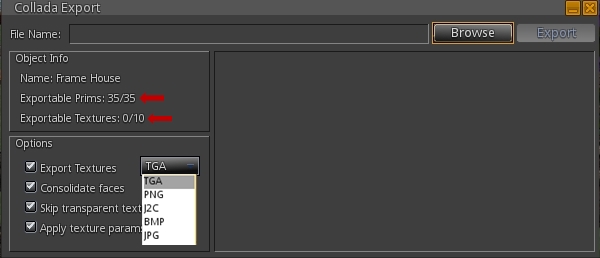
  • A floater will open displaying information on the item, including the prims and textures you can export
  • Use the Options section to define whether or not you wish to export the textures, the format in which you want them exported (.TGA being the default), and whether you wish to export the texture parameters (repeats, rotation, offsets, etc), and / or wish to skip transparent textures / consolidate faces
  • Select a save location for the object and save it.
The Collada export option now has its own floater, which will indicate the prims / textures in an object you can export (arrowed) & which allows you to set additional options for the export, including the preferred format for textures

The item will be exported and saved, and can be uploaded as a mesh .DAE object into any grid supporting mesh / mesh uploads. Note that if you don’t have the right to export any of the textures in the object, they will be stripped from the copy of the object on export.

If you export an item you created but which includes textures to which you don't have the right to export, they will not be saved with the object
If you export an item you created but which includes textures to which you don’t have the right to export, they will not be saved with the object

4096 Bug Fix

This version of Singularity also offers a fix for the “4096 bug” in OpenSim, wherein teleporting more than 4096 regions can lead to problems / failure. See also SVC-2941 and FIRE-11593.

Other Updates

In addition, version 1.8.3 includes the following updates Please refer to the release notes for the correct attributions):

  • Restored Teleport, Pay, and Log buttons in the IM window
  • Spanish translation update
  • Audio code crash fix
  • Fix for crash when RLV is enabled and viewing inventory forbidden
  • Made  the map dot color for everyone else customizable
  • New debug settings
    • ResetViewTurnsAvatar allows preventing avatar turning when camera position is reset after zooming (addresses VWR-27956)
    • LiruNewMessageSound allows users to mark a specific chat session important, so “ding” sound is played for every message, not just when the conversation first starts
    • NewIMsPerConversation when set will count number of new IM conversations, not just total number of new IM messages when the communicate window is closed
    • NewIMsPerConversationReset allows new IMs button’s visibility to be reset when the communicate window has been opened and closed
    • LogShowHistoryLines allows setting the number of lines displayed in a new IM window from the previous conversation.

Related Links

Return to Collins Land

Collins Land
Collins Land

In August, I paid a visit to Collins Land, Cerys Collins’ homestead region at Aqua Shores. My time was a little pressed when I dropped-in, so I didn’t get to stay as long as I wanted back then. Even so, I found the region beautifully put together and striking in its contrasts.

Now I’ve had the opportunity to make up for my lack of time during that first visit, as Cerys has been busy re-working the region, and she extended a warm invitation to me to take a look at it ahead of it being opened to the public once more. And I have to say, she has again done a wonderful job.

Collins Land
Collins Land

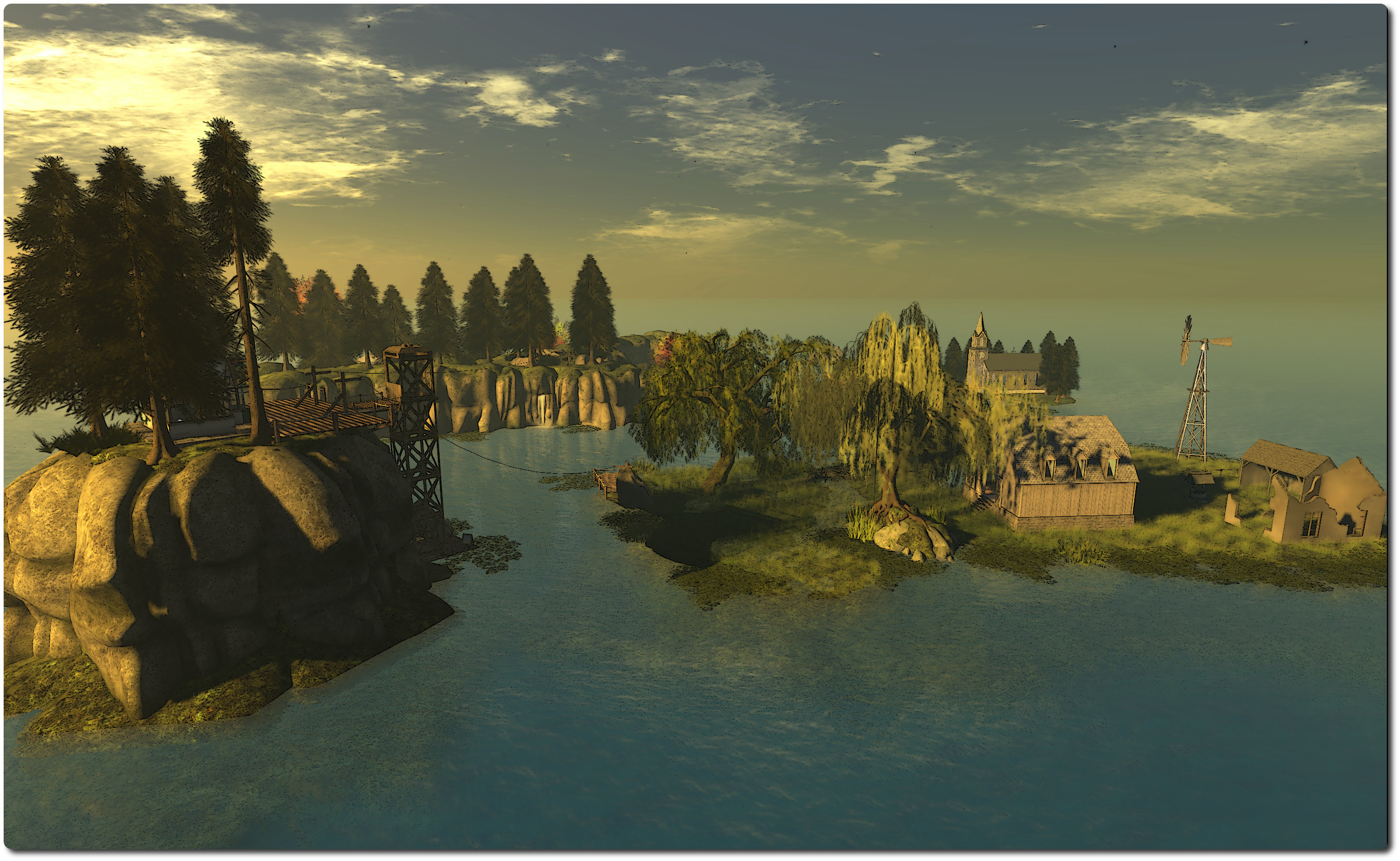
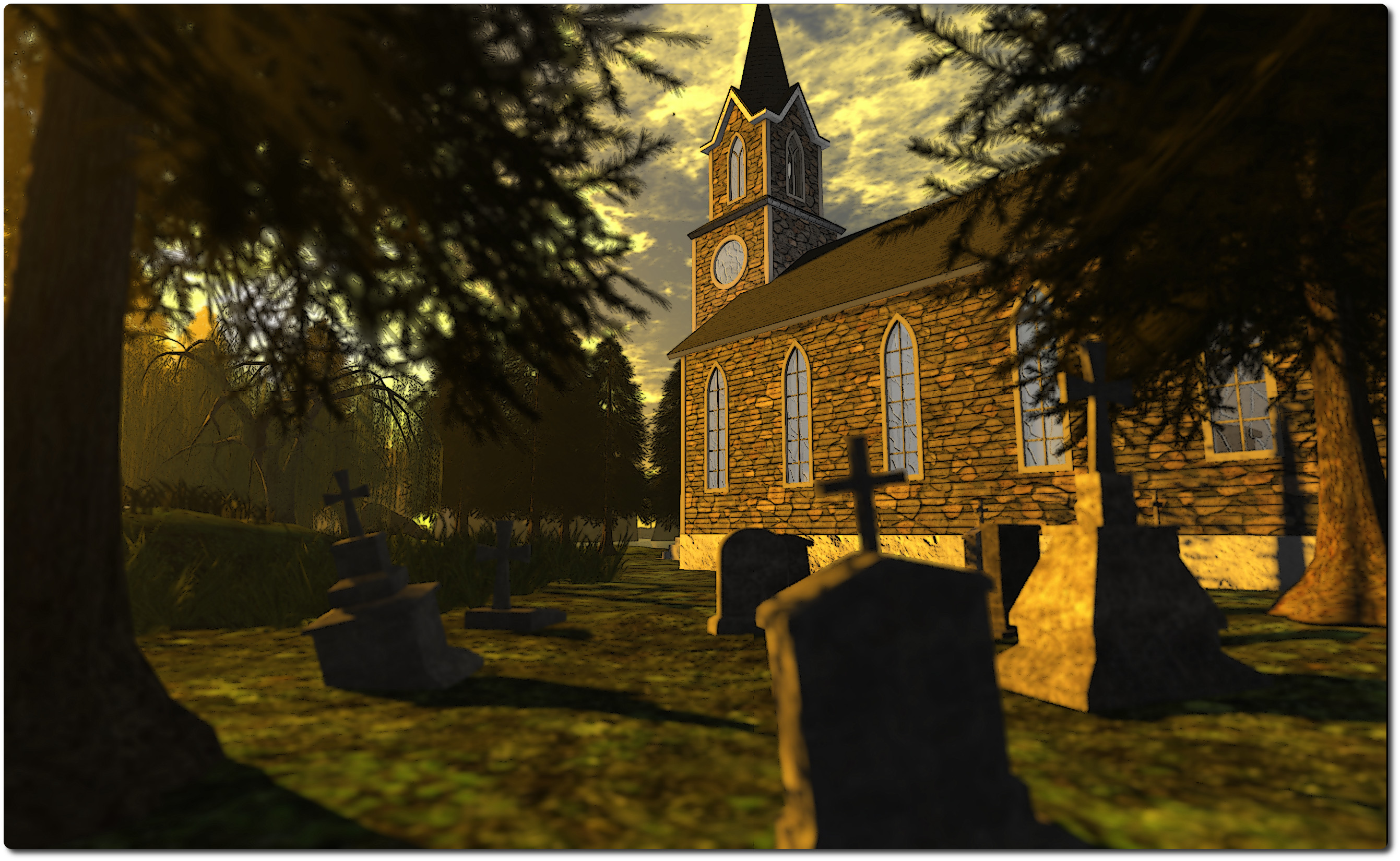
The new design sees the region take on more of a low-level coastal feel – although there is still a rugged backbone of plateau-topped cliffs snaking through part of the region, splitting one of the islands in two. There are three main islands all told now, two of them low-level and grass-covered, one devoted to the outbuildings of a small farm, the other home to a tall stone-built church, a slender wooden bridge sitting atop the water connecting them. The third – with the hills running through it, is the largest in the group.

I say “main islands” as there is a forth, although column of rock might be a better description for it. This rises from the sea on the north-east side of the region, and atop it sits the arrival point, which will be instantly familiar to anyone who visited Collins Land in its last incarnation.

Collins Land
Collins Land

From here you can look out over the region and get a first glimpse of the changes which have been wrought. To get to the other islands, you have a choice of two rope slides (recommended!) or using the wooden elevator, which will take you down to water level, where you can hop into a rowing boat and paddle your way around the place – which is actually a nice way of seeing everything, and you can also pick-up a boat from the wooden pier on the main island.

Collins Land is still very much a place of contrasts. For the most part, it is very rural in feel; grasslands, trees, a farm and country church, the plateau atop the cliffs a wooded park.. However, the main island also offers a slightly more urban feel to it – there is a paved road and sidewalks, street lights, a post box, bus stop and stone-built house with free-standing garage. There’s a children’s playground here as well, as a quayside pushing out to sea.  The road itself winds through a short tunnel under the park-topped hills, to the wooden pier where people can either sit and relax or take a boat out onto the waters.

Collins Land
Collins Land

Cerys’ attention to detail is again everywhere; I particularly like the little vignette which appears to suggest a slight altercation between a UPS delivery man and a dog as to whether or not three parcels should be delivered to the front door of the main island’s house …

I understand from Cerys that Collins Land will re-open to the public in October. Until then, access is by invitation only, but once the region does re-open to all, I really do recommend you pay a visit. You won’t be disappointed.

Related Links

The unique world of Pangloss

Everyone has a unique and unknown world churning underneath.  The ability to set yourself apart lies in whether or not you’re willing to pull up the roots of who you are, and then plant yourself on the surface for all to see.

So speaks Bowie Zeplin, creator of the marvellous Pangloss; and she has certainly revealed something of a world of her own, offering it to all in Second Life to see.

Pangloss
Pangloss

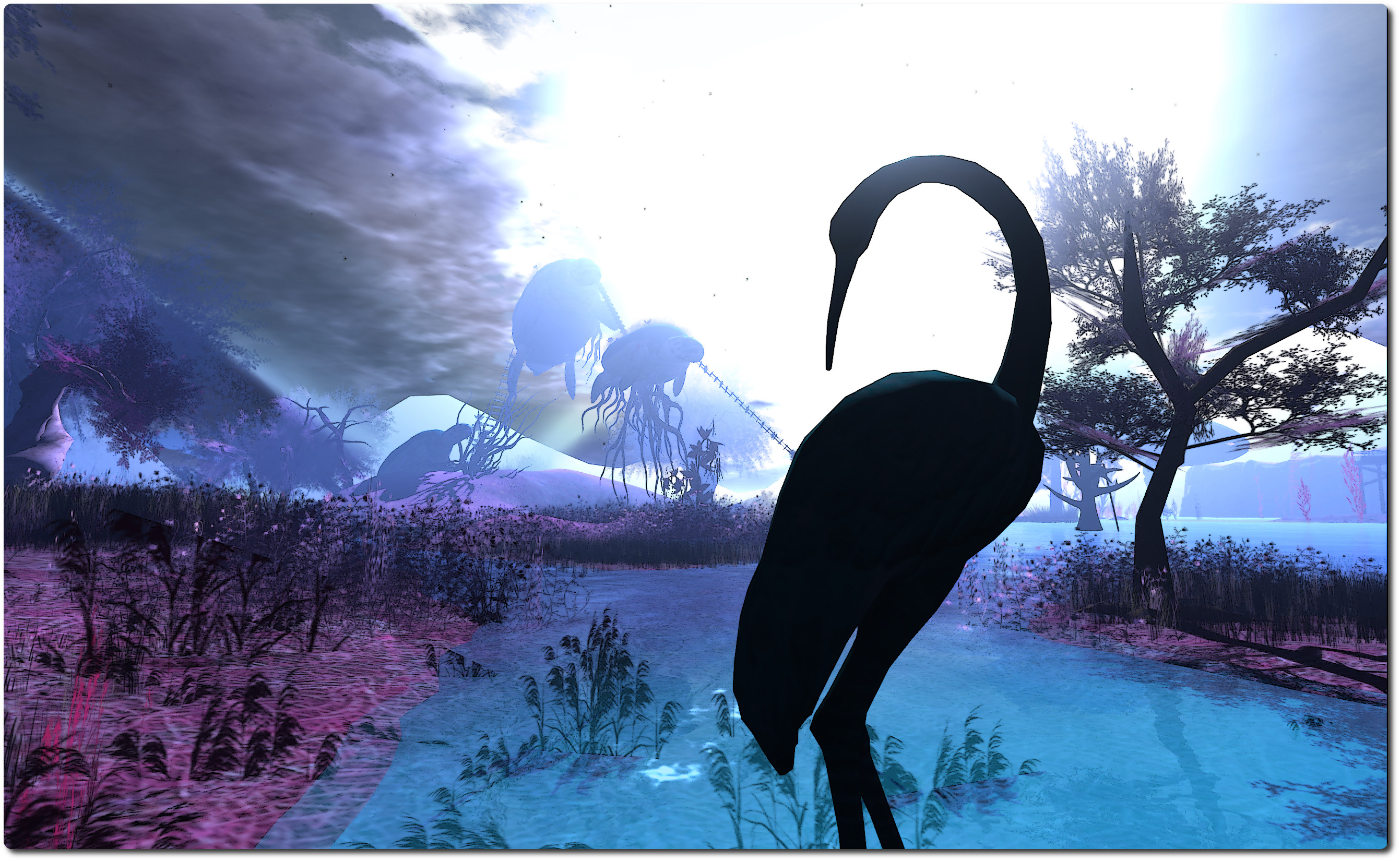
I came across Pangloss after bumping into the Caminante de Suenos (“Dreamwalker” or “Walker Dreams”) blog, which features it in a photo spread. And it is fair to say that something which features flying turtles does tend to be an attention-grabber.

A Homestead region, and still under construction at the time of writing, Pangloss is wonderfully surreal in look and feel, featuring items from some of SL’s most popular creators. It also places the visitor in a bit of a conundrum: are you actually on land, or are you walking through some fantastical undersea world? Are you in a fabulous sculpture, or touching on elements of dream, fairy tale and fiction?

Pangloss
Pangloss

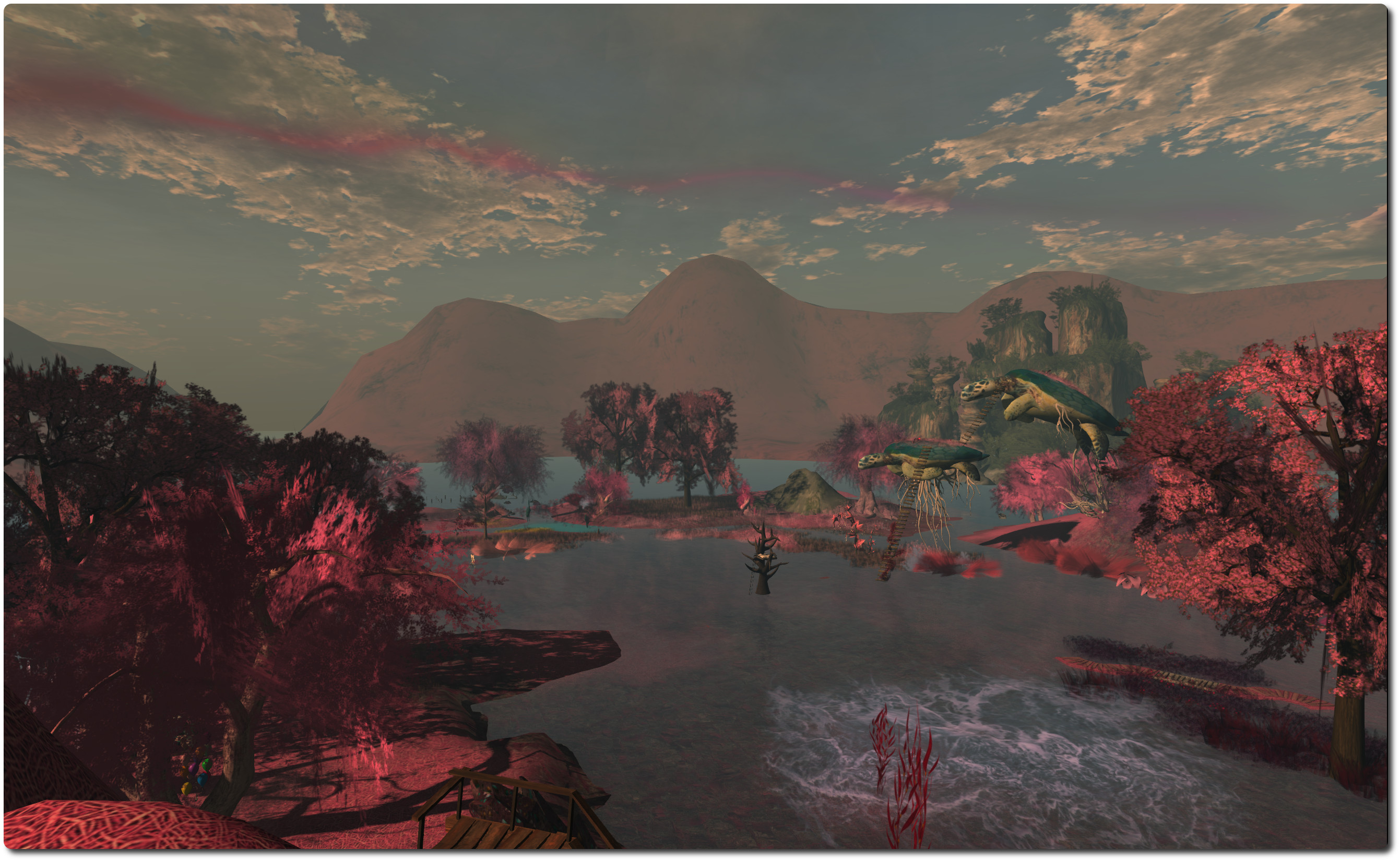
The trees and flowing water, the surrounding hills, the wooden pier and rowing boat: all seem natural enough and speak of being out in the open somewhere. But then there are the turtles, two of them airborne, a third seemingly preparing to launch itself away from the ground. Are they really flying? Or are they swimming through a mystical sea? And what about the humpback whale, hovering over the north side of the region, fluke rising and falling, as if powering it through invisible water?

You decide.

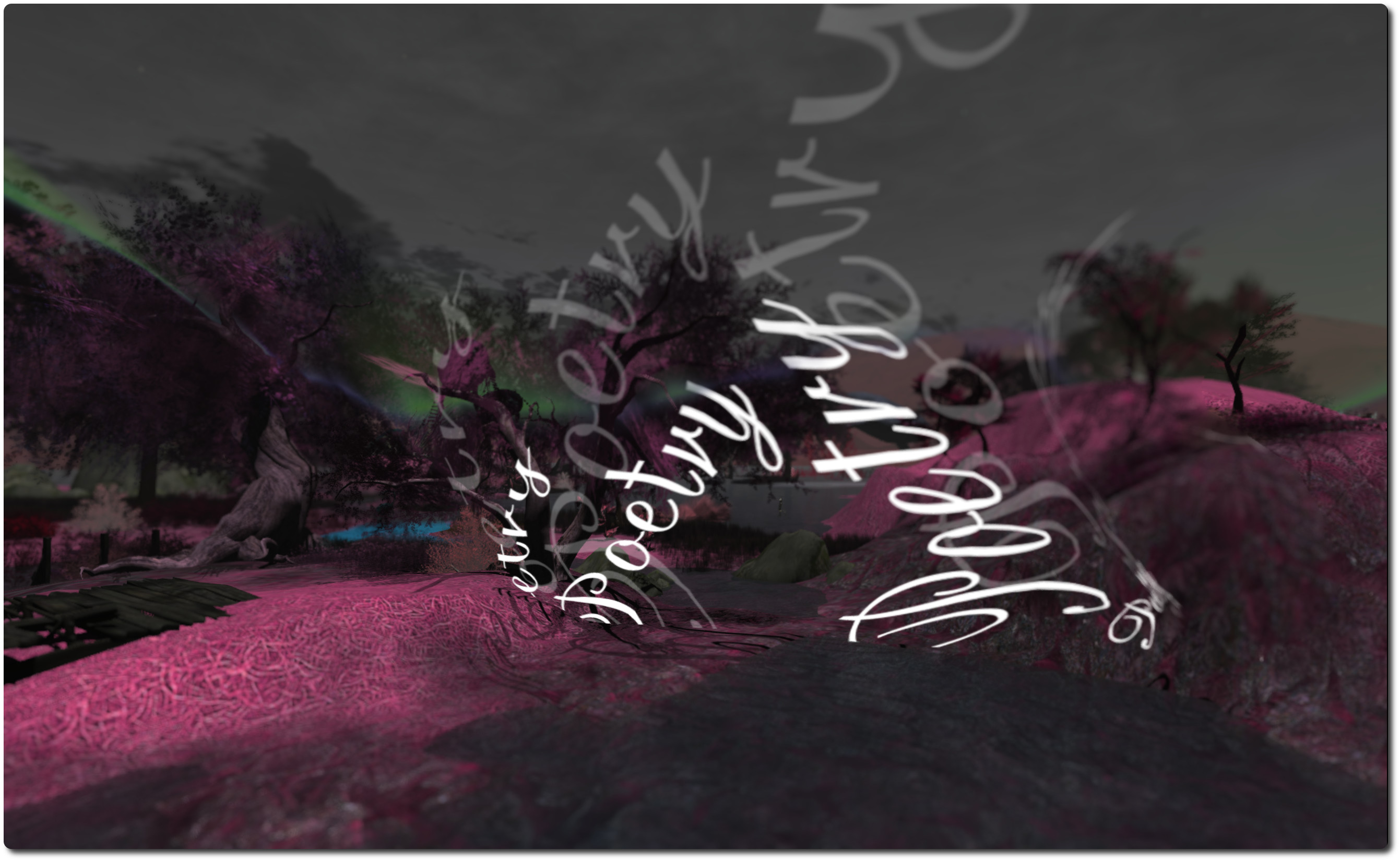
There’s a certain poetry here in the juxtaposition of images  – one of which literally is poetry. It’s as if the gates of Bowie’s subconscious have been set wide, and images of dreams and echoes of thought and memory allowed to tumble out to be given form. Even the colours here are quite unlike any natural landscape or setting, adding to the surreal feel.

The subconscious is a huge storehouse of information and memories; little wonder, then, that along with the huge set-pieces like the turtles (which you can climb up to and wander their backs) are smaller tableaux suggestive of childhood memories and tales once told or read. Here, for example, a tall wolf strides purposefully upright, hooded cloak about his shoulders, followed at a distance by a young girl dressed in red, the hood of her own shawl raised against the wind. Over there is a table set for a tea party, complete with an odd assortment of chairs and stools – including one atop a pile of books, suggesting a rather small guest is expected. A dormouse, perhaps…?

Pangloss
Pangloss

And if this is the opening of the subconscious, then just like we can sometimes find uncomfortable thoughts and images welling up from beneath in our own minds, so too is Pangloss edged with a little darkness, such as the huge hands, clutching at the side of a hill but soon to vanish, leaving deep furrows in the land over which they passed, suggesting a desperate attempt to gain any kind of purchase in order to stop the inevitable slide into whatever lies beneath the calm-looking water.

That this is a place where dreams and the subconscious are set free might best be indicated by the tree-top bed lying towards the centre of the region, surrounded by the imagery and vignettes.

Everywhere you look there are images and scenes, most of which offer more than one possible interpretation – just like our dreams offer themselves to more than one possible meaning. Take a look at the alien in its little spaceship; it’s at once cute and fun-looking and also darkly disturbing as one takes-in the defenceless cow rising towards the ship in a green beam of light. Just what has the creature in mind for its helpless captive?

Pangloss
Pangloss

This rich collage of images, ideas, thoughts and symbolism make Pangloss a rich and varied feast for the eyes and the mind. It’s wonderfully immersive and captivating. And while I frequently say this about the places I visit, it is a SL photographer’s heaven, offering so much for those who want to capture the unusual and / or love to play with windlight and camera settings.

The default windlight for the region appears to be based on Will Weaver’s Phototools – Quidditch Light, and it works. However, given the very nature of the place, it cries out to you to play and fiddle with settings. I actually ended up rotating through a fair number of different options, twiddling with the sun, glow, clouds, haze and taking multiple snaps from the same angle, etc. But because I really couldn’t get away from the feeling of being both underwater in some mysterious realm, or perhaps exploring another world entirely, I gravitated towards Bryn Oh’s BLUniverse, which for me just seemed to fit the region and its vignettes.

Pangloss
Pangloss

Highly recommended. Just be sure to take your imagination with you – it’ll enjoy the experience as much as you.

Related Links