Bringing back the “Felix” in me

In discussing premium membership recently, I commented on the fact that a lot has changed for me within SL, particularly in the last year. That got me thinking about the things I used to enjoy during my early years, and which I’ve not actually taken time out to experience for a year or more. As a result of this, and my recent times spent flipping around in Steve “Cubey” Caver’s most amazing Stingray (which I’m finding to be almost as much fun as my beloved Neuspa!), I delved into my inventory and pulled out something which had not see the light of day in, well, probably a couple of years.

My skydiving kit.

Back in 2007/2008, I loved to spend time skydiving. I was a member of a couple of in-world clubs and routine jumped either from a launch system or out of an aeroplane for formation jumps. When I had a decent spread of land (i.e. a region), I installed a jump system for myself and friends to share (THAT is still sitting in inventory as well!) but as time passed, things changed. One of the clubs folded, friends lost interest, and eventually I stopped going.

Look, no hands!

There are many places in SL where skydiving is possible, and most give away free basic parachutes. I have a TerraSport III Pro, together with altimeter and stunt kit, which allows me a little extra fun on the way down. Most skydiving centres include a target area, so if you’re competitive, trying to get closest to the bullseye can become engrossing.
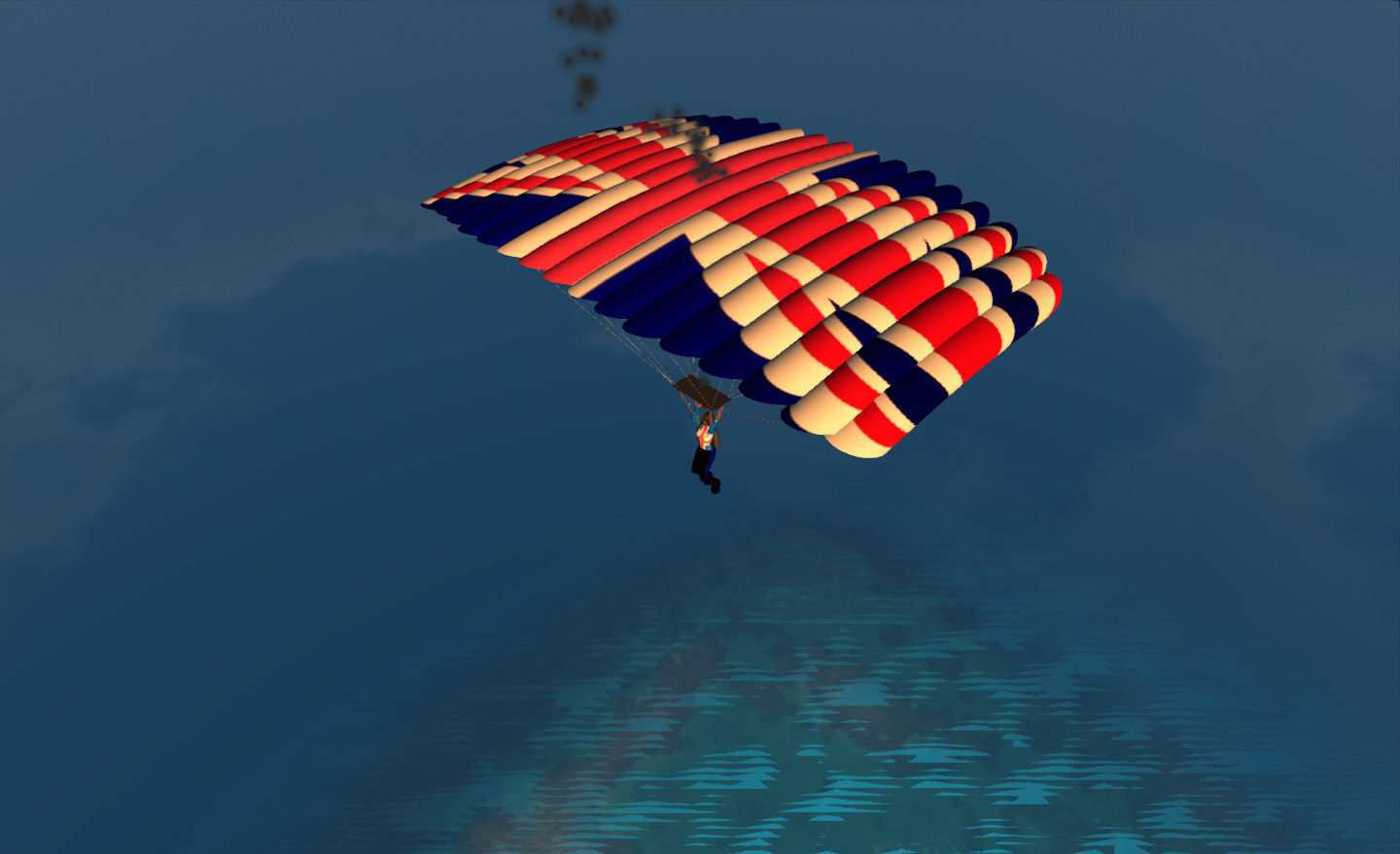
Chute open.Who Sez only Bond can have the Union Flag on his canopy?

Landing requires some skill; there is not only the wind to contend with, but you also need to be able to mark your time and flair decently. This not only slowly your final few metres of decent, allowing you a gently landing on both feet, it can also (when used strategically), be used to drop you precisely in on target.

Given I hadn’t been jumping in a good while, I was uncertain as to whether I could recall everything. in the end on my first jump, using the Jump / landing zone at Mills, proved better than I’d anticipated. After a 4,000 metre launch aboard the skydive lift, I was away and after a single forward roll, into free fall. Admittedly, I didn’t try any real stunts on my first time back in the harness, but I was pleased with the result on landing…

Grabbed from chat, following my first jump of 2012, and the first in (I think) a good couple of years)

After this, I did settle back and have some fun…
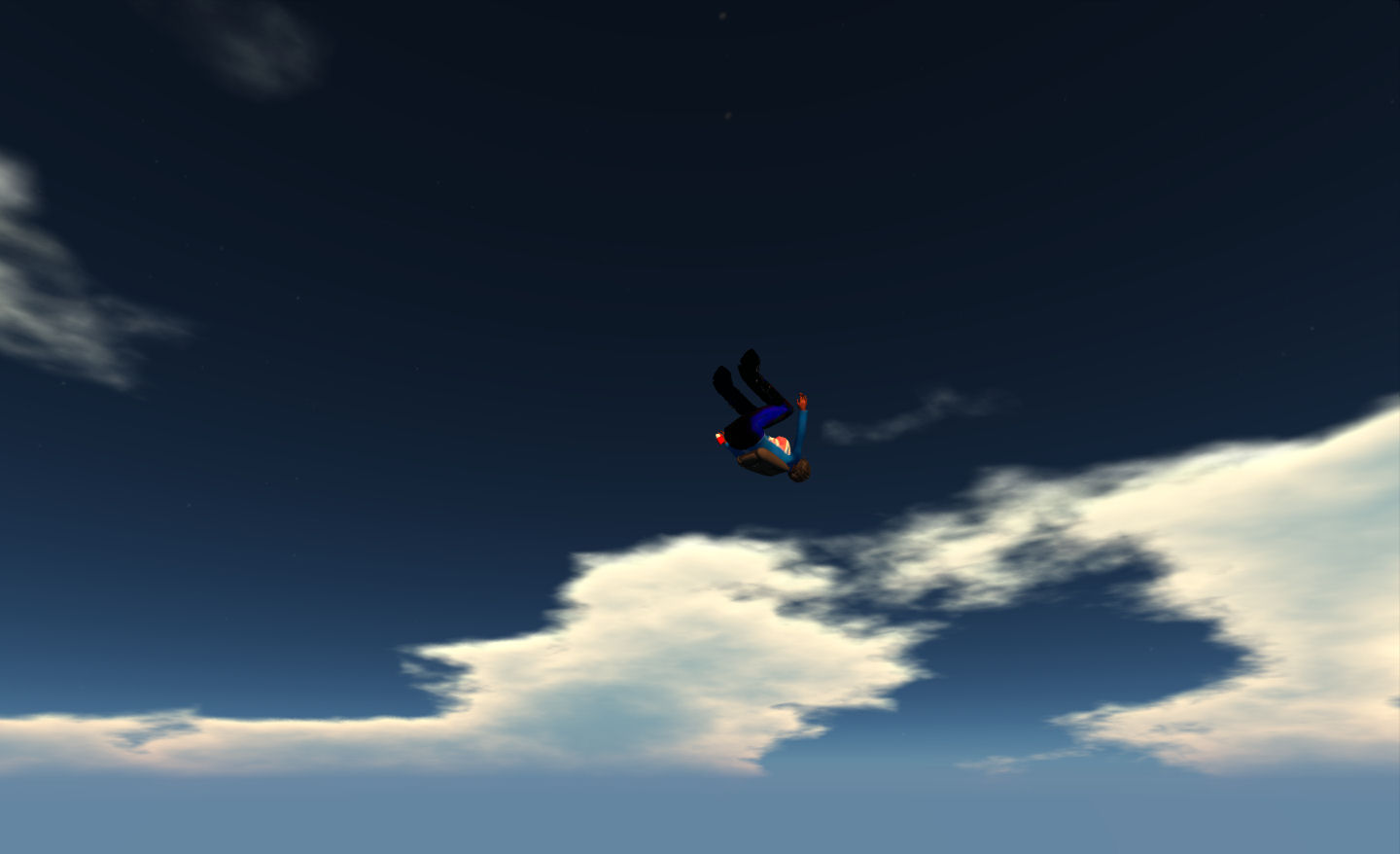
A midair back somersault 🙂

I also took time out when jumping to acquaint myself with the TerraSport SkySurf board, which offer the chance to “surf” around the sky and have additional fun (particularly when jumping from altitude – although it can leave you searching for the landing zone if you stray too far – and beware of region boundaries if jumping on a private island sim with no neighbours!
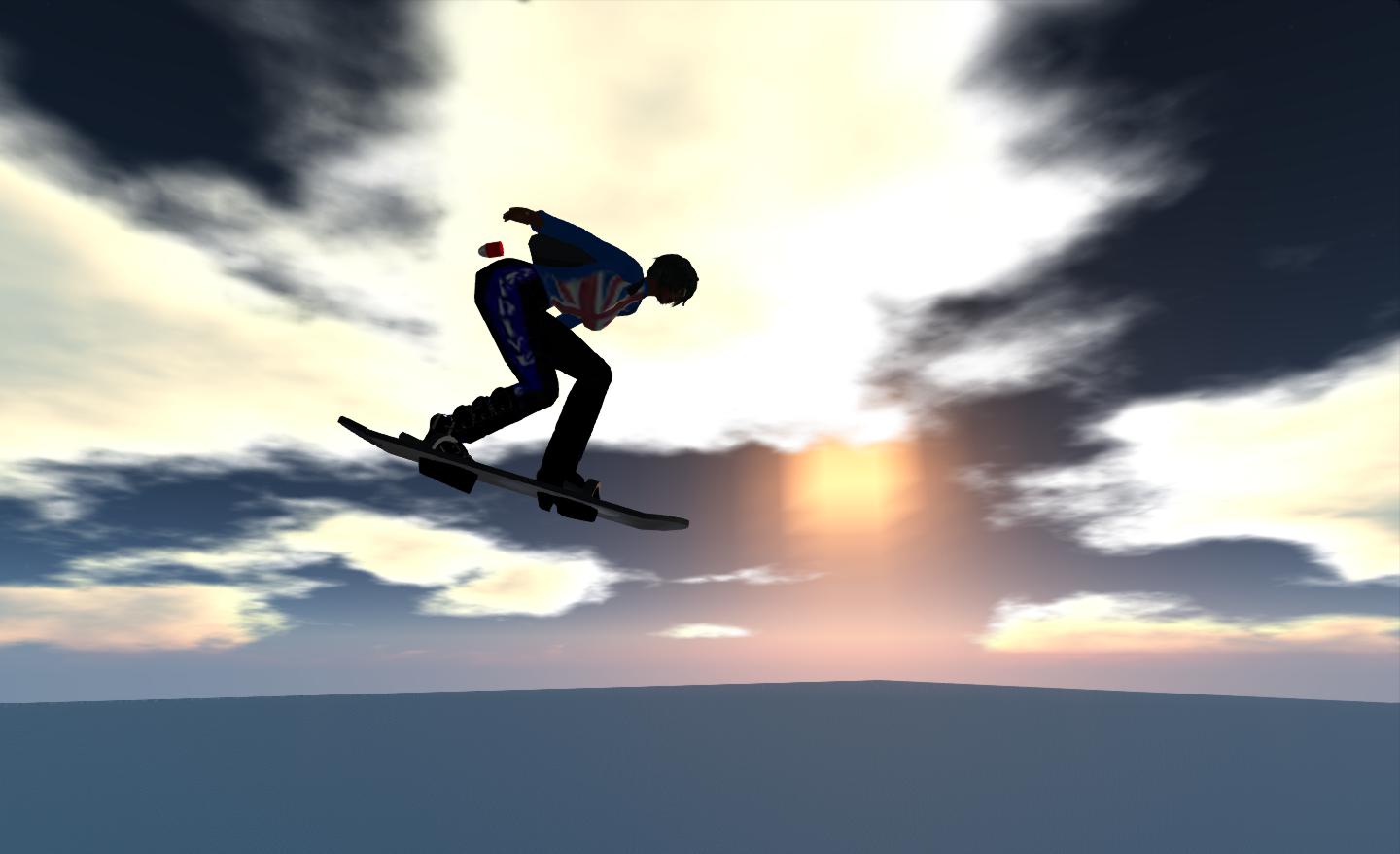
Skysurfing

I may yet give a tandem parachute jump a go in real life; but when it comes to skydiving and all the antics therein, I’ll leave that squarely in the Second Life; It’s a lot more fun here, especially for the lungs (less outright screaming….), and even when you do SPLAT! there is a degree of humour shown…

It’s fair to say I’ve missed skydiving in SL more than I’d realised. I don’t have the land at home to set-up my own space for it any more, but as I said, there are plenty of places to enjoy the fun right across the grid, so I’m not exactly stuck for choice. All I need to do now is find a new jump partner…

Related Links

Thoughts on my own second life, premium membership and blogging

The end of October marks a year since I returned to Premium membership. For the last couple of weeks, I’ve been mulling over whether to renew again or not.

My reasons for re-upping to premium came about as a result of a renewed optimism about SL, particularly following last year’s SLCC-2011. A lot has happened since then.

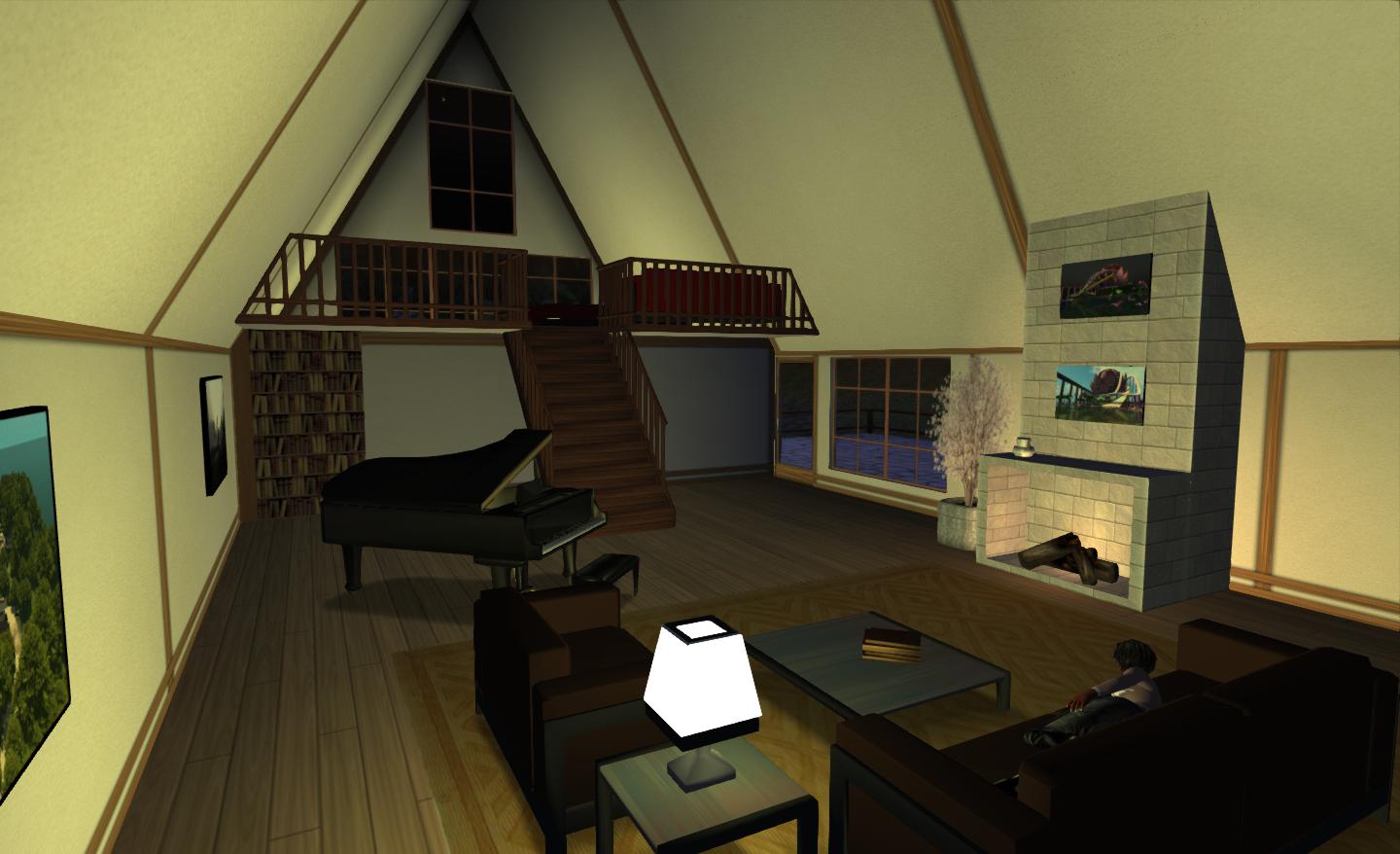
It is fair to say that, particularly of late, there are elements of my premium package I’ve come to appreciate. I’m spending far more time in my Linden Home now than I am at my “main” home. Even with just 117 prims, the Tahoe offers comfortable and flexible living space. Shop right, and it can easily be furnished for a very modest prim count.

Linden Home, modified and furnished for 19 prims, including loft conversion and scripted lighting

Yes, the build quality is very 2007, it may even be cookie cutter (although im my opinion a lot less cookie cutter than other Linden Home offerings) but the fact is that it works. The real art in getting a good Linden Home is picking the model you want carefully (including going and seeing them in-world) and being prepared to hop around with multiple applications (bearing in mind the 5-in-24-hours rule) until you find a location you like. In this I was lucky. I hit the bullseye first time.

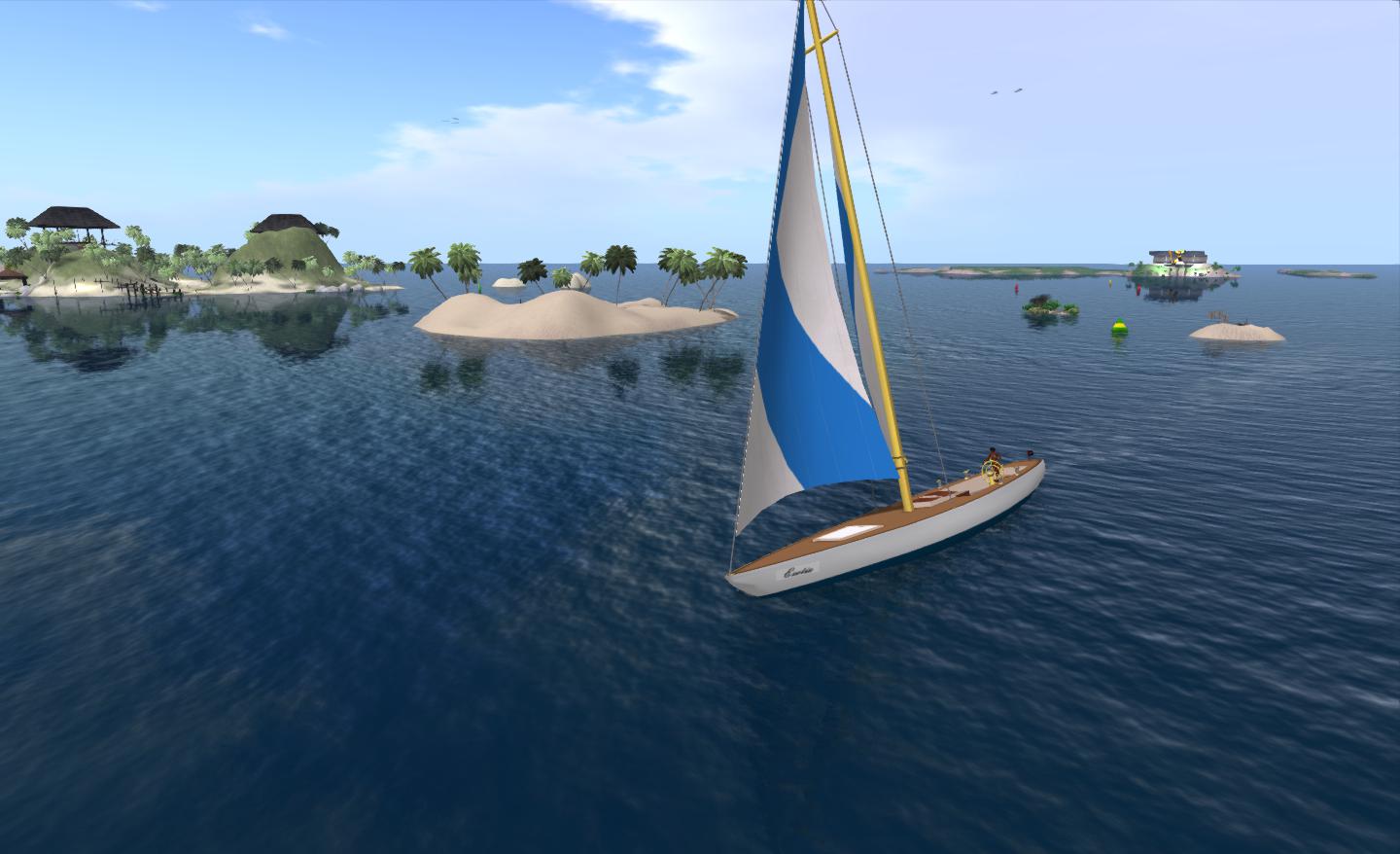
I’ve also only recently discovered the full freedom of sailing due to one of the premium gifts.

Enjoying my time sailing aboard “Exotix”

I have a new appreciation for places like Blake Sea and the ability to sail around coastlines and across water from continent to continent. All this is to the good; but there is still a problem. When all is said and done, premium membership really only has strength of appeal to incoming users to SL and / or those who have yet to establish themselves. For anyone who has been here a while, particularly if they’ve invested in a decently sized parcel of land on a private island, the benefits of upping to premium are perhaps harder to quantify.

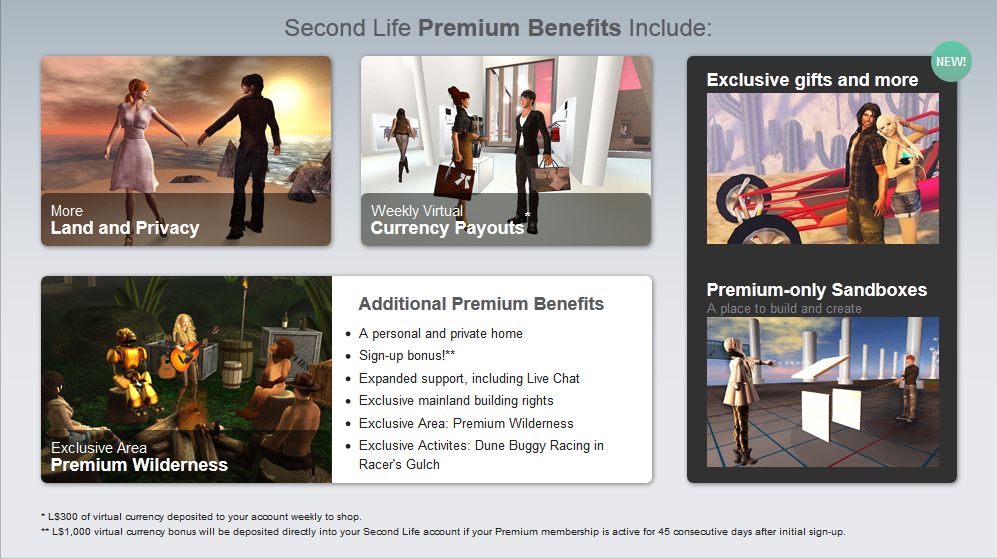
One can actually understand why LL bias the premium offerings towards newer users. Getting people to pay for something they can otherwise a enjoy “for free” and be as much a contributing member of the economy as anyone else, is a tough nut to crack. So to make the package more attractive, LL aim for enticements which will encourage those signing-up to opt for premium directly. My only real objection to them doing this, as I’ve covered elsewhere, is the elastic nature of some of the descriptions of the premium benefits. More privacy? More land? A personal and private home? These are all things anyone can enjoy regardless of account. Sure, the last one costs – but it will even with premium if you want something bigger, prim-wise than a Linden Home.

Premium membership benefits, as defined by Linden Lab

Continue reading “Thoughts on my own second life, premium membership and blogging”

Sea fever

Aside of the odd occasion, I’ve never really tried my hand at Second Life sailing. Sure, I’ve played around on the water, zapping about on my Neuspa, or riding a jet ski, or out on a motorboat, and I’ve taken my Premium sailing boat out a couple of times; but on the whole, I’ve left sailing alone.

That changed when, on a whim, I called Spikey and asked if she’d like to accompany me out on the waters of Blake Sea. We started out at Blake Sea – Half Hitch, which is rezzing-enabled, climbed aboard my boat and set off.

Ready to go – Blake Sea – Half Hitch

We headed due West to start with, letting the wind carry us across the first of many sim boundaries without a hitch, then turned north. I immediately appreciated the open waters of Blake Sea  because, o long as you keep your eye on the horizon around you, there is little need to focus on “driving” a sailboat, leaving you with time enough to chat with any friends who are with you and enjoy their company.

Blake Sea -Crows Nest

Which is not to say that Blake Sea is simply lots of empty water sims – there are islands to sail around, ports to visit, and quite a lot of things to see as you go. The open regions of the Sea are popular among pilots as well, and we saw several taking advantage of the freedom offered by these (comparatively) low-lag sims, with light aircraft, helicopters, transport planes routinely passing overhead (and rather un-routinely, in one case, ditching into the sea about 30 metres away from us).

Our progress was a little cumbersome, with me swapping between sail and motor as I initially couldn’t get the hang of tacking back and forth in order to make progress when the prevailing wind wasn’t favourable, and I frequently managed to turn the boat entirely out of the wind, and then having to switch over to the motor.

Blake Sea

There can be a lot going on in and around Blake Sea; there are sailing races, and some areas are given over to sea combat, and so on. Not every parcel is necessarily open to public access, either. Therefore, you do need to be aware as to what is going on and where you are going; however, the Map is generally enough to keep you informed of any activity near you (although it won’t stop you bumping into the occasional “cannot enter” pop-up warnings when you reach a parcel which has object entry blocked – I was a little surprised to encounter one of these outside the entrance to a harbour. Oh, and be wary of sand bars if your boat has a deep keel!

The Premium sailing boat offers a variety of sitting / sunbathing pose points in the cockpit and on deck which means you can share your time out on the water with friends, and Spikey took advantage of the deck-top poses to catch some sun as well sailed.

Blake Sea

All-in-all, sailing on Blake Sea can be a very pleasant experience – although admittedly, we happened to pick a time when there were no races scheduled, so things might get a trifle more frenetic when races are being held. It was certainly a great way to get out with a friend and simply chat, rather than sitting around indoors or IMing one another.

I’m not ready to take to the ocean blue full-time, but as a pleasant afternoon spent with a friend or two, sailing the waters of Blake Sea could become a very relaxing way to spend an hour or three.

Blake Sea

Of avatar height and size

Height has always been an issue within Second Life. Not only are default avatars unusually tall compared to the rest of the in-world scaling (most top-out in the 7-8ft range), the camera is offset at a difficult – if not unnatural – angle – which forces people to build oversized  structures in order to be able to accommodate it.

I’ve been solving the camera issue for the last couple of years using Penny Patton’s excellent camera offsets, which she first kindly allowed me to reproduce on this blog almost two years ago. Penny has also written extensively on getting a decently scaled avatar, and on the benefits of having realistically sized avatars in-world.

Avatar height issues have long been compounded by the fact that the height display in the viewer’s appearance editor does not accurately reflect the avatar’s height when compared to in-world scaling, with the avatar being around 15 cm (6 inches) taller in-world than is reported by the edit shape height display. This means that even when someone is trying to scale their avatar more realistically using the shape editing tools, they will, at the very least, invariably end up taller than they intend.

The good news here is that there is a good chance that the edit shape height issue may be addressed as a part of the avatar baking project. Nyx Linden will be “diving into” the code for the appearance editor as a part of that project, and may have time to do something about the inaccuracies in the height reporting. Assuming this does happen, it will still leave the problem of starter avatars still being abnormally tall / large, but it’ll certainly be a step in the right direction for those who do wish to size and proportion their avatars more realistically (something which is growing in popularity within SL).

I’ve actually been working on adjusting my own avatar since altering my overall appearance back in August 2010, gradually reducing my height to get down to something which might be regarded as relatively “normal”. Of late, however, I’ve noticed that even with my own downsizing, I’m starting to stand a good head or more taller than friends, and that at a touch over 2 metres in height in bare feet, I’m not always comfortable with my avatar’s height.

The problem is, how does one correctly scale one’s avatar, given the fact the editing tools are so very rough-and ready? Even allowing for the inaccurate height reporting noted above, the sliders are entirely abstract in meaning and at best relate only to an arbitrary start point. The abstraction is made worse by the fact that changes to one slider can impact the proportions controlled by several other sliders, reducing everything to a series of guessimates if using the sliders alone to define your shape.

Penny Patton again comes to the rescue here, providing a superb guide to defining a properly portioned avatar of almost any height and size, which in valuable whether you’re trying to get your avatar sized to realistic proportions or whether you wish to have an abnormally tall or short avatar that is properly proportioned of itself (such as a role-play giant or dwarf, for example).  I’ve been meaning to try her tutorial out for a while, but after tripping over a couple of friends recently, thought it was about time I did so :).

I like to think my avatar wasn’t abnormally sized to start with – but I have to admit, the results did startle me, and I’ve yet to see how things stack-up as I wander in-world.

My “usual” height has been just over the 6-foot mark (6 ft 3in, in fact), as mentioned above, and has been that way for a while. This is actually quite moderate in SL terms – or has been – a height which mostly leaves me looking reasonably-well proportioned against many in-world objects.

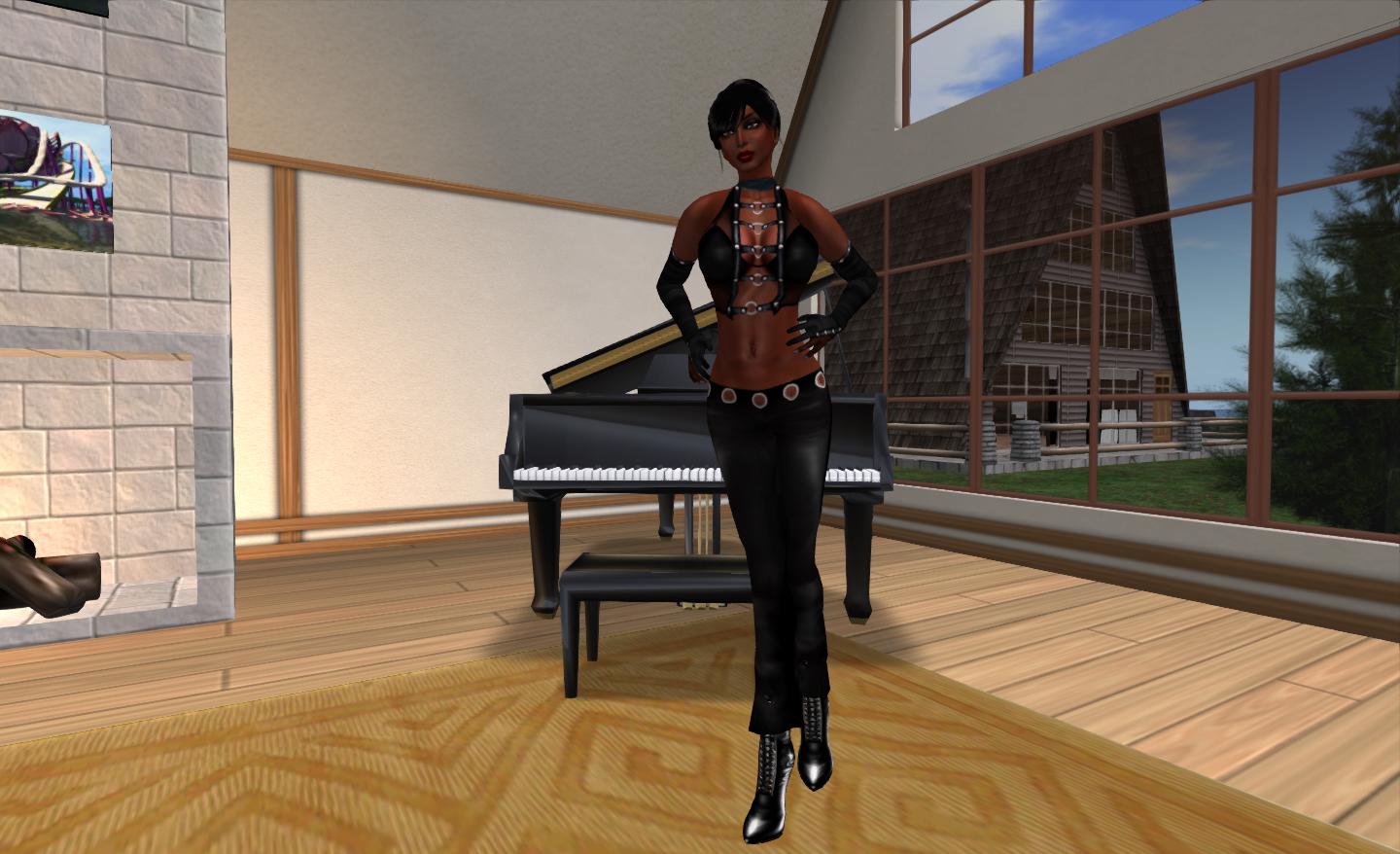
Me at 6ft 3in (+ heels…)

Using Penny’s tutorial I opted to scale my avatar to something approaching my real-world height and size (I’m 5ft 8in in real life, so a little bit on the tall side here as well :)). If I’m honest I did have a small problem with one section of the instructions, which I found a tad confusing to read (but then, put three shovels against a wall then ask me to take my pick, and I’m confused; so the fault is as likely to be mine as much as anything else), but, with a little trial and error, I ended up looking like this…

Me at 5ft 8in

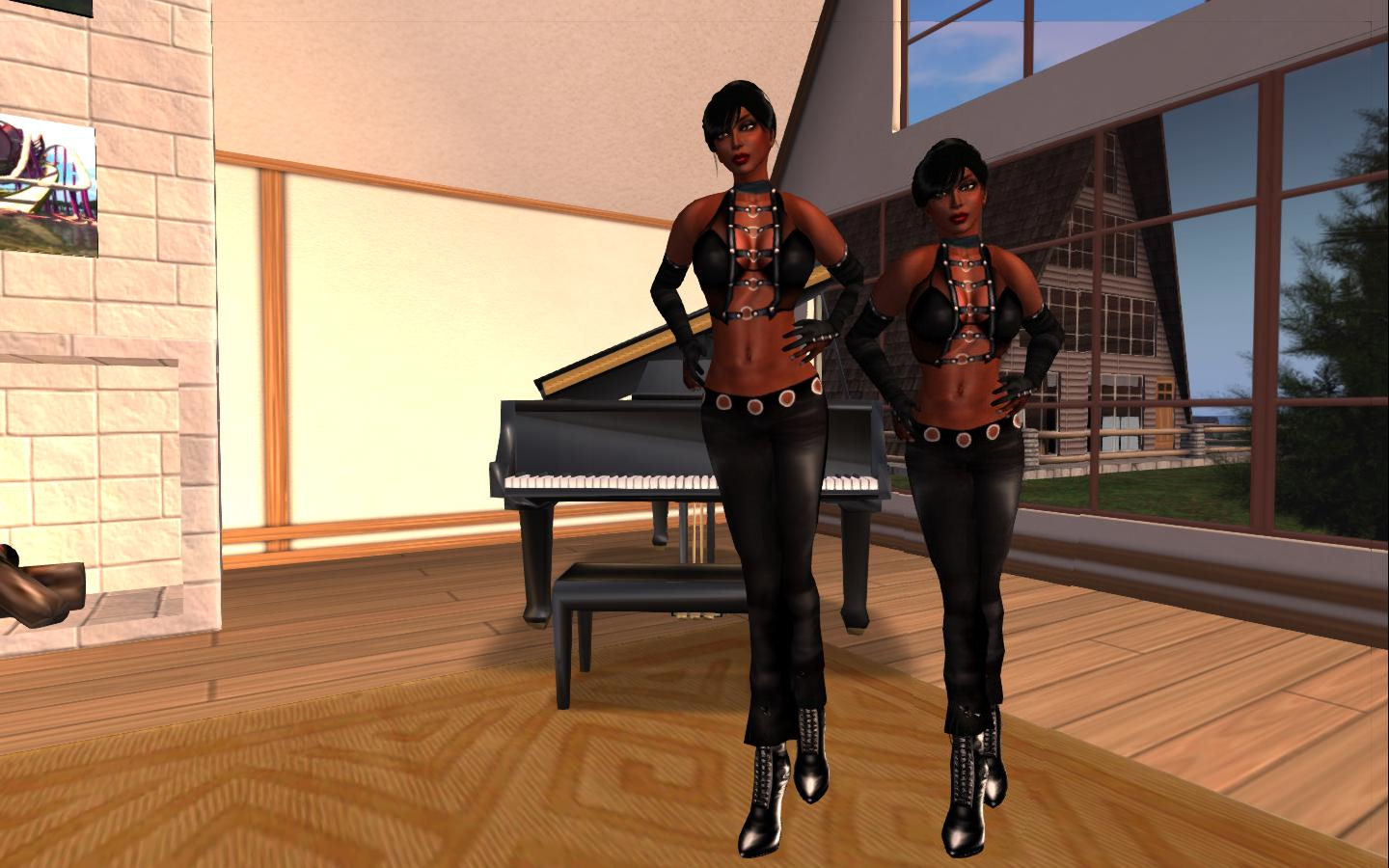
The difference is perhaps a little hard to see, until one compares the two side-by-side (and allows for a slight perspective issue which does actually exaggerate the difference somewhat).

Me at 6ft 3 and me at 5ft 8 (there is a slight perspective exaggeration in the two photos when combined like this)

The finished result, if I’m honest, has me leaning two ways at once. On the one hand, and combined with Penny’s camera defaults, It does give a much better perspective of things in general, and does have major benefits building-wise; were we all properly scaled in-world, we wouldn’t need houses the size of the Royal Albert Hall in which to live. Even my Linden Home now has church-sized proportions about it from my new perspective!

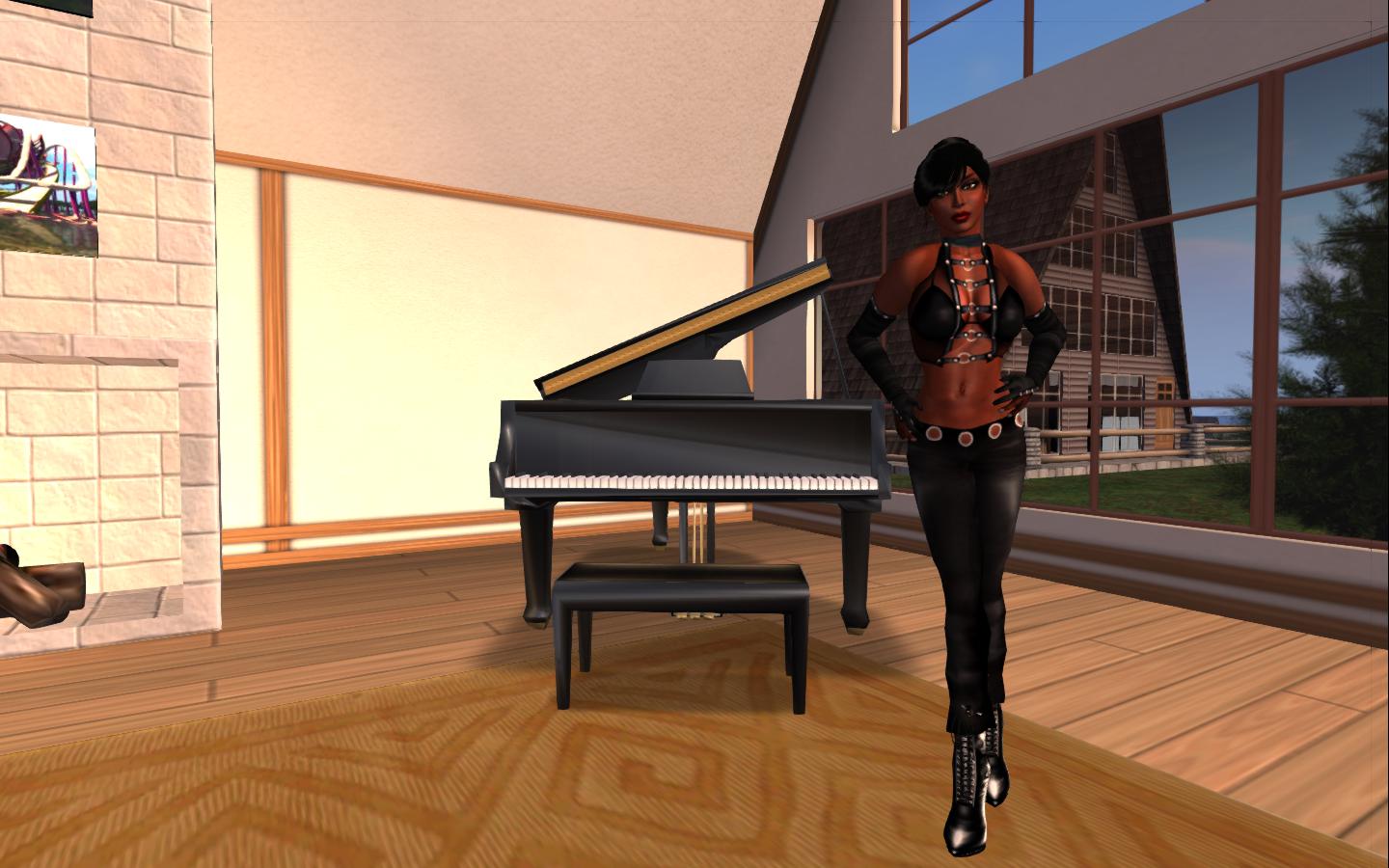
However, on the other, realistic avatar heights open up a world of issues of their own. Take no mod furnishings, etc., for a moment. Adjust your avatar height and proportions and it’s easy to find you have a bed you need a car and a guide-book in order to find your way across from one side to the other. That said, I do more naturally “fit” my piano now, and my feet don’t vanish into the floor when seated…

I’m still adjusting to my new height, and confess to having my “old” shape sitting ready for recall. Even at 6ft+, it still works with Penny’s camera offsets; but I’m going to see how things go with the new economy-sized me for a while – and see how people react as I let her be seen more in-world.

Related Links

Movin’ around

Time for a personal update.

In a sudden decision over the weekend, I opted to up and move regions. The catalyst for the decision was two-fold: the old region was getting far too busy, plus two adjoining parcels opened-up on a region I’ve had my eye on for a while.

The new parcel

The new home is still unzoned (I’m not ready to take down the store rezzing platform just yet), but is reasonably OK on the landscaping and benefits from a large lake area in the middle which is designated NO BUILD and purely for recreational purposes, leaving it with four 8192sm and four 4096sm around the outside.

The combined parcel is located in the north-west corner of the region, with ocean frontage to two sides. As it is more regular in shape, it’s allowed me better space to lay things out more naturally.

Kelly’s house

I’ve retained my little skystation, as I don’t need that much room, but Kelly wanted a fresh house, so I dug something out of inventory that gives her lots of space and which see seems happy with. I situated that so she’d have water on two sides and can enjoy SL sunsets..

Don’t be Koi…

Alongside of this I’ve added some trees to form a little area of woodland that leads back towards the central lake. A couple of streams wind through the trees from a large pond, where a few Koi and other fish now swim. Flowers range across the ground between Kelly’s house and the first stream and under the trees, hopefully giving the place a nice splash of colour.

Night view

There’s also a bridge where I’m already sitting a contemplating things (aka parking myself), and I’ve added a few lanterns in the trees for a little nocturnal light. As I do have friends sharing the land with me, I hope the trees and streams will be a little corner where we can sit and chill, chat and watch the sun pass overhead.

Watching the waters…
…and the sunsets

Fly / drive: having fun behind the wheel

In the Air

Earlier in the week, Salazar Jack dropped a lovely picture into Twitter of a magnificent steampunk-esque flying machine being flown by Tish Coronet. He included a link to the SL Marketplace, and I set off to look, rather intrigued.

The photo that piqued curiosity: Tish Coronet’s Lepidoptera (captured by Tish, uploaded to Twitter by Salazar Jack)

The machine itself is the Mechanical Lepidoptera, a partial mesh build which is being offered free by its creator, Bunnys Fride, who describes it thus:

By visiting the Jules Verne Museum in Nantes (french town, west coast) I noticed a painting that represents this machine to takeoff from one of the most beautiful place of Nantes. This same painting appears in the foreground on the poster for the International Festival of Science Fiction of Nantes in 2009, named Utopiales.

I propose you this beautiful concept of lepidoptera mechanical imagined and painted by James Gurney, a talented artist, famous illustrator and creator of Dinotopia.

Standing next to my Lepidoptera

The Lepidoptera is exquisitely detailed, with a two-tone metal body, beautiful passenger cabin (the vehicle will take up to eleven passengers, included one seated beside the pilot / owner) and detailed cockpit in the “head”. Detailing continues through the landing legs, which “droop” below the body when in flight, just like the legs of a flying insect seem to hang limply beneath its body. On landing (on the ground), the legs splay out, again in a life-like look. Another lovely piece of detailing is in the mechanical operation of the wings themselves.

Detailing

Flying the machine requires a HUD, which allows you to correctly set your camera position, and which controls the start-up of the machine and the forward / interior lights. This attaches to the top right of your screen. To fly the Lepidoptera, right click on it and select FLY from the menu, this will sit you in the cockpit. Tap ESC to position your camera correctly (if required – or use the HUD options), and then click on START on the HUD to set the wings flapping (complete with engine / mechanical sounds). Flight controls are then use PAGE UP / DOWN to ascend / descend, and the arrow keys / WASD keys to manoeuvre (you’ll need to key the UP / W key depressed to maintain forward motion).

Airborne!

Natascha Randt has produced a great video showcasing the Lepidoptera:

On the Ground

Flying the Lepidoptera reminded me that a few months back I picked up another freebie from SLM, the Autoworks Classic 43S GT by Angie Xenga / Ed Zaurak.

The Autoworks Classic 43S GT

A two-seat sports coupe, the 43S GT is sleek and attractive – and quite a handful if you’re not used to SL driving, as I found out when given the chance to try it out on a multi-sim racing circuit for the first time yesterday!

The basic controls are simple enough: UP key / W to accelerate, LEFT / RIGHT or A / D to turn, and DOWN / S to break. PAGE UP / PAGE DOWN operate the gear changes (although there is an automatic option). However, there are a range of other options and capabilities that can make driving an Autoworks car pretty much the same experience as driving a high-performance car in RL: 50% fun, 50% seat-wetting and 100% adrenalin! There is also an option HUD displaying speed and revs which you can attach to your screen.

Additional menu options allow you to alter the colour of the car  – royal blue is the default, but I like the silver look – adjust your driving position, adjust the transmission options, the engine – and a whole lot more. Touching the car allows you to open the bonnet (“hood”) or the doors.

Ready to get behind the wheel

The cockpit itself is nicely detailed, and I love the fact that this car is designed to be driven on the correct side of the road being right-hand drive  ;-). All-in-all, great fun to have, if you can find the space to use it (the handling is such that you can rapidly run out of sim!).

If anything spoiled it for me, it was not the car, but the fact that to appreciate it fully you do need to drive across multiple sims – and this brings up the ogre of region crossings. Given the speeds you can reach behind the wheel, this means it is easy to find yourself on top of one before you realise, and you’re suddenly sailing off into infinity. Hopefully, with multi-threaded region crossings on the way plus other improvements, this will reduce the problem, but it did put a bit of a dampener of the thrill of driving this superb car.

Ready to roll

As well as the Classic 43S GT, the package comes with the Autoworks Type ZII, a single-seat car that offers a broadly similar range of options, but didn’t, for me, have the same appeal.

Apparently the Classic 43S GT represents the first in a new range of cars Autoworks will be producing “just for the fun of it”, the business itself having closed as an SL commercial venture in February 2012. It is a sample of what is to come; so far one more car has been added to the free range, and I’m intrigued to see what else is produced in time!