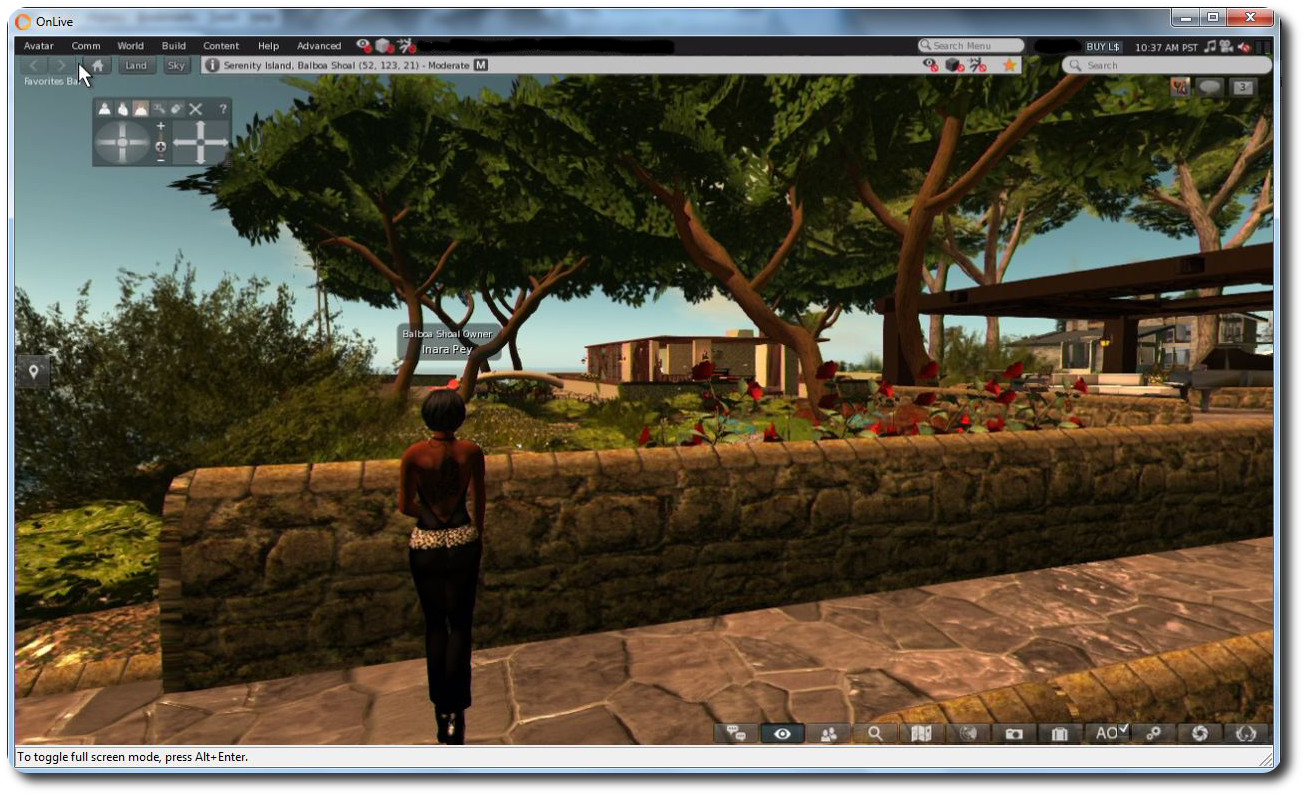
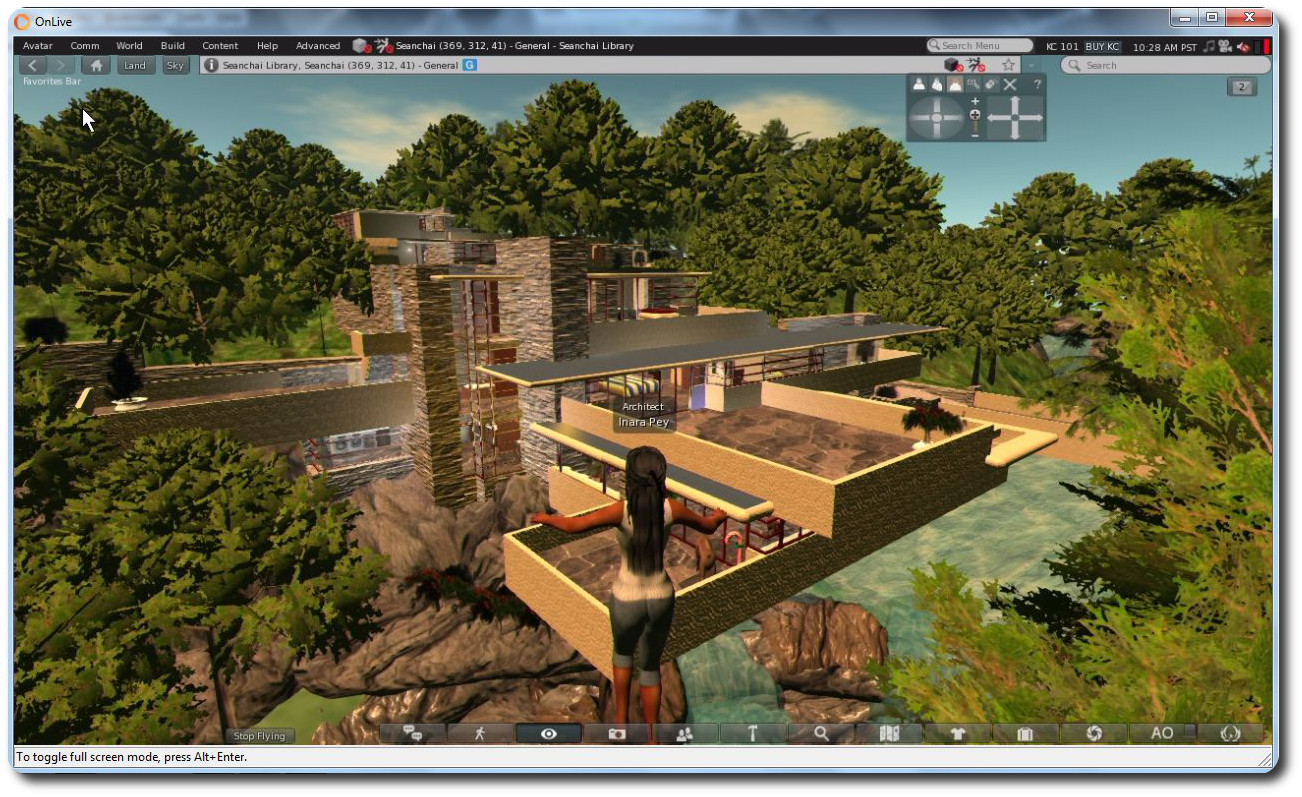
OnLive offers SL Go users with an active subscription a free month

SL go logoImportant note: The SL Go service is to be shut down on April 30th, 2015. For more information, please read this report.

If you’re an SL Go user, you’ve probably already seen the e-mail, but just in case you haven’t…

The company has been writing to all SL Go users to let them know that an issue in the SL Go Second Life Viewer (SLV) currently prevents teleporting (although the problem doesn’t affect the Firestorm viewer on SL Go). “SLV had been running fine for months,” SL Go Product Manager Dennis Harper informed me. “Then all of a sudden… people can’t TP!”

Why this should have happened is unclear. Nothing has been changed at OnLive’s end to cause the problem, and while the Lab has also been involved in investigations, no reason or solution has yet been determined.

As a result, OnLive pro-actively sought to contact all users with an active subscription and offer them a free month’s subscription to the service, as noted in the official e-mail, which reads in part:

We understand your frustration and apologize for the inconvenience. We will give all SL Go subscribers a free month of SL Go to make up for time lost. The next time your subscription renews, you will not be charged.
Our goal is to continuously improve the SL Go experience. We are committed to our community in Second Life and hope that you will continue to enjoy the benefits of SL Go.

Note that the offer applies to all SL Go users with an active subscription at the time the e-mail was sent, regardless of whether you prefer to use the SL Viewer or Firestorm with the service – so while the teleport issue may be a nuisance, there is something of a silver lining to the problem, thanks to OnLive’s commitment to their users.

There’s also further good news on the horizon. Not only are OnLive working as hard as possible with the Lab to fix the issue, they’re also in the process of preparing to update the SL Viewer to the most recent viewer code released by the Lab. No date is yet available for when the update will occur (as OnLive understandably want to get the current problem fixed first), but Dennis assures me they’re keen to see it deployed – I’ll hopefully have more on this in the near future.

About SL Go

SL Go is a streaming service provided to Second life users by OnLive. A subscription-based service providing the means to access Second Life from a low-end PC or Mac computer,  or via and Android tablet or an iPad with the full graphical riches of a Second life viewer running on a high-end computer. In addition, Firestorm for SL Go (currently only available for PCs and Macs) allows the same degree of rich graphics access to OpenSim grids.

If you have a need to access Second Life while away from your main computer, or if you have a low-end system on which you might like to run Second Life with all of its graphical richness, SL Go might well be worth a look. To find out more, and take a free 7-day trial with the service, follow this link.

If you already have an SL Go account, don’t forget use can also get information through the in-world SL Go support group (profile link) in Second Life.

Addendum on the Issue: At the TPV Developer meeting on Friday, January 30th, Oz Linden confirmed that as a part of on-going investigations, the Lab’s QA team have turned up the logging and have been testing the service themselves in order to generate stats on the failures.

They believe they have found the point where things go “really wrong”, which lies within the handshaking between the two simulators involved in the teleport attempt. However, what remains unknown is precisely what is going wrong between the SL Go SLV, and the simulators in order for the simulator / simulator messaging to go so wrong. OnLive’s engineers are also trying to isolate any possible cause for the issue (which does not affect users running Firestorm on SL Go) as well.  

OnLive launch in-world support group for SL Go

SL go logoImportant note: The SL Go service is to be shut down on April 30th, 2015. For more information, please read this report.

OnLive, the providers of the Second Life streaming service, SL Go, which allows users to run Second Life from a low-end PC or Mac or and Android tablet or iPad (using a TPV based on the official SL viewer) or on a low-end PC or Mac using a version of the Firestorm Viewer, have launched an in-world support group for their users.

The idea for such a group was first discussed at the special Firestorm Q&A meeting held in December 2014 following the release of  Firestorm on SL Go (see my review of Firestorm on SL Go here). At the time, Dennis Harper, OnLive’s Product Manager for SL Go. indicated the idea was a good one, which he would follow-up back at the office.

On Friday, January 16th, Dennis contacted me in-world during the Third-Party Developer Meeting to let me know the group is now up and running, and open to anyone to join.

The SL Go Support Group is intended to provide in-world support for users of the service

If you are an SL Go user, and which to join the group, you will find it listed as SL Go by OnLive using the viewer’s search, or you can view the web profile for the group. A number of Firestorm support staff are helping with providing cover within the group, so enquiries on either the SL Go SL Viewer (SLV) and Firestorm for SL Go viewers can be asked through it.

In passing the details to me, Dennis said, “It’s been quite a ride for us since the Firestorm release, and we’re very pleased to be able to offer in-world support to our users as a part of our growing commitment to Second Life.”

Firestorm meeting: SL Go explored

firestorm-logoOn Sunday, December 21st, The Firestorm Team held a short-notice meeting which focused on Firestorm and SL Go. The special guest for the event was Dennis Harper, OnLive’s Product Manager for SL Go, who provided commentary on the background to SL Go and OnLive, and addressed audience questions.

Chakat Northspring was on-hand to record proceedings. As usual, the video is embedded here, and a transcript of the Q&A session is provided. However, in the interests of brevity, the first part of the meeting is provided a summary format, rather than a full transcript. Time stamps are provided for key topic areas, and for the Q&A session, for those who would like to listen to any point of interest within the video. Note that dates mentioned in the initial conversation reference 2012 and 2013, in actual fact, these should be 2013 and 2014, as reflected in the text.

A Summary of the initial Conversation

This initial conversation on SL Go, OnLive and the relationship with Firestorm lasted some 35 minutes, and is summarised here. Some questions were asked during the discussion on topics such as privacy and payment options. For ease of reference these have been moved to the Q&A section and placed with other questions on the same topic. Time stamps are provided to the relevant part of the video (below).

How Firestorm Got Involved with OnLive SL Go

  • Gary Lauder, OnLive's Lead Investor (and company chairman at the time), approached LL's former CEO, Rod Humble, about OnLive providing SL to users through their service (Image courtesy of LinkedIn)
    Gary Lauder, OnLive’s Lead Investor (and company chairman at the time), approached LL’s former CEO, Rod Humble, about OnLive providing SL to users through their service (Image courtesy of LinkedIn)

    [0: 03:57] The OnLive / Linden Lab partnership came about as a result of OnLive’s Lead Investor (and at the time, Chairman), Gary Lauder, indicating he believed SL would be a good match for OnLive and then initiating contact with Rod Humble at the Lab in May 2013 (see my article on the launch of SL Go)

  • [0:0515] Initial closed beta testing commenced in October 2013, while Dennis Harper joined in November 2013, charged with getting the product published and launched. The occurred in March 2014, using the SL viewer, offering to Mac and PC systems and Android tablets
  • [0:05:25] The initial metered pricing plan wasn’t popular with users. However, OnLive launched with it as they really didn’t know what to expect. Their service costs money to provide (servers, data centres, network, support), and SL users are a very different type of user compared to games users, spending up to 10 times longer active on the platform compared to someone playing a game. Metered payments were seen as a means of balancing use against cost
  • [0:06:48] As the reaction to metered payments was bad, OnLive revisited things and in April changed the pricing model to one of unlimited use of the service for US $9.95 (UK £6.95) a month – and the service started gaining traction, Then in October, the service launched on the iPad
  • [0:07:25] OnLive had always been aware of Firestorm and its large market share of the SL user base, and it was felt that offering Firestorm through SL Go would be a good way to bring the OnLive experience to a wider audience
  • [0: 08:24] Jessica Lyon was initially unsure of the, but was convinced when Dennis pointed-out that a large take-up of SL Go was among users on low-end computer systems, who were finding the service gave them renewed access to the platform, complete with a rich graphical experience. As many Firestorm users on such low-end systems complain that each new update of the viewer is pushing them further and further out of SL, she felt that having Firestorm on SL Go could include them once more

SL Go is a Service

[0:12:59] The launch of Firestorm on SL Go drew some negative feedback from Firestorm users (and from elsewhere). However, it is important for people to remember:

  • SL Go isn’t intended to be another viewer offering like a TPV. It is a service intended to meet very specific goals:
    • To provide people who are on older, lower-specification systems with a rich, immersive Second Life experience comparable to that enjoyed by someone using a much more capable computer
    • To provide those who wish to have the same rich, graphic SL experience as supplied by the viewer when accessing SL from their Android Tablet or iPad
  • [0: 12:25] Dennis Harper is the first to admit that the service isn’t for everyone, but for those who might have a need for it, it is available on a 7-day free trial basis, so people have nothing to lose in giving it a go.

SL Go and the Firestorm Take-up

[0:13:40] Dennis describes the take-up of SL Go following the addition of Firestorm as “scary” and being like “the hockey stick term” in the way that there was gradual take-up up until the Firestorm launch, which saw a large substantial increase in initial adoption, as Firestorm users gave SL Go a try under the 7-day free trial offer. He also notes that there is an affiliate programme available for those wishing to refer people to the service via blogs, websites, etc., and earn money via referrals to the service.

[0: 15:32] There was an initial issue with the system as a result of the way the texture cache was being handled.

  • The SL viewer uses a default 512 Mb cache, which users rarely adjust. Originally, on exiting the SL Go service, an entire user’s cache, together with their settings would be copied to a secure, encrypted store. Then, the next time the user logged-in to SL Go, the cache and their settings would be copied to the server they were assigned for their SL session, a process that didn’t take long
  • Firestorm, by default uses a 2Gb cache, and users often set it larger. This made the copy process a lot more protracted, with the result that if a Firestorm user opted to restart the viewer by logging out (which ends their SL Go session), on immediately relogging, they’d get an error
  • To avoid this, users now get a 2 Gb cache, which is automatically flushed at the end of each session, leaving only their inventory files and settings to be copied back to and from the secure store.

Continue reading “Firestorm meeting: SL Go explored”

Firestorm on SL Go: a closer look

Firestorm on SL Go from OnLive: almost 60 fps in my home region on a Asus PC EEE 1201N notebook with all the bells and whistles active

Important note: The SL Go service is to be shut down on April 30th, 2015. For more information, please read this report.

Onlive, the provider of the SL Go, and the Firestorm team recently announced the addition of the Firestorm viewer to the SL Go service. I covered the news with a quick overview, and you can also read both the official press release from OnLive and the Firestorm’s team’s announcement to catch-up, if you need to.

Given SL Go has, until this announcement, only been available with a flavour of the official SL viewer, there may be some Firestorm users who haven’t really thought about SL Go or given it a look. As such, I’d thought I’d offer a little more of a detailed look.

The Preamble

Just as a quick reminder, SL Go is a third-party service which can be used to access Second Life. Rather than using a locally-installed viewer, everything is run on OnLive’s servers and then streamed directly to the user’s chosen device (PC, Mac, tablet, HDTV via OnLive’s own game console).

SL Go has been available with a version of the SL viewer since March 2014 for all of the above. The Firestorm update now extends the service to include the Firestorm viewer, initially only to people running low-end PCs and Macs, although Android and iPad flavours should be available in the future.

The service does require a subscription (to cover OnLive’s costs), which amounts to US$9.95 (UK £6.95) per month for unlimited access – and this includes accessing Second Life from your Android Tablet or iPad as well, should you also wish to give it a try (you will need to install the OnLive app on your tablet and, as noted above, you will only be able to run the SL viewer on it for the time being).

A free 7-day trial period is provided for anyone wishing to try the service without obligation, and there is no minimum term once the trial period has ended, so you can cancel your subscription at any time. Once you have signed-up, and to use Firestorm, you’ll need to download the OnLive PC or Mac client.

However, and important point to remember is that SL Go isn’t intended as a replacement for the standard viewer offerings (SL or TPV). If you have a good computer / laptop and can run the viewer to your satisfaction already, then SL Go likely isn’t for you. But, if you are using an old system and are finding SL a struggle, then SL Go may well offer a means for you to increase your enjoyment with the platform until such time as you can update your hardware.

Running Firestorm via SL Go

Running Firestorm via SL Go is a matter of:

  • Launching the OnLive client
  • Then, if you have an OnLive account (rather than just an SL Go account) – clicking My Games at the top of the client window, then selecting SL Go from the left side of the client
  • Selecting Firestorm from the SL Go service screen (see below)
  • Allowing the viewer to load.
SL Go users access the service via PC or Mac now have a choice of viewer: the SL Viewer (SLV, as OnLive refer to it) or Firestorm
SL Go users accessing the service via PC or Mac now have a choice of viewer: the SL Viewer (SLV, as OnLive refer to it) or Firestorm

A point of note here is that the OnLive client runs in a fixed 1280×720 resolution, and presents the viewer in fullscreen mode only. This means that the client is “stretched” or “shrunk” to fit other screen resolutions, and as a result there can be a loss of image quality.

This can be compensated for to some extent by switching the OnLive client to “Windowed” mode (ALT-ENTER for Windows, CMD-F for Mac), and then resizing the window by pointing down into the lower right corner of the window, holding the left mouse button and dragging to the desired size (note that the cursor will not change to a grab handle or anything, so getting it can be a case of trial and error).  The window will retain a 16:9 ratio when being resized in this way, but should hopefully offer some degree of improvement; in the case of my own Asus PC EEE 1201N notebook (1366 x 768 native resolution), it did make things clearer for me.

With the OnLive client running in "Windowed" mode, you can point to and click on the lower right corner of the client window (no grab handles will be displayed) and resize as required - the window will retain a 16:9 ratio
With the OnLive client running in “Windowed” mode, you can point to and click on the lower right corner of the client window (no grab handles will be displayed) and resize as required – the window will retain a 16:9 ratio

Once you’re logged-in to Firestorm, you should find it pretty much as you’d expect to see it on logging-in first the first time following a clean local install. As when running the viewer locally, you can set the buttons you require within the toolbar areas, adjust the font size, tweak Preferences, etc. You’ll find you have almost everything you’d expect to find in Firestorm had you downloaded and installed it: windlight options, Phototools, radar, quick preferences,  Firestorm’s conversations / chat UI, RLV/a and so on.

There are, however a few things apparently “missing”, which are purely down to the fact that the viewer is being run on an OnLive server and streamed to you. Those who have used SL Go before will be familiar with some of this, but again, for completeness here’s a breakdown of what you’ll likely note as “not being there”:

  • The Develop menu, access to debug settings through the Advanced menu, the ability to upload any content (mesh, sounds, animations, images), the ability to use local textures, or to save snapshots to disk – these are all limitations common to both Firestorm and the SL viewer on SL Go
  • There is currently no support within SL Go for 3D mouse devices such as the Space Navigator
  • You cannot save or restore your Firestorm settings; any “local” pickers Firestorm uses will not work; there is no option to set crash reporting  to the Firestorm team.
Firestorm doesn't have the crash reporting tab or backup tab in Preferences among other disbled elements
Firestorm currently doesn’t have the crash reporting tab or backup tab in Preferences, among other disabled elements

Continue reading “Firestorm on SL Go: a closer look”

Firestorm is (SL) Go – and across multiple grids!

SL go logoImportant note: The SL Go service is to be shut down on April 30th, 2015. For more information, please read this report.

On Tuesday, December 16th, 2014, OnLive, the providers of the Second Life streaming service, SL Go, announced a new addition to the SL Go service: The Firestorm Viewer.

The announcement follows several months of collaboration between the Firestorm Team, lead by Jessica Lyon, and the folk at OnLive, lead by Dennis Harper, the results of which now mean that with immediate effect, SL Go now provides a choice of TWO viewers to subscribers and users:

  • The existing SL viewer – which OnLive are referring to as “SLV” – can be used from any Mac computer, PC, and from Android devices and iPads to access Second Life
  • AND The Firestorm viewer, initially available for Mac computers and PCs, which can be used to access Second Life and OpenSim grids.

SL Go’s pricing options remain the same whichever viewer you opt to use, and you can swap between them at any time you like, should you wish. Simply make your choice from the SL Go selection screen.

SL Go users access the service via PC or Mac now have a choice of viewer: the SL Viewer (SLV, as OnLive refer to it) or Firestorm
SL Go users accessing the service via PC or Mac now have a choice of viewer: the SL Viewer (SLV, as OnLive refer to it) or Firestorm (image via OnLive)

Since its launch in March 2014, which I covered in-depth at the time, the SL Go service has proven to be very popular with people who are using low-end systems which traditionally have problems when trying to run the viewer locally. Because the viewer is streamed from OnLive’s dedicated servers,  it’s the servers that do all the heavy processing, delivering a fast, smooth service to users, thus helping to give a new lease of life to older hardware.

Of course, because SL Go is streamed, it means that – like the SL viewer offered by OnLive – certain functionality within the Firestorm offering has either been removed for security reasons (such as the Develop menu, and no access to debug settings and content cannot be uploaded), or has been disabled (such as the option to save snapshots to a hard drive – as that would effectively mean saving them to the OnLive server).

Firestorm viewer on SL Go from OnLive - click for full-size
Firestorm viewer on SL Go from OnLive (click for full-size)

The big benefit in using Firestorm through SL Go is that – with the noted exceptions due to security issues, etc., – it brings the richness of Second Life’s most popular third-party viewer to those on older systems who have perhaps felt themselves to be increasingly edged out of Second Life, something Firestorm Project Manager Jessica Lyon commented on when discussing the release with me.

“I’m really happy about this,” Jessica said. “For years folk on lower-end systems have seen significant improvements to Second Life, particularly with how the world looks, pass them by because their systems are unable to run them. We’ve even heard from many that they simply cannot use Firestorm or any other viewer and as being pushed out of SL completely.

“This release of Firestorm through OnLive, together with the existing SL viewer, hopefully gives those people a new way to enjoy Second Life. I really hope this works for them!”

I can personally attest to that. In 2010, I purchased an Asus PC EEE 1201N notebook, which has found running a viewer like Firestorm increasingly heavy going. With Firestorm through SL, with all the bells and whistles turned-up, I’m averaging around 60 fps!

Firestorm on SL Go from OnLive: almost 60 fps on a Asus PC EEE 1201N notebook with all the bells and whistles active! (this image replaces an earlier version, after I realised I'd uploaded the wrong screen cap - one with shadows disabled)
Firestorm on SL Go from OnLive: almost 60 fps on a Asus PC EEE 1201N notebook with all the bells and whistles active! (this image replaces an earlier version, after I realised I’d uploaded the wrong screen cap – one with shadows disabled)

That SL Go does bring a new lease of life to older hardware can be seen in the fact that since the launch of the service in March, 2014, the largest take-up among users has been by those using the service through the OnLive PC and Mac clients. But those who want Firestorm on their mobile devices need not fear – it will be coming in 2015.  This is something Jessica is also looking forward to.

“A could of years ago we fooled a great many people with our April Fool’s joke of a Firestorm Mobile client,” Jessica said. “The excitement over the announcement, and the outcry when it turned out to be just and April Fool’s joke, was overwhelming. The great news is – and no joke this time! – that OnLive will be making this capability real very soon!”

And it doesn’t end there. One capability that Firestorm brings to OnLive and SL Go  users is the ability to log into other grids as well as Second Life. The version of the viewer supplied to OnLive is the OpenSim version, which means it is complete with the grid manager and start-up grid selection drop-down, allowing you to log into all your favourite grids – as I did, logging-in to Kitely and Fallingwater at the Seanchai Library.

Use Firestorm on SL Go and any PC / Mac / laptop to access your favourite OpenSim grids (click to enlarge)

Thus, with a single subscription to OnLive, you gain access to the entire metaverse from any low-end PC or Mac in your home.

“We’re happy to be able to empower SL Go users with more choice. They’ve told us they want a choice of viewers, so offering the popular Firestorm viewer was a natural next step.” said Rick Sanchez, VP of Product and Marketing at OnLive, at the launch of the new offering.

I’ll have a more in-depth look at Firestorm on SL Go available shortly.

CtrlAltStudio provides Oculus SDK 0.4.4 support and Mac build

CAS-logoOn December 4th, Oculus VR released the latest software version for the Oculus Rift, version 0.4.4. A beta release, it includes an number of bug fixes and improvements, while retaining  experimental support for Linux.

As a result of this update, Strachan Ofarrel (aka Dave Rowe in the physical world) released an updated version of the Alpha version of his CtrlAltStudio viewer on Friday, December 12th. Version 1.2.2.41224 Alpha 5 brings with it not only support for the SDK update but also, courtesy of Mac viewer developer Cinder Roxley, a Mac build as well.

As usual with the Alpha version of the viewer, this release is installed into its own directory / folder, and so can be installed alongside the current release version of the CtrlAltStudio Viewer. A clean install is not required if you have been running previous alpha versions.

Core updates in this release comprise:

  • Updated to Rift SDK 0.4.4. This fixes the overdone vignette (fading to black) around the Rift barrel image’ edges edges.
  • Updated position of notification messages and script dialogue boxes so that they’re visible and usable in Riftlook.
  • Modified Start+Back key behaviour on Xbox controller if Rift display is configured: if you’re not in Riftlook then you enter Riftlook the same as before; however if you’re already in Riftlook then it zeros sensors the same as Ctrl+Spacebar (instead of exiting Riftlook). To exit Riftlook with the Xbox controller, press the yellow ‘Y’ button.
  • Updates for Mac OSX build.

Hints and Tips

Also, don’t forget that each set of release notes for the Alpha version of the viewer includes a set of hints and tips for getting the best results when using the viewer with the Rift.  These include tips from Strachan and also discoveries made by other users, and are being added to over time. They include, but are not limited to:

  • If you have good frame rates, including while turning, set your Rift display to 75Hz: Control Panel > Display > Screen Resolution > Advanced Settings > Monitor
  • If you’re experiencing judder while turning then try to try disabling one or more of the “Dynamic prediction” … “Pixel overdrive” Oculus Rift options, consider configuring your Rift display to 60Hz, and possibly try enabling triple buffering in your display driver
  • Setting your Rift to be your primary monitor may also reduce judder [Estelle Pienaar]
  • If you have a stereoscopic 3D system, you may need to disable stereoscopic 3D display in order to stop the Rift’s display rate being reduced from 75Hz to 60Hz. [Estelle Pienaar]
  • If you have an Nvidia graphics card, adding an entry for the viewer in the Nvidia Control Panel 3D Settings and setting the preferred refresh rate to unlimited may let your Rift run at 75Hz without needing to make it your primary monitor [Phoenix]
  • If using Windows 7 and you’re experiencing juddering, try turning off Windows 7’s Aero. [Phoenix]
With floating text you may want to adjust the distance the floating text fades at so that distant text is not so annoying in Riftlook - one of the tips from Strachan
With floating text you may want to adjust the distance the floating text fades at so that distant text is not so annoying in Riftlook – one of the tips from Strachan

 Related Links