The Itakos Project in Second Life

The Itakos Project: Tutsy Navarathna

“You don’t make a photograph just with a camera,” American photographer and environmentalist Ansel Adams  wrote in The Camera. “You bring to the act of photography all the pictures you have seen, the books you have read, the music you have heard, the people you have loved.” It’s  a thought-provoking statement which encompasses the richness and depth of photography as an expression of art and artistry; suggestive that photographs can be part of a wider, deeper journey through life.

It is also a quote Akim Alonzo has chosen to encapsulate The Itakos Project, which is now open through until the end of 2017. A gallery complex of three buildings arranged around a courtyard, with the main building flanked by two pavilions and facing an events space across the courtyard.  The name for the project has, like the quote from Adams, been carefully selected, echoing as it does the name Ithaca, the Greek island and legendary home of Odysseus. In doing so, it also evokes the idea of a journey  – or, as Akim himself notes, a dream or the search for beauty and emotion.

The Itakos Project: Akim Alonzo

The aim of the project is to present the work of SL photographers who, through their work, engage upon story-telling or presenting the ideas of stories, or who seek to present beauty and emotion through their study of the avatar and the worlds around it.

For the initial exhibition, Akim presents his own stories told through his images and work within the project’s Blue Pavilion, while in the Red Pavilion focuses on Maloe Vansant and Paola Mills under the joint title of The Itakos Collection. Within the main gallery structure can be found Subtle Scent of Solitude, by Imani Nayar and The Dancing Serpent by Kate Bergdorf. Also to be found in the foyer area of the main building is a teleport doorway leading to a separate platform wherein can be found The Venal Muses,  an exhibition by artist and videographer Tutsy Navarathna.

The Itakos Project: Maloe Vansant and Paola Mills

“Poets, painters, photographers, writers, film-makers and musicians were all inspired by the atmosphere of brothels and their venal muses,” Tutsy notes in introducing the exhibition. “Some, like Toulouse-Lautrec have even made it an essential part of their work. Painters like Degas, Manet, Derain, Munch, Ronault, Van Dongen, portray ladies of little virtue lounging on a sofa, on the rooms of their lupanar….”

Thus those taking the teleport to The Venal Muses find themselves in a softly lit setting with plush red walls, soft furnishings, all of which are redolent of the boudoir for a woman of easy virtue whilst also retaining the feel of a gallery. On the walls of the rooms and halls of this space hang striking images by Tutsy, rendered as painting and richly recalling the work of the artists he mentions.  It’s an evocative space, not just because of the inherent depth within the images, but because the design of the space casts the visitor perhaps into the role of voyeur or – on a deeper level – patron, within some of the scenes presented.

The Itakos Project: Tutsy Navarathna

All of the exhibitions on display offer much to those visiting, but with its richness of setting and uniqueness artistic expression, both of which reach directly into the subject matter, The Venal Muses is perhaps the most captivating of the current exhibitions currently on display at The Itakos Project. From the project’s notes, I understand feature artists at the gallery will change on a monthly basis while the upper floor of the main building will be devoted to displaying work by artists enrolled in the Soul Portraits – Itakos Art Gallery in Second Life Flickr group.

SLurl Details

MetaChat – a new virtual worlds client for iOS

MetaChat is a new virtual worlds text client produced for Apple iOS and which was recently added to the third-party viewer directory for Second Life.For those VW users with iPhones who are missing Pocket Metaverse, it could be just the ticket.

The app has been in development for several months, and was first accepted into the Apple Store in August 2017, where it is available for US $2.99. Development of the client is continuing, and the current release (10.7, released on September 12th at the time of writing) includes:

  • The ability to add accounts from different grids with different start locations.
  • See your Friends list, add / remove people from the list, set permissions for fiends (see you on-line, edit your items, etc.)
  • View avatar profiles.
  • Search for an avatar by name.
  • Chat locally or via IM.
  • View group information, join Group chat and / or send Group notices.
  • List inventory and preview textures and images.
  • Teleport to landmarks and move around a mini-map.

The MetaChat website / blog makes for a fascinating read, looking as it does into the background of putting together an application like this, including jumping through Apple’s many hoops in order to get an app accepted on their store (like not being allowed to use the word “beta” with an app – which caused problems when including the SL Beta grid in the grid list). The blog also provides interesting insight into why MetaChat works the way it does with certain things.

MetaChat screen captures via the MetaChat Apple Store page: Friends list (l) and Inventory. Note the quick access buttons at the bottom of each screen

As I’m not an iPhone user, it’s a little hard for me to road test the client. However, I’ve been talking to the app’s creator, Monti Messmer, and will hopefully have a more informative piece on MetaChat, including images from the newest release, in due course.

In the meantime, here are the all-important links.

MetaChat Links

With thanks to John Brianna for the heads-up.

Drax Files Special: Second Life and the power of immersive journalism

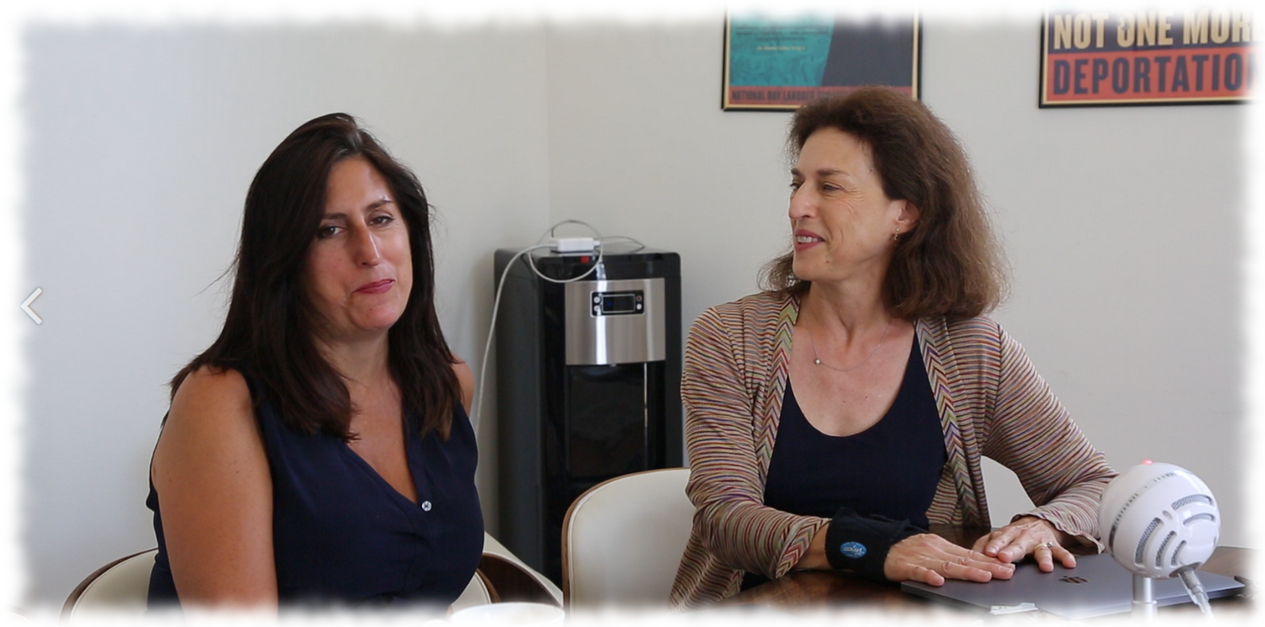
Nonny de la Peña (l) and Peggy Weil

A new Drax Files World Makers video appeared on Tuesday, September 19th, taking the form of a special retrospective of a much earlier work – and series.

In 2007, he was involved in putting together a series for Berlin-based Life For You News, an in-world TV magazine in which Drax’s pieces were something of a precursor to World Makers and perhaps one of the first attempts at immersive journalism/ reporting within a 3D world. On September 19th, 2007 as a part of the series, he released a piece examining the Virtual Guantánamo project, aka Gone Gitmo, conceived by Nonny de la Peña and  Peggy Weil.  To mark the 10th anniversary of that story, this Drax Files World Makers special looks back on it through the eyes of de la Peña and Weil, and presents the original documentary itself.

Guantánamo Bay (aka “Gitmo”), rendition, the treatment of actual (and / or alleged) terrorists, the question of human rights, America’s response to acts of terror in the wake of 9/11, including things like the loss of civil liberties through the likes of Patriot Act are difficult if not contentious subjects to examine, simply because of the complexities of the views involved. Such was the containment of events within the barbed wire fences of the prison, what happened there was, for many of us, little more than something in the news, reduced to shots of orange jumpsuits locked together with words like “terrorism”, “threat”, “attack” and so on. Even as reports of human rights violations, the use of torture, the detainment of potentially innocent people without right to  basic habeas corpus, we perhaps remained largely injured.

In 2004, concerned at what she was witnessing with regards to American values, de la Peña, an award-winning documentary film-maker Nonny  released Unconstitutional: The War On Our Civil Liberties. A 66-minutes documentary, the film examined the US Patriot Act, and included material on Gitmo and the equally infamous  Abu Ghraib prison.

In 2006, with funding from the Bay Area Video Coalition and the assistance of the Interactive Media Division of the USC School of Cinematic Arts, de la Peña set out with artist Peggy Weil to develop the Virtual Guantánamo project. With it, they sought to recreate Camp Delta at Guantánamo and expose visitors to the realities of life there – from rendition through incarceration – in which they had absolutely no free agency over their avatar, experiencing everything directly in first-person.

The experience  – finely balanced in some areas to prevent undue attention of the use of torture – was open to the public for 6 years and became the focal point for conferences and discussions on issues of human rights hosted both in the physical world and at the Gone Gitmo installation (the latter including the likes of Seaton Hall Law School and ACLU). And thus it became the subject of a segment from Depres’ Live For You News series.

Gone Gitmo became a focal point for real world and in-world discussions on human rights issues during its six-year run in Second Life

Presented here, and bookended by commentary and reflections from de la Peña and Weil, the Gone Gitmo video – which itself was nominated for an Internews “Every Human Has Rights” Media Award and featured in Vanity Fair – makes for a fascinating retrospective on several levels. Most obviously, there is the examination of the subject matter itself, particularly in the present political climate.

However, the piece also sits as a reminder that immersive journalism is not a new thing (although at times Headset Hype would have us believe otherwise). de la Peña is (in Forbes’ words) “the Godmother of VR” through her work in this type of journalism across multiple mediums (Gone Gitmo, for example was also produced using Unity, and she has used VR a numerous other projects).

It’s also a reminder of how valuable immersive 3D spaces such as Second Life (and potentially Sansar), can be in bringing people directly in contact with issues and topics of interest / concern, not just as a medium for news or education, but as a means of challenging perspectives and awakening critical thinking. In this, de la Peña’s ideas voiced in the original Gone Gitmo video for dealing with street gangs and their internecine fights with one another, are particularly salient.

Finally there is also the visual reminder of just how much Second Life has grown as a visual medium in the last ten years.

All told, a fascinating piece.

SL project updates 38/1: server, viewer

Neive; Inara Pey, September 2017, on Flickr~Neive~ – blog post

Server Deployments for Week #38

As always, please refer to the server release thread for updates and the latest news.

  • There was no deployment / restart on the Main (SLS) channel on Tuesday, September 18th, leaving that channel running on 17#17.09.01.508236.
  • On Wednesday, September 19th, the RC channels should be updated as follows:
    • BlueSteel and LeTigre should receive a new server maintenance package, 17#17.09.14.508549, comprising improvements to address some problems that could degrade simulator performance in rare cases.
    • Magnum should receive a new server maintenance package, 17#17.09.14.508533, containing a fix for BUG-100505  “llGetEnv (“agent_limit”) is returning an empty string in Magnum, LeTigre and Blue Steel regions.”

Commenting on the RC releases at the Simulator User Group meeting on Tuesday, September 19th, Simon Linden said:

[we] have two very similar RCs out tomorrow, the later version just has one extra bug fix in it … which will either be really good or bad … we’ll see 🙂 … it involves an underlying library update … usually that’s all good [but] sometimes subtle changes cause all sorts of breakage. So far it looks good to us … but that’s what shipping updates is all about, I guess.

On a positive note, with these updates and some still in the pipeline, I think we’re making good progress against some of the bigger crash issues we recently had with system outages.

SL Viewer

On Tuesday, September 19th, the Maintenance RC updated to version 5.0.8.329065. The rest of the viewer pipeline remains unchanged from the end of week #37:

  • Current Release version 5.0.7.328060, dated August 9, promoted August 23rd – formerly the Maintenance RC
  • Release channel cohorts:
    • Wolfpack RC viewer,version 5.0.8.328990, dated September 12th – this viewer is functionally identical to the release viewer, but includes additional back-end logging “to help catch some squirrelly issues”
    • Alex Ivy 64-bit viewer, version 5.1.0.508209, dated September 5th
    • Voice RC viewer, version 5.0.8.328552, dated September 1st
  • Project viewers:
  • Obsolete platform viewer version 3.7.28.300847, dated May 8th, 2015 – provided for users on Windows XP and OS X versions below 10.7. This viewer will remain available for as long as reasonable, but will not be updated with new features or bug fixes.

Other Items

AO / Animation Priorities

Over the past 3 weeks or so, some people have noticed changes to apparent AO / animation behaviours which appear to mimic priority conflicts. A typical example is someone sitting on an AVSitter item and finding after a few seconds that there AO suddenly overrides the sitter’s animation, forcing them to disable their AO where previously they did not, or someone joining a dance HUD / system and finding their AO overrides the dance animation, causing them to stand, again forcing them to turn off their AO, where previously the two played together nicely.

The problem seems to be more common with those wearing AO HUDs. In most cases I’ve heard about, there has been a claim of no user change to the AO system (i.e. using a new or updated AO) or in the furniture or dance system animations / scripts.

It has been suggested that a fix for BUG-11501 might be responsible, although there seems to be some confusion over the status of the fix for this bug.

A break for coffee in Second Life

BarDeco and Kekeland - Coffee Island; Inara Pey, September 2017, on FlickrBarDeco and Kekeland – Coffee Island – click any image for full size

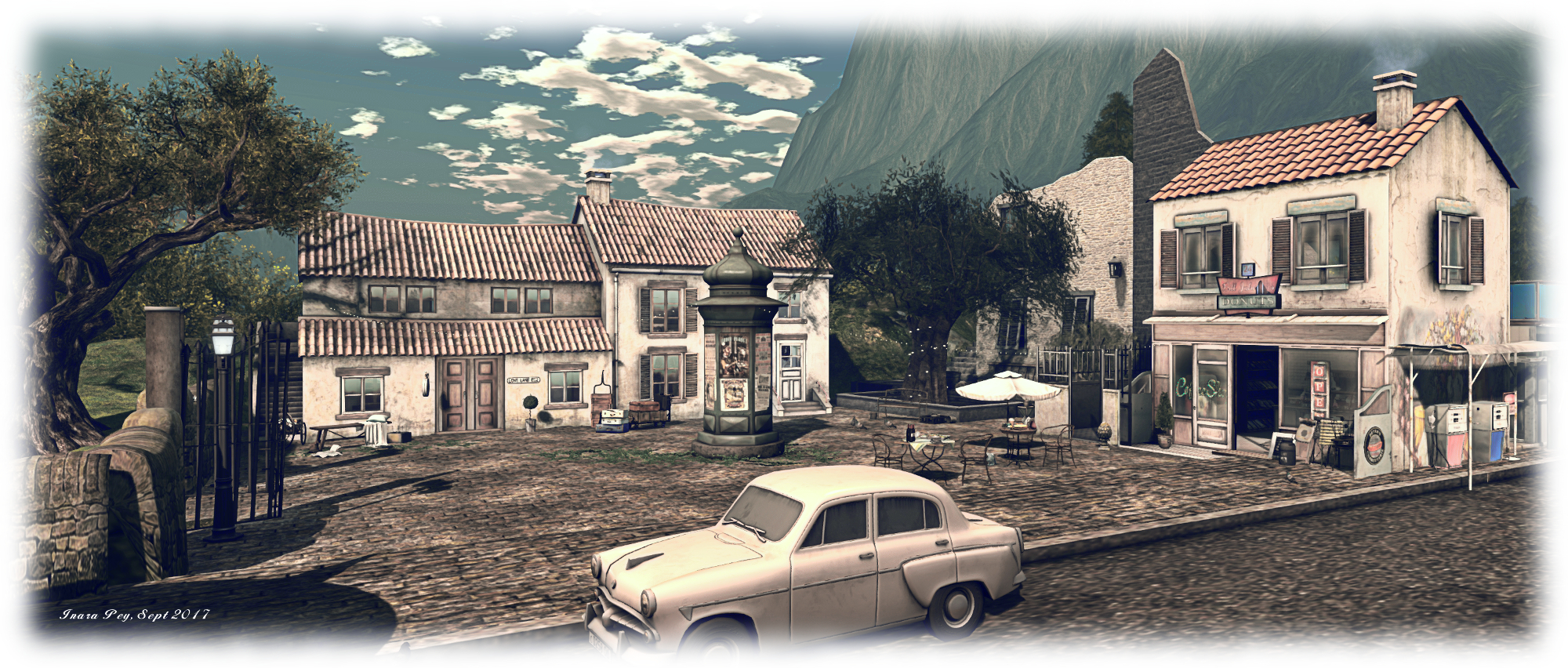
Coffee Island is a beautifully atmospheric homestead region designed by Dandy Warhlol (terry Fotherington) and Belle des Champs (Bridget Genna). It forms the latest iteration of BarDeco, the music venue and club (see here for more), carrying the name BarDeco & Kekeland – and it is truly an atmospheric place.

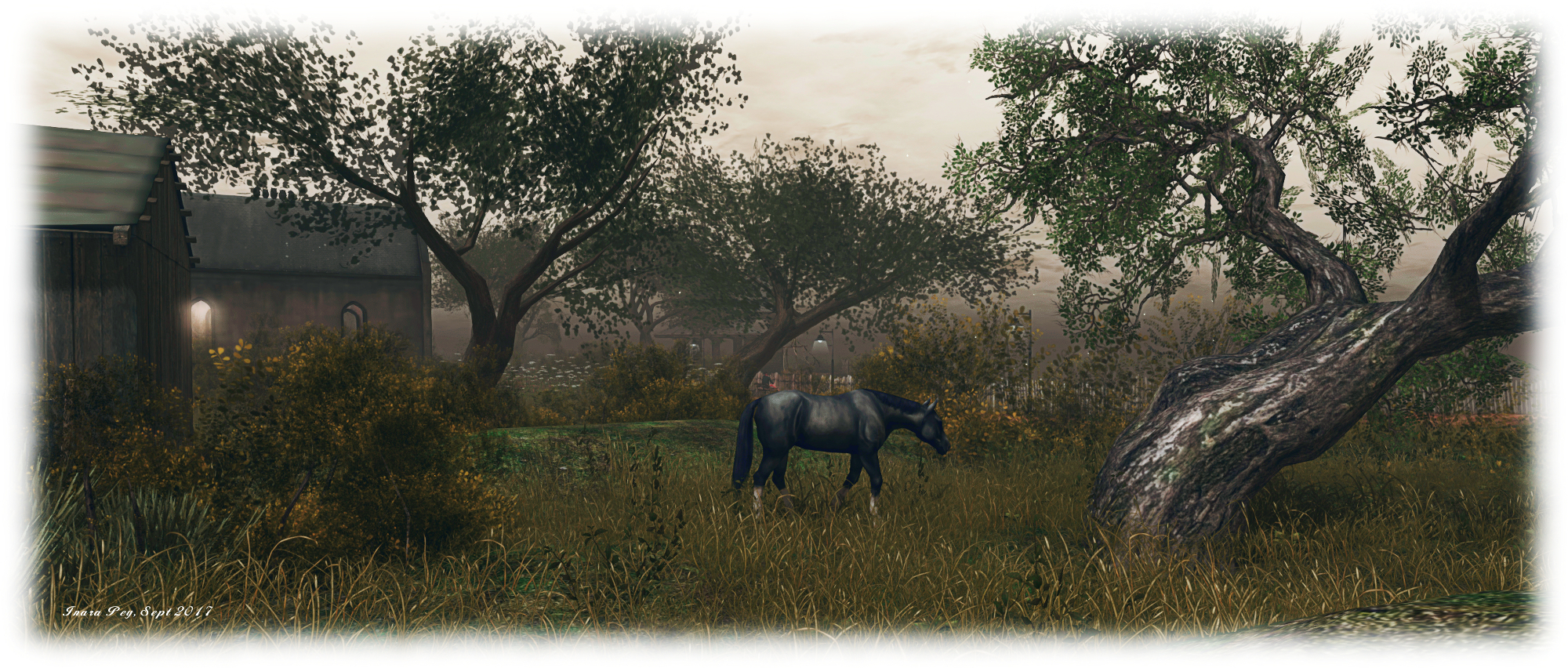
Split into three – a primary, sheer-sided island flanked by two smaller isles, one of which has been left to nature – the region sits shrouded in a gathering twilight through which wisps and ripples of mist are creeping. Visitors arrive on a dusty track on the main island, the slender form of an old chapel rising from the end of the track. In the other direction, the path curls south to follow the line of the cliffs, before turning west to cut across the island and again turning at the westward cliffs to turn again to follow them northwards.

BarDeco and Kekeland - Coffee Island; Inara Pey, September 2017, on FlickrBarDeco and Kekeland – Coffee Island

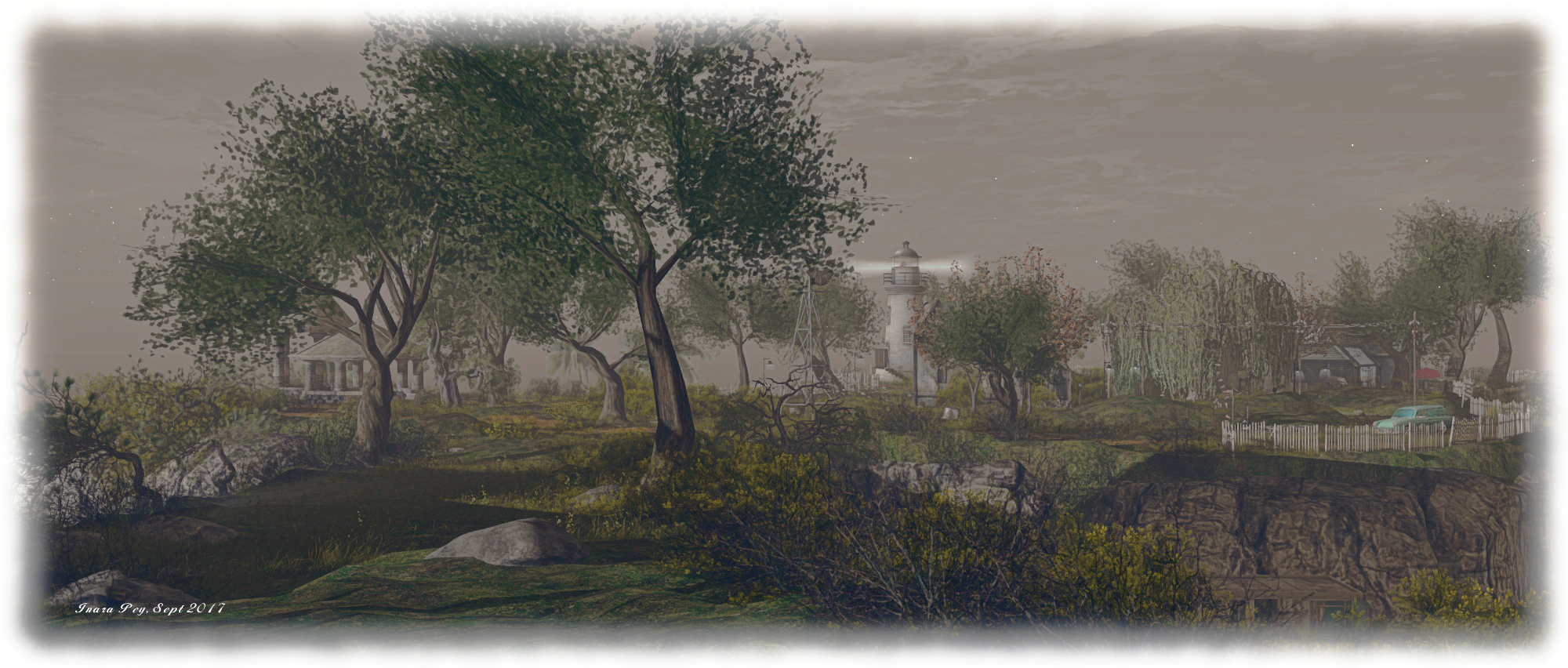
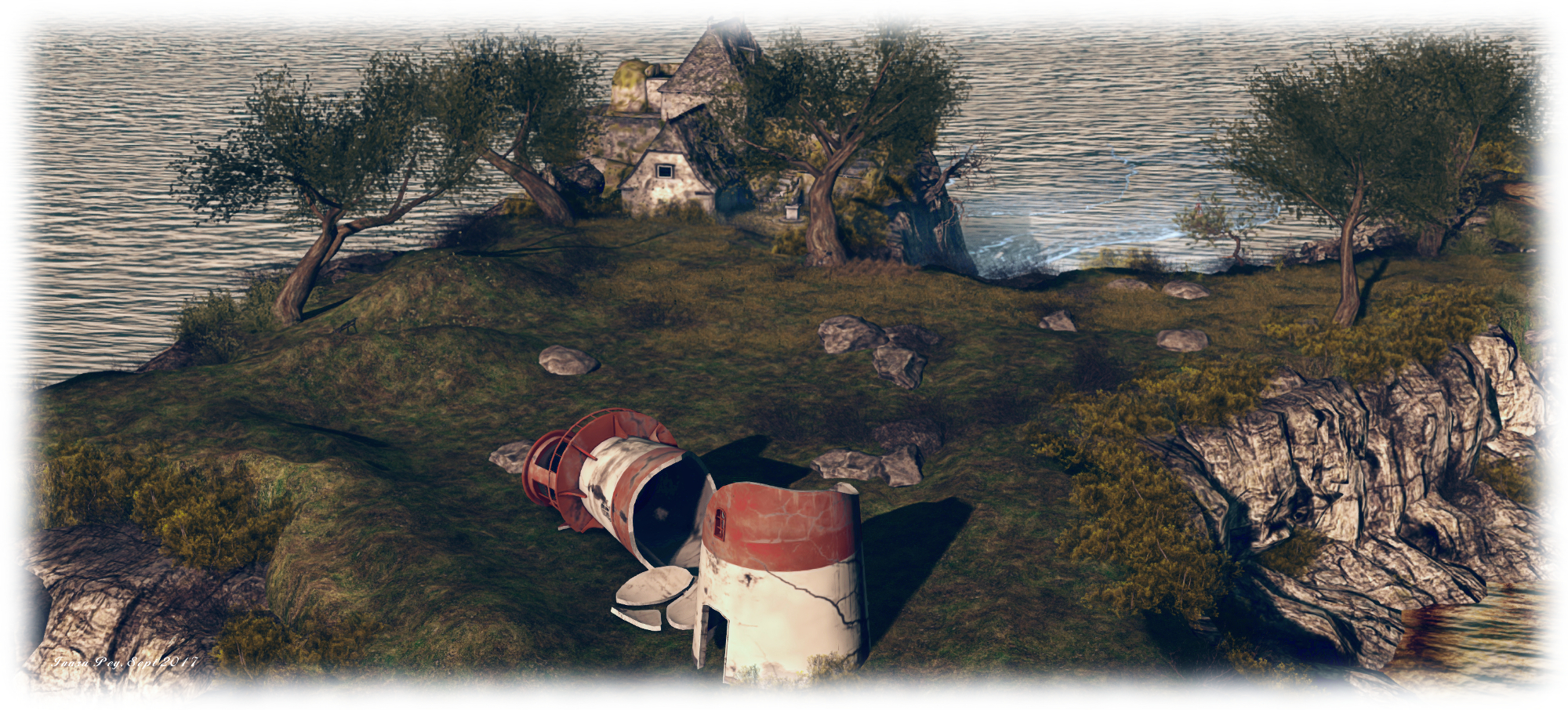
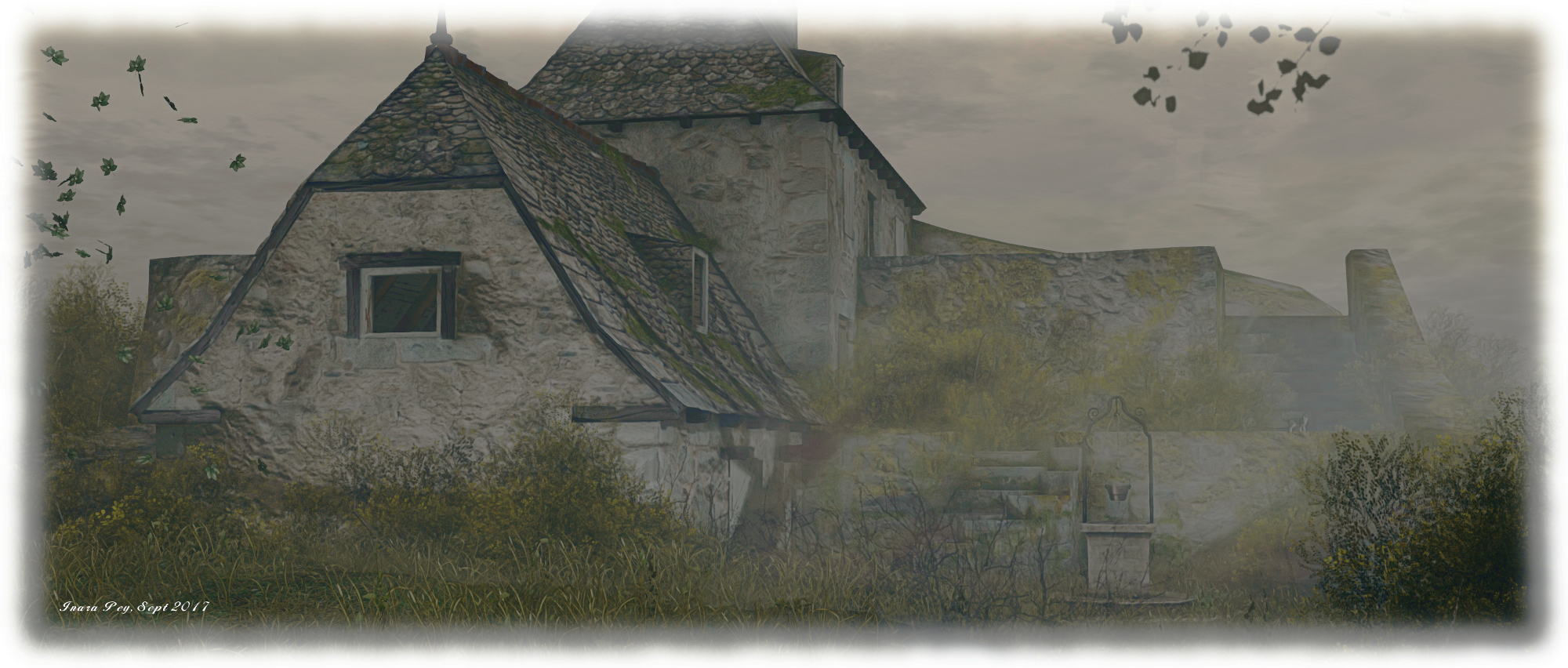
South of this track a narrow neck leads to the south side of the island, a bulbous headland where a broken carcass of an old lighthouse sits. This seems to point accusingly towards the shadowy bulk of a ruined farmhouse sitting hunched against a rocky shoulder, gathering the mist about itself forebodingly. A sandy bay sits below the ruined house, but even this has its own warning – the wreck of a trawler lays against the foot of the cliffs.

To replace the fallen lighthouse, a new one stands above the cliffs in the north-west corner of the island, looking westward out over the low hump of one of the accompanying islands while also casting an eye over the beach, which starts against the northern cliffs and runs round much of the east side of the island. An old bridge, in need of some repair reaches out over sand and sea from the beach, almost reaching the sands of the second of the smaller islands, which is home to a little coffee shop sitting on its rugged shoulders.

BarDeco and Kekeland - Coffee Island; Inara Pey, September 2017, on FlickrBarDeco and Kekeland – Coffee Island

The main islands’ curving beach is reached via a switch back path which descends from the northern  end of the track circling the island.  And old warehouse, filled with an artist’s bric-a-brac sits overlooking the path down to the beach, a barbed wire fence discouraging the local sheep from wandering too close. This warehouse / studio brings visitors almost full circle, standing as it does a short distance from the chapel and the landing point. But this is far from all there is to be discovered here.

Walk along the path to the chapel, and you’ll find that it is not all it appears to be. Just inside the doorway, and surrounded on three sides by undergrowth which almost looks like it is trying to take over the place, is a set of steps leading down. Follow these, and you’ll find the club mentioned in the region’s description.

BarDeco and Kekeland - Coffee Island; Inara Pey, September 2017, on FlickrBarDeco and Kekeland – Coffee Island

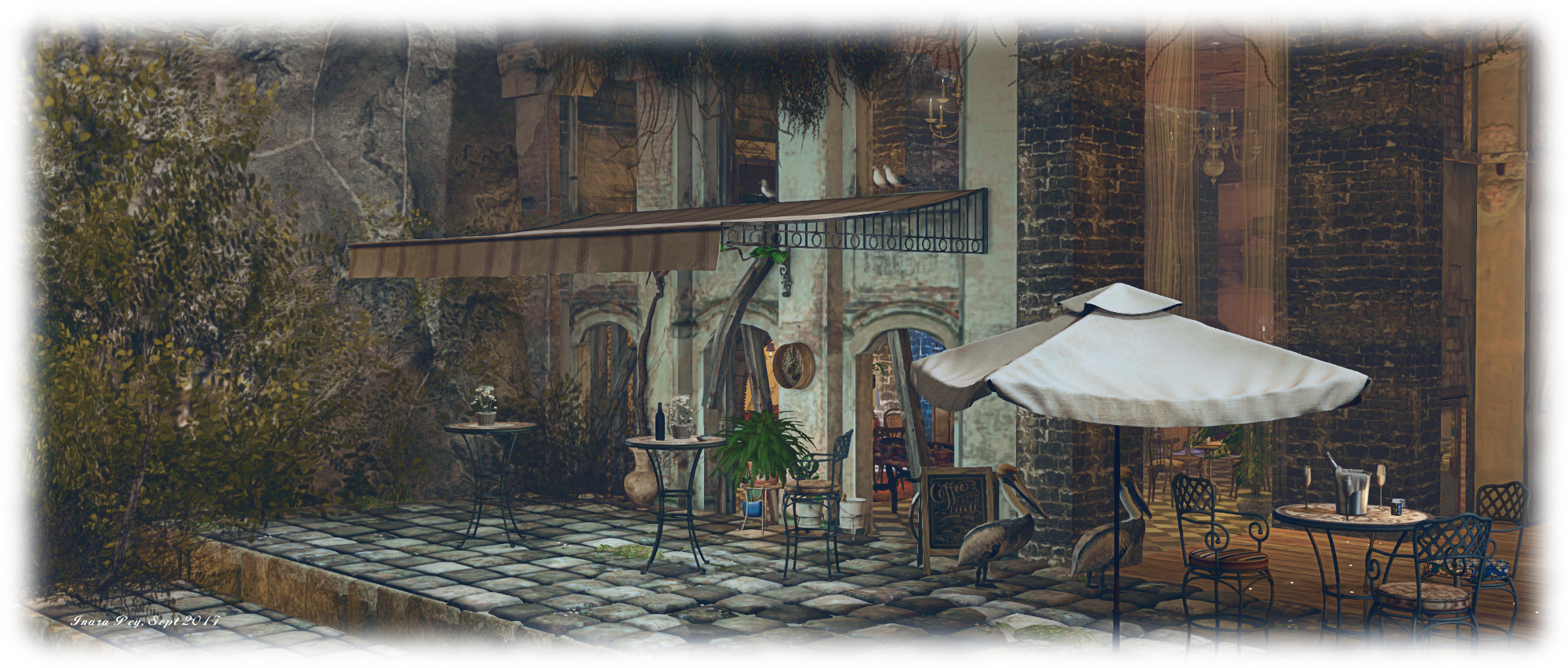
This is, quite frankly, beautifully done, with tall pillars of brick supporting a high ceiling, a frontage of old, weathered buildings offering a view out over a terrace and secluded bay. The bar offers a homely if roughshod welcome while a dance area sit at the foot of the steps leading down from the chapel. Two side rooms off of this offer a taste of shoddy-chic where patrons can relax. Almost entirely invisible from the ground above, with atmosphere added by the passing trawler off-shore passing ghost-like in the haze, the club area is an exquisite outpouring of imaginative design.

In fact, the entire region is an exquisite design. While the default environment settings add considerable atmosphere – as used in fur of the images here – the land really does lend itself to a wide range of windlight settings and different times of day, making it perfect for photographers. There are also several spots for sitting and passing the time – not just in the bar, but up along the path running around the islands and over at the coffee-house, making it the kind of place people may want to sit and enjoy, even if they don’t fancy mingling with those down in the club.

BarDeco and Kekeland - Coffee Island; Inara Pey, September 2017, on FlickrBarDeco and Kekeland – Coffee Island

Once again, a rewarding visit, and our thanks to Dandy and Belle for continuing to share their vision with us.

SLurl Details

Of Glytches and gems: the Lab’s grid-wide Second Life game

Tyrah and the Curse of the Magical Glyches – bonus region portals

On Monday, September 18th, 2017, Linden Lab announced the launch of their latest Experience Key based game for Second Life users to enjoy. Entitled Tyrah and the Curse of the Magical Glytches, it is something of a departure from previous games such as Linden Realms, PaleoQuest and the Horizons adventure. Not only is it grid-wide in nature (the first time Second Life experiences have been used on a grid-wide basis), it will in time also allow parcel holders to host the game on their land if they so wish – possibly attracting traffic to their locations.

I was able to see and try the game ahead of its launch, and thought I’d offer an overview and some feedback, as well as take the opportunity to ask a few questions of Dee and Patch Linden about the game and the reasoning behind it.

Tyrah and the Curse of the Magical Glytches is a combination hunt, capture game and first-person shooter. It builds on elements seen in previous games from the Lab, but is far broader in scope. There are two basic aims of the game:

  • Capture mischievous Glytches as they wander SL and perhaps gain gems from them, and / or an immediate prize of a Glytch – which might be a shoulder / head pet, held pet, or follower (all of which can be traded between users) or even complete avatars.
  • Collect coloured gems – which can be redeemed for weapons upgrades, and/ or access into the game’s bonus regions and / or prizes

A video outlines the game’s back story. I’m not going to say much on this other than, “alas, poor Magellan, I knew him, Horatio. A fellow of infinite drinking ability and most assured desire for food…” – or something (with apologies to W. Shakespeare, Esq).


Hartyshire

Game-play Essentials

There are several aspects to playing the game, which are covered in another video; but for those who prefer to read things,  I’ve outlined them below.

Hartyshire

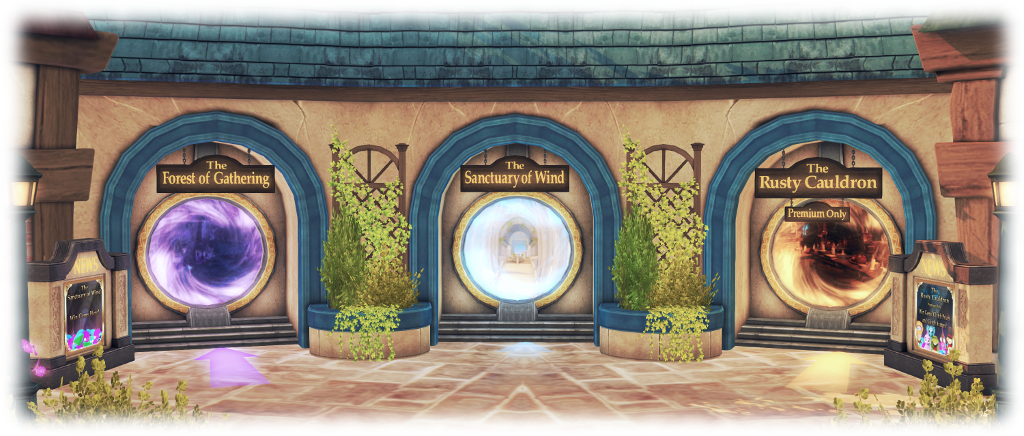
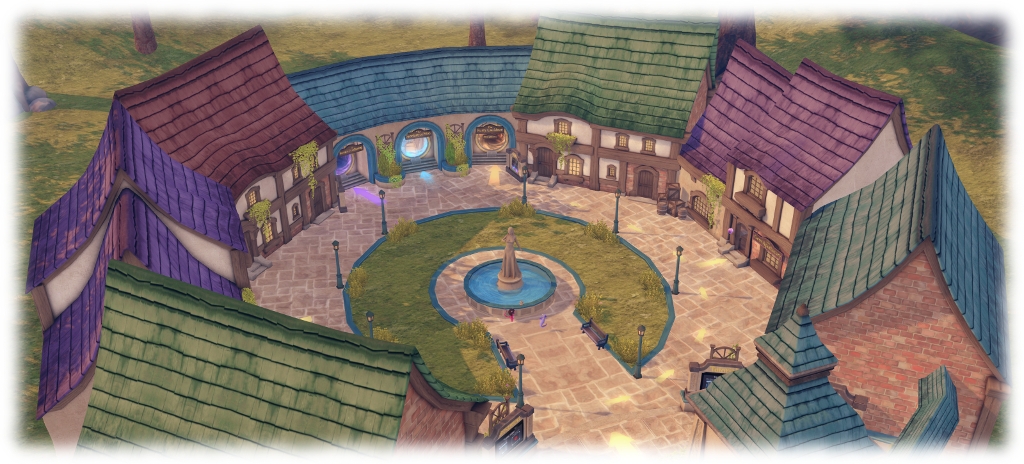
Hartyshire is the heart of the game. Reached via the Portal Park, it is the place where people can learn more through the aforementioned videos, and where players obtain their Glytch Starter Kit, can upgrade their weapons, claim prizes or – gem and weapons upgrades allowing – access the special bonus regions. There is also a range of free gifts for visitors, whether or not they join the game. There are three important areas in Hartyshire:

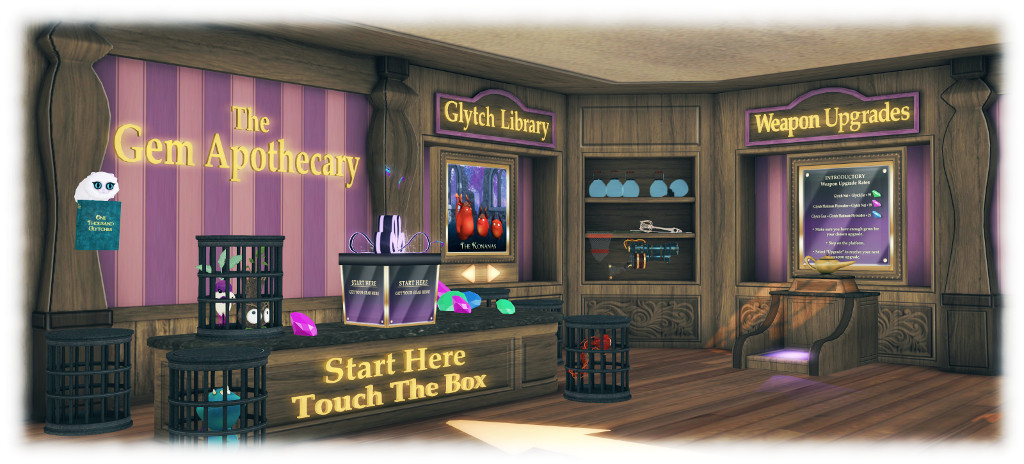
The Gem Apothecary is where players can:

  • Obtain a game Starter Kit: with everything needed to start playing: a note card of instructions, the game HUD (see below) and a jar – your first Glytch catching weapon. The kit is delivered as a folder to your Inventory.
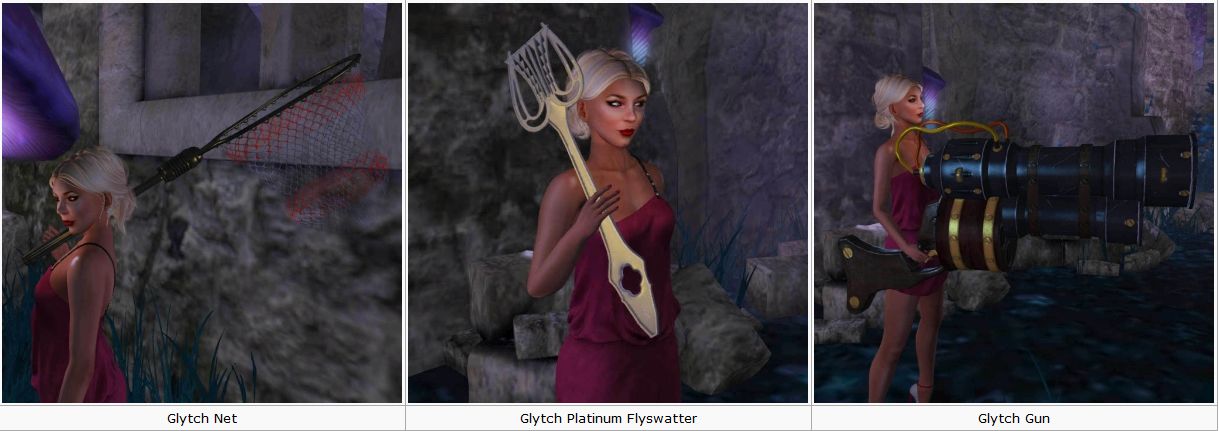
  • Upgrade their Glytch catching weapon: use gems given by Glytches to upgrade from jar through swatter and net to gun. Each weapon improves the chances of catching Glytches. Replacement weapons can also be obtained here.
  • Claim Gem Lottery Prizes: contains prizes from the Lab’s previous games, split into three groups – Common, Rare and Epic, corresponding to the three gem colours – Green, Pink and Blue. Prizes in each category can be obtained by redeeming the required gems of each colour.
Inside the Gem Apothecary – start kit, weapons upgrades and “captured” Glytches

The Gift Shop is where visitors to Hartyshire can collect game-related free gifts and hatch their SL14B gift egg to gain their first Glytch.

The Bonus Region teleport portals – of which, more below.

The Glytch catching weapon upgrades. Credit: Linden Lab

The HUD

To play the game, players must wear the game HUD. Removing this at any time stops all game-play, saving the player’s current status (e.g. gems taken, current weapon upgrade, etc). Players can re-join the game at any time simply by wearing the HUD once more; there is no need to return to Hartyshire in order to do so. The Glytch catching weapon can also be worn, although the game will also function without it.

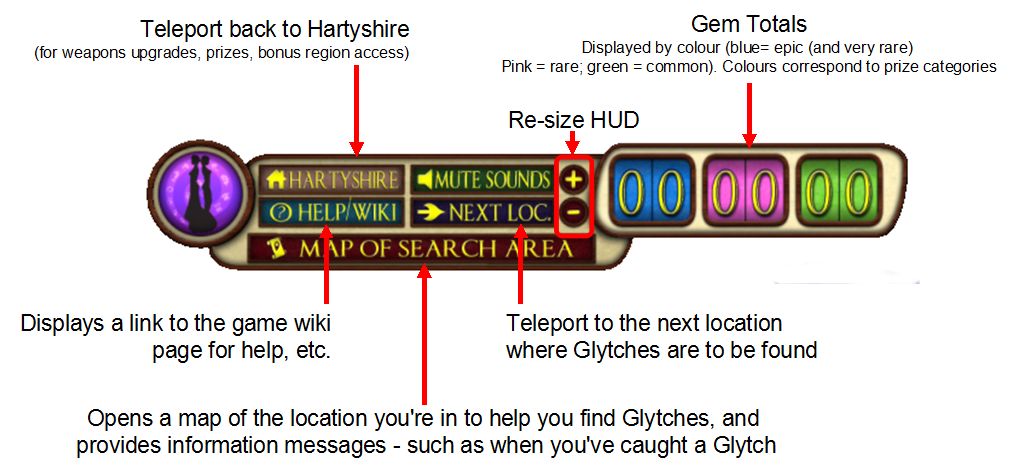
The main game HUD

With the HUD worn, players click the Next Loc(ation) button to teleport to a location where they can hunt Glytches. On arrival, the Map can be opened to see where the Glytches are. A maximum of five Glytches can be caught per location, after which players should use Next Loc to move to another location to continue the hunt.

At the moment, Glytches can only be found on assorted Linden / LDPW regions and parcels. In the future, residents will be able to apply for their land to be added to the game – of which more anon.

Glytches

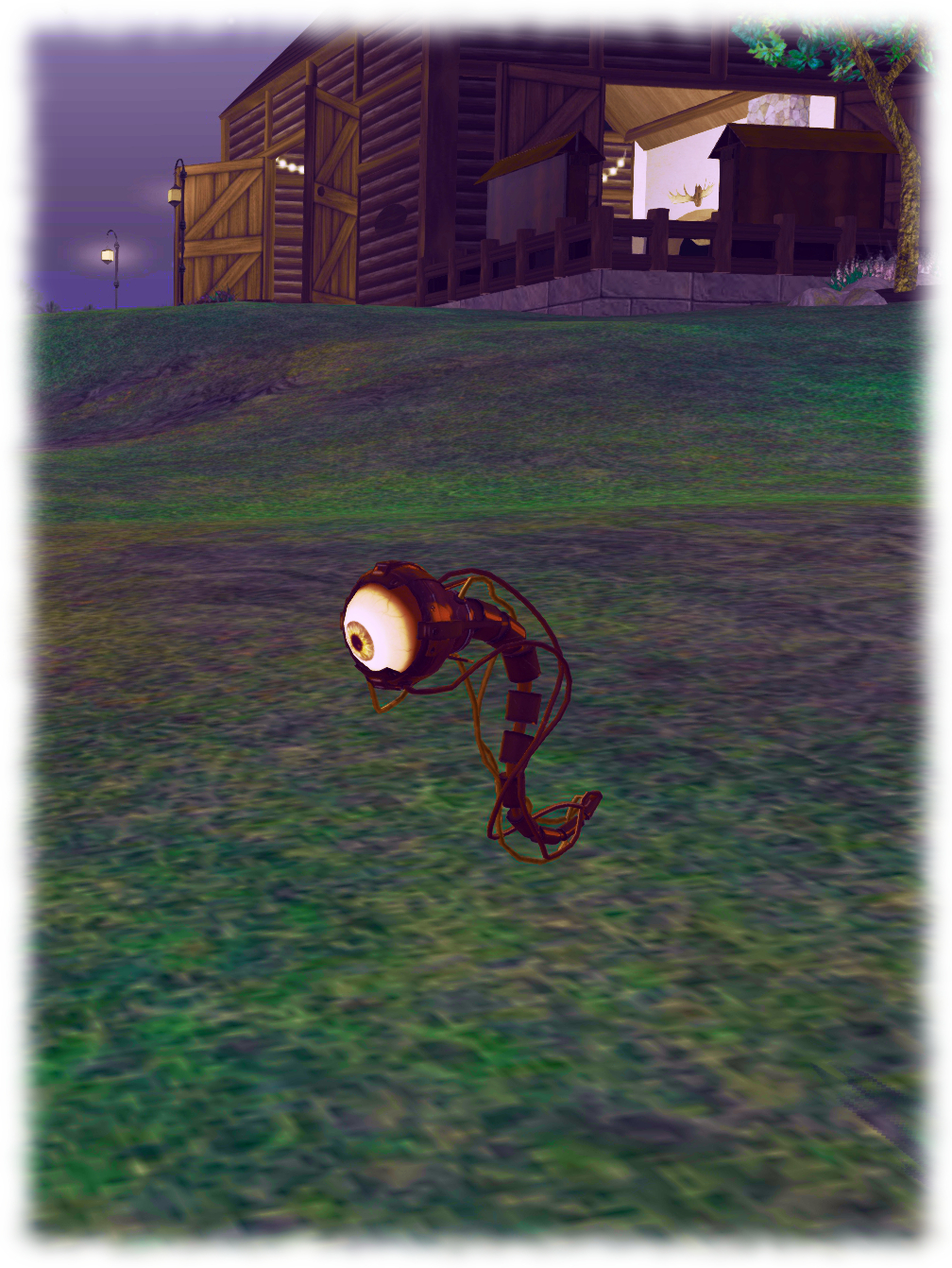
A Glytch in the wild – is worth more in your cage

Glytches can be hunted in either first- or third-person view, but must be captured in first-person (Mouselook) view by clicking on them with the left mouse button.  Note the range at which a Glytch can be caught varies with the weapon being used, and not all captures will be successful.

A failure to catch a Glytch can result in it casting a spell on the hunter. They’ll also use spells if startled or to protect one another. Spells vary from silly dances to anvils dropping on heads, but they will allow the Glytch to escape by de-rezzing (another will rez nearby).

A successful capture will result in a cage appearing around the Glytch and a message displayed on the game HUD. The Glytch may also offer you a reward. This might be gems or it might be a Glytch prize – or both.

Note that when a glitch prize is given, players must switch to third-person view (ESC) and Accept the Glytch via the notification displayed in the top right of the viewer window. Failure to do so may result in the prize being lost. If the notification collapses before it is clicked on, it can be re-opened via the Notifications tray.

To help keep the game fresh, new Glytches will be added over time A wiki-based Glytchopedia will also be published in due course, listing all the Glytches.

Continue reading “Of Glytches and gems: the Lab’s grid-wide Second Life game” →