2018 SL UG updates 45/2: CCUG summary

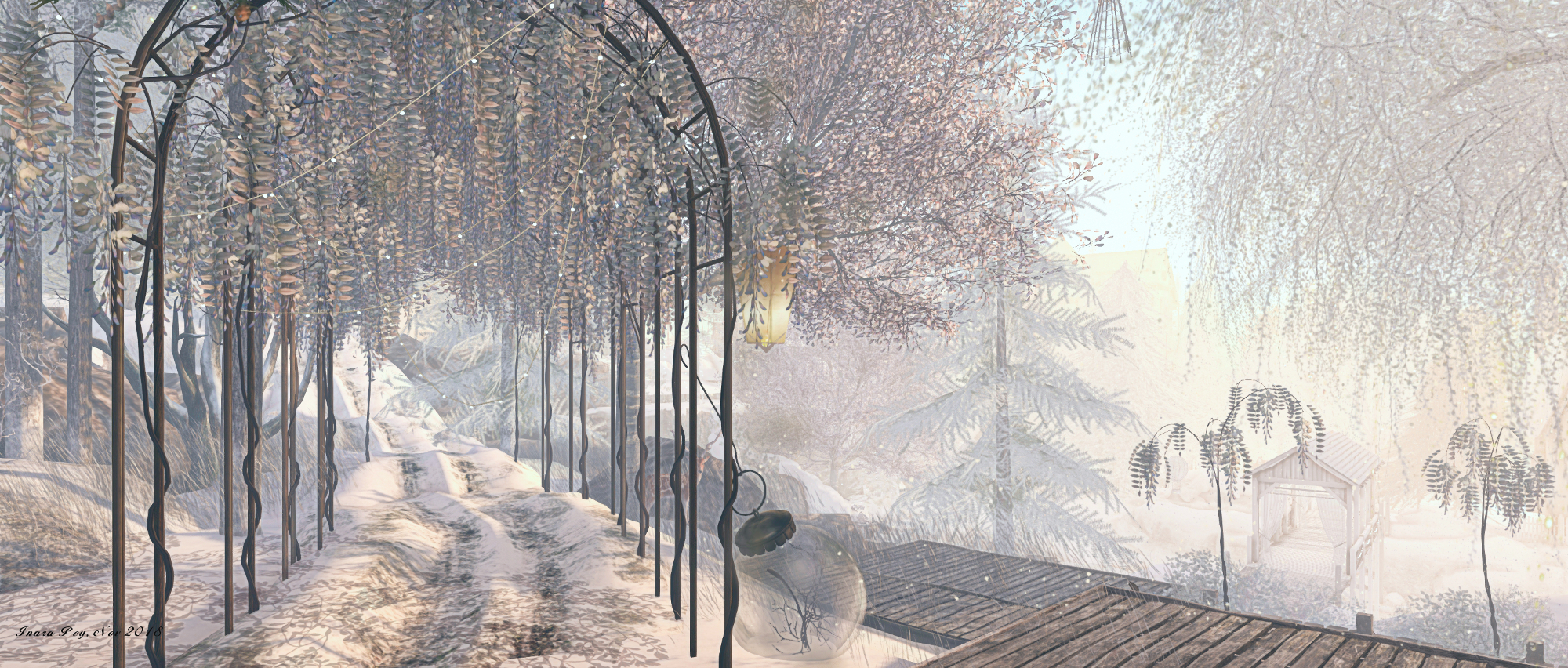
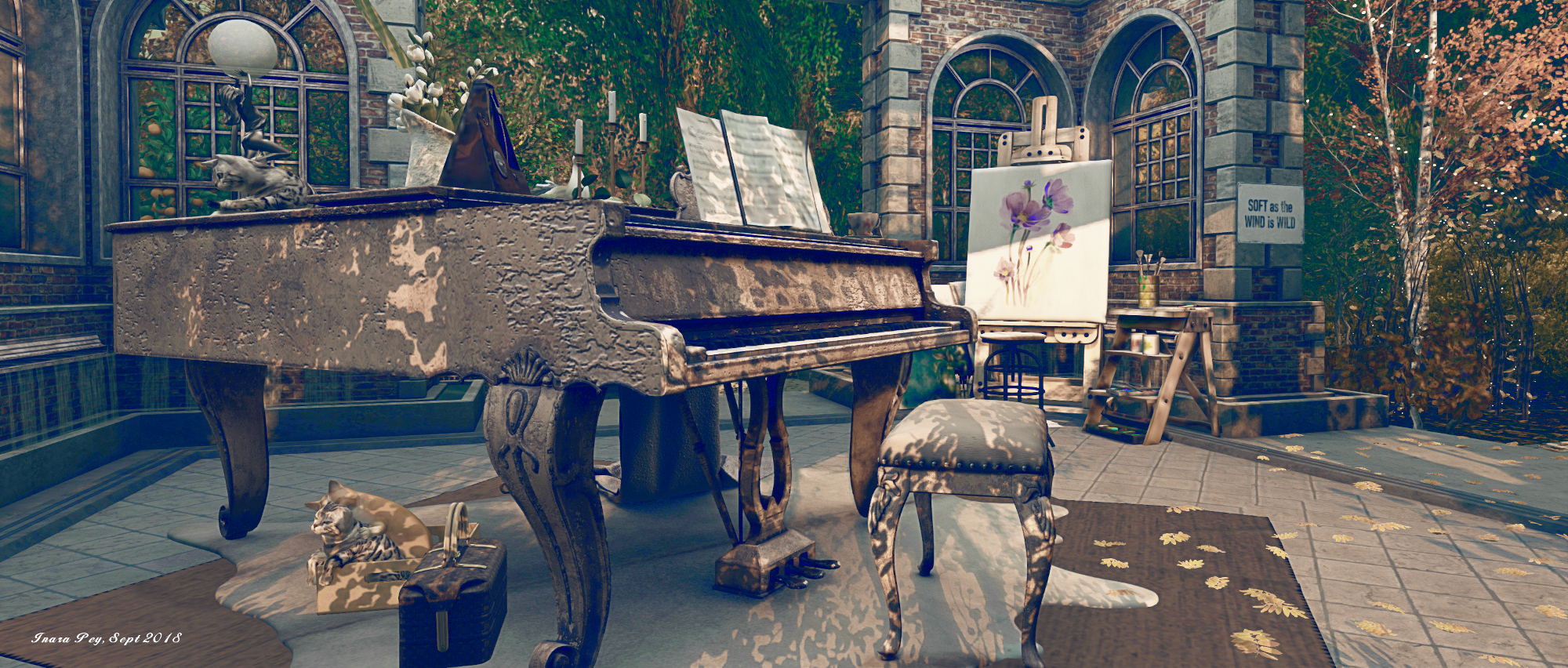
Frog Hollow; Inara Pey, September 2018, on FlickrFrog Hollowblog post

The majority of following notes are taken from the Content Creation User Group (CCUG) meeting, held on Thursday, November 8th, 2018 at 13:00 SLT. These meetings are chaired by Vir Linden, and agenda notes, meeting SLurl, etc, are usually available on the Content Creation User Group wiki page.

SL Viewer Updates

The Spotykach RC viewer updates to version 5.1.10.521459 on Thursday, November 8th, 2018. Otherwise, all other viewer remain as per part #1 of these weekly updates.

Environmental Enhancement Project (EEP)

Project Summary

A set of environmental enhancements allowing the environment (sky, sun, moon, clouds, water settings) to be set region or parcel level, with support for up to 7 days per cycle and sky environments set by altitude. Uses a new set of inventory assets (Sky, Water, Day) that can be stored in inventory and traded through the Marketplace / exchanged with others, and which can additionally be used in experiences. A new set of render shaders to support atmospheric effects such as rainbows, crepuscular rays (“God rays”), better horizon haze and fogging (but will not include rain / snow). The ability to change the Sun and Moon and cloud textures with custom textures.

Resources

Current Status

The new simulator update deployed to the Snack channel on Wednesday, November 7th, 2018. This allows environment information to be pulled from the parcel or region, and further scripting work is due in time. There will also be further updates to the viewer in due course.

There has been a request to allow parcel owners set the transition time for EEP settings when moving between parcels, rather than just using the fixed (roughly 10-second) transition time. This is something Rider is reluctant to consider for the first pass of the EEP work, as it is a complex matter to tackle, and constitutes the kind of scope creep he’d rather avoid in trying to get the first pass of EEP out of the door. However, it is among the items to be considered as a part of any EEP follow-up project.  This said, it will be possible to set the transition time on EEP settings directly applied to avatars (once the scripted EEP support is available).

Animesh

Project Summary

The goal of this project is to provide a means of animating rigged mesh objects using the avatar skeleton, in whole or in part, to provide things like independently moveable pets / creatures, and animated scenery features via scripted animation. It involves both viewer and server-side changes.

Resources

Current Status

The Land Impact fix for Animesh is now deployed to the RC channels – this ensures that Animesh objects with a regular prim root (rather than a mesh root) should have their default 15 LI including in land impact calculations. If all goes according to plan, this fix will hopefully be deployed to the main (SLS) channel in week #46.

There are no specific updates in the works for the viewer at present, so the simulator update might see Animesh go to release status in the immediate future.

The meeting covered a lot of ground covered in the previous meeting – performance / bound box fixes; avatar shapes for a follow-up project, etc., so please refer to my notes from that meeting for details.

Bakes On Mesh

Extending the current avatar baking service to allow wearable textures (skins, tattoos, clothing) to be applied directly to mesh bodies as well as system avatars. This involves viewer and server-side changes, including updating the baking service to support 1024×1024 textures, and may in time lead to a reduction in the complexity of mesh avatar bodies and heads.

This work does not include normal or specular map support, as these are not part of the existing Bake Service, nor are they recognised as system wearables.

Resources

Current Status

Work is continuing with fixing the Bake Service / appearance service. Some of this work is currently with the Lab’s QA team. Anchor is also working on some viewer-side issues as well.

Normal and Specular Maps Support?

By default, Bakes on Mesh will not support normal and specular maps. This is because the Bake Service managing the avatar appearance does not recognise normal or specular maps, and updating it to do so is seen as a major task in terms of software and hardware.

However, in examining the issue, Cathy Foil has put forward a way to allow Bakes on Mesh to indirectly support normal and specular maps using a combination of three additional bake channels within the Bake Service and a scripted “applier” option, similar to current skin and clothing applier mechanisms.

Would this conflict with mesh body parts that already have a specular or normal map already assigned? While she’s not tested the idea in practice, Cathy believes not, as the additional Bake Service channels are not actually applied to the avatar,  they are simply a means to communicate what should be applied.

However, Graham Linden believes that even this approach would still require alterations to correctly composite the normal and specular maps. It would also likely need some kind of alpha masking capability to ensure odd outcomes are avoided (such as a normal or specular map for, say an underwear layer bleeding through to a skirt layer of clothing).  Cathy has indicated she’ll try doing some testing ahead of the next CCUG.

If nothing else, the provision of further Bake channels that might be seen as for “general purpose” use could lead to creators using them in a variety of ways, leading to further consumer confusion simply because there is no standard approach to how each auxiliary Bake channel is to be used.

A world first for Second Life Machinima?

via the UWA Second Life website

I’m “borrowing” the title of this article from a UWA blog post by Jay Jay Jegathesan (Jayjay Zifanwe in Second Life), who also e-mailed me about the forthcoming Eugene International Film Festival and the special place Second Life machinima has within it.

In short, Metaphor, a film directed by Basile Vignes  and produced by Jay Jay, has won the Best Animated Short Film at the festival, in a competition that included the internationally acclaimed animated short iRony, which has already won 120 awards world-wide, and has been short-listed for 5 Academy Award Qualifying festivals.

It is believed that no other Second Life machinima has previously won the top prize in open competition against ‘conventional’ animated short films from across the spectrum. As the winning Animated Short Film, Meatphor will be shown at the festival, which takes place over the weekend of the 9th through 11th November, 2018, in Eugene, Oregon, USA, along with all the other selected entries.

Commenting on the announcement that his film had won the award, Basile stated:

I am very proud and honoured that Metaphor won this award for best animation. This in competition with a selection of films each of which could have had the first prize. A big thank you to the jury who chose my film and congratulations for your excellent movie Festival.

Metaphor excerpt

The film, which Jay Jay and Basile bill as French-Australian co-production although Basile is currently based in India, is a story about identity – the faces we wear in life, both public and private, with the synopsis stating:

The protagonist in this film, uses the avatar and handle ‘Fallen God’ when accessing social media and virtual worlds. In his virtual journeys, he comes across the mysterious, beautiful and enchanting ‘Encre’. Will this encounter turn into a relationship touched by the spark of the infinite? This animated French-Australian film, based on true events that happened 2017 explores the many masks we wear along with the question of identity and relationships in the modern world in all its shapes and forms.

Also responding to the award, Jay Jay paid tribute to Basile’s work, noting:

Over the years as Festival Director for numerous UWA machinima film challenges, Basile proved to be among the finest exponents of this genre, along with his chief animator, Tutsy Navarathna, and when the thought came to me to try to take Second Life machinima across the globe on the international film festival circuit, I could think of no one better to partner with on this endeavour.

This is the very first win for Metaphor, and I do hope that it’s not the last. I also look forward to the film’s Australian premiere next month at the Perfect Light Film Festival in Broken Hill, New South Wales.

Congratulations to Basile, Jay Jay and all involved in the project on winning this award.

I’d also like to point out that iRonymentioned above, is in fact an animated short by Jay Jay’s son, Radheya Jegatheva (it is also narrated by Jay Jay). Radheya is fast emerging as a talented film-maker, and I’ve been fortunate to cover some of his work previously in these pages (see here and here for more). This being the case, I’d also like to pass on congratulations to him on also having iRony accepted by the Eugene International Film Festival and featured as one of its selected films, and on his film having already achieved so much internationally.

Sansar: November 2018 Look at Me release

Legend of Wysterra (WIP)

On Tuesday, November 7th, Linden Lab issued the Look At Me release for Sansar. It is perhaps one of the most radical changes to the platform’s client since the public beta opened in 2017, incorporating both an overhauled user interface and revised controls for both VR and Desktop mode.

This article is designed to provide an illustrative summary of the release, but do note the lack of an VR headset and controller on my part means that any features described in detail here are looked at from the Desktop Mode.

The full release notes for the update are available here.

Initial Notes

  • As is generally the case with Sansar deployments, this update requires the automatic download and installation of a client update.
  • Updates in this release mean that on logging-in for the first time following the update, users will be placed in the Look Book (Avatar App).

Client UI Updates

As a part of getting ready for the release of Sansar on Steam (see here for more), as well as to make the UI easier to understand in general, this release sees a complete redesign of the client UI controls, which is perhaps the most immediately visible part of the update.

Log-in Options Revised

The first noticeable change on launching the updated UI is the revised log-in display. This is now more compact and presents a more clear-cut set of options:

  • Log-in using your Sansar credentials.
  • Log-in using your Twitch credentials (if you are a Twitch user registered with Sansar).
  • Create a Sansar account.

It’s a small change, but it does make the client look cleaner on start-up.

New UI Buttons and Layout

The next obvious change to the UI seen after logging in is with the UI buttons. These have been both moved to the left side of the client window and revised to group options together more logically, provide better ease of access to options and tools, and generally be more intuitive without intruding too much into a scene.

Excluding the microphone toggle button, there are five function buttons. A neutral grey when not in use, they will turn blue when the mouse pointer is moved close to them or hovered over them. Hover over a specific button, and it will display a label: Go; Socialize; Create; Shop; and More options. Click on a label, and it will display a menu of options.

For those familiar with Sansar, it’s worth studying these menus, as they do see some options renamed and / or moved. For example:

  • The Atlas is now more generically referred to as Find Experiences (Atlas) under Go.
  • Go also includes the Events option (previously a separate button)
  • The Create button brings together the Look Book option (previously a separate button),  and adds the options to create an experience or an event, rather than restricting these to buttons in the Atlas and Event panels.
  • The Snapshot option is relocated from the old More Options drop-down to the new Socialise button.
The new UI buttons and their sub-menus (click for full size, if required)

In addition, there are some new options, such as Favourite Places under the Go button, which opens the Favourites tab in the Atlas; or the Learn to Build option under the Create button, which opens the knowledge base table of contents page  Creating in Sansar, in a web browser tab.

The new buttons are also visible in VR mode, but are now displayed on a menu over the left wrist.

The new UI buttons as they appear in Sansar’s VR mode. Credit: Linden Lab

Revised Keyboard and Controller Options / Buttons

The Look at Me release sees a number of revisions to keyboard and controller commands.

  • The updated help / reporting options (via F1)

    Desktop Controls

    • Hold Left Shift to Sprint (was double tap WASD) – configure in Settings to choose between “Hold Left Shift” or “Toggle Left Shift“ for Sprint.
    • Hold Spacebar to bring up teleport GUI, and release to teleport to target location (was Hold Shift) – mouse wheel button is still assigned to quick teleport.
    • Press F1 to bring up the new help & reporting window.
  • Oculus Touch Controls (VR)
    • Teleport moved to the A and X buttons (was Left and Right Trigger)
    • Pressing Y will still open the VR menu, but it now appears on your left wrist (see above).
    • “Toggle Sprint” is now an option in settings.
  • Vive Controllers (VR)
    • “Toggle Sprint” is now an option in settings.
  • Camera Controls
    • Hold “Left Shift + WASD” to temporarily increase camera movement speed while held.
    • Hold “Left Ctrl + WASD” to temporarily decrease camera movement speed while held.
    • Tap “+” to increase camera movement speed. (In addition to Numpad +)
    • Tap “-” to decrease camera movement speed. (In addition to Numpad -)
  • Edit Mode Controls
    • Press Backspace to delete an object (in addition to Delete)
  • Improved 3rd person camera
    • Over-the-shoulder camera now has object avoidance. The camera will not go through walls in desktop or in VR.
    • Scrolling the mouse wheel in desktop mode will allow the user to zoom in/out, even to the point of going into first person and back out to third person again.

Continue reading “Sansar: November 2018 Look at Me release”

Somewhere in Time in Second Life

Somewhere in Time; Inara Pey, November 2018, on FlickrSomewhere in Time – click any image for full size

Somewhere in Time is a full region held by Quinn Holsworthy (Zoey Drammond), who also lead the team responsible for landscaping it. In keeping with the time of year in the northern hemisphere, the region offers a winter setting, rich in snow, which covers the ground and clicks to rocks and trees even as more swirls down from the pastel sky overhead.

Located just off the centre of the region, towards the west side, the landing point sits on the low-lying portion of the region, a place where snow-dusted terraces and flagstones surround a frozen pond ripe for ice skating  – as demonstrated by the penguins enjoying themselves on the ice. Wooden pergolas line two sides of the ice, while tall cliffs rise from the south side, crowned by the steel girders of a rail track.

Somewhere in Time; Inara Pey, November 2018, on FlickrSomewhere in Time – click any image for full size

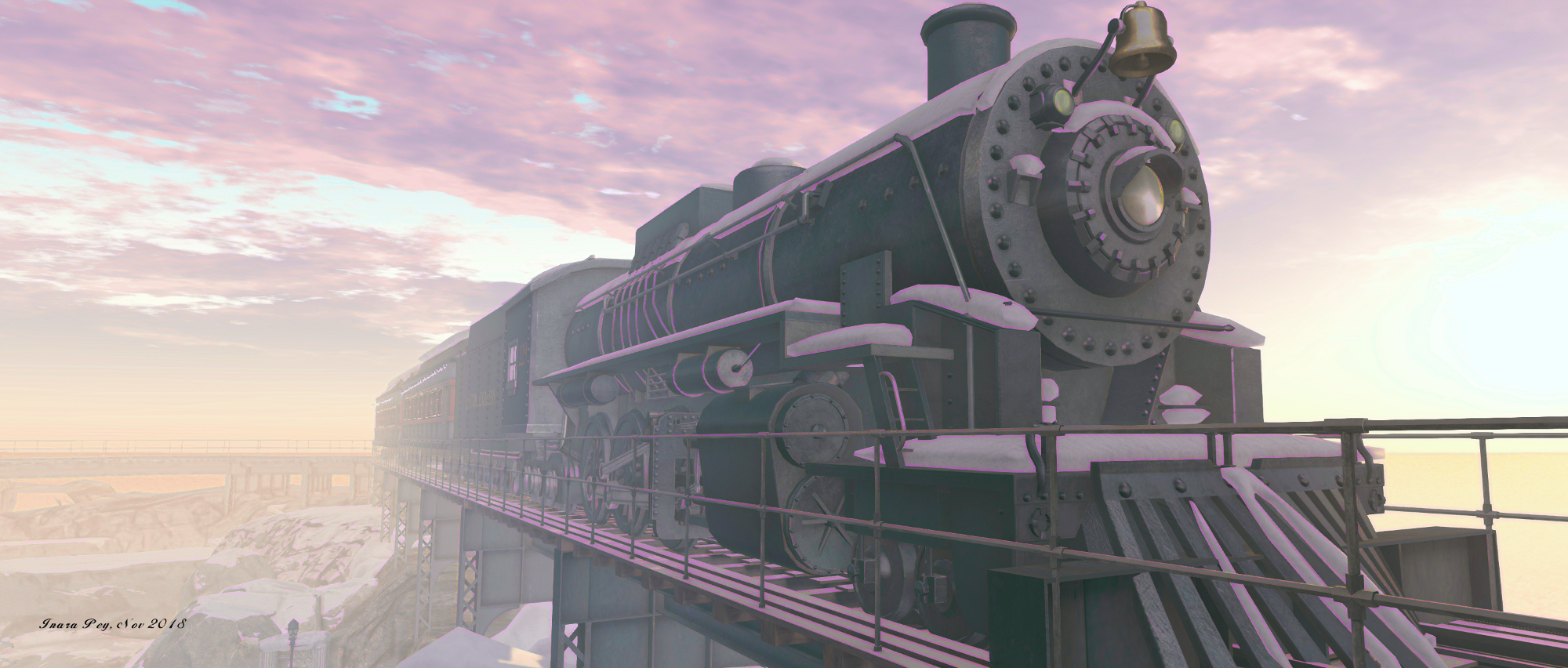
This track, bearing the weight of a steam train and its carriages, curves to the east and to one of the two tunnels marking its extremities. The tunnel occupies one side of a broad, rocky plateau, home to a white-walled chapel surrounded by a copse of fire trees. A finger of rock extends back inland from this plateau, forming another wall partially enclosing the ice rink. With a path winding down to the rink and its pergolas, this rocky finger is home to a social area lit by lanterns and warmed by braziers.

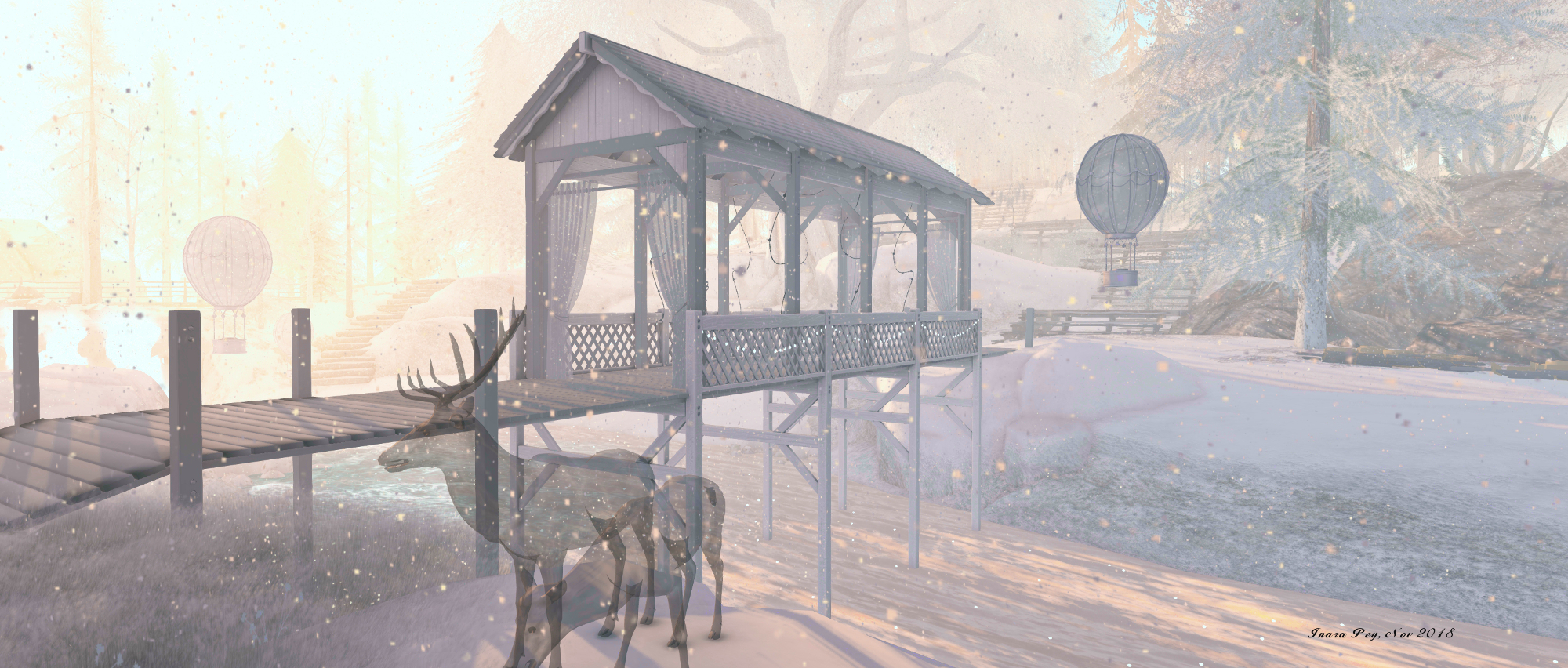
Lanterns are something of a motif for the region: more can be found floating among the trees or over the waters in places, more usually tacking the form of small hot air balloons bearing naked flames which presumably help keep them aloft.

Somewhere in Time; Inara Pey, November 2018, on FlickrSomewhere in Time – click any image for full size

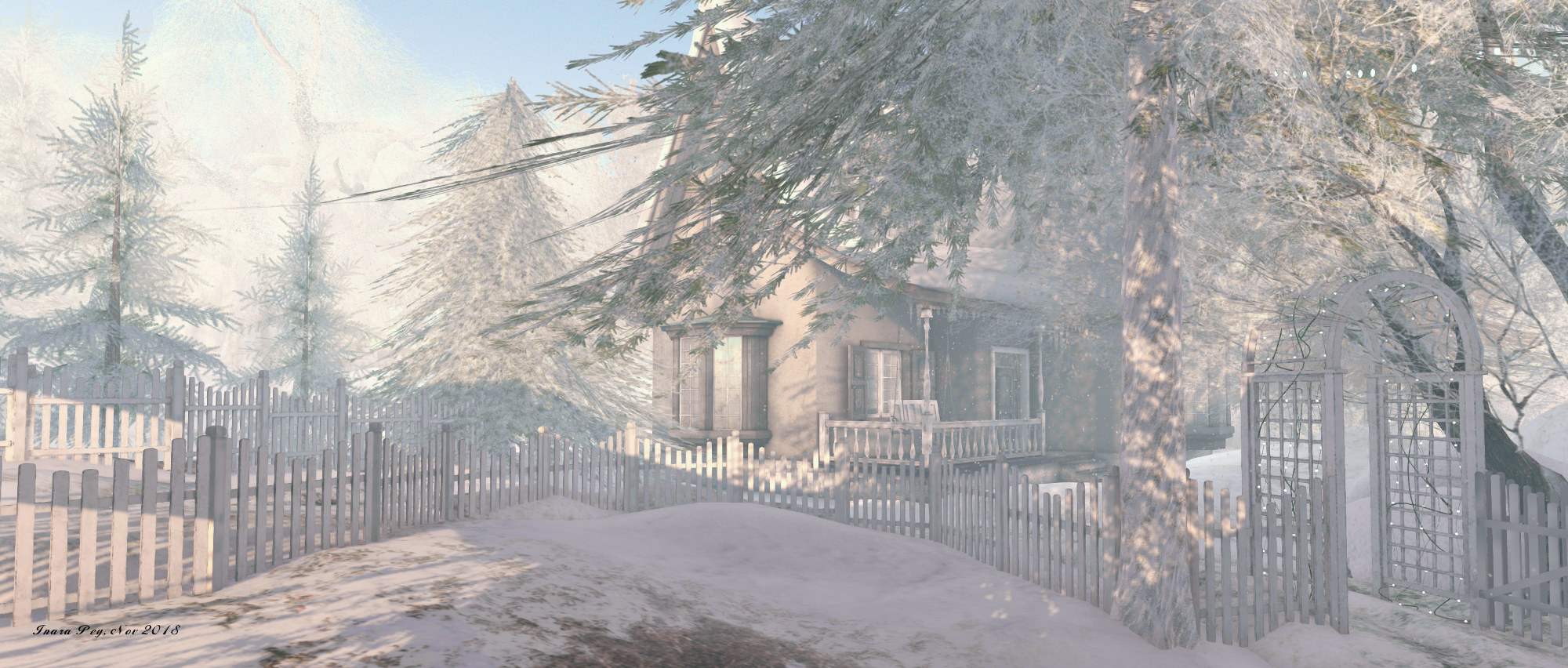
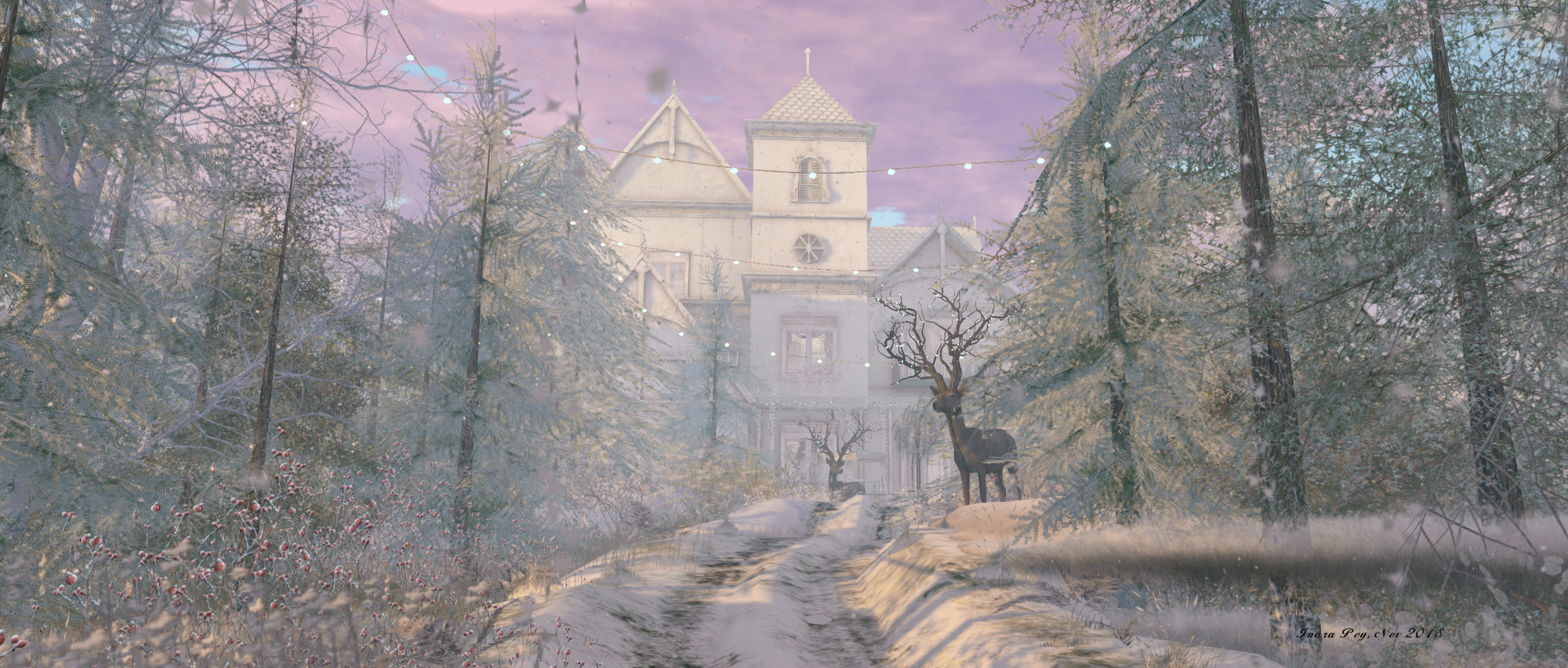
To the north of the region water flows freely through the landscape and trails wind through the trees, some  rutted and snow-bound, others bare dirt, connecting cabin to cottage to barn. Wooden platforms step down to the water’s edge. To the north-west, one of these paths rises to where a large house sits, a wrought iron fence guarding its snow blanketed garden.

All of this barely scratches the beauty of the region and the attention to detail paid in its design – those who have visited Quinn’s region of SilentRane (read here for more) will only be too familiar with her attention to detail. There’s the Christmas tree farm offering warm beverages (albeit with cars laden with trees driving towards it, rather than away from it as one might expect), the look-out point up towards the train-bearing cliffs, the deer, the horse-drawn sleigh awaiting couples, and so on.

Somewhere in Time; Inara Pey, November 2018, on FlickrSomewhere in Time – click any image for full size

The amount of snowfall in the region can impact performance when exploring – in places I found my FPS bottomed-out at under 4 with shadows on, and didn’t climb too much higher with shadows and ALM disabled, so do take this into consideration when visiting. However, there is no doubting the photogenic quality to Somewhere in Time, and those taking photos are invited to submit them to the Somewhere in Time Flickr group.

Perfect for the season, picturesque, and with an imaginative design, Somewhere in Time makes for an engaging visit.

Somewhere in Time; Inara Pey, November 2018, on FlickrSomewhere in Time – click any image for full size

SLurl Details

Paola Mills: behind the avatar in Second Life

UTSA Artspace: Paola Mills

Currently open to visitors at the University of Texas, San Antonio ArtSpace gallery in Second Life is Behind the Avatar, an exhibition of the photography of Paola Mills. To be honest, it’s an exhibition I almost completely missed, the notification having escaped my attention back in September – so my apologies to Paola.

This is a small, but emotive display of work, focused on avatar studies, and which – as the title of the exhibition suggests – offers a glimpse of the person behind the camera and the avatar.

Hello I’m Angela Paola and in pixel version I’m Paola Mills. 

I signed up to Second life in 2007, after hearing a lot of Linden Lab in the media, I did not like the name Second Life, but its potential as a platform to use, because I am passionate about video games since I was a girl. Reading an article in the American Journal, I realised that Second Life was something else, it is a place used to pleasure doing business, others see it as financial speculation, for other people it’s just a 3D chat. But soon it became a niche for lovers of creativity.

– Paola Mills, introducing Behind the Avatar

UTSA Artspace: Paola Mills

Paola notes that while she isn’t a professional photographer, she always carries a small camera with her when out and about in the physical world, taking pictures of the people and things that capture her attention. In entering Second Life, she found a way to expand her photographic creativity, using the viewer’s snapshot capability to capture moods, as well as moments, and give lasting expression to the emotions she might feel at any given time.

It is precisely this emotional amplification of mood and emotion that is represented in the 12 images offered at the ArtSpace Gallery. All 12 are deeply expressive and / or representative of a mood – contemplation, reflection, hurt, fascination, and more, with the nature of the form used – human or robotic – used to present the mood and, with at least some of the images, offer up an additional narrative.

Paola notes that unlike many SL photographers, she makes minimal use of post-process editing. while she states this is more down to an inability to use such applications (when it comes to PhotoShop, I know exactly how she feels!), rather than a conscious decision. However, rather than detracting from her work, I would actually say this adds to it, drawing the audience into each of the images as they are: moments (and emotions) caught in that instant of time, without later embellishment or alteration.

UTSA Artspace: Paola Mills

I’m not sure when this exhibition ends, so I would recommend seeing it sooner rather than later, just in case.

SLurl Details

VWBPE 2019: call for proposals

via vwbpe.org

The 12th annual  Virtual Worlds Best Practice in Education (VWBPE) conference was recently announced, together with a call for proposals, which combines calls for presentation proposals, proposals for exhibits, and proposals for and immersive experiences.

The conference will take place between Thursday, April 4th and Saturday April 6th, 2019 inclusive.

The theme for the 2018 conference is Re:Vision, with the organisers noting:

Rising from VRevolution, our Legacy of learning seeks to re:Vision the future of creation within the ecosystem of digital spaces that comprises VWBPE.

Re:Vision plays a role in how multifaceted communities are contributing to and expanding best practices in virtual spaces to support play, creation, and learning. VWBPE invites you, the innovator in these endeavours, to share your re:Vision at the conference. When you submit your proposal, consider how your community contributes to the knowledge base of innovation and change through the increasingly complex landscape of digital technology.

Also, for 2019, VWBPE will be partnering with vlanguages, an international collaboration effort of universities, colleges, research institutes and language educators that are working together to define and develop freely available best practices, platform and communities of support for virtual worlds, virtual reality, augmented reality, simulations and game-based language learning and training system.

Following the success of 2018, VWBPE will continue the three conference presentation formats introduced in 2018:  Spotlight Presentations, Hands on Technology Workshops, and Compass Points Round-table Discussions. There are seven tracks and three formats. When formulating your proposal, applicants are encouraged to consider the re:Vision theme for the conference.

Full details on the seven tracks and three formats can be found on the VWBPE Applications page, together with general information on presentations and a link to the proposal submissions page.

Note that the closing date for presentation proposals is Monday, January 14th, 2019.

VWBPE 2018: Main Auditorium

Exhibit and Immersive Experience Proposals

  • Exhibit proposals are open to those who wish to showcase their creative works in virtual worlds through artistic expression in order to promote their organisation or achievements. All exhibit proposals are reviewed by the VWBPE, and must apply to an already developed product for showcasing. Proposals should be made in one of the eight exhibit tracks: K-12 Best Practices; Higher Education/College Best Practices; Field Practices; Games and Simulations; Tools and Products; Advocacy; Support and Help Communities and Artists, Designers and Builders.
  • The Immersive Experiences category showcases locations whose main objective is interaction, immersion, and engagement for those who enter them, whether to play a game, solve an immersive problem, or engage participants in hands-on, interactive learning. All proposals for immersive experiences should be made in one of the seven presentation tracks:  Analytic Thinking and Complex Problem Solving; Creativity and Innovation in Design, Practice, and Learning; Essential Accessibility in Digital and Virtual Spaces; Collaboration and Distance Connections; Multimedia Communication and Multifaceted Interactions; Ethics, Responsibility, and Tolerance  and VWBPE Redux.

Note that the closing date for Exhibits and Immersive Experience proposals is Monday, 11th February 2019.

About VWBPE

VWBPE is a global grass-roots community event focusing on education in immersive virtual environments which attracts over 2,000  educational professionals from around the world each year, who participate in 150-200 online presentations including theoretical research, application of best practices, virtual world tours, hands-on workshops, discussion panels, machinima presentations, and poster exhibits.

In the context of the conference, a “virtual world” is an on-line community through which users can interact with one another and use and create ideas irrespective of time and space. As such, typical examples include Second Life, OpenSimulator, Unity, World of Warcraft, Eve Online, and so on, as well as Facebook, LinkedIn, Twitter, Pinterest or any virtual environments characterised by an open social presence and in which the direction of the platform’s evolution is manifest in the community.

Read more here.

Additional Links