Upcoming changes to land damage in Second Life

secondlifeAs previously reported in these pages, in April the Lab made some changes to the behaviour of Damage settings on land. At the time, the changes caused a certain amount of confusion in the way they limited people’s abilities to set Damage compared to previous behaviour.

As a result, a number of bugs were filed against the changes, including BUG-9098BUG-9253 and particularly BUG-9422, prompting the Lab to acknowledge there are issues, and promise to look into matters to see if anything could be done to improve things.

As a result of this, the Lab has now come up with a proposal on how Damage can be managed at both the region and the parcel level (there are no plans to offer Damage settings at the estate level) in order to provide region and parcel holders the greatest flexibility on how Damage can be managed on their land, as identified in the various use cases offered through the bug reports.

One of the issues resulting for the April changes to Damage: if the Allow Damage option is disabled at the region level, it could no longer be set at the parcel level - click to enlarge (image courtesy of Whirly Fizzle)
One of the issues resulting for the April changes to Damage: if the Allow Damage option is disabled at the region level, it could no longer be set at the parcel level – click to enlarge (image courtesy of Whirly Fizzle)

The proposal was unveiled by Oz and Grumpity Linden at the TPV Developer meeting held on Friday, July 31st, and the detailed discussion of the changes can be heard via the meeting’s video (11:16 through 19:16). However, in essence, it is being proposed that:

  • The current Region / Estate > Region > Allow Damage function will remain, and is set to off by default – so damage will be disabled at the region level by default
  • A new setting, Allow Parcel to Override Damage will be added to  Region / Estate > Region, which will allow parcel owners within a region to set Damage for their land, even if it is disabled at the region level via Allow Damage. This will be set to on by default
  • The About Land > Options > Safe (No  Damage) option will be unchecked by default – so Damage will by default be on at the parcel level by default.

Thus, under this approach, and by default, parcel owners can still have Damage enabled if they wish, while the region owner can have it disabled in order to make places like public areas safe from unintentional Damage, for example.

However, region owners will be able to retain overall control for setting Damage on a region by unchecking Allow Parcel to Override Damage. This will cause the entire region to obey whatever is set via Allow Damage, and the Safe (No Damage) option in About Land > Options will be disabled / greyed-out for all parcels, preventing parcel holders from changing it.

In addition, further changes will be made to the viewer so that it will only display Damage icons in regions / parcels where Damage is enabled.

Currently, there are no times scales for when these changes (which will involve updates to both the simulator code and to the viewer) might be implemented; the idea at the moment is to gain feedback on the proposal as it stands. Furthermore, the Lab is still examining how they might ensure that any current settings for Damage people have on their land are correctly preserved when any changes are eventually rolled-out (although it is likely some people may have to manually readjust the Damage settings on their land once changes have been made, even with the best efforts on the Lab’s part to avoid this).

Once the changes have been finalised and time tabled for implementation, the Lab will hopefully communicate them ahead of release via a blog post / announcement and through the viewer’s MOTD. I’ll also be covering the changes when they are ready to be deployed.

VMM: RC viewer updated, Magic Box / XStreet shut down dates

secondlifeUpdate: The Lab has confirmed automated migration of all Direct Delivery items has now been completed, and the current plan is for the new RC viewer mentioned in this article to be promoted to the de-facto release viewer in week #32 (week commencing Monday, August 3rd).

The auto-migration of Direct Delivery items to VMM has been proceeding for a week, and mostly seems to be going smoothly.

However, the VMM code for the viewer has yet to reach a release status, primarily due to the VMM viewer release candidate having suffered from an elevated crash rate when compared to the current release viewer.

As a result, on July 29th, the Lab to issued a new version of the release candidate, version 3.8.2.303891. This does not contain any changes to VMM functionality, but is intended to reduce the RC viewer’s crash rate. Assuming it achieves the aim, it should mean the VMM viewer is once again back in the running for promotion to release status alongside the other RC viewers currently in the release channel.

End of Magic Box Support

Also on July 29th, the Lab issued a blog post announcing the ending of Marketplace support for Magic Boxes and the final shut down of XStreet.

In the blog post, Merchants using Magic Boxes for item deliveries are advised that they have until Monday, August 17th, 2015 to manually migrate those items to use the viewer-Managed Marketplace. After that date, Magic Boxes will no longer be listed on the Marketplace.

Essentially, manual migration involves moving the item into the Marketplace Listing panel, where the required folder hierarchy will be created, and then associating that item with an existing listing on the Marketplace. This is done by copying / pasting the listing reference number (that’s the number at the end of the item’s URL displayed in a browser’s address bar) from the Marketplace and pasting it into the Associate Listing option of the Marketplace Listing panel.

VMM includes an option to manually associate existing MP listings with VMM items in your inventory, which will help ease part of the the migration process for those concerned over automated migration paths
Manual migration in VMM involves moving the item into the Marketplace Listing panel, where the required folder hierarchy will be created, and then associating that item with an existing listing on the Marketplace, by copying / pasting the listing reference number using the Associate Listing option in the Marketplace Listing panel.

Once items in the Marketplace Listing folder have been associated in this way, and a check for errors run, in-world Magic Boxes can be deleted (just make sure everything you want to manually migrate has in fact had its listing associated with a  VMM item first!).

You can also learn about manual migration in the fourth part of the Lab’s VMM video tutorial series, which I’ve also embedded at the end of this article.

XStreet Shut Down

Following the cessation of Magic Box support on the Marketplace, XStreet, (which I think may still be in part used with Magic Boxes), will remain available through until Thursday, August 27th, after which it will finally be shut down. Presumably, this is to give any merchants who missed the August 17th deadline time to complete any remaining manual migration of Magic Box items & re-list them on the Marketplace.

Summary and Migration Video

So, once again the dates:

  • Magic Boxes will stop working on August 17, 2015, and will no longer appear on the Marketplace
  • Xstreet will be finally shut down on August 27, 2015.

And the Lab’s tutorial video on manual migration of listings to VMM:

Lab VMM Resources

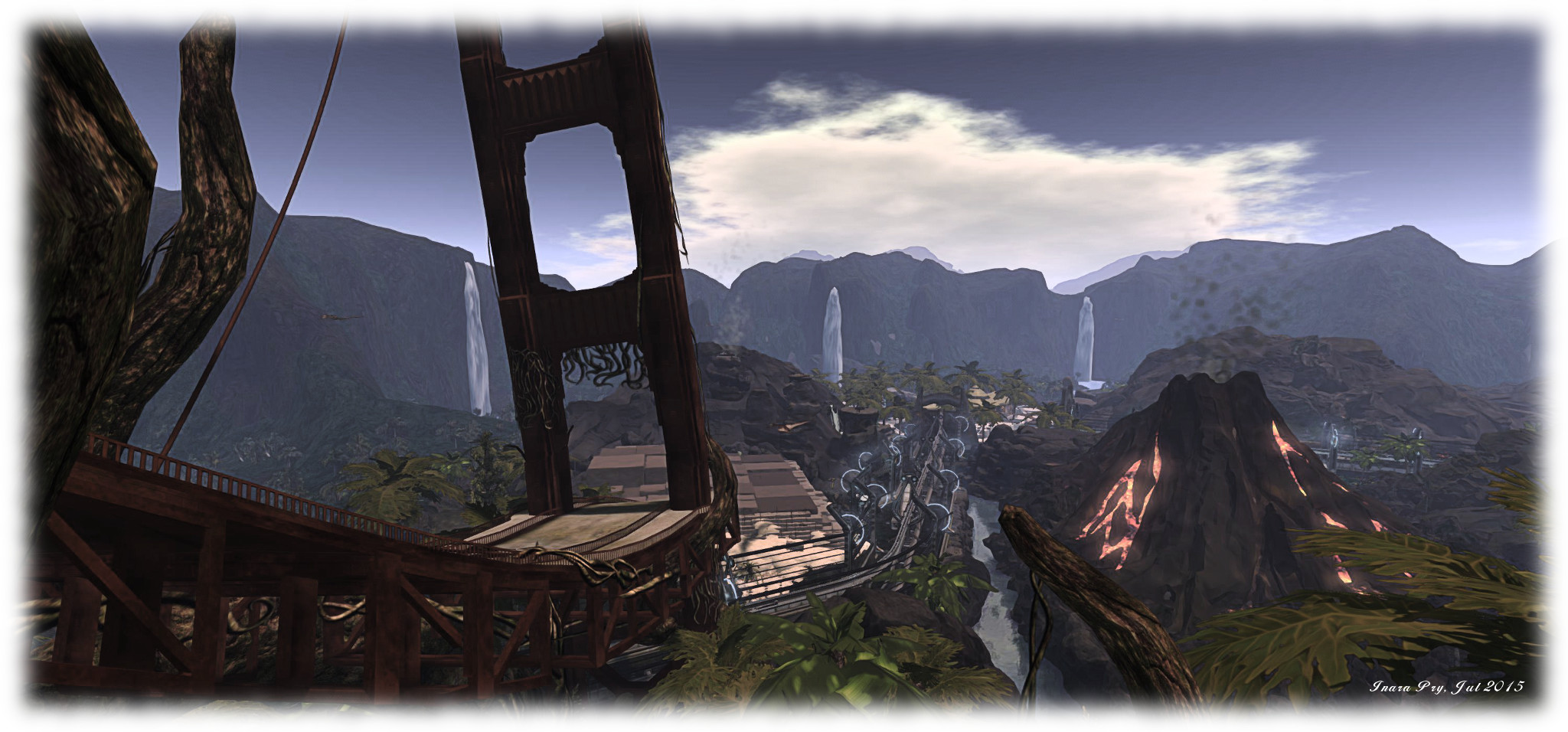
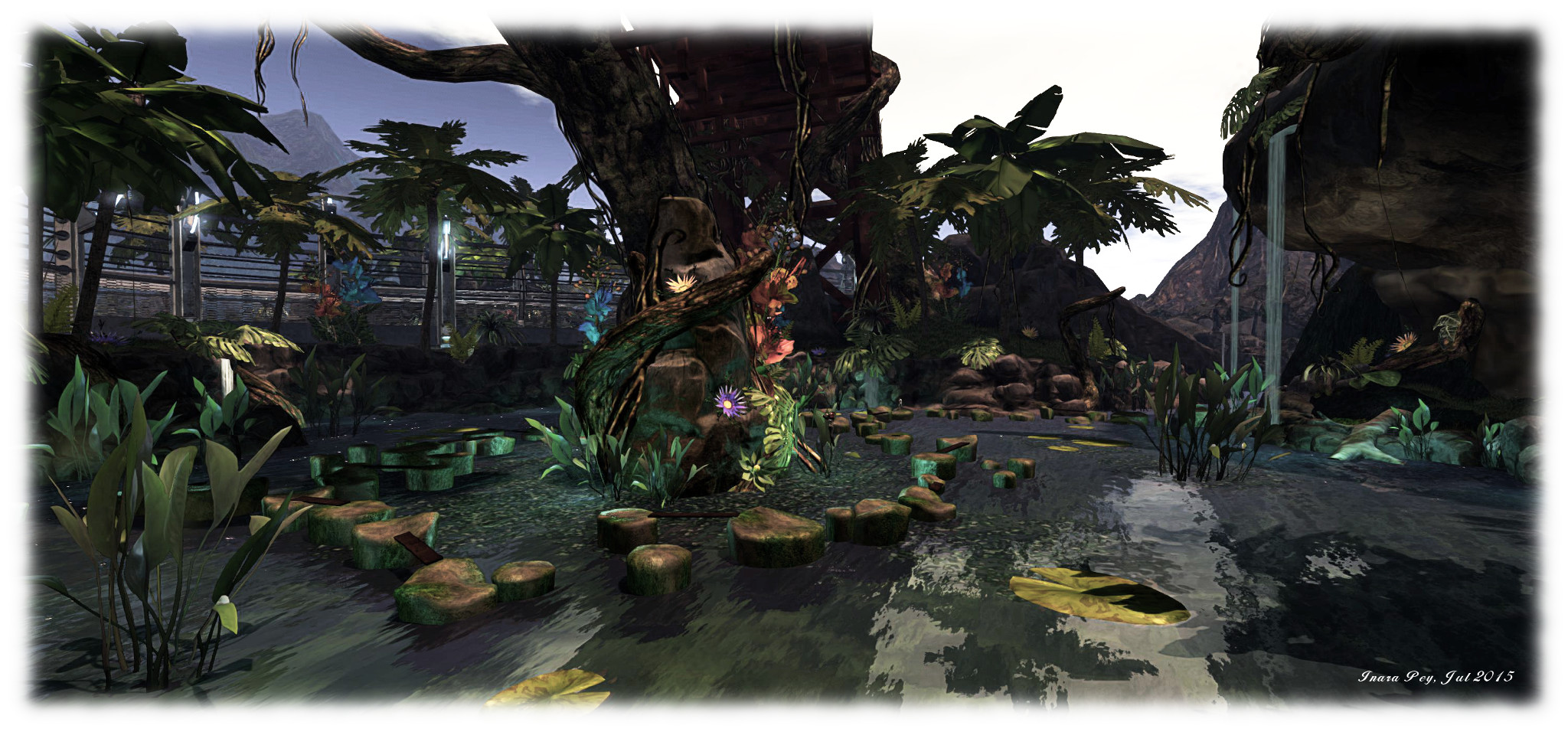
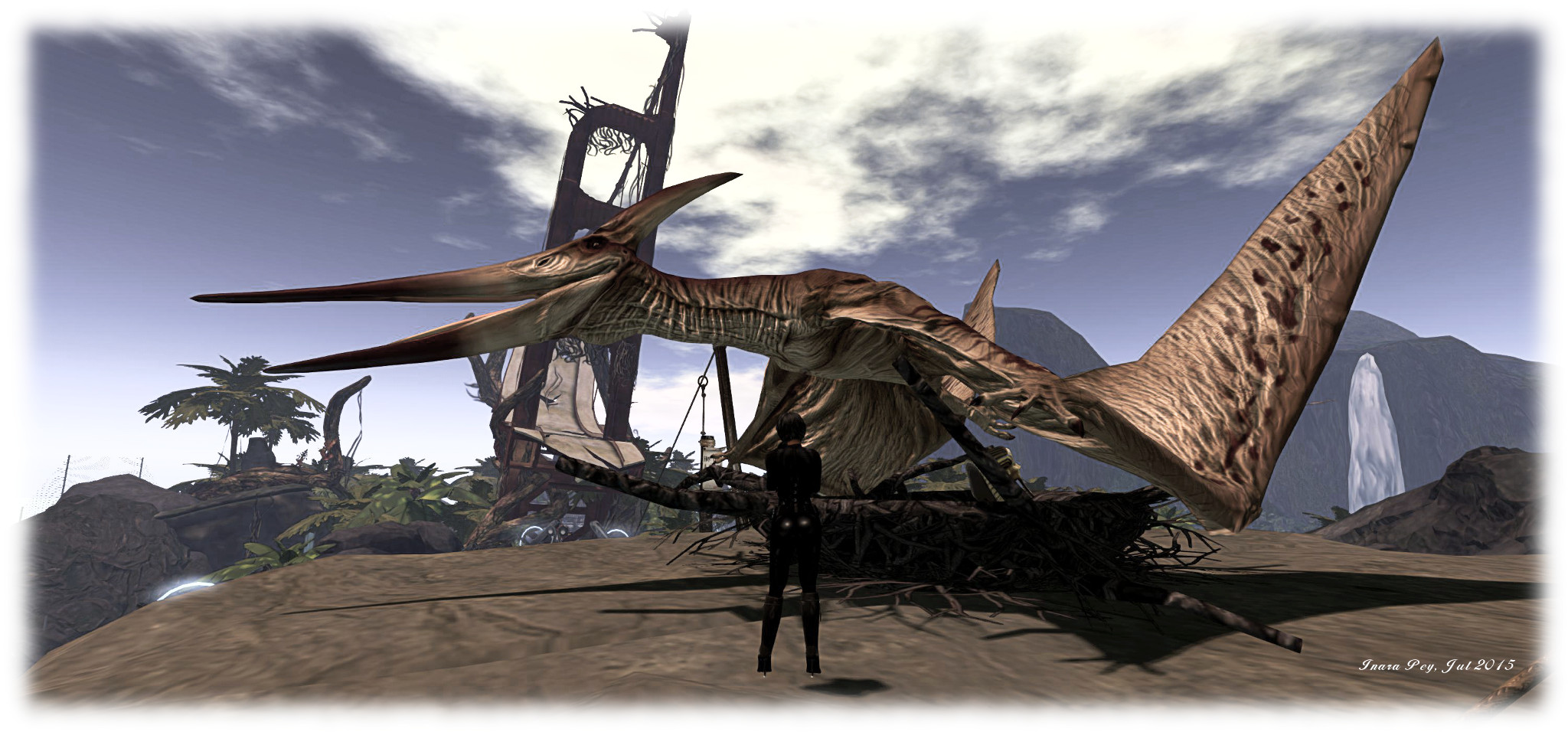
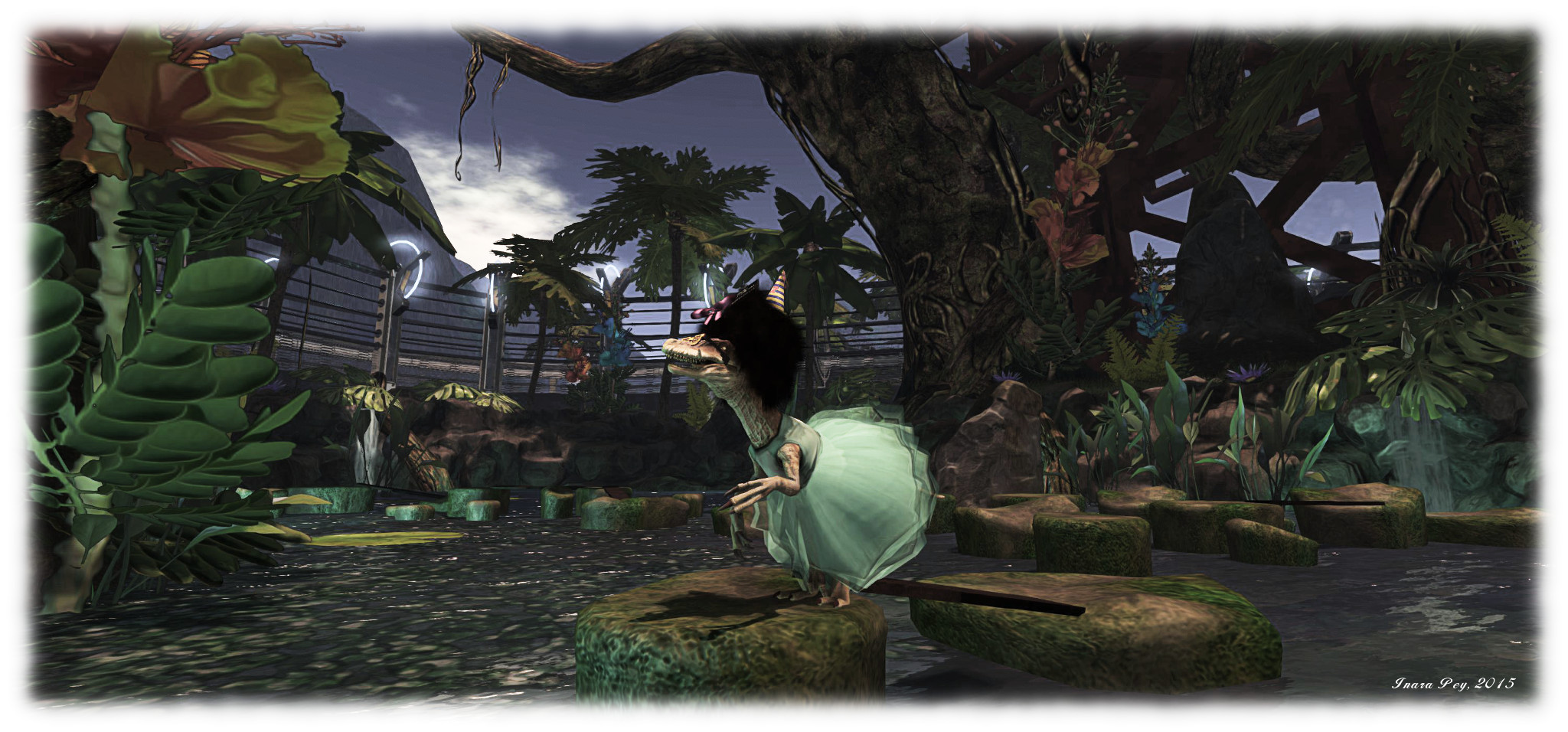
Experiencing PaleoQuest, the Lab’s latest adventure in Second Life

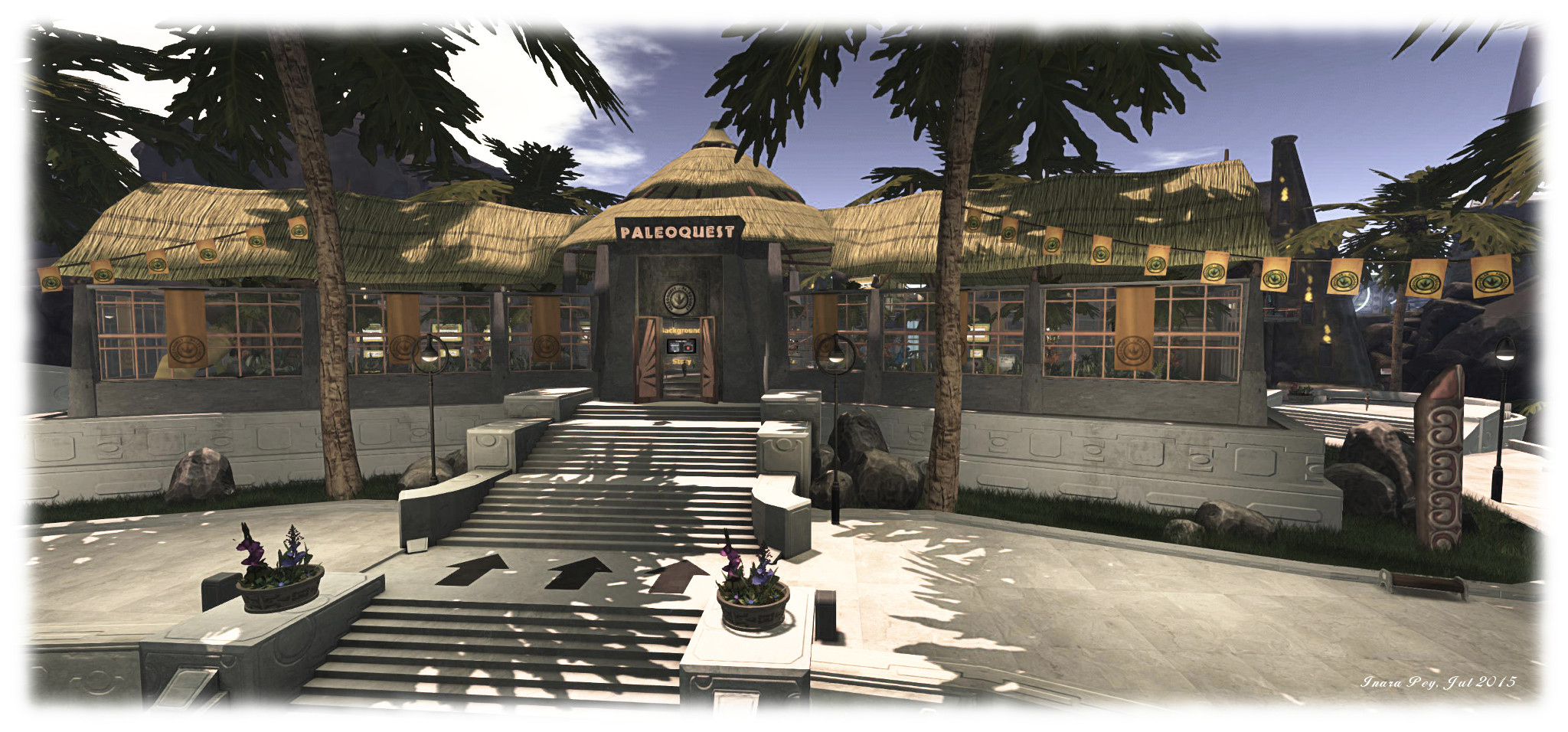
PaleoQuest; Inara Pey, July 2015, on FlickrPaleoQuest, July 2015 (Flickr) – click any image for full size

The Lab has launched the latest in their series of adventures for residents as a further demonstration of Experience Keys / Tools. Entitled PaleoQuest, it can be accessed from the Portal Parks, and following the announcement, I trotted along to give it a try, along with a few friends and some of the folk from the Lab and the LDPW.

As the title suggests, the adventure revolves around dinosaurs and parks … but also features time portals, moles, Magellan Linden and  … Doctor Talpa! The adventure comes with a back story, which I’m not going to explain; I’m going to leave that to the official video:

Once you’ve reached a Portal Park, follow the PaleoQuest footpath to the portal itself. Here, you must explicitly join the adventure and assign certain permissions to it (displayed in a dialogue box). These permissions allow the adventure to act on your avatar (teleporting you, proving you with items, etc.) without you constantly having to accept them via further dialogue boxes.

When you have agreed to join the adventure, walk into the light and you’ll be transported to the Visitor Centre, your starting point. As you do so, a game HUD will be attached to your screen – don’t remove it, as you’ll need it to proceed. It will automatically be removed from your screen when you leave PaleoQuest (and all the permissions you have granted will be automatically revoked as well – all part of the Experience Keys system).

PaleoQuest; Inara Pey, July 2015, on FlickrPaleoQuest, July 2015 (Flickr)

The HUD is a combination communications unit – you’ll receive text instructions through it, and hear them on occasion from Magellan -, progress indicator and score keeper. How to it is explained in a tutorial video. Both it and the back story video can be watched at the Visitor Centre as well as on You Tube directly. As well as providing you with instructions (also available in note card form), the Visitor Centre is also the place where you can redeem the goodies you’ve collected along the way for prizes.

Beyond the Visitor Centre are the 5 individual quest zones, reached via the monorail system. Each of these zones involves you in two activities; the first is to undertake a specific task which must be completed in order to help thwart Dr. Talpa. These must be completed in order – you cannot do one, then skip one and go to the next. The second activity involves you collecting “common and rare items” for Magellan (he’s always been one to get others to do the work for him!). These are the aforementioned goodies which can be redeemed for your rewards.

PaleoQuest; Inara Pey, July 2015, on FlickrPaleoQuest, July 2015 (Flickr)

The five main tasks are fiendish, while the secondary task of collecting items Magellan will name for you isn’t easy either. There may well be rewards to be had when you’ve gathered them and got them back to the Visitor Centre, but as with the main task, there’s also a fair amount of death to be found along the way. Well, lots of death, actually, and in a variety of ways, all of them coupled with the chance of losing the goodies you’ve accrued.

This being SL, however, none of the deaths you may (that’s spelt w-i-l-l) suffer are permanent. Should rocks, darts, toxic water, evil creatures or other Unpleasantness get you, like Doctor Who, you will regenerate in a flash.

I’m not going to spoil the adventure by going into specifics of any of the quests; suffice it to say that this being a time mix-up, dinos won’t be the only things you encounter. There’s ancient Egyptians, pirates and more. What I will is that PaleoQuest is a lot of fun. Oodles of it, in fact.

PaleoQuest; Inara Pey, July 2015, on Flickr“Watch the birdie…” – PaleoQuest, July 2015 (Flickr)

Congrats to Patch, Shaman, Michael, the moles and all who worked on the project; it’s been worth the wait ever since Patch mentioned it at the SL12B “Meet the Lindens” event, and it really does deliver up fun by the bucket load. Or have I already said that?

Don’t take my word for it, however – go see for yourself. You’ll probably come across Whirly still trying to get across Nessie’s rocks ;). (Me? I took a leaf from Magellan’s book. I sat down had a drink or six and watched everyone else!)

PaleoQuest; Inara Pey, July 2015, on FlickrWhirly gets into the spirit of things – and makes an enticing snack for Nessie! – PaleoQuest, July 2015 (Flickr)

Oh, and do make sure you have the music stream enabled when visiting. Someone did a pretty awesome job there as well.

Related Links

Luxembourg 1867: exploring virtual history in Second Life

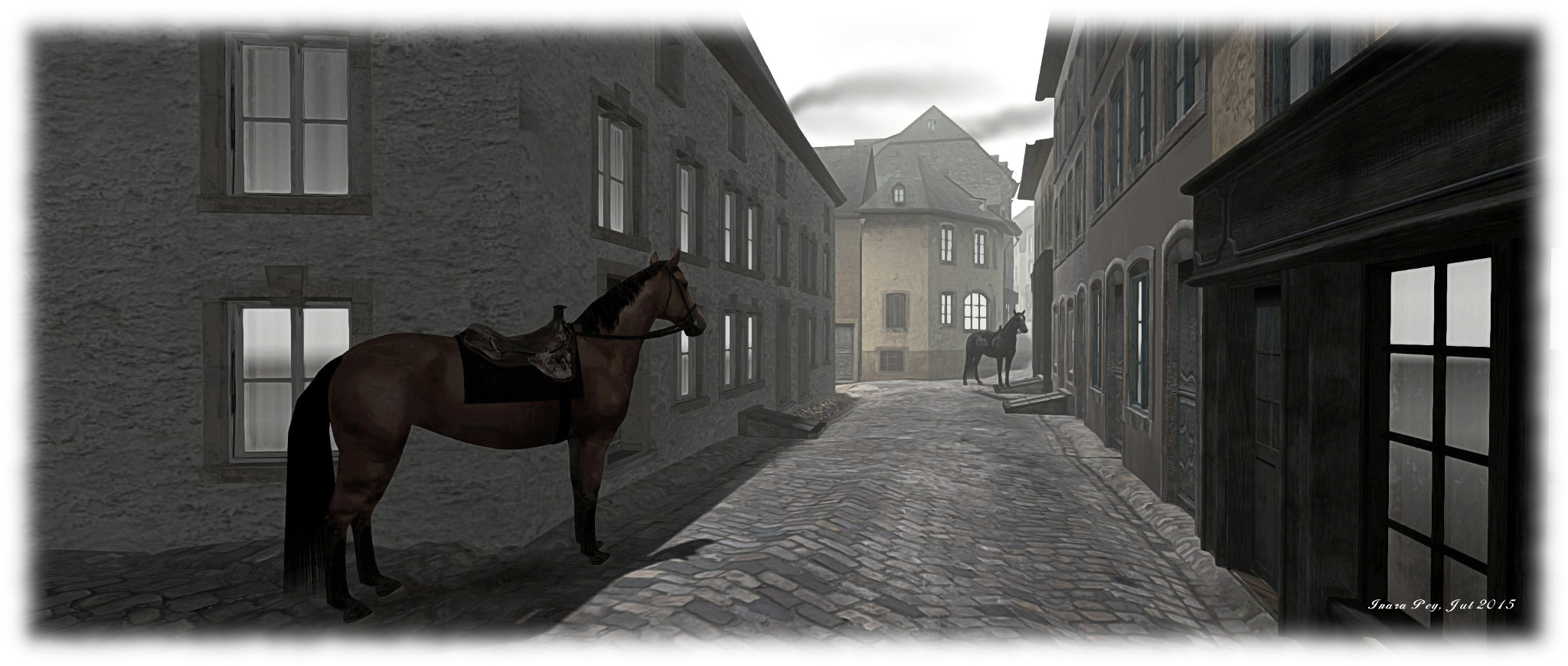
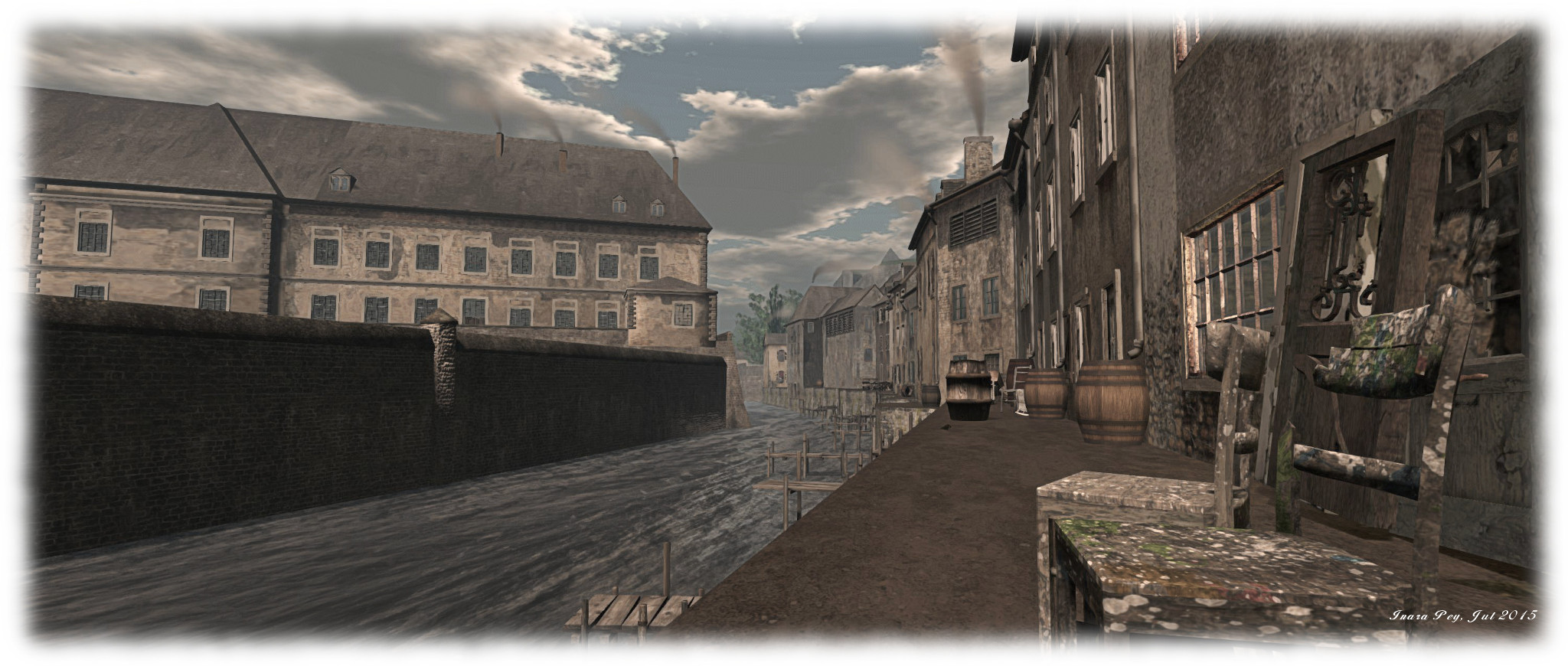
The Virtual Pfaffenthal; Inara Pey, July 2015, on FlickrThe Virtual Pfaffenthal, July 2015 (Flickr) – click any image for full size

Currently featured in the Editor’s Picks section of the Destination Guide, The Virtual Pfaffenthal is interesting mix of role-play environment and historical project which crosses over into the real world.

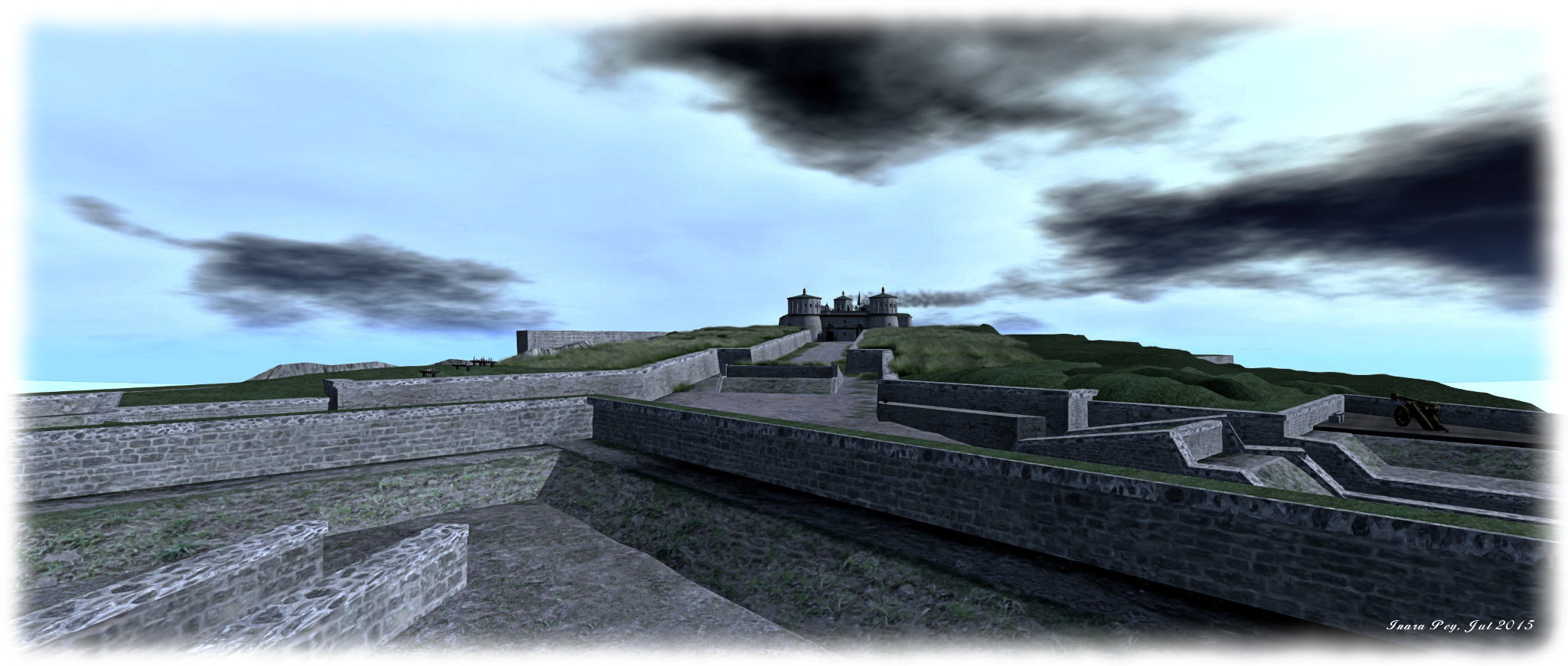
The project – run by the 1867 group founded by Hauptmann Weydert (Weydert), comprises 8 regions, with Pfaffenthal Vauban and Kirchberg being the most developed, although there is much evidence of construction work going on in the other regions. Kirchberg is actually the home of Fort Thüngen, which has been in operation in SL since 2012, and as such may be familiar to some SL residents.

The Virtual Pfaffenthal; Inara Pey, July 2015, on FlickrThe Virtual Pfaffenthal, July 2015 (Flickr)

Eventually, the regions will offer a reproduction of the fortress city of Luxembourg as it appeared in the 19th Century, offering a period role-play focused on a specific point in the city’s history, as the introductory note card explains:

In spring 1867, Luxembourg is a complex military fortress, the ultimate result of a construction that took hundreds of years, a city occupied by a Prussian garrison. The Grand Duchy is an ‘autonomous’ country  and member of the Zollverein, the customs union established by Prussia. The attempt of  Napoleon III to buy the land from the Grand Duke King William the first, creates tensions among the population, trouble spreads throughout  the capital  and the country. The great nations send their secret agents and mobilize their troops, Bismarck intervenes …

However, there is another purpose to the project, as I alluded to in the opening paragraph of this article: it forms an interactive exhibit at the Luxembourg City History Museum, where visitors can come in-world and explore the virtual Luxembourg of 1867 using the Oculus Rift.

At the museum, PCs have been set-up which can be used, with guidance from staff, to directly access The Virtual Pfaffenthal. “We have two PCs set-up right now,” Weydert informed me when we met in-world to discuss the project as he prepared to host a group of visitors at the museum. “One has an Oculus HMD, the other uses a big screen. A further  Oculus Rift set up is to follow shortly.”

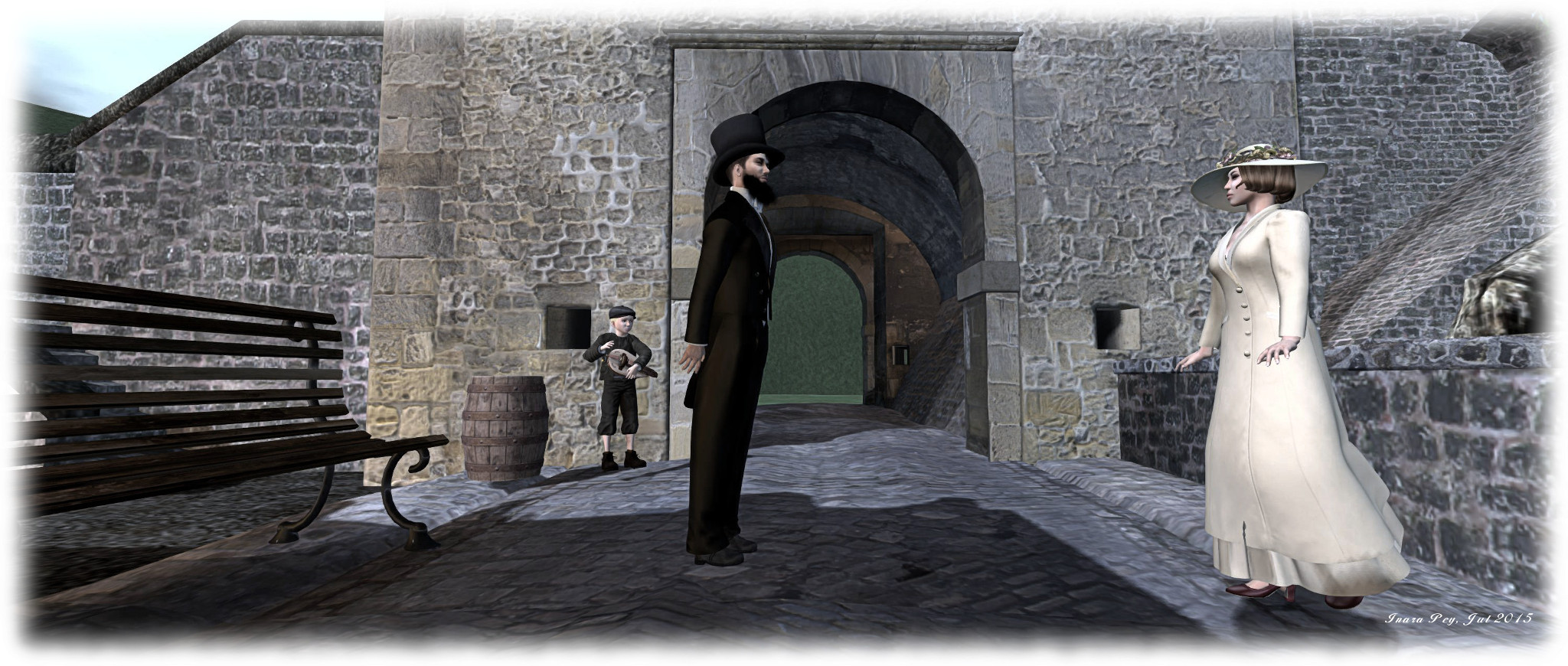
Visitors use prepared avatars, complete with period dress, to explore the city, guided by a young boy, Steft who tells them the history of the City from both his perspective and that of 1867.

The Virtual Pfaffenthal; Inara Pey, July 2015, on FlickrVisitors at the City History Museum, Luxembourg, can enter The Virtual Pfaffenthal using prepared avatars such as Jang and Ammy Ecker, above, enjoying a dance on the street, to music by Steft, the virtual guide, in the background

“This has actually be quite a challenge,” Weydert confides in me as we chatted and strolled along the cobbled streets. “We didn’t want people finding themselves accidentally undressing the avatars or teleporting themselves off somewhere, so we’ve had to turn off a number of functions in the viewer.”

Not only are visitors able to time-travel in this way, and witness how Second Life can be used as an immersive experience, Weydert also offers museum visitors the museum the opportunity to learn more about Second Life itself. “I run open workshops on certain days,” he explains, “where folks can learn to create their own avatar, find out more about SL, and then continue their explorations and involvement from home. We also encourage School classes to register for the workshops, so they can learn more about Luxembourg’s history interactively.”

This aspect of the project is something of an extension of activities started at Fort Thüngen. For the last few years, this has been the focal point for workshops on virtual environments  involving the general public and schools, with sessions hosted at the Fortress Museum in Luxembourg in association with the Luxembourg National Museum of History and Art.

The Virtual Pfaffenthal; Inara Pey, July 2015, on FlickrFort Thüngen, Kirchberg, has been in operation since 2012 as a workshop for virtual activities since 2012, and is now a part of the wider regions making up the 1867 project

The educational element of the project is of keen interest to the team, which they’d like to expand. “We want to include schools and other institutions,” Weydert told me, after a slight distraction as he assisted a visitor at the museum. “Such as classes having avatars their students can use to participate [in-world] the whole term.”

So far, the 1867 group has been run on a closed basis, but with the museum element now running, Weydert and his team are keen to open out the venture to include other residents, and grow it as an ongoing venture in Second Life.

“1867 invites residents, artists, 3D builders and graphic artists, scripters, animators, educators and other social actors to come and join us,” he says. “We want to build a community where people can come, enjoy themselves, and in the process learn from history and contribute to our growth.”

The Virtual Pfaffenthal; Inara Pey, July 2015, on FlickrThe Virtual Pfaffenthal, July 2015 (Flickr)

Those that do engage with the community are offered free housing within the project – although they are obviously asked to keep to the period. Those interested are invited to explore the regions and  contact Hauptmann Weydert if they’d like to become a part of the group.

Beyond this, the 1867 group are also considering some pretty far-reaching plans, such as a series filmed entirely in-world within the project spaces together with a supporting comic book, in what Weydert refers to as a transmedia project aimed at engaging students and those interested in history and in discovering more about virtual worlds.

The Virtual Pfaffenthal, July 2015 (Flickr)

For my part, I spent a pleasant afternoon wandering the streets of Pfaffenthal, feeling at home in a free period costume provided to visitors from SL, and encountering a number of the residents along the way. It would be intriguing and interesting to experience The Virtual Pfaffenthal via a HMD, but I’ll content myself with future visits to see how things progress.

My only real disappointment in visiting was seeing the number of people who simply could not be bothered to read – or disregarded  – the request that they wear period costumes prior to leaving the arrival area. Considering perfectly good free outfits are clearly and readily available (you have to walk past them to reach the doors), this struck me as a shame.

SLurl and Additional Links

A Tudor love story in Second Life

Love, Henry, LEA 8
Love, Henry, LEA 8

Now open at LEA 8 is Tahiti Rae’s Love, Henry. Created with the assistance of Sonic Costello, Augurer Resident, Caryl Meredith, Annu Pap, Mitsuko Kytori, Abel Dreamscape, this is an interactive examination of the relationship between King Henry VIII of England and Anne Boleyn, from their courtship to her becoming his wife and Queen Consort, through to events immediately prior to her death just 1,000 days later.

An outline sketch of events would be to say that Henry was bound in childless wedlock to Catherine of Aragon when Anne caught his eye (having in earlier years taken Anne’s older sister, Mary, as one of his mistresses), causing him to desire her to the point of having his marriage annulled so that he might wed her. Thereafter, and unable to provide him with a son and heir, she also suffered a fall from grace, largely engineered, to suffer execution in the Tower of London.

Love, Henry
Love, Henry, LEA 8

Obviously, the full story is far more complex, involving as it does several figures key to England’s unfolding political and religious landscape, including Cardinal Thomas Wolsey, Thomas More, Thomas Cromwell and  Thomas Cranmer, and the upheavals of the English Reformation; however, part of the intent of Love, Henry is to encourage people to explore Tudor history for themselves, so I’ll leave it at that.

As a love story, Love, Henry focuses on two things: a letter said to have been written or dictated by Anne Boleyn following her incarceration in the Tower of London, and a “new discovery” author Sandra Vasoli claims to have made. The provenance of the letter has been hotly debated over the years, and is believed to have never come before the eyes of the King, having been withheld and hidden by Cromwell. However, Vasoli claims to have found evidence that on his deathbed, Henry expressed remorse for his actions towards Anne. Thus Tahiti poses her question to visitors and invites their thoughts and feedback: did Henry come to regret his decision to have Anne executed?

Love, Henry
Love, Henry, LEA 8

The installation itself is split into three parts, which visitors are guided through in turn, from the welcome area, which offers information necessary to fully enjoy the experience together period costumes which can be optionally worn during the rest of the visit; through the Tudor Library, which forms the main interactive element of the installation, and is built around Anne’s letter from the Tower, together with notes on Sandra Vasoli’s “new discovery”; to a  ground level build focused on a grand Norman-style cathedral set within a beautiful garden space, in which there are secrets to be uncovered.

Love, Henry, deserves to be explored carefully. Not only because of the wealth of information it contains and opportunities to provide input and feedback of your own (which aren’t restricted just to the Library, which really does offer a lot), but because it is beautifully put together. For example, the garden contains a loggia which appears to have been inspired by the one at Hever Castle, Anne Boleyn’s home. Further, the cathedral the garden surround may be an imposing centrepiece, but it is also very symbolic, representing marriage and death, both of which have obvious significance where Henry and Anne are concerned, while simultaneously also reminding us of the religious strife their relationship caused. Nor are these the only touches to be found as one explores; hints of Anne’s fate might be seen, together with reminders of the brutality of the age.

Love, Henry
Love, Henry, LEA 8

The slant to the installation might be a little romanticised – the relationship between Henry and Anne was born as much out of ambition on both sides as out of love; but that doesn’t matter. This is supposed to be a romantic “what if”, one which encourages the visitor to explore one of England’s important periods of history, both through the information presented here and for themselves.

As mentioned above, do keep in mind when exploring that there are secrets to be found – including the gateway to the “final chapter” of Henry and Anne’s story. However, as bloggers have been asked not to reveal too much about these,  I’ll say no more here. Also, do make sure you have the audio stream enabled with exploring. Excellent and considered use is made of music by Canadian composer Trevor Morris, which adds further depth to Love, Henry.

Love, Henry
Love, Henry, LEA 8

Tahiti says that contributions from those willing to provide their thoughts and feedback will be incorporated into the installation, and she welcomes requests to bring in student or group tours to visit Love Henry.

Very definitely recommended.

SLurl Details

Second Life project updates 31/1: server, VMM, group issues, Windows 10 issues

Baby's Ear; Inara Pey, July 2015, on FlickrBaby’s Ear, July 2015 (Flickr) – blog post

Update, July 30th: The updated VMM release candidate viewer referred to in this update is now available: version 3.8.2.303891.

Server Deployments Week #31

As always, please refer to the server deployment thread for the latest updates / news.

  • Tuesday, July 28th, saw the Main (SLS) channel receive the server maintenance package previously deployed to the three RC channels, comprising internal server fixes related to Experience Keys, comprising null pointer checkers and a configuration option for the number of Experiences a Premium member can have.
  • On Wednesday, July 29th, the three RC channels will be updated with a new server maintenance package aimed at fixing recent group-related issues (see below for more details).

Commenting on the Experience changes in the Main channel release a the Simulator User Group meeting on Tuesday, July 28th, Simon Linden said:

That’s just under the hood, the one-per-account is not changing. Simon Linden: with configurations like that, we have a layered approach … there’s a set of defaults that is fixed with each server release. We also have a way to over-ride it grid wide … which is how we can turn on and off some things grid-wide, without a server update; that’s how we turned on the experience tools when we released it. Now that it’s released, we move it into the default settings and eventually out of the over-ride.

Group Issues

In my last update, I reported that people had started experiencing group-related issues, following the Main channel deployment in week #30. In particular:

  • BUG-9725 – Activating a group fails on first selection on Second Life Server 15.07.09.303393 & RC
  • BUG-9735 – Unable to Edit Group Parameters after being made OWNER of newly created group
  • BUG-9695 – [Project Notice] First attempt at joining a group fails (also happens with current release viewer)

Of these, BUG-9735 has been causing the most upset, as it affects anyone who has their role changed. While their role title will update, they will not gain the powers associated with the role, even after the requiredrelog. Commenting on the issues,Simon explained:

It’s due to some database race conditions that show up in the production servers. I was a bit over-aggressive about moving some queries from the master Db to the slave databases…. Normally our main and slave databases are pretty well in sync … with very tiny delay between them; but if you read from the slave database and do something back into the main one, there can be a window when the data isn’t right.

The curious aspect with BUG-9735 is that a relog is normally required for a person to get the updated abilities associated with a role change; so it is unclear why things are going wrong, as Simon went on to say:

I’m not exactly sure how 9735 would happen … I can imagine failures, but relogs should fix that. A bunch of your group info is fetched when you log in, [so] I’m not sure why that couldn’t be updated correctly.

As noted above, fixes for these issues are due to be deployed to the RC channels on Wednesday, July 29th. Once deployed, it would seem likely that anyone being promoted to a new role will have to be on a release candidate channel region when being promoted & relogging, in order for their group abilities to correctly update. However, it’s not clear if the individual promoting someone to a new role will also need to be on a release candidate channel region as well, so some experimentation might be required.

VMM Update

VMM auto-migration of Marketplace Direct Delivery items commenced on Thursday, July 23rd and is proceeding on weekdays between 21:00 SLT in the evening and 09:00 SLT the following morning. However, it is unlikely the VMM viewer will be promoted to the de facto release viewer in the short-term. The reason for this is that the current RC has an elevated crash rate. As a result, there will be a further update to the release candidate, which is due to appear in the next day or so and which will include a number of fixes to try to reduce the crash rate, including one for BUG-9748.

Windows 10 Issues

There have been some recent SL-related issues been noted against recent builds of Windows 10 which are worth reporting, although their potential for any impact may vary.

Font Detection

In the first, BUG-9759, Kyle Linden reports that CJK fonts (those containing a large range of Chinese/Japanese/Korean characters) are not visible in the viewer. This appears to be due to  moving the default location of the font store for Windows 10. As a result, the viewer requires an update so it can look at the revised location.

Windows 10 / AMD Graphics Driver Issue

The second issue appears to be the return of a problem specific to Windows 10 and AMD graphics drivers first reported in March 2015.  This causes the graphics card name to be saved as garbled text into the Windows registry, with the result that any program explicitly requiring the name of the graphics card in order to run correctly can encounter problems (although those which don’t will continue to run OK). As v3-style viewers are designed to explicitly save the GPU name at log-out (it is stored in the settings.xml file), those using Windows 10 / AMD systems may be affected. This is because the garbled card name gets written to the settings.xml file, along with other global settings applied to the viewer by the user, when logging out. This makes settings.xml unreadable by the viewer at the next log-in, so the viewer fails to obtain information, and so reverts all global settings (including graphics) to their defaults. The issue was first reported in April 2015 (see BUG-9054), but seemed to be resolved with later Windows 10 builds. However, it now appears to have regressed with Windows 10 Build 10240 and  the AMD 15.7 driver (see BUG-9740 and particularly FIRE-16528).

An issue with at least one recent build of Windows 10 is that the name of any AMD graphics cards is being incorrectly saved at garbled text in the Windows registry (shown on the left, using the DxDiag tool). As V3 viewers expressly try to save the graphics card name between log-in sessions, this garbled text gets saved instead, with the result that the viewer's graphics are reset to default settings at the next log-in
Left: and AMD graphics driver recorded as garbled text in the Windows 10 registry, and (right) an AMD card name similarly garbled in the viewer’s settings.xml file as a result. The latter prevents settings.xml, which contains all global settings applied to the viewer by the user, from being read by the viewer when next launched, with the result that it reverts to default settings

Quite how widespread this problem might be as Windows 10 starts shipping is unclear, so the above should be read as an advisory of possible issues. However, if it does prove to be widespread, note that a fix will be required from Microsoft / AMD; this is not something the Lab and affected TPVs can address. In an effort to pre-emptively avoid at least some of the possible headaches the issue might pose for their users, the Firestorm team have developed a workaround, which is to be included in the upcoming 4.7.2 release. This workaround allows the viewer to load the settings.xml file so a user won’t lose all their global settings. But because the graphics card name remains garbled within the Windows registry (from which it is read by the viewer), it will still be saved as garbled text in settings.xml, and the viewer will continue reset all graphics options to their defaults when next launched until such time as a fix is forthcoming from Microsoft / AMD to correct the registry issue.

 Version Number

A third, and in terms of functionality, trivial issue is that Windows 10 will show as Windows 8 running in compatibility mode in the viewer’s system info. This won’t impact the viewer’s performance, and a fix from the Firestorm team has been contributed to the Lab (STORM-2105), and should be appearing in due course.