Bitten by the (War)bug

So, it’s no secret to regulars to these pages that I’ve become somewhat hooked on SL sailing and flying. I still only have the one premium gift sail boat in my inventory – it is more than enough to keep me happy and has room enough for friends – but my collection of SL aircraft is slowly growing, with the latest addition being a Warbug.

For those unfamiliar with them, Warbugs are little egg-shaped aeroplanes with air-to-air combat capabilities which are, in a word, fun!

I first came across them by chance browsing the SL Marketplace, but it was Lindal Kidd who piqued my curiosity when she mentioned she had a Warbug airfield on her land (along with a skydiving jump zone). Created by Arduenn Schwartzman, Warbugs can be flown for fun, pleasure or air-to-air fighting, and are possibly unique in SL as they allow “full size” avatars to take to wing within a single region without risking running out of airspace – which is not to say they are unable to handle region boundaries.

The aircraft come in a variety of forms which cover everything from World War I through to spaceships (including a set of Star Wars items which could draw a frown or two from Disney…). They can be bought on the Marketplace or via the Warbugs HQ, which also offers free-to-fly variants of some of the models available via a rezzing system (the rezzing systems themselves also being available to buy).
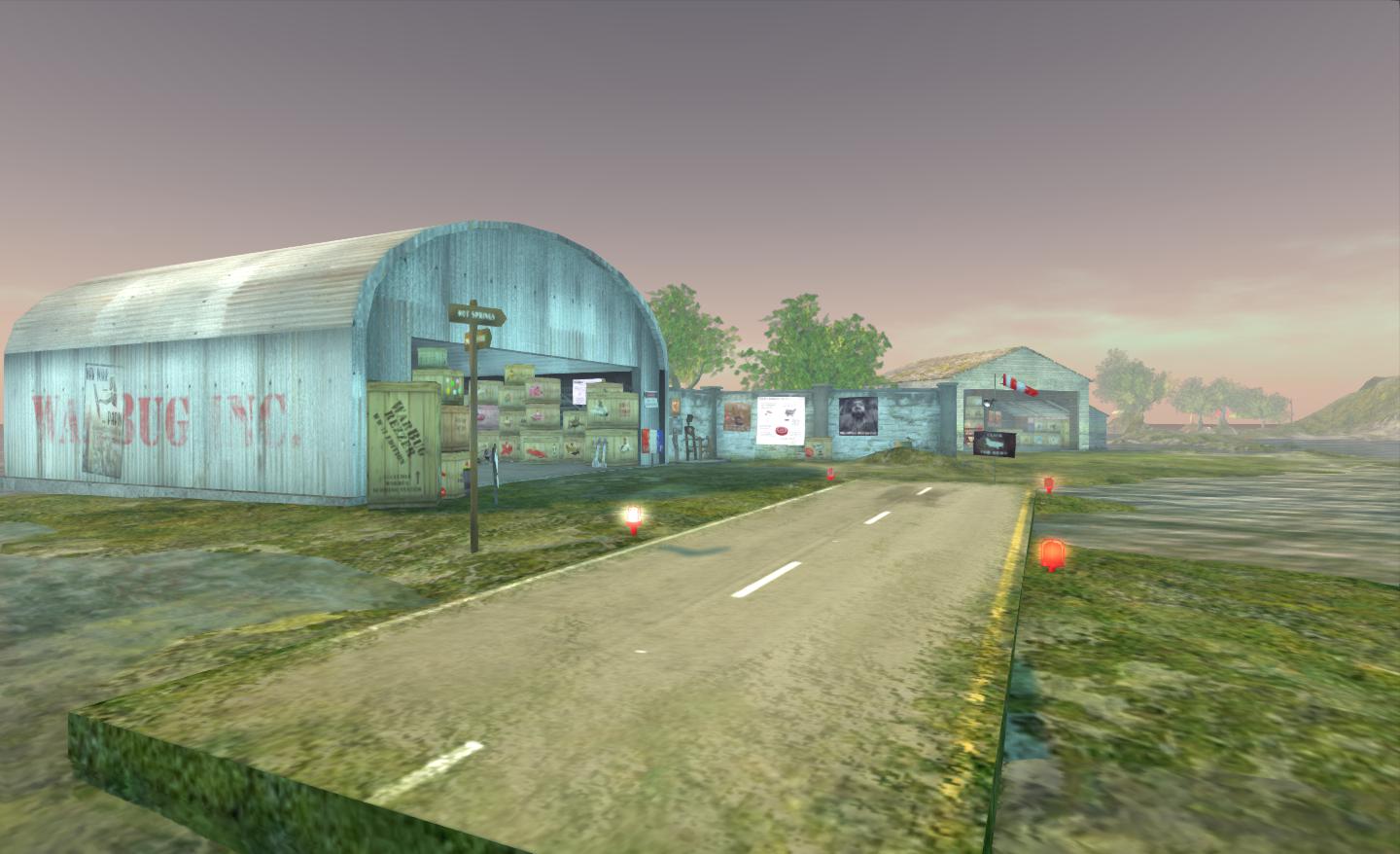
Warbugs HQ

It was through the rezzing system that I had my first exposure to flying a Warbug – and quickly got addicted. The aerial combat aspect requires flying around using the standard controls (arrow keys for up/down, left/right) PAGE UP and PAGE DOWN for the throttle) and trying to line-up your guns on the “opposition” (the left mouse button fires your guns). Aircraft which are purchased come with a gun sight HUD, which makes the latter a little easier, but given the manoeuvrability of these little planes, not by much.
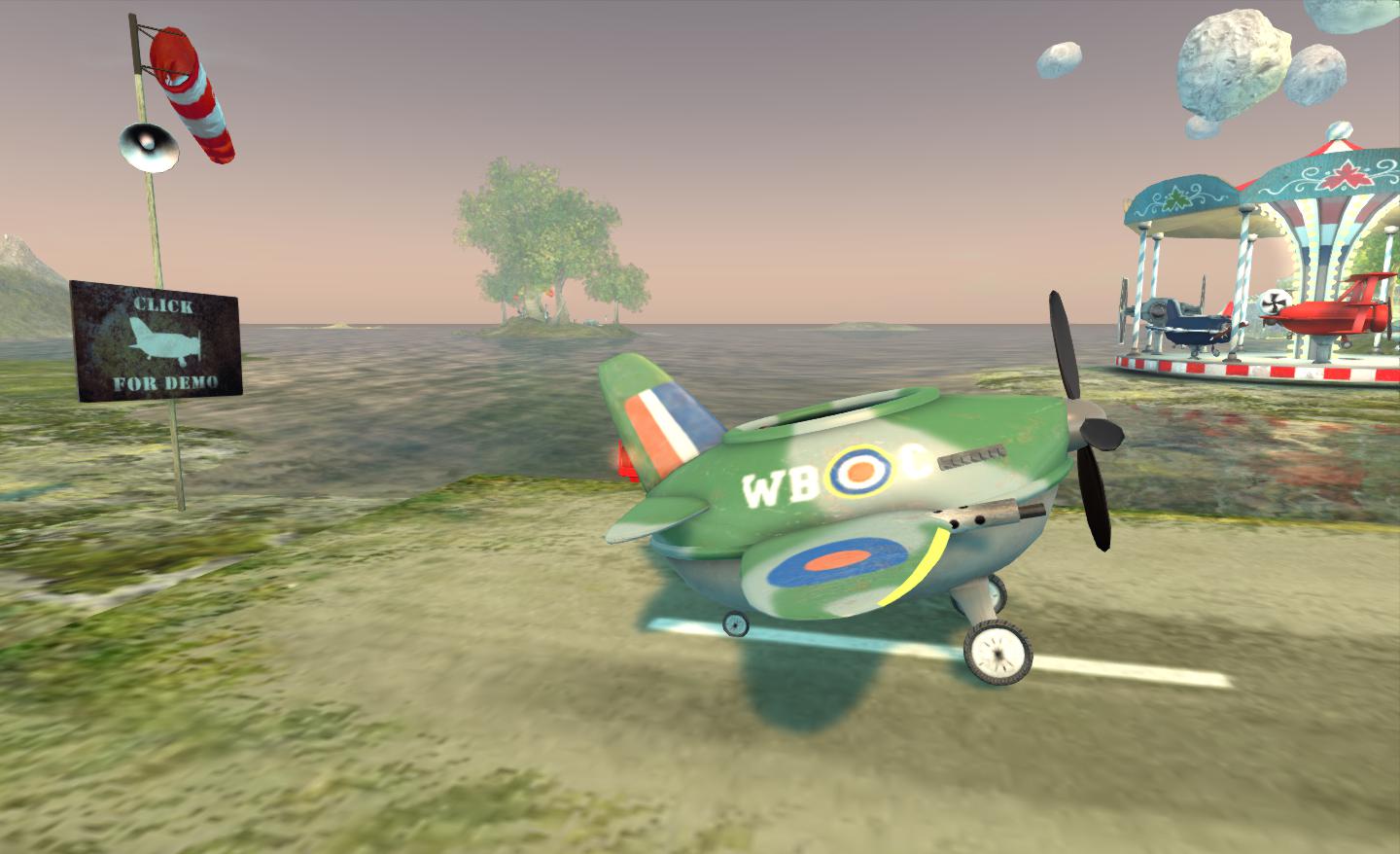
My Spitfire awaits…

The cockpit is a little cramped, but it’s cute watching your avatar fold herself / himself into it. once in, the engine starts, with suitable sounds, and then it’s open the throttle and – away you go!

Air combat can be frenetic – these little planes are highly responsive to the controls, and only have a screen in front of you, tracking the opposition can get hard – even with aids such as the Mini-map and radar tracking (cheats! :)).
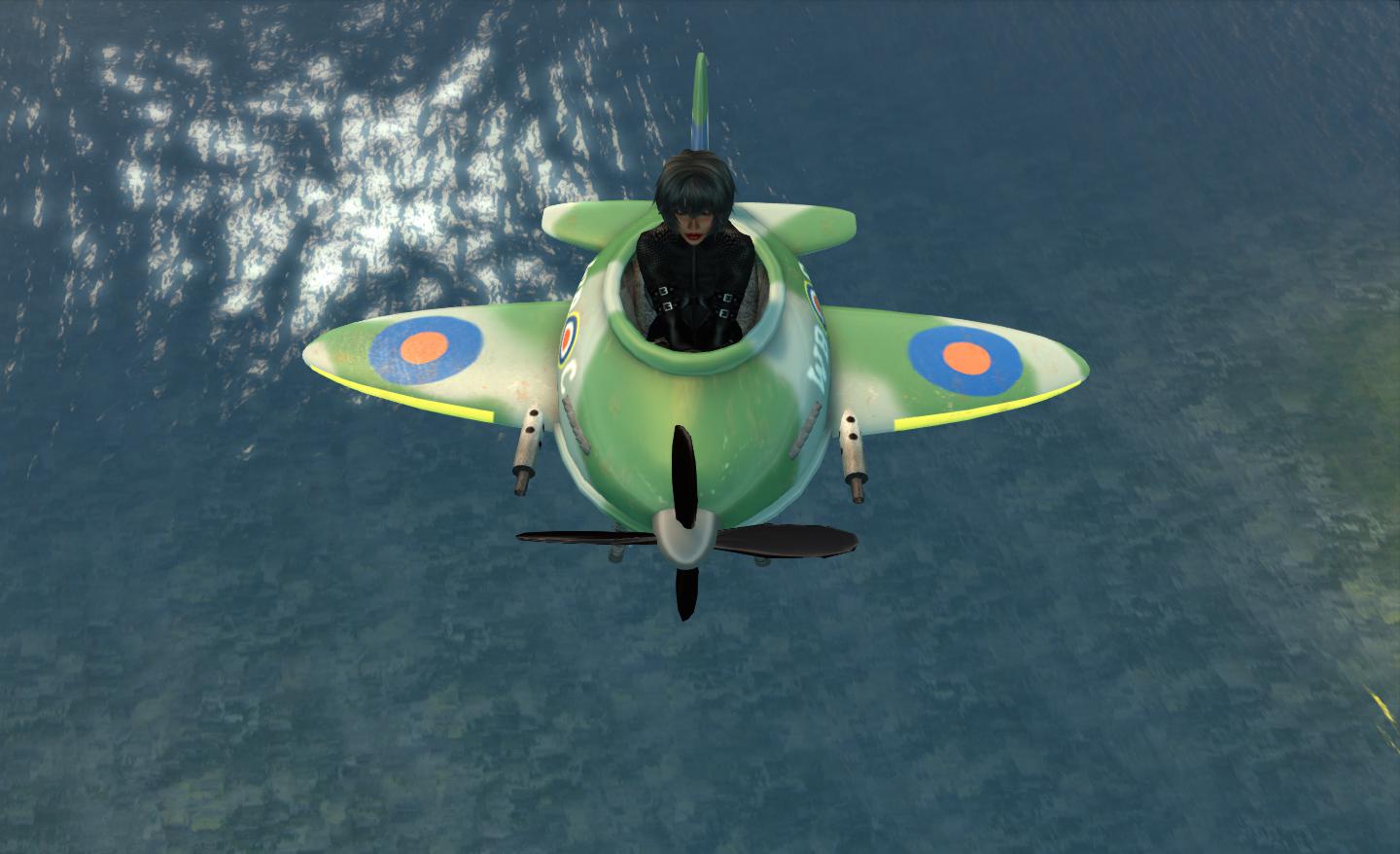
Airborne!

Given that the Warbugs on offer represent various “sides” – RAF and USAAF  … Luftwaffe … Rebels … Empire… it is possible to use them for “group” combat as well as having a “free for all” (although the latter does seem to predominate around the Warbugs HQ), which can add an additional element to the flying. And you certainly know it when you’re hit! Not only are you told in chat, the Warbug spews forth black smoke as you spin towards the ground, being ejected shortly before impact, leaving you either to pick up your bruised ego and battered ‘plane and try again or  – when using a rezzer – trudging back to call-up a replacement…
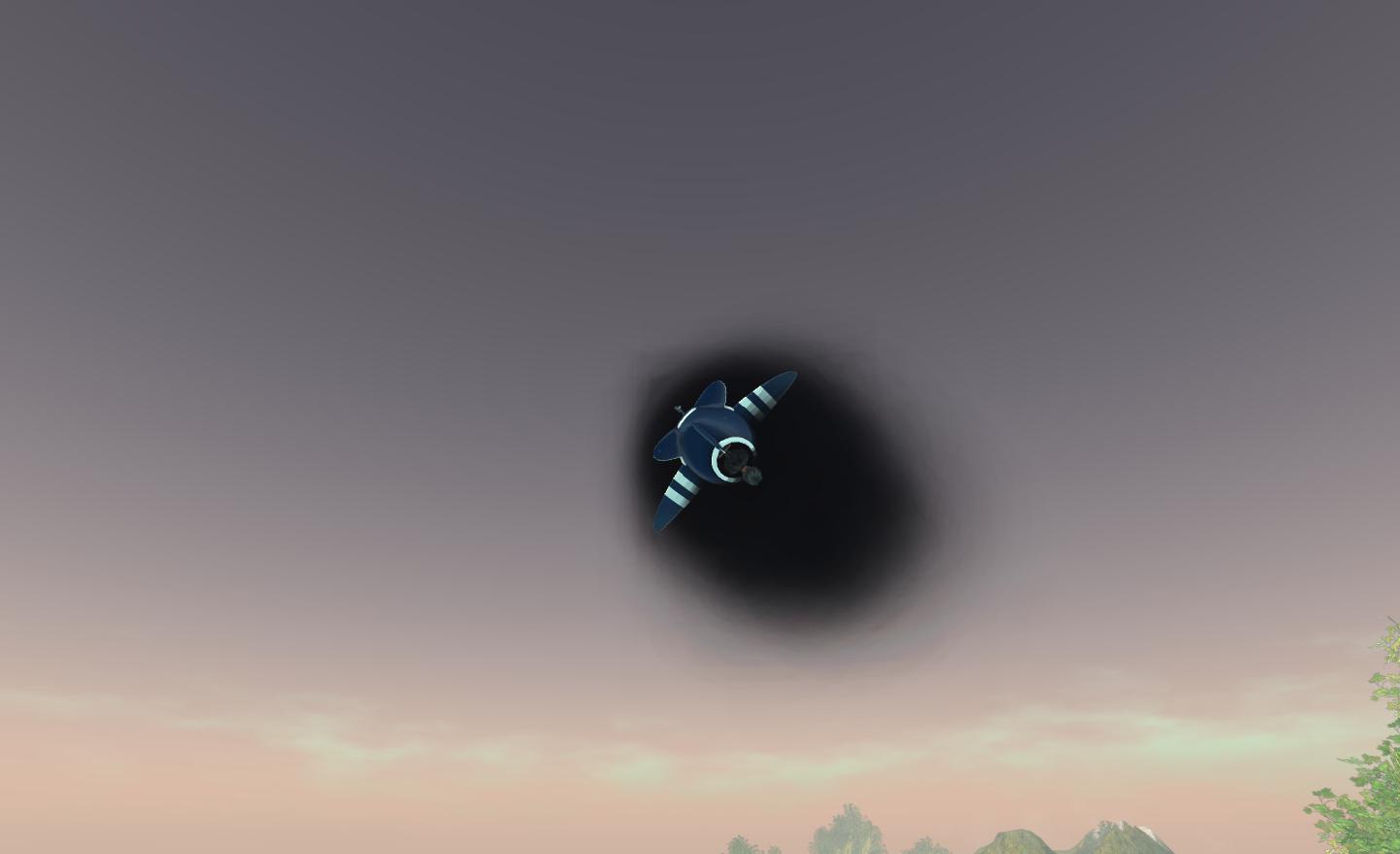
I’m Hit! Mayday! Mayday!

There are various additions for the enthusiast as well – missiles can be added to some aircraft and a conversion kit means that you can try target bombing rather than blowing one another out of the sky. There are also a range of texture and conversion packs, and even a script pack which can be added to your own custom Warbug builds. Other accessories into an asteroid base for the spaceship units, planets (which can be blown up and leave disturbances in the Force), a complete WW I range of accessories, and so on.
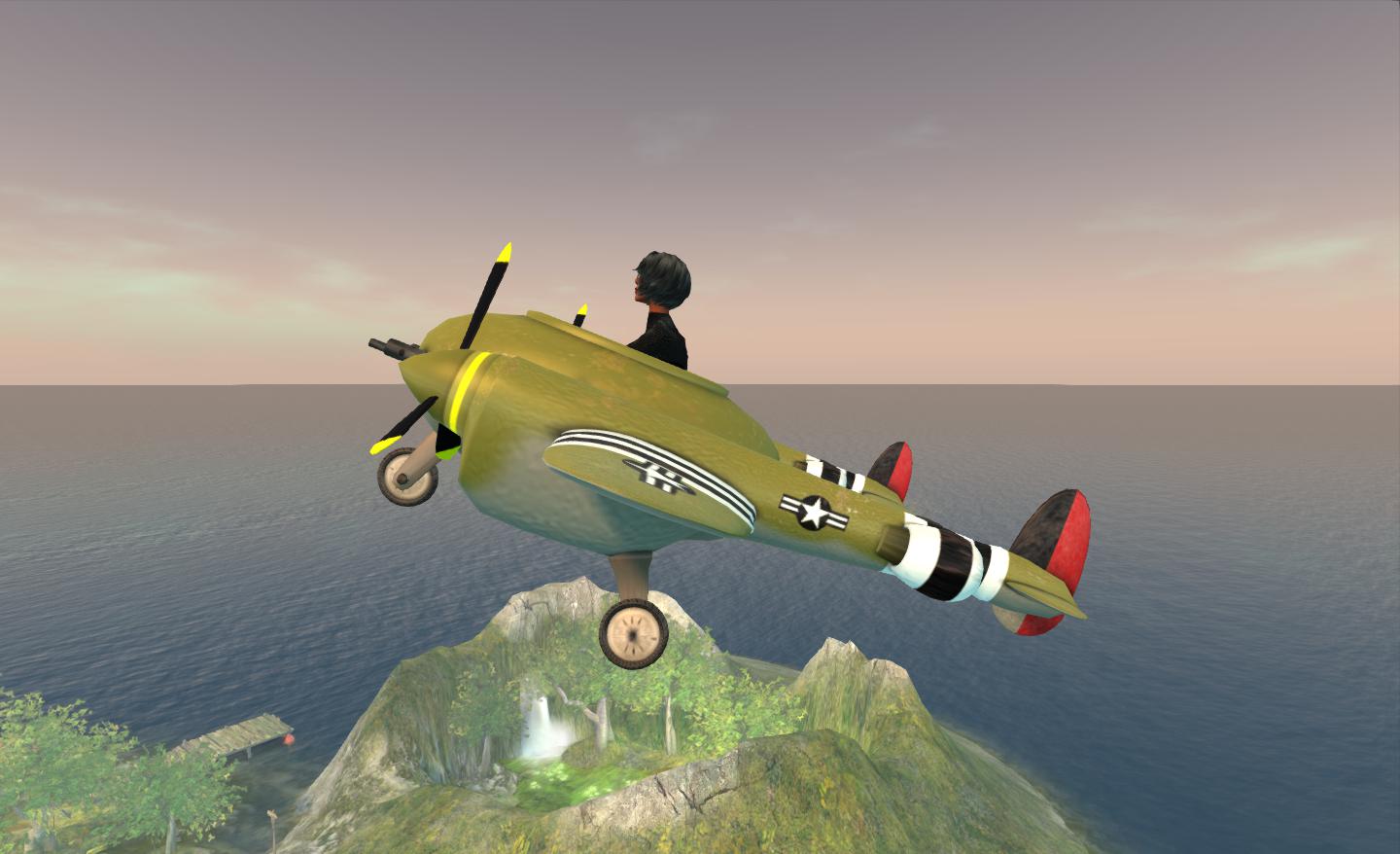
Taking to the air in a P-38 to try my hand at target bombing

There is a website dedicated to Warbug flyers across the grid, which also tracks “aces” and scores. This also adds to the nature of the competition, as “aces” are not only tracked in terms of their point, but also their “value”. The first time you shoot down an “ace” you are awarded whatever value has been assigned to them, rather than just the 10 points usually awarded for shooting someone down. This tends to make “aces” a hunted breed for those after points…
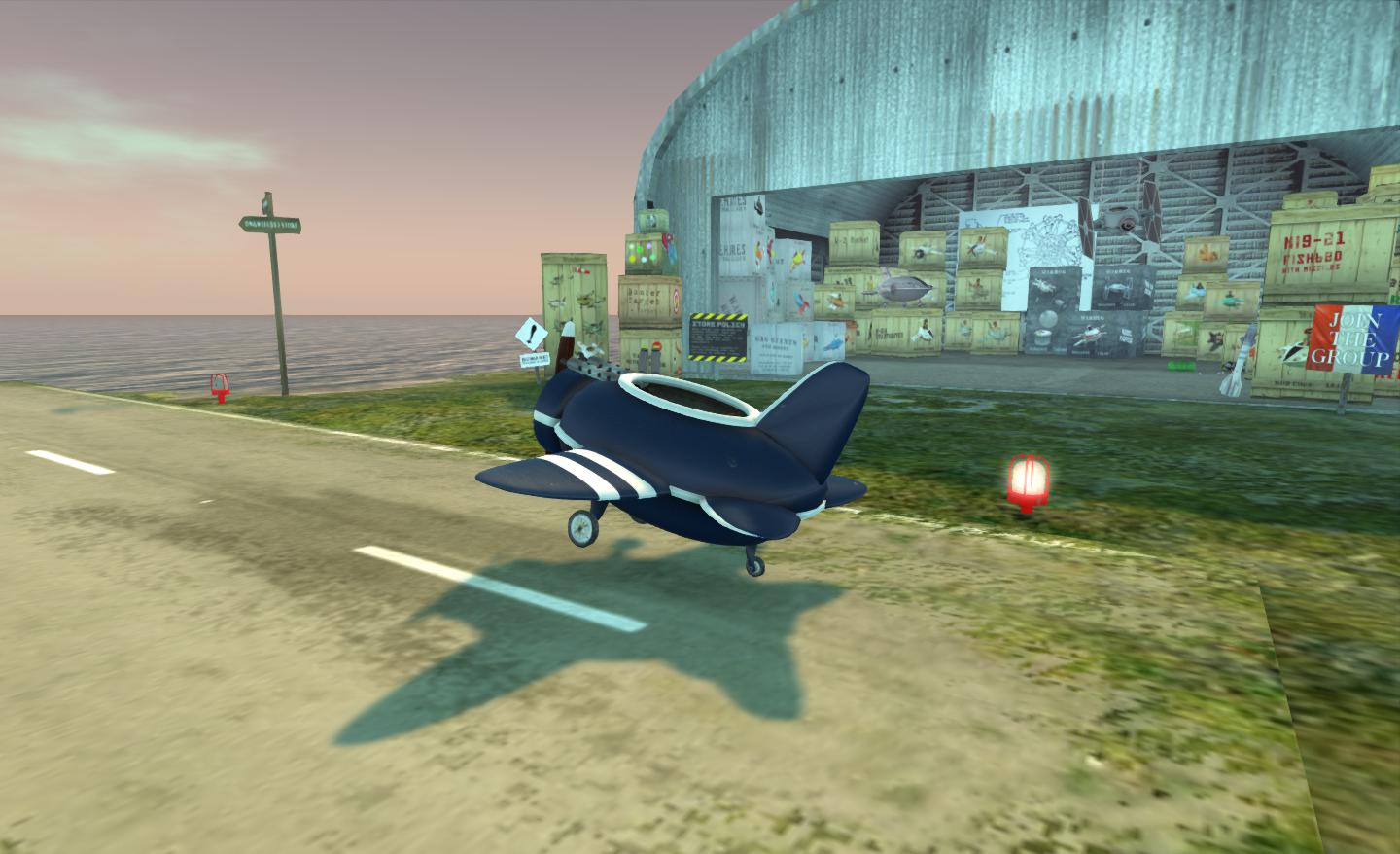
My first Warbug

In the latter regard, I was rather surprised to find myself sitting at #17 in the “aces” list after just a couple of turns in actual combat. Scores are recorded locally by any active rezzer / windsock in operation in a region as well.

Flying with Lindal from her home region proved a lot of fun as well – and how well the Warbugs handle region crossings. Even the skyhomes and sky boxes scattered around made things a lot of fun and provided a means for nipping around obstacles and trying to get a “jump” on one another.

If you’re into flying and haven’t tried out Warbugs, I’d really encourage you to try them out. If you’re into competitive games with a difference (and some of the Warbug people are very competitive!), again, there’s a lot of fun to be had with these little ‘planes. I’ve been bapping about in them for the last few days (and am currently considering adding a Sopwith Camel and / or the Spitfire to my growing collection of aircraft).

Great fun!

Related Links

Taking wing

After my recent outings by boat to the Blake Sea and further afield to Second Norway, I became intrigued by the idea of aviation in SL.

Now, truth be told, I have owned an SL helicopter (rarely used) and I did recently pick up the wonderful Lepidoptera (which I still think is pretty amazing), and I love to occasionally zap around on my little Neuspa. However, I’ve never really tried my hand at piloting an aeroplane in SL (much to my shame, given my father actually does fly RL, and has had me at the controls of his ‘plane).

So, spurred on by the number of aircraft flying around Blake Sea, I decided to give things a go. Again, I’ll be honest here. I wasn’t sure how I’d take to things, so I too a cautious approach, and perused the SL Marketplace, visited a few in-world stores and saw what was available. I didn’t want anything “high performance”; I just wanted something to enjoy, and perhaps share with a friend or two. While I did find a couple of attractive light aircraft, I decided that, initially, I’d wet my feet (so to speak) with a couple of freebie offerings, and then if I liked things, would up the stakes from there.

I ended up getting two aircraft: a Terra Stingray and the Pitts S2C – and the proved to be very, very different in handling!

The Stingray is from Steve “Cubey” Cavers of Abbot’s Aerodrome fame. He’s actually single-handedly responsible for getting me into SL skydiving waaay back in 2007, and which I still enjoy today; Ziki Questi and I were going to try to do a “Felix” and make an almighty freefall jump in SL… but I digress.

The Terra Stingray

The Stingray is a jet aircraft with land and sea capabilities. It comes packed with features, including colour and decal changing, a flight HUD, menu system, and – in typical SL fashion – also coverts itself into a speedboat or submarine!

I started my flight in the Stingray from Ey Ren’s awesome new airport at Second Norway. This in itself is a magnificent build making prime use of the available space (departure area, complete with signage, check-in desks, security, etc., all neatly tucked under the runways, taxiways and airport apron).

Dawn take-off: awaiting ATC clearance to turn out onto runway 09L, Second Norway airport

Flying the Stingray is a pleasure. Simply attach the HUD, rez the plane (it’ll sense whether it is on land or water and either deploy the landing gear or not) and climb in. The throttle is controlled via PAGE UP / PAGE DOWN, and the HUD provides your fuel and throttle settings, among other necessary data. Pitch and turn are controlled via the arrow keys.

Ready to roll: opening the throttles

The Stingray is beautifully responsive, and I really enjoyed flying it. Once airborne I could raise the gear and just enjoy myself. Water landings were a simple affair: come down to around 20m, retarding your throttles back to about 40% along the way, then ease back gently, hold the nose steady and gently pitch the nose up before touching the water. Once your speed is down low enough (10%-ish), retract the wings and cruise boat-like to the pier / ramp.

Landing on a runway was equally easy, and helped with the visual references from the VASI lights.

The Pitts S2C is by Michie Yoksuka is an altogether different plane. It comes in three variants: the Mk1 (which is a tad blocky) and the updated Mark 2 with either wheels or floats. There’s no HUD and climbing into the Pitts starts the engine, otherwise controls are pretty much as for the Stingray. As I was flying over Blake Sea, I opted for the seaplane version and started my journey from Half Hitch. The build is a little blockier than the Stingray, but it does capture the essence of the Pitts very nicely.

Me and my Pitts S2B

Like its namesake, the Pitts S2C is fast and very friskly. The RL Pitts is designed for aerobatics, and in no time at all, I was barrel-rolling with wing tips just clearing the waves, and pulling impressive climbs which should have resulted in some pretty hard stall turns….

I wasn’t actually intending to do either, but as I said, the Pitts 2B is very frisky!

I opted to fly the Pitts from Half Hitch, out in the middle of Blake Sea. I’m glad I did as I encountered an unexpected visitor sailing through….

Yikes! Who put that there?! It can’t possibly be….
…it is!

One thing with flying a plane which did take some getting used to was the speed – particularly in the Pitts, where I was zipping through regions at a stunning rate at times. The Stingray was slightly more sedate, especially when eased back on the throttle, and as a result tended to handle region crossings with more panache – several times in the Pitts I ended up being booted to 0,0,0, and sometimes I could TP home, other times I simply crashed. That said, there were a couple of times in the Stingray when a region crossing left my camera wedged in the engine air intake behind the cockpit…

Flying high: the Pitts S2B is a frisky little plane

Of the two aircraft I used, I have to say the Stingray perhaps offered the better experience for me as novice. The controls felt smoother and left me feeling more in control. The Pitts tended to respond to everything so fast, I was wibbling about all over the sky (and probably scaring the pants of those sailing by below me at times). But again, that’s perhaps how it should be: learning to fly in a racy plane like the Pitts isn’t perhaps the brightest way to go about things… I also have to confess I like the fact that the Stingray can also turn itself into a natty speedboat.

From plane to boat: Stingray shows its versatility

As to flying in SL, I have mixed feelings. It’s a great way to get to see more of the major areas of Second Life – particularly if you can up your draw distance a little to see beyond the next region as you fly. Landing a plane in SL isn’t always easy – it’s hard to make a good approach without making at least one region crossing, and this did throw me the first few times.

Region crossings are, inevitably problematic, and I did find myself getting frustrated when I wound-up at 0,0,0 on a number of occasions, as mentioned. Certainly, the problem hasn’t put me off flying in SL, so I’ll doubtless be back for more – and I still have my eye on one light aircraft on sale both on the Marketplace and in-world in particular.

Related Links

Worlds within worlds

Today sees the opening of Petites Kingdom, bringing together a number of creators of petite avatars and their accessories in a single, themed sim.To mark the opening, there will be a special welcome ceremony at 12:00 noon SLT, followed by the opening of a crystal hunt which will run through until the 20th October. Entertainments will commence at 15:00 SLT.

Thanks to a helping hand from Elizabeth Tinsley, I managed to get a sneak peek at the new Kingdom today, ahead of the official opening.

Petites Kingdom

The press release for the opening provides something of a backstory for the new region,  noting that this new world, ringed by mountains, will eventually be the home to nine floating islands for petites (and big folk visitors), although only five are currently available. The remaining four are trapped somewhere on the other side of a magical portal, the crystal power supplies for which have been scattered across the region following an accident, and must be gathered back together in order for the portal to have enough power to bring the remain islands to their new home.

It’s a charming story in which to frame the crystal hunt (the crystals themselves offering rewards to those finding them), and it’ll be interesting to see how the remaining four islands will arrive (one at a time between now and the 20th October, as the portal “regains” its power, or all together in another region-wide celebratory event?).

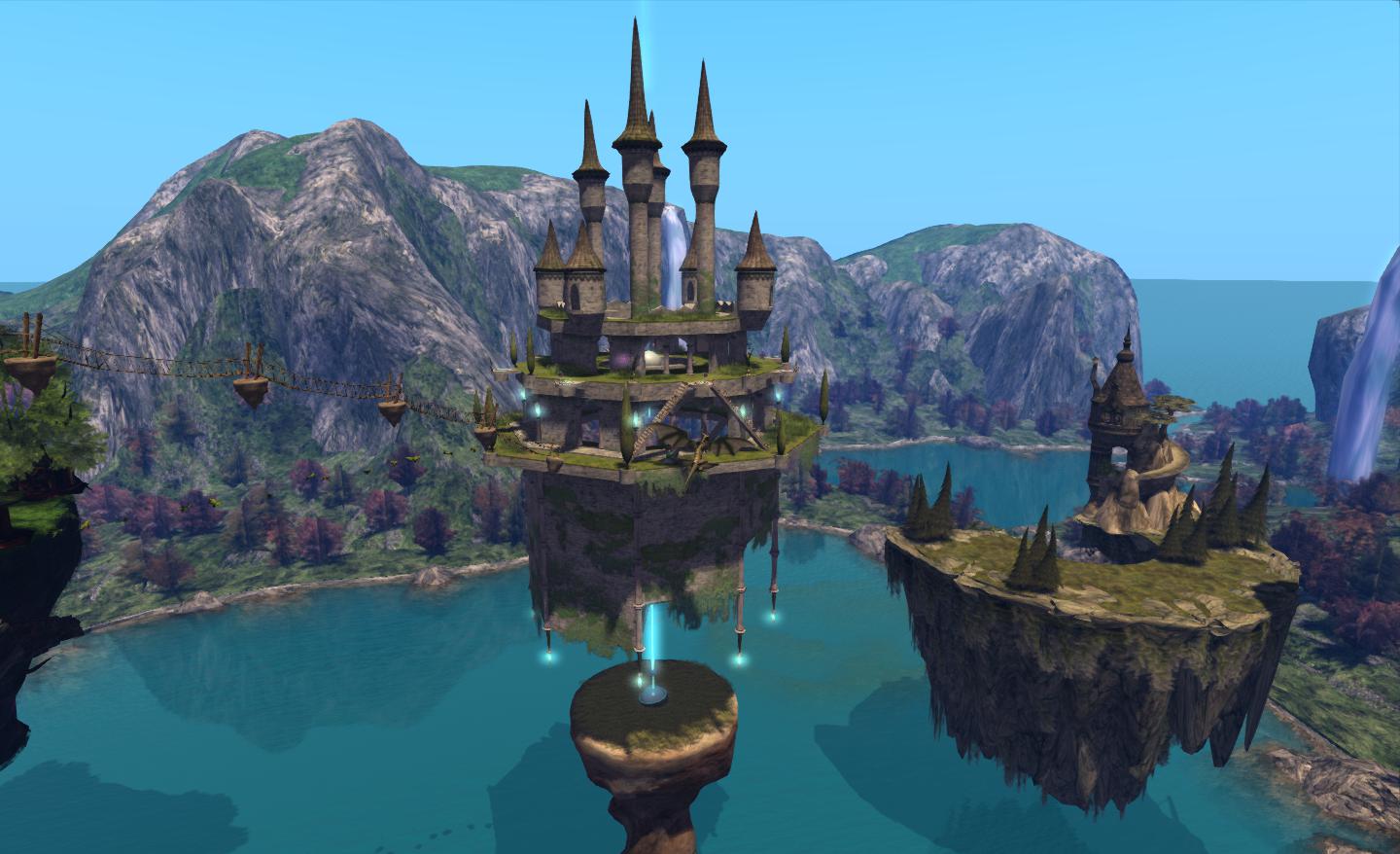
Te region itself is beautifully put together using phantom sim extenders to project a towering vista of mountains surrounding a great lake, a valley to one side allowing water to travel from the lake to the sea beyond. Great falls tumble from the high mountains, replenishing the lake’s supply.

Petites Kingdom

The five islands are clustered to one side of the lake, floating majestically above the turquoise water and casting long shadows over its smooth surface. Some are linked by long, slender bridges, others stand alone; some float free, others dip their lower extremes into the water. Each island comes with its own tale / backstory.

There is the Flying Castle, held aloft on jets of crystal magic, and where we are told the Petite Parliament regularly holds session  – regularly being on those days which aren’t holidays, celebrations, weekends or good for fishing. In other words, around two days a year. Would that our parliament in the UK would do the same… Elevated above this sits Raven’s Roost, a stone citadel built upon The Rock and home to the warriors of The Ravens. The village of Couerdebois, home to the Fleurians, lays nestled around the roots of the tree of life. Niteobryn is where the Digger city can be found, together with the mines of the magic crystals. Here is the source of the petite’s power, complete with a tiny railway on which the mined crystals are carried. Finally, in Lililoco on the Theramon archipelago, reside the Nuneefufoos, who can shape the world to their dreams, and so change their homeland as time passes.

Meeting a Petite (Shangreloo Kuhn)

Currently, much of the islands are pretty much given over to vendor space – which is one of the reasons I’m curious as to what the remaining four islands will be like. They are also scaled to suit petites and “big folk”, so you don’t necessarily need a petite form to pay a visit. The keen-eyed will probably spot builds here by the likes of Marcus Inkpen and Laufrey Markstein, which fit will with the theme of the region, and demonstrate the breadth of support for the petite community.

Petites Kingdom

I have something of a fascination with petites, and have already been trying the odd demo mesh or three, and wandering the vendors in Petites Kingdom certainly allows one to get more of a feel for what is available in terms of clothing and a wide range of accessories and goods … Anyone coming out with a latex / leather look and heels is liable to make a killing out of me :).

A PrimPossible Update

I don’t usually run product reviews (as I’ve mentioned in the past!) – and am unlikely to start. For one thing, others do it so much better than I. For another, I actually don’t tend to buy that much nowadays; nigh-on six years in SL with this avie, and I have an inventory which would probably terrify me were not 3/4s of it packed away…

However, I’ve been in love with Ample Clarity’s PrimPossible range for a good while now, and I decided in my wanderings to go take a peek at what he’s been up to of late. Turns out, rather a lot!

For those of you unfamiliar with the Ample’s work, he specialises in producing comprehensive furniture suites and other items using a single sculpt, offering tremendous value for those operating on a land impact budget. I’ve used Ample’s furnishings extensively – notably in my Linden Home, where they are of huge benefit in allowing me to have a comfortable set-up with a minimal prim outlay (allowing me to “mod” the house somewhat.

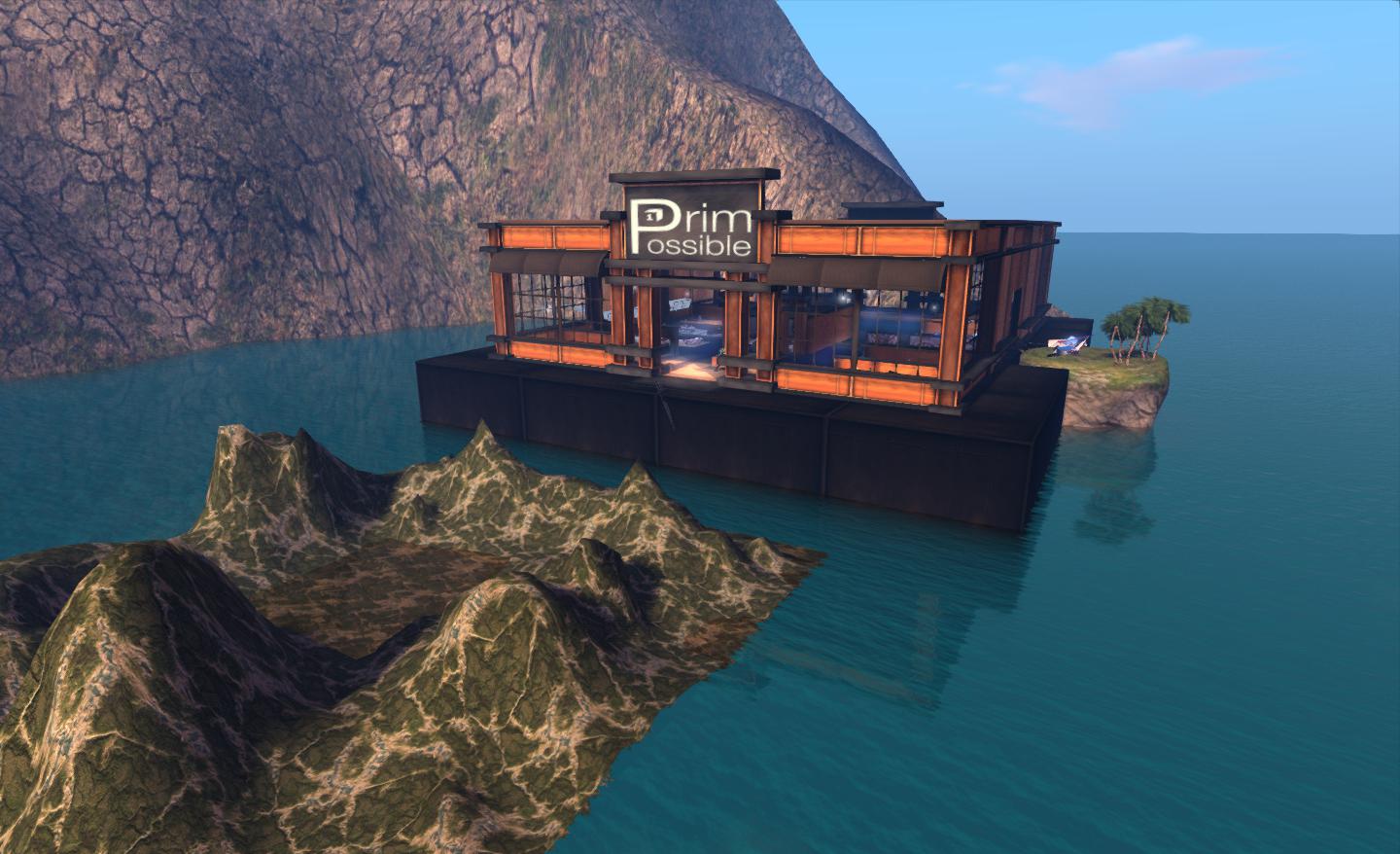
The PrimPossible store with a demonstrator of the new sim extender in the foreground

One of the new offerings from Ample is an “all-in-one” sim surround, which provides a customisable mountain range to surround a region which features 24 different mountain shapes and 476 different textures to produce a range of finished effects. It can fully sround a sim, or be set to display on just or or two sides. I’m personally ambivalent about sim extenders – while they can dramatically improve the vista surrounding a private sim, I’m not altogether sure they also don’t cause viewer issues to varying degrees; I certainly appear to encounter more issues on sims employing extenders than I do with those that do not. Whether this is indicative of a real problem, or something with my system, I’ve no idea. However, this offering from Ample appears to provide a very tidy option to those who wish to extend the view around their sim with a potentially flexible means of doing so which doesn’t limit them to a single layout / style. More on this item can be found on Ample’s SL Marketplace store.

It’s really Primpossible furniture that I’m in love with.  As noted above, I use Ample’s furniture in my Linden Home;  the only reason it’s not in use in my primary SL home at the mo is that it doesn’t quite suit the design of my skyhome – although that’ll likely change the next time the building itch strikes!.

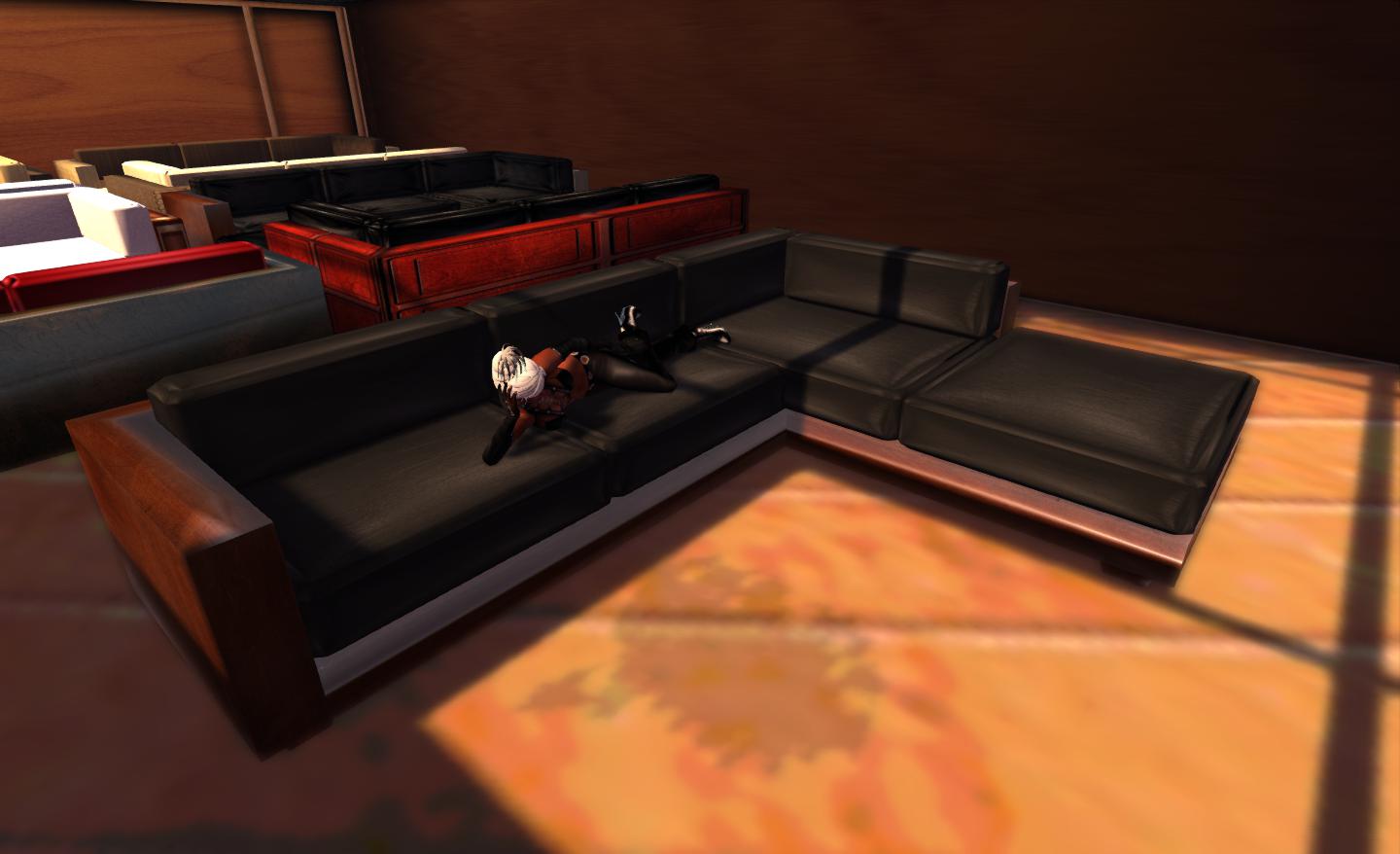
In the meantime, Ample has extended his range of suites and set-ups, and one at least has alredy caught my eye and got me thinking about home changes so that I can fit it in! This is the indoor / outdoor corner sofa, a 5-seat unit with over 1,000 texture options, allowing it to be used – as the name suggests – indoors or outdoors. As with all of Ample’s lounge suites, it is powered by the AVsitter engine, and it includes 190 sit, cuddle, dance, and other animations.

The new indoor/outdoor sofa

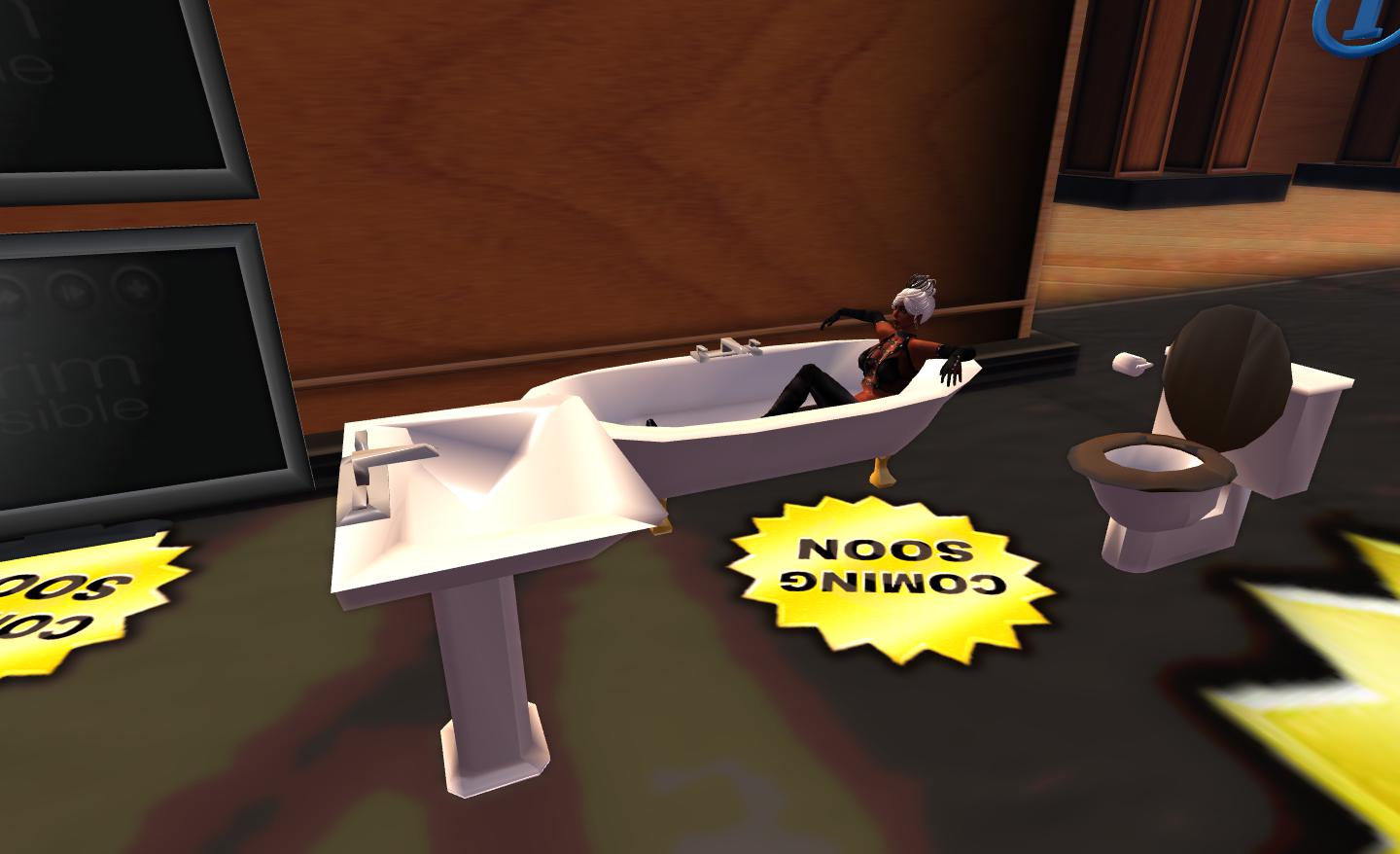
I’ve also previously covered Ample’s kitchen range which helps to complete a home. He’s now in the process of bringing out a bathroom suite as well, for those who like their homes fully and realistically furnished. Comprising a bath, washbasin, loo and even a toilet roll, the suite is sculpted from a single prim and includes a range of washing animations. I’m not personally into bathrooms or kitchens within SL myself, but I’m aware Ample’s kitchens are already very popular; once the bathroom suite is formally launched, I’m guessing it will also find popularity.

Coming soon: the new bathroom suite

As well as furnishing, etc., Ample also produces what amounts to a “one stop” potted plant. A single prim plant and pot which you can set to any one of 114 different plants, and also re-texture the pot itself to one of 16 different styles – and both plant and pot can be resized. At L$100 per flower, this provides a means to quickly and relatively inexpensively have indoor plants which you can change to suit your mood and / or the season (a copy version is also available on the Marketplace at L$800).

I’m an unabashed fan of Ample’s work, and I’m happy to admit so. I love his fully featured grand piano – which is a hard thing to say after my long love affair with Persephone Milk’s beautiful Musical Alchemy concert grand. Ample’s own top-of-the-range concert grand is simply a wonder, and I love having it gracing either of my homes (it’s “on show” at the Linden Home right now, but liable to bounce back to my little sky home soon!).

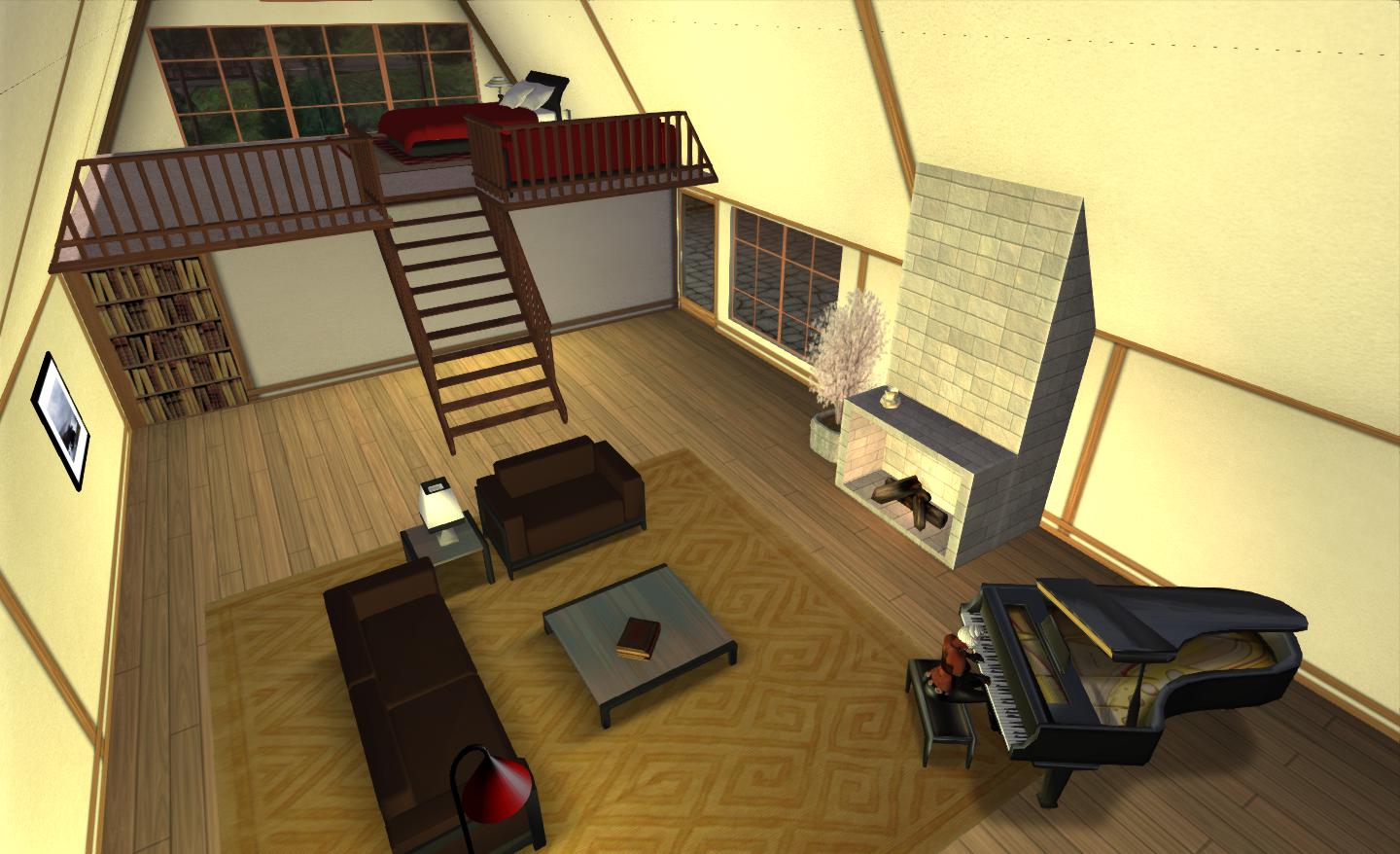
My PrimPossible Linden Home: downstairs I have a primpossible lounge suite complete with tables, books, lamp and rug, concert grand and plant – all one prim piece; upstairs a bedroom suite with bead, bedside tables and lamp, etc., and a further sofa – all at 1 prim apiece

For those who haven’t tried Ample’s work, whether or not prim counts / land impact ceilings are an issue, I really do recommend you take a look. I doubt you’ll be disappointed. Not only are his items very well made and represent really good value, I can – as I’ve mentioned in a previous piece on his work – speak from first-hand experience of his superb customer care. In fact, I’ve little doubt I’ll be back at his store in a couple of days to pick up that indoor / outdoor sofa, which is calling to me even as I write this!

Related Links

Fly / drive: having fun behind the wheel

In the Air

Earlier in the week, Salazar Jack dropped a lovely picture into Twitter of a magnificent steampunk-esque flying machine being flown by Tish Coronet. He included a link to the SL Marketplace, and I set off to look, rather intrigued.

The photo that piqued curiosity: Tish Coronet’s Lepidoptera (captured by Tish, uploaded to Twitter by Salazar Jack)

The machine itself is the Mechanical Lepidoptera, a partial mesh build which is being offered free by its creator, Bunnys Fride, who describes it thus:

By visiting the Jules Verne Museum in Nantes (french town, west coast) I noticed a painting that represents this machine to takeoff from one of the most beautiful place of Nantes. This same painting appears in the foreground on the poster for the International Festival of Science Fiction of Nantes in 2009, named Utopiales.

I propose you this beautiful concept of lepidoptera mechanical imagined and painted by James Gurney, a talented artist, famous illustrator and creator of Dinotopia.

Standing next to my Lepidoptera

The Lepidoptera is exquisitely detailed, with a two-tone metal body, beautiful passenger cabin (the vehicle will take up to eleven passengers, included one seated beside the pilot / owner) and detailed cockpit in the “head”. Detailing continues through the landing legs, which “droop” below the body when in flight, just like the legs of a flying insect seem to hang limply beneath its body. On landing (on the ground), the legs splay out, again in a life-like look. Another lovely piece of detailing is in the mechanical operation of the wings themselves.

Detailing

Flying the machine requires a HUD, which allows you to correctly set your camera position, and which controls the start-up of the machine and the forward / interior lights. This attaches to the top right of your screen. To fly the Lepidoptera, right click on it and select FLY from the menu, this will sit you in the cockpit. Tap ESC to position your camera correctly (if required – or use the HUD options), and then click on START on the HUD to set the wings flapping (complete with engine / mechanical sounds). Flight controls are then use PAGE UP / DOWN to ascend / descend, and the arrow keys / WASD keys to manoeuvre (you’ll need to key the UP / W key depressed to maintain forward motion).

Airborne!

Natascha Randt has produced a great video showcasing the Lepidoptera:

On the Ground

Flying the Lepidoptera reminded me that a few months back I picked up another freebie from SLM, the Autoworks Classic 43S GT by Angie Xenga / Ed Zaurak.

The Autoworks Classic 43S GT

A two-seat sports coupe, the 43S GT is sleek and attractive – and quite a handful if you’re not used to SL driving, as I found out when given the chance to try it out on a multi-sim racing circuit for the first time yesterday!

The basic controls are simple enough: UP key / W to accelerate, LEFT / RIGHT or A / D to turn, and DOWN / S to break. PAGE UP / PAGE DOWN operate the gear changes (although there is an automatic option). However, there are a range of other options and capabilities that can make driving an Autoworks car pretty much the same experience as driving a high-performance car in RL: 50% fun, 50% seat-wetting and 100% adrenalin! There is also an option HUD displaying speed and revs which you can attach to your screen.

Additional menu options allow you to alter the colour of the car  – royal blue is the default, but I like the silver look – adjust your driving position, adjust the transmission options, the engine – and a whole lot more. Touching the car allows you to open the bonnet (“hood”) or the doors.

Ready to get behind the wheel

The cockpit itself is nicely detailed, and I love the fact that this car is designed to be driven on the correct side of the road being right-hand drive  ;-). All-in-all, great fun to have, if you can find the space to use it (the handling is such that you can rapidly run out of sim!).

If anything spoiled it for me, it was not the car, but the fact that to appreciate it fully you do need to drive across multiple sims – and this brings up the ogre of region crossings. Given the speeds you can reach behind the wheel, this means it is easy to find yourself on top of one before you realise, and you’re suddenly sailing off into infinity. Hopefully, with multi-threaded region crossings on the way plus other improvements, this will reduce the problem, but it did put a bit of a dampener of the thrill of driving this superb car.

Ready to roll

As well as the Classic 43S GT, the package comes with the Autoworks Type ZII, a single-seat car that offers a broadly similar range of options, but didn’t, for me, have the same appeal.

Apparently the Classic 43S GT represents the first in a new range of cars Autoworks will be producing “just for the fun of it”, the business itself having closed as an SL commercial venture in February 2012. It is a sample of what is to come; so far one more car has been added to the free range, and I’m intrigued to see what else is produced in time!

Be a (Fishers’) Menace: drive a Neuspa!

I don’t really go in for vehicles in SL; I don’t live on the mainland, and private islands and estates don’t always look too kindly upon vehicles bouncing across them; plus, at the end of the day, the most convenient way of getting around SL over long or short distances is to teleport.

However, *years* ago, a friend (*waves to Itico*) took me for a spin on a wonderful little ATV-like vehicle that had me instantly hooked – I had to have one myself (and funnily enough, everyone I’ve ever introduced it to has invariably gone out and bought one). Even today, there are times when I cannot help but pull it out of inventory and go off for some silly fun.

I’m talking about the KR “Fishers’ Menace” Neuspa by Karsten Rutledge (of Greedy, Greedy fame), and I’m not sure there is a vehicle that is quite equal to it in terms of fun and cuteness anywhere in SL (and yes, I’m biased!).

All black: my usual Neuspa colour scheme

The Neuspa is a truly an amazing piece of SL creativity that brings together form and function in a little vehicle that packs-in a huge amount of features and which really is a lot of fun. Resembling a sleek ATV, all curves and aerodynamics, it is a “go anywhere” vehicle – literally.

Black and yellow: colour coordination is *everything*!

The range of options that come with the Neuspa are phenomenal, with over 100 button-driven menu options that allow to you to define just about everything about the vehicle, including: colour scheme (select a colour for the entire vehicle, or selected parts, the colour of the air jets, etc.), performance (gearbox options, acceleration, braking, turning radius, traction control, wheelies, etc), driver & passenger options (and set your own profiles), enable / disable a range of effects (engine sounds, dust kicked-up by the wheels, wake effects when on water, etc) – to list everything here would take the rest of this article… You can even set it to Group (based on your active tag) and rez copies for friends to scoot around on with you – or you can give a close friend (or two) a ride on the back!

The performance options are especially useful: find yourself encountering lag that in impacting on things like steering and acceleration to compensate for issues (such as finding your’s accelerating and hitting things before you have time to turn).

…on land…

Lag notwithstanding, the Neuspa’s performance is pretty amazing  – so much so that there is even a warning on the menu about using the “turbo” option:

WARNING: turbo in upper gears is EXTREMELY FAST and nearly impossible to control, not recommended for normal use.

So you have been warned! 🙂

That said, driving the Neuspa is simplicity itself – although mastering it takes time and you’ll likely need to fiddle with the various drive options to find the balance that best suits you. To start (assuming it is in Drive mode), simply jump on – if you have sound on, you’ll hear the engine start-up – movement is via the arrow / WASD keys, but be prepared to pull a wheelie or two. Braking or slowing the vehicle will have the brake lights working automatically, and steering includes a nice animation of turning the handlebars as well as the front wheels.

The performance options probably make this an ideal little vehicle for those into racing, as you can adjust a lot as mentioned above and generally fine-tune the Neuspa to suit the sim / track you’re on. When off-road, there is almost no terrain the Neuspa cannot handle, and getting airborne with it can be exhilarating.

Linden water isn’t an issue for the Neuspa; providing the vehicle is set to its “automatic” drive mode, simply drive into the water and watch the wheels rotate up to form floats that work with the streamlined hull, allowing you to skim across the water as fast as any jet ski – and with just as much manoeuvrability. When you reach the shore, the wheels fold back down and the Neuspa reverts to 4×4 mode.

…on water…

Nor is the Neuspa restricted to land and water – this is SL after all. Using the menu, you can toggle the vehicle’s mode to “air”. The will rotate the wheels once more and you’ll start hovering, use PAGE UP to increase your altitude and you can fly the Neuspa almost anywhere.

One thing to be wary of, however, is when crossing a sim boundary. Whether on land or sea or in the air, the Neuspa can shift. A consequence of this is, hit a sim boundary too hard and you can find yourself sitting in the middle of next week at 0,0,0 very quickly and often entirely sans Neuspa. However, the vehicle’s accessories include a crash helmet, should you feel you need some protection against sim-bouncing :).

…in the air…

Whether on your own or with a friend or two, the Neuspa can be a lot of fun, especially on land and/or water. When you’ve finished scooting around, there are even a couple of “relaxed” poses to go with it. And if you do feel the need to be protected wherever you go, there is even an “urban warfare” version, complete with a range of missile options and a retractable launcher!

Specifications

  • Product name: “K.R. Engineering Neuspa 4×4 Standard (Karoastoff)” and “K.R. Engineering Neuspa 4×4 Urban Warfare (Karoastoff)”
  • Permissions: COPY
  • Price: Standard model: L$1250; urban warfare version (with missiles): L$1550.
  • Available from: K.R. Engineering in-world.
Me an’ mah Neuspa – kicking back after a ride (with the optional crash helmet)…