We’re all familiar with the Lab’s periodic Premium membership offers: every once in a while one will pop-up offering a discount for those who up their membership from Basic or who are signing-up to SL for the first time.
I’d actually been expecting such an offer to pop-up around mid-March. However, it was announced on Friday, April 3rd, with a blog announcement, and runs through until the Monday, April 13th, when it expires at 08:00 SLT.
As the blog post notes, there is no Premium gift offer this time around, instead the lab point to their recent announcement of a Premium perk:
Being a Premium Second Life subscriber carries many benefits – from weekly L$ stipends, to your own Linden Home, expanded live customer support options, exclusive gifts, and more. Just last week, we added a new perk for Premium subscribers, and we’ll be adding even more benefits and features for Premium members throughout the year.
This time the 50% discount applies to the first month’s payment on the Monthly plan
None of this is what makes the offer particularly interesting. As I’ve noted, they do pop-up periodically. What is interesting however, is hinted-at in the body text of the post:
If you’ve been waiting to upgrade to a Premium account, now is a great time, because today we’re kicking off a great new sale: from today until April 13, 2015, you can upgrade to Premium subscription for less than $5 for your first month! That’s a 50% discount off the regular rate, and this offer won’t last long. Upgrade today and start enjoying Premium benefits at our lowest-ever monthly rate.
Up until now, these offers have applied to the Quarterly billing plan, where the 50% discount is applied to the first quarter’s billing, reducing it from $22.50 to $11.25 (excluding VAT, where applicable). However, this time the discount applies to the Monthly billing scheme, as the notes at the end of the blog post further confirm.
Quite why the switch has been made is unclear; while I’ve never myself been convinced as to how well-received these offers are (that’s purely supposition, without any basis on fact), I’d say that the Quarterly plan discount represents a more appealing offer than just cutting the first month’s fee. Perhaps the Lab were finding that even with the first quarter’s bill cut by half, people weren’t overly enamoured with the offer, and are trying to mix things up a little. If so, I’d venture to suggest perhaps offering two months on the reduced rate might be a tad more appealing.
But really, the problem with Premium membership is not so much how much it costs – but what it brings. For the majority of people who can otherwise enjoy and contribute to SL free of charge (emphasis intentional, as “free” doesn’t equate to “feeloading”, as is sometimes made out to be the case), Premium membership really isn’t that attractive. Hence why the Lab have in the past tried to spice it up with gifts. The problem here is, as I’ve recently explored, actually coming up with a Premium package that does offer the kind of incentives that are likely to have really broad-based appeal among users actually isn’t that easy.
In the meantime, if you are a Basic member and are considering upgrading, might I offer some thoughts (as long in the tooth as they might be) as someone who has bounced from Premium to Basic and back again?
Back in November 2014, the Lab held a get-together with residents at Meauxle Bureaux, the official home of the Linden Department of Public Works (LDPW) moles. It proved to be the first of a growing number of social events, which have also included the return of the Lab / residents winter snowball fight.
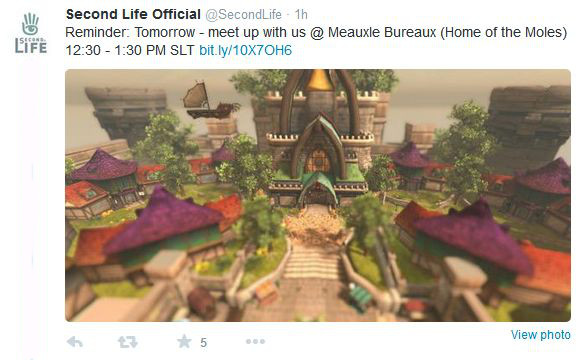
On tuesday, March 24th, Xiola Linden posted a Twitter message offering a further invitation for residents to get together with Lindens. This will again take place at Meauxle Bureaux, this time on Wednesday, March 25th, between 12:30-13:30 SLT.
The next meet-up with Linden folk will take place on Wednesday, March 25th, between 12:30 and 13:30 SLT at Meauxle Bureaux
So, if you’ve missed previous get-togethers, make a note of the time and place!
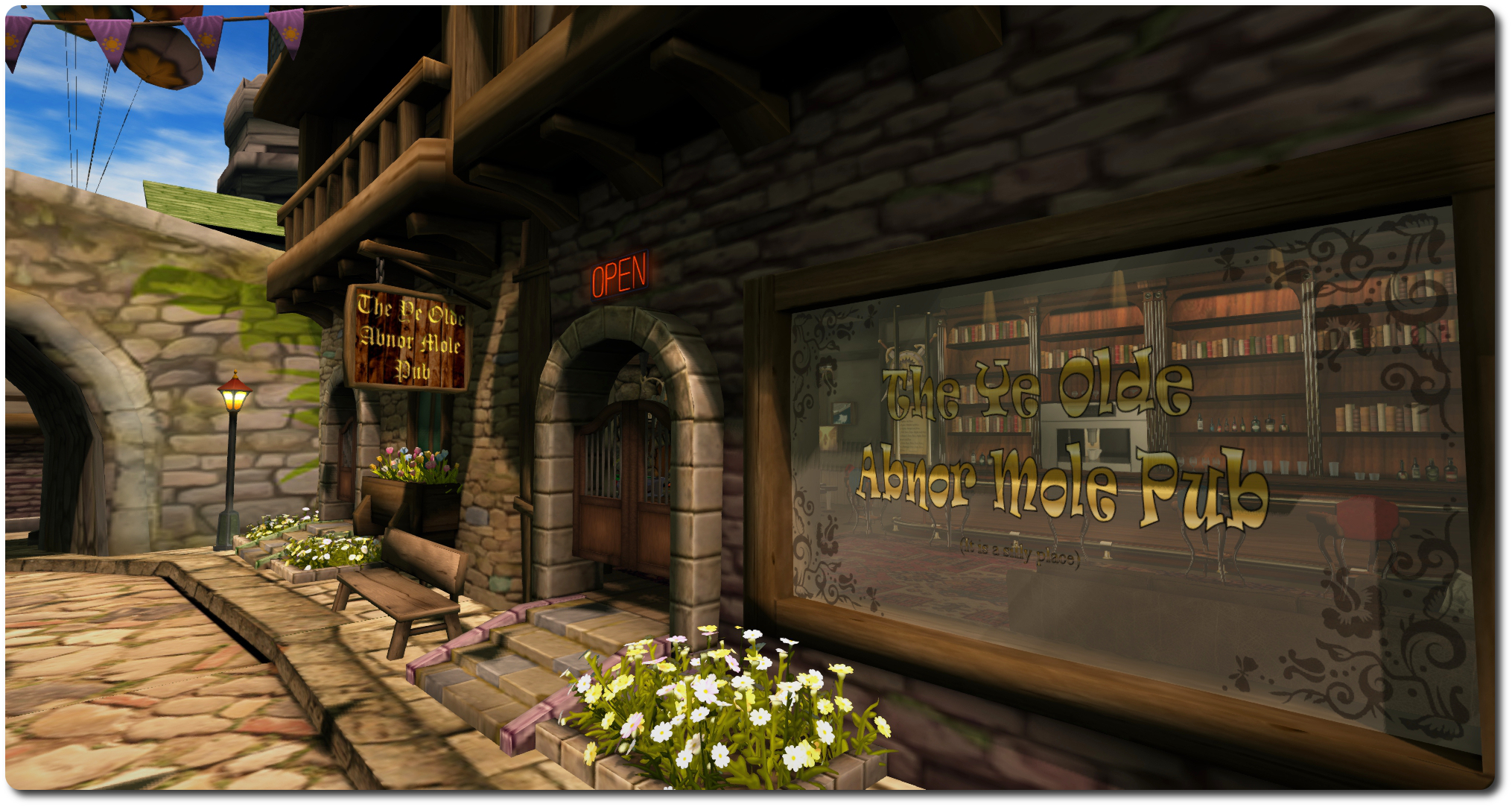
Meauxle Bureaux: Ye Olde Abner Mole Pub could be seeing some heavy custom (Lindens are said to like their rum, rum, rum, rum, rum …!)
On Wednesday, March 18th, Ebbe Altberg gave the keynote presentation at the 8th annual Virtual Worlds Best Practice in Education conference, which runs through until Saturday, March 21st inclusive, in both Second Life and OpenSimulator.
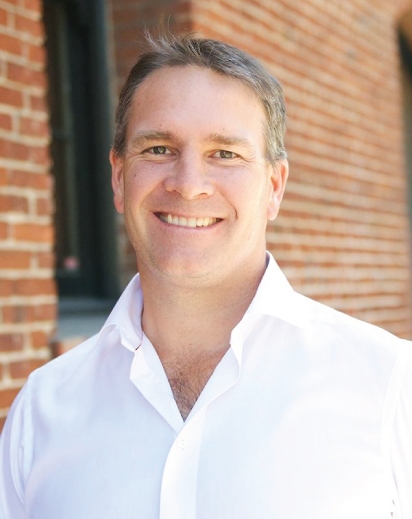
Ebbe Altberg: opening keynote at the 2015 Virtual worlds Best Practice in Education conference, March 18th
His key address lasted a little over an hour, in which he outlined the Lab’s approach to education and non-profits, provided some insight into what Lab’s future plans, and discussed further information on the Next Generation platform. Following this, he entered into a Q&A session, which ran beyond the main session time, switching from voice to text chat in the process.
The following is a transcript of his initial comments and review of the Lab’s relationship with the education sector, his overview of Second Life as it is today, a look to the future, and his concluding comments. I have produced a separate transcript dealing with his comments on the next generation platform.
As well as including the official video, embedded below, I’ve included audio playback of each part of Ebbe’s talk for those who prefer to listen while reading. Timestamps to both the audio segments and the video are provided.
[00:00 / 02:55] First off, I’m really, really happy to be back at the VWBPE. Last year, I was pretty much brand new at Linden Lab, and we’ve had a year since then, and a lot of good and interesting things have happened that we’ll talk about. Like you heard in the introduction, we’re going to leave plenty of time at the end for Q&A so that we can talk about all [the] things that are on your minds.
Changes at the Lab
[00:38 / 03:34] So, since last year there have been a lot of changes at the Lab, We have simplified the portfolio of products that we are working on. Since I was here last year, we’ve discontinued work on six products [actually five (that were known about): Creatorverse, dio, and versu, and Patterns and Desura].
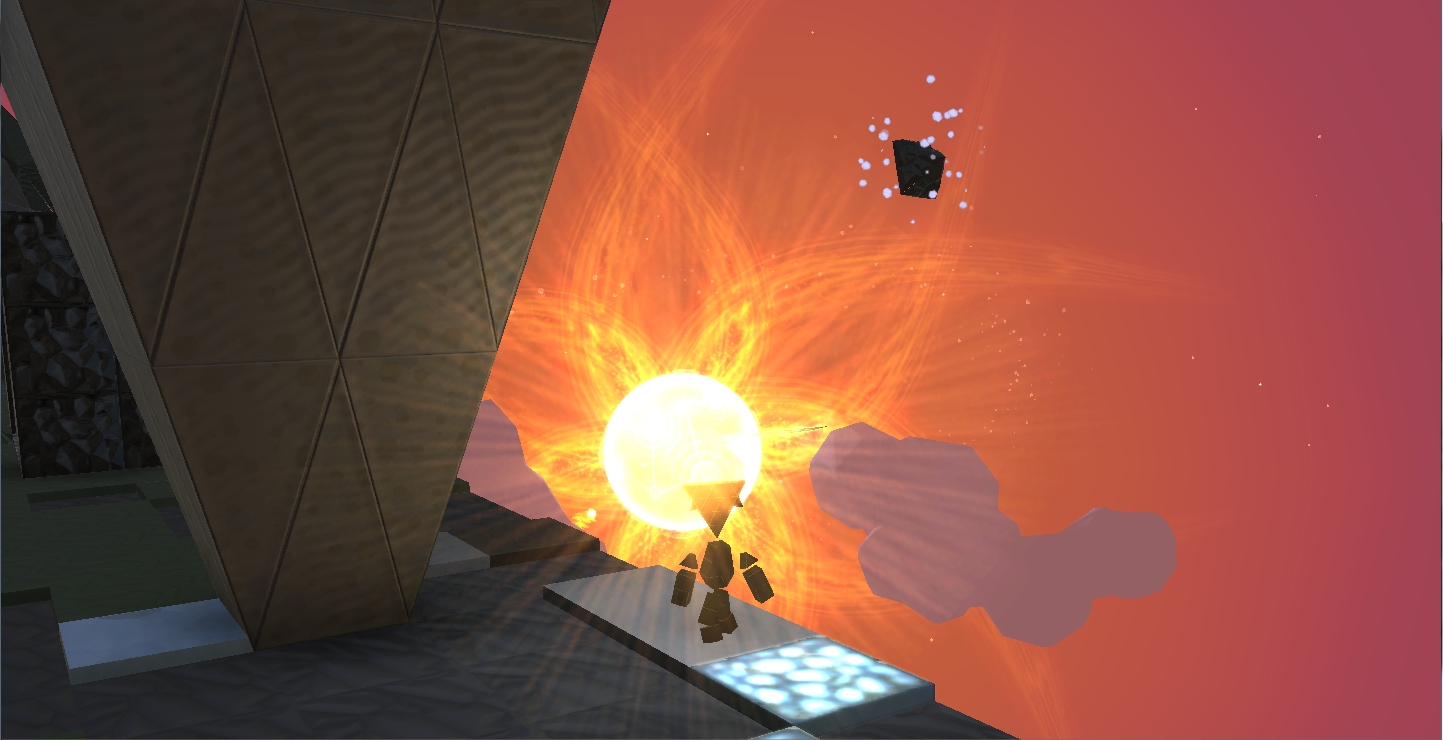
The little “Dorito man” headed off into the sunset in October, as Patterns followed Creatorverse, dio and Versu in being axed from the Lab’s nascent product portfolio. It was followed in November by news that Desura had been sold.
[01:02 / 04:00] So we have a much more focused company now, and we’re focused on things that are all relevant to user generated content, either through Second Life, or blocksworld, or through this next generation platform you have yet to see but we’re working on very, very hard to bring to you all.
[01:21 / 04:30] So focus has greatly improved. The other thing I wanted to talk about is some of the improvements made in Second Life. Performance and quality has greatly improved over the course of the last year, with the CDN work and the HTTP pipelining work some of you may have heard of, which should make access to worlds snappier than it used to be. i still feel we still have a lot to do to make it even more performant, but we’ve made great strides in that area.
[02:04 / 05:01] We also brought you the ability to experience Second life with the Oculus, so you can get sort-of an introduction to virtual reality if you have a chance to get your hands on an Oculus device.
The Lab’s Relationship with Users
[02:19 / 05:18] And we’ve also, I think, made a lot of improvements in how we market ourselves, how we’re connecting with you and many other customers and different audiences. I would say that when I showed up here a year ago, the relationship between the Lab and customers and partner was not great; and I think that’s improved greatly. We’ve spent quite a bit of effort, particularly Pete and myself, but also many other Lindens, socialising with you all, talking to you about what we can do better, how we can do things differently, better understand what you’re trying to accomplish. and so I think today, the relationships between us and you are much improved.
The Media, SL and VR
[03:19 / 06:18] We’ve spent quite a bit [of time] talking to the press; Pete and I have spoken to many. I would say a year ago, that was a difficult thing to do; Second Life was seen as old and not particularly relevant. Since the, we’ve had a tremendous boom and boost in all things virtual reality. It sort-of kicked-off with the big acquisition Facebook did when they acquired Oculus for two billion, and when the world started to realise that virtual reality was something that could be achievable much sooner than people [who] had been working in this area had previously thought. So there has been a massive acceleration in people’s mind of what virtual reality can and will do.
[04:16 / 07:15] So now it’s pretty easy to find people who want to talk to us, whether partners or press, about what we’re doing, and people are realising that our experience running Second Life is actually extremely valuable now that virtual reality and virtual worlds are all a sort-of hot topic again. So it’s very exciting for all of us to have the rest of the world sort-of get re-introduced and re-energised by what’s possible in virtual reality.
The Lab and the Education Community
[04:50 / 07:50] We’ve also spent quite a bit of time focusing and understanding education specifically in the context of Second Life, and also understanding it so that we can do a better job with our next generation platform to meet your needs in even better ways. And it’s absolutely clear that the capabilities of 3D and virtual experiences such as visualisation and simulation, and the ability to interact within those environments is an extremely strong component of how we can improve learning and teaching.
[05:33 / 08:32] We see evidence over and over again of how it’s proven that people can more quickly understand subject matter, content and experiences much better and much faster with much better retention of information, if they can experience something in a virtual context where they can do things, not just read or watch.
300+ Organisations and Success Stories
[06:00 / 08:58] We have well over 300 organisations that are taking advantage of our discount programme for educators and non-profits. I think there used to be more than that in the past, and we’re looking forward to making that grow back as we do a better job of meeting your needs.
[06:26 / 09:24] And we continue to hear over and over again just great stories from the community of educators about what they’re doing in Second Life, the success they’re having in Second Life to teach and learn all kinds of subjects from languages to chemistry to economics to health. The stories just keep going and going, and that’s really motivating for us to hear these success stories.
[06:56 / 09:54] And we started a thread on our forum, and I know there’s quite a few stories elsewhere out there, especially on [the] VWBPE.org site. so please continue to share these stories and successes with us; it helps motivate people, it energises us, and also helps us learn what we can do to help you be even more successful.
Collaborating with the Community and Prioritising Needs
[07:25 / 10:24] Like I said, we’ve spent quite a bit of time collaborating and communicating with various groups in the educational community in Second Life, and that’s absolutely great. It’s a great group of people to interact with, and often times I’ve asked these groups to work together to come up with the things that they find [as] the most important things for us to work on.
[07:54 / 10:53] Sometimes it can be difficult for us to filter all of the ideas and wishes and needs from a community as large as yours, and when you take the time to collaborate among yourselves to further refine priorities and needs for us, it helps a lot. We have to do less guesswork to understand what really matters to you all.
[08:19 / 11:17] I’d particularly like to thank Serenek Timeless, Aldo Stern, JJ Drinkwater Lorelei Juno who, at the end of last year took that request to heart and talked to … more than 60 educators to come up with a sort-of prioritised list of issues and concerns and opportunities for us to think about and focus on to help you all. so I’ll speak to some of these, and what I don’t speak to, obviously feel free to ask questions about afterwards in the Q&A session.
Platform Pricing and Discounts
[08:57 / 11:56] One thing that comes up quite frequently, and probably because we’ve made mistakes in the past, is the question about pricing. I just want to make it very clear that we have absolutely no intention of repeating the mistake we did in the past of removing the discount or increasing the pricing.
[09:17 / 12:15] So we have absolutely nointention whatsoever to make it more costly for you.
[09:22 / 12:21] We spend no time thinking how to make it more costly for you. We spend actually quite a bit of time thinking about how we can make it less costly for you; and it might be difficult to do in the context of Second Life, but we will try. But as we think about the next generation platform, this is something that’s thought about from the beginning, about how we can make it more economically feasible for more people to participate.
Content Creation and Creators
[09:51 / 12:49] Another thing that comes up is the ability to easily create content. you know, simplified building and scripting capabilities so that all users can create something.
[10:07 /13:06] We do think of creators in sort-of three categories of users that we believe we have to meet the needs of. You have the sort-of artisan or professional people that can create some really high-end experiences. We have the hobbyist, which I would say is where there’s a lot of them in Second life, who don’t necessarily have a formal background in 3D or animation or CGI, but are able to use Second life to create incredible things.
[10:43 / 13:41] And then we have the vast majority of people, who we call “customisers”; they don’t necessarily create original content, but they take bits and pieces by shopping or finding or being given items that they can then place, whether it’s to get dressed or to make their space laid-out just as they like it. So they don’t necessarily make the chair, but they put the chair where they want it. It’s sort-of like real life; most of us don’t build the clothes and cars and homes that we live in and use every day. We’re customisers, most of us; we get dressed in clothes that others make, and that’s probably how it’s going to be in the virtual space as well.
[11:30 / 14:28] We do want to make it as easy as possible for people to create content and contribute content. and I don’t expect there to be huge changes in Second life in this area, although we are working to improve the ability to import content from the outside world.
[11:50 / 14:48] As we think about the next generation platform, which I will talk about more later on, we’ll make a number of difference I’ll speak about then. But the scripting language will change, support for third-party will be very important to us; but I’ll talk about that in a bit.
New User Experience (1)
[12:08 / 15:06] Another thing [is] an improved and customisable new user experience, including entry points. This is something I’ve spoken about before. We feel it’s important to make it very easy for the creators of an experience to be able to attract an audience to come directly to that experience without the need of having to go through some generic front door to get going.
The Lab wishes to move away from the idea of a centralised, generic new user experience within the next gen platform, to something over which experience creators have more control – this might filter into Second Life
[12:39 / 15:37] And so we will continue to think about that in the context of Second Life, of how can we bring back notions we’ve had in the past of community portals or some such, and also how SL URLs, or SLurls, can be optimised to be [a] more efficient way of bringing users directly into a particular place. I would say the SLurl today is kind-of a crooked path to come on-board from from the outside world.
[13:10 / 16:09] So we want to improve all these things, so it is easier for all of you to bring users into the experiences you want them to come into.
Restore To Last Position (RTLP) was a joint server / viewer capability that presented uses with the ability to right-click on an object in inventory and return it to its last recorded in-world position, relative to the region in which the user is standing. However, due to an exploit used be griefers to rez objects on regions where they otherwise had no rezzing rights, the Lab made changes to the simulator code, which also impacted how this capability worked. As a result, the viewer-side code was removed from the official viewer.
Restore to Last Position as found in Firestorm’s inventory context menu
Nevertheless, TPVs have continued to provide RTLP to users. Unfortunately, the the capability has been long been known to cause a range of genuine inventory issues, and since the changes made to the simulator code to prevent griefing, the shortfalls with RTLP have been somewhat exacerbated (such as with No Copy items, which is why some TPVs have blocked the capability from being used with No Copy objects).
However, as I reported In my last SL projects update, as a result of the recent survey the issued in respect of inventory loss issues, the Lab is considering deprecating the last of the server-side messaging which allows RTLP to work.
This has understandably given rise to concern among some TPV teams, simply because they are aware many users do find the capability useful, despite its limitations, and communicated this to Oz Linden at the TPV Developer meeting on Friday, March 13th.
As no final decision on the future of simulator-side messaging for RTLP has been made, Oz suggested to TPVs that they provide reasoned arguments as to how and why it, or a function like it, should continue to be supported by the Lab, which can then be considered when the time comes to determined the future of the current capability.
To this end, the Firestorm team have issued a blog post asking users to offer their own clear, concise explanations as to how they use RTLP and why they find it beneficial. The aim is to take the submitted examples and build them into a reasoned argument that can be presented to the Lab and hopefully encourage them to either reconsider deprecating the RTLP messaging or to provide functionality that might help meet some of the more common use cases supplied to the Lab.
So, if you do have a clear use case for wanting to see RTLP, or some similar type of functionality to continue to be offered, and regardless of whether you are a Firestorm user or not, you should consider helping to build a reasoned argument for retaining RTLP by adding your use case to the comments following the Firestorm post (please do not add them to this post, as I am not directly involved in compiling the information).
This doesn’t men RTLP will be saved, but at least the opportunity to present user feedback to the Lab has been provided; if that feedback is sufficiently constructive and consistent, it may influence future thinking on and around RTLP.
On Friday, March 13th, Hypergrid Business relayed news that Linden Lab has called a halt to the use of Linden Dollars outside of their own platforms. The news itself came from the OpenSim based Avination, which has for several years provided the means to exchange Linden Dollars to their own currency (C$) via the use of an in-world ATM mechanism.
In an announcement, which has also been distributed to their users via e-mail, Avination state: “Due to recent interaction with Linden Labs, we regret having to inform you that the transfer of Linden Dollars to Avination is no longer available, including the payment of your Avination sims via the Avination ATMs.”
The announcement goes on to further read in part:
Following discussions with Linden Labs they have advised that any use of Linden Dollars in payment for currency of ANY other virtual world, or for external services which are not used in SecondLife [sic] is in violation of the TOS …
According to Linden Labs [sic], users of SecondLife [sic] must cash out through LindeX before using real currency to pay for services not rendered within SL.
This move is being linked to matters of potential liability for the Lab. In 2013, the company moved to put greater controls on the re-sale of Linden Dollars through third-party exchanges. At the time, there was a lot of speculation (including my own) as to whether this was in response to FinCEN recommendations or as a more general means of dealing with issues of fraud, etc.
In 2013 the Lab moved to provide greater control over the re-sale of Linden Dollars, including prohibiting third-party exchanges from either buying back L$ amounts from users or providing them with the means to cash-out L$
While the Lab did subsequently allow third-party operations to continue to sell Linden Dollars to users (said L$ having been purchased from the Lab), a prohibition was placed on such operations to either buy L$ amounts from users or cash them out of the platform; a move which allowed the Lab to demonstrate it can effectively monitor and control the outward flow of money from Second Life.
However, it might be said the the use of in-world scripted devices such as “ATMs”, which enable the direct conversion of Linden Dollar values to other virtual currencies which can then be cashed out, potentially gives rise to liability exposure for the Lab, should it be shown that such mechanisms might be used for illegal purposes. Thus, the Lab has made this move to distance itself from such a risk.
In their announcement, Avination also suggest that this move may affect how Second Life users can pay for external services such as audio stream rentals in the future. Whether this is the case or not remains to be seen. Most of these services provide such a payment mechanism through a registered Second Life account, without any supplemental transfer of the value of the payment outside of the platform (the funds can effectively only be cashed-out via the Lab’s LindeX). Thus, there wouldn’t appear to be any issues with services working in this way to continue to do so. However, this is purely speculation on my part, and we’ll have to await official word from the Lab.
Update, March11th: The capabilities described below are now available in Black Dragon 2.4.1.9, which I’ve overviewed here.
Update, March 4th: Niran is continuing to experiment with shaders, and has posted an interesting snapshot taken under water.
NiranV Dean has always enjoyed a reputation for pushing the limits of the the viewer, first within his Niran’s Viewer, and more recently with his Black Dragon viewer.
A lot of the work he does builds on code developed by Tofu Buzzard – such as with his implementation of screen space reflections and, more recently, Godrays. This work, coupled with his own, has enabled him to earn a reputation for producing a viewer with rich graphical capabilities.
Now Niran is pushing the limits again, using both his one code and elements such a Tofu’s Godrays to bring something to Sl people have long wanted to see: volumetric lighting effects.
On Sunday, March 1st, he released a stunning video showing the work to date. When watching it, be aware that while the camera is moving, everything else is static, other than the grating in the ceiling of the room. When you’ve got that, note how the grating not only casts shadows on the floor, it actually breaks up the light falling through it, just as would happen in real life where light rays hit a solid object and are broken up by it.
“The original Godrays are from tofu,” Niran says of the work. “The problem was, they only worked on objects and terrain; they got cut off on the sky. So I’ve worked on that, and added some code to my viewer, which was really the first iteration of things we saw on my viewer [the updates with Godrays from 2014].
“Since then, I’ve been working on improved resolution and smoother Godrays, moving things to another shader, which brought it’s own problems. Most recently I’ve been moving to another shader for depth of field and improved shadows.”
Interest in the work Niran has been doing has been expressed by the Lab, and he will be offering it as a code contribution for them to consider, although he still has some further work to do.
The first of this is to introduce a global fading effect on the Godrays such that they appear to fade away as an observer looks away from the sun. The basic code is already there, but is disabled in the video, as Niran is still working on things. He hopes to be able to offer the fading effect as a toggle on / off option once the work has been completed.
“The other work still to be done is with particles,” he told me. “Since these Godrays are in the final depth of field shader, they also share the same problems. So, if I can move it into a separate shader on top of everything else, it should resolve the remaining issues, and everything should be good to go.
Of course, contributing code to the Lab doesn’t always mean adoption by the Lab; there can be many intervening factors that prevent the latter. However, Niran is quietly confident his work will be adopted. But if not, “well, there’s always my viewer with it!” he tells me with a wink and a smile.
 We’re all familiar with the Lab’s periodic Premium membership offers: every once in a while one will pop-up offering a discount for those who up their membership from Basic or who are signing-up to SL for the first time.