Update Wednesday July 10th: In checking the forum deployment thread for this week’s roll-outs, I see that KarenMichelle Lane has provided a list of regions on LeTigre where SSB/A will be enabled once they have restarted. Again, you’ll need to have an SSB/A-enabled viewer to avoid issues with avatar rendering on these regions. If you find that once the restarts have completed you are encountering issues with avatar rendering (for example, you are using an SSB/A viewer and find you avatar fails to render for yourself or others), or other issues which appear to be linked to SSB/A, please consider raising a bug report detailing the problem, how to reproduce it, and including your environment information (Help > About (Viewer Name) > Copy to Clipboard), which references Project Sunshine.
Update, 22:00 BST: Exodus have released Exodus 13.7.9.1, which includes SSB/A support, CHUI (the Communications Hub User Interface) and the removal of RLVa.
This week marks the start of the enabling of Server-side Baking / Appearance in Second Life.
On Wednesday July 10th, LeTigre will become the first Release Candidate channel on which SSB/A will be enabled. While it is subject to confirmation, it would appear as though all regions on LeTigre will have SSB/A enable once the Wednesday restarts have been completed – I’ll be updating on this following the Simulator User Group meeting on Tuesday 9th July.
In short this means:
- Regions on the LeTigre RC channel will see UpdateAgentAppearance, enabled. This is used to request a server-side appearance bake
- The ability of connected viewers to upload baked textures via the UploadBakedTexture capability and via AssetUploadRequest will be depreciated and removed from simulators on the LeTigre channel
- As a result, viewers that do not support server-side baking will fail to display avatars correctly.

Note also that as a result of the SSB/A changes, “temporary texture” uploads will no longer function on regions on the LeTigre RC channel. The Local Textures function found within the majority of viewer will continue to work, however, and provide an alternative means to preview textures at zero cost for most situation where this is required (other than collaborative building projects on Agni).
So, if you have resisted updating your viewer to an SSB/A capable version. or moving from a viewer which is no longer maintained & won’t be supporting SSB/A (e.g SL viewer 1.23.5 or Phoenix) now really is the time to do so. At the time of writing, of the maintained “full” viewers listed in the TPV directory, all but Dolphin, and Imprudence currently support SSB/A, while the current releases of Lumiya, Metabolt and Radegast clients also have confirmed support for SSB/A.
To make sure you get the best from SSB/A, make sure you are running the latest version of your preferred SSB/A-enabled viewer.
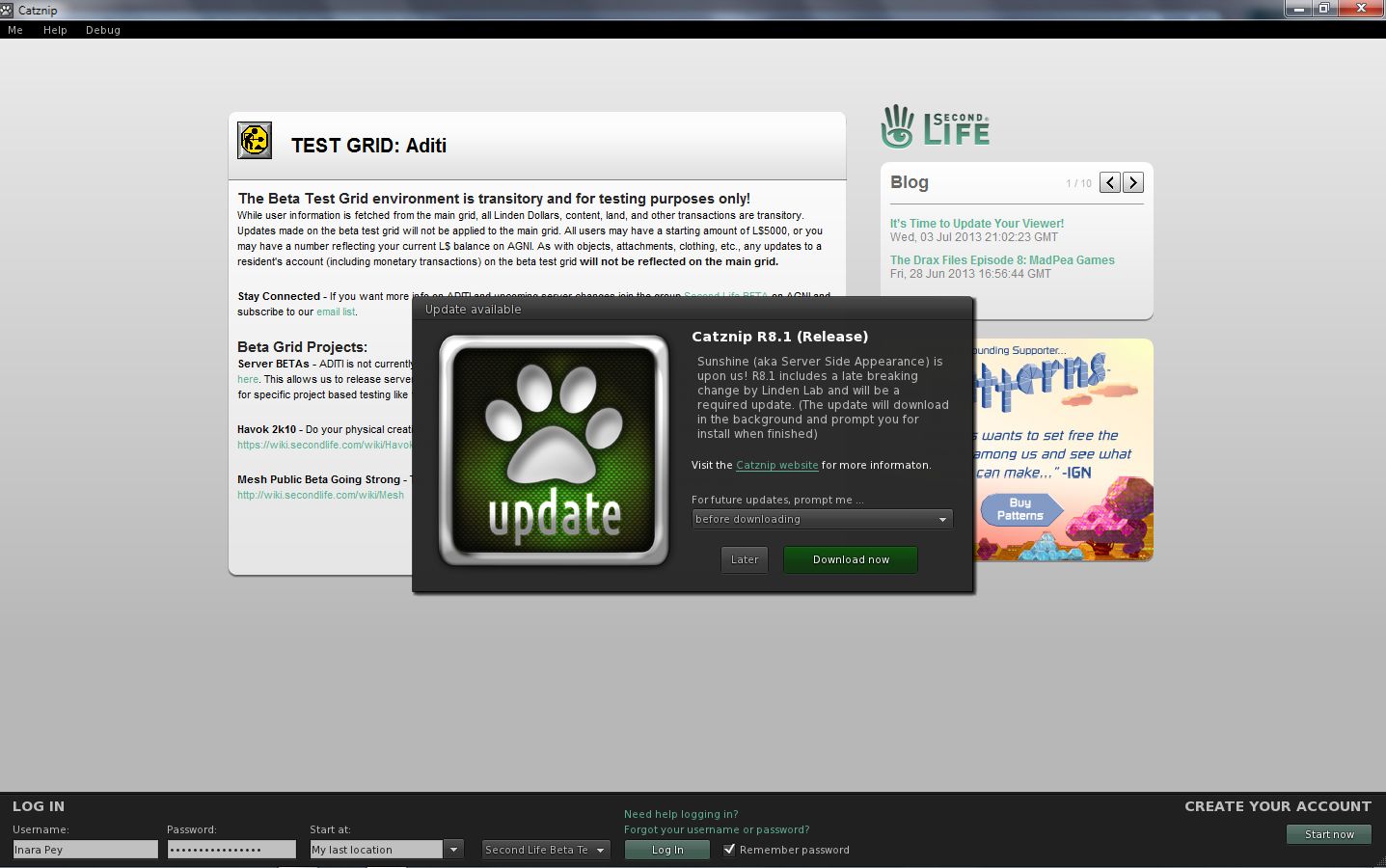
Catznip 8.1 Update
While Catznip R8 is SSB/A-enabled, the Catznip team have released R8.1 on Tuesday July 9th. This contains important code updates from Linden Lab. As such, it is considered a mandatory update.
If you are a Catznip user, and even if you have R8 installed, please make sure you do download and update to R8.1 when prompted.



 Inara Pey: Living in a Modemworld