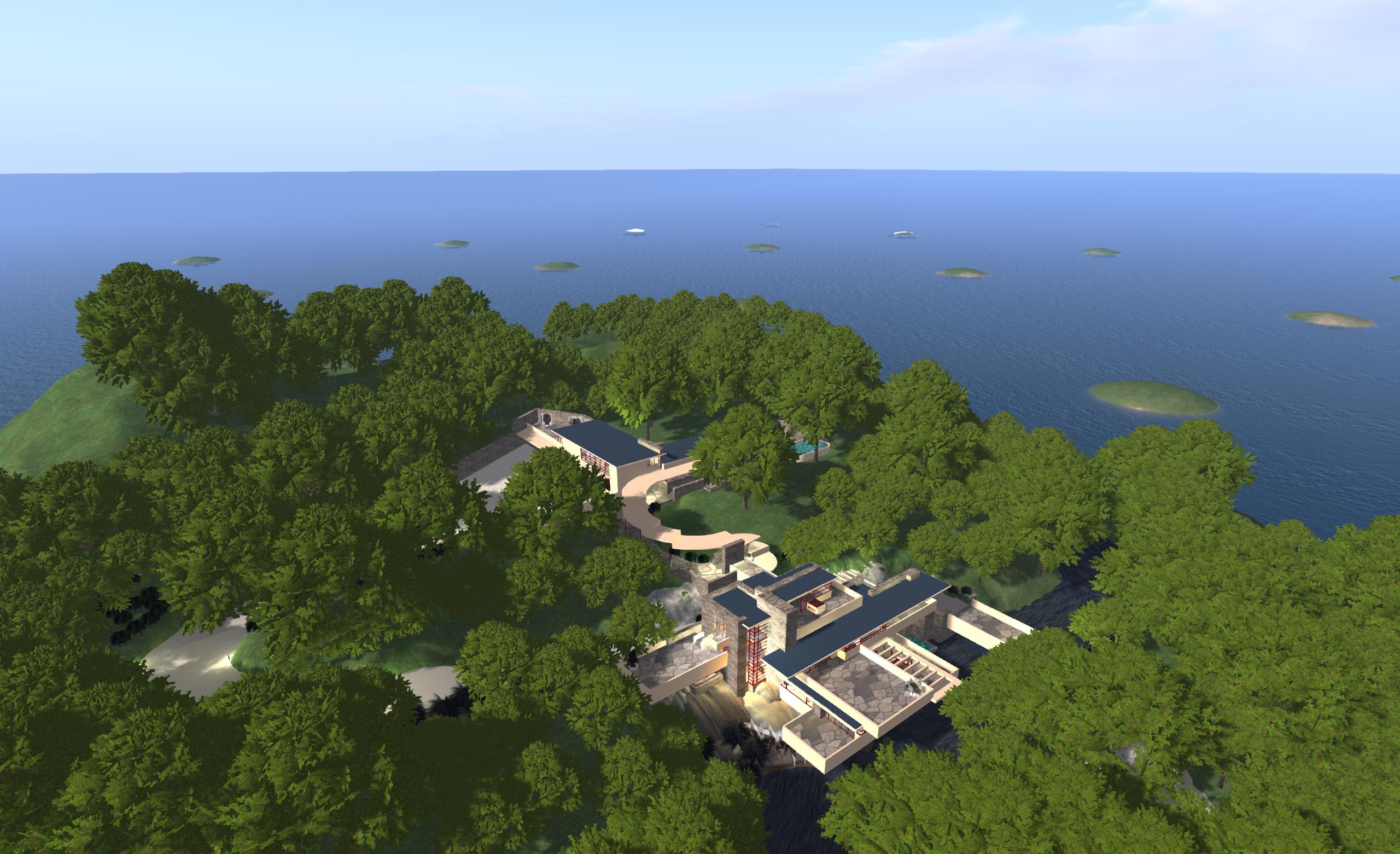
I recently reviewed the free version of Olivier Battini’s New World Studio, which allows anyone to to run their own single or multiple-region OpenSim environment on their own computer at home.
Currently, the free – or Community – version is very much as standalone version, although Olivier has indicated that connectivity will be possible in the future as a part of the manual configuration capability. This capability, which requires the editing of an .INI file, already allows users to define the number of regions their NWS installation supports, whether or not these are to be treated as a megaregion, the default starting OAR file (and avatar IAR file, if applicable), specify a preferred viewer rather than the default Imprudence viewr, and so on.
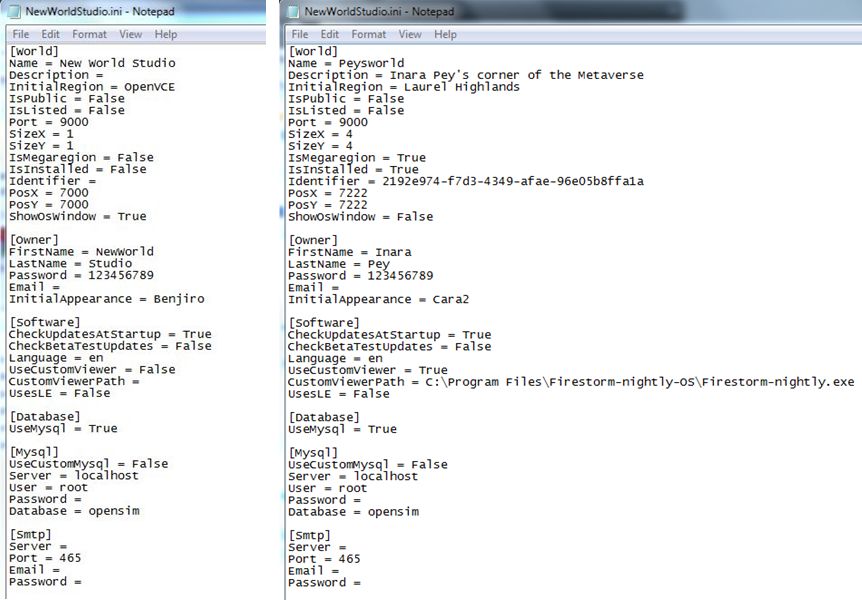
Due to be released later this week, the licensed version of NWS (currently starting at a 50% off 15 Euros / $20 for a home licence) does, among other things, take away the need to edit the INI file by allowing access to simple selection panel which can be accessed via the Access Advanced Features button on the NWS Launcher.
This panel allows users to configure NWS quickly and easily through a series of option fields and drop-downs. Using it, you can set your avatar name and default look, define the number of regions you wish to run (1, 4, 9, or 16), the default region name and whether or not the regions are to be treated as a megaregion, and set the default OAR file.

Currently, the control panel doesn’t include an option to select your own preferred viewer. However, this is coming with future updates, together with a number of other options, such as automatically network and firewall configuration for public access, public 3D worlds searches, and so on, as defined on the NWS Features page for the website. In terms of functionality and features, these will take time to develop, which is why licensed versions are being discounted and there is an active Early Adopter Programme, as Olivier explained when we discussed NWS recently.
“People must know and should understand that all will not be functional right now. This project requires a huge amount of work, especially as it’s multi-platform (Win, Mac, Linux),” he said, emphasising the effort involved in putting it all together before highlighting the benefits, “People can experience how easy to use NWS is, and they may not realize the cost of simplicity. This is why there’s an Early Adopter Programme that will allow people to, not only get lower prices, but also be able to vote for the features they want to see implemented first.”
In preparation for the wider availability of NWS options, Olivier has also been working on documentation and tutorials, the latter starting with an introductory video to NWS 2.1 Community Edition.
Again, if you’re looking for a “home studio” OpenSim capability for design / building work, whether your products are for use on OpenSim or Second Life, New World Studio – with a few caveats in the case of use with SL – might be just what you’re looking for as a fast, clean, easy-to-install option.
Related Links
With thanks to Maria Korolov at Hypergrid Business and to Olivier Battini.

 Inara Pey: Living in a Modemworld