 As Daniel Voyager reports, Creatorverse today makes its debut on Android, and is available via Google Play at a (UK) cost of £3.14 (US: $4.99, approx), and requires Android 2.3.3+. There is yet more to come, with Creatorverse due to debut on the iPhone shortly, and possibly go elsewhere as well.
Creatorverse on my Galaxy S2
Given I have a Samsung Galaxy S2 and time on my hands today, I opted to download Creatorverse and have an initial look. Doubtless there are some out there who would like the short form of my thoughts on the app, so here they are:
Creatorverse is baffling, frustrating, teeth-grinding, innovative, engrossing, and potentially highly addictive.
To be fair, the first three of these issues are as much down to trying to use Creatorverse on the S2’s relative small screen as much as anything else. Simply put, the UI is so small, it’s hard to see the various button icons easily. Well, at least for me; I freely admit, I’m getting older and my eyes aren’t what they used to be (and as I write that, Spike Milligan’s immortal addition to the comment echoes through my head: “they used to be my ears!”). Even so, and despite the relative intuitiveness of the drag-and-drop shape creation options, it is as well that Linden Lab have produced a range of tutorial videos to help people get more to grips with Creatorverse; in today’s “satisfaction in 5 minutes or forget it” society, there is a risk that some might otherwise chuck Creatorverse over their shoulders all to easily. This is a Settings option (device MENU button > Settings) for “Restart Tutorials”, but I’ve yet to find out what this actually does…
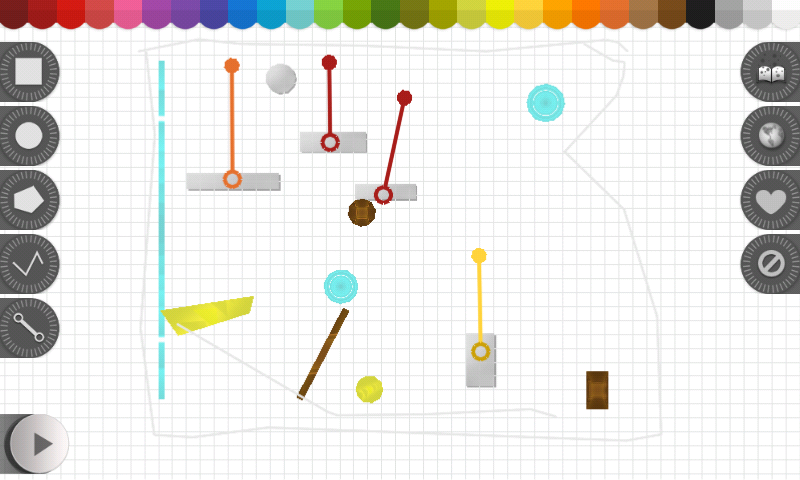
Which would actually be a shame – because, as with the latter part of my summary above, Creatorverse is engrossing – and potentially addictive. The basic screen display is easy enough to grasp, comprising a white grid workspace area when shapes can be dragged and dropped, and can be drawn freehand. Anchor points are present in both objects and lines, which can be use to drag / stretch corners, sections of a line or shape, and so on.

The workspace is also somewhat context-sensitive. Add an object to it, for example, and additional buttons will appear to the left of the screen, such as the PLAY button, which allows you to switch to another screen, wherein anything you’ve created, together with any forces applied to it, will play and allow you to interact with it. Touch an object in the workspace, and a further series of buttons appear along the bottom of the screen, allowing you to do various things with objects your created.
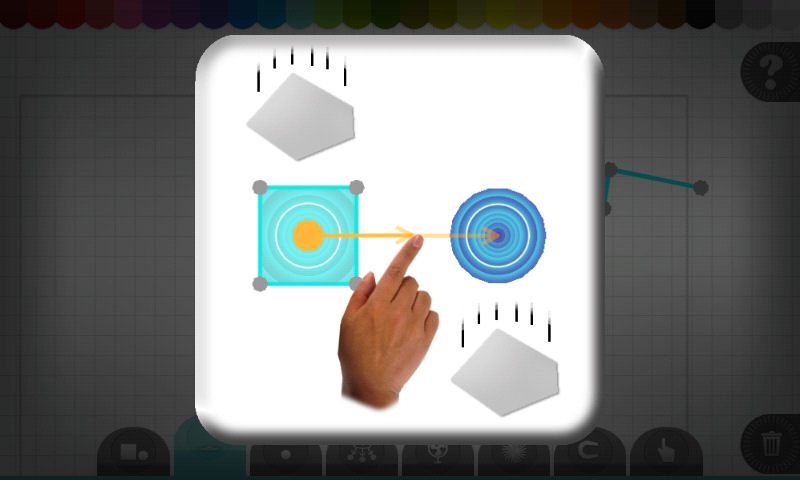
Here’s where the first grumble arises: the buttons all use icons, some of which aren’t terribly clear, such as a sphere with a line either above or below it. Tapping a button does bring up a prompt as to what the button will do, but I’d tend to suggest the prompts themselves aren’t overly intuitive. Or maybe that is just me; I was certainly struggling to make sense between what I was seeing on the screen and what the prompts were attempting to explain….
Continue reading “Creatorverse: Android arrival and playing on my S2”



 Inara Pey: Living in a Modemworld