Hybie Mynx is both a fellow SL traveller and blogger; she’s also the proprietor of Savoir Faire Shapes & Poses, located over her homestead region of MiLova.
The ground level of the region forms Serenity Gardens, a lovely landscape where visitors are invited to explore, and which offers ” a majestic hike through forest, caves, waterfalls, rustic, coastal shores and romantic beach areas”, with the land description concluding people may find it “a little eerie, a little enchanted”.
Here you’ll find a lush wooded landscape split into two by a rocky gorge, itself spanned by a wooden bridge. On the larger of the two parts of the island, the woodlands are mixed with open areas of grass, and there are a number of points of interest to explore, with pathways winding through the trees, gazebos, a small cottage and, perched on a hill with the gorge on one side and horseshoe falls on the other, a tall wooden lighthouse. This side of the island also has the beach, with a curious sculpture garden perched above, overlooking it.
Across the wooden bridge sits the “adult” area of the region – with a sign at the end of the bridge warning you that it is. However, given that the region is G rated, don’t expect things to be overly Adult here; the ToS is still the ToS. However, there are secluded spots here for couples to snuggle-up and enjoy one another’s company, either outdoors or hidden within a cave. Or people can simply wander through the woods, which are lit by floating paper lanterns, enjoying the scenery.
Object return in the region is set to 15 minutes, so if you did want to spread a blanket of your own or pull out a canvas chair and just sit and watch the world go by, you should be able to do so. Just make sure you pick your things up behind you. There are also a number of places scattered through the region which offer places to sit and watch or think – or both.
There are always challenges and there are shortcomings. Sometimes you just want to bang your head against the wall. But then you realise it’s really a world without limitations, and puts no restrictions on your imagination … Before Second Life, how could you have done what you can do now?
These words, spoken by Dante Spectre in episode 11 of The Drax Files sum-up the technical dichotomy that is Second Life. On the one hand, it is a platform that offers people the freedom to create anything they want, participate in almost any activity be it social, educational, creative, game-oriented, health-related, research-focused and so on; and to be almost anyone or anything, enjoying a freedom of expression which may not so easily be found in real life. Then on the other, it can be a real PITA when things go wrong or new capabilities hiccup as they are introduced, and so on.
Very often, for those of us involved in SL, it’s all too easy to focus on the latter, the challenges and shortcomings, than it is to remain focused on the former. Which is why this episode of The Drax Files serves as a useful reminder that – as Dante says, if not for SL, how could we do what we do in-world?
Dwarfins!
In exploring the world of Dwarfins, created by Dante and his wife (and project manager!) Judy Chestnut, together with their “adopted daughter”, Jaimy Hancroft, this episode reminds us of the incredible power Second Life puts at our fingertips, whether in the ability to create something as technically advanced as the Dwarfins themselves, or to create fantasy environments we can enjoy with friends and others, which can be populated by NPCs like the Dwarfins.
This is also a piece that reaches out to those beyond the walls of the Second Life garden and really tries to frame the reasons why many of us involved in SL are so involved. Where other segments have been framed more around the human aspects of people’s lives and their time with SL, this show unashamedly dives into more of the inner workings of the platform, more directly picking-up the threads laid in earlier shows and weaving them together to create a picture of how Second Life is a user-created world and how it allows people to be creative and, if they so wish, enjoy something of a financial return on their work.
In many ways the Dwarfins team are an ideal showcase for this; as they demonstrate the fact that virtual environments allow people to develop a shared interest which helps to creatively enrich their real lives, and which forms bounds of friendship, family and even entrepreneurial endeavour around the globe.
“In real life I would never have met Jaimy, or anyone like Jaimy,” Judy tells us. “First of all she’s in Belgium; she’s about twenty years younger than me, almost. I very much feel a mother / daughter relationship with her … except she doesn’t really listen to me, either. So it really is a mother / daughter relationship!”
In expressing this, Judy opens the door on the ability of virtual worlds to provide whole avenues of very human interaction between people, regardless of age, background, geographical location and to develop genuine friendships and relationships with one others which simply would not otherwise happen. This is again something so often missed by those outside of Second Life; indeed it’s fair to see it’s an element of the platform almost completely overlooked when promoting Second Life – not that it is particularly easy to portray.
Judt and Dante (and Drax!)
Similarly, Judy and Dante have enriched their own relationship through this joint endeavour of creativity and invention, just as another couple may well share and enjoy an evening of putting up photos on Facebook or whatever.
In episode 11, Drax once again provides a fascinating insight into how people relate to Second Life and what it is such a captivating and immersive world. More than this, however, is that he also shines more of a light on why people become involved in SL and how it can present opportunities and freedoms unmatched by other digital mediums. And he does so in a way that encourages a greater curiosity about the platform which might just lead some to take another look.
In August, I paid a visit to Collins Land, Cerys Collins’ homestead region at Aqua Shores. My time was a little pressed when I dropped-in, so I didn’t get to stay as long as I wanted back then. Even so, I found the region beautifully put together and striking in its contrasts.
Now I’ve had the opportunity to make up for my lack of time during that first visit, as Cerys has been busy re-working the region, and she extended a warm invitation to me to take a look at it ahead of it being opened to the public once more. And I have to say, she has again done a wonderful job.
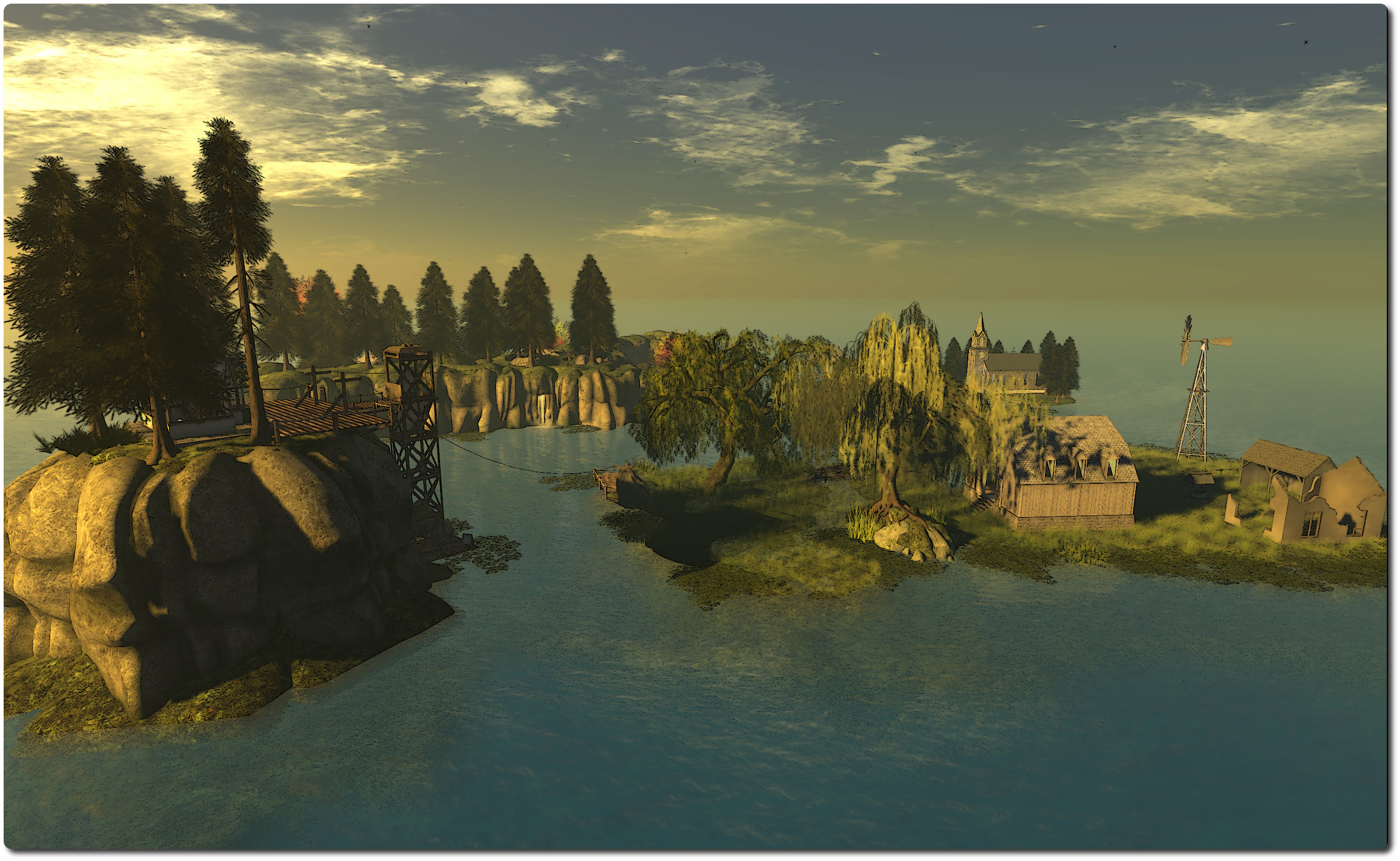
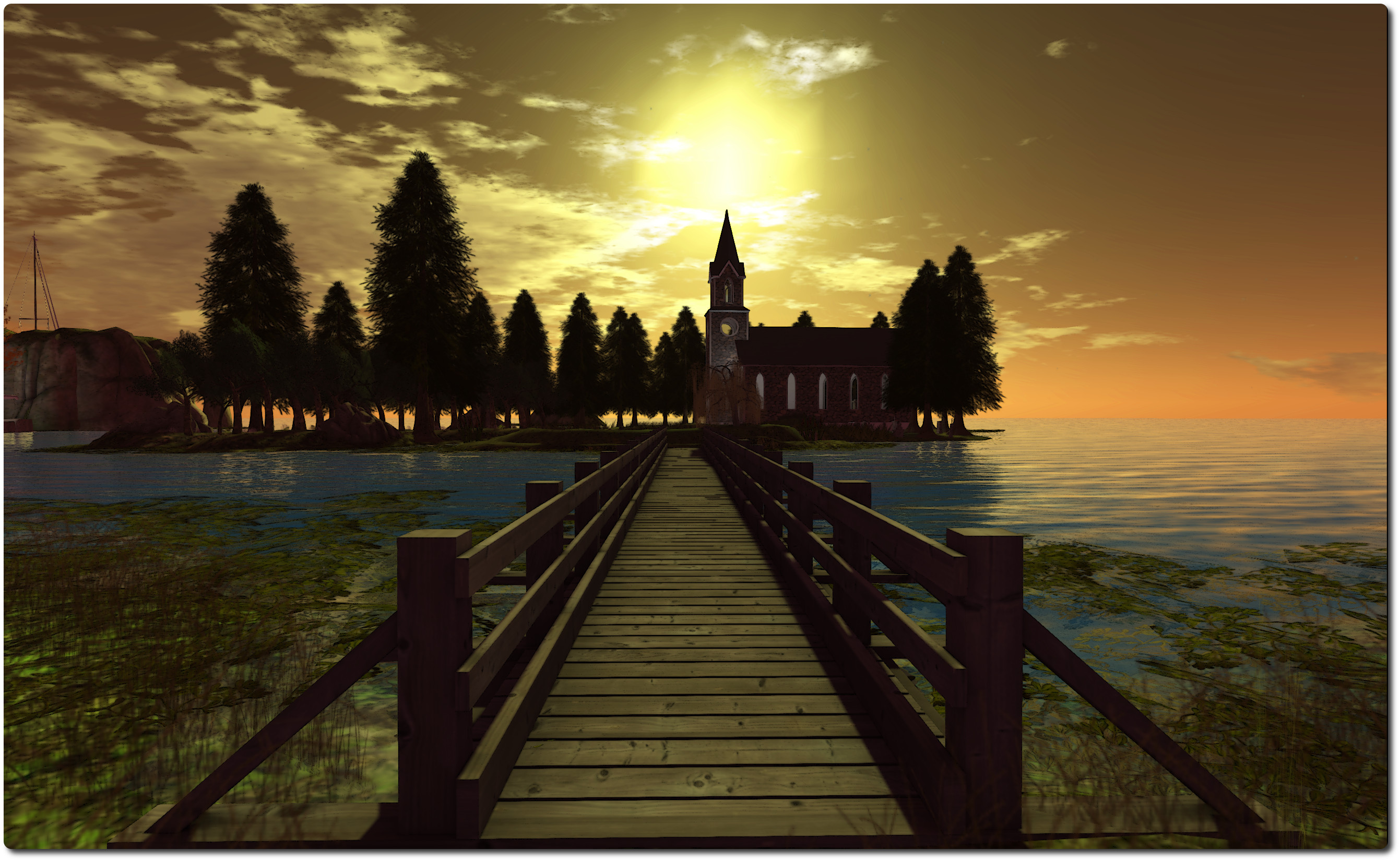
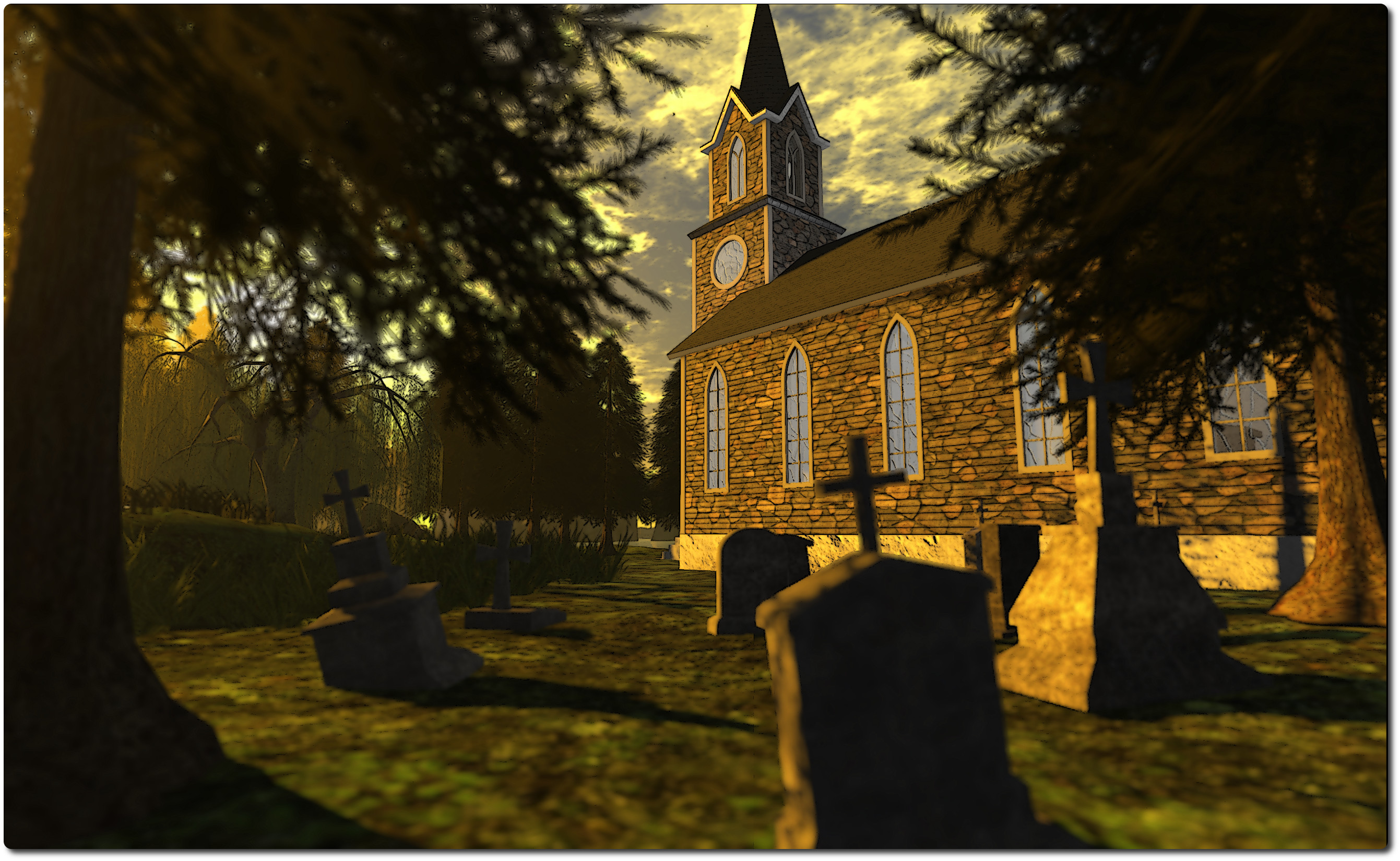
The new design sees the region take on more of a low-level coastal feel – although there is still a rugged backbone of plateau-topped cliffs snaking through part of the region, splitting one of the islands in two. There are three main islands all told now, two of them low-level and grass-covered, one devoted to the outbuildings of a small farm, the other home to a tall stone-built church, a slender wooden bridge sitting atop the water connecting them. The third – with the hills running through it, is the largest in the group.
I say “main islands” as there is a forth, although column of rock might be a better description for it. This rises from the sea on the north-east side of the region, and atop it sits the arrival point, which will be instantly familiar to anyone who visited Collins Land in its last incarnation.
From here you can look out over the region and get a first glimpse of the changes which have been wrought. To get to the other islands, you have a choice of two rope slides (recommended!) or using the wooden elevator, which will take you down to water level, where you can hop into a rowing boat and paddle your way around the place – which is actually a nice way of seeing everything, and you can also pick-up a boat from the wooden pier on the main island.
Collins Land is still very much a place of contrasts. For the most part, it is very rural in feel; grasslands, trees, a farm and country church, the plateau atop the cliffs a wooded park.. However, the main island also offers a slightly more urban feel to it – there is a paved road and sidewalks, street lights, a post box, bus stop and stone-built house with free-standing garage. There’s a children’s playground here as well, as a quayside pushing out to sea. The road itself winds through a short tunnel under the park-topped hills, to the wooden pier where people can either sit and relax or take a boat out onto the waters.
Cerys’ attention to detail is again everywhere; I particularly like the little vignette which appears to suggest a slight altercation between a UPS delivery man and a dog as to whether or not three parcels should be delivered to the front door of the main island’s house …
I understand from Cerys that Collins Land will re-open to the public in October. Until then, access is by invitation only, but once the region does re-open to all, I really do recommend you pay a visit. You won’t be disappointed.
Everyone has a unique and unknown world churning underneath. The ability to set yourself apart lies in whether or not you’re willing to pull up the roots of who you are, and then plant yourself on the surface for all to see.
So speaks Bowie Zeplin, creator of the marvellous Pangloss; and she has certainly revealed something of a world of her own, offering it to all in Second Life to see.
I came across Pangloss after bumping into the Caminante de Suenos (“Dreamwalker” or “Walker Dreams”) blog, which features it in a photo spread. And it is fair to say that something which features flying turtles does tend to be an attention-grabber.
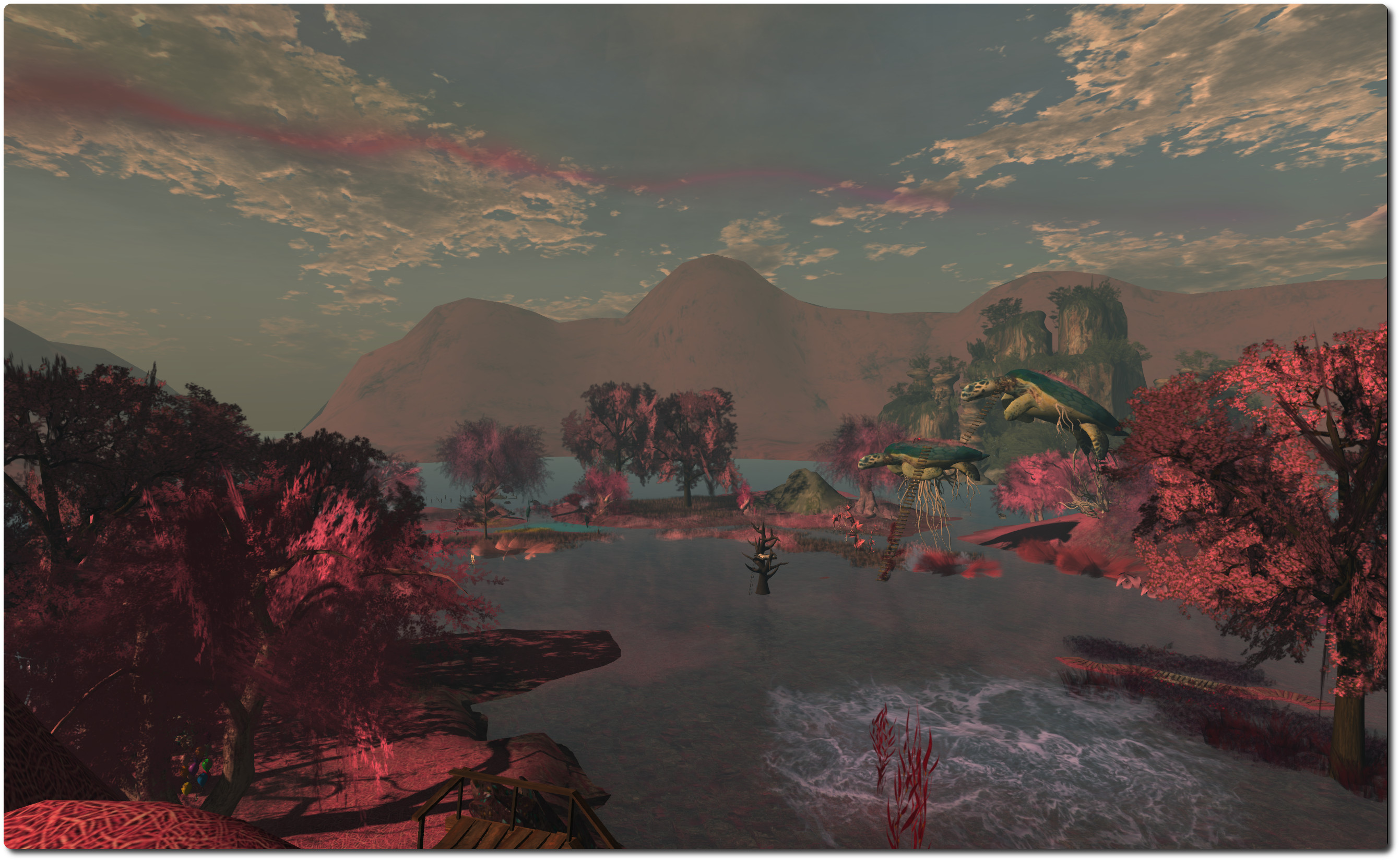
A Homestead region, and still under construction at the time of writing, Pangloss is wonderfully surreal in look and feel, featuring items from some of SL’s most popular creators. It also places the visitor in a bit of a conundrum: are you actually on land, or are you walking through some fantastical undersea world? Are you in a fabulous sculpture, or touching on elements of dream, fairy tale and fiction?
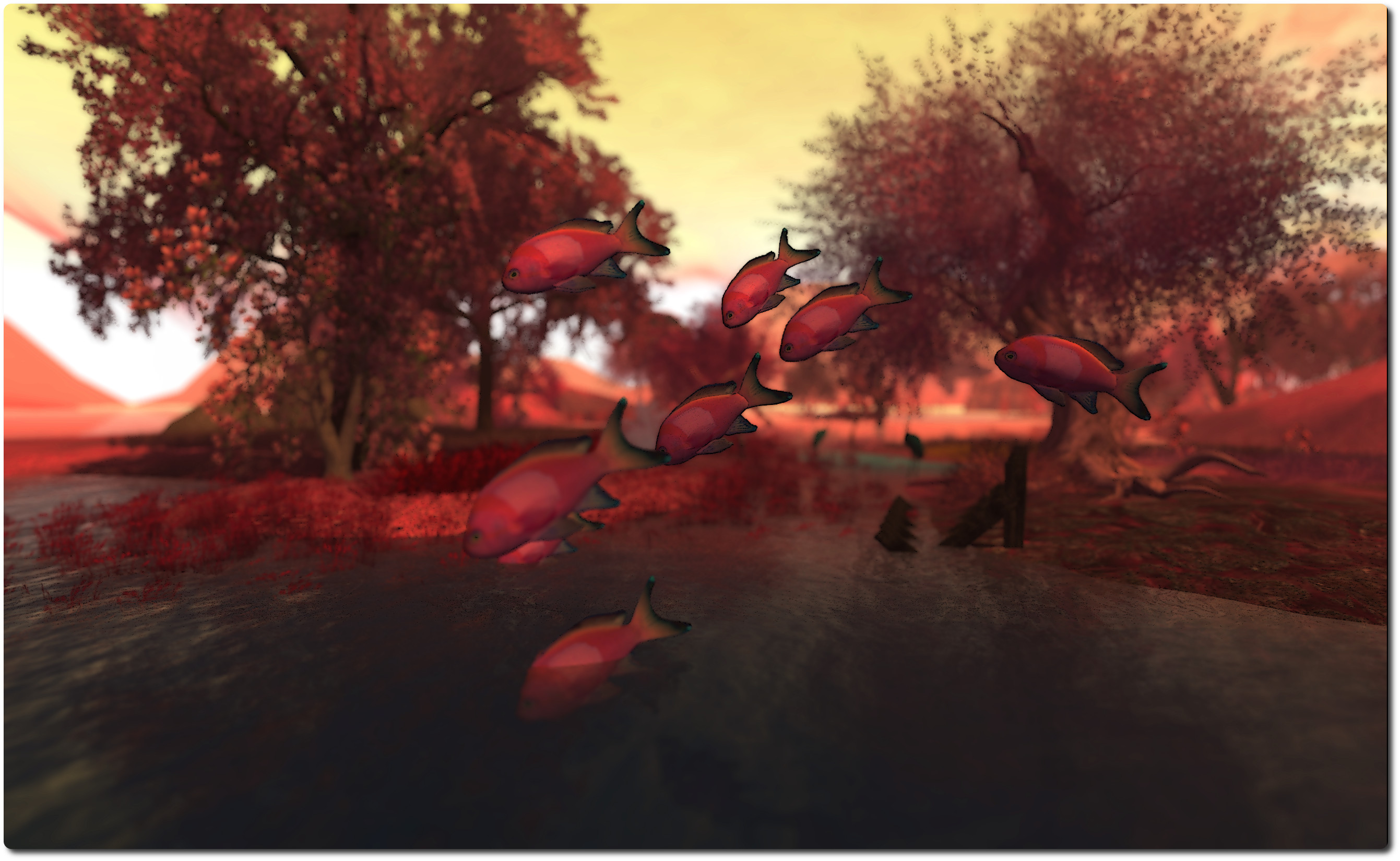
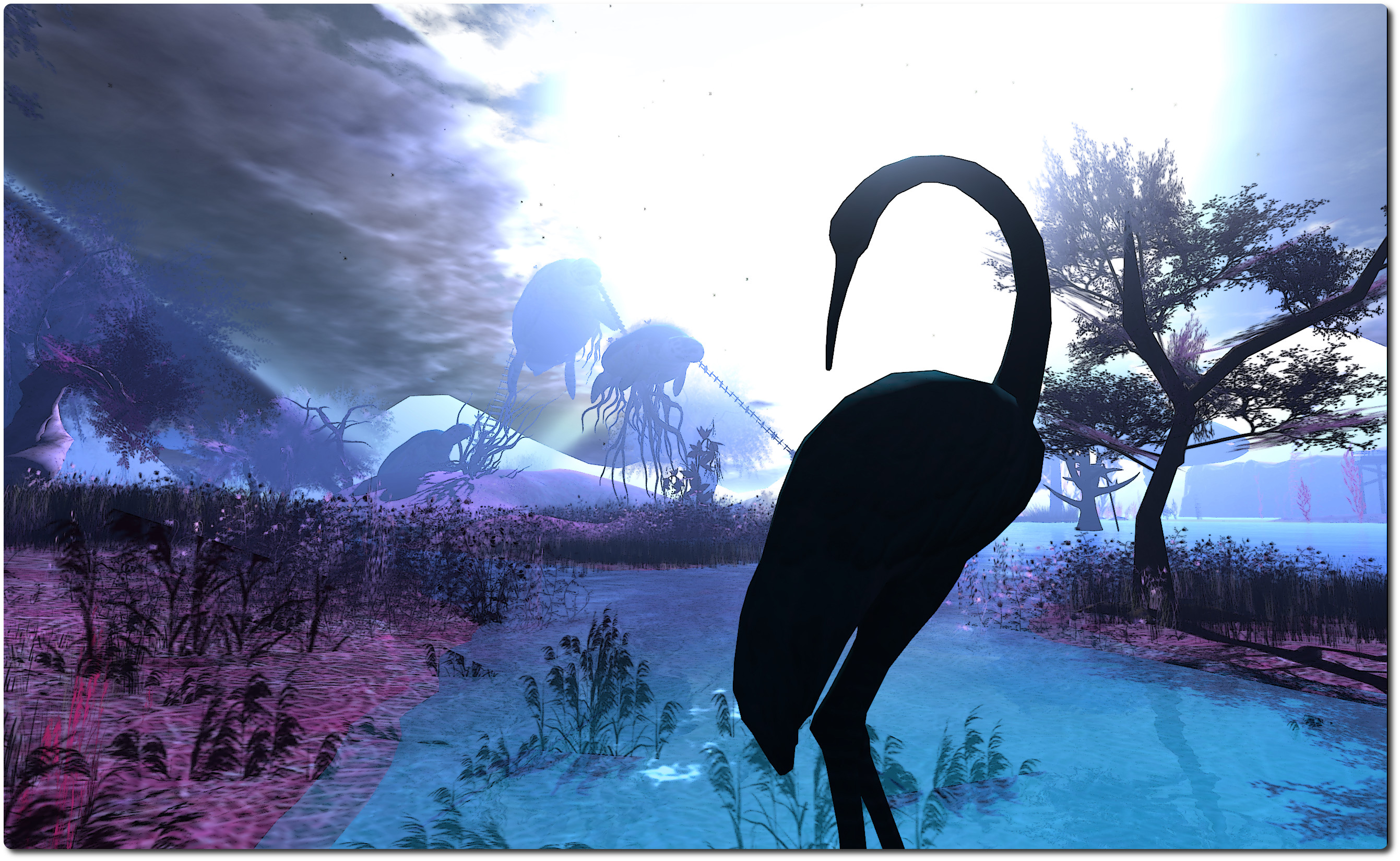
The trees and flowing water, the surrounding hills, the wooden pier and rowing boat: all seem natural enough and speak of being out in the open somewhere. But then there are the turtles, two of them airborne, a third seemingly preparing to launch itself away from the ground. Are they really flying? Or are they swimming through a mystical sea? And what about the humpback whale, hovering over the north side of the region, fluke rising and falling, as if powering it through invisible water?
You decide.
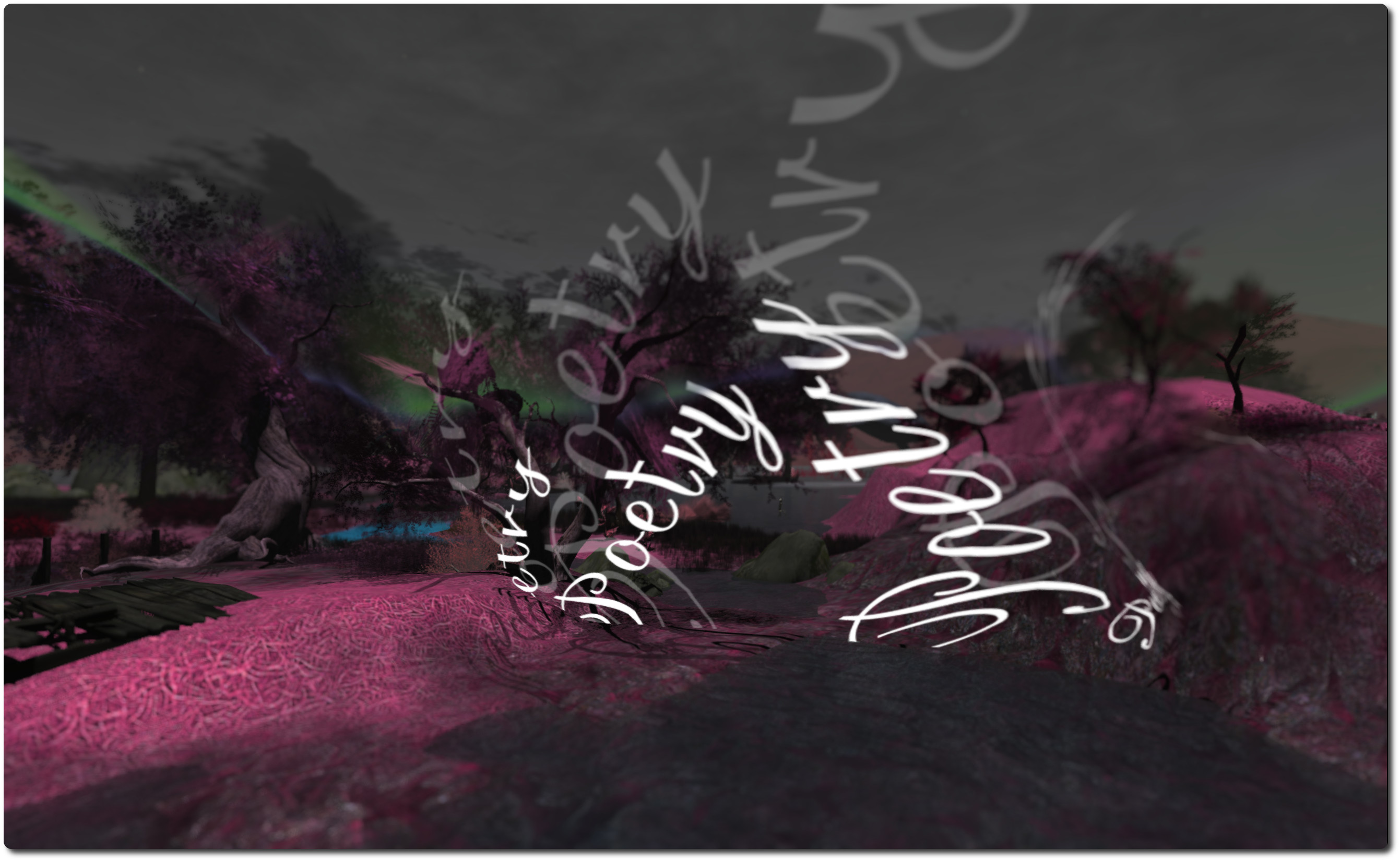
There’s a certain poetry here in the juxtaposition of images – one of which literally is poetry. It’s as if the gates of Bowie’s subconscious have been set wide, and images of dreams and echoes of thought and memory allowed to tumble out to be given form. Even the colours here are quite unlike any natural landscape or setting, adding to the surreal feel.
The subconscious is a huge storehouse of information and memories; little wonder, then, that along with the huge set-pieces like the turtles (which you can climb up to and wander their backs) are smaller tableaux suggestive of childhood memories and tales once told or read. Here, for example, a tall wolf strides purposefully upright, hooded cloak about his shoulders, followed at a distance by a young girl dressed in red, the hood of her own shawl raised against the wind. Over there is a table set for a tea party, complete with an odd assortment of chairs and stools – including one atop a pile of books, suggesting a rather small guest is expected. A dormouse, perhaps…?
And if this is the opening of the subconscious, then just like we can sometimes find uncomfortable thoughts and images welling up from beneath in our own minds, so too is Pangloss edged with a little darkness, such as the huge hands, clutching at the side of a hill but soon to vanish, leaving deep furrows in the land over which they passed, suggesting a desperate attempt to gain any kind of purchase in order to stop the inevitable slide into whatever lies beneath the calm-looking water.
That this is a place where dreams and the subconscious are set free might best be indicated by the tree-top bed lying towards the centre of the region, surrounded by the imagery and vignettes.
Everywhere you look there are images and scenes, most of which offer more than one possible interpretation – just like our dreams offer themselves to more than one possible meaning. Take a look at the alien in its little spaceship; it’s at once cute and fun-looking and also darkly disturbing as one takes-in the defenceless cow rising towards the ship in a green beam of light. Just what has the creature in mind for its helpless captive?
This rich collage of images, ideas, thoughts and symbolism make Pangloss a rich and varied feast for the eyes and the mind. It’s wonderfully immersive and captivating. And while I frequently say this about the places I visit, it is a SL photographer’s heaven, offering so much for those who want to capture the unusual and / or love to play with windlight and camera settings.
The default windlight for the region appears to be based on Will Weaver’s Phototools – Quidditch Light, and it works. However, given the very nature of the place, it cries out to you to play and fiddle with settings. I actually ended up rotating through a fair number of different options, twiddling with the sun, glow, clouds, haze and taking multiple snaps from the same angle, etc. But because I really couldn’t get away from the feeling of being both underwater in some mysterious realm, or perhaps exploring another world entirely, I gravitated towards Bryn Oh’s BLUniverse, which for me just seemed to fit the region and its vignettes.
Yuzuru Jewell has been keeping himself busy. As well as releasing the Idobata text-to-speech application on Monday September 9th, which I was able to preview, he has also released a further application under the Kanae Projects brand.
Keshiki (景色 – meaning “landscape” or “scenery”) is a little different from his other products reviewed in these pages in that it isn’t aimed directly at virtual worlds – although it can easily be used with them. It’s a screen capture utility, and as such has a wide variety of potential uses, although Yuzuru specifically points to its potential in creating tutorials.
As I already use Easy Screen Capture, I was interested in taking Keshiki for a test-drive and comparing the two.
Keshiki is available for both Windows 7 32-bit and 64-bit as a ZIP download, containing a readme file and the program executable. No installation is required; simply drop the EXE file in to the folder from which you want to use it.
Keshiki launches in a minimised mode (or did for me) – look for it on the taskbar
I’m running Windows 7, and double-clicking the program icon launched Keshiki in minimised mode, displaying a small icon on the taskbar. Clicking this opens the application’s Set-up window, while right-clicking on it provides quick access to a number of options (see below).
Set-up Options Run-through
Keshiki set-up window
The Set-up window allow you to define how you want Keshiki to work – which hot key will activate it, what will be captured, where the captured images will be saved, etc.
At the top of the window are a set of buttons:
Default – reset Keshiki to its default settings
Performance Option – access the Windows performance options to tune Keshiki
Create(/Delete) Start-up link – create or remove a link to start Keshiki at windows start-up
Cancel – quit out of any changes you have made to the set-up options (closing the window will do the same)
OK – confirm and update Keshiki’s settings
The Capture drop-down allows you to define what it is you which to capture:
Active Window – captures the active window
Active Client – captures the client area of the active window.
Desktop – captures the desktop area which contains the tool bar. If you use multiple monitors, the monitor in which the mouse pointer is ositioned will be captured
Work Area – captures your work area without the tool bar. Again, if you use multiple monitors, the monitor in which the mouse pointer is positioned will be captured
Pop-up menu – any displayed pop-up menu
Thumbnail on Taskbar – captures the taskbar thumbnail for an application.
Additionally, using the Options section, you can define what else Keshiki should capture – the mouse pointer, any visible tool tips, etc. Which of these options is available will depend on the type of capture you have set using the drop-down menu.
Other options within Set-up allow you to:
Specify a delay (in seconds) between the hotkey used to make a screen capture being pressed and the actual capture itself, allowing you to press other keys and optionally have them recorded in the image as well, using the Keyboard / System options. This is a very handy option if you’re producing a tutorial, as keystrokes can be recorded directly onto your screen captures in one of six pre-defined places (top left/centre/right; bottom left/centre/right)
Define the hotkey used to make a capture (Print Screen is the default)
The image format for captures (PNG – default; JPG or BMP)
Where images are saved to on capture – you can use one of three default options, your desktop, Documents folder or My Pictures folder, or you can specify a folder on your system.
Keshiki can capture keystrokes for you for use in tutorials. Make sure you keep the required keys pressed until the timer countdown has ended. Note that the position of the keys in the image can be adjusted within the six default placement areas using the Height and Margin options in the set-up window, and the colour of the keys changed using the Alpha option.
Pop-up Menu
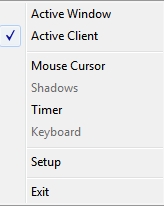
The pop-up menu from the Taskbar icon
Once you have set-up Keshiki, right-clicking on the program icon in the Windows taskbar displays a pop-up menu you can use to quickly toggle between capturing the active window or active client and activate / turn off any other options you’ve set (such as capturing keystrokes) without having to open the application set-up window.
Again, which of the options is available does depend on whether you have set them up through the main set-up window. The menu also includes an option to open the set-up window if you find you need to change any options.
Using Keshiki
You don’t need to have the application window open in order to use Keshiki. Once you’ve set your preferences, clicking OK will save them and minimise the application. To capture an image, simply press your defined hotkey. The image is automatically saved to your defined save location, and additional captures are automatically sequentially numbered. It’s as simple as that.
Feedback
Keshiki is an extremely versatile screen capture tool with some nice touches. When compared to Easy Screen Capture ($29.95), Keshiki offers a broadly similar range of capture options with the exception of being able to capture a user-defined area of an application or window(s)., although it does offer the option of capturing keystrokes, which Easy Screen Capture hasn’t got, so it’s swings and roundabouts.
I did encounter problem trying to capture a taskbar thumbnail. I’m actually assuming that as such a capture is shown in the Keshiki documentation, the problem lies on this side of the keyboard, rather than in the application itself. Other than this, Keshiki did “exactly what it says on the tin”, as the saying goes.
The Set-up /application window makes it easy to change things on the fly without having to select menus, pull-up dialogues, etc., making Kehiki very user-friendly. The one thing I would possibly suggest adding would be some kind of feedback mechanism to indicate a capture has been successful – a sound would do. As images are grabbed and automatically saved, there is otherwise no indication that a capture has been successful, which might cause confusion / instil a need to constantly check that the last capture did work.
Overall, a handy tool if you’re looking for a free a screen capture utility with a good degree of flexibility (just remember the donate options on Yuzuru’s website if you do find Keshiki to your liking :).
Keshiki can be downloaded from the Kanae projects website – links below.
In July I paid a visit to The Untroubled Sound, Arty Skytower’s beautiful region modelled after New Zealand’s Marlborough Sounds. It’s a popular destination for SL photographers, and rightly so.
As a result of my visit, Arty dropped me a line inviting me to take a look at another region he’s been developing, the Artist’s Garden SL Botanicals New Zealand Bush Walk. It’s another beautiful place, a landscaped coastal region with paths and walks which allow Arty to demonstrate his range of New Zealand focused flora and his landscape accessories.
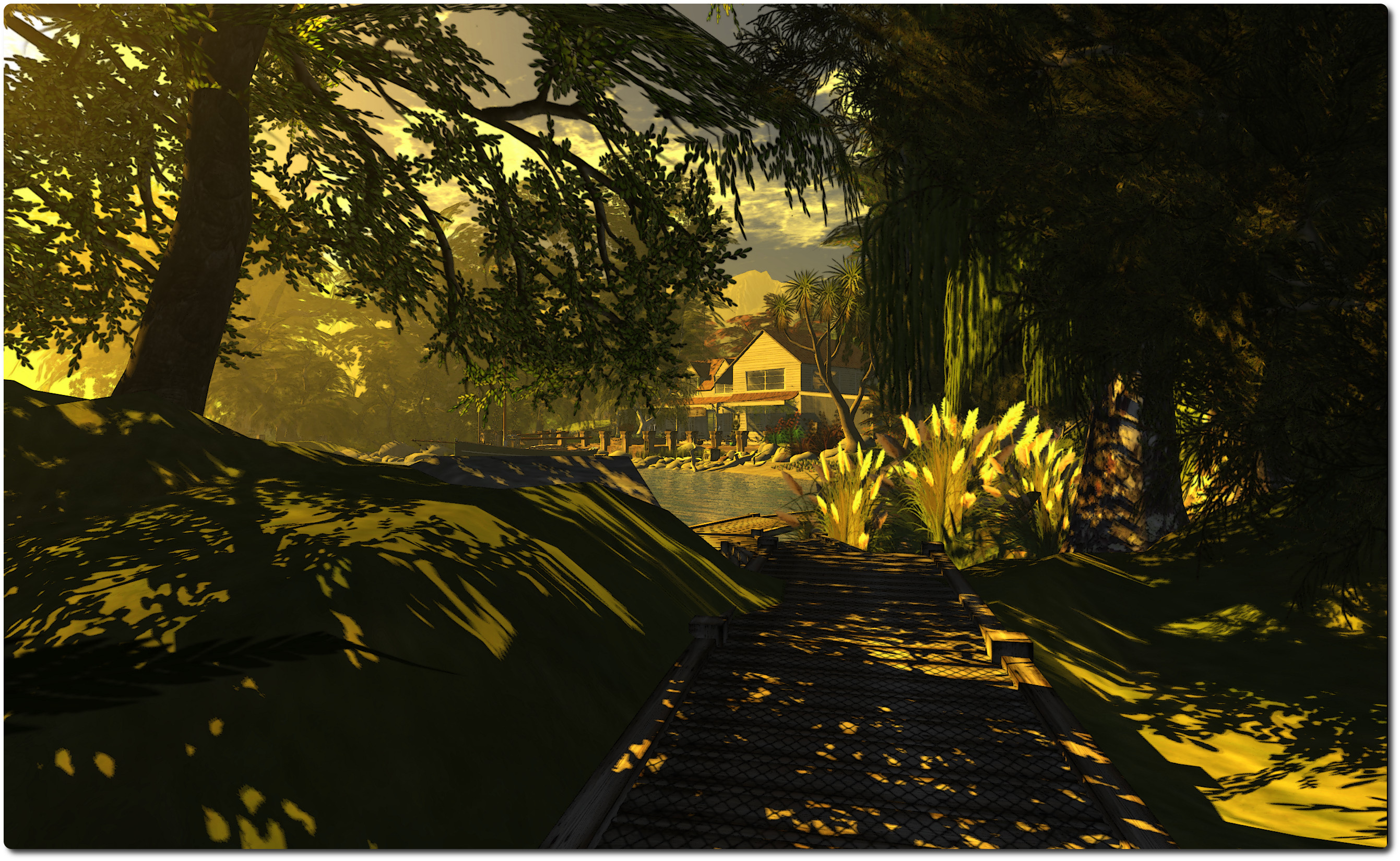
You arrive on wooden walkway which follows the coast of a bay, leading back to a white-boarded house in one direction, and in the other, onwards around a headland to a small beach area, before allowing visitors to explore onwards around the island.
There are some remarkable examples of New Zealand flora to be seen here; everything from plants through to trees (I love the Pohutukawa tree on a rock), any of which can be purchased via the packing cases you’ll encounter as you explore.
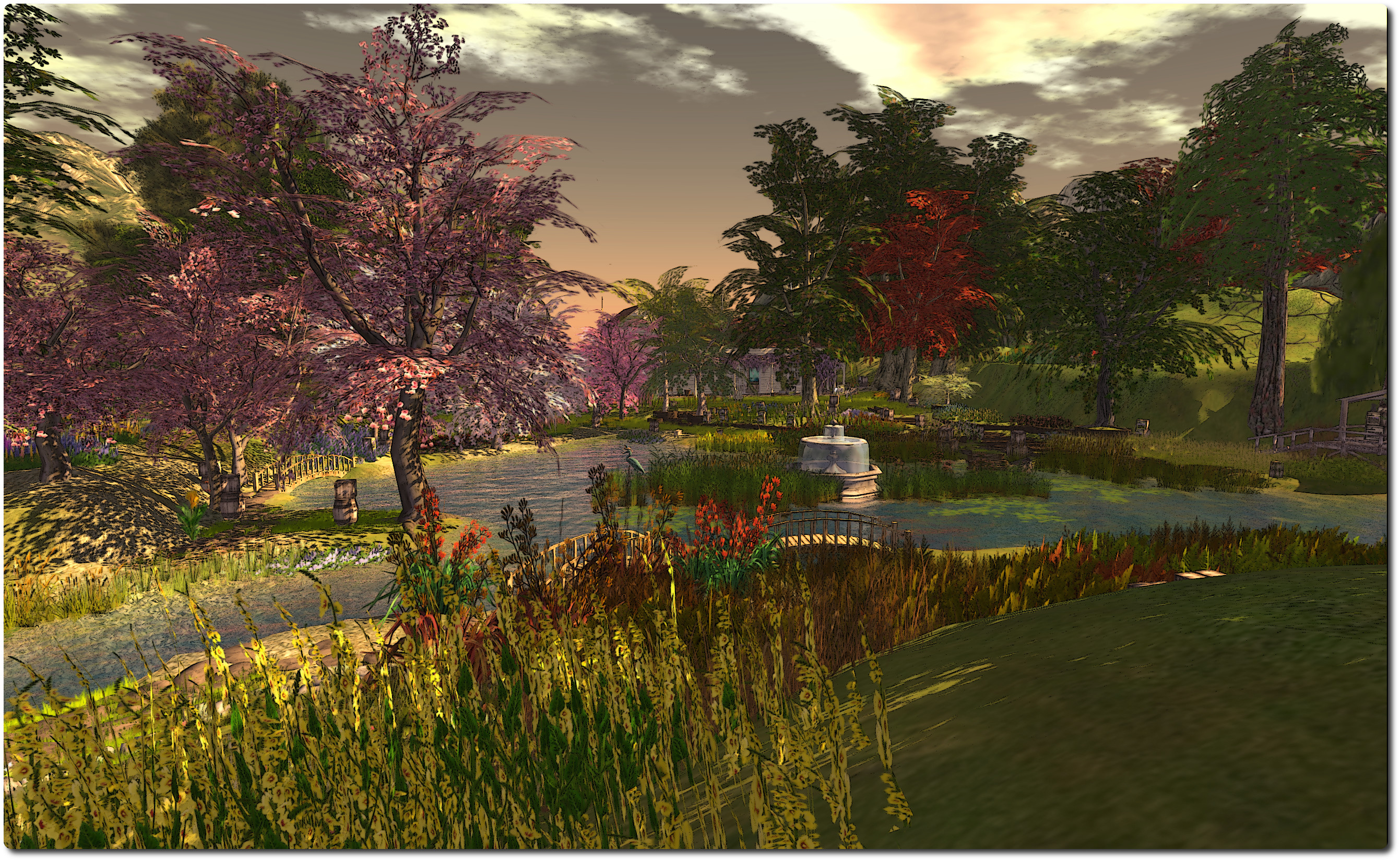
Follow the paths around the island and you’ll find much to delight; places to sit, places to watch the world go by, and places to simply enjoy your surroundings, including a delightful central garden area with a large body of water for the local ducks to enjoy. I do recommend that when exploring, you have in-world sounds enabled; there is a wonderful soundscape to accompany the region.
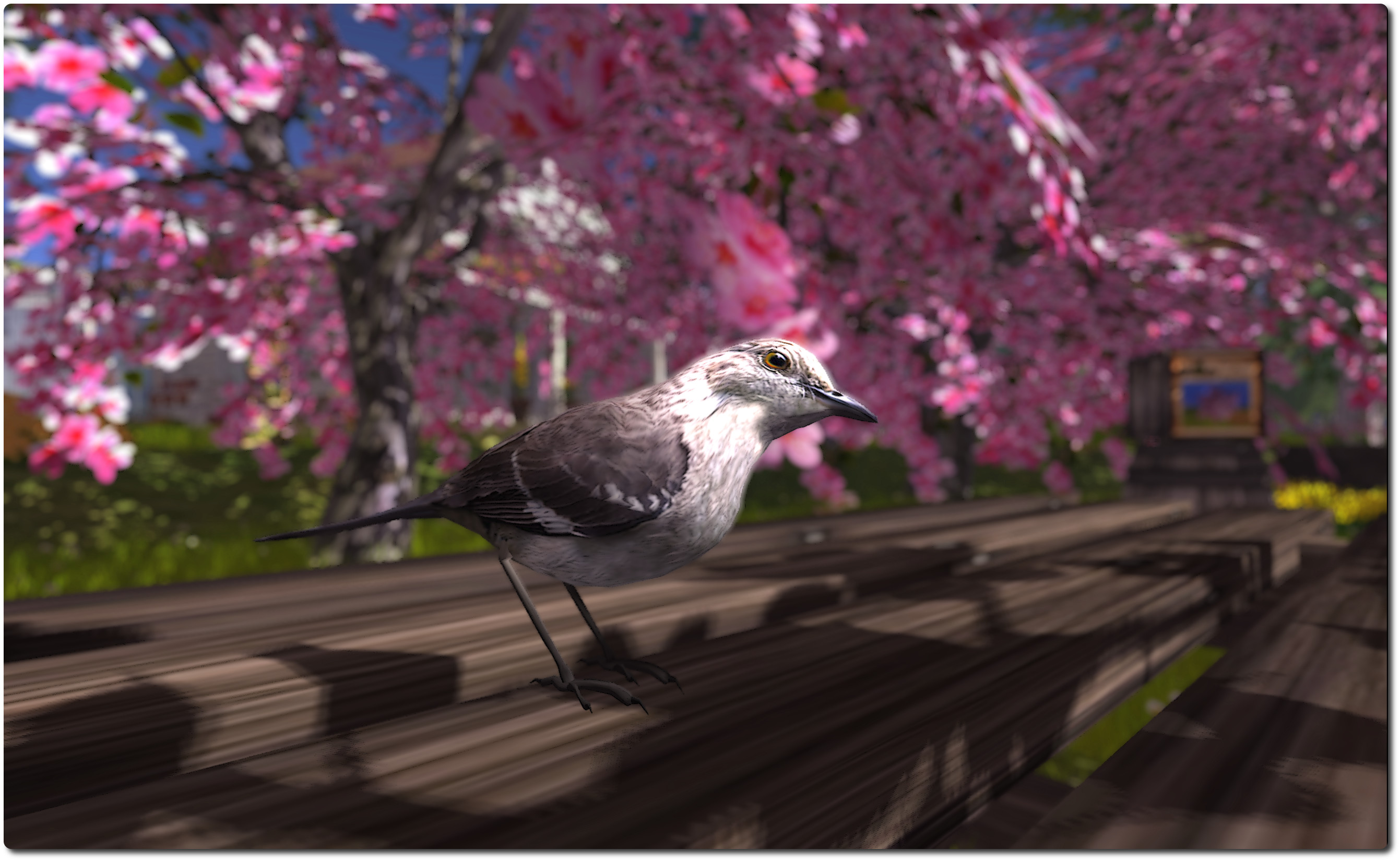
It’s in the garden, located behind the main house, that artwork by FumbleBee (RL artist Janet Marshall) can be found. These are paintings of various scenes from England’s Cornwall, and which are also available for purchase. Inside the house itself are more examples of Arty’s flora and displays of Fumblebee’s art – stunning studies of birds native to New Zealand.
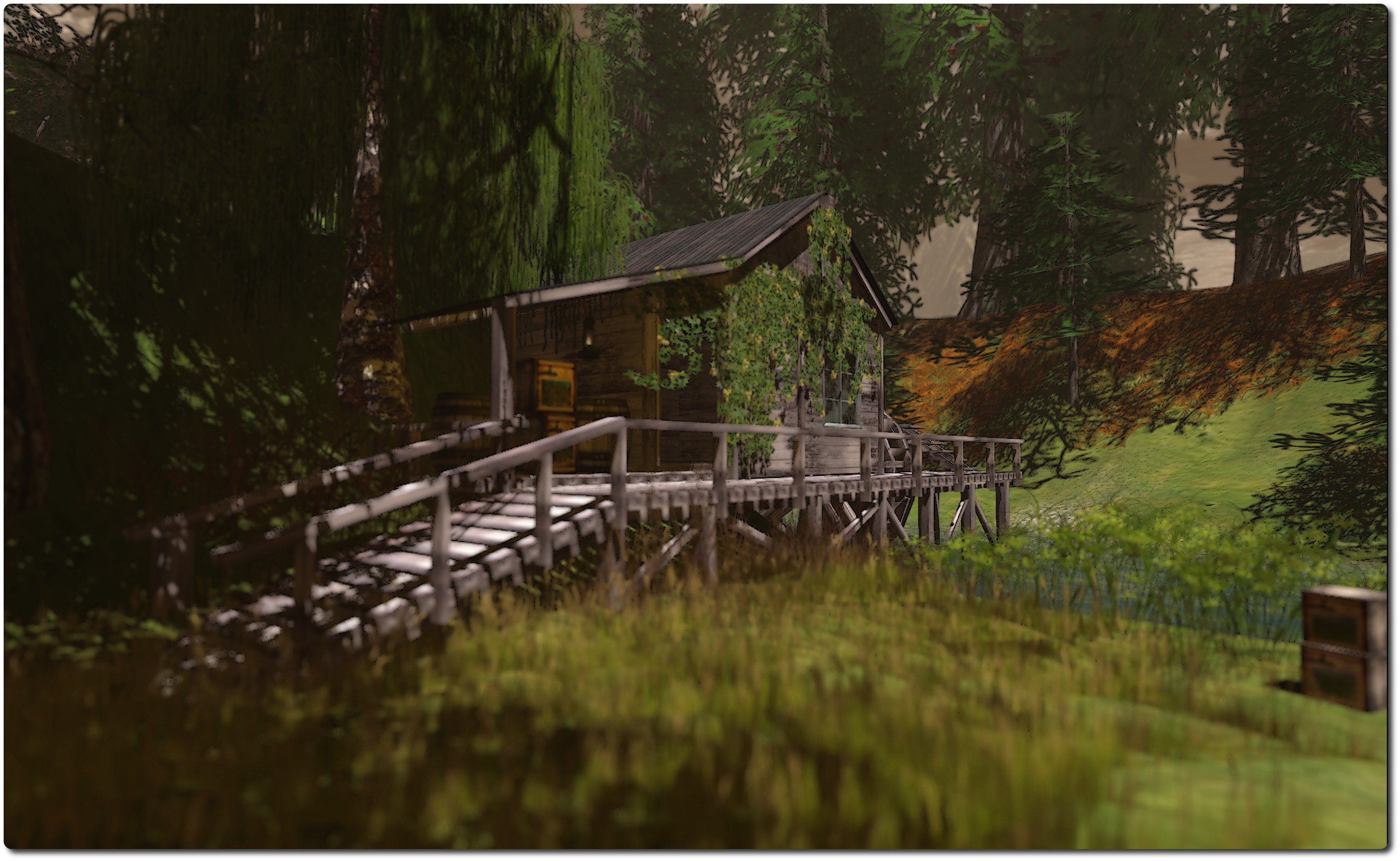
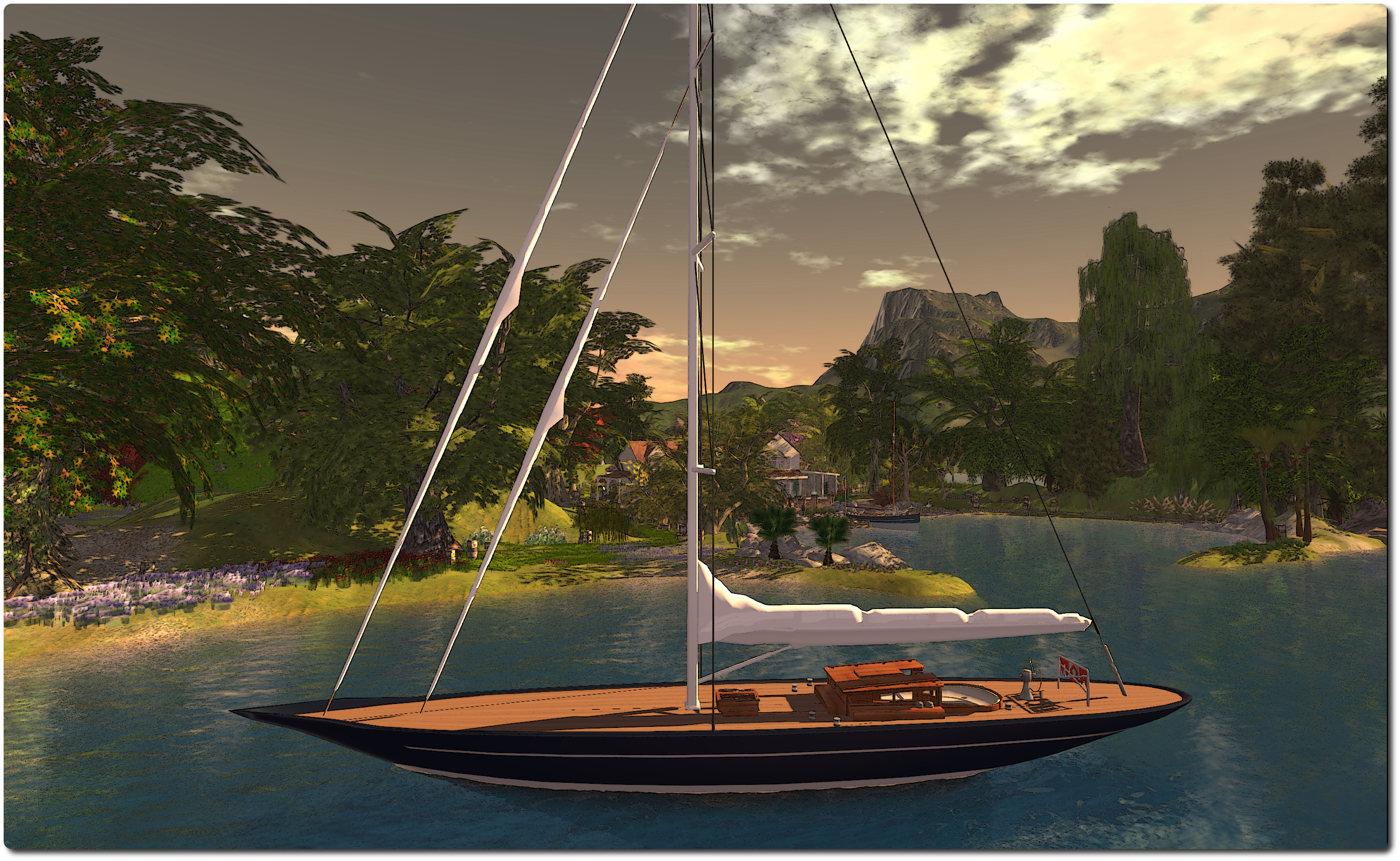
Those who have visited The Untroubled Sound will find much that is familiar here; the region appears to be in a coastal sound, boats are present, both tied-up at the quay or anchored in the bay. There are similar waterfront elements with paths, the house and style of sim surround. But this is not to say the Artist’s Garden is merely a copy of The Untroubled Sound; far from it.
By using similar elements and style, Arty and FumbleBee have created a somewhere which feels as if it is a part of the same landscape as The Untroubled Sound; that if you were to cross the water and follow the coast around the high, rugged hills surrounding the place, you’d eventually find your way into another drowned valley – and to The Untroubled Sound itself. This feeling of continuity between the two does much to lend them to a side-by-side visit if you’ve never been to either.
For the SL photographer, the region offer as many opportunities as The Untroubled Sound. Arty has supplied the region with a foggy default windlight, suggestive of an autumnal evening, but the region lends itself to a huge number of windlight options, while the sim surround positively invites tweaking the cloud coverage and planning with different windlight options to invoke different moods.